The rules for NSFW AI image generation changed dramatically in 2026. Platforms that once produced smudgy, anatomically dubious results now output photographs that are, frankly, indistinguishable from professional studio work. Whether you want photorealistic glamour, suggestive fashion imagery, or anime-style art with the quality of a master illustrator, the models available today are operating in a completely different league.
This breakdown covers the best NSFW AI image generators available right now, ranked by what actually matters: output fidelity, prompt responsiveness, model variety, and real-world usability.
What Sets a Good NSFW Generator Apart
Not all NSFW AI generators are equal. A tool that works brilliantly for photorealistic skin texture might completely fall apart when asked to handle fabric, backgrounds, or complex lighting. Here is what to actually measure.
Output Realism
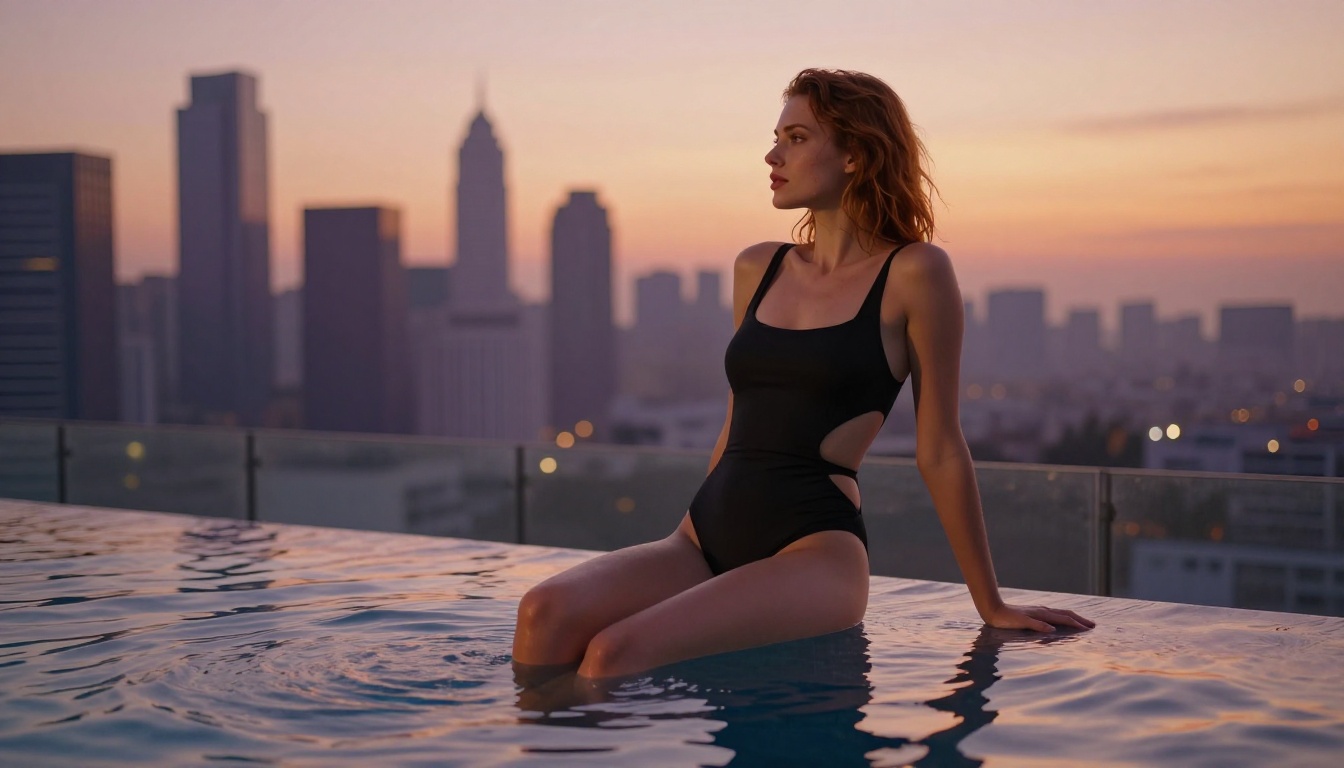
The difference between a convincing result and an obvious AI artifact often comes down to two things: skin rendering and lighting coherence. The best models in 2027 handle subsurface scattering, micro-pore detail, and natural light falloff at a level that consistently fools the human eye on first glance. Models like Flux 1.1 Pro Ultra and Realistic Vision v5.1 set the current standard for this kind of photorealism.
Prompt Flexibility
Rigid models produce rigid output. The best NSFW generators respond cleanly to nuanced descriptors, camera angles, lighting setups, fabric types, and body language. A model that can reliably translate "soft rim lighting from the left, sheer white linen, mid-shot, f/2.8 depth of field" into exactly that is the kind of model worth using. Vague models force you to run ten generations to get one usable frame.
Model Variety
No single model wins every use case. Photorealistic fashion imagery calls for different training than anime-adjacent adult art. A good platform gives you access to multiple specialized models so you can match the right tool to the specific style you are after. Platforms like PicassoIA host over 91 text-to-image models, spanning everything from Stable Diffusion 3.5 Large to Proteus v0.3 for anime work.
The Top Models for NSFW Output in 2027
Here is how the leading models actually compare across the categories that matter for adult AI art creation.
| Model | Style | Realism | Prompt Response | Speed |
|---|
| Flux 1.1 Pro Ultra | Photorealistic | ★★★★★ | ★★★★★ | Medium |
| Stable Diffusion 3.5 Large | Photorealistic | ★★★★☆ | ★★★★☆ | Medium |
| Realistic Vision v5.1 | Photorealistic | ★★★★☆ | ★★★★☆ | Fast |
| DreamShaper XL Turbo | Semi-realistic | ★★★☆☆ | ★★★★★ | Very Fast |
| Proteus v0.3 | Anime | ★★★★★ | ★★★★☆ | Fast |
Flux 1.1 Pro Ultra
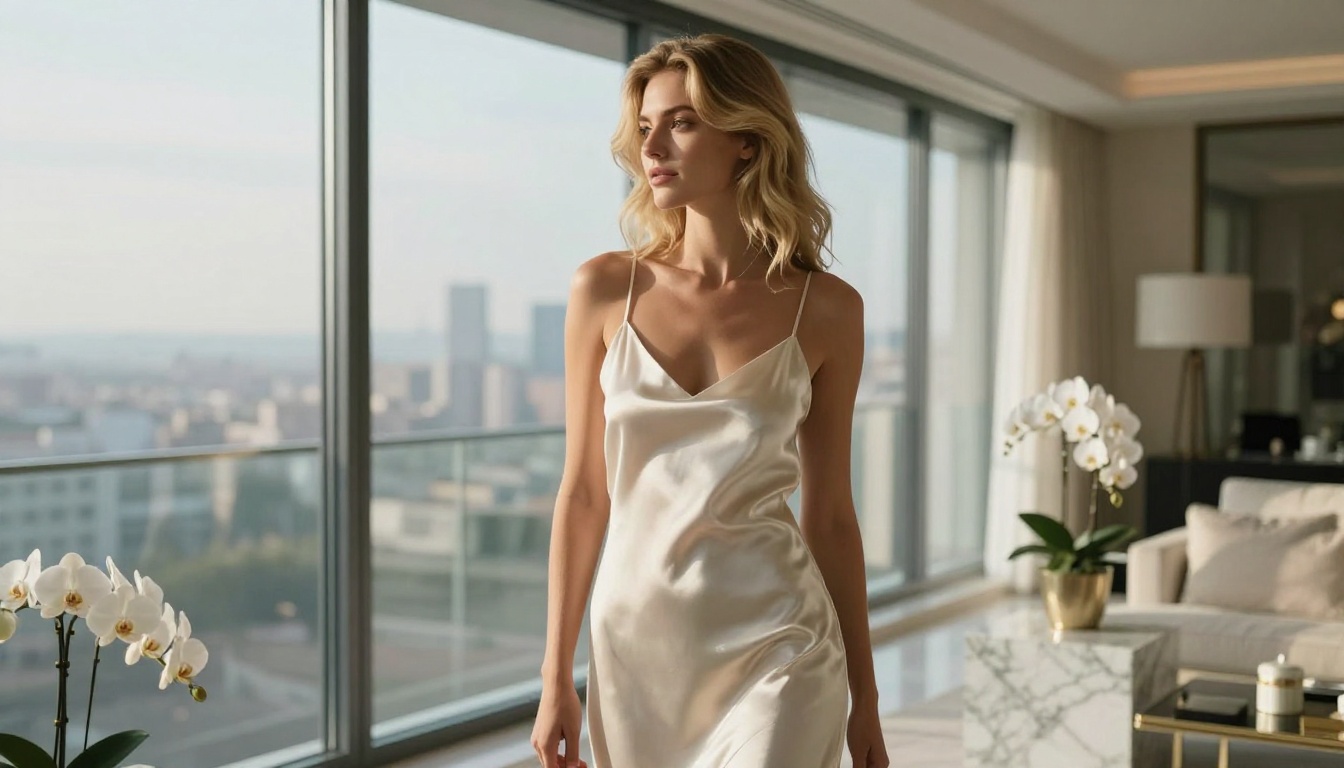
Flux 1.1 Pro Ultra is the benchmark model for photorealistic NSFW imagery in 2027. Its handling of skin texture, directional lighting, and fabric fidelity is on a different tier from what most models produce. The prompt architecture responds to camera-specific language (lens focal length, aperture, film stock) with surprising accuracy, which matters when you need precise editorial control over the final image.
What it does well:
- Sub-surface skin scattering that reads as real under close inspection
- Natural handling of translucent fabrics like silk and chiffon
- Complex multi-light scenarios without artifacts
- Consistent anatomy across different body types and poses
💡 Tip: When using Flux 1.1 Pro Ultra for NSFW glamour shots, specify your film stock explicitly. "Kodak Portra 400" versus "Fuji Provia 100F" produces meaningfully different color science and grain character.
Stable Diffusion 3.5 Large
Stable Diffusion 3.5 Large remains one of the most capable open-architecture models for adult AI art. Its strength is in compositional variety. You can push it into unusual angles, complex environments, and unconventional lighting setups without the model breaking down or producing anatomical drift.
Where it shines:
- Environmental complexity alongside figures
- High-contrast lighting without blowout
- Consistent quality at both full-body and close-up focal lengths
The Stable Diffusion 3.5 Large Turbo variant trims generation time while retaining most of the quality ceiling, making it the practical choice when you are iterating through multiple prompt variations.
Realistic Vision v5.1
Realistic Vision v5.1 has been a staple of the realistic AI image generator space for over a year. Its fine-tuning for human subjects means it outperforms many larger models when the subject is the primary focus. For close-up portrait work, beauty photography, and any scenario where facial accuracy and skin quality are the priority, this model consistently delivers results that feel photographed rather than generated.
💡 Tip: Realistic Vision v5.1 performs best with concrete, specific prompts. Instead of "beautiful woman in lingerie," try "woman in ivory satin bralette, soft studio window light from left, 85mm portrait lens, shallow depth of field, natural makeup, mid-shot."
DreamShaper XL Turbo
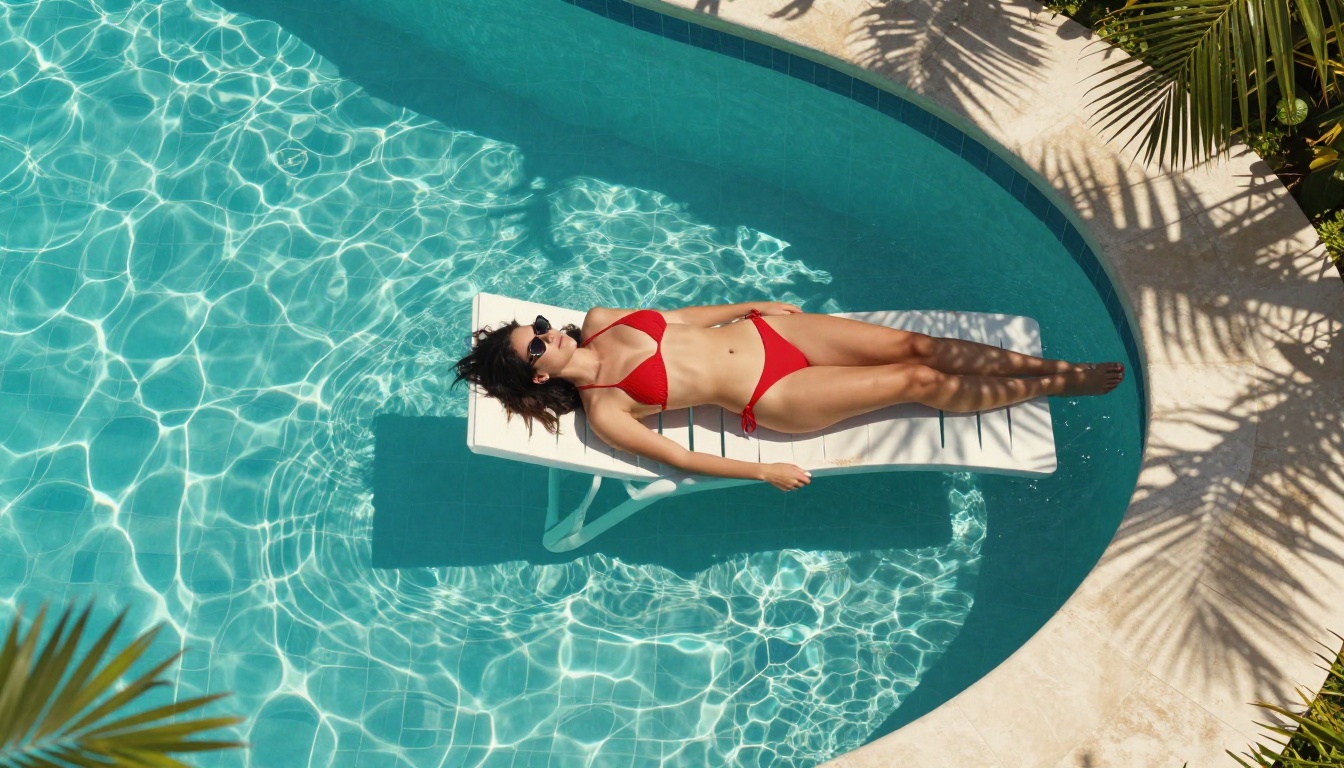
DreamShaper XL Turbo sits in an interesting middle ground between fully photorealistic and stylized output. It is not the model you reach for when pure photorealism is the requirement, but for softly stylized, idealized figure work with warm tonality and smooth gradients, it is remarkably fast and reliable.
Its turbo architecture means you can run high-volume prompt experiments without waiting. For creators who iterate fast and refine later, this speed advantage is significant in a production workflow.
Proteus v0.3
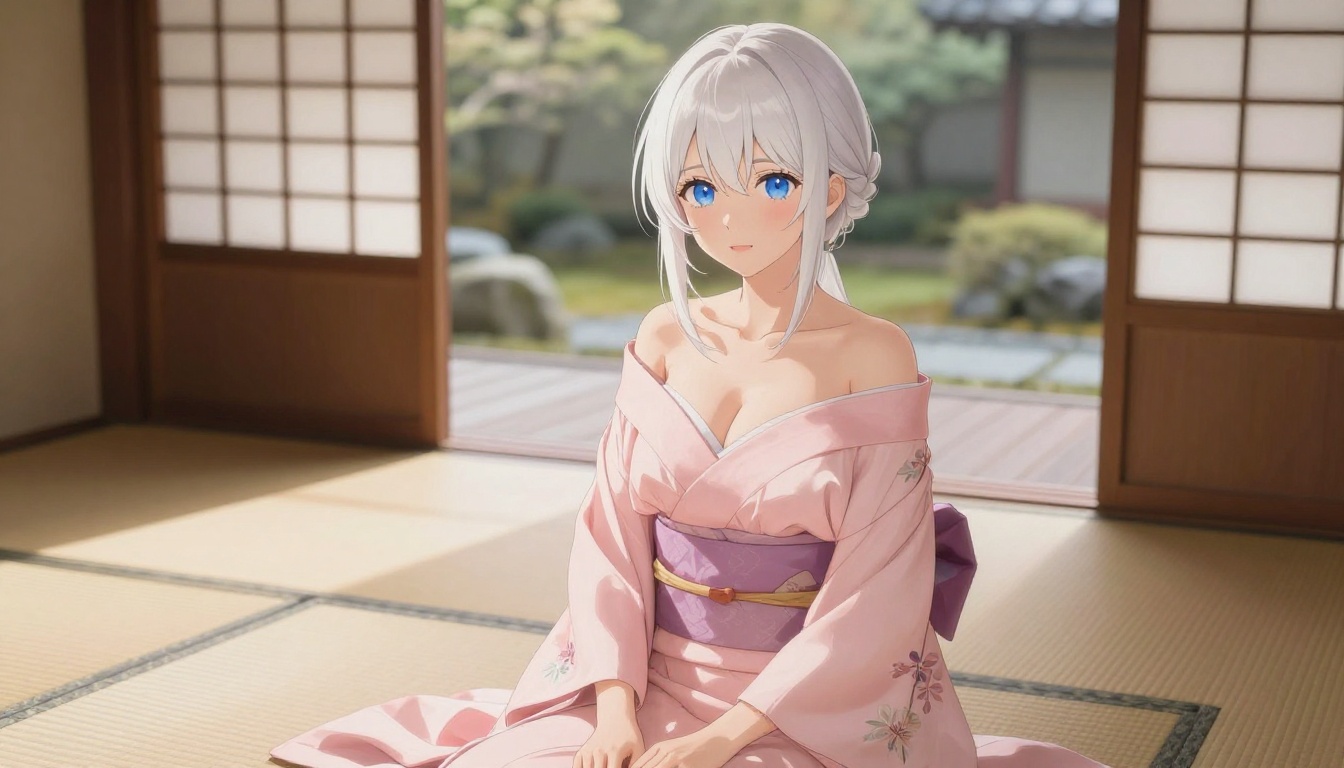
Proteus v0.3 is the leading choice for anime-style NSFW AI art in 2027. The model handles expressive eyes, hair rendering, and fabric detail at a quality level that most anime-specialized models cannot match. Importantly, it also responds to environmental prompts, meaning the backgrounds and lighting in Proteus outputs are substantially more sophisticated than older anime models that placed subjects in flat, unrendered settings.
Best use cases for Proteus v0.3:
- Anime-style character art with adult themes
- Fantasy figure work in styled environments
- High-detail close-up portraits in anime aesthetic
- Character consistency across multiple generations
Realism vs. Anime: Two Worlds, Different Wins
The photorealistic vs. anime debate in NSFW AI art is not really a debate at all. They serve different audiences with different use cases, and the best platform gives you access to both.
Photorealistic NSFW output excels when:
- The goal is believable, magazine-quality glamour
- You are working with real-world environments (hotels, beaches, studios)
- Fabric texture and natural lighting are part of the composition
- The viewer should feel like they are looking at a photograph
Anime-style NSFW output excels when:
- The aesthetic is part of the creative vision
- You want expressive, exaggerated features that photography cannot produce
- Character design consistency matters across multiple images
- The content sits closer to illustration or character art
What stands out most in 2027 is that the quality gap between the two categories has essentially closed. Top-tier anime models like Proteus v0.3 now render at a level that would have been called photorealistic two years ago. And photorealistic models have gotten precise enough that they can handle stylized requests without immediately breaking down.
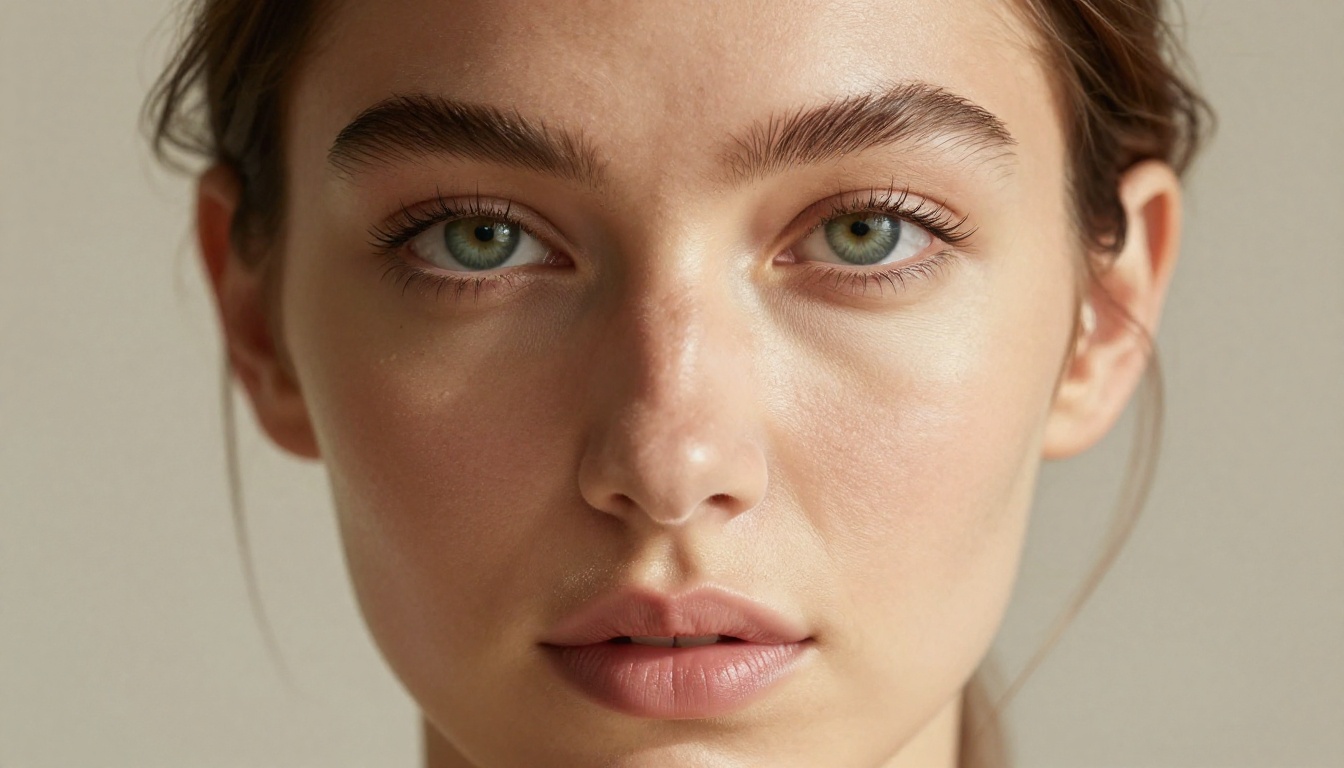
How to Use Flux Dev on PicassoIA
Flux Dev is one of the most versatile models available on PicassoIA for NSFW and glamour content creation. Here is a step-by-step workflow that consistently produces high-quality results.
Step 1: Open the Flux Dev model page
Navigate to the Flux Dev model on PicassoIA. You will see the prompt interface, parameter controls, and aspect ratio options.
Step 2: Set your aspect ratio
For editorial and fashion-style NSFW imagery, 16:9 works well for environmental shots. For portraits and close-up work, 2:3 gives you a natural vertical magazine proportionality.
Step 3: Write a structured prompt
Flux Dev responds best to prompts structured in this order:
- Subject description (body type, pose, expression)
- Clothing and style
- Environment and background
- Lighting conditions (direction, quality, source)
- Camera specification (lens, aperture, distance)
- Film stock or color profile
Example prompt: "Beautiful woman with dark wavy hair, standing in a sheer silk robe in ivory, open bathroom doorway, marble tiles background, soft morning light from frosted window above, shot from mid-distance at eye level, Canon 85mm f/1.8, Kodak Portra 400 tones, natural film grain --ar 16:9"
Step 4: Adjust the guidance scale
Higher guidance (7-8) produces more literal prompt adherence. Lower guidance (4-5) allows more creative interpretation. For NSFW content where composition and anatomy precision matters, staying at 6-7 typically produces the most reliable results.
Step 5: Iterate with seed locking
Once you find a generation you like, note the seed number and lock it. Run variations of your prompt with that seed to explore lighting or wardrobe changes while maintaining pose and composition consistency.
💡 Tip: Add Flux Dev LoRA for additional style control. LoRA layers let you apply specific aesthetic training on top of the base model for more targeted output.
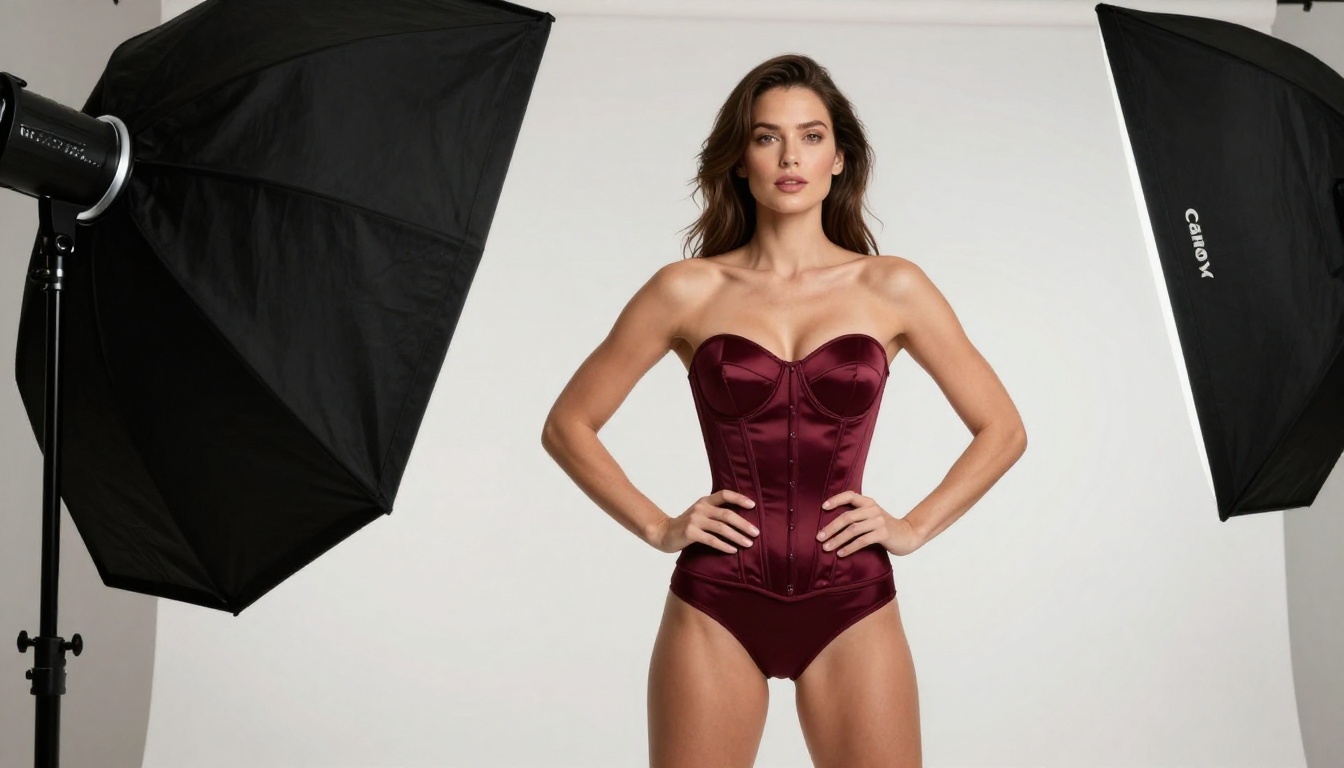
ControlNet and LoRA: Precision You Cannot Skip
Two tools separate casual users from serious AI art creators: ControlNet and LoRA. Both are available through PicassoIA's model catalog.
ControlNet gives you structural control over pose and composition before generation begins. Instead of hoping the model places the subject in a useful pose, you provide a reference skeleton or edge map and the model fills in the detail around that structure. For NSFW work where body positioning is part of the creative brief, this eliminates the majority of wasted generations.
PicassoIA offers ControlNet integration through models like SDXL Multi ControlNet LoRA and realvisxl v3 Multi ControlNet LoRA. These let you combine pose control with the photorealistic output quality of the RealVisXL base.
LoRA (Low-Rank Adaptation) adds targeted style or subject training on top of a base model. For NSFW creators, this means you can apply a specific aesthetic, lighting style, or character type consistently across multiple generations without re-describing the same parameters in every prompt.
When to use each:
- Use ControlNet when pose and composition need to be exact
- Use LoRA when style consistency across multiple images is the priority
- Combine both for professional-grade output that holds a specific look across an entire set
The SDXL base model paired with LoRA fine-tunes remains one of the most efficient setups for high-volume mature content AI art that needs visual consistency.
2024 vs. 2026: The Quality Gap Is Shocking
If you have not looked at photorealistic AI output in the past 12 to 18 months, the current state of the technology will genuinely surprise you. The improvements are not incremental. They are structural.
In 2024, even the best models struggled with:
- Hand and finger anatomy (the infamous "extra finger" problem)
- Translucent fabric rendering (sheer materials turned into opaque blobs)
- Background coherence (objects in the background defied physics or logic)
- Lighting consistency (light sources often contradicted shadows)
In 2027, all four of these are largely solved in top-tier models. Flux 2 Pro and Flux 2 Max handle hand anatomy with striking accuracy. Models like Ideogram v3 Quality and GPT Image 1.5 produce environmental coherence that holds up to close scrutiny.
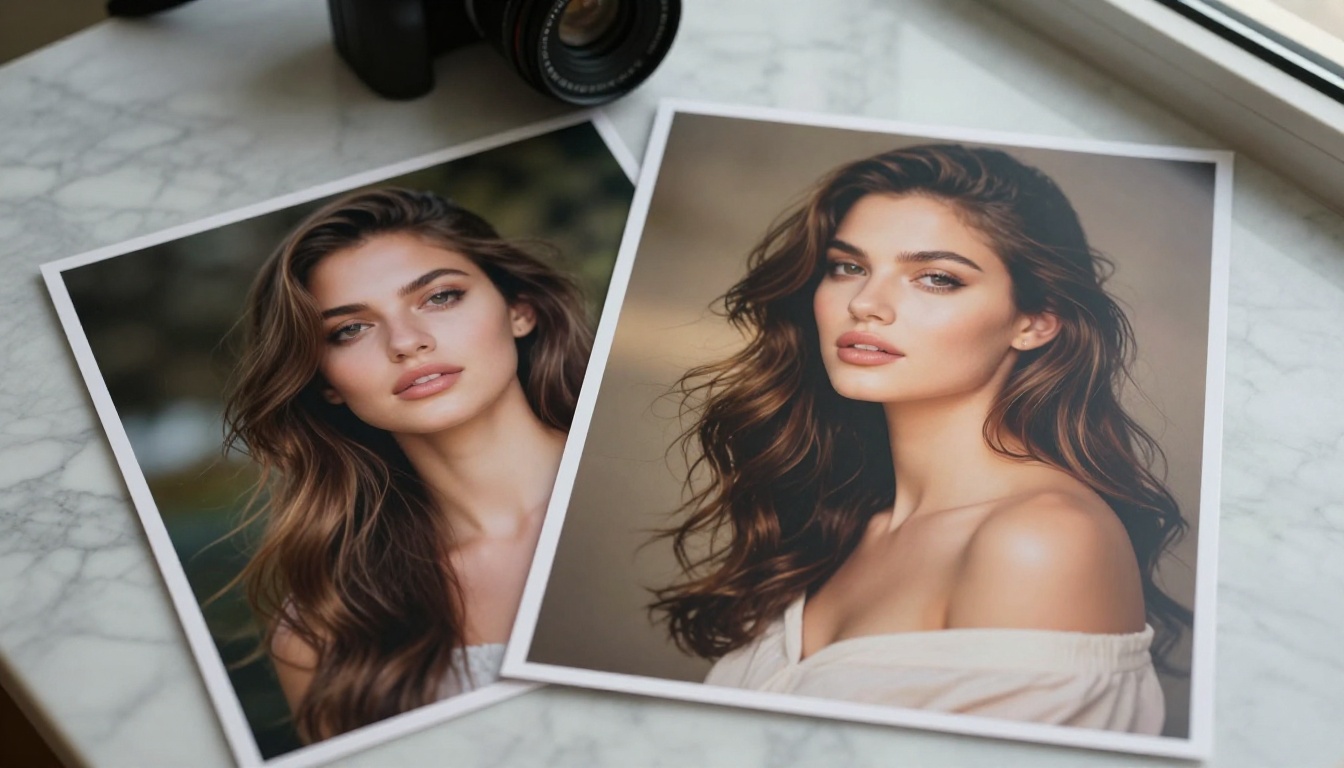
The practical effect: the number of usable generations per 10 prompts has gone from roughly 1-2 in 2024 to consistently 6-8 in 2026 with well-structured prompts. That is a 4x improvement in output efficiency for serious creators.
💡 The new bottleneck: Model quality is no longer the main constraint. Prompt quality is. A weak prompt on a strong model still produces weak results. Time spent on prompt architecture returns far more value than time spent switching between models.
What "Photorealistic" Actually Means in 2027
A photorealistic NSFW image in 2027 should pass what you might call the "second glance test." The first glance feels real. The second glance, where you scrutinize ear detail, fabric weave, background object coherence, and the physics of how light wraps around surfaces, should also hold up.
Models that pass this test in the NSFW category include Flux 1.1 Pro Ultra, Realistic Vision v5.1, and the photorealistic output tier of Stable Diffusion 3.5 Large with properly structured prompts.
Start Creating on PicassoIA Right Now
You do not need a local GPU, specialized software, or technical setup to produce premium-quality NSFW AI imagery in 2027. PicassoIA gives you browser-based access to the full catalog, from Flux 1.1 Pro Ultra and Flux 2 Max to DreamShaper XL Turbo and Proteus v0.3, all in one place.
The fastest way to start is to pick one model, write one well-structured prompt using the camera-and-lighting framework above, and run it. You will see immediately whether the model is responding to your intent. From there, iterate on the prompt, adjust the guidance scale, and lock a seed when you find a result worth building on.
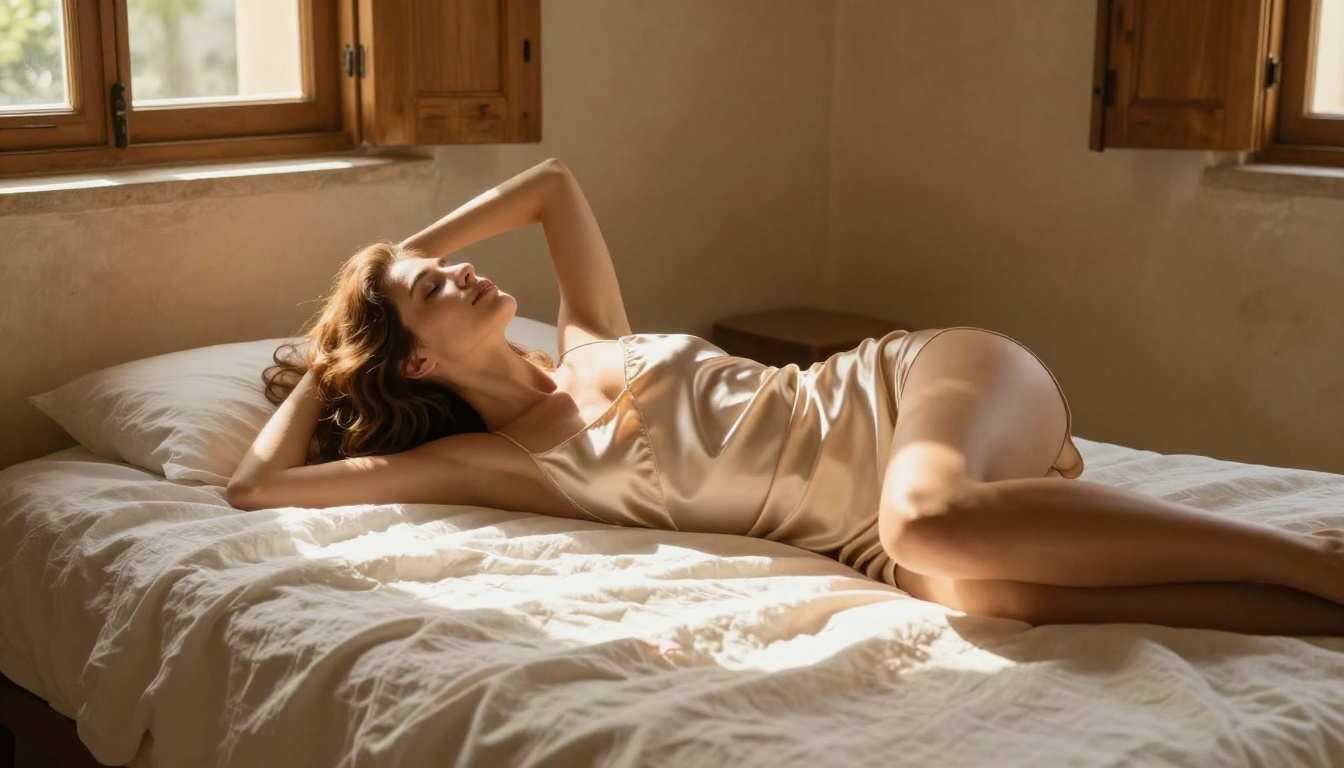
For creators who want more structural control, the SDXL ControlNet LoRA and Flux Dev LoRA workflows on PicassoIA give you pose-level precision without any local installation. The combination of a strong base model, a good LoRA, and a tight prompt is currently the most reliable path to consistently professional adult AI art output.
Whether you are shooting for photorealistic glamour or stylized anime aesthetics, the tools available today are the best they have ever been. The only thing between you and a result worth keeping is a well-written prompt.


