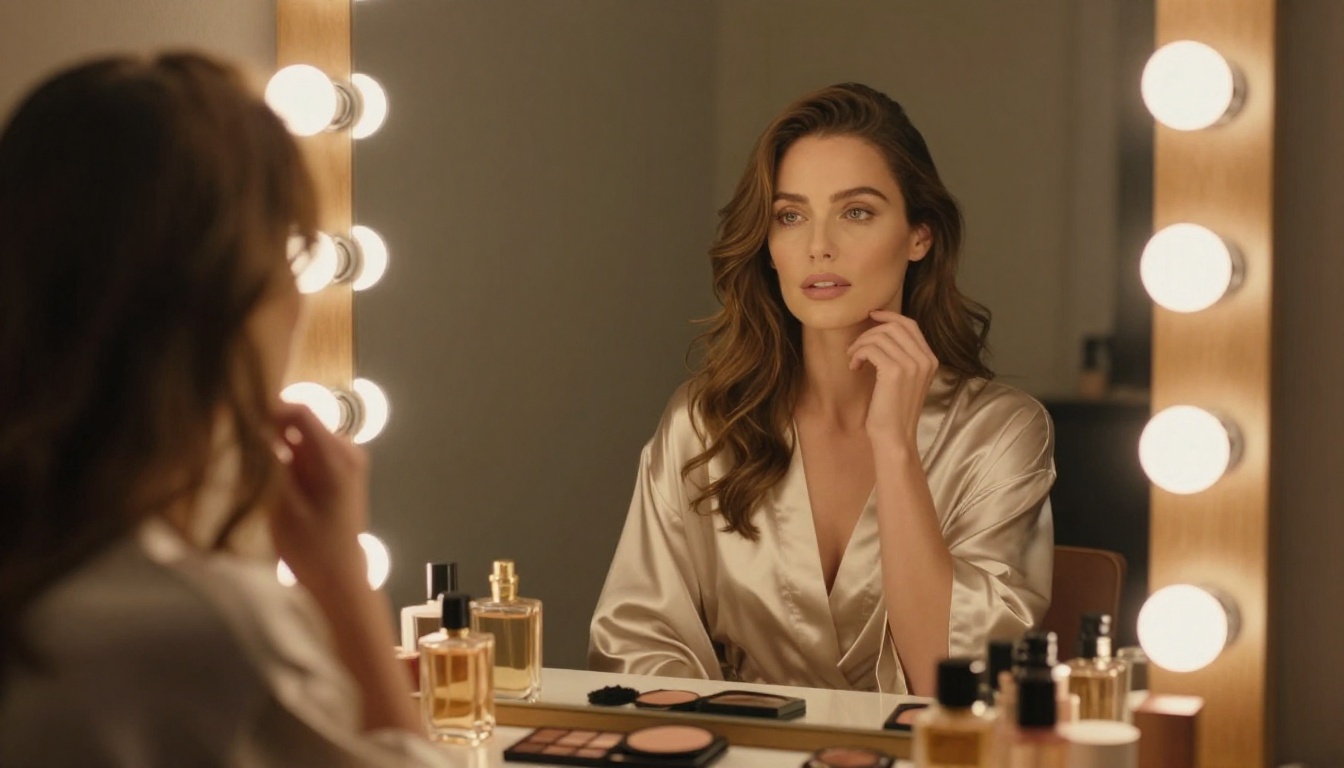
NSFW Image Models Ranked: Flux, Realistic Vision and the Rest
A detailed look at the best NSFW AI image generators available in 2027, ranked by photorealism, model flexibility, and creative freedom. From Flux to Stable Diffusion, find out which tools actually produce high-quality adult AI art without the frustration of overcensored platforms.
If you've spent time searching for a genuinely capable NSFW AI image generator in 2027, you already know the frustration. Half the tools out there over-promise and under-deliver, blocked behind aggressive content filters or producing results that look more like plastic than actual skin. The good news is that a handful of models have gotten seriously impressive this year. Photorealistic adult AI art that rivals professional photography is no longer a stretch. This article breaks down which generators actually deliver, what separates them from the mediocre options, and how to squeeze the best possible results from each one.
What Separates Good from Bad
Not every "uncensored AI image generator" deserves that label. Most people discover the hard way that a long list of model options means very little when the output quality is consistently disappointing.
Photorealism is Everything
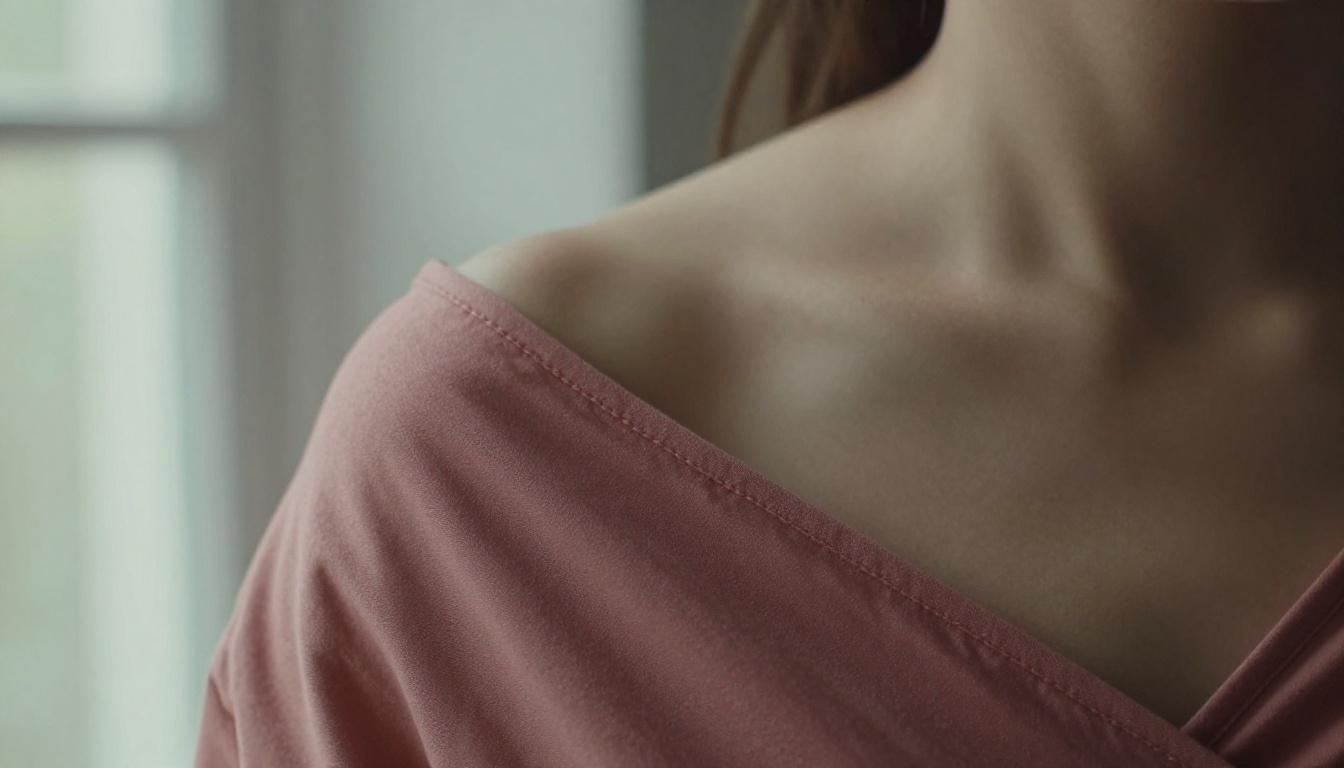
For NSFW content, photorealism is non-negotiable. The moment skin looks waxy, lighting feels flat, or anatomy drifts even slightly, the image falls apart. The models worth your attention share a common strength: they've been trained on massive real-photography datasets and understand how light interacts with skin, fabric, and space at a granular level.
The gap between mediocre and excellent NSFW AI art comes down to three things: skin texture rendering, lighting directionality, and anatomical accuracy. The best models in 2027 handle all three without needing a long list of negative prompts just to prevent obvious problems.
What to look for in a top-tier model:
Natural subsurface scattering in skin tones
Physically accurate shadow behavior from a defined light source
Coherent fabric rendering (sheer, wet, or textured materials)
Correct hand and body proportions without extensive correction
The Censorship Problem
Most mainstream AI image tools apply safety filters that make NSFW generation impossible or severely watered-down. The result is a frustrating middle ground where nothing explicit gets through, but neither does anything remotely suggestive.
Platforms that handle this well take a more calibrated approach: allowing suggestive, glamour, and artistic adult content while maintaining clear lines around explicit or harmful material. That balance is what separates a useful tool from a useless one.
Flux Models Still Lead the Pack
Black Forest Labs' Flux architecture has dominated photorealistic AI image generation, and in 2027 it still sits at the top. If you want the best possible output for NSFW adult AI art, Flux is where you start.
Flux 1.1 Pro Ultra
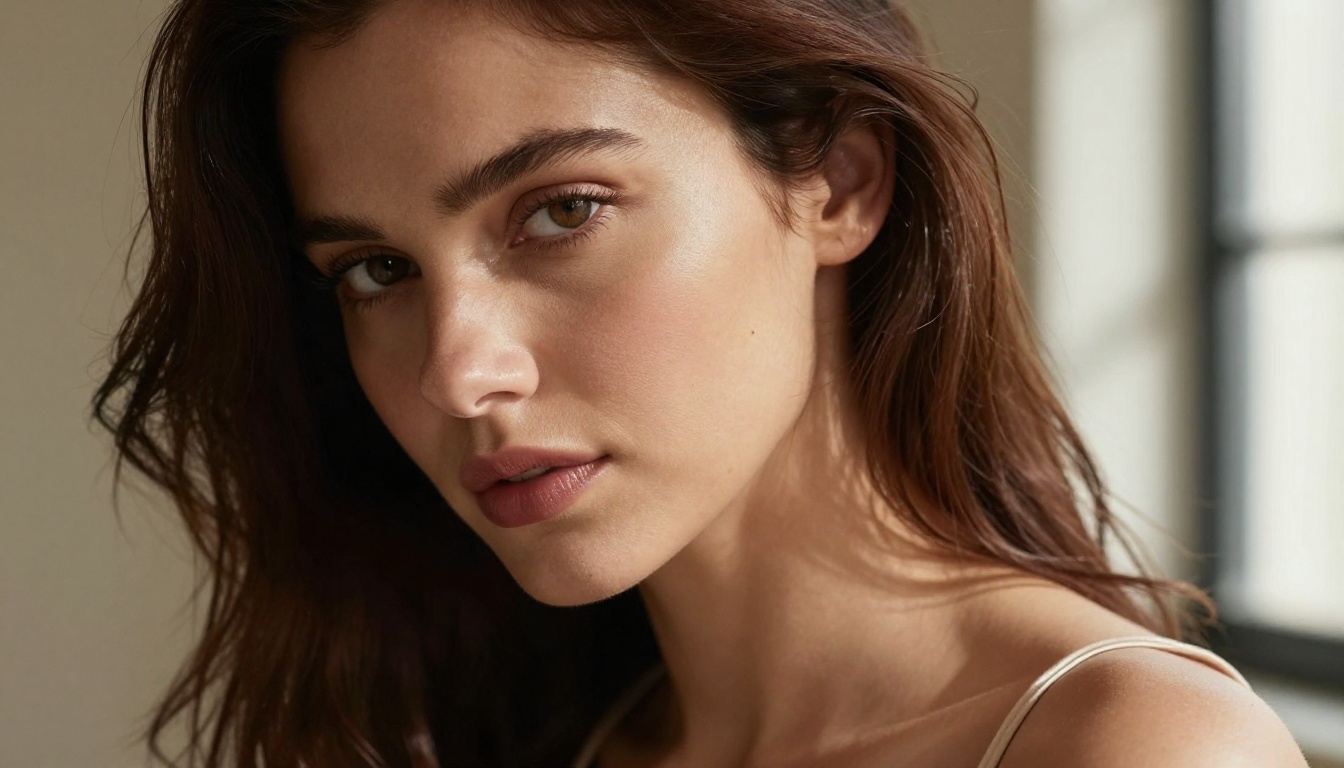
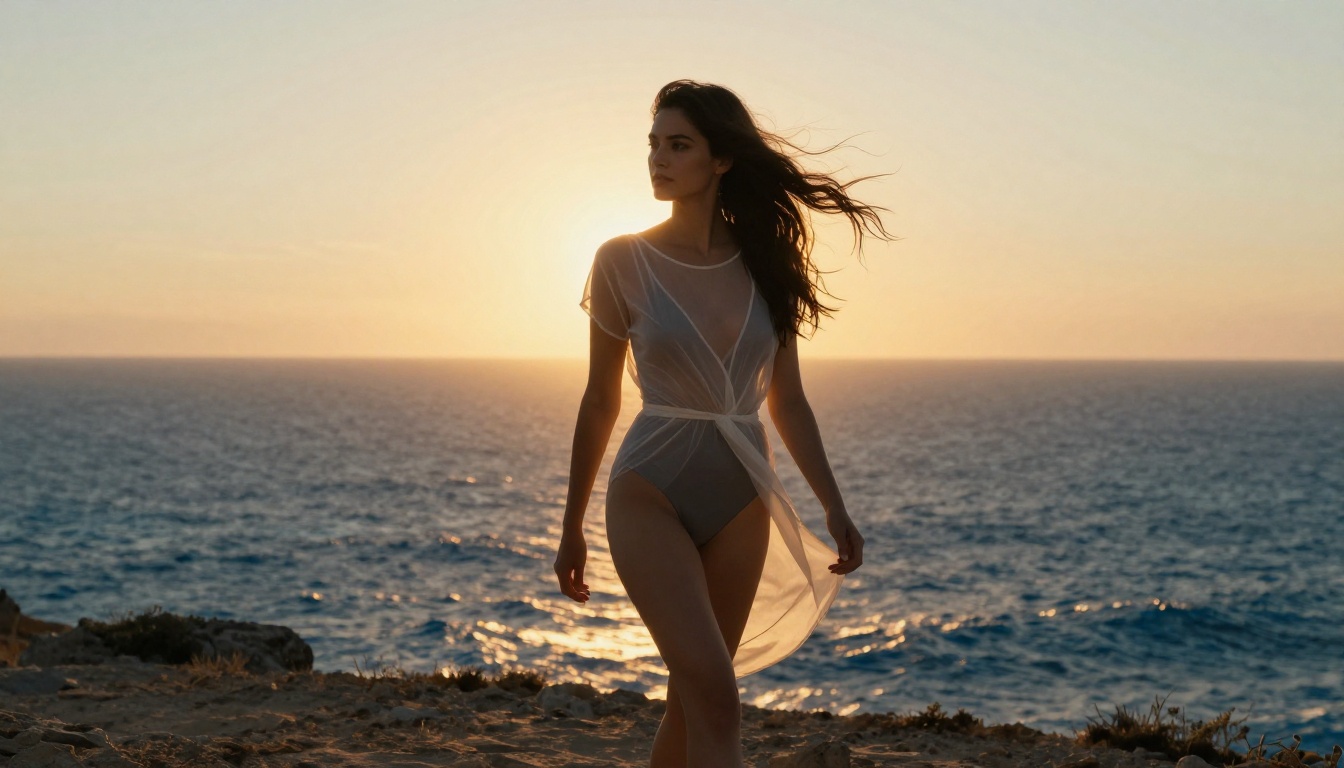
Flux 1.1 Pro Ultra remains the benchmark for NSFW photorealism. Raw mode produces images with extraordinary skin detail, natural subsurface scattering, and lighting behavior that follows actual physics. Portraits come out with visible pores, natural individual hair strands, and environmental integration that makes the image feel authentic rather than generated.
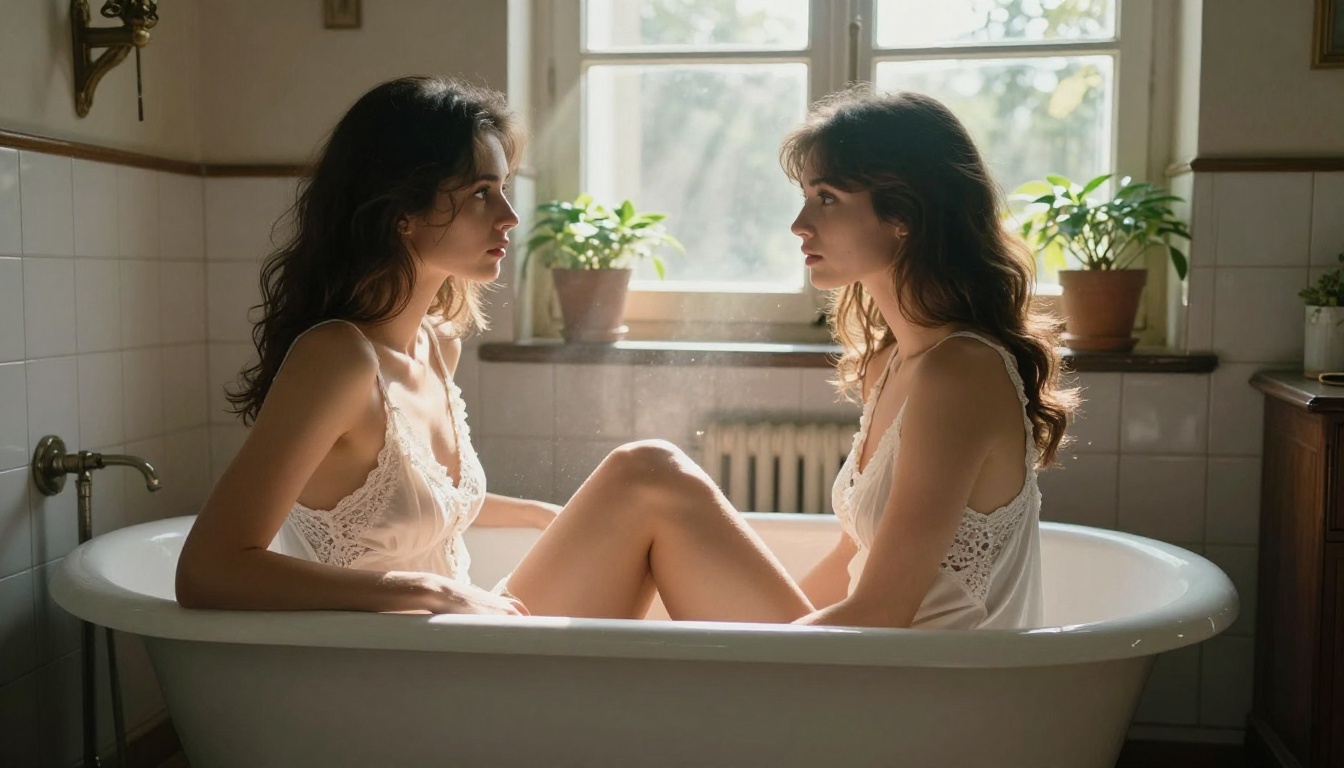
For glamour and suggestive photography, this model handles sheer fabrics, wet skin, and complex lighting setups better than anything else currently available. The high-resolution output means you can crop and edit without losing critical detail.
Pro tip: Add raw photo, film grain, Kodak Portra 400 to your prompt. It pushes the model away from the slightly sterile digital look it defaults to and toward something that genuinely resembles real film photography.
Flux 2 Pro and Flux 2 Max
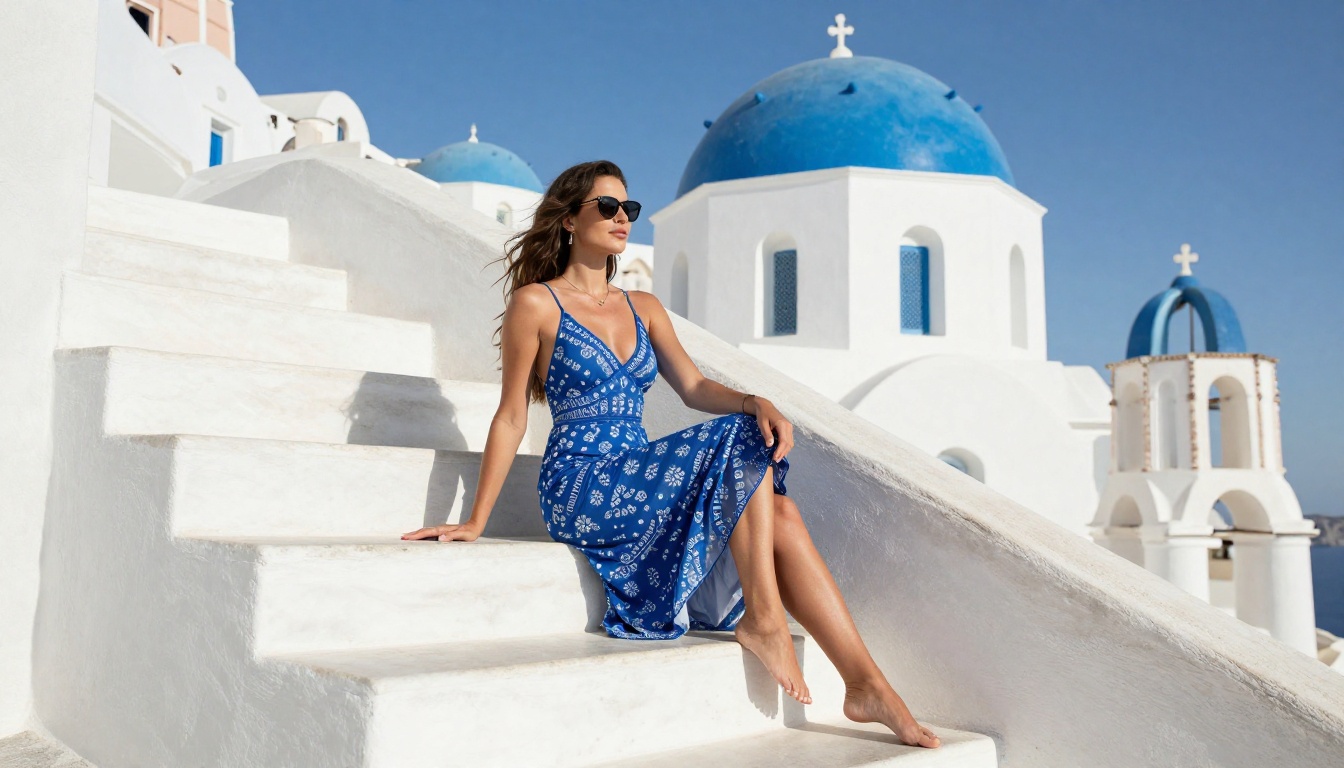
The newer Flux 2 Pro and Flux 2 Max models build on the original Flux architecture with improved prompt adherence and stronger handling of complex multi-element scenes. Flux 2 Max performs particularly well when your prompt describes a specific environment, lighting direction, and subject pose all simultaneously.
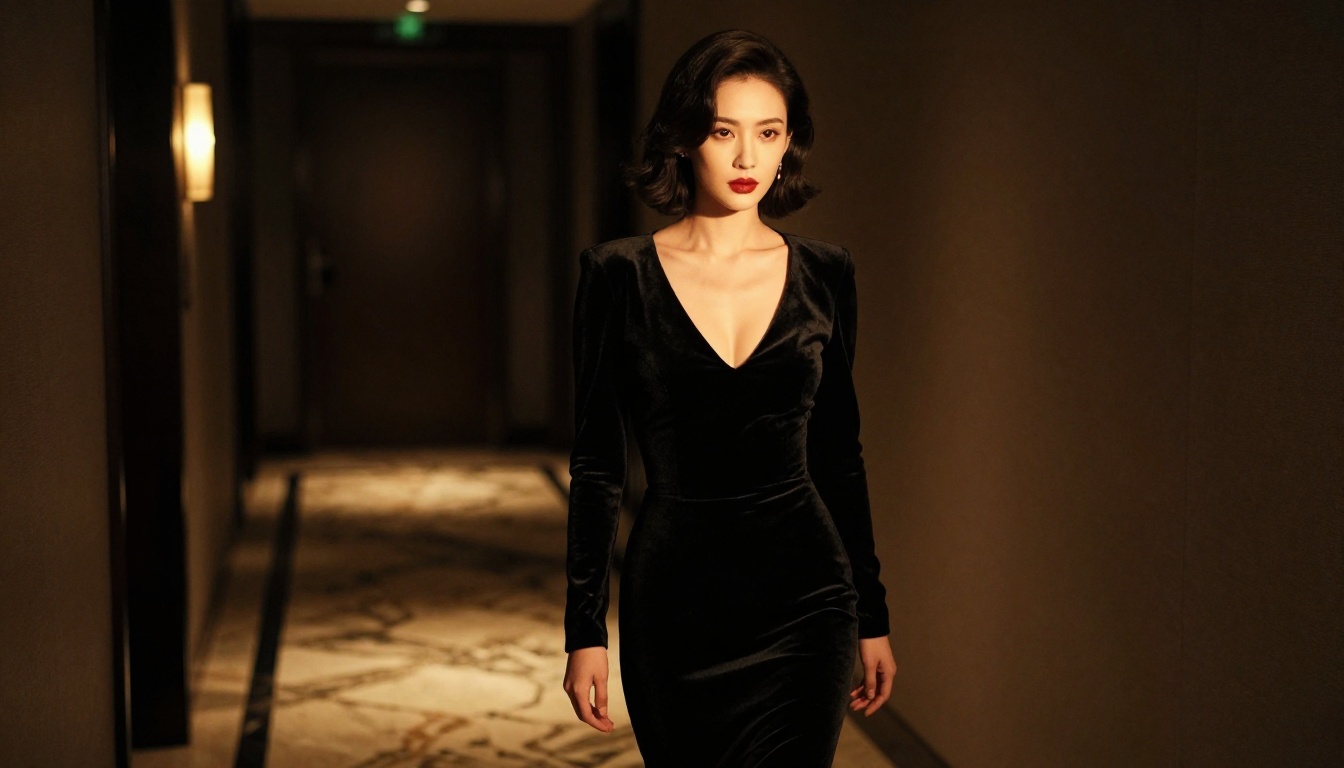
Where Flux 1.1 Pro Ultra wins on raw photorealism in simpler, focused compositions, Flux 2 Max handles compositional complexity more gracefully. For a scene with a specific architectural backdrop, specific lighting direction, and a posed subject, Flux 2 Max delivers more consistently.
Flux Dev and Flux Schnell serve different workflow needs. Flux Dev gives you full quality at a slower generation speed, ideal for prompt iteration and refinement. Flux Schnell trades some quality for near-instant results, making it the right choice for rapid prototyping before committing to a final high-quality render.
The Realistic Vision Lineup
Before Flux dominated the space, the Realistic Vision series was the default recommendation for photorealistic AI portraiture. It still holds a meaningful place in 2027, particularly for users who prefer Stable Diffusion-based pipelines and the ecosystem around them.
Realistic Vision v5.1
Realistic Vision v5.1 was built specifically for hyper-realistic human photography, and the results reflect that focus. The model handles skin tone diversity, facial structure, and natural lighting scenarios with notable consistency. Colors run slightly warmer and more film-like compared to base SDXL models, giving outputs a distinctly photographic character.
For adult AI art, Realistic Vision v5.1 performs best in close-up portraits and medium shots where facial detail and skin texture are the primary focus. It tends to produce naturally flattering results without the over-polished, obviously AI-generated look that plagues many other models.
The tradeoff is that complex full-body environmental shots with elaborate backgrounds are not its core strength. Keep your subject as the clear compositional priority and this model delivers reliably.
RealVisXL v3.0 Turbo
RealVisXL v3.0 Turbo combines Realistic Vision's photorealistic qualities with SDXL's capacity for full compositions. The turbo variant generates quickly without significant quality loss, making it an efficient daily driver for NSFW content production at volume.
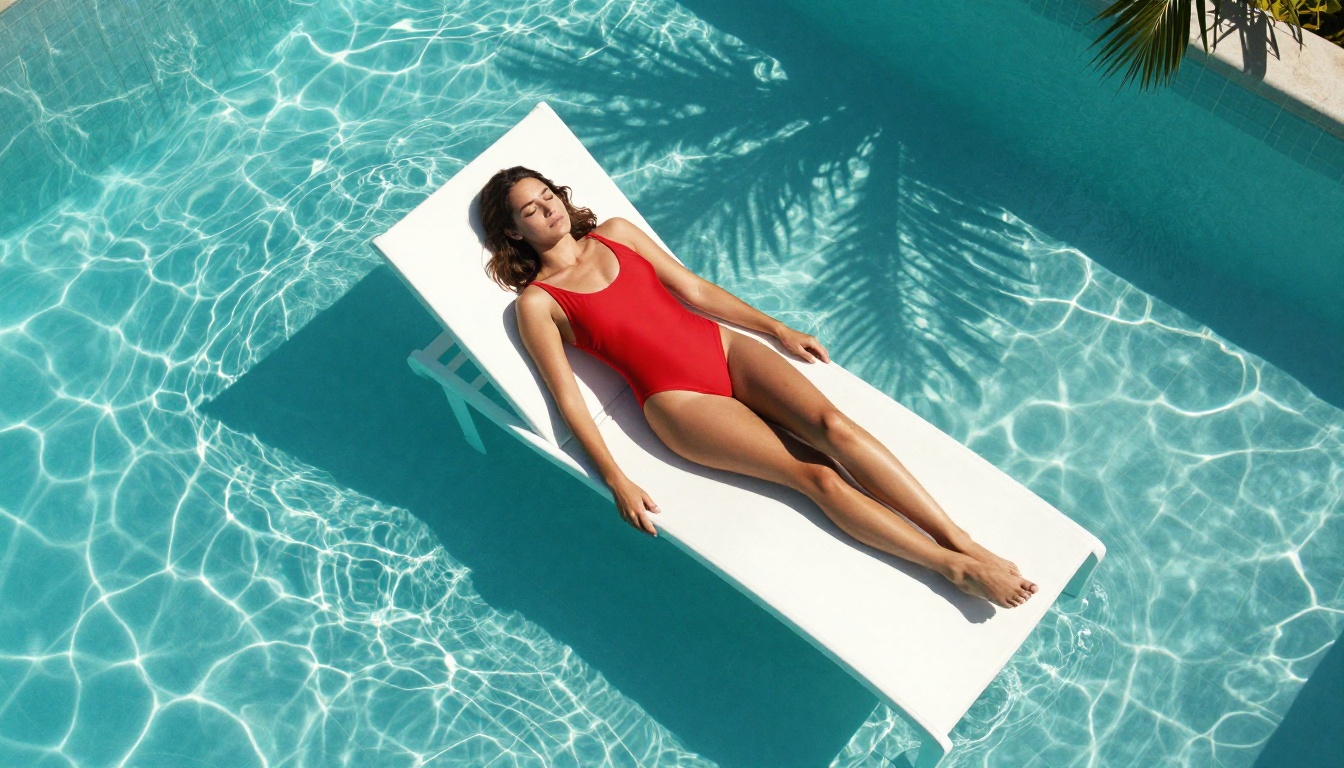
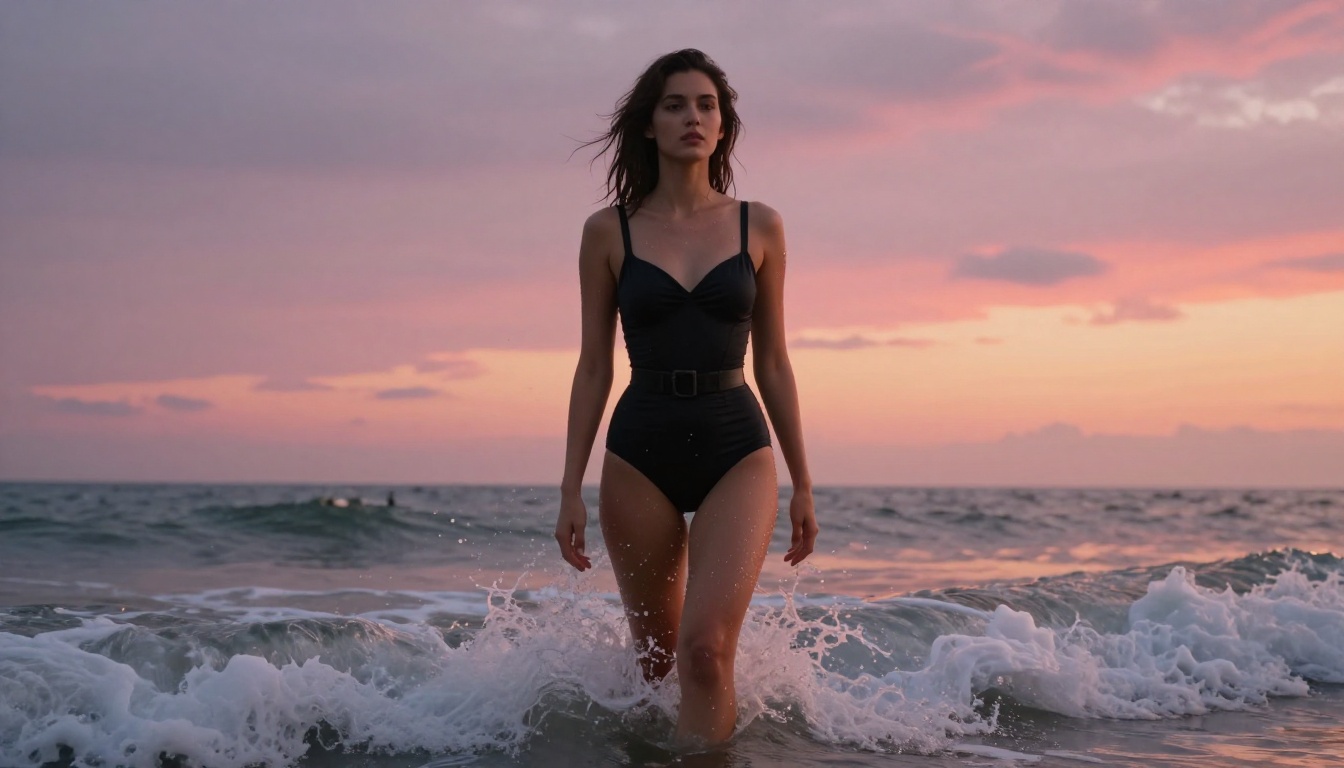
This model handles outdoor lighting particularly well: golden hour beach scenes, natural daylight exteriors, and overcast soft-light situations all come out convincingly. If you're producing content consistently and care about throughput as much as peak quality, RealVisXL v3.0 Turbo is the most practical choice on this list.
Stable Diffusion 3.5 Still Has a Place
Stable Diffusion's 3.5 generation is not the headline act in 2027, but it remains relevant for specific workflows and use cases that other architectures don't serve as well.
SD 3.5 Large vs Large Turbo
Stable Diffusion 3.5 Large delivers noticeably better results than previous SD generations. Anatomy is more coherent, hands are substantially improved (historically a persistent weak point), and lighting has more depth and directionality. For suggestive photography with fabric, lingerie, or swimwear as the focus, it renders material texture convincingly.
Stable Diffusion 3.5 Large Turbo cuts generation time significantly with minimal visible quality loss for most prompts. It's the smarter pick when speed matters more than maximum output fidelity. Stable Diffusion 3.5 Medium sits between the two options and works well for rapid composition iteration before switching to a higher-quality final render.
When SD Makes Sense
Stable Diffusion models still win in specific scenarios. When you need LoRA customization for particular styles or subject types, when using ControlNet for precise pose-guided generation, or when you want access to a massive community fine-tune ecosystem, SD remains the better foundation. The workflow depth around Stable Diffusion is unmatched, and that matters for NSFW pipelines that demand more than text-to-image alone.
SDXL and variants like SDXL Multi ControlNet LoRA offer strong ControlNet compatibility. This allows precise pose control through reference images, invaluable when you need specific body positions rather than whatever the model invents from a text description.
Newer Models Worth Your Attention
2027 has brought several models that have genuinely surprised users focused on NSFW photorealism. None of these are obvious choices, but each earns its place in a well-rounded workflow.
Seedream 4 for Ultra-High Resolution
Seedream 4 from ByteDance generates at ultra-high resolution with strong aesthetic sensibility. For adult AI art, its handling of fabric and texture detail at large output sizes is particularly impressive. Hair, fabric weave, and skin surface all show fine detail that holds up at full resolution without requiring post-processing upscaling.
The feel sits closer to elevated editorial photography than raw documentary realism. For glamour and fashion-adjacent NSFW content, that polished aesthetic works in its favor. Seedream 4.5 builds on this further with improved prompt responsiveness for complex scenes.
GPT Image 1.5 Surprises
GPT Image 1.5 has caught many users off-guard with how well it handles realistic human subjects. Lighting coherence is a clear strength: shadows and highlights behave as if they come from real physical light sources, which pays dividends in portraits where bad lighting immediately signals "AI-generated."
Its content guidelines are applied more aggressively than models like Flux or Realistic Vision. For non-explicit glamour photography and suggestive portraiture it works very well. For content that pushes further toward the explicit end of the spectrum, the Flux lineup is a better fit.
Ideogram v3 Quality
Ideogram v3 Quality has become a consistent over-performer for photorealistic portraiture. Color rendering is beautiful, with natural skin tone representation across diverse subjects. Prompt adherence is reliable: when you describe a specific scene, lighting setup, or pose, the model delivers close to what you described rather than interpreting loosely.
For users who prioritize consistency across multiple generations over peak individual image quality, Ideogram v3 Quality belongs in your regular rotation alongside Ideogram v3 Balanced for faster everyday work.
How to Use Flux 1.1 Pro Ultra for NSFW Art
Since Flux 1.1 Pro Ultra consistently ranks at the top for NSFW photorealism, here is a step-by-step breakdown of how to get strong results.
Step 1: Open the model
Navigate to Flux 1.1 Pro Ultra on the platform and open the generation interface. For adult portrait work, 16:9 works well for environmental compositions and 4:3 for tighter portrait framing.
Step 2: Structure your prompt by layer
The model responds best to prompts built in layers: subject and pose first, then environment, then lighting, then camera details, then film and style modifiers.
Example structure:[Subject description and pose], [specific environment details], [lighting direction and quality], [camera lens and angle], [film stock], photorealistic, 8k, raw photo
Step 3: Describe lighting specifically
Vague lighting prompts produce vague output. Replace "beautiful lighting" with "volumetric morning light from the left, soft shadows across cheekbones, warm 3200K color temperature, slight lens flare from window." That level of specificity translates directly into output quality.
Step 4: Use targeted negative prompts
Add these to prevent common problems: plastic skin, airbrushed, overexposed, oversaturated, motion blur, digital art, illustration, CGI, 3D render, deformed anatomy, extra fingers
Step 5: Iterate composition before committing
Run 3 to 4 quick generations at lower quality settings to lock in composition and lighting direction. Once the framing is right, switch to maximum quality for the final output. This saves significant time and compute.
Tip: Enable raw mode within the model settings. It makes a visible, meaningful difference in how photorealistic the skin texture and lighting behave in the final output.
Getting decent output from NSFW AI generators is one thing. Getting consistently excellent output across dozens of generations is different. These are the habits that actually move the needle.
Prompt Structure That Works
The biggest improvement most people can make is moving from vague adjectives to specific physical descriptions. "Beautiful woman in bikini on beach" gives the model too much room to invent. "25-year-old woman with dark curly hair in a white string bikini, standing waist-deep in turquoise water, golden hour light from the right creating specular highlights on wet skin, 85mm f/1.4 lens from a low angle" gives it something real to work with.
Every vague word in your prompt is a detail the model fills in arbitrarily. Swap vague for specific: light source direction, focal length, specific environment details, subject's distinguishing physical characteristics, fabric type and behavior.
Negative Prompts That Matter
These consistently help across photorealistic NSFW models:
cartoon, anime, illustration, CGI, 3D render, plastic skin,
airbrushed, digital art, watermark, text, logo, blurry,
low quality, deformed anatomy, extra limbs, doll-like
Adding these to every generation reduces the frequency of common artifacts and keeps outputs in the photorealistic range even when the model would otherwise drift toward something artificial.
Post-Generation Workflow
After generating an image you're satisfied with, running it through a super resolution model lifts a good result considerably. Upscaling preserves the detail from the original while adding fine texture that closes the remaining gap between AI-generated and real photography. Face restoration tools applied selectively can correct the occasional facial detail that comes out slightly wrong on an otherwise strong image.
For body-focused content specifically, inpainting is your best tool for correcting minor anatomical issues without regenerating the entire composition from scratch.
Start Creating Your Own
The gap between the best NSFW AI image generators in 2027 and what was available two years ago is substantial. Models like Flux 1.1 Pro Ultra, Flux 2 Pro, and Realistic Vision v5.1 have pushed photorealistic AI portraiture into territory that would have seemed implausible not long ago.
The models are there. The platform is accessible without downloads or local setup. What it comes down to now is prompt specificity and matching the right tool to your creative goal.
Start with Flux 1.1 Pro Ultra if raw photorealism is the top priority. Use RealVisXL v3.0 Turbo if you need faster generation at strong quality. For complex scenes with precise compositional requirements, Flux 2 Max handles the challenge well. And if you want to push into high-resolution editorial territory, Seedream 4 delivers output that stands on its own.
The only way to find what works best for your specific style is to run the generations. The tools are ready when you are.