The best NSFW AI image generators for couples and fantasy have come a long way. What once required hours of editing work or expensive photographers can now be created in seconds with a well-crafted text prompt. Whether you're building intimate couple portraits, romantic fantasy scenes, or suggestive artistic imagery, the right AI model makes all the difference.
This article breaks down the top models, what makes each one stand out, and exactly how to get photorealistic, aesthetically stunning results without crossing into explicit territory.
What Makes a Great NSFW AI Generator
Not every AI image model handles suggestive content well. Some sanitize outputs too aggressively, while others lack the photorealism needed to make results feel authentic. The best tools balance three things:
- Photorealism: Skin textures, lighting, and anatomy must look natural, not waxy or cartoonish.
- Prompt responsiveness: The model must accurately follow nuanced instructions about pose, mood, and environment.
- Aesthetic control: You should be able to direct style, lighting, and atmosphere with precision.
💡 Tip: The difference between a mediocre and stunning NSFW AI image almost always comes down to the quality of the prompt, not the model alone. Specificity wins every time.
Models that excel in these areas tend to share one trait: they were trained on diverse, high-quality photographic datasets. The flagship models in this space right now are Flux 1.1 Pro Ultra, Realistic Vision v5.1, and Stable Diffusion 3.5 Large.
The Best Models for Couple AI Images
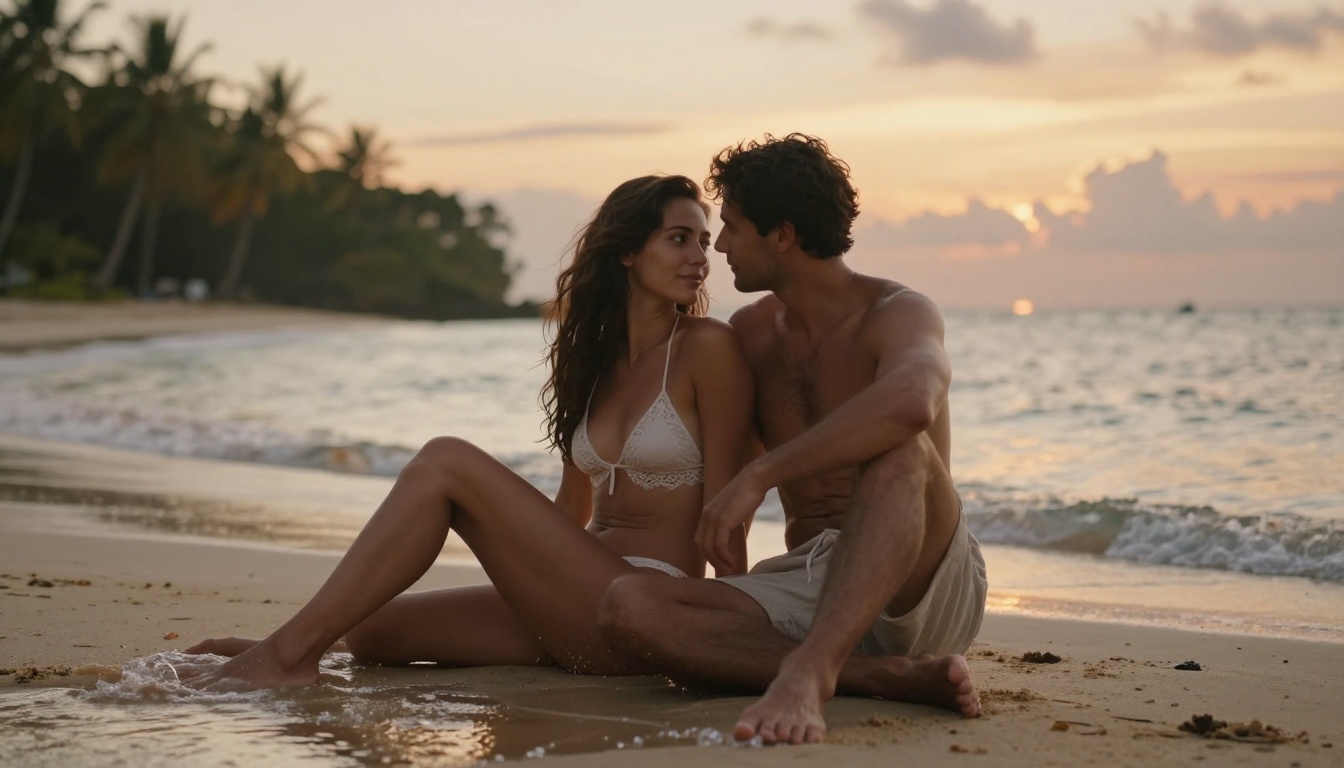
Creating convincing couple photography with AI is genuinely hard. The model needs to handle two subjects, realistic skin, clothing interactions, and emotionally authentic body language all at once. These models do it best.
Flux 1.1 Pro Ultra
Flux 1.1 Pro Ultra from Black Forest Labs is currently the gold standard for photorealistic AI image generation. Its ultra-high resolution output and exceptional detail retention make it ideal for intimate couple scenes where texture and realism matter most.
What sets it apart for couple content specifically:
- Skin rendering: It captures subtle variations in skin tone, shadow, and highlight that cheaper models miss entirely.
- Clothing and fabric: Silk, lace, and sheer fabrics render with realistic drape and translucency.
- Anatomical accuracy: Bodies are proportionally correct without the distortion common in other models.
💡 Pro tip: When prompting Flux 1.1 Pro Ultra, always specify the lighting direction explicitly. "Soft volumetric light from the left at 45 degrees" produces dramatically better results than just "good lighting."
Realistic Vision v5.1
Realistic Vision v5.1 has long been a community favorite for one specific reason: it produces outputs that look like they came from a professional photographer's archive, not a computer.
It handles couple poses with natural intimacy, capturing the lean of bodies toward each other, the subtle tension in hands, and the emotional weight of a shared glance. For romantic and suggestive couple imagery, it consistently delivers results with a warm, editorial photography aesthetic.
RealVisXL v3.0 Turbo
For those who need faster iteration without sacrificing quality, RealVisXL v3.0 Turbo hits an excellent balance. The Turbo variant is significantly faster than the base model while retaining most of its photorealism.
It performs especially well with:
- Outdoor romantic scenes (beach, sunset, natural light)
- Close-up couple portraits with shallow depth of field
- Night photography aesthetics with artificial light sources
Top Models for Fantasy AI Art
Fantasy content is a different challenge. Here, you're not trying to recreate reality but to build something that feels real within its own world. The best fantasy AI models understand scale, atmosphere, and the visual language of high fantasy aesthetics.
Stable Diffusion 3.5 Large
Stable Diffusion 3.5 Large from Stability AI is one of the most capable open models available. For fantasy content, its strengths lie in:
- Elaborate costume and armor rendering with fine material detail
- Complex environmental scenes (castles, forests, mystical landscapes)
- Consistent character design across multiple generations
It's the go-to for users who want full creative control over their fantasy scenarios, including intricate worldbuilding details in every frame.
DreamShaper XL Turbo
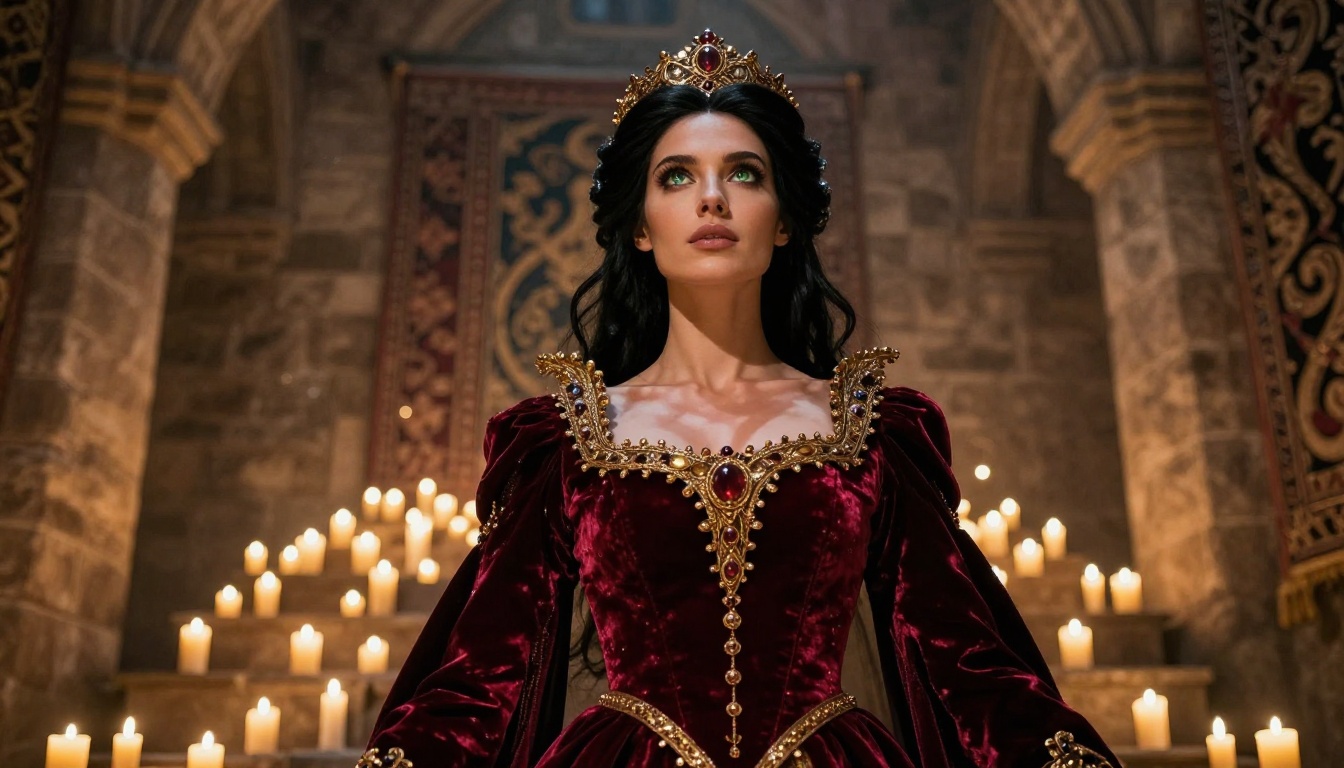
DreamShaper XL Turbo was built specifically to blend photorealism with fantasy aesthetics. That makes it uniquely suited for the photorealistic fantasy niche, where you want a warrior queen or forest sorceress to look like she could step out of a film set.
It handles:
- Fantasy character portraits with photorealistic skin and hair
- Atmospheric lighting (candlelight, moonlight, ethereal glow)
- Mixed real-world and fantastical elements in a single frame
💡 Style note: DreamShaper XL Turbo works best when you anchor fantastical subjects with real-world lighting descriptions. "Soft candlelight from the right, volumetric shadows on stone walls" will dramatically improve the realism of fantasy scenes.
Ideogram v3 Quality
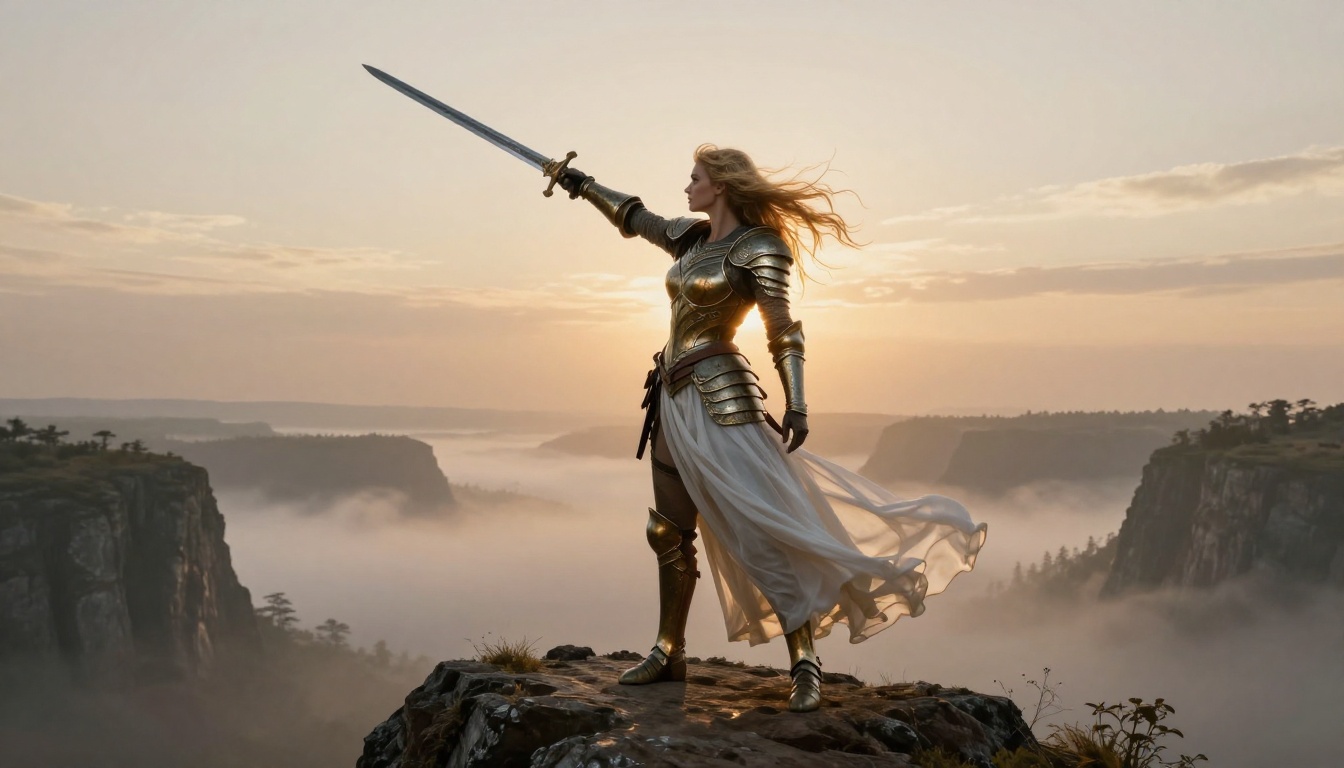
Ideogram v3 Quality is particularly strong at generating compositions with powerful visual storytelling. For fantasy imagery where you want a clear narrative moment captured, such as a warrior standing on a precipice or a fairy in a forest glade, it produces results with excellent compositional instincts.
Its color grading tends toward cinematic, making it ideal for fantasy scenes that need dramatic atmosphere.
How to Write Better NSFW Prompts
The most important skill in AI image generation is prompt writing. Here's what separates good results from great ones.
Structure Your Prompts Correctly
Every high-quality NSFW prompt follows a logical structure:
- Subject: Who is in the image, what are they wearing, what are they doing?
- Environment: Where are they, what does the space look and feel like?
- Lighting: Where is the light coming from, what quality does it have?
- Camera: What angle, what lens, what distance?
- Technical: Film stock, grain, resolution modifiers.
This structure ensures the model has enough information to make deliberate choices rather than defaulting to generic outputs.
Phrases That Actually Work
| What You Want | How to Say It |
|---|
| Photorealistic skin | "photorealistic skin texture, pores visible, natural imperfections" |
| Intimate lighting | "soft volumetric light from the left, warm amber tones, gentle shadows" |
| Elegant clothing | "sheer silk draped naturally, fabric catches ambient light" |
| Romantic atmosphere | "golden hour, warm color grading, shallow depth of field, bokeh" |
| Fantasy realism | "photorealistic, film grain, 85mm portrait lens, Kodak Portra 400" |
What to Avoid in Prompts
Bad prompts share common traits. Avoid these mistakes:
- Vague adjectives: "Beautiful," "sexy," and "attractive" are nearly meaningless to a model. Be specific about exactly what you mean.
- Contradictory instructions: Don't mix "dramatic hard lighting" with "soft romantic glow" in the same prompt.
- Overloaded prompts: More than 20 distinct descriptors and the model starts ignoring some. Prioritize ruthlessly.
💡 Quick win: Add "Kodak Portra 400 film grain, RAW photography, 8K detail" to any prompt for an instant quality boost across all photorealistic models.
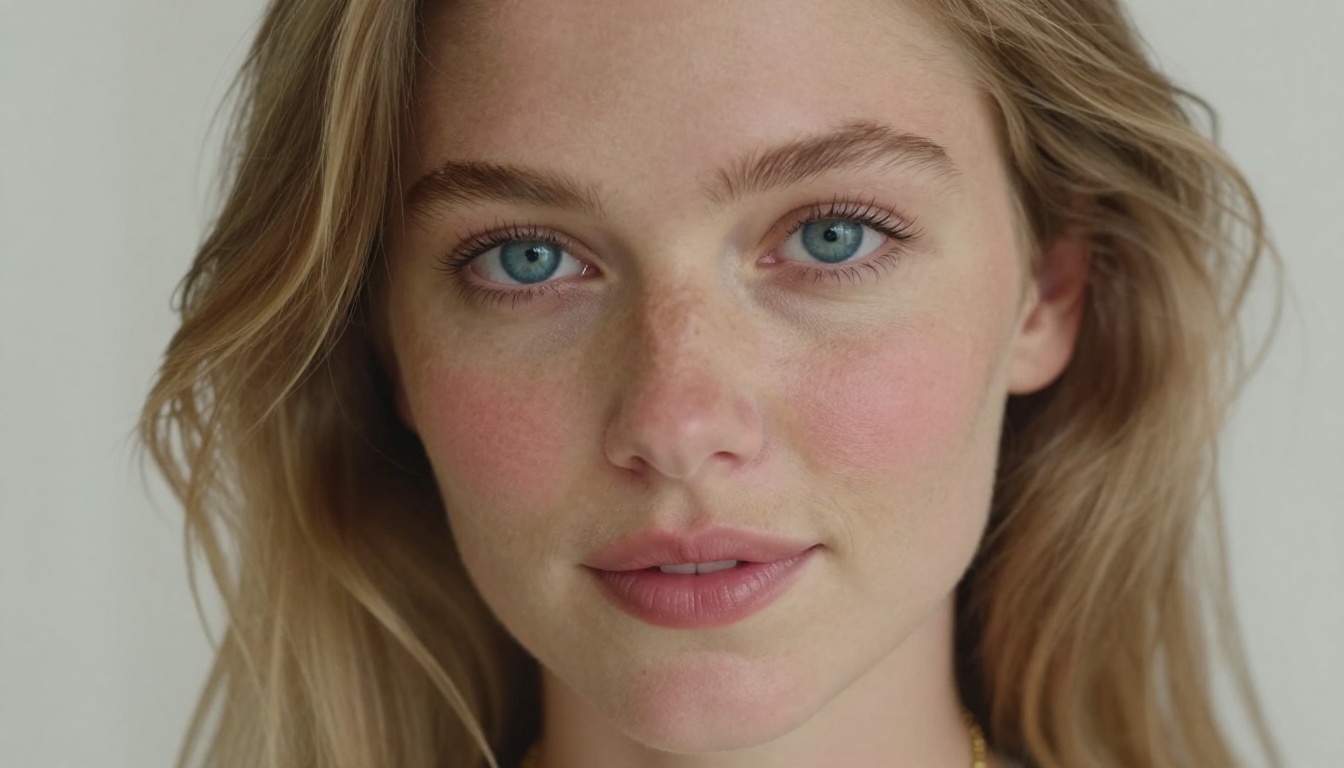
Model Comparison for Couples and Fantasy
Not every model is right for every use case. Here's a direct comparison of the top options:
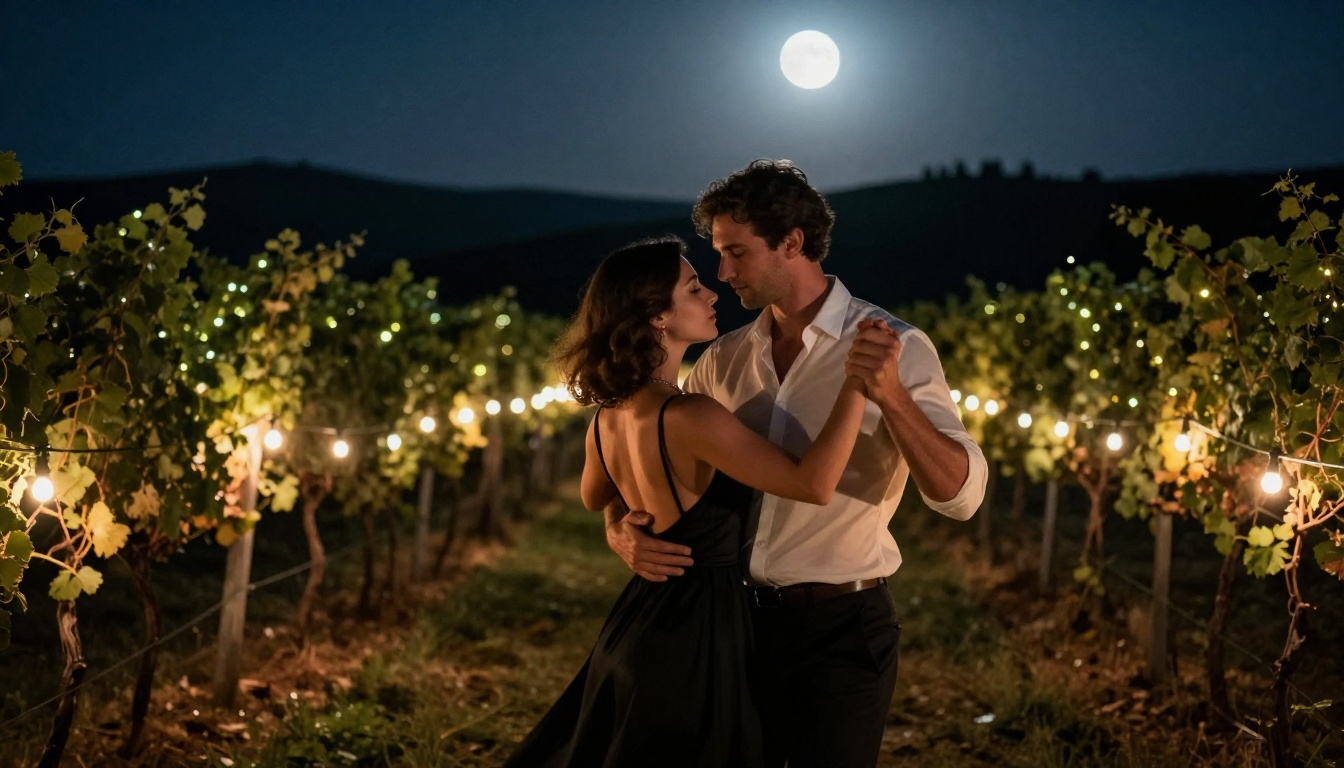
How to Use Flux 1.1 Pro Ultra on PicassoIA
Flux 1.1 Pro Ultra is available directly on PicassoIA and is one of the most capable models for photorealistic NSFW content. Here's how to get the best results:
Step 1: Open the Model
Navigate to Flux 1.1 Pro Ultra in the PicassoIA text-to-image collection. You'll see the prompt input field and parameter controls.
Step 2: Write Your Prompt
Structure your prompt following the Subject + Environment + Lighting + Camera formula. For couples content, be precise about:
- The relationship and physical proximity of the subjects
- The setting, time of day, and ambient mood
- The clothing, material, and how it falls on the body
- The emotional tone you want to capture
Step 3: Set the Aspect Ratio
For couple photography and fantasy scenes, 16:9 gives you the cinematic framing that makes images feel like stills from a high-budget film. For intimate portraits, use 1:1 or 3:4.
Step 4: Use Raw Mode
Flux 1.1 Pro Ultra has a raw mode setting that bypasses some aesthetic processing and produces output closer to documentary photography. For NSFW content where realism is the priority, raw mode is almost always preferable.
Step 5: Iterate Fast
Generate 3 to 5 variants of each prompt before settling on one. Small wording changes, particularly in the lighting and camera description, produce dramatically different results. Don't commit to a single output without exploring variations first.
💡 Power user move: Use Flux 2 Pro for your initial exploration and drafting, then switch to Flux 1.1 Pro Ultra for your final high-resolution renders. This approach saves credits while still delivering the best possible final output.
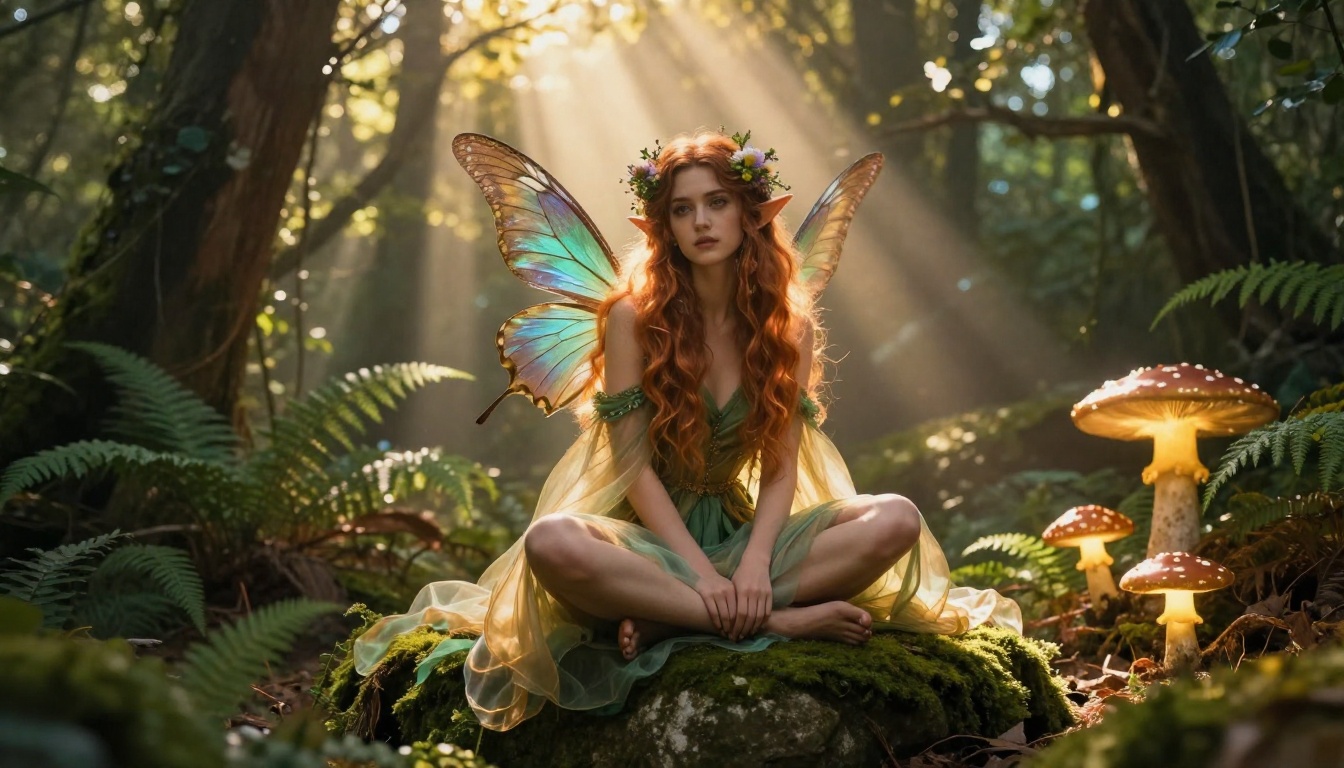
One of the most important factors people overlook when choosing an NSFW AI image generator is what happens to the images you create.
What to Look For
- No training on your outputs: The best platforms commit to not using your generated images to retrain their models without consent.
- Clear content policies: Platforms should define what is and isn't permitted, so you know exactly what you're working with.
- Private generation options: Some platforms offer private or unlisted generation modes that keep your images out of public galleries.
Where the Artistic Line Falls
The most reputable NSFW AI generators operate in the artistically suggestive space rather than explicit territory. This isn't just a policy choice, it's where the most visually sophisticated work actually happens.
The difference between a cheap explicit generator and a quality NSFW AI platform is the same as the difference between a tabloid and a fashion editorial. One is blunt. The other is atmospheric, beautiful, and makes you want to look again.
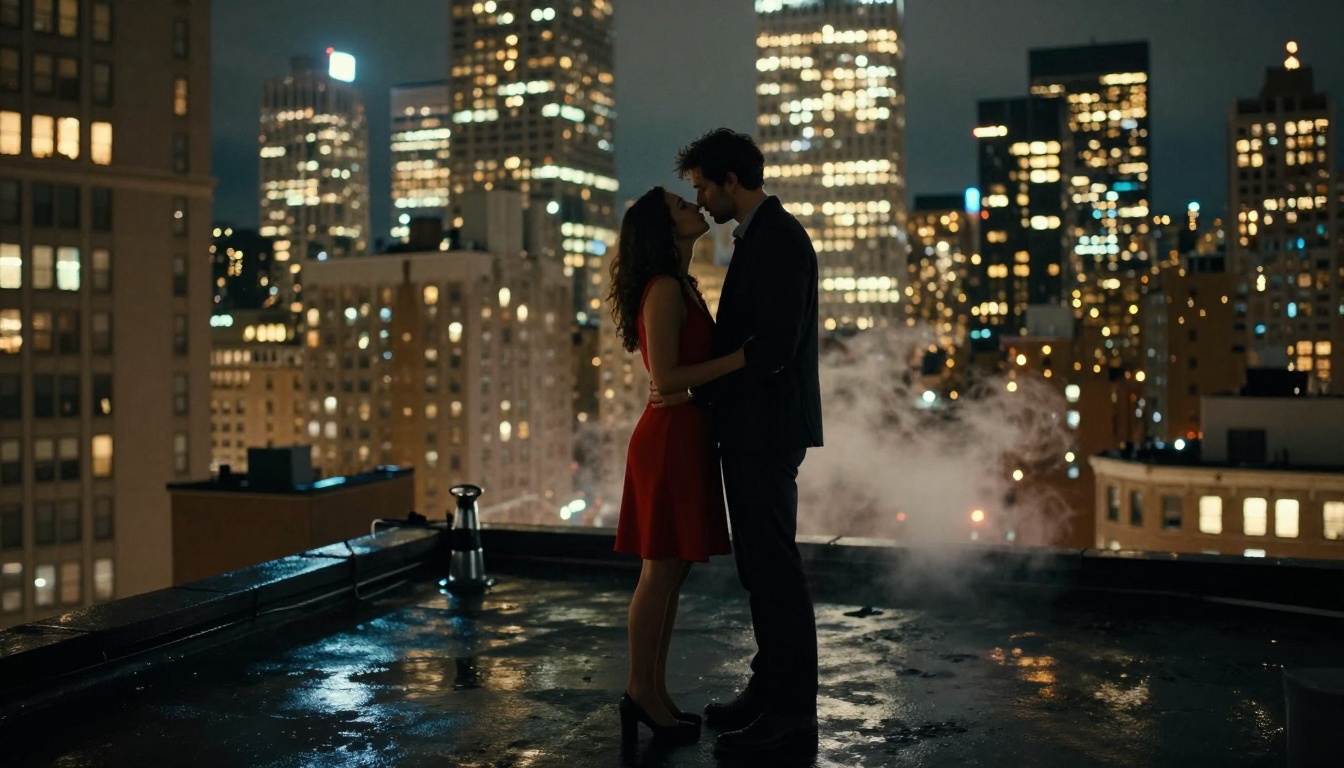
Combining Models for Stronger Results
One underused strategy is chaining multiple tools together for a single image workflow:
- Generate with Flux 1.1 Pro Ultra: Create your base image at high quality.
- Upscale with Super Resolution: PicassoIA's super-resolution models can take a 1024px output and scale it 4x without visible quality loss.
- Refine with Inpainting: If a specific area isn't right, whether a hand, a piece of clothing, or the background, use inpainting to regenerate just that section while keeping the rest intact.
- Maintain identity with Face Swap: For consistent character identity across multiple images, PicassoIA's Face Swap tool lets you carry the same face across different scenes and outfits.
This workflow produces results that look professional and consistent, not like raw single-generation AI output.
💡 Inpainting tip: When fixing couple images, mask around the problem area generously. Too tight a mask creates visible seams. Give the model room to blend naturally with the surrounding content.
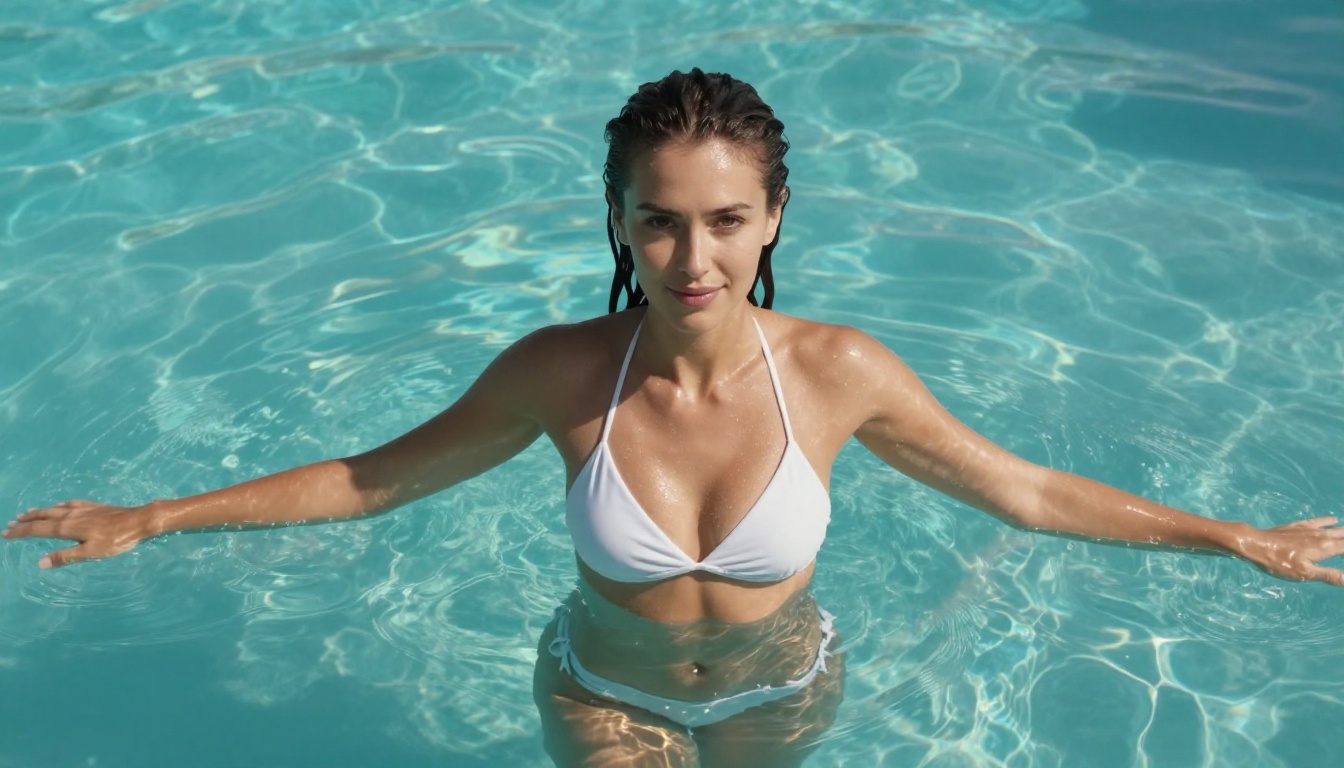
Start Creating Your Own Images Now
The barrier to creating stunning AI imagery has never been lower. Whether you're making couple portraits with the intimacy of a fashion editorial or building out a full fantasy world with characters that feel alive, the tools are ready.
PicassoIA gives you access to all the models covered in this article, from the photorealistic precision of Flux 1.1 Pro Ultra to the fantasy-blending capabilities of DreamShaper XL Turbo, all in one platform with a simple interface that doesn't require any technical background.
Start with one of the prompt formulas from this article, swap in your own details, and see what comes back. The best results usually arrive on the third or fourth iteration once you've refined your prompt based on what the model gives you.
Pick a model, write your first prompt, and generate. That's how it starts.


