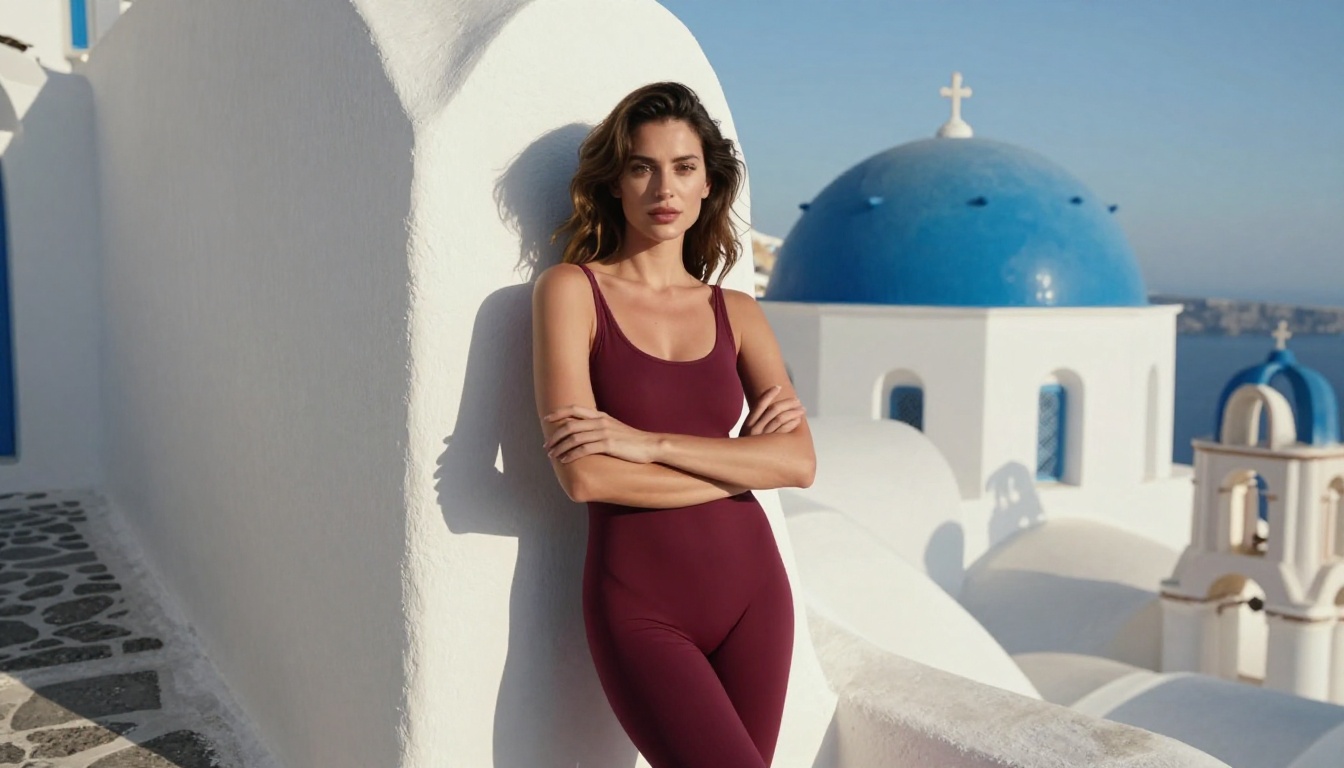
Free used to mean limited. That stopped being true around 2024, and by 2025 it is simply not the case anymore. The best free NSFW AI image generators now produce results that rival dedicated paid platforms from just two years ago. Whether the goal is photorealistic glamour photography, suggestive artistic nudity with an editorial feel, or bold fantasy content with a cinematic mood, the free tier of today's AI image ecosystem is capable enough for serious creative work.
This article covers the top free NSFW AI image generators ranked by what actually matters: output quality, prompt adherence, photorealism of human figures, and how fast each model gets you from a text description to an image worth keeping. It also covers the practical workflow for strong results, the most effective prompt techniques, and where each model genuinely excels.

What Makes a Free NSFW Generator Worth Using
Most articles listing AI tools never address the core question: what separates a genuinely useful NSFW AI image generator from one that wastes your time? The answer comes down to four things.
Prompt fidelity is the first filter. A model that sanitizes or ignores specific elements of your description forces you into a guessing game of what it will and will not generate. The best models follow complex, multi-element prompts with high accuracy, including pose descriptions, outfit details, lighting scenarios, and scene composition.
Anatomical accuracy is the second. Human figures are notoriously difficult for AI models to get right. Poor training data or insufficient model capacity produces distorted limbs, extra fingers, unnatural body proportions, and facial features that fail the uncanny valley test. The models worth using consistently produce correct, natural human anatomy even in complex poses.
Output resolution matters more than most people think. At 512px, an AI-generated image looks passable on a phone screen and terrible anywhere else. The baseline for usable output is 1024px. The best models generate at that resolution natively, with super resolution tools available to push further.
Generation speed at the free tier is a real constraint. A model that takes four minutes per image makes iterative prompt refinement painful. The best free models complete in 30-90 seconds, which is fast enough to actually test and adjust your approach.
💡 Tip: Always check whether a platform's free tier includes adult content models specifically, or only the sanitized base models. Many platforms advertise as free but gate NSFW capabilities behind a paid subscription tier.
The Top Free NSFW AI Image Generators Right Now
Flux Dev: The Photorealism Benchmark
Flux Dev from Black Forest Labs is the most consistently impressive free-tier model for adult content generation in 2025. Its 12-billion parameter diffusion transformer architecture produces images with natural skin tones, accurate limb proportions, and a photographic depth that most paid platforms from 2023 cannot match.
What makes Flux Dev stand out for NSFW applications is its strong prompt adherence. Describe a specific pose, a detailed outfit, a particular lighting scenario, or a complex environmental setting, and the model follows through with far more precision than older SDXL-based architectures. Complex multi-element scenes produce coherent results where earlier models would have blended or distorted the described elements.
The model also handles skin texture with a realism that registers as genuinely photographic. Subtle surface details like fine hairs, natural skin variation, and fabric compression against the body come through without requiring extensive prompt engineering to trigger.
Best for: Photorealistic glamour photography, editorial-quality portraits, skin texture realism.
Key strength: Prompt fidelity and natural human figure rendering at zero cost.
For users needing consistent character styles across multiple generations, Flux Dev LoRA extends the base model with fine-tuning capabilities that allow much tighter style and character control. When speed is the priority, Flux Schnell delivers the core Flux quality in significantly fewer steps.

Stable Diffusion 3.5 Large significantly upgrades the most widely used open-source image model. The 3.5 Large variant uses a multimodal diffusion transformer architecture that handles complex, multi-subject prompts with better spatial reasoning than any previous Stable Diffusion release.
For NSFW content, SD 3.5 Large shines in environmental storytelling scenarios. Beachside settings, luxurious indoor environments, outdoor golden-hour scenes, and multi-character compositions all benefit from the model's ability to handle multiple elements coherently without the spatial confusion that plagued earlier versions.
The Stable Diffusion 3.5 Large Turbo variant cuts generation time roughly in half with minimal quality loss, making it the practical choice when iterating quickly through prompt variations. For users who want a balance between quality and speed, Stable Diffusion 3.5 Medium sits between the two in both capability and generation time.
Best for: Complex scenes, environmental storytelling, multi-element compositions.
Key strength: Spatial coherence across complex multi-element scene descriptions.
SDXL Lightning generates strong 1024px images in just four diffusion steps. For free-tier users who need fast iteration over maximum fidelity, this is the practical workhorse. It will not match Flux Dev in photorealism depth, but it processes ideas quickly enough that you can test twenty different prompt approaches in the time it takes a slower model to complete five.
The model's consistency across rapid iterations makes it valuable specifically for prompt engineering sessions. When the goal is finding the right combination of pose language, lighting terms, and character descriptors, fast feedback loops matter more than pixel-perfect output. Use SDXL Lightning to prototype, then move the winning prompt to Flux Dev or SD 3.5 Large for final-quality output.
Best for: Rapid prompt testing, high-volume generation, quick concept validation.
Key strength: Four-step generation speed with acceptable quality for iteration.

Realistic Vision v5.1 was fine-tuned specifically on high-quality portrait and fashion photography datasets. That training focus shows in every output. Skin rendering is exceptionally natural, faces consistently avoid uncanny valley issues that plague general-purpose models, and clothing fabric textures read with photographic authenticity.
For NSFW applications, Realistic Vision v5.1 performs best in controlled single-subject scenes: studio-style portraits, close-up glamour photography, and indoor settings with clearly described lighting. Its background generation is less sophisticated than its subject rendering, which means pairing it with simple, clean environmental descriptions gives the strongest results.
RealVisXL v3.0 Turbo is the SDXL-based companion to Realistic Vision, offering the same portrait-focused training philosophy on the larger SDXL base. For users who want the photorealism strengths of Realistic Vision at a higher resolution with more environmental flexibility, RealVisXL is the natural next step.
Best for: Single-subject photorealism, portrait-format NSFW content.
Key strength: Human figure and skin texture rendering accuracy.
DreamShaper XL Turbo occupies a different position in the free NSFW generator landscape. Rather than purely photorealistic output, it blends realism with artistic stylization, producing images that sit between editorial photography and high-end digital art. This aesthetic range makes it particularly well-suited for fantasy NSFW content, artistic nudity with a painterly quality, and sci-fi or historical period scenarios.
The model handles imaginative, high-concept prompts better than strict realism models. Describe a woman in a specific historical costume in a dramatic outdoor setting, and DreamShaper XL Turbo renders it with cinematic drama that purely photorealistic models sometimes flatten. For content that leans into atmosphere and mood over clinical accuracy, this is often the stronger choice.
Best for: Fantasy NSFW art, stylized glamour, period or sci-fi settings.
Key strength: Artistic range and handling of imaginative scene descriptions.
💡 Tip: For fantasy scenes in DreamShaper XL Turbo, add specific lighting descriptors like "dramatic rim lighting," "firelight from below," or "moonlight through forest canopy" to push the model into cinematic territory.
Side-by-Side Model Comparison

Free vs. Paid: The Real Difference
The honest assessment: free tiers in 2025 are genuinely usable for serious creative work. The gap between free and paid is no longer about whether quality output is possible. It is about volume, queue priority, and access to the newest flagship models.
What free gives you:
- Full access to top models like Flux Dev, SD 3.5, and SDXL
- 1024px native output resolution on most platforms
- Community-shared prompts and model presets
- Enough daily runs for regular creative sessions
What paid adds:
- Higher daily generation limits or unlimited runs
- Priority queue access with shorter wait times
- Higher output resolutions and 4K upscaling tools
- Private generation mode so images remain personal
- Access to newer flagship models like Flux 1.1 Pro Ultra, Flux 2 Max, and Flux 2 Pro
For hobbyists and people testing NSFW AI generation for the first time, free is completely sufficient. For professional creative work requiring high daily volume and private generation, paid makes economic sense as the scale increases.

How to Use PicassoIA for NSFW Generation
PicassoIA provides access to all the models discussed above through a single browser-based interface. No local GPU required, no software installation, no complex model file management. Here is the exact workflow:
Step 1: Choose Based on Your Goal
Navigate to the text-to-image collection and select based on what you are making:
Step 2: Structure Your Prompt
The format that consistently produces the best NSFW results follows this pattern:
[Subject description and pose] + [Clothing or state] + [Setting and background] + [Lighting direction] + [Camera angle and lens] + [Style modifiers]
Weak prompt: "attractive woman on beach"
Strong prompt: "beautiful woman with auburn hair, wearing a minimal gold bikini, standing on a tropical beach at sunset, volumetric amber backlight from the right, low camera angle at hip height, 85mm prime lens, cinematic depth of field, photorealistic, Kodak Portra 400 film grain"
The output difference between these two prompts is not subtle. It is the difference between a mediocre and a genuinely strong result.
Step 3: Set Aspect Ratio and Generation Parameters
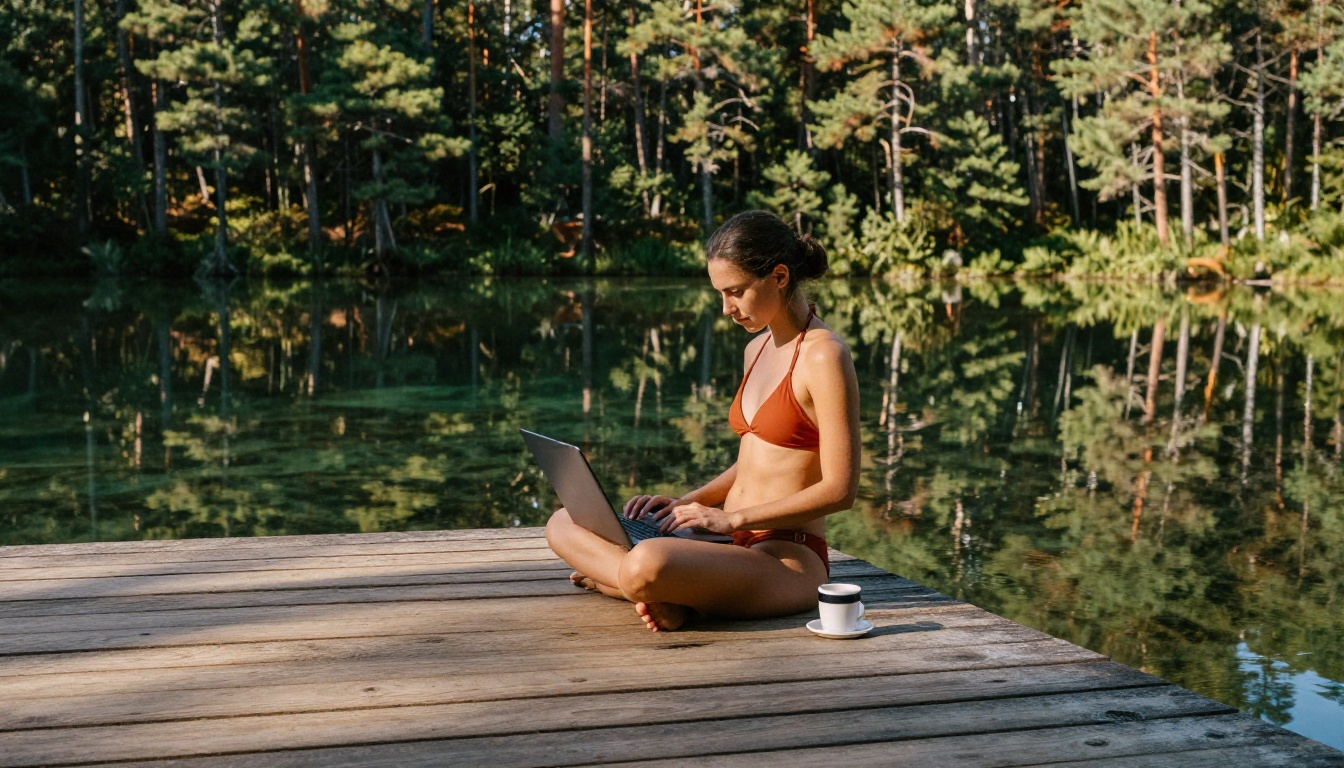
For human figure content, 16:9 works for environmental and landscape-oriented scenes. 9:16 works for portrait-format figure photography. On models that expose step count parameters, 30-40 steps produce stronger results than default settings on most SDXL-based models.
5 Prompt Techniques That Actually Work
After running thousands of NSFW AI image prompts across these models, these five techniques consistently produce measurable improvements:
1. Name the light source and direction
Replace "good lighting" with specific directionality: "volumetric morning light entering from the upper left, soft shadow falling across the right cheek." Directional lighting descriptors make a visible difference in how the model renders skin, form, and atmosphere.
2. Specify the camera and lens
"Shot on Canon EOS R5, 85mm f/1.4" signals the model toward a specific depth-of-field aesthetic. This technique works across Flux Dev, Realistic Vision v5.1, and most modern photorealistic models. It consistently elevates skin and hair rendering quality.
3. Add micro-surface texture descriptors
"Sunscreen on skin catching specular highlights," "fabric compression at the waist where the garment meets the hip," "individual hair strands visible at the temple." These details push photorealistic models into genuinely impressive output territory that generic prompts never reach.
4. Use specific pose language
"Seated with left knee raised, right arm resting on the armrest, weight shifted to the right hip" produces far more accurate and natural poses than "sitting" or "relaxed pose." Specificity in pose description is one of the highest-leverage changes you can make in any NSFW prompt.
5. Include negative framing
On models supporting negative prompts, include: "deformed hands, extra fingers, distorted proportions, watermark, text overlay, blurry." This systematically catches common generation failure modes before they appear in your output.
💡 Tip: For Flux Dev, appending "RAW photo, Kodak Portra 400 film grain, photorealistic" at the end of any portrait prompt consistently improves skin tone warmth and shadow quality.
Refine with Super Resolution and Inpainting
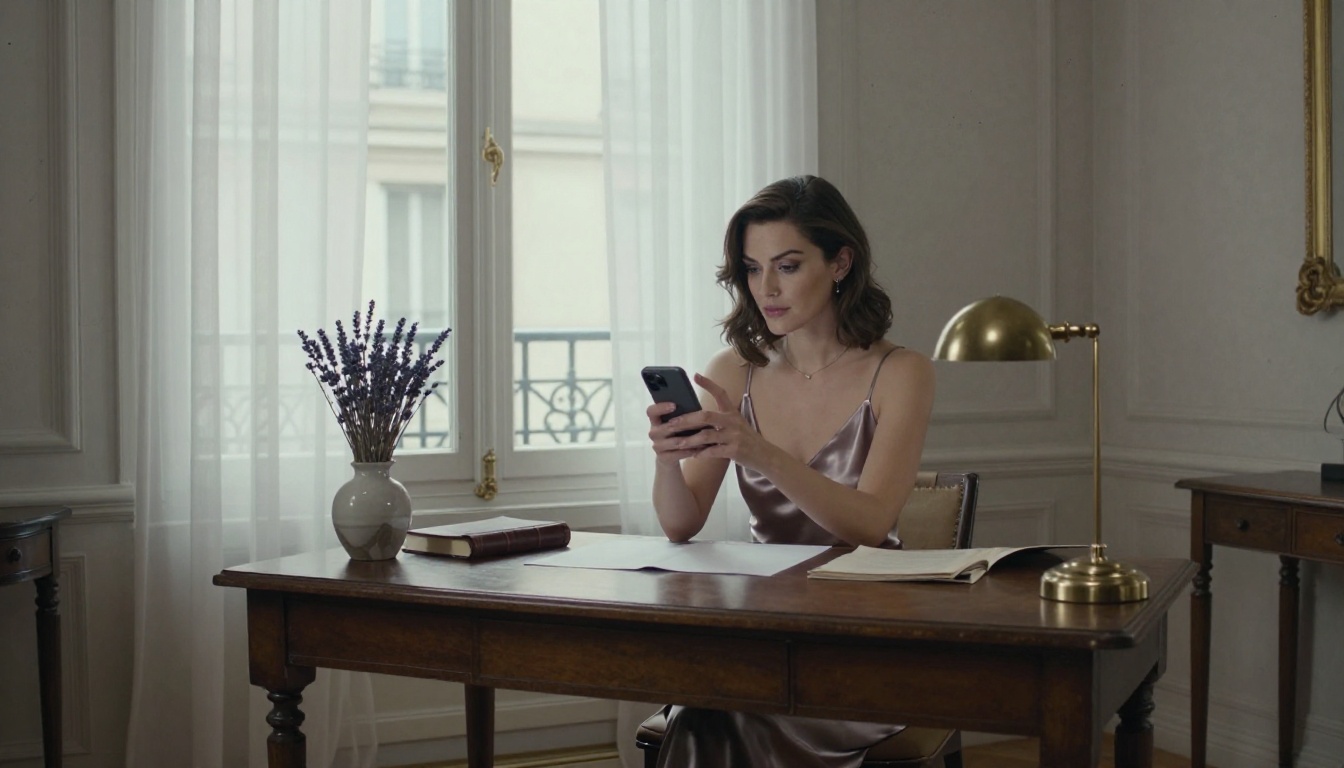
Generating a strong base image is only part of the process. PicassoIA's Super Resolution tools upscale any output by 2x to 4x, recovering fine detail in hair, fabric, and skin texture that the base generation compresses at standard resolutions.
For NSFW portrait work, applying super resolution after a Realistic Vision v5.1 or RealVisXL v3.0 Turbo base generation produces results at a level of skin texture detail that is genuinely difficult to separate from high-resolution DSLR photography.
Inpainting handles targeted fixes precisely without touching the rest of the composition. If a hand came out slightly distorted, or a background element needs adjustment, inpainting corrects the specific area while preserving everything else. This makes it possible to refine a 90% strong image into something polished rather than regenerating from scratch.
For users who want the highest level of style consistency and character control across multiple images, p-image LoRA provides LoRA-powered fine-tuning that steers generation toward specific visual styles with much tighter control than base model prompting alone.
Other Models Worth Your Attention
The generators covered above are the primary recommendations, but several other models on PicassoIA perform strongly for specific use cases:
- Seedream 4.5: Ultra-high-resolution output suited for print-quality work and large-format creative projects.
- Playground v2.5: Strong compositional instincts with a distinct aesthetic intelligence that produces unusually well-composed outputs.
- Proteus v0.2 and Proteus v0.3: Strong for stylized character design and anime-adjacent NSFW content with a more illustrative aesthetic.
- Hidream L1 Fast: Rapid generation with strong fashion-forward aesthetic instincts for editorial-style imagery.
- Imagen 4: Google's flagship model with exceptional scene accuracy and detail fidelity.
The diversity of high-quality models available without a paywall represents a genuine shift in what creative freedom looks like. Six months ago, this combination of accessible, capable, and free did not exist at this level.
A Closer Look: Close-Up Portrait Rendering
One of the most demanding tests for any NSFW AI image generator is close-up portrait work. The face must read as genuinely photographic. The skin must show natural texture without becoming a plastic mask or an oversmoothed blur. The eyes need depth and catchlights that register as real rather than painted.
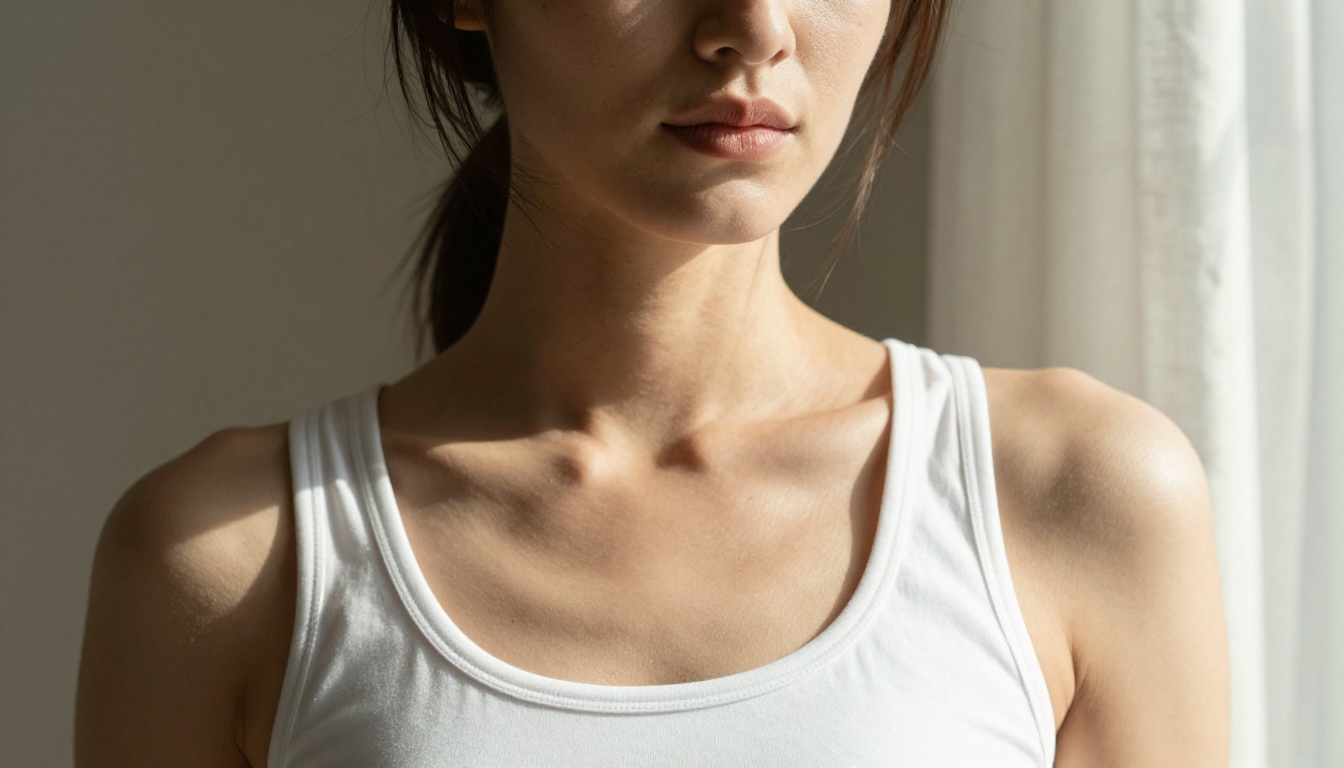
Flux Dev and Realistic Vision v5.1 are the clear leaders here. For close-up NSFW work specifically, use a 9:16 aspect ratio, specify window or directional natural light rather than studio flash, and include "shallow depth of field" to tell the model to sharpen the face while softening any background elements. This combination consistently produces results that hold up at full resolution.
Start Creating Right Now
The models in this article are running today, accessible through a browser, without downloads or subscriptions required to begin. Every prompt technique described above works right now on the free tier.
The barrier between wanting to create NSFW AI art and actually doing it has dropped to essentially zero. What once required a high-end GPU, complex local installation, and deep technical knowledge now takes under a minute to start in a browser window.
Pick a model based on your specific goal. Write a prompt using the structured format above. Run it. Adjust based on what comes back. The iteration speed on PicassoIA is fast enough that within a single session you can go from a rough concept to polished output that genuinely impresses.
The quality ceiling for free NSFW AI image generation in 2027 is higher than most people expect. The only way to see what these models are actually capable of is to use them yourself.