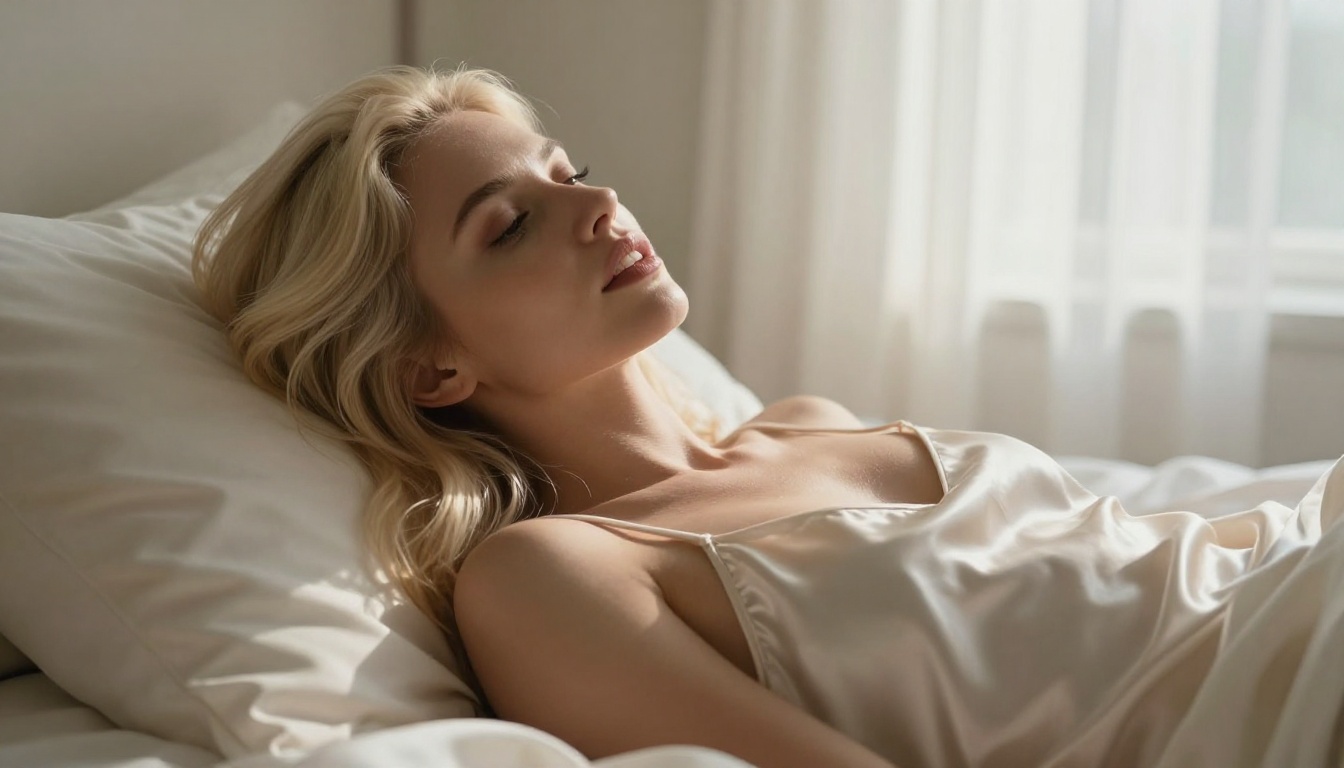
The difference between a mediocre AI-generated face and one that stops you cold comes down to a handful of things: skin texture, eye detail, lighting physics, and subsurface scattering. Most mainstream AI tools flatten these details or outright block adult content. That's exactly why the NSFW AI space has become a proving ground for photorealism — the models competing here have no choice but to be excellent, because their users demand it.
Whether you're building character art, fashion concepts, or artistic portrait work, the models below are the ones that actually deliver realistic human faces without content restrictions.
What Makes a Face Look Real
Before ranking the models, it's worth understanding what separates a convincing AI face from one that reads as synthetic. The uncanny valley is still very real in 2027, and knowing what to look for helps you write better prompts and evaluate outputs faster.
Skin Texture and Pore Structure
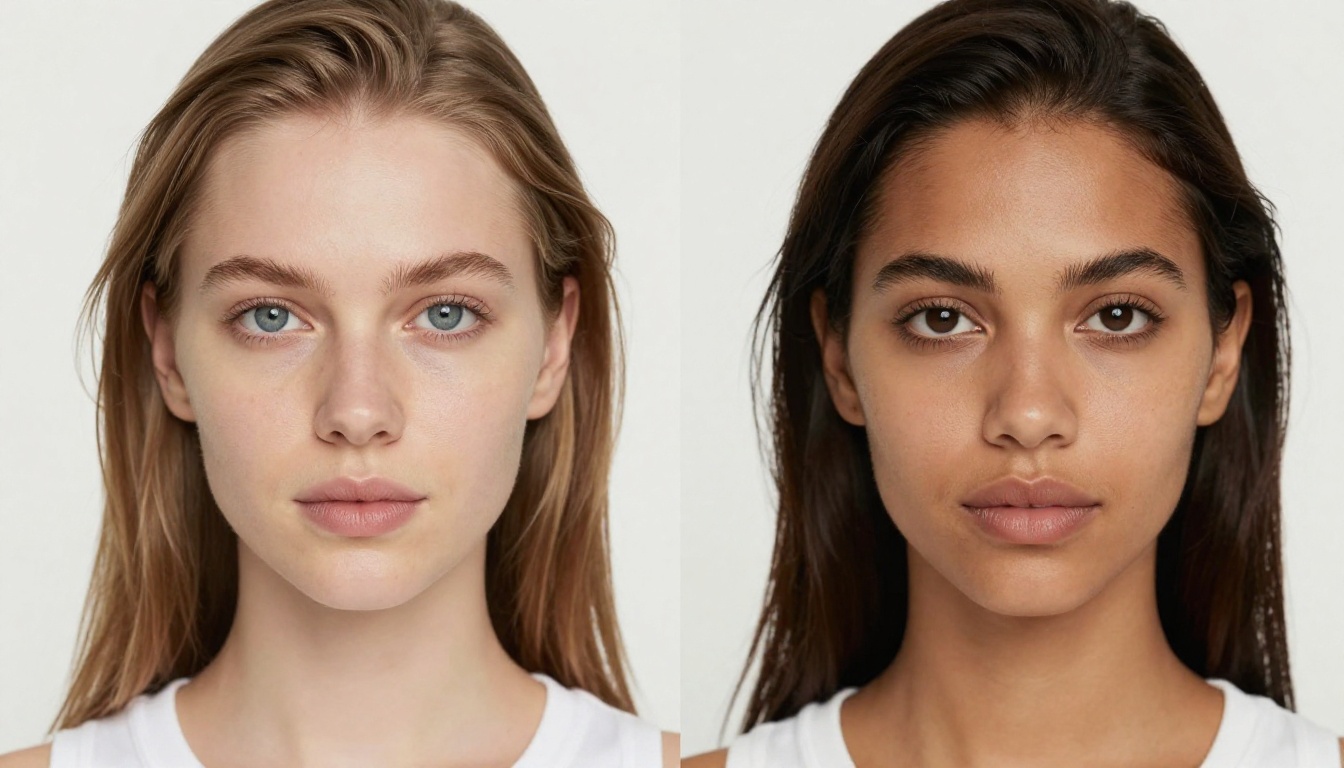
A real face has visible pores, micro-hairs, subtle redness around the nose and cheeks, and oil variation across different facial zones. Models that process skin as a uniform smooth surface immediately signal "AI" to the human eye. The best NSFW models for realistic faces handle this at the pixel level — you can zoom into the cheek and see individual pore openings, not a seamless blur.
Eye Realism and Iris Detail
The iris is one of the hardest things to fake. Real eyes have limbal rings, visible collagen fiber patterns inside the iris, natural moisture lines on the lower lid, and a single sharp catchlight that matches the light source direction. Blurry, symmetrical, or misaligned eyes are an instant giveaway. Top models render the eye as a three-dimensional object sitting inside an eye socket — not a flat oval pasted onto the face.
Lighting Physics and Facial Planes
Natural light wraps around facial planes, creates subsurface scattering (that warm glow in the cheeks when light hits from behind), and casts soft contact shadows under the nose and chin. AI models that don't understand three-dimensional lighting produce flat, shadowless faces. The best NSFW generators treat light as a physics problem, not a style filter.
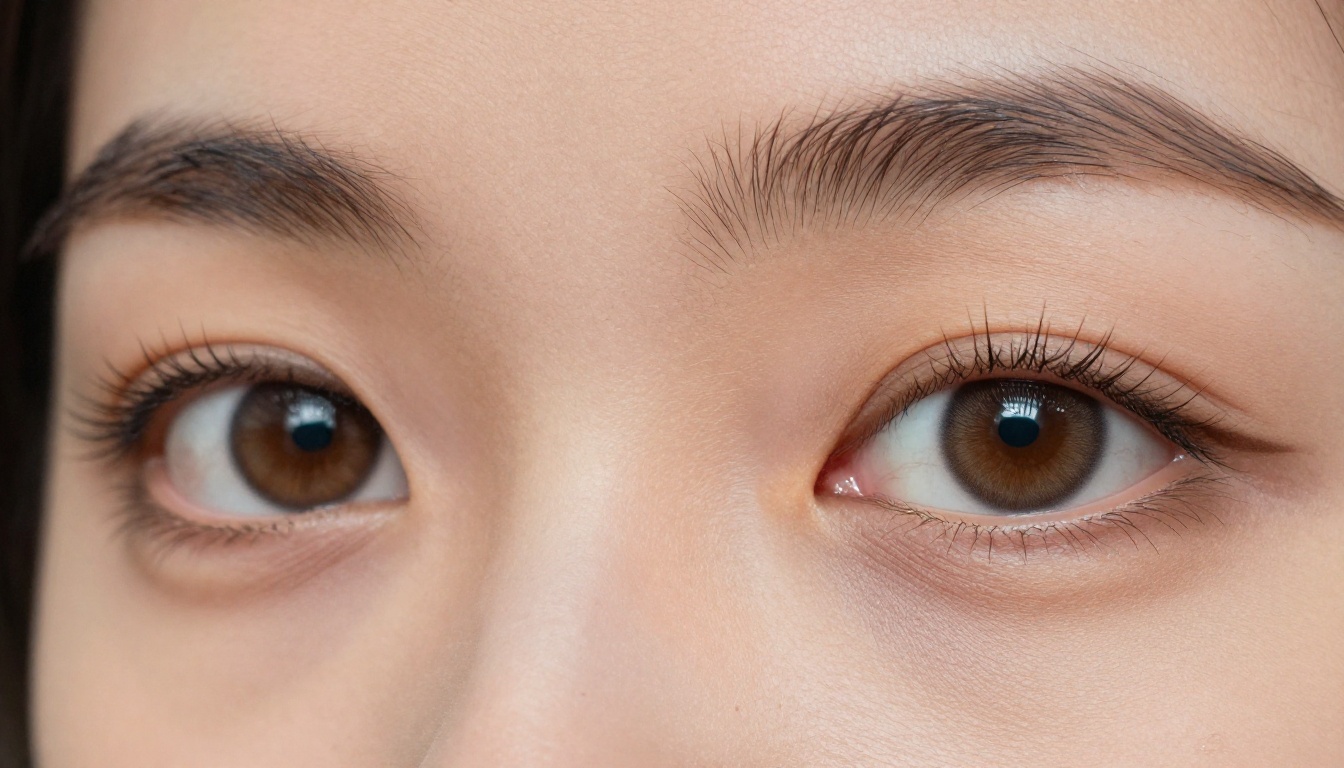
💡 Worth noting: When writing prompts for realistic faces, always specify your light source direction (e.g., "volumetric light from upper left"), camera lens (e.g., "85mm f/1.4"), and film stock (e.g., "Kodak Portra 400"). These cues force the model to think in photographic terms — and the output quality jumps noticeably.
The Best NSFW AI Models for Realistic Faces
These are the models that actually deliver when you need photorealistic facial detail with no content restrictions. Ranked by overall performance for face realism and uncensored output.
1. Seedream 4.5 — The Top Pick
Seedream 4.5 is the single best NSFW model for realistic faces available right now. ByteDance built it with a deep understanding of human anatomy and photographic physics. The result is images where skin looks like skin — not painted, not smoothed, not generated.
What sets it apart:
- Generates in under 3 seconds — the fastest high-quality NSFW model available
- Accepts adult content and NSFW prompts without filtering or censoring
- Supports image editing on top of text-to-image generation
- Handles diverse skin tones, lighting scenarios, and facial structures with equal fidelity
One critical note: Seedream 5 Lite, its newer sibling, does not support NSFW content. For unrestricted adult content work, Seedream 4.5 is the model to use.
2. PicassoIA Image Editor Pro — Unlimited Generations
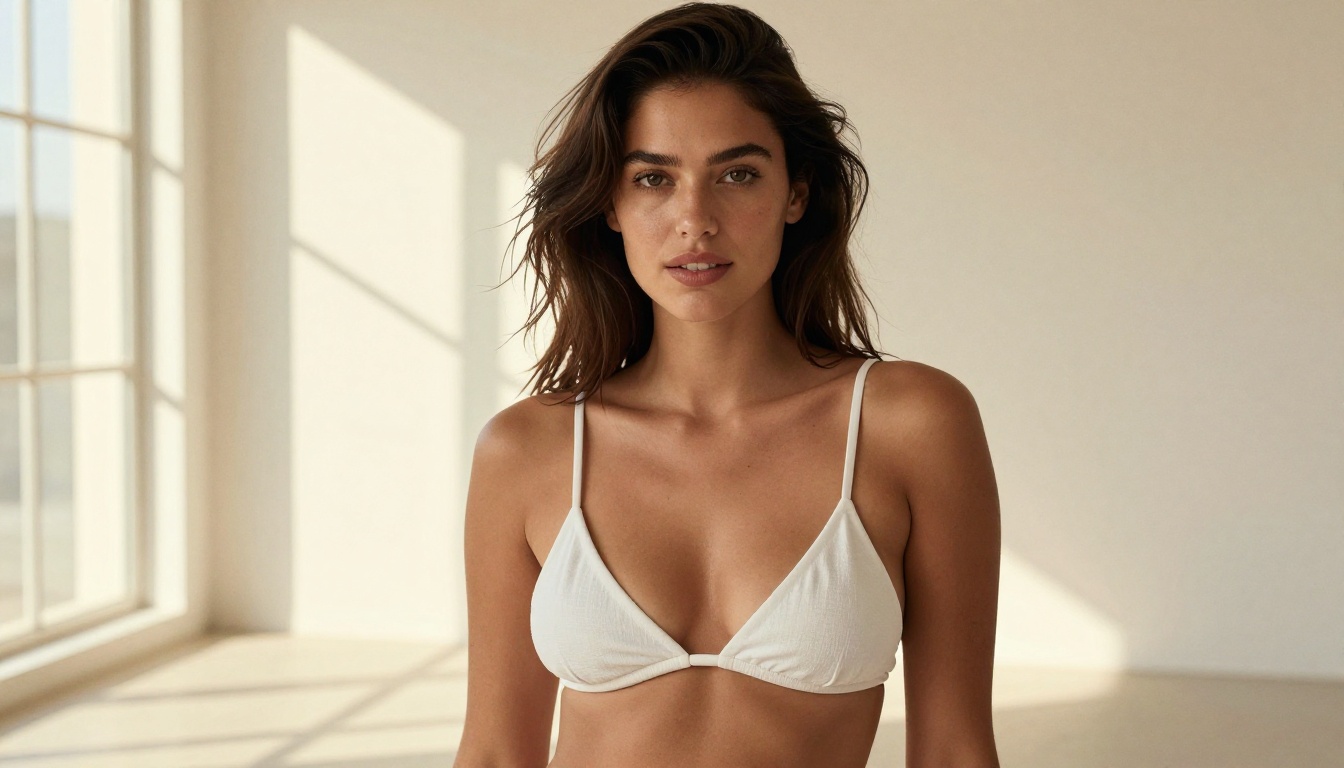
PicassoIA Image Editor Pro is an image-to-image model with one massive advantage: unlimited generations on Elite and Infinite plans. Want 1,000 portrait variations for a project? They're free. Compare that to models like Nano Banana 2, where that same volume would cost around $100 — here it's included in your subscription.
It generates in under 1 second and accepts NSFW content without restriction. First-time users get 3 free trial generations with no credit card required.
Use it when you have a reference image you want to transform — adjusting clothing, lighting, or background while keeping the facial structure intact. Paired with Seedream 4.5 as a base generator, this is the most efficient two-model workflow for high-volume realistic face work.
3. Qwen Image 2 — Open Source Reliability
Qwen Image 2 is open-source, which means no hidden content policy changes, no surprise filter additions mid-project. It creates and edits images with very detailed realism, handling both facial creation and modification within seconds.
The open-source nature also means the community constantly tests and improves its facial output, making it one of the most reliable models for consistent face quality across multiple generation runs. What you see on day one stays consistent on day thirty.
4. Grok Imagine Image — Realistic Style Transformation
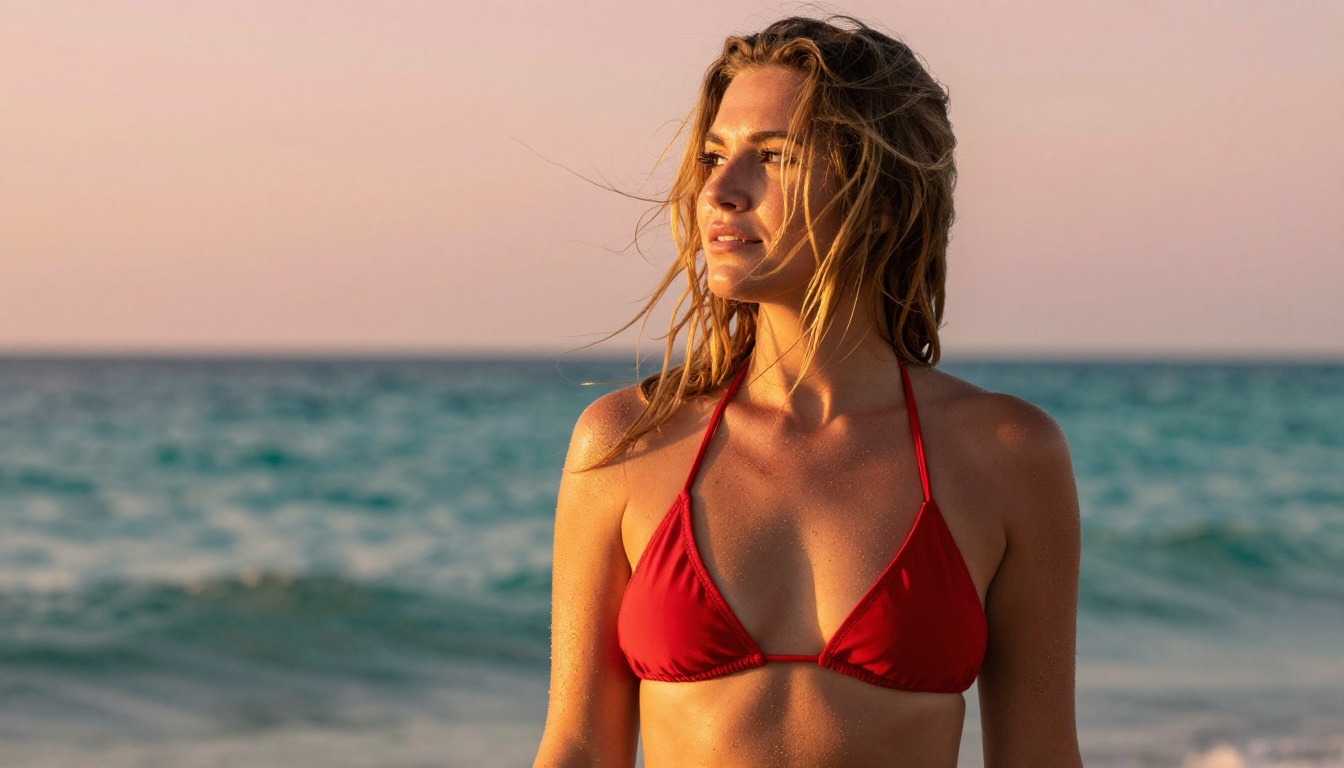
Grok Imagine Image is built for converting reference images into new styles while preserving facial identity. It's particularly effective at realistic glamour and bikini-style conversions — taking any source photo and rendering the subject in a new context with believable skin texture and proportional accuracy.
It's not just a style transfer tool. The facial identity preservation is strong enough that the output reads as a genuine photograph of the same person in a different scenario, rather than a filtered approximation.
5. Recraft V4 — Text-to-Image Precision
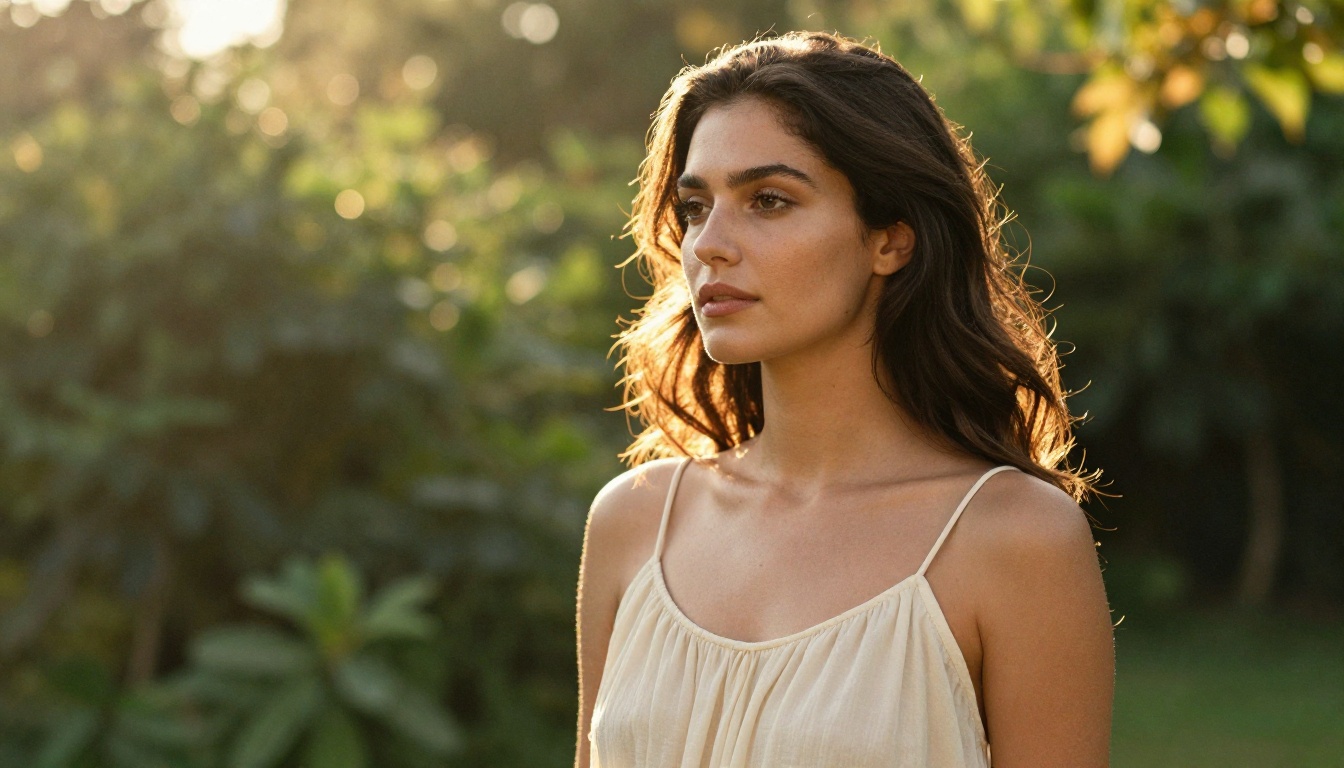
Recraft V4 delivers exceptionally realistic facial results from text prompts alone. Where it lacks the image-editing flexibility of other models on this list, it compensates with consistently high photographic accuracy — particularly strong on hair detail and facial symmetry.
Best used when you're building a scene from scratch and want the output to feel like a professional camera shot with no reference image to start from.
6. P-Image by PrunaAI — Speed Without Sacrifice
P-Image generates in under 1 second while supporting NSFW content without filters. For rapid iteration workflows — where you're testing 20 variations of a prompt to find the right composition — that speed difference compounds significantly.
Facial detail is strong at standard resolutions, and it handles unusual lighting conditions (dramatic side light, backlit subjects, low-key setups) better than most competitors at this price tier. If volume and speed matter more than maximum resolution ceiling, P-Image is your model.
7. Wan 2.2 Image (PrunaAI) — No-Filter Realism
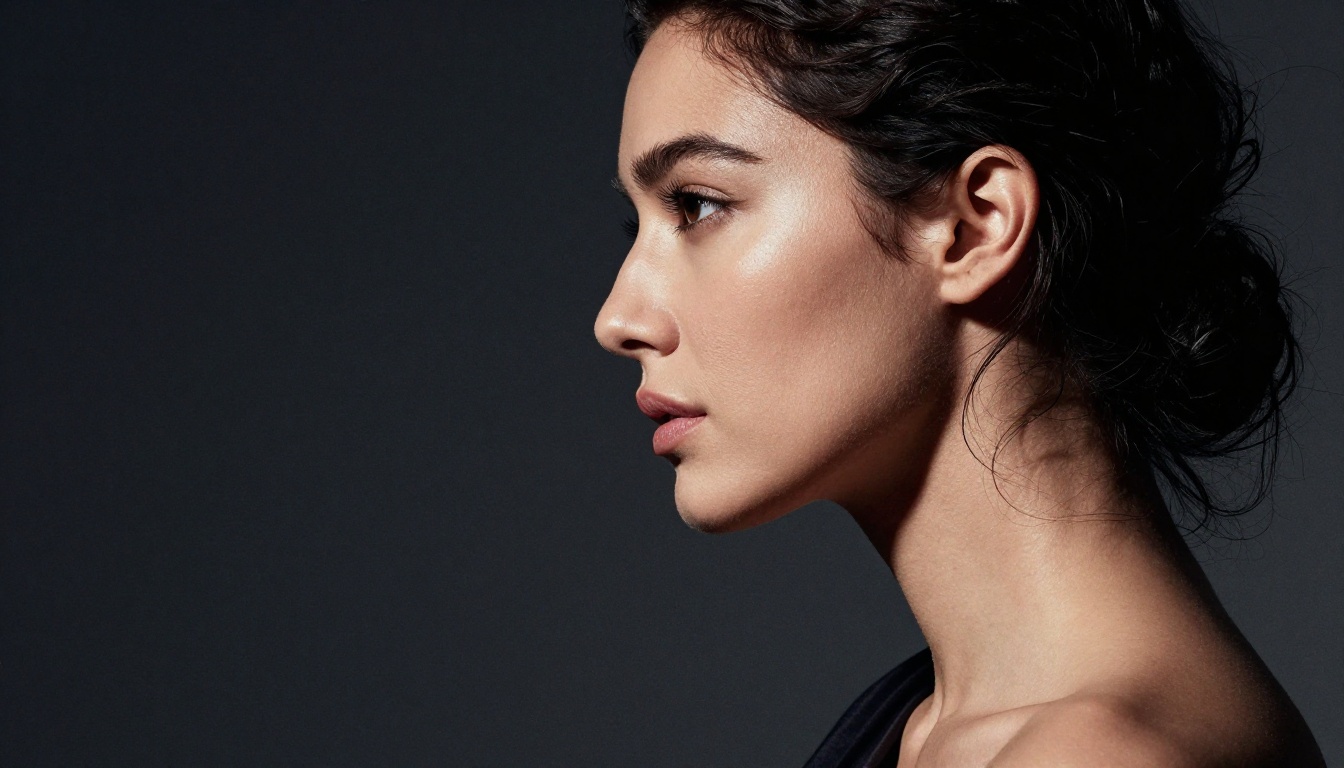
Wan 2.2 Image generates highly realistic images from text descriptions without content filters. It's particularly strong on body and face proportionality, producing images that feel anatomically grounded rather than idealized. For full-figure realistic portraits where face-to-body proportionality matters, it's a strong contender.
Speed vs Quality: Side-by-Side Model Comparison
| Model | Generation Speed | NSFW Support | Image Editing | Best For |
|---|
| Seedream 4.5 | Under 3 seconds | Yes | Yes | Best all-around face realism |
| Image Editor Pro | Under 1 second | Yes | Yes (img2img) | Unlimited volume work |
| Qwen Image 2 | Seconds | Yes | Yes | Open-source consistency |
| Grok Imagine Image | Seconds | Yes | Yes (img2img) | Style transformations |
| Recraft V4 | Seconds | Yes | No | Text-to-image face building |
| P-Image | Under 1 second | Yes | No | Fast prompt iteration |
| Wan 2.2 Image | Seconds | Yes | No | Full-figure proportionality |
Prompt Strategies That Actually Work
Getting photorealistic faces from NSFW AI models isn't just about choosing the right model. Your prompt structure matters enormously — and most people write prompts that actively work against the realism they're trying to achieve.
Write Like a Photographer, Not a Painter
The most consistent results come from prompts that specify photography parameters, not just visual descriptions. Think like a photographer setting up a shot: what's the light source, what's the lens, what's the focal distance.
Skin texture descriptors that work:
- "visible pore structure on nose and cheeks"
- "natural skin subsurface scattering"
- "micro-texture with no digital smoothing"
- "capillary warmth visible in cheeks"
- "oil variation across different facial zones"
Eye realism descriptors:
- "limbal ring detail"
- "iris collagen fiber pattern"
- "natural moisture line on lower lid"
- "single catchlight matching light source direction"
- "natural lash variation from sparse to dense"
Lighting specifications:
- "volumetric morning light from upper left"
- "Rembrandt triangle lighting on left cheek"
- "golden hour rim light creating hair halo"
- "soft octabox from front-left, single catchlight"
Camera and film:
- "85mm f/1.4 Canon EOS R5"
- "Leica M11 quality"
- "Phase One IQ4 medium format"
- "Kodak Portra 400 film emulation, subtle grain"
What Ruins Realistic Faces
Several prompt habits actively destroy face realism, even when the rest of the image looks fine:
- "Perfect skin" or "flawless": Triggers digital smoothing that eliminates every texture cue that makes skin look real
- Conflicting style keywords: Mixing "cinematic" with "watercolor" or "impressionist" confuses the model's style alignment
- No light source direction: The model defaults to flat, directionless illumination with no shadow definition
- Missing focal length: Without a specified lens, models default to a standard 50mm equivalent — which creates mild barrel distortion unflattering for portraits
- Vague subject descriptions: "beautiful woman" is far weaker than "woman early 30s, Mediterranean complexion, dark wavy hair, hazel eyes, slight smile"
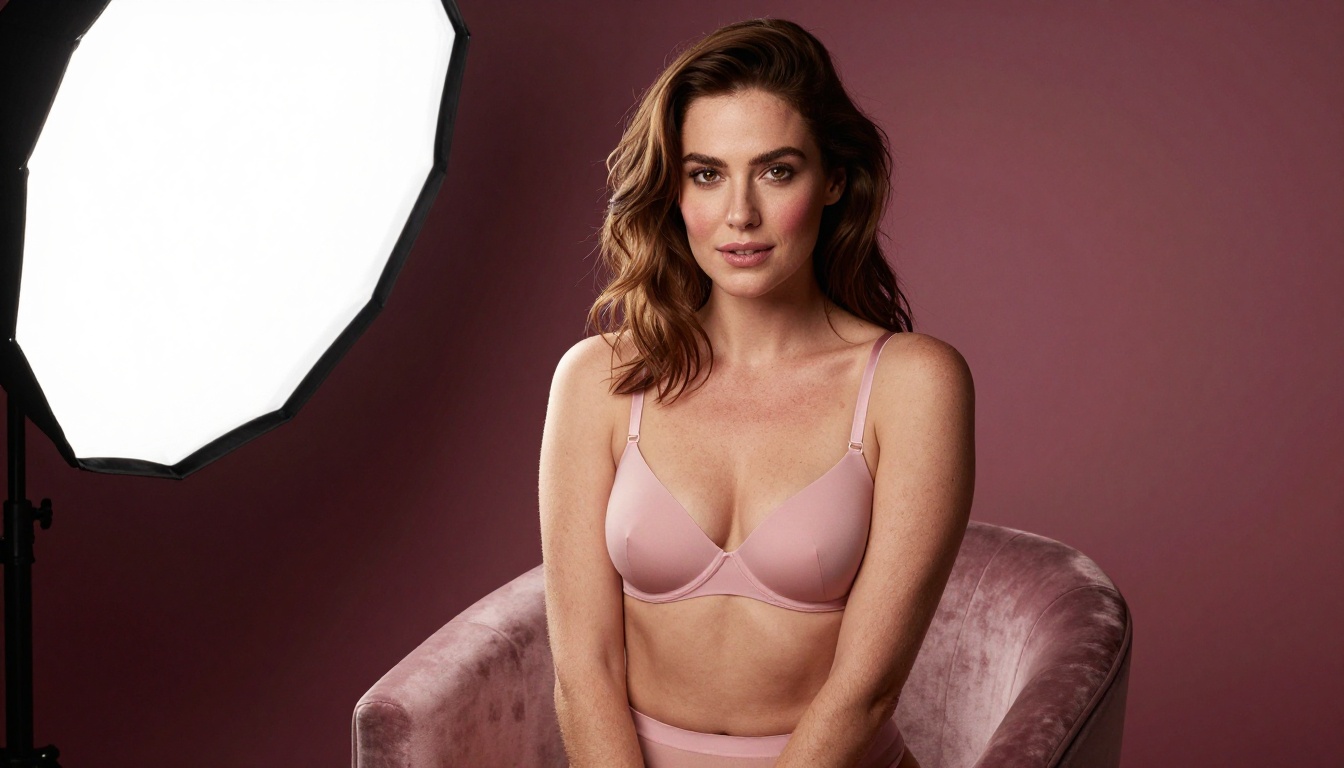
💡 The phrase that changes everything: Adding "natural skin subsurface scattering" to any portrait prompt forces the model to render light penetrating through skin layers, producing that warm glow that makes faces look genuinely human rather than plastic. It's the single highest-impact addition you can make.
How to Use Seedream 4.5 on PicassoIA
Since Seedream 4.5 is the top recommendation for realistic NSFW faces, here's exactly how to get the best results from it on PicassoIA.
Step 1: Open the Model
Go to picassoia.com/en/collection/text-to-image/bytedance-seedream-45 and open the model interface. No setup required — the model runs instantly in the browser.
Step 2: Build Your Prompt in Four Parts
Structure every prompt using this four-part framework:
- Subject — age range, hair color and style, expression, clothing or lack thereof
- Light — source direction, quality (hard/soft), time of day, named lighting setups
- Camera — lens focal length, aperture, camera body or film stock
- Texture — skin detail descriptors, eye detail, atmospheric specifics
Example prompt: "Beautiful woman early 30s, auburn hair loose, wearing ivory silk top, direct confident gaze, soft volumetric light from upper left window, 85mm f/1.4, Kodak Portra 400, visible pore texture, natural skin subsurface scattering, limbal ring iris detail, single catchlight"
Step 3: Choose Your Aspect Ratio
- 9:16: Portrait orientation — works best for tight face shots and three-quarter compositions
- 16:9: Landscape — for editorial, environmental, or wide-angle face-in-scene compositions
- 1:1: Social media square format
Step 4: Iterate Fast
Seedream 4.5 generates in under 3 seconds. Run 5-10 variations before settling on a composition. Small prompt changes — adjusting the light direction, swapping the film stock, or adding "Rembrandt triangle" — produce meaningfully different results. The speed makes it practical to test aggressively.
Step 5: Refine with PicassoIA Image Editor Pro
Once you have a strong base image, bring it into PicassoIA Image Editor Pro for targeted modifications. Adjust clothing, change the background, or shift the lighting — while keeping the original facial identity intact. Since Image Editor Pro offers unlimited generations on Elite plans, this refinement step costs nothing extra.
Video Models for Animated Realistic Faces
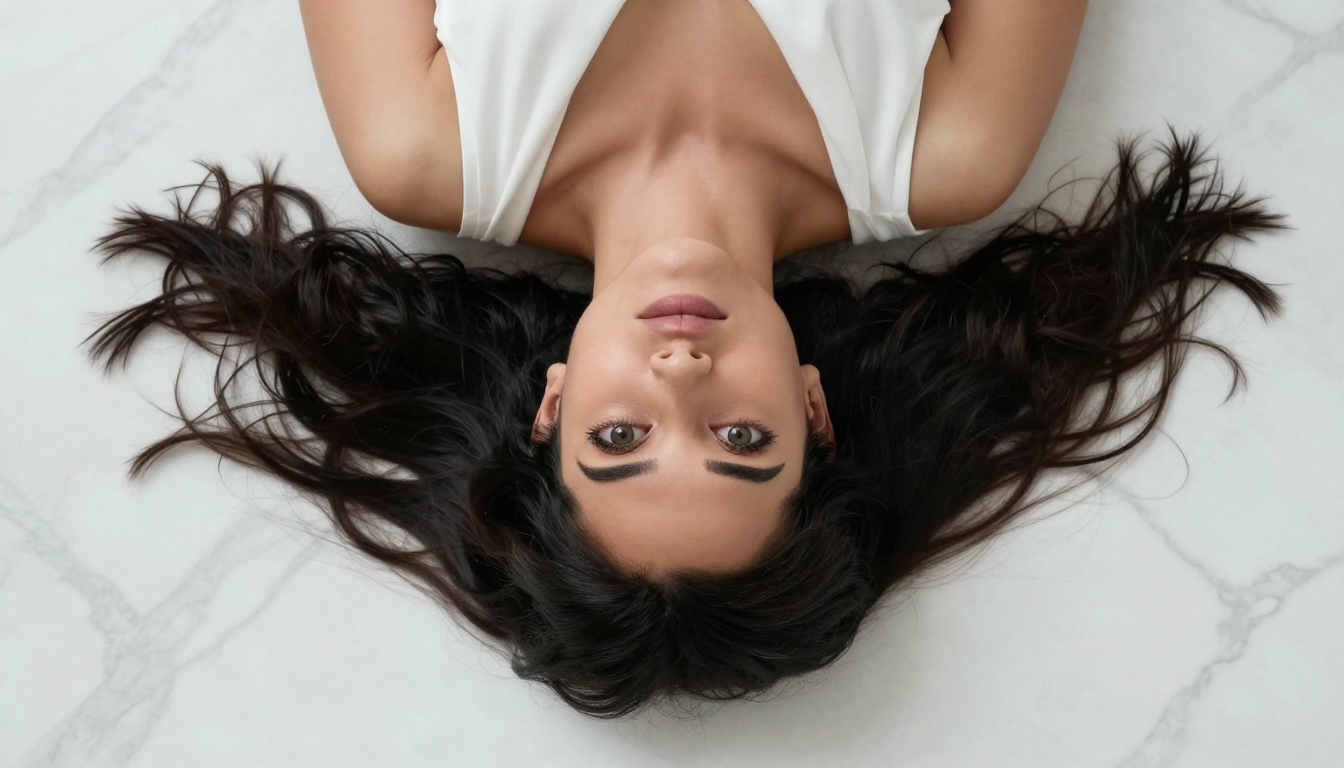
Beyond static images, several PicassoIA models turn your generated faces into short video clips with convincing motion. For creators who want to animate their realistic portraits, these are the ones worth using.
PicassoIA Video
PicassoIA Video generates clips directly from text prompts with unlimited generation on supported plans — up to 720p at 5 seconds per clip with no per-generation cost ceiling. It's the most accessible video option for high-volume animated portrait work.
P-Video by PrunaAI
P-Video accepts text, image, or audio input and outputs clips at up to 1080p with duration adjustable from 1 to 10 seconds across seven aspect ratios. The safety filter is disabled by default. Draft mode gives an instant low-res preview before committing to the full render — making it practical for fast iteration on animated portraits.
Grok Imagine Video
Grok Imagine Video outputs clips up to 15 seconds with no watermarks. It accepts a text prompt, a reference image, or an existing video for re-editing, and auto-matches your source image's proportions in image-to-video mode. Its companion model, Grok Imagine Image, already sits among the top NSFW image generators — so the two work naturally together.
LTX 2.3 Pro
LTX 2.3 Pro is the highest-fidelity option, exporting at up to 4K at 50fps. It runs five modes from one interface: text-to-video, image-to-video, audio-to-video, retake (replace a short segment without re-rendering the whole clip), and extend (append footage to the start or end). For professional-grade animated portraits at client-deliverable quality, this is the ceiling.
The Full NSFW Model Lineup on PicassoIA
For reference, here's the complete ranked lineup of unrestricted image and video models available on the platform:
- Seedream 4.5 — Best all-around NSFW model. Realistic content, image editing, under 3 seconds. (Do not use Seedream 5 Lite for NSFW — it blocks adult content.)
- PicassoIA Image Editor Pro — Unlimited generations on Elite/Infinite plans. Under 1 second. 3 free trial generations, no credit card required.
- Qwen Image 2 — Open-source text-to-image and editing with consistent detailed realism.
- Grok Imagine Image — Image-to-image transformation, realistic skin output, strong glamour conversions.
- Recraft V4 — Consistent text-to-image realism, strong on hair detail and facial symmetry.
- P-Image — Under 1 second NSFW generation, ideal for high-volume prompt iteration.
- Wan 2.2 Image — Realistic text-to-image without content filters, strong on proportionality.
- PicassoIA Video — Unlimited text-to-video at up to 720p.
- P-Video — Multi-input video at up to 1080p, safety filter off by default, draft mode for previews.
- Grok Imagine Video — Up to 15-second clips from text, image, or video input — no watermarks.
- LTX 2.3 Pro — Up to 4K at 50fps with retake and extend editing for precise creative control.
👉 See the full catalog at picassoia.com/en/all-models.
Start Generating Now
The models on this list are live on PicassoIA right now — no waitlist, no approval process. Seedream 4.5 is the fastest path to photorealistic NSFW faces: open it, paste a photography-style prompt, and get a result in under 3 seconds. If you want to run high volumes without watching a credit meter, PicassoIA Image Editor Pro gives you unlimited output on the Elite plan — with a 3-generation free trial to start, no credit card needed.
Whatever your project — portrait art, character creation, fashion references, or artistic NSFW content — the tools to do it at professional quality are on the platform right now. Pick a model, write a photography-style prompt, and start iterating.
Start generating at picassoia.com/en/all-models