The bar for NSFW AI content just jumped dramatically. ByteDance's Seedance 2.0 landed with native audio, cinematic motion blur, and character consistency that left competing tools scrambling. If you create adult content with AI, you are now measuring everything against what Seedance 2.0 can produce. The question is not whether it is good. The question is: which other tools match that level, and what does each one do better?
This article ranks the best NSFW AI tools available right now, benchmarks them honestly against Seedance 2.0 quality, and covers image generators, video tools, and prompting strategies that get you to photorealistic results every time.
Why Seedance 2.0 Changed Everything
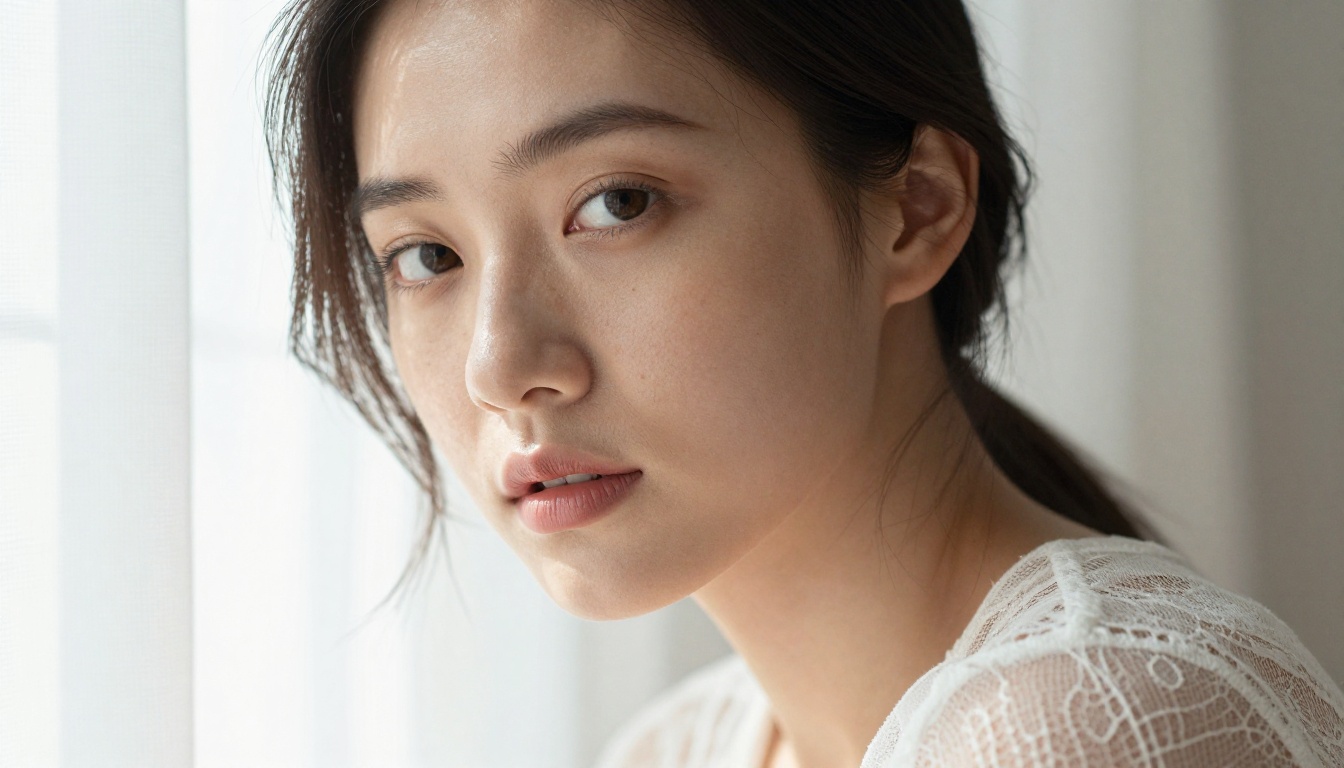
Seedance 2.0 did something most AI video tools fail at: it stayed coherent. Characters do not drift between frames. Faces do not morph. The skin texture from frame one is the same skin texture at frame ten. For NSFW creators, that consistency is the single most important technical feature, and it is what every tool in this ranking is measured against.
Native Audio That Matches the Scene
Most video AI tools treat audio as an afterthought, bolted on after generation. Seedance 2.0 generates audio natively alongside video, meaning ambient sounds, breath, water, and fabric all land in sync. The fast version, Seedance 2.0 Fast, trades a small slice of that audio fidelity for significantly shorter render times, making it ideal for rapid iteration.
Frame-to-Frame Character Fidelity
This is where Seedance 2.0 genuinely separates from the previous generation. Other models produce beautiful individual frames. Seedance 2.0 produces beautiful sequences. That makes it the baseline for what any serious NSFW AI video tool needs to match.
💡 Tip: When using Seedance 2.0, describe your character's physical details in the very first sentence of your prompt. The model anchors on those details and holds them through the entire clip.

Kling v3 – Motion That Feels Physical
Kling v3 Video and its counterpart Kling V3 Omni Video are the closest challengers to Seedance 2.0 in raw motion quality. Fabric moves like fabric. Water moves like water. Skin deforms naturally under pressure and movement. For NSFW content involving dynamic scenes, Kling v3 often surpasses Seedance 2.0 in motion physics, even if it slightly trails in audio realism.
The Omni variant adds text input alongside image input, giving creators more flexibility in directing scenes from scratch. The Kling V3 Motion Control variant lets you specify camera movement paths, which is critical for cinematic adult content where angle changes tell the story.
Best for: Dynamic scenes, motion-heavy content, creators who want granular camera control.
Veo 3.1 – Google's Sharpest Output
Veo 3.1 produces some of the sharpest individual frames in the current generation of AI video. Google's training pipeline prioritizes photorealism at the pixel level, meaning close-up shots of skin, hair, and fabric have a clinical accuracy that other models occasionally miss. The faster variant, Veo 3.1 Fast, cuts generation time roughly in half with minimal quality loss on short clips.
Where Veo 3.1 occasionally struggles is in long character consistency over clips exceeding six seconds. For shorter, high-impact NSFW shots, it is arguably the most photorealistic tool available.
Best for: Close-up shots, still or slow-motion content, maximum per-frame sharpness.
Hailuo 2.3 – Consistency at Scale
Hailuo 2.3 from MiniMax earned its reputation through repeatability. Generate the same scene prompt ten times and Hailuo 2.3 will return ten usable clips. That consistency rate is significantly above average for AI video tools. Hailuo 2.3 Fast delivers that same reliability at roughly double the speed, making it the go-to tool for bulk NSFW content production where volume matters.
💡 Tip: Hailuo 2.3 responds extremely well to lighting descriptions. Specify warm, cool, or neutral lighting in your prompt and the model executes it accurately every time.
PixVerse v5.6 – Character Identity Across Clips
PixVerse v5.6 solves a specific problem that haunts NSFW creators: keeping the same character recognizable across multiple separate clips. PixVerse v5.6's character binding, when fed a reference image, locks facial structure, body proportions, and skin tone across generations. For creators building serialized content with recurring characters, this is the most practical tool in the current lineup.
Best for: Serialized content, character-consistent multi-clip projects.
LTX-2.3 Pro – Speed Without Sacrificing Detail
LTX-2.3-Pro from Lightricks is among the fastest high-quality AI video models currently available. The LTX-2.3-Fast variant pushes that speed even further. What makes it notable for NSFW production is that it maintains sharp detail on skin and fabric even at fast generation speeds. The trade-off is that very complex scenes with multiple characters can sometimes produce blending artifacts at figure edges.
Best for: High-volume production, rapid prototyping, solo creators on tight timelines.
Best NSFW AI Image Generators

Video gets the headlines, but still images remain the core of NSFW AI content. These are the image generators that match or exceed Seedance 2.0's quality bar in their own medium.
Flux 1.1 Pro Ultra – Detail at Every Scale
Flux 1.1 Pro Ultra from Black Forest Labs is the current benchmark for photorealistic NSFW image generation. Skin pores, individual hairs, fabric weave, it renders detail at every scale. The model is particularly strong at handling complex lighting scenarios, including the split-light and rim-light setups that define high-end glamour photography. Flux 2 Pro takes that further with improved prompt adherence across difficult anatomical descriptions.
Seedream 4 – ByteDance's Image Companion
Seedream 4 is the still-image counterpart to Seedance 2.0, and it shows. The same visual language, the same skin texture rendering approach, and very similar color science. If you are producing static images to complement Seedance 2.0 video clips, Seedream 4 keeps everything visually coherent. Seedream 4.5 refines that with faster generation and improved handling of intricate backgrounds.
Flux 2 Max – The Consistency Champion
Flux 2 Max sacrifices a small amount of raw detail density for significantly better prompt-to-output consistency. For NSFW creators who need reliable results across large batches without endlessly re-rolling generations, Flux 2 Max is the pragmatic choice. Flux 2 Dev offers a balance point between the two if you are experimenting with new styles.
💡 Tip: For maximum realism with Flux models, add "Kodak Portra 400, 85mm f/1.4, natural skin texture, film grain" to your prompt. These camera-specific descriptors push the model toward photographic output rather than AI-smooth rendering.
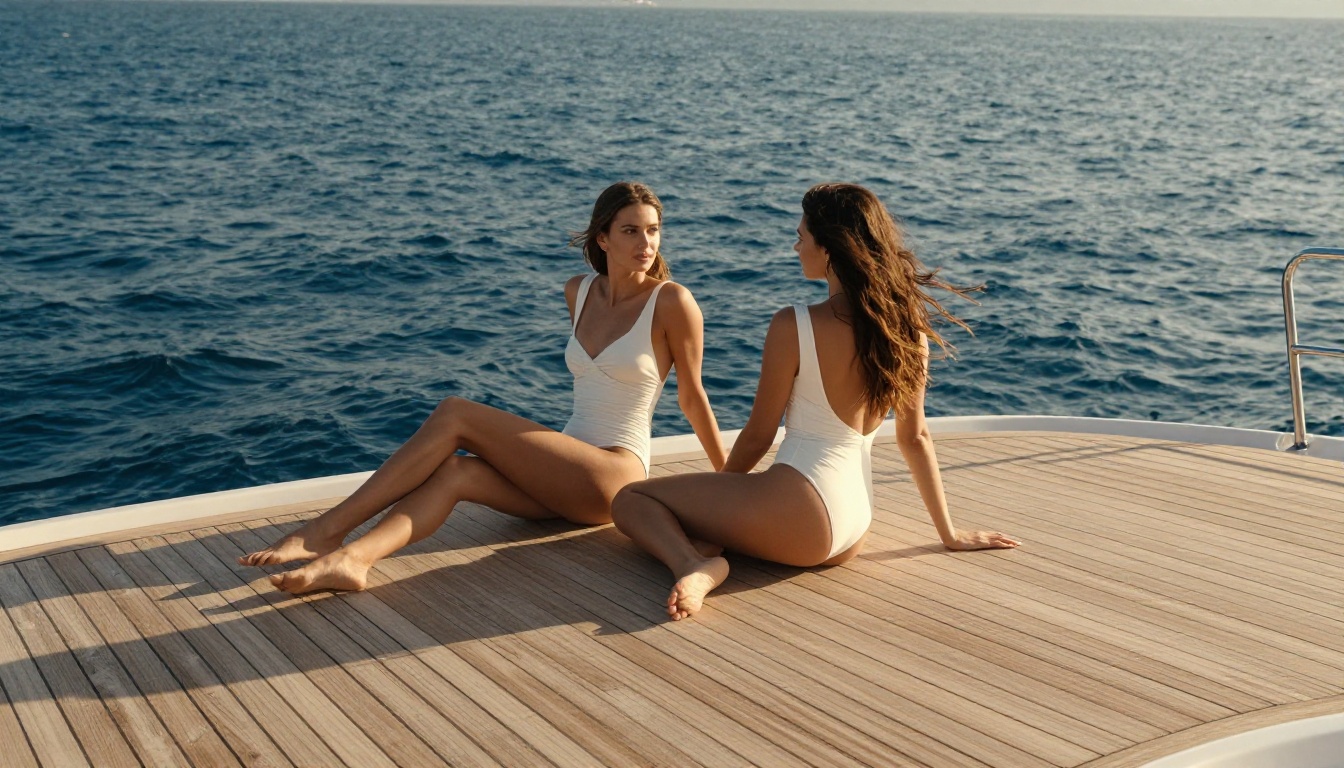
| Tool | Character Consistency | Motion Quality | Native Audio | Speed | Best Use Case |
|---|
| Seedance 2.0 | ★★★★★ | ★★★★★ | Yes | Medium | All-around quality |
| Kling v3 Video | ★★★★☆ | ★★★★★ | No | Medium | Dynamic scenes |
| Veo 3.1 | ★★★★☆ | ★★★★☆ | Yes | Slow | Close-up shots |
| Hailuo 2.3 | ★★★★★ | ★★★★☆ | No | Fast | Bulk production |
| PixVerse v5.6 | ★★★★★ | ★★★☆☆ | No | Fast | Recurring characters |
| LTX-2.3 Pro | ★★★☆☆ | ★★★★☆ | No | Very Fast | High-volume work |
How to Use Seedance 2.0 on PicassoIA
Using Seedance 2.0 on PicassoIA is straightforward, but there are specific settings that unlock its full quality ceiling.
Step 1: Navigate to the model. Go to the Seedance 2.0 page on PicassoIA and select Text to Video or Image to Video mode. For NSFW content with maximum character fidelity, Image to Video mode gives you a reference anchor that locks the character's appearance from the very first frame.
Step 2: Set your aspect ratio. For cinematic NSFW content, 16:9 is the standard. For vertical content suited to mobile platforms, switch to 9:16. Seedance 2.0 handles both ratios without quality loss.
Step 3: Write your prompt with specificity. Lead with the character description. Follow with the environment. End with lighting and camera movement. A strong Seedance 2.0 prompt looks like this: "Young woman with long auburn hair in a black silk robe, standing at a rain-streaked window in a penthouse apartment at night, soft amber practical lighting from below, slow camera push in."
Step 4: Set duration. Seedance 2.0 supports clips up to 10 seconds. For NSFW content, 5 to 7 second clips at peak quality often serve better than pushing for maximum length at reduced fidelity.
Step 5: Check the audio. After generation, preview the audio track. If the ambient sound does not match the visual mood, re-generate with a brief audio note in your prompt, such as "soft rain ambiance, no music."
💡 Tip: For Seedance 2.0 Fast, reduce clip duration to 4 to 5 seconds. This model generates at speed but delivers its best results on shorter clips where it does not have to maintain consistency over many frames.
Prompting for Photorealistic NSFW Content
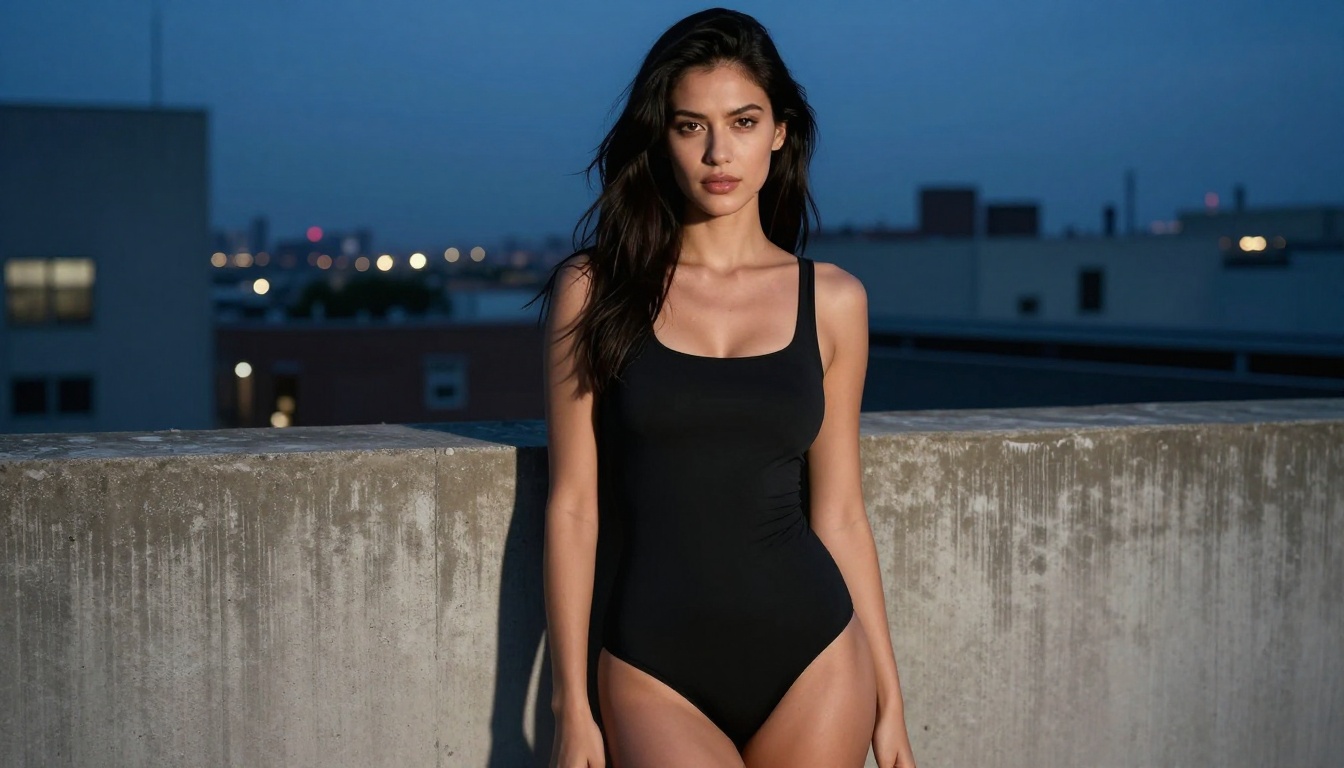
Lighting Descriptions That Work
The single biggest differentiator between amateur and professional NSFW AI output is lighting precision. Do not write "good lighting." Write "soft directional light from the left, warm 3200K color temperature, creating a subtle shadow along the jawline and collarbone." Models trained on photography data respond to photography language.
Specific terms that push toward realism across all the tools in this ranking:
- Volumetric morning light filtering through sheer curtains
- Practical light from a bedside lamp, 2800K warm tone
- Overcast diffused daylight, no harsh shadows, even skin exposure
- Golden hour backlight with lens flare at edge of frame
Character Consistency Across Clips
For tools without native character binding, use an image input rather than text input whenever possible. Supply a reference frame from a previous generation to anchor the character's appearance. When generating multiple clips meant to be cut together, always start from the same reference image.
For PixVerse v5.6 specifically, upload a high-resolution face image as your reference for best character lock-in. For Kling v3 Omni, include hair color, eye color, and skin tone in the text prompt even when using image input, so the model has two anchors rather than one.
Aspect Ratios for Different Platforms
| Platform Type | Recommended Ratio | Best Tool at That Ratio |
|---|
| Desktop widescreen | 16:9 | Seedance 2.0, Veo 3.1 |
| Mobile vertical | 9:16 | Kling v3, PixVerse v5.6 |
| Social square | 1:1 | Hailuo 2.3, Flux 2 Pro |
3 Mistakes That Kill NSFW AI Output

Mistake 1: Generic prompts. "Beautiful woman in lingerie" produces average results from every tool on this list. The models are not under-powered. The prompt is. Add environment, lighting source, camera angle, skin texture detail, and emotional tone. That specificity is what separates good output from great.
Mistake 2: Forcing maximum clip length. Every AI video tool degrades in consistency over longer clips. Seedance 2.0 holds character fidelity longer than competitors, but all models have an optimal clip length. Work within it. For Hailuo 2.3 and LTX-2.3 Pro, 4 to 6 seconds is the sweet spot. For Veo 3.1, 3 to 5 seconds delivers its sharpest results.
Mistake 3: Ignoring the image-to-video pipeline. Creators who get exceptional NSFW AI video results almost always start with a still image generated by Flux 1.1 Pro Ultra or Seedream 4, then pass that into Seedance 2.0 or Kling v3 Omni as the starting frame. The image generator does the heavy lifting on character details. The video generator just needs to animate what is already there.
Start Creating on PicassoIA Right Now
Every tool ranked in this article is accessible on PicassoIA right now. No software installation, no GPU requirements, no waiting for API access. Seedance 2.0, Kling v3, Veo 3.1, Hailuo 2.3, Flux 1.1 Pro Ultra, and Seedream 4 are all available through a single platform with credits that work across every model.
The fastest way to see the quality difference between these tools is to run the same prompt through three of them back to back. Try one video prompt on Seedance 2.0, Kling v3 Omni, and Hailuo 2.3. The differences in skin texture, motion fluidity, and overall cinematic quality will be immediately visible.
PicassoIA also gives you access to Flux 2 Max and Seedream 4.5 for still image production alongside the video tools, so you can build a complete image-to-video workflow without ever leaving the platform. Pick a prompt, pick a model, and run it. The output quality at Seedance 2.0 levels is already here.


