Best NSFW AI Video Generator for Short Clips and Reels
Short-form NSFW AI video is exploding in 2027. This breakdown covers the top generators for creating glamour clips and reels, with real comparisons of speed, realism, and motion quality across the best models available right now.
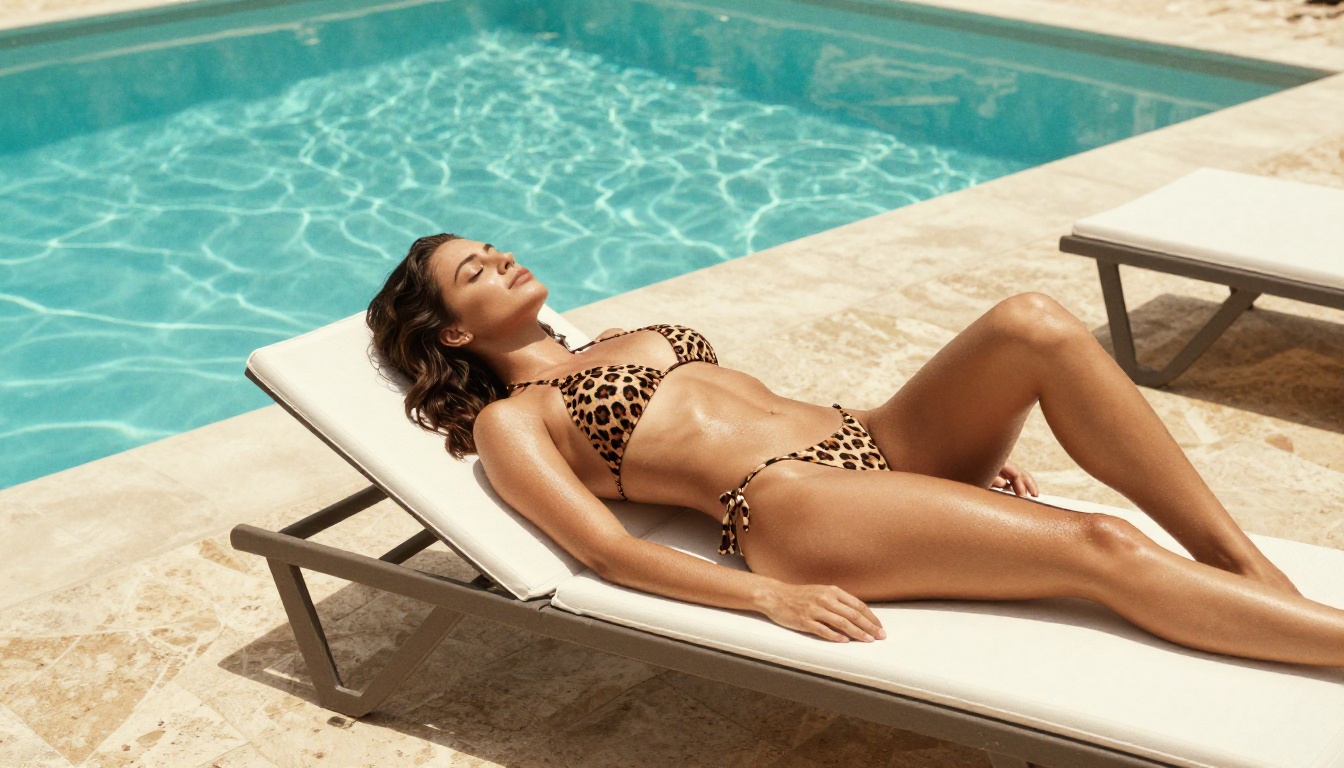
Short-form NSFW content is one of the fastest-growing categories in AI-generated media, and the tools making it possible have quietly become some of the most powerful video generators on the market. Whether you want to create glamorous bikini clips, sensual dance reels, or artistic glamour content for adult platforms, AI video generation in 2027 delivers quality that was unimaginable two years ago. This article breaks down the best NSFW AI video generators for short clips and reels, ranked by real-world output quality, speed, and creative flexibility.
Why NSFW Short-Form Video Is Surging
The numbers do not lie. Adult content platforms have reported year-over-year traffic increases consistently above 30%, and a significant slice of that growth now comes from AI-generated short clips ranging from 5 to 30 seconds. Social platforms designed for adults, subscription content services, and private communities have all seen demand spike for short-form NSFW material that feels authentic, cinematic, and original.
Demand No One Talks About Openly
There is a massive gap between what AI content creators are actually producing and what gets discussed in mainstream tech media. AI image generators became mainstream news in 2022. AI video followed the same trajectory, but the NSFW use case has been even more explosive, largely underground. Creators selling content on subscription platforms discovered early that AI-generated glamour and suggestive clips perform nearly as well as filmed content, at a fraction of the cost and with zero logistics overhead.
The appeal is straightforward: no talent bookings, no location fees, no post-production pipeline. You write a prompt, pick a model, and get a polished clip in under two minutes.
What AI Changed in 2025
Before this year, AI video generators struggled with two things that matter most for this type of content: realistic skin texture and natural human motion. Early models produced waxy, plastic-looking figures with jittery, robotic movement. That era is over. The models available now through platforms like PicassoIA render fabric texture, hair physics, and subtle skin movement with a level of realism that genuinely surprises first-time users.
A 10-second bikini clip generated with Kling v3 or WAN 2.6 T2V today is cinematic, smooth, and convincing. The gap between AI-generated and filmed content has narrowed to the point where the average viewer cannot reliably distinguish them.
What Makes a Generator Worth Using
Not every text-to-video model deserves your attention. When it comes to NSFW short clip generation, three factors separate the great from the mediocre.
Speed Over Everything
Reels and short clips live and die by volume. If a generator takes 8 minutes per clip, your workflow collapses. The best models for short clips need to produce a 5-10 second clip in under 90 seconds. Anything slower breaks creative momentum and makes high-volume content production impractical.
For NSFW content, realism is non-negotiable. Users of adult platforms have a sharp eye for artificial-looking figures. The critical indicators of quality are skin micro-texture during movement, hair strand physics, fabric drape and ripple, and how naturally a figure breathes, sways, or walks. Models trained on large photorealistic datasets consistently outperform those fine-tuned purely on stylized content.
Avoid models that default to an animated or painterly style. For adult short clips, photorealism is the only acceptable output.
Privacy and Content Freedom
A generator that logs your prompts or feeds your content into a public gallery is a problem for NSFW creators. Look for platforms that offer private generation queues, no public sharing by default, and clear data policies. PicassoIA routes all generations through a private pipeline with no public display of user-generated content, making it safe for adult content workflows.
The Top Models Right Now
These are the models actively delivering results for short NSFW clip and reel creation in 2027.
Kling v3 Is the Cinematic Pick
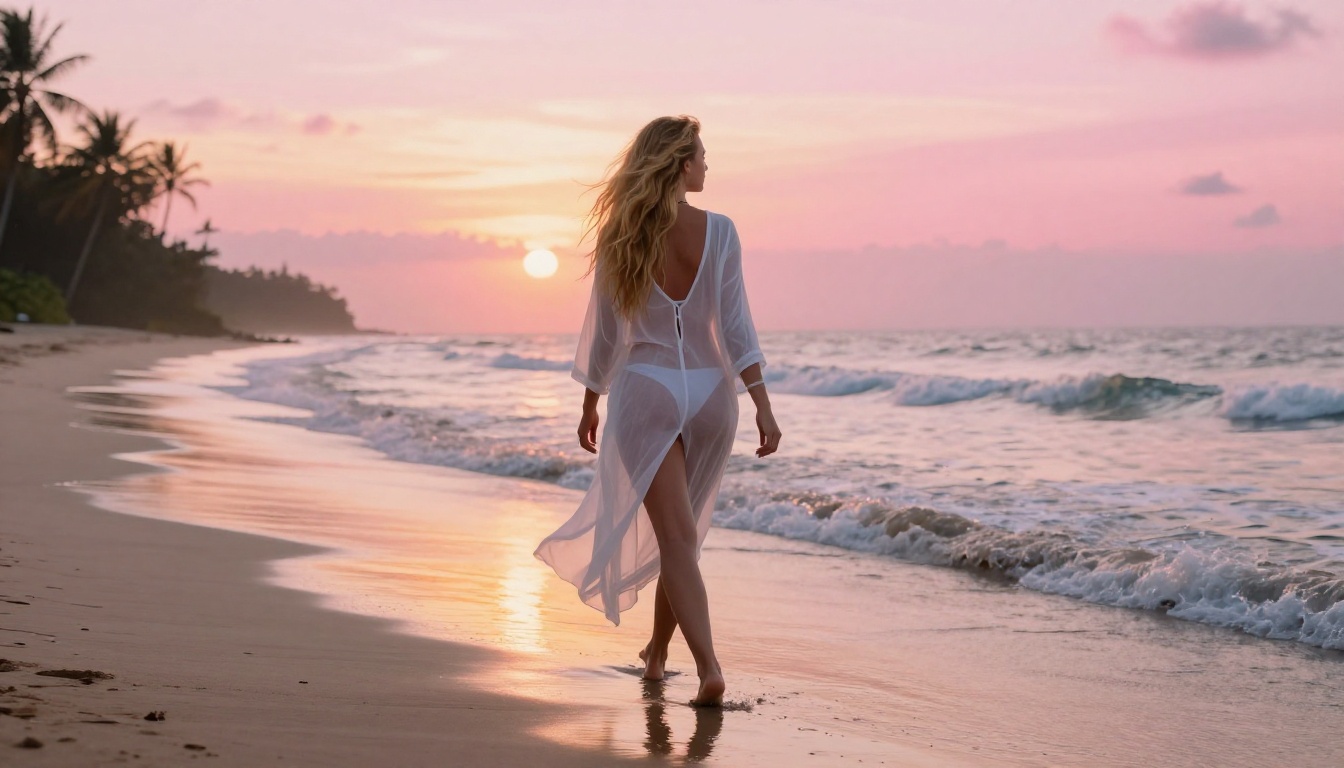
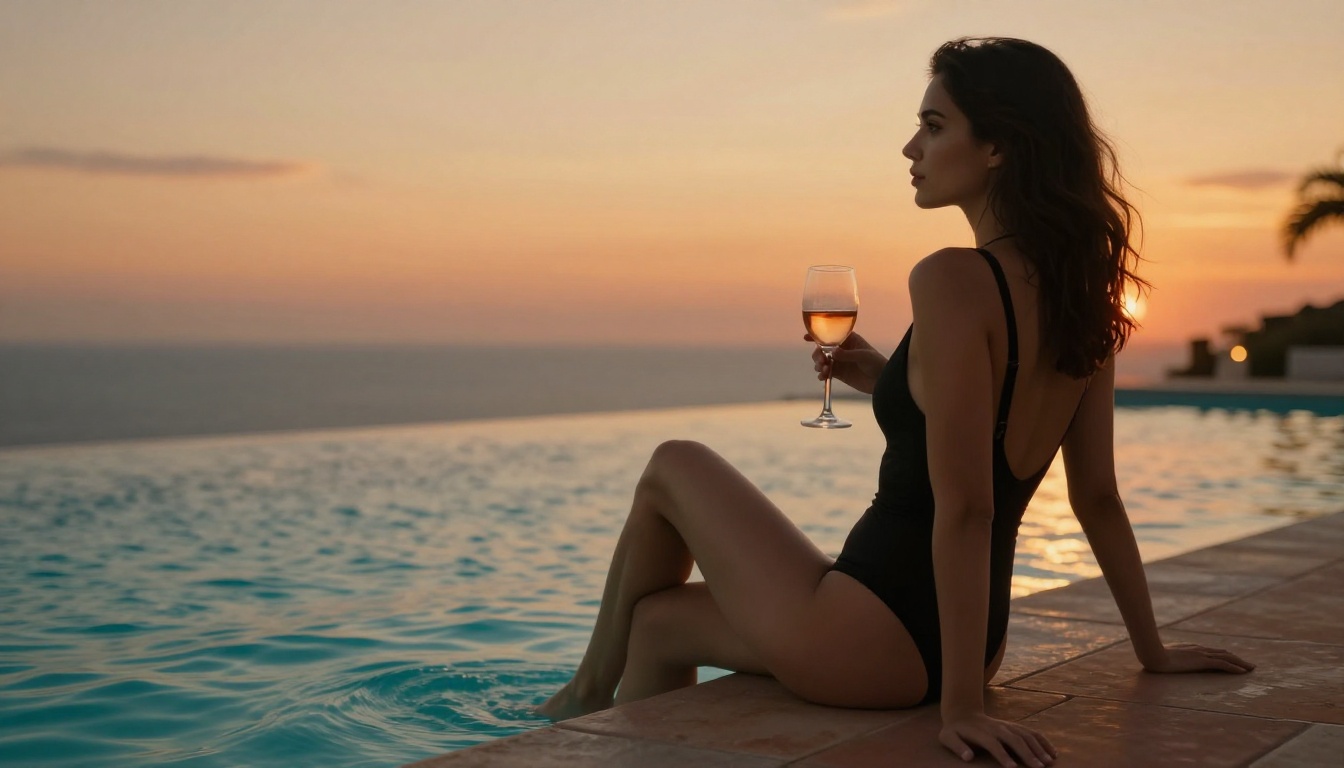
Kling v3 from Kwai sets the bar for photorealism in text-to-video. Its handling of skin tone variation under different lighting conditions is exceptional, making it ideal for outdoor glamour shots, poolside reels, and golden-hour clips. The motion model understands subtle gestures, which means a simple prompt like "woman in bikini turning slowly toward the camera on a beach at sunset" produces fluid, natural output with proper weight and momentum.
The Kling v3 Omni variant adds image input, so you can start from a specific character or pose photo and animate it directly. For creators who have established a specific look or character, this is invaluable for maintaining consistency across a content series.
💡 Pro tip: Keep your Kling v3 prompts in the 40-60 word range. Longer prompts sometimes cause it to over-interpret, producing cluttered scenes. Short, precise motion descriptions outperform long, descriptive ones.
WAN 2.6 Is the Open Workhorse
The WAN series from Wan Video has become the go-to for creators who want flexibility without sacrificing quality. WAN 2.6 T2V handles a wider variety of prompt styles than Kling, making it better for experimental content or scenes with complex environments.
Its sister model, WAN 2.6 I2V, takes an image as input and generates smooth, coherent motion from it. For NSFW content specifically, WAN 2.6 handles implied nudity and artistic body content with fewer refusals than many competing models, as long as prompts are descriptive but not explicit. The also-available WAN 2.5 T2V remains a solid backup for budget-conscious creators.
LTX-2.3-Pro Is Fast and Sharp
LTX-2.3-Pro from Lightricks built its reputation on speed without sacrificing visual fidelity. It supports text, image, and audio input simultaneously, which opens up interesting use cases for creators who want to sync their NSFW reels to music tracks. The output is consistently sharp at 720-1080p, with excellent temporal coherence, meaning no flickering faces or jittering bodies between frames.
When you need to produce 10 variations in a single session, LTX-2.3-Fast is the model to reach for. It delivers acceptable quality at roughly three times the speed of slower premium models. For first-pass idea validation, nothing is faster.
PixVerse v5.6 Is Built for Reels
PixVerse v5.6 was clearly designed with short-form content in mind. Clips come out at 9:16 by default when prompted for vertical output, making it the most natural fit for Reels and Stories formats. Its handling of camera movements, particularly slow pushes and gentle pans, adds a professional feel to otherwise simple prompts.
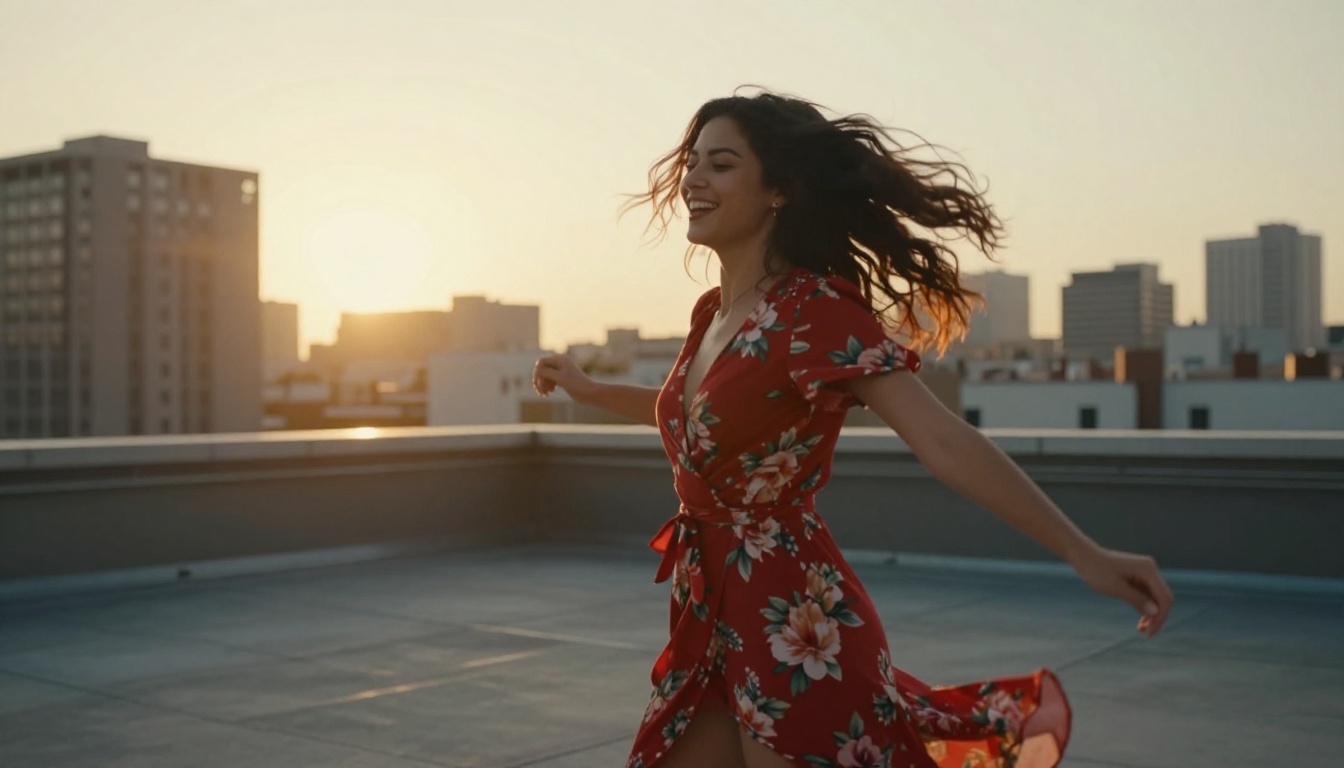
For a "woman dancing in a sunset field, slow zoom, golden light" reel, PixVerse v5.6 consistently produces the most polished result in head-to-head comparisons. PixVerse v5 is still highly capable for users looking to stretch credits further.
Hailuo 2.3 for Smooth Motion
Hailuo 2.3 from MiniMax has developed a strong reputation specifically for fluid motion. Where some models produce output that looks slightly mechanical, Hailuo's motion system mimics real-world physics with impressive accuracy. Hair, water, and fabric all move in a way that reads as genuinely captured on camera. For water-adjacent content (pools, beaches, wet surfaces) it is the strongest performer available.
The Hailuo 2.3 Fast variant is worth keeping in your rotation for quick iteration before committing to full-quality renders.
How to Build NSFW Reels on PicassoIA
PicassoIA gives you access to all of the models above through a unified interface, with no API setup, no technical configuration, and no software to install.
Starting from Text vs. Image
Starting from text gives you maximum creative freedom. You write a scene from scratch, describe the subject, environment, lighting, and motion, and the model interprets it. This works best for generating diverse content quickly when you do not have a specific character in mind.
Starting from an image (using WAN 2.6 I2V or Kling v3 Omni) gives you character consistency across clips. Generate a base image first using PicassoIA's text-to-image tools, then animate it. This is the preferred workflow for creators building a recurring character or maintaining a consistent brand look across a content series.
Steps to create your first NSFW reel on PicassoIA:
Open PicassoIA and navigate to the Text-to-Video section
"Attractive brunette woman in a black bikini walking slowly through shallow ocean waves at sunset, hair moving in the breeze, warm golden side light, slow forward dolly camera movement, cinematic, photorealistic"
Weak prompt example:
"Sexy girl on beach"
The second prompt is too vague. The model fills in details randomly, producing inconsistent and often disappointing results. The first prompt gives the model exactly what it needs to deliver a specific, high-quality output every time.
Prompt Tips That Change Everything
Describe Motion, Not Just Looks
Most users make one critical mistake: they describe how the subject looks, not how they move. Video is motion. Your prompt needs to tell the model what is happening physically.
Static-style prompt: "Woman in red bikini at a pool"
Motion-style prompt: "Woman in red bikini lowering herself slowly into a pool, water rising around her waist, ripples spreading outward, sun glinting on the surface"
The second generates a clip with narrative flow and visual interest. The first often produces a nearly-static, uncomfortable video that looks like a slideshow rather than a clip.
Additional motion words that perform well with NSFW models:
"slowly turns toward camera"
"hair drifting in a warm breeze"
"walks naturally with relaxed shoulders"
"fabric rippling against her body"
"water surface shimmering as she moves"
Aspect Ratios for Different Platforms
Getting the ratio right before generating saves you the quality loss from post-crop. Set it in the model settings before hitting generate.
Platform
Ideal Ratio
Clip Duration
Instagram Reels
9:16
7-15 sec
TikTok
9:16
5-30 sec
YouTube Shorts
9:16
10-30 sec
Twitter/X Video
16:9
5-20 sec
OnlyFans clips
16:9 or 1:1
10-30 sec
💡 PixVerse v5.6 handles vertical 9:16 especially well and should be your first choice for Reels-format content.
Common Output Problems (Fixed)
Flickering and Artifacts
If your clip shows flickering faces, warping limbs, or color shifts between frames, the cause is usually an over-complex prompt. The model is attempting to render too many competing elements simultaneously and losing coherence between frames.
Fix: Strip your prompt down to 30-45 words. Remove secondary background details and focus entirely on the primary subject and one or two environmental elements. Add complexity back incrementally until you find the threshold for that specific model.
Switching from WAN 2.6 T2V to LTX-2.3-Pro also helps for scenes with fast action, as LTX handles temporal consistency better in high-motion sequences.
Unnatural Motion
Stiff, robotic movement usually points to two issues: the prompt lacks motion language, or you are using a model better suited to slow-paced or atmospheric scenes.
Fix: Add explicit motion descriptors as listed above. Also try Hailuo 2.3, which has the most natural motion physics of any model currently available on PicassoIA.
If character consistency is breaking between frames (face changes, body proportions shift), switch to an image-to-video workflow: generate a reference image first, then use WAN 2.6 I2V to animate it. This locks in your character's appearance and dramatically reduces visual drift across the clip.
Content Policy Rejections
Some models are more conservative than others. If a prompt is rejected, try rephrasing with more artistic, atmospheric language rather than direct physical descriptions. Replace blunt terms with scene-based description: instead of stating appearance directly, describe what the camera sees and the environment around the subject.
Models like WAN 2.6 T2V and Seedance 1.5 Pro tend to have more flexible interpretation of suggestive but non-explicit prompts than more restrictive commercial models.
Stop Waiting, Start Creating
The barrier to high-quality NSFW AI video content has never been lower. The models exist. The platform is accessible. The only variable is getting started.
Short clips on adult platforms now routinely generate thousands of views within hours of posting, and volume matters: creators who produce 10-20 clips per week consistently outperform those producing 1-2 regardless of individual clip quality. AI video generation is the only practical way to hit those numbers without a full production crew.