The NSFW AI video space has exploded. Where just two years ago you had a handful of experimental tools barely capable of producing smooth 2-second clips, today you're looking at a full ecosystem of models that generate photorealistic, emotionally convincing, and beautifully composed adult content at resolutions that rival real productions. The problem? There are dozens of options, many of them mediocre, several of them privacy nightmares, and only a handful that actually deliver the realism and creative freedom creators want. This article cuts through the noise.
What Makes a Good NSFW AI Video Generator?
Before jumping into the list, it's worth being precise about what separates a genuinely useful tool from one that looks impressive in demo videos but falls apart the moment you try to create something specific.
Realism, Not Animation Style
The single biggest differentiator right now is how a model handles human skin, hair movement, and natural body physics. The best NSFW AI video generators don't look "generated." They look filmed. Models that still produce waxy skin textures, rigid movement, or uncanny facial expressions are not worth your time in 2027, no matter how fast or cheap they are.
Prompt Flexibility and Control
A good NSFW video generator accepts detailed, nuanced prompts and actually acts on them. This means controlling camera movement, subject action, lighting, setting, and emotional tone in a single instruction. Some platforms restrict certain prompt vocabulary entirely, which makes them useless for adult content. Others accept anything but interpret prompts loosely, producing generic results. The models worth using sit in the middle: accepting, specific, and interpretive.
Privacy and Ownership
Where your content goes after generation matters. Some platforms store your prompts and outputs indefinitely. Others run models that require human review flagging for certain content types. The best tools for NSFW creation run inference without storing your sessions or feeding your outputs back into training data without consent.
The 7 Best NSFW AI Video Generators Right Now
These seven models are the ones worth your time in 2027. All of them are available directly through PicassoIA, where you can access them without needing separate API keys, separate accounts, or jumping between platforms.
1. Kling v3 by KwaiVGI
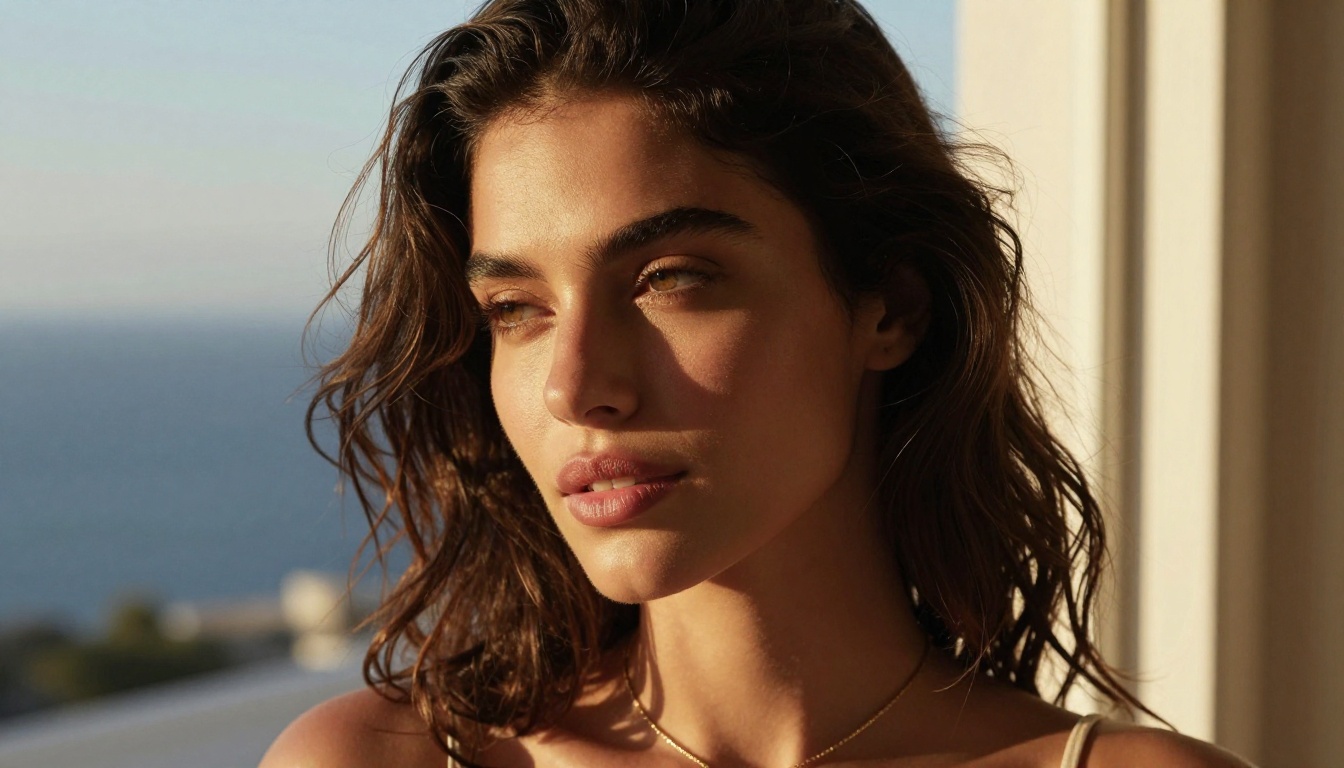
Kling v3 is currently the strongest all-around performer for NSFW content. KwaiVGI's flagship model produces 5 to 10-second clips with exceptional body coherence, natural skin physics, and fluid motion that holds up on close inspection. What makes it stand out specifically for adult content is its ability to handle intimate poses, close-up body framing, and slow, deliberate motion sequences without the artifacts that plague lesser models.
What it does well:
- Natural skin texture and subsurface lighting
- Believable fabric physics (silk, sheer material, water)
- Consistent face identity across the full clip duration
- Strong prompt adherence for positioning and setting
💡 For best results with Kling v3, describe the motion arc explicitly. Instead of "woman walking on beach," write "woman walking slowly toward the camera along a wet beach, breeze moving her hair from left to right, wave foam washing over her feet with each step."
Also available for motion-specific tasks: Kling V3 Motion Control, which lets you transfer motion from a reference video directly to your generated character.
2. Wan 2.6 by Wan Video

Wan 2.6 T2V (text-to-video) and Wan 2.6 I2V (image-to-video) represent a significant leap in open-weight video generation. The Wan architecture has become the default choice for creators who want to start from a reference image, an extremely common workflow in NSFW creation where you generate a specific character appearance with an image model first, then animate that character.
The I2V variant is particularly powerful. Feed it a photorealistic image of a character you've generated with any text-to-image model, write a motion prompt, and it will animate that character with impressive fidelity to the original appearance.
Wan 2.6 strengths:
- Start-to-finish character consistency when using the I2V workflow
- Handles water, fabric, and outdoor environments exceptionally well
- Multiple speed variants (fast vs. standard) for different budget needs
- Open-weight model means no censorship layer
| Variant | Speed | Best For |
|---|
| Wan 2.6 T2V | Standard | Prompt-only video creation |
| Wan 2.6 I2V | Standard | Animate your own character image |
3. Hailuo 2.3 by MiniMax
Hailuo 2.3 from MiniMax is the current benchmark for cinematic video quality. Where other models produce clips that look like video, Hailuo 2.3 produces clips that look like film. The motion is smoother, the color science is richer, and the ambient occlusion and soft shadow rendering give results a three-dimensional tactile quality that other models struggle to match.
For NSFW content specifically, Hailuo 2.3 handles intimate indoor scenes with exceptional quality. Soft light diffusing through curtains, bodies on light-colored surfaces, and close facial expressions with emotional nuance all render with remarkable authenticity.
Why Hailuo 2.3 is worth it:
- Best-in-class cinematic motion blur and film grain
- Excellent low-light and mixed-light scene handling
- Strong emotional expressiveness in face and body language
- 6-second clips at near-film quality
💡 Hailuo 2.3 responds particularly well to lighting descriptions. Include phrases like "soft morning light through sheer curtains" or "single candle light from the right" for results that look genuinely intimate and atmospheric.
4. PixVerse v5.6
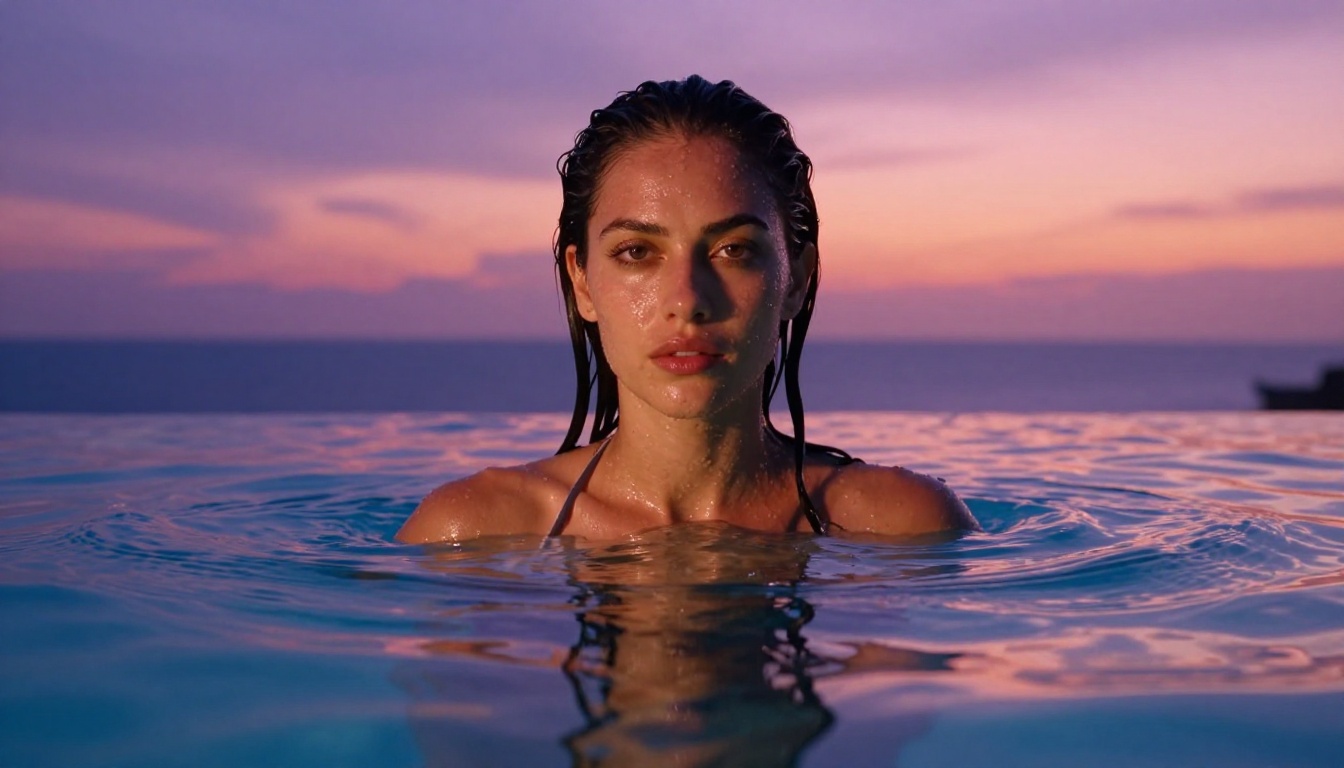
PixVerse v5.6 is the speed champion of this list. It generates high-quality video faster than most competitors while maintaining competitive visual quality. For creators who iterate rapidly through variations, PixVerse v5.6 is the practical choice. You get results in seconds rather than minutes, which adds up significantly when you're testing 10 or 15 prompt variations.
The model handles outdoor environments and water particularly well. Pool scenes, beach settings, and open-air architectural spaces come out with excellent depth and natural movement. It's not the absolute best at intimate indoor scenes, but for glamour and outdoor content it consistently overperforms relative to its speed tier.
PixVerse v5.6 highlights:
- Fastest generation time among top-tier models
- Exceptional outdoor and water environment rendering
- Accurate prompt adherence for camera angle instructions
- Strong at wide and medium shots
5. LTX-2.3-Pro by Lightricks
LTX-2.3-Pro from Lightricks is the most controllable model on this list. It accepts text, image, and audio inputs simultaneously, which opens up workflows that other models can't touch. The audio-reactive capability is genuinely novel: provide a music or audio track alongside a prompt, and the model will generate motion that synchronizes to the audio rhythm.
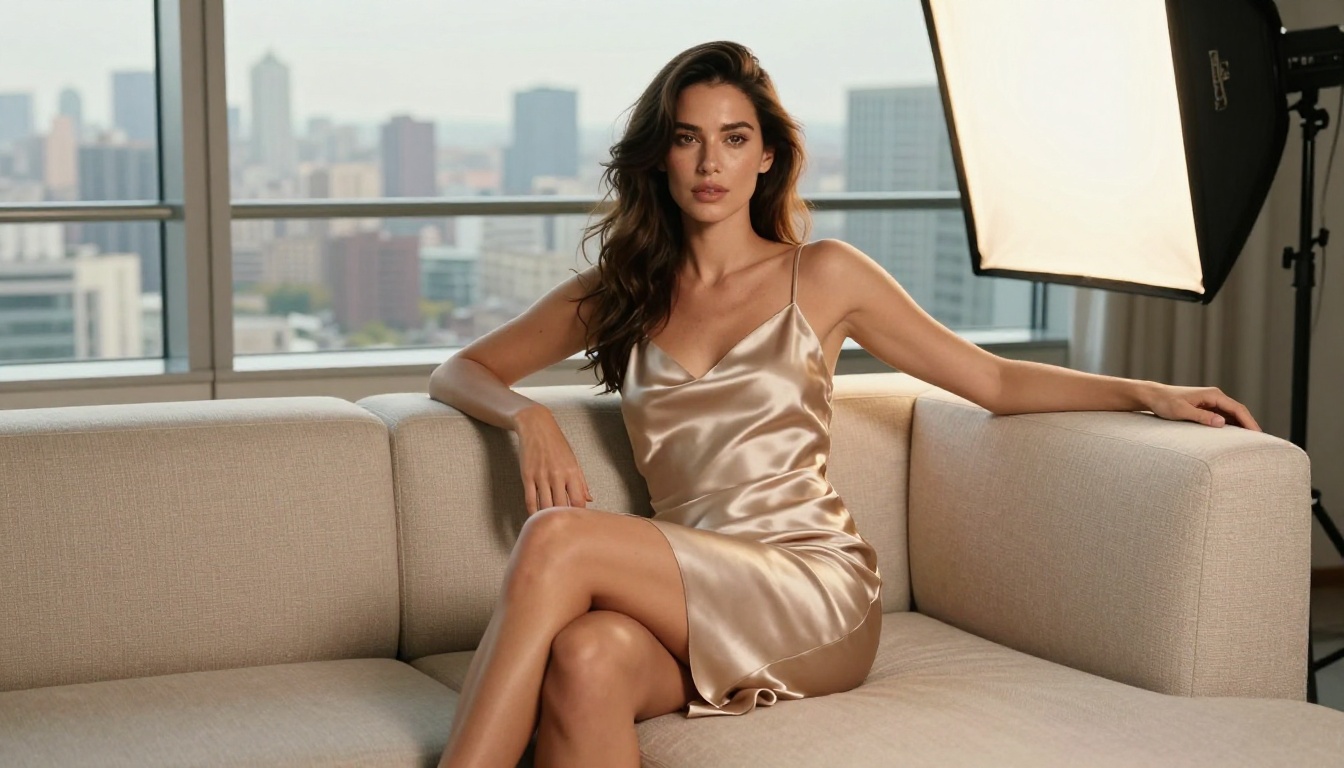
For NSFW creators who produce content for music, audio drama, or synchronized video formats, LTX-2.3-Pro is in a category of its own. The base video quality is excellent though not quite at Hailuo 2.3 levels, but the additional input modalities make it uniquely powerful for specific use cases.
Unique LTX-2.3-Pro capabilities:
- Text + Image + Audio to Video in a single generation
- Audio-synchronized motion output
- Fast variant available: LTX-2.3-Fast
- Excellent at editorial-style content with defined visual rhythm
6. Gen-4.5 by Runway
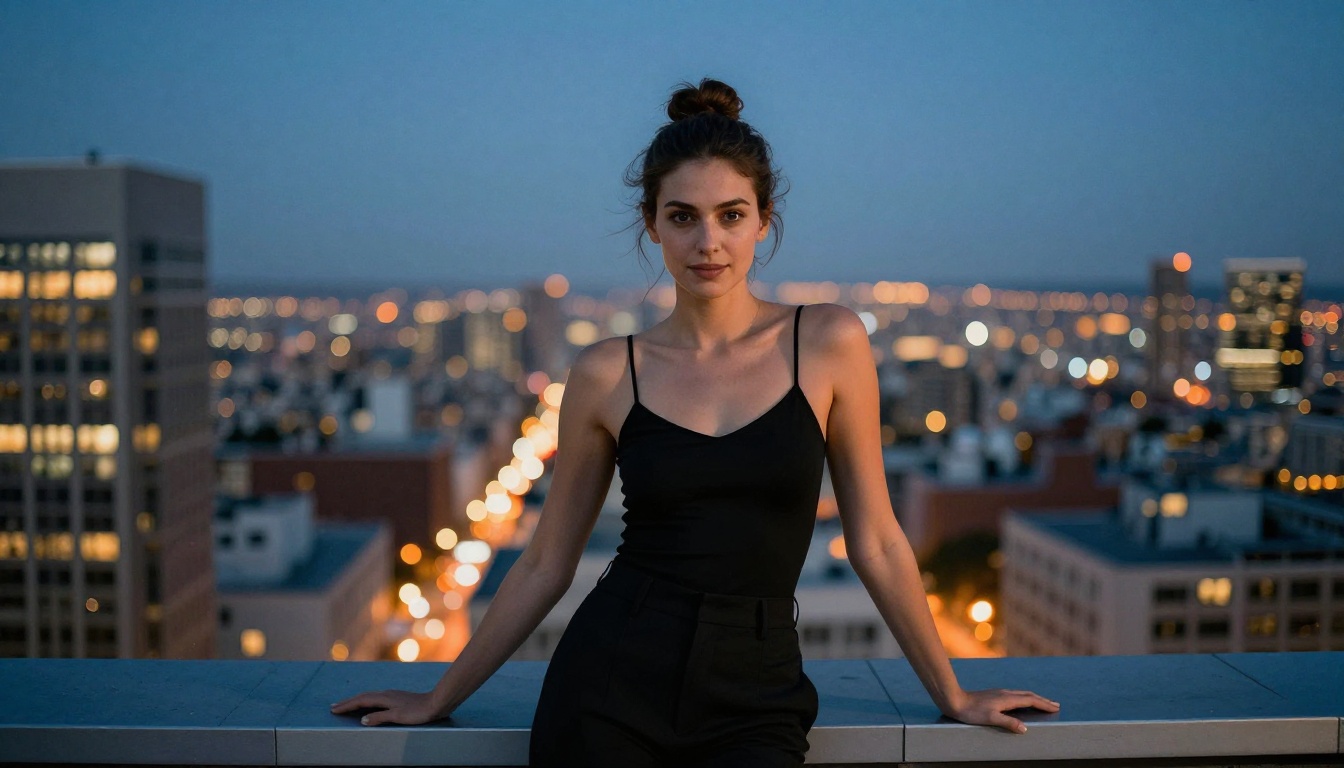
Gen-4.5 remains one of the most polished and visually sophisticated video generation models available. Runway has consistently prioritized output quality over speed, and Gen-4.5 reflects that. The model has exceptional understanding of camera language, perspective, and cinematic composition. When you want a tracking shot, a dolly push-in, or a specific focal length feel, Gen-4.5 delivers it more reliably than any other model on this list.
For NSFW content in cinematic contexts, such as fashion-adjacent glamour, outdoor narrative sequences, or high-production-value scenarios, Gen-4.5 is the top pick.
💡 Gen-4.5 responds well to cinematographic language. Use terms like "slow push-in," "tracking shot from left," "rack focus from background to subject," and "shallow depth of field" for professionally composed results.
7. Seedance 1.5 Pro by ByteDance
Seedance 1.5 Pro is ByteDance's current flagship video model, and it shows. The model has arguably the best human anatomy understanding of any on this list. Hands, fingers, joints, and body proportions stay coherent throughout the clip duration, a problem that still plagues even top-tier models in this category. For NSFW content where body accuracy matters, this is a critical advantage.
Seedance 1.5 Pro also handles pose-to-pose motion sequences better than competitors. If you need a character to transition from one position to another naturally within a 5-second clip, Seedance handles the in-between motion more convincingly.
Seedance 1.5 Pro strengths:
- Best human anatomy and body coherence on the list
- Natural pose transitions and body movement physics
- Strong performance in both indoor and outdoor lighting
- Available in both pro and fast variants
Text-to-Video vs Image-to-Video: Which Should You Use?
This is probably the most practical question for new creators.
Use text-to-video when:
- You don't have a reference image and want to create from scratch
- You want variety across generations without being locked to a specific character appearance
- You're doing rapid ideation or testing prompt approaches
Use image-to-video when:
- You've already created a specific character with a text-to-image model
- Character consistency across multiple clips matters
- You want full control over the initial frame composition
For NSFW creators, the image-to-video workflow is usually superior in practice. Generate your character with a precise image model, refine their appearance, then animate. This two-step approach gives you far more control than text-to-video alone, and the results are dramatically more consistent.
Quick Comparison: Which Model for Which Job
How to Use PicassoIA for NSFW Videos
PicassoIA aggregates all seven models above (and 80+ more) in a single platform, so you don't need separate subscriptions, API keys, or switching between interfaces. Here's the practical workflow.

Step 1: Create Your Character Image
Start with any of PicassoIA's 91+ text-to-image models. For photorealistic results, the platform has dedicated portrait and realistic image models that produce the detail level you need as a starting frame for your animation. Spend time getting the character appearance exactly right before moving to video.
Step 2: Choose Your Video Model
Navigate to the text-to-video collection and select the model that fits your use case:
Step 3: Write a Detailed Motion Prompt
This is where most people underperform. Vague prompts produce generic results. A strong motion prompt has four components:
- Subject action: What is the person doing and how (slow, deliberate, fluid)
- Environment: Where, what surfaces, what props, what time of day
- Lighting: Direction, source type, quality (hard vs. soft), color temperature
- Camera: Angle, distance, motion type (static, pan, push-in, tracking)
Step 4: Iterate and Refine
Generate 3 to 5 variations of a prompt before moving on. Small prompt changes produce significant output differences. If one element isn't working (lighting, motion speed, expression), isolate and adjust that element specifically rather than rewriting the whole prompt from scratch.
Tips for Better NSFW Video Results
These specifics separate professional-quality output from average results.
Prompt tactics that work:
- Add "8K, photorealistic, film grain, Kodak Portra 400" to anchor the realism style
- Specify exact body positions with anatomical language
- Use "slow motion" to produce more detailed motion rendering
- Include the camera lens type (such as "shot on 85mm f/1.4") for depth of field control
- Specify "no text, no watermarks, no filters" to keep output clean
Mistakes worth skipping:
- Overloading prompts with unrelated visual details
- Using animation or stylized keywords (pushes output away from realism)
- Ignoring lighting instructions (the single biggest quality driver after the model itself)
- Not using the image-to-video workflow when character consistency matters
💡 For intimate scenes, specify "soft natural lighting" rather than "bright lighting." Bright light in prompt language often produces overexposed, flat results. Soft, directional, or golden-hour light cues produce depth, shadow, and texture that reads as genuinely realistic.
Start Creating Right Now
The tools above represent the current state of the art in AI video generation for adult content. What's striking about 2027 is not just the visual quality, it's the accessibility. None of these required a technical background, expensive hardware, or insider access.
All seven models in this article are available on PicassoIA in one place. Start with Kling v3 if you're new to the space, experiment with the image-to-video workflow using Wan 2.6 I2V once you have a character you like, and push into the cinematic end with Gen-4.5 when you want production-quality output.
The best way to improve is to generate, iterate, and generate again. Every prompt you write teaches you something about how these models interpret language. Within a few sessions, you'll develop a prompt vocabulary that consistently produces exactly what you're visualizing.
Start with these models on PicassoIA:


