The AI video space has moved faster in the last 12 months than in the previous five years combined. What used to require a GPU farm and a VFX team can now be done from a browser tab in under two minutes. And if you are specifically looking for tools that handle suggestive, mature, or adult-adjacent content without refusing your prompts or killing your creative vision, the options in 2027 are finally worth talking about.
This is not a vague roundup. It is a straight breakdown of the best NSFW AI video generators today, how each one performs on quality, prompt fidelity, resolution, and real-world usability for creative projects that push past the family-friendly default.
What "NSFW" Means for AI Video
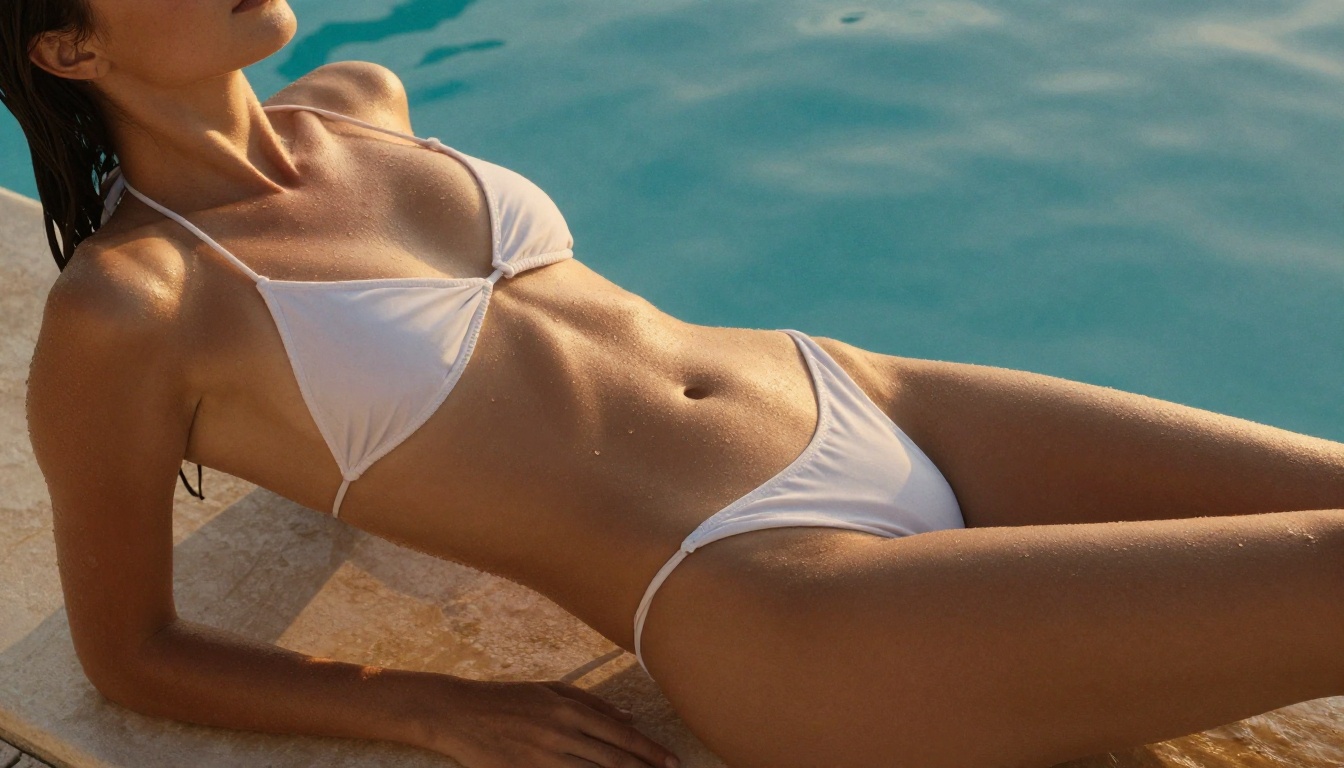
Before diving into models, it helps to set expectations. "NSFW" in AI video covers a wide spectrum, from bikini content and romance scenes to explicitly adult material. Most public-facing platforms sit somewhere in the middle, and every model on this list operates differently in terms of what it will and will not generate.
What matters most for most creators falls into three categories:
- Suggestive content: Lingerie, swimwear, implied nudity, romantic scenarios. Most platforms allow this with the right prompts.
- Artistic nudity: Implied or partial, treated as fine art or editorial photography in motion.
- Explicit adult content: Generally requires dedicated platforms with age verification. Not covered by the mainstream tools below.
For the purposes of this article, the focus is on tools that handle suggestive and artistic content reliably, with high-quality output that respects your prompt rather than sanitizing it into something unrecognizable.
The Top 10 Models Right Now
1. Kling v3: Cinematic Quality That Holds Up
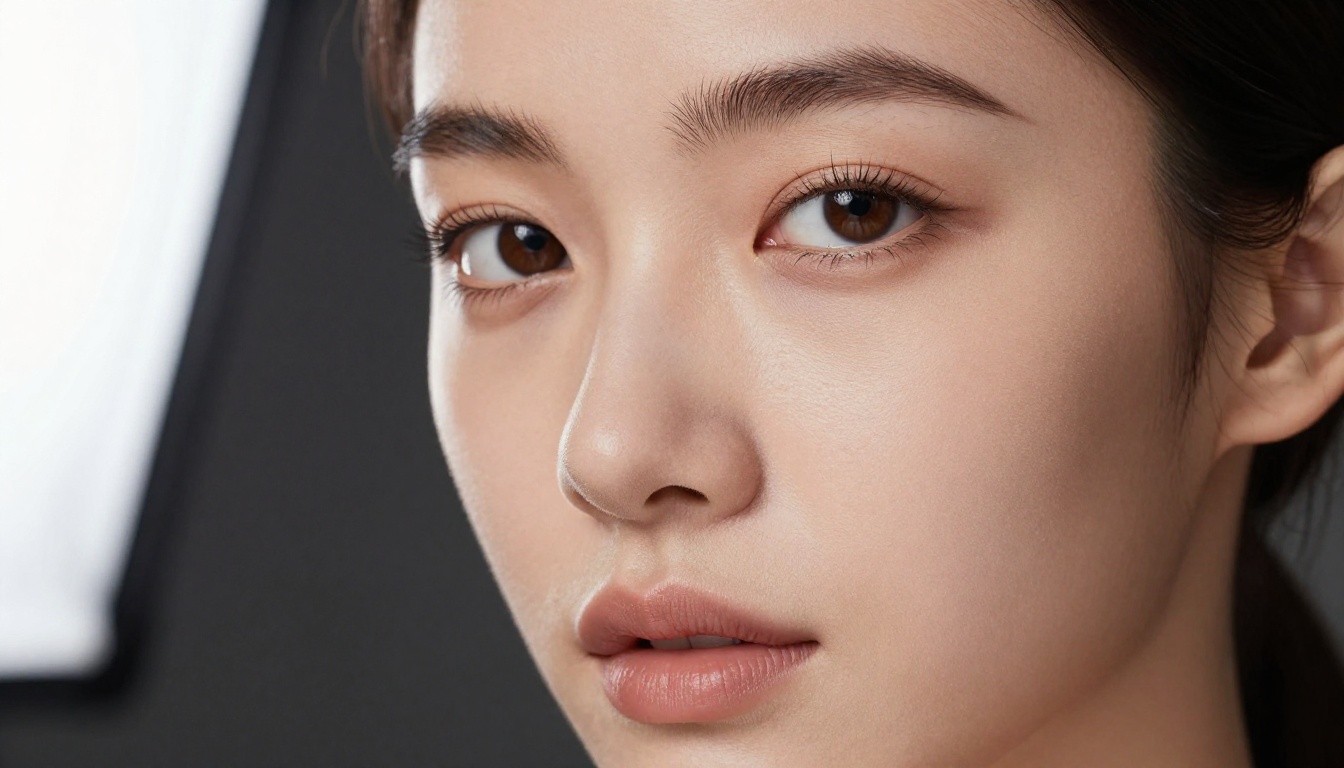
Kling v3 from Kwaivgi is currently one of the most capable text-to-video models available. The output at 1080p is genuinely cinematic, with natural motion, coherent character anatomy, and a camera-movement system that responds to directional prompts with surprising accuracy.
For suggestive content specifically, Kling v3 handles skin tone rendering and fabric physics better than most alternatives. The skin in generated videos does not look plasticky or AI-smoothed. Fine fabric details like lace or satin move convincingly. Motion artifacts are minimal even in close-up shots.
Best for: High-quality 1080p romantic or glamour video content with detailed characters.
Prompt tip: Be specific about lighting. "Studio softbox from camera left, warm amber tones, 85mm portrait framing" will produce radically better results than a vague description.
2. Wan 2.7 T2V: Open-Source and Surprisingly Capable
Wan 2.7 T2V is the current flagship of the Wan series, generating 1080p videos with a level of prompt fidelity that makes it a go-to for creators who need reliable character consistency. Being open-weight means it has been fine-tuned extensively by the community for specific content types, including NSFW.
What sets Wan 2.7 apart is its handling of motion. Characters do not just stand still or drift awkwardly. There is a natural weight to movements, a subtle secondary motion in hair and clothing, and a responsiveness to directional camera instructions that feels deliberate.
Best for: Creators who want precise control over the output and are comfortable with detailed prompting.
3. Seedance 1.5 Pro: Audio-Synced from ByteDance
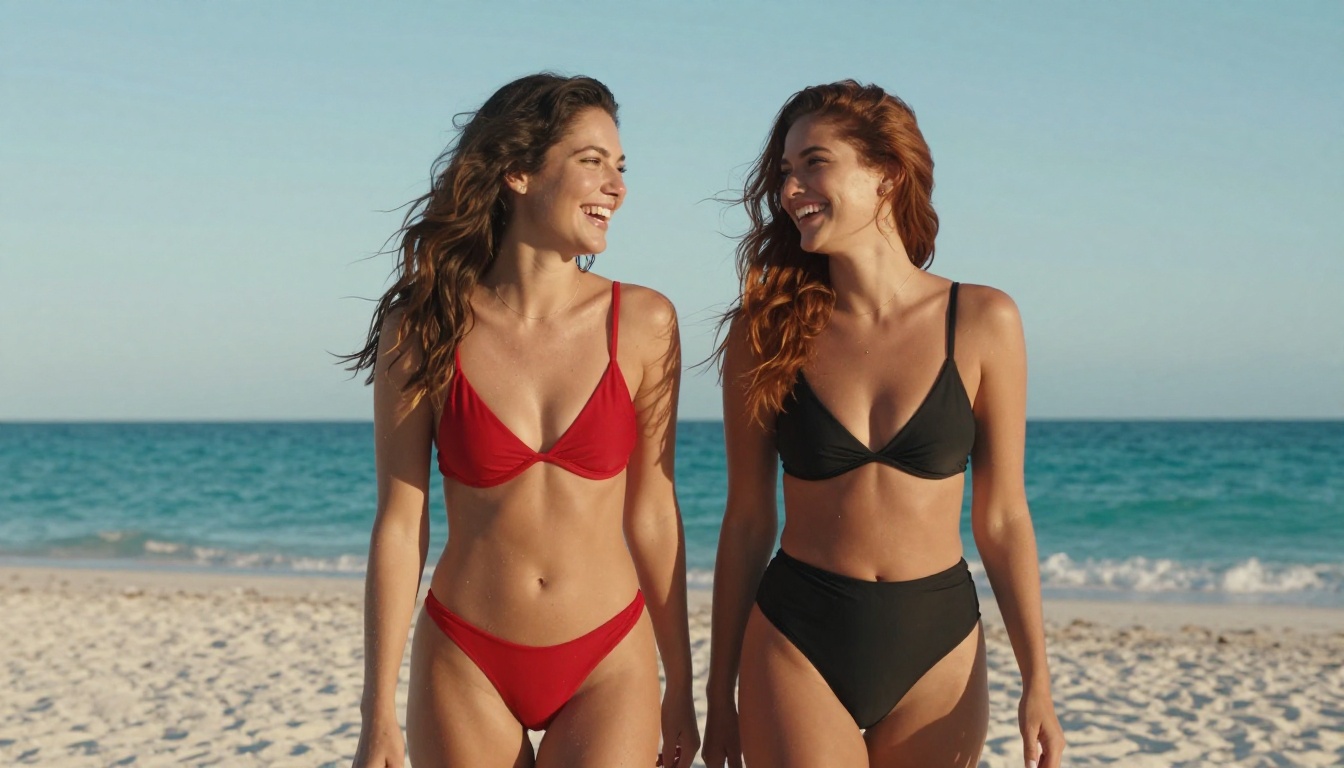
Seedance 1.5 Pro from ByteDance generates video with built-in audio, which is a significant advantage for content creators who want finished clips rather than muted footage that still needs post-production work. The visual quality sits firmly in the upper tier, and the model shows strong performance with human subjects and natural environments.
For suggestive content, Seedance 1.5 Pro handles outdoor and indoor settings equally well. Water, light, and fabric all render with a photorealistic quality that holds up to close inspection.
Best for: Creating short-form content with ambient audio already baked in. Saves a post-production step.
4. Pixverse v5.6: Speed Without Sacrificing Much
Pixverse v5.6 has carved out a strong reputation for fast generation times at respectable quality levels. If you need multiple iterations quickly, Pixverse v5.6 gives you that without the multi-minute waits of heavier models.
The output at 1080p is not quite at the same ceiling as Kling or Seedance, but it is close enough that for most use cases the speed advantage outweighs the small quality gap. Character anatomy holds up well, and the model takes prompt details about clothing, setting, and mood seriously.
Best for: Rapid iteration and volume production where speed matters as much as peak quality.
5. Hailuo 02: 1080p Output from Minimax
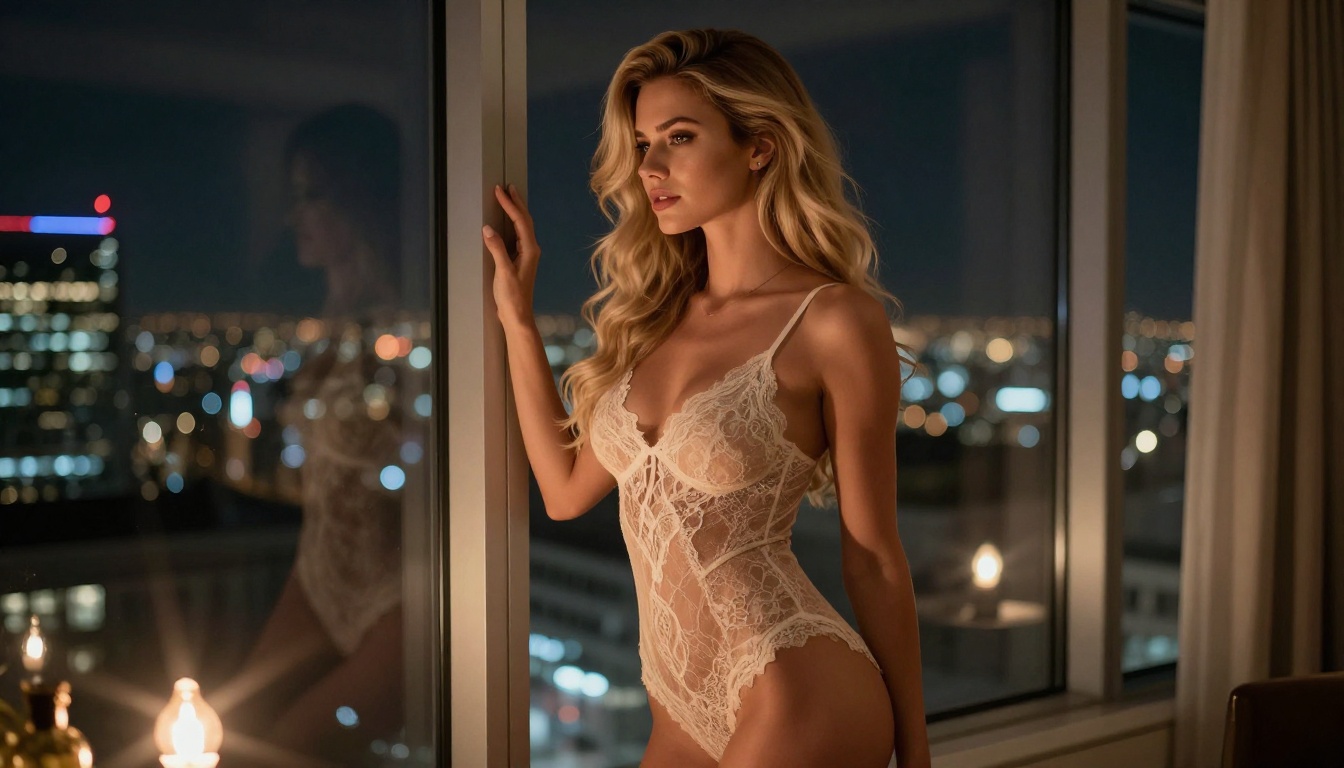
Hailuo 02 from Minimax delivers 1080p video with consistently smooth motion and strong color fidelity. It has one of the better prompt-to-output ratios in the field, meaning what you describe actually appears in the video rather than being approximated or ignored.
For adult-adjacent content, Hailuo 02 handles sensual scenarios with a cinematic treatment that avoids the over-sharpened, artificial look that plagues some competitors. The skin rendering is soft and natural, which matters enormously when characters are the primary subject.
Best for: Creators who prioritize color accuracy and consistent 1080p output with low artifact rates.
6. LTX 2.3 Pro: Into 4K Territory
LTX 2.3 Pro from Lightricks is for when you need output that holds up on large screens. True 4K AI video generation is still a relatively rare capability, and LTX 2.3 Pro delivers it with enough detail to show fine texture in fabric, skin, and environmental surfaces at full resolution.
The trade-off is generation time. LTX 2.3 Pro is slower than the models above, but the resolution ceiling justifies it for production use cases where quality is non-negotiable.
Best for: High-resolution content for display on large formats or for use in productions that require maximum visible detail.
7. Sora 2: OpenAI Sets the Benchmark
Sora 2 from OpenAI remains one of the most coherent text-to-video systems available. The physics, the lighting, the spatial consistency across a scene, all of these are handled at a level that other models are still trying to match.
Sora 2 is more conservative on content than some alternatives, but for suggestive and atmospheric content it performs at the top of the field. The output has a distinctly cinematic quality that is difficult to achieve with models that lack the same training depth and scale.
Best for: Cinematic quality where physical realism, lighting consistency, and scene coherence matter most.
8. Ray 2 720p: Free and Worth Using
Ray 2 720p from Luma is one of the best free entry points into AI video generation. The output quality at 720p is strong, and the model handles a variety of scene types and character descriptions without breaking down into artifact-heavy results.
For creators just starting out with AI video or those who want to test prompts before committing to premium model credits, Ray 2 720p gives you a fast, reliable baseline that does not embarrass itself.
Best for: Testing concepts, free-tier exploration, and scenarios where 720p output is sufficient for the final format.

9. Hunyuan Video: Open Source from Tencent
Hunyuan Video from Tencent is a strong open-source option that has attracted significant community fine-tuning since its release. The base model performs well, and the ecosystem of custom versions makes it one of the more versatile choices for creators who want to move beyond platform-hosted models and into more specialized territory.
Output quality is competitive with commercial offerings, and the motion handling is particularly smooth compared to other open-source alternatives at the same weight class.
Best for: Creators who want open-source flexibility and access to community-trained fine-tunes tailored to specific content types.
10. Veo 3.1: Google's Current Best
Veo 3.1 from Google generates 1080p video with native audio and a level of photorealism that reflects the depth of Google's research. The model responds well to detailed cinematic prompts and produces output with natural lighting, realistic motion, and coherent backgrounds that do not fall apart under scrutiny.
For glamour and atmospheric content, Veo 3.1's strength in rendering natural environments (beaches, interiors, urban settings) gives it an edge in scenarios that require convincing backgrounds rather than flat generated sets.
Best for: Cinematic scenarios with demanding backgrounds, natural lighting conditions, and creators who want audio included without extra steps.
How to Write Better Prompts
The difference between mediocre and exceptional AI video output is almost always in the prompt. Here is what consistently produces better results across all the models above:
Describe the camera, not just the scene. Models respond to cinematographic language. "Wide shot, 28mm lens, low angle looking up" will produce something very different from "close-up, 85mm, eye level." Both are valid, but you have to choose.
Specify lighting with direction. "Warm morning light from the left" beats "nice lighting." The angle and color temperature of light change the entire emotional register of a shot and affect how skin and fabric render.
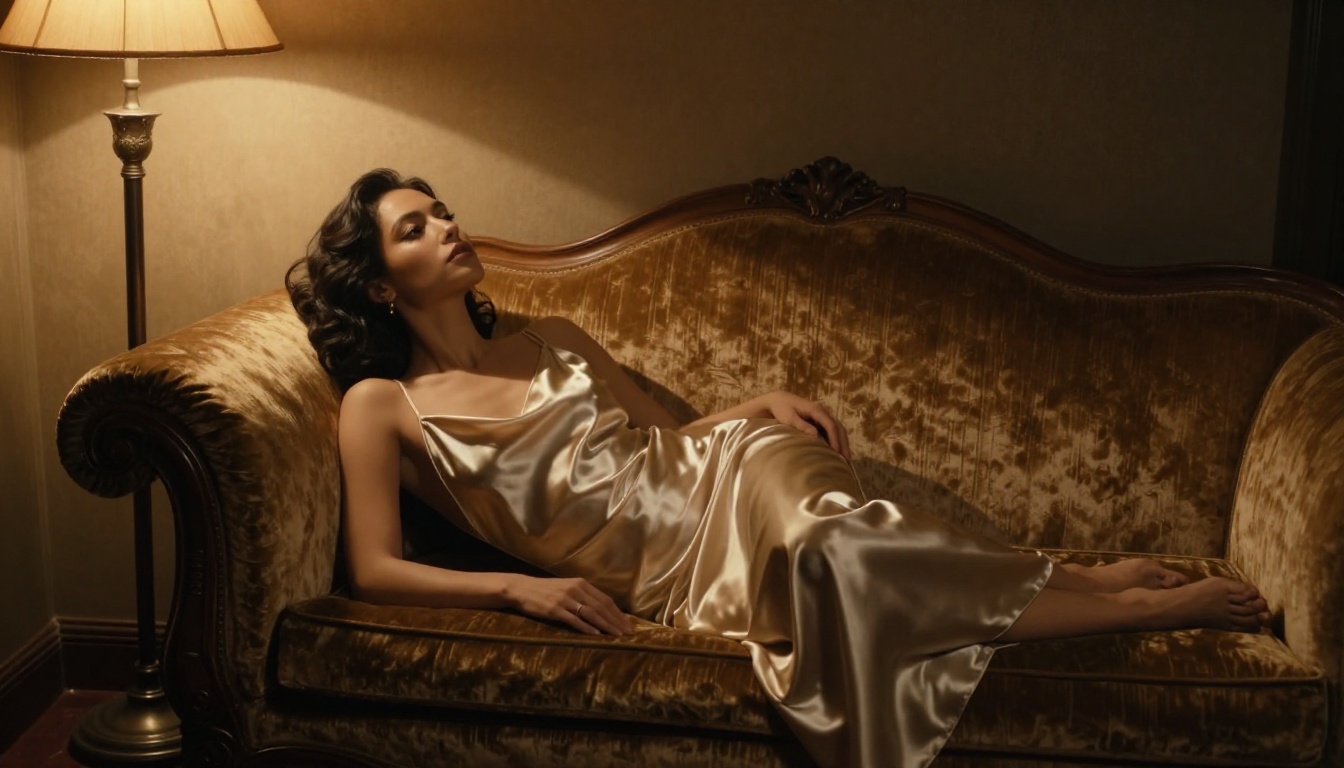
Use fabric and material language. Instead of "wearing a dress," write "wearing a silk charmeuse slip dress with subtle sheen." Material descriptions drive more detailed and accurate output from every model on this list.
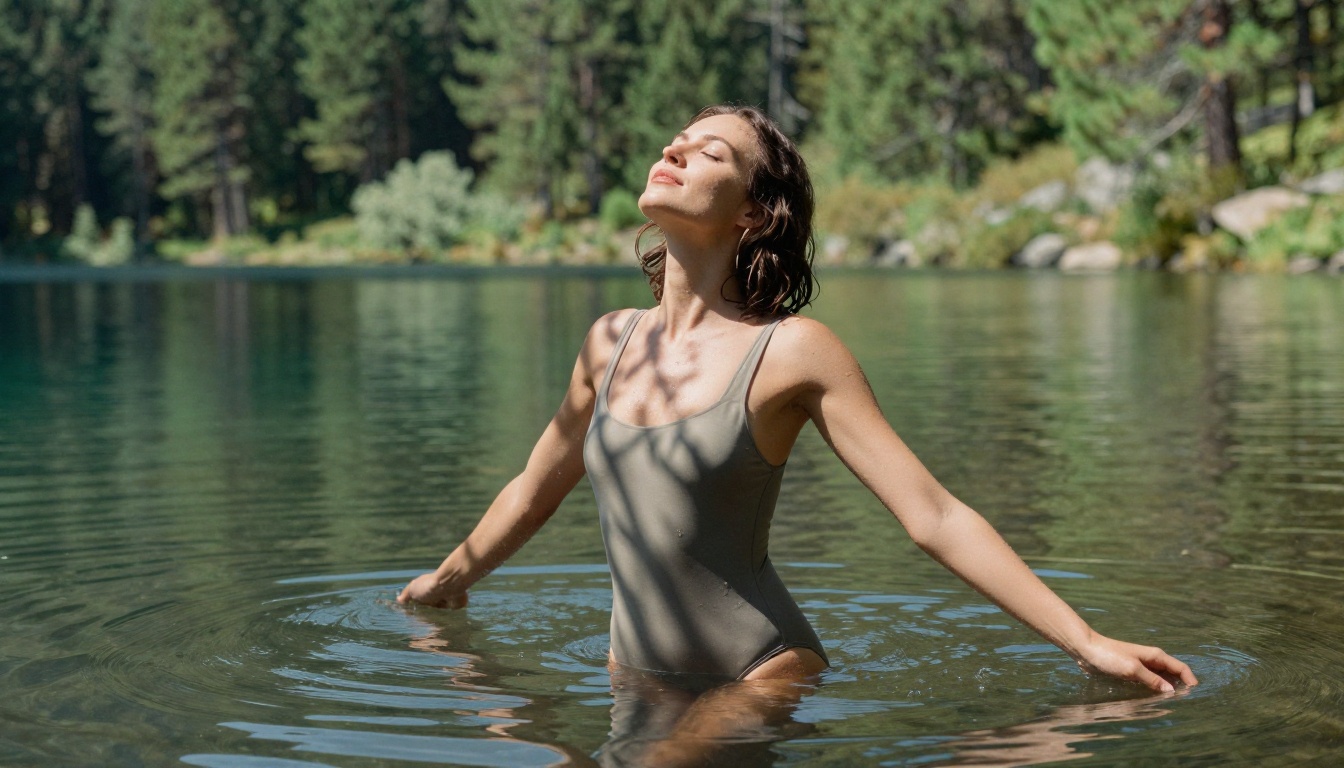
Anchor the mood with atmosphere. Words like "humid tropical air," "dusty afternoon haze," or "crisp mountain air" translate into environmental details in the output that make scenes feel inhabited rather than rendered on a blank stage.
Tip: Run a short test prompt first to check character consistency, then build out the full scene description once you know the model is interpreting your character correctly. Saves credits and time.
Comparing Them Side by Side
How to Use Kling v3 on PicassoIA
Kling v3 is available directly on PicassoIA's platform, no downloads or installations needed. Here is how to get the best results from a first session:
Step 1: Write your prompt. Start with the subject and their pose, then layer in environment, lighting, camera angle, and mood. Longer is better. Aim for 80 to 120 words for your first attempt rather than a short phrase.
Step 2: Set duration. Kling v3 supports short clips of 5 to 10 seconds. For scenes with motion (walking, turning, water movement), 10 seconds gives the animation time to breathe and show secondary motion.
Step 3: Choose aspect ratio. For social content, 9:16 works best for vertical feeds. For cinematic output or widescreen presentation, stay with 16:9.
Step 4: Run generation. Wait for the model to process, then review the output. Pay close attention to motion artifacts in hands and hair, two areas where video models commonly struggle the most.
Step 5: Iterate. Adjust your prompt based on what worked and what did not. Small changes to lighting descriptions or camera angle produce noticeably different outputs without having to rewrite the entire prompt.
Tip: If the character's face drifts or changes mid-clip, add "consistent character throughout, stable facial features" to your prompt. This anchors the model's character generation across the full clip duration.
If you want even more control over how a character moves, Kling v3 Motion Control lets you reference a pose to dramatically reduce anatomical errors in complex or dynamic positions.
What Resolution Should You Target?
Resolution choice is not just about quality. It is about matching output to the platform and format where it will be seen.
720p: Sufficient for social media, mobile viewing, and internal previews. Models like Ray 2 720p give you fast turnaround at this tier, and the quality is genuinely acceptable for most short-form formats.
1080p: The standard for most production use. The majority of the models above, including Kling v3, Hailuo 02, and Wan 2.7 T2V, operate at this resolution. It is the sweet spot between quality and generation speed.
4K: Reserved for professional production work where output will be displayed at large scale or processed further. LTX 2.3 Pro is currently the primary option for true 4K AI video in this category.
One thing many creators get wrong: higher resolution does not automatically mean better results if the prompt is weak. A sharp 4K clip of a poorly described scene is worse than a tight 1080p clip built on a precise, well-structured prompt that the model could actually interpret correctly.
3 Common Mistakes to Avoid
Vague prompts. "A beautiful woman on a beach" produces generic, forgettable output. Add specifics: skin tone, hair color and length, swimwear style, time of day, weather, camera position, mood. Every detail you add is a constraint that pulls the output closer to your vision.
Ignoring motion. AI video is not just a moving image. Describe what is actually moving: "her hair lifts in a slow coastal breeze," "she turns her head toward camera," "waves roll in from the left edge of frame." Motion descriptions make the output feel intentional rather than randomly animated.
Not checking anatomy. Hands, feet, and fingers are still the weak point across all models. If hands are prominently in frame, zoom in before approving a clip. Consider cropping or composing to avoid hand-heavy shots until the models improve further in this area.
Tip: For detailed character poses, Kling v3 Motion Control with a reference image dramatically reduces anatomical errors. Worth the extra step for close-up work.
Start Creating
The best NSFW AI video generators today are legitimately impressive tools, capable of producing output that would have required a professional production team just a few years ago. The gap between them is real but narrower than the marketing suggests. What separates a good clip from a great one is almost always craft on the prompt side, not the model itself.
PicassoIA gives you access to every model discussed here, including Kling v3, Wan 2.7 T2V, Seedance 1.5 Pro, LTX 2.3 Pro, and Pixverse v5.6, all in one place without needing separate accounts or subscriptions for each platform. If you want to see what these models can actually do with a well-written prompt, there is no faster way to find out than to start generating right now.


