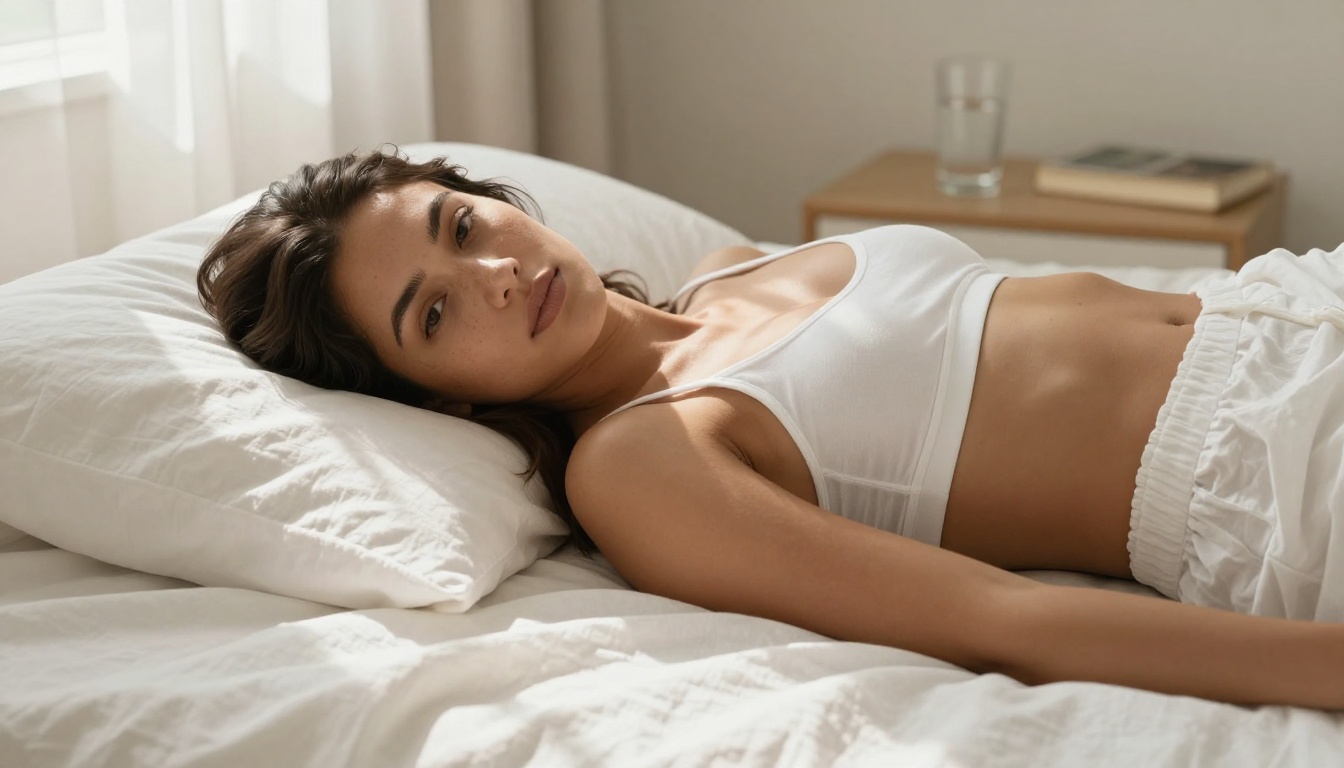
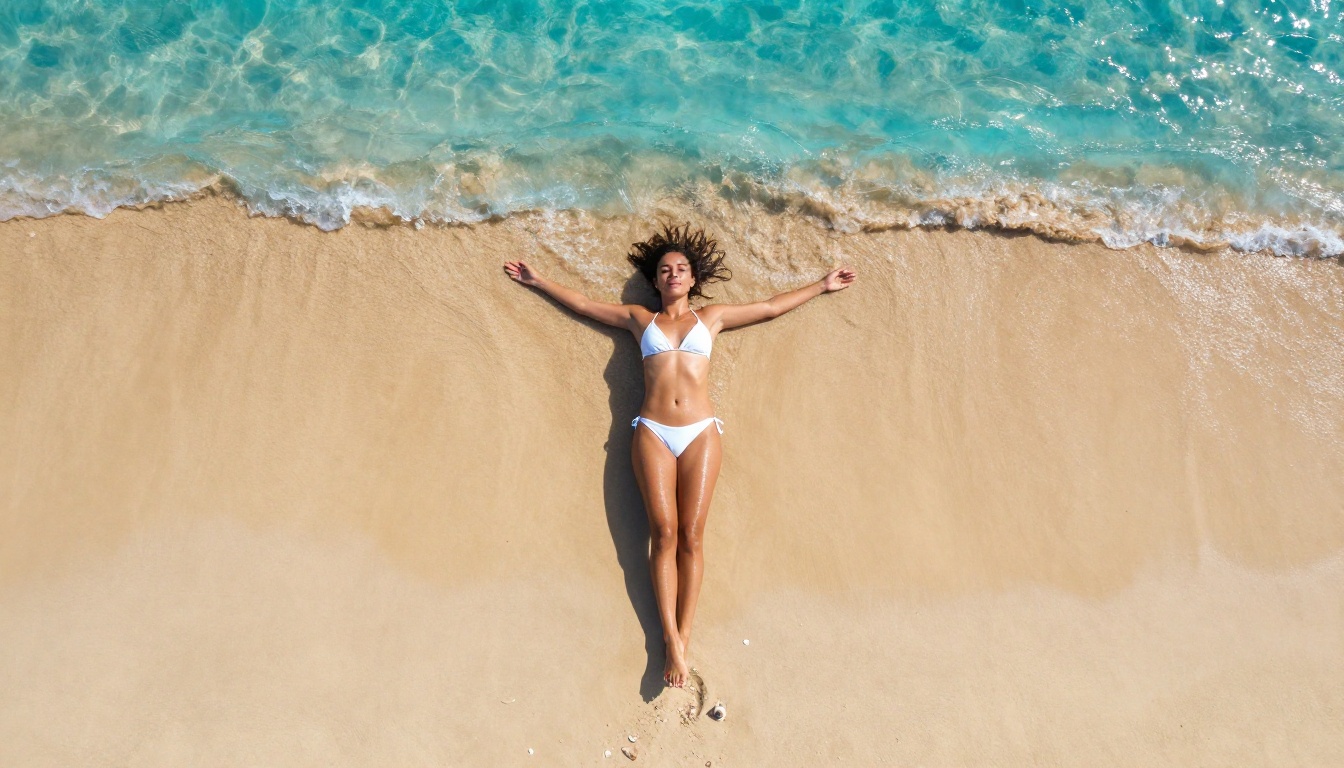
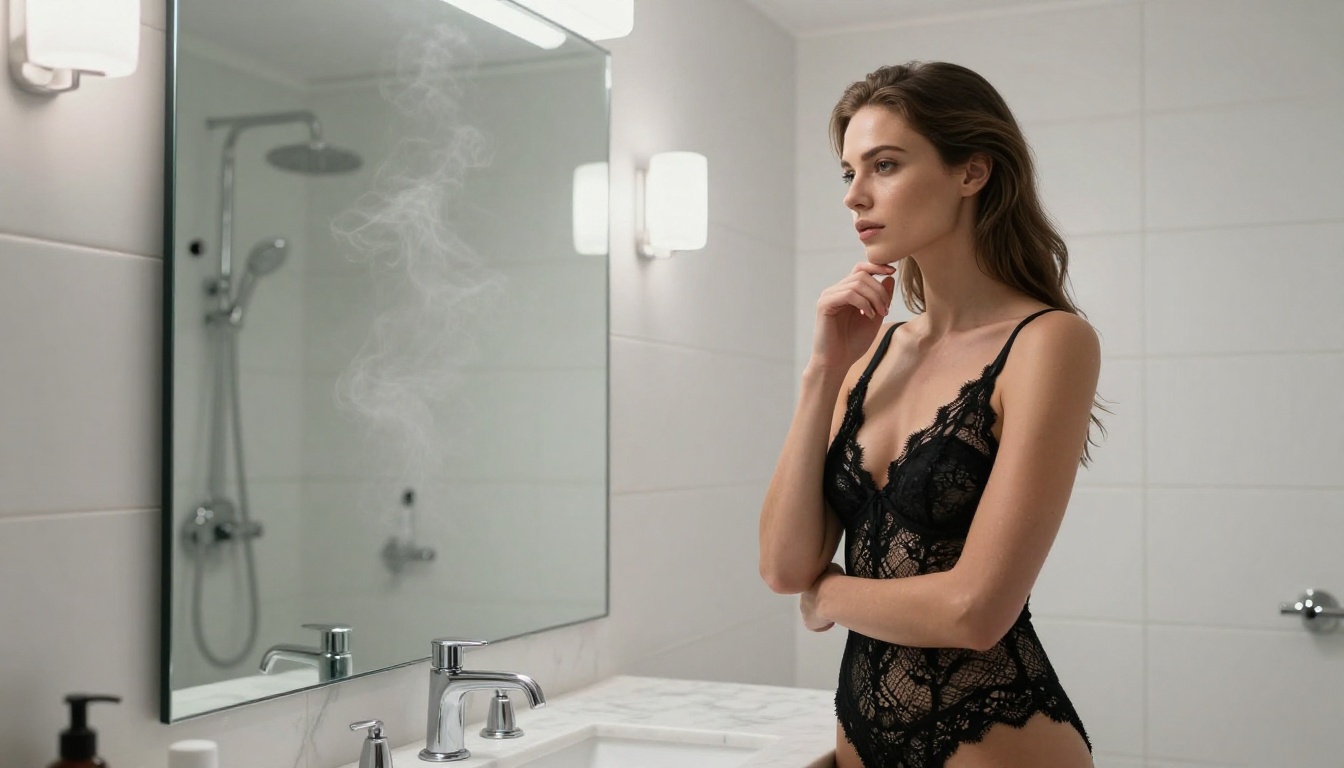
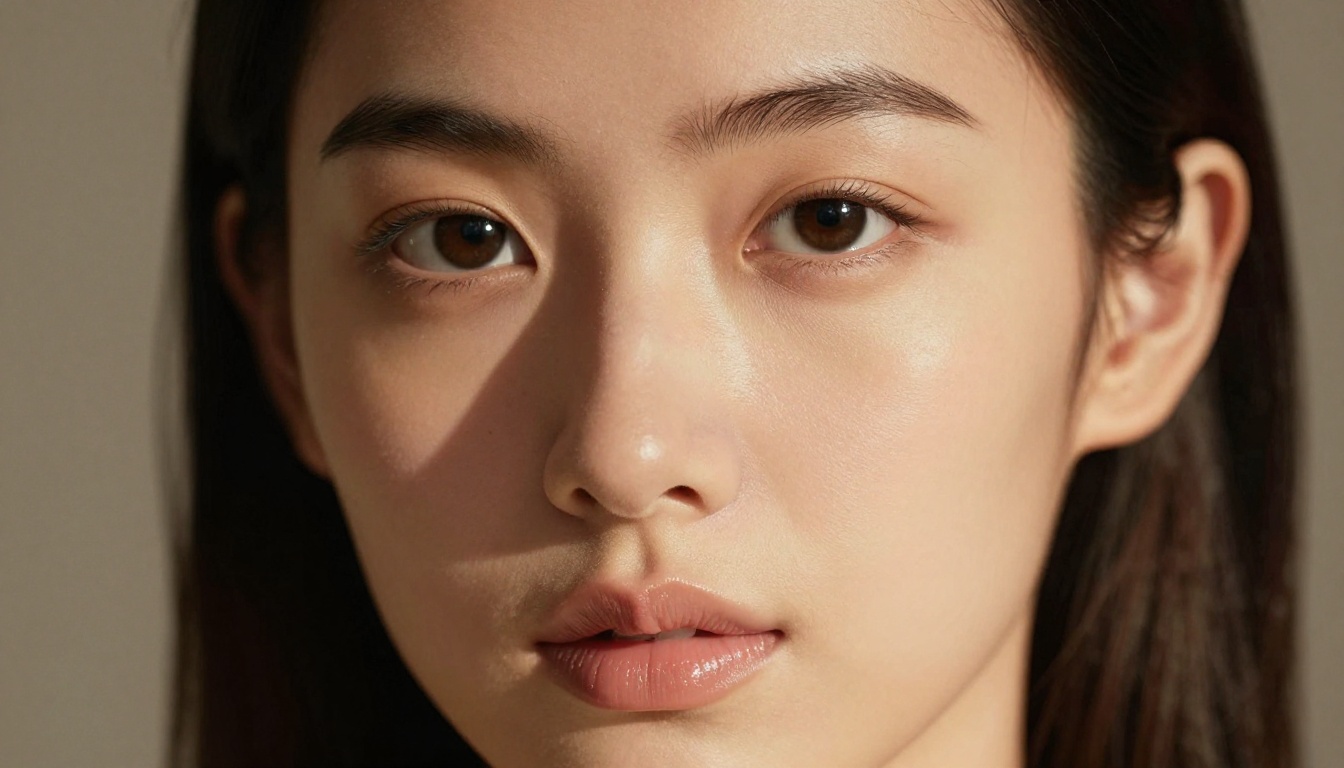
The Best NSFW Image Makers with No Watermark for 2027
Tired of watermarks ruining your NSFW AI art? This breakdown covers the most powerful AI image makers that deliver clean, watermark-free results. From photorealistic glamour portraits to artistic implied nudity, find the right model for your creative vision, with practical prompting tips and a direct comparison of 2026's top tools.
The watermark debate is over. If you're generating NSFW images with AI and still seeing a platform logo stamped across your output, you're using the wrong tool. The best NSFW image makers in 2027 deliver clean, full-resolution files as a baseline, not as a premium perk.
This is a direct breakdown of the most capable NSFW image generators available right now, what makes each one worth using, how to get the most photorealistic results, and what to do when the output almost gets there but not quite.
Why Watermarks Kill the Work
The real cost of branded output
A watermark is more than an aesthetic annoyance. For creators building portfolios, producing content for subscription platforms, or selling prints, a brand stamp in the corner makes the image commercially unusable. You lose practical ownership of the output even when the platform's terms technically say you own it.
The best NSFW image makers understand this. They either offer watermark-free output by default, or they provide clear tier-based options where users get genuinely clean files. Some platforms apply watermarks only on free tiers, which is a fair trade-off. Others bake them in regardless of what you pay, which makes them a hard pass for serious use.
💡 Rule of thumb: If a platform doesn't clearly state its watermark policy in the FAQ, assume there is one. Check before you invest time building a workflow there.
What "clean output" actually means
Clean output means four things working together:
No visible watermarks in any corner or anywhere across the image
No embedded metadata branding in the file itself (some platforms do this invisibly)
Full resolution delivery, not a downsampled preview hiding behind a "download HD" paywall
Format flexibility, typically PNG or high-quality JPEG with no compression artifacts
The models covered below deliver on all four counts when used through a platform that doesn't compromise their output.
NSFW content policies vary by model
It's worth being direct about this: not all AI image models treat NSFW content the same way. Some apply hard content filters at the inference level. Others are unrestricted. Most sit somewhere in between, handling suggestive, glamorous, and artistic content without issue while blocking explicitly pornographic output.
The models ranked below are specifically useful for non-explicit NSFW content: glamour photography, lingerie, artistic nudity, suggestive portraits, and beauty shots. That covers the vast majority of what most creators are actually trying to produce.
The Top NSFW Image Makers Ranked
Flux 1.1 Pro Ultra
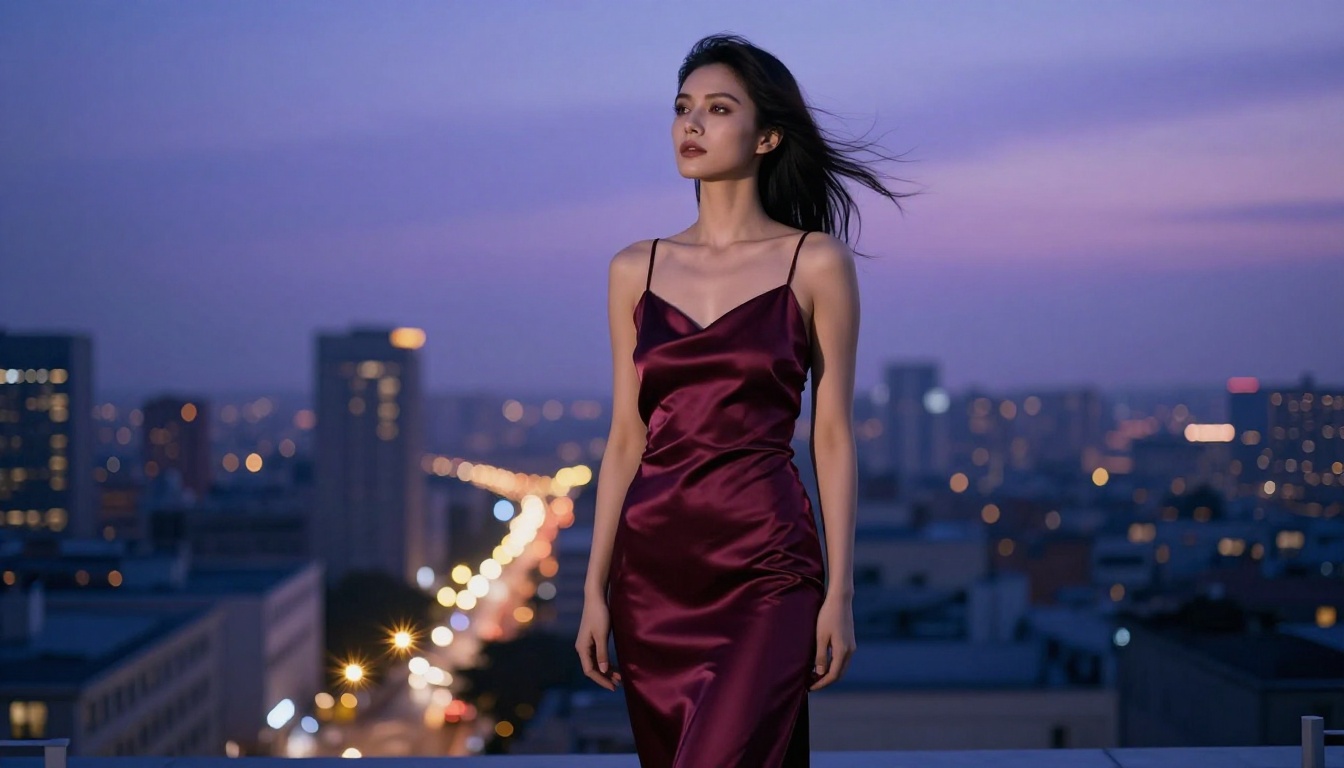
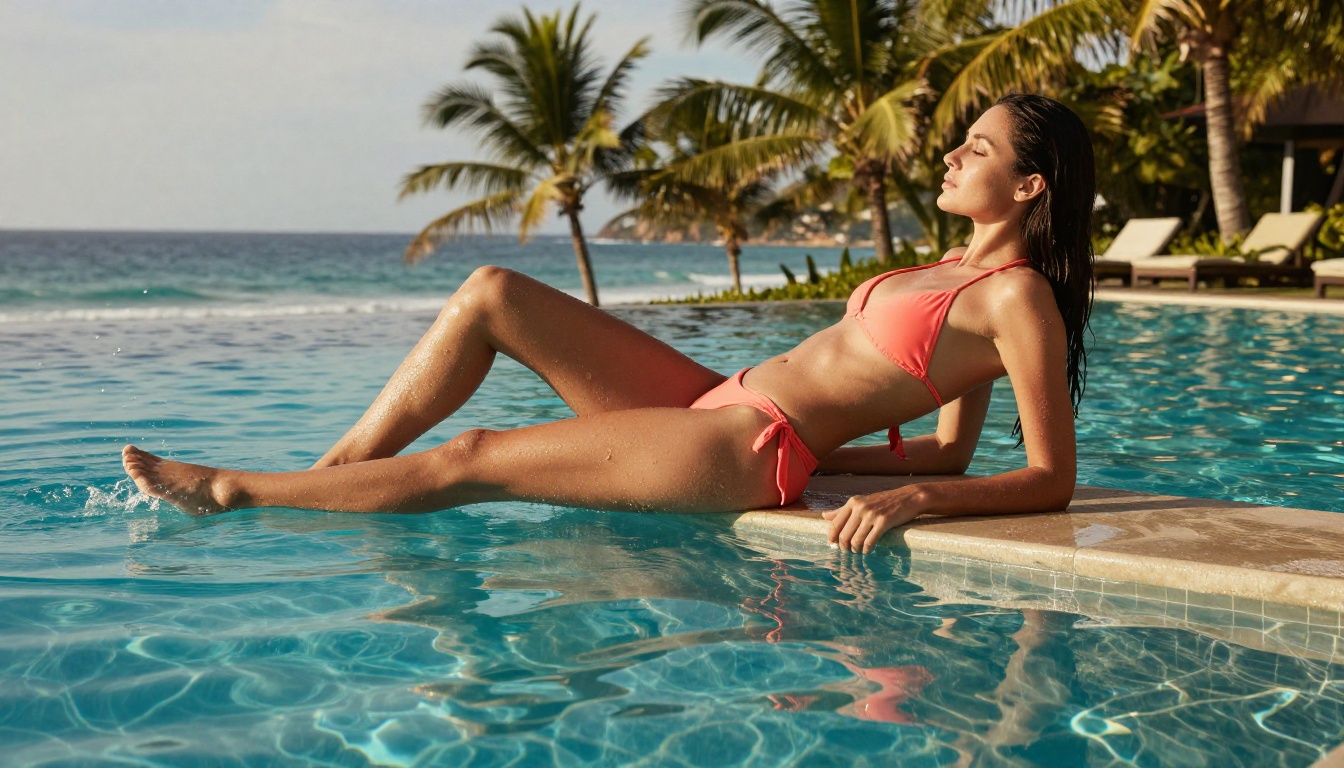
Flux 1.1 Pro Ultra from Black Forest Labs is the current benchmark for photorealistic AI image generation. Its output has a film-like quality that other models haven't matched. Skin tones, fabric textures, environmental lighting, shallow depth of field behavior: it handles all of it without the plastic-looking artifacts that make AI images look unmistakably artificial.
For NSFW content specifically, its strength is in soft, implied, and suggestive imagery. It captures the human form with the kind of realism you'd expect from high-end editorial photography. When you describe a specific lighting setup, it follows through. When you specify a lens and focal length, the resulting depth of field behavior is convincing.
Best for: Glamour, editorial, artistic implied nudity, high-fidelity portraits
Flux 2 Pro and Flux 2 Max
Flux 2 Pro and Flux 2 Max represent the next generation of the Flux architecture. The Max variant pushes resolution and detail to a level where individual fabric threads, hair strands, and skin pores are rendered with precision that can hold up at very large print sizes.
If you need 8K-equivalent outputs for large-format printing, high-resolution platform uploads, or content that will be viewed zoomed in, these are the models to use. The clean watermark-free output from these models through a capable platform is comparable to what you'd get from a professional photographer shooting on a full-frame camera.
Best for: Print-ready NSFW art, ultra-high detail portraits, large-format output
Stable Diffusion 3.5 Large
Stable Diffusion 3.5 Large remains one of the most flexible models in this space. Its architecture has been extensively studied and fine-tuned by the community for NSFW use cases, resulting in exceptional knowledge of realistic human anatomy and complex lighting.
The 3.5 Large variant improved significantly over previous versions in terms of prompt adherence. If you write a detailed scene description, this model follows it closely. That precision matters for NSFW content where small prompt details determine whether the output matches your actual vision or drifts into something generic.
What separates SD 3.5 Large from the Flux family is its scene composition strength. Where Flux excels at portrait-style imagery, Stable Diffusion 3.5 Large handles complex environments, multi-element compositions, and interiors with more consistent results.
Best for: Detailed scene control, anatomy accuracy, complex multi-element compositions
RealVisXL v3.0 Turbo
RealVisXL v3.0 Turbo is specifically optimized for photorealism. Where some SDXL-based models drift toward a slightly painterly or stylized look, RealVisXL stays grounded in reality. Faces are particularly well handled: the skin doesn't look like it was rendered in a game engine, it looks like it was photographed.
The Turbo version adds speed without a meaningful quality tradeoff, making it practical for iterating on prompts quickly before committing to a final high-quality generation. For NSFW content workflows where you're testing different compositions, outfits, or lighting setups before settling on a final image, this speed matters.
Best for: Realistic portraits, beauty shots, high-accuracy skin texture work
Realistic Vision v5.1
Realistic Vision v5.1 has been a community staple for photography-style outputs for several years. Version 5.1 refined face generation and added better handling of complex poses and challenging lighting scenarios that earlier versions struggled with.
It's particularly strong for close-up portraits where facial detail needs to hold up under scrutiny. The natural skin imperfections it renders, subtle texture variations, fine facial hairs, realistic lip texture, give outputs a credibility that many models lack. For creators focused on beauty photography-style NSFW content, this model consistently delivers.
Best for: Close-up portraits, detailed facial work, beauty photography aesthetics
SDXL
SDXL is the reliable workhorse of this list. Newer models have surpassed it on raw quality metrics, but SDXL's real strength is the enormous body of community knowledge built around it. Thousands of prompting techniques, style references, and workflow guides have been developed specifically for SDXL, which means there's deep documentation for getting exactly the output you need.
For NSFW content, SDXL is well-understood territory. The prompting conventions are established, the common failure modes are documented, and the results are consistent across sessions. That predictability has real value when you're building a production workflow and need reliable batch output.
Best for: Established workflows, community-supported prompting, consistent batch production
How to Use Flux Dev on PicassoIA
Flux Dev is one of the most accessible high-quality NSFW image makers available on the platform. It produces strong results without requiring the premium compute of Flux 1.1 Pro Ultra, making it the right starting point for most creators. Here's how to use it effectively.
Step 1: Open the model page
Navigate to Flux Dev on PicassoIA and open the generation interface. You'll see a text prompt field, aspect ratio controls, and parameter sliders.
Step 2: Write a structured prompt
Flux Dev responds well to detailed, structured descriptions. Use this format as a starting template:
[Subject and clothing] + [Setting and environment] + [Specific lighting] + [Camera angle and lens] + [Quality anchors]
Example prompt:
"Woman in a white silk slip dress, sitting on the edge of a linen-covered bed, warm morning light streaming from a window on the left, bare shoulder, natural skin texture with subtle imperfections, 85mm f/1.4 portrait lens, shallow depth of field, Kodak Portra 400 film grain, photorealistic, RAW"
Avoid vague quality words like "beautiful", "sexy", or "perfect." These are low-information terms that don't guide the model toward anything specific. Instead, describe exactly what those words mean to you visually: the fabric type, the light source direction, the camera angle, the mood created by shadow and highlight.
Step 3: Configure your parameters
Parameter
Recommended Setting
Why It Matters
Aspect Ratio
16:9 for scenes, 9:16 for portraits
Matches the subject framing
Steps
28 to 35
Balances quality and generation time
CFG Scale
7 to 9
Strong adherence to your prompt text
Seed
Fixed after a good result
Reproduce and iterate on success
Step 4: Iterate using a fixed seed
When you generate an image you like, copy the seed number and fix it. Then adjust one element of your prompt at a time, such as the lighting description or clothing detail, while keeping the seed constant. This lets you refine the image without losing what was working.
💡 Pro tip: Change only one variable per iteration. If you adjust both the lighting and the pose description at the same time, you won't know which change made the difference.
Step 5: Upscale the final result
After generating your best image, use the Super Resolution tools available on the platform to push the output from 1024px to 4096px or higher. This is the most efficient path to print-quality resolution without regenerating at significant compute cost.
Most mediocre NSFW AI images come from mediocre prompts. The model isn't the problem. The gap between an output that looks like it was photographed and one that looks obviously generated almost always comes down to how much useful information is in the prompt.
The anatomy of a strong NSFW prompt
A strong prompt for photorealistic NSFW imagery has five components working together:
Subject specificity: "Woman with olive skin, dark shoulder-length hair, athletic build" beats "beautiful woman"
Clothing precision: "Ivory silk chemise with thin spaghetti straps, fabric catching the light on the left shoulder" beats "lingerie"
Lighting direction: "Volumetric morning light from the upper left, casting a soft shadow across the collarbone" beats "good lighting"
Camera details: "85mm f/1.4 prime lens, extremely shallow depth of field" beats "portrait style"
Quality anchors: Append "Kodak Portra 400 film grain, RAW photography, 8K, photorealistic" to the end of every prompt
Negative prompts that reduce failures
Most platforms on the list support negative prompts. Use them:
cartoon, CGI, 3D render, anime, illustration, painting, digital art, oversaturated,
plastic skin, airbrushed, overexposed, watermark, text overlay, logo, blurry,
low resolution, deformed anatomy, extra limbs
Adding a negative prompt cuts failure rates on photorealistic NSFW outputs significantly. The model uses it as a constraint that steers generation away from common artifacts.
Mistakes worth avoiding
Over-listing physical attributes: Long descriptions of hair color, eye color, and body measurements confuse the model. Pick three or four defining details.
Under-describing the environment: An empty or generic background makes the image feel staged. Describe the room, surface, lighting source, and any visible props.
Omitting the camera angle: No specified angle means random framing. Always include close-up, wide, low-angle, or aerial in your prompt.
Using emotional adjectives instead of visual ones: "Seductive" is not visual information. "Direct eye contact, slight parted lips, soft shadow across the jaw" is visual information.
Free vs. Paid Tiers
What the free tier delivers
Several models including Flux Schnell and DreamShaper XL Turbo are accessible at no cost on entry-level tiers. For testing prompts, exploring compositions, and building a sense of what different models respond to, these are genuinely useful starting points.
Free tiers typically restrict:
Resolution: Often capped at 512px or 768px
Daily generations: Volume limits that prevent production use
Queue priority: Longer wait times during peak usage periods
When paid tiers become worth it
The quality jump from free to paid tiers on premium models is significant. Flux 2 Max and Flux 1.1 Pro Ultra at full resolution look like entirely different tools compared to their free-tier previews.
Upgrading makes sense when you need:
True print-quality resolution: Only premium compute delivers 4K+ outputs
Volume production: Daily limits on free tiers make consistent batch output impossible
No queue times: Immediate generation is critical when iterating on prompts
For anyone producing NSFW AI content with commercial intent, whether for personal portfolios, subscription platforms, or print products, the cost of a paid tier is typically recovered within the first month in saved time alone.
Other Features Worth Pairing With Image Generation
Super Resolution for output quality
Once you have a strong base image, the Super Resolution tools available on the platform can take a 1024px output and push it to 4096px without visible upscaling artifacts. This is the cleanest path to print-ready output without regenerating at high compute cost.
Upscaling also recovers detail in areas where the original generation was soft. Facial features, fabric textures, hair strands, and background detail all benefit from a good AI upscaler more than from simply regenerating at higher resolution.
Face Swap AI for character consistency
For creators building series of images with consistent characters, Face Swap AI lets you maintain the same face across multiple generated scenes. This matters significantly for NSFW content where character identity needs to stay consistent across a full set of images.
The tool works by analyzing facial geometry and the lighting conditions in both the source and target image, then transplanting the face with matched illumination. Results are most convincing when the lighting direction and quality are similar between source and target.
Inpainting for targeted fixes
No AI image is perfect on the first pass. Inpainting lets you select a specific region, a hand that looks wrong, an inconsistent background element, a shadow that doesn't match the light direction, and regenerate just that section while leaving the rest of the image untouched.
This iterative workflow is how professional AI creators get images to a finished state. The model generates a strong base, and targeted inpainting handles the remaining 10% that wasn't quite right. Used with Flux Kontext Pro, this workflow becomes particularly powerful since the model understands existing image context when generating replacements.
Your First Image Starts Now
The tools are better than they've ever been. The models above produce results that would have required a professional photo shoot two years ago. The watermark issue has been resolved for anyone using a platform that respects its users' output.
What separates images that look generic from images that look intentional is almost always the prompt. Spend more time on the text description than you think necessary. Specify the light direction. Name the lens focal length. Describe the fabric material. That's where the quality difference lives, not in which button you click.
Start with Flux Dev for everyday generation and prompt testing. Step up to Flux 1.1 Pro Ultra or Flux 2 Max when you need the final output to hold up at full resolution. Reach for Stable Diffusion 3.5 Large when scene precision and complex environment control matter most.
With 91 text-to-image models available, there's a tool for every creative direction you want to take. The platform gives you the infrastructure. The prompt gives it direction. Pick a model, write something detailed and specific, and see what comes back. The first image won't be your best. The tenth one will surprise you.