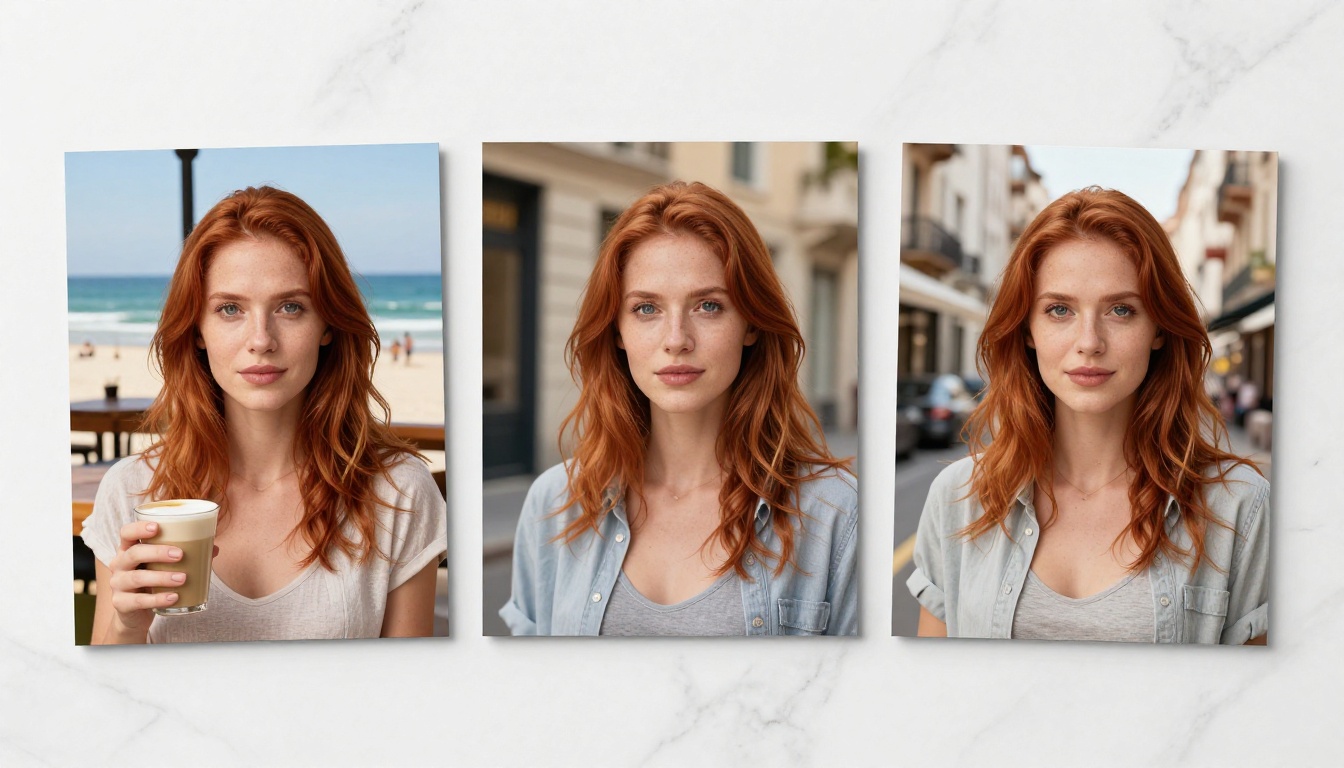
Character consistency is probably the most requested feature in AI image generation, and the most commonly broken promise. You set up your workflow, generate image after image, and somewhere between the third and fourth scene, your character's face starts drifting. Wrong eye color. Different nose. A jawline that belongs to someone else entirely. If you have been running into this wall on OpenArt, you are in the right place.
Why Your Character Keeps Changing
The core problem has nothing to do with your prompts. It is architectural.
The Face-Drift Problem
Most AI image generators work by interpreting your text prompt fresh with every generation. Even if you describe the same character in identical detail across ten different prompts, the model treats each request independently. It has no memory of the face it generated three requests ago. The result is a character who shares a vague family resemblance across images but consistently fails the consistency test when you place them side by side.
This becomes especially painful for creators building visual novels, webtoons, brand characters, or social media personas. When face drift happens, it breaks immersion. It also breaks trust with your audience, who notices immediately when "the same character" looks subtly different across panels or posts.
OpenArt's LoRA Limitations
OpenArt does offer LoRA support, which theoretically addresses this problem. But in practice, training a LoRA on OpenArt requires a specific set of conditions to produce consistent results: clean reference images, proper dataset tagging, and an understanding of training parameters most users do not have time to develop. The platform's community LoRA ecosystem has also grown fragmented, with hundreds of models producing wildly inconsistent results depending on which base model and settings you pair them with.
The deeper issue is that even a well-trained LoRA does not fully solve multi-scene character consistency without additional pose control and reference anchoring. You can have a great LoRA and still get face drift when the scene gets complex.
💡 The real issue: Character consistency requires either dedicated architecture (reference-image conditioning) or a carefully trained LoRA paired with structural guidance. Generic text-to-image generation alone cannot solve it.
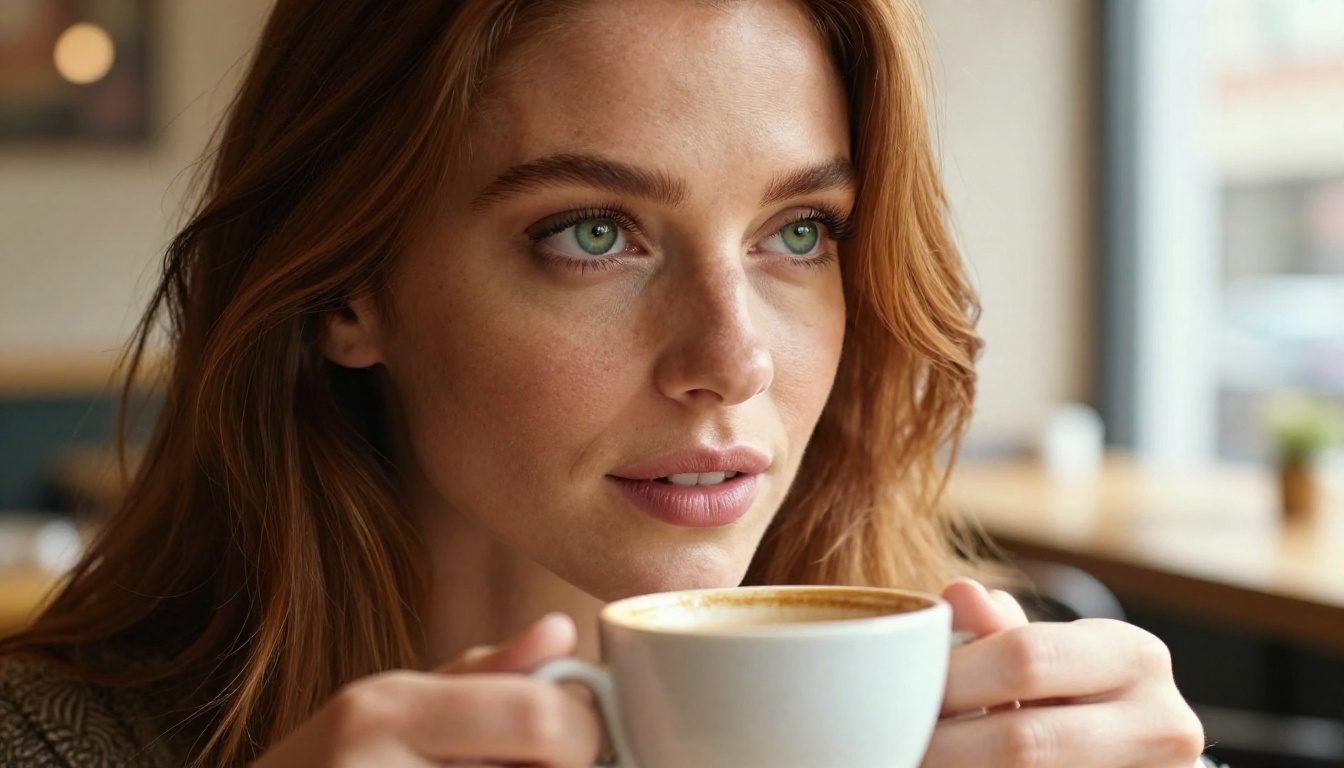
What Separates a Real Alternative
Not every platform that calls itself an OpenArt alternative actually addresses the character consistency problem. Most just offer more models or a cleaner interface. Here is what actually matters.
Style Anchoring vs. Character Anchoring
Style anchoring keeps the visual aesthetic consistent: same color palette, same lighting style, same artistic direction. It is relatively easy to achieve. Character anchoring is the harder problem. It means the same face, the same proportions, the same distinguishing features, the same specific eye shape and lip asymmetry, across wildly different scenes and poses.
A platform needs specific tools for character anchoring: reference-image conditioning, multi-image fusion, or dedicated character models trained on consistency as a primary objective. Without those tools, you are running the same problem at a higher quality level.
Speed vs. Quality Tradeoffs
Some models prioritize speed and produce fast approximations that look close enough in isolation. Others run slower inference but lock features with precision that holds up under side-by-side comparison. For character consistency work, speed is secondary. A three-second generation that drifts is worth less than a twenty-second generation that locks your character's face perfectly across every scene you need.
| Feature | OpenArt | PicassoIA |
|---|
| Dedicated character models | Limited | Yes (Ideogram Character, Image 01) |
| Multi-reference fusion | No | Yes (Multi Image Kontext Max) |
| LoRA training | Yes (complex setup) | Yes (P Image Trainer, simplified) |
| Portrait series generation | No | Yes (Portrait Series) |
| ControlNet structure control | Limited | Yes (RealVisXL Multi Controlnet) |
The Models Built for Character Consistency
PicassoIA runs 183+ text-to-image models. Most are general-purpose. But a specific subset was built around the character consistency problem, and these are the ones worth knowing.
Ideogram Character
Ideogram Character is the most direct solution on the platform. It accepts a reference image of your character and uses it as a conditioning anchor for every subsequent generation. The face does not drift because the model is architecturally constrained to preserve the reference. Give it the same face in a different scene, a different outfit, or a dramatically different lighting condition, and it maintains the core identity across all of them.
This is the model OpenArt does not have a clean equivalent of.
Image 01 by Minimax
Image 01 was built specifically for generating consistent character images. Where most models fail on multi-scene character work, Image 01 was trained with consistency as a primary objective rather than an afterthought. It performs especially well on human subjects and handles varied lighting conditions without letting face features drift into different territory.
Flux Redux Dev
Flux Redux Dev takes a different approach. Instead of a text prompt driving the generation, it takes a reference image and creates structured variations of it, preserving the core visual identity at the model architecture level. For character work, this means you establish a canonical reference image and generate scene variations while keeping the character visually locked. The faster companion model Flux Redux Schnell lets you iterate quickly before committing to final generations.
Portrait Series
Portrait Series is a purpose-built application that takes a single reference photograph and generates a series of consistent portraits. Different backgrounds, different poses, different moods. The character stays identical. This is ideal for social media content, character sheets, and visual storytelling where you need the same person across many images without manually managing consistency for each one.
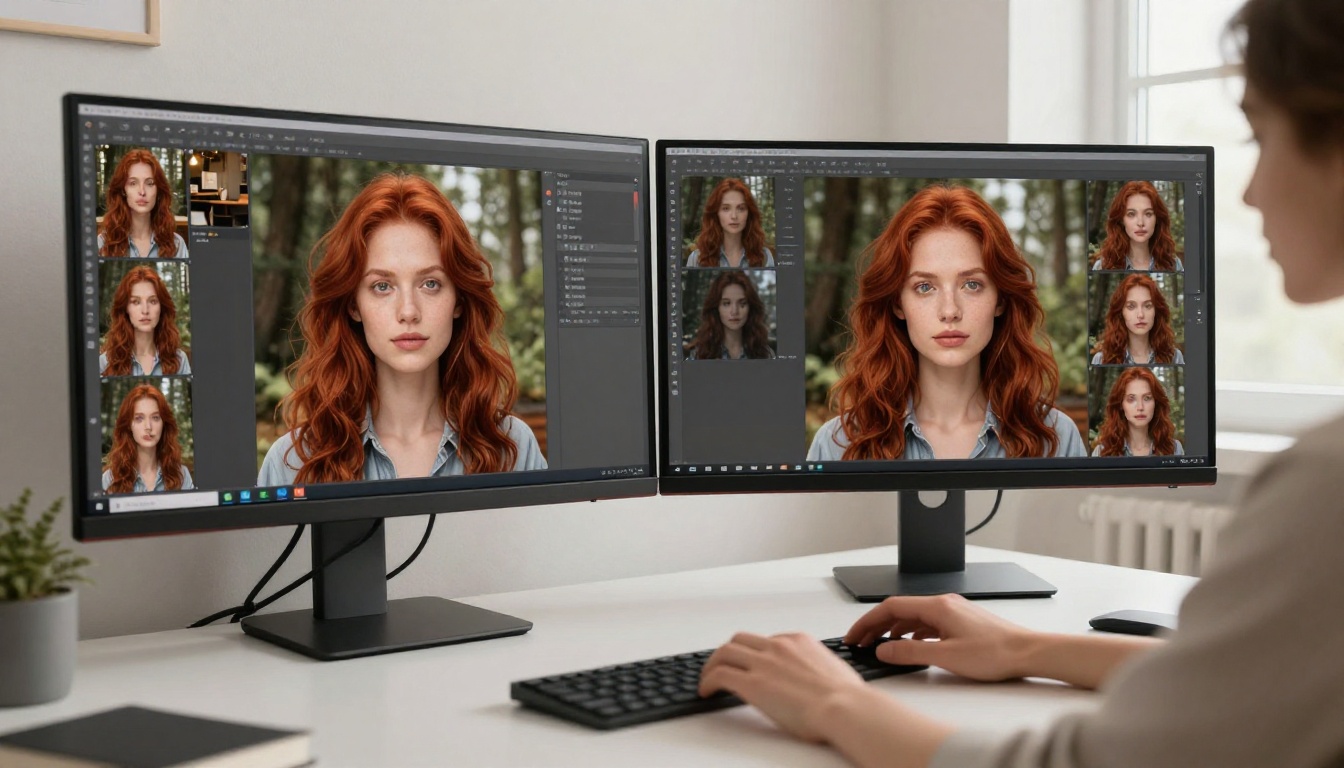
How to Use Ideogram Character on PicassoIA
Since Ideogram Character is the most direct answer to the character consistency question, here is exactly how to use it.
Step 1: Upload Your Reference
Navigate to Ideogram Character on PicassoIA. The model requires at least one reference image of your character. For best results, use:
- A clean frontal portrait with neutral expression and good, even lighting
- High resolution (at least 512 pixels on the shortest side)
- No heavy filters or stylization that might confuse the model's feature extraction
Two or three reference images from slightly different angles dramatically improve consistency across unusual poses. The model uses the reference set to build an internal representation of your character's face geometry that holds under scene changes.
Step 2: Write Your Character Prompt
Your text prompt describes the scene, not the character. Since Ideogram Character conditions on your reference image, your prompt handles environment, lighting, and action:
- Strong prompt: "Standing in a Tokyo convenience store at night, fluorescent lighting from overhead, slight rain visible through glass doors behind her, casual street outfit"
- Weak prompt: "Beautiful auburn-haired woman with green eyes in Tokyo"
The second example fights with the reference image. Trust the model to handle the character's physical appearance. Use your prompt to control everything else.
Step 3: Generate and Iterate
Run your first generation. Check the face against your reference image directly. If the model has drifted, try adjusting:
- Increase the reference weight if the model gives you that parameter
- Simplify your scene prompt to reduce semantic conflict with the reference
- Switch to a stronger reference image with cleaner lighting and sharper feature definition
Three to five iterations usually locks the character reliably. Once you find a generation you are satisfied with, use it as the new reference input for your next batch of scenes.
💡 Pro tip: Build a personal library of confirmed-consistent character generations. As the library grows, you have stronger, more varied references to anchor future scenes, and your consistency compounds over time.
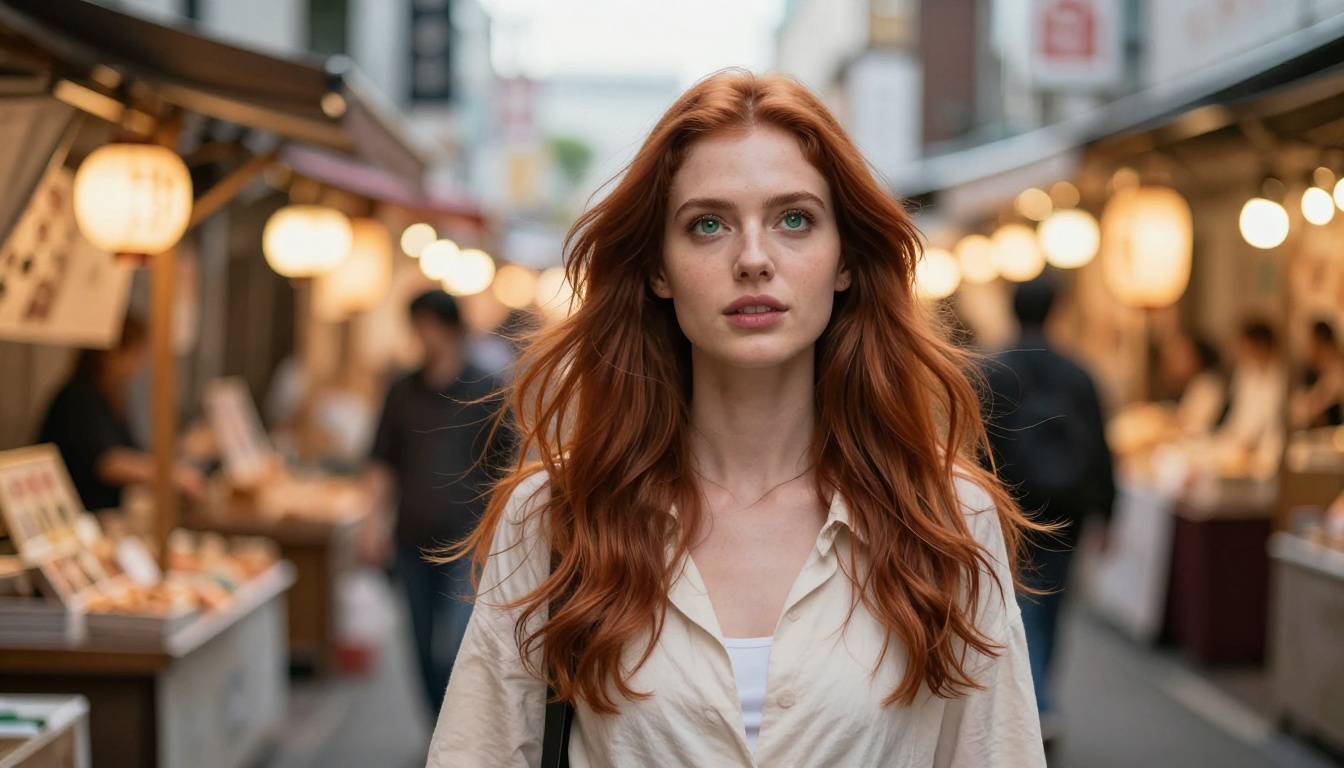
LoRA Training Changes Everything
If you need absolute character consistency across fifty or a hundred images, dedicated model training is the path that eliminates drift entirely.
What LoRA Actually Does
A LoRA (Low-Rank Adaptation) is a small set of trained weights that modify a base model's behavior for a specific concept. When you train a LoRA on your specific character, you are teaching the model to recognize that character as a named concept, the same way it already knows what a "Labrador retriever" or a "Victorian conservatory" looks like. Once trained, you generate your character across any scene using a single trigger word, with no reference image needed and no drift.
The difference from prompt-based or reference-based approaches is fundamental. You are not describing the character or conditioning on a reference each time. You are summoning a concept the model has internalized permanently.
Training Your Character LoRA on PicassoIA
P Image Trainer makes LoRA training accessible without requiring local GPU hardware or deep technical knowledge. The entire process runs on PicassoIA's infrastructure:
- Collect 10 to 20 reference images of your character from varied angles and lighting conditions
- Upload to P Image Trainer and assign a unique trigger word (for example, "auroracharacter")
- Set training steps (800 to 1200 steps works reliably for character LoRAs)
- Run the training (typically 15 to 30 minutes on the platform)
- Test output using your trigger word combined with varied scene descriptions
After training, use your LoRA with Flux Schnell LoRA for rapid generation or Flux Pro Finetuned for the highest quality output. When you need print-quality resolution, Flux 1.1 Pro Ultra Finetuned delivers 4MP results. For pose control alongside your character LoRA, RealVisXL v3 Multi Controlnet LoRA combines ControlNet structural guidance with LoRA character conditioning for maximum precision.
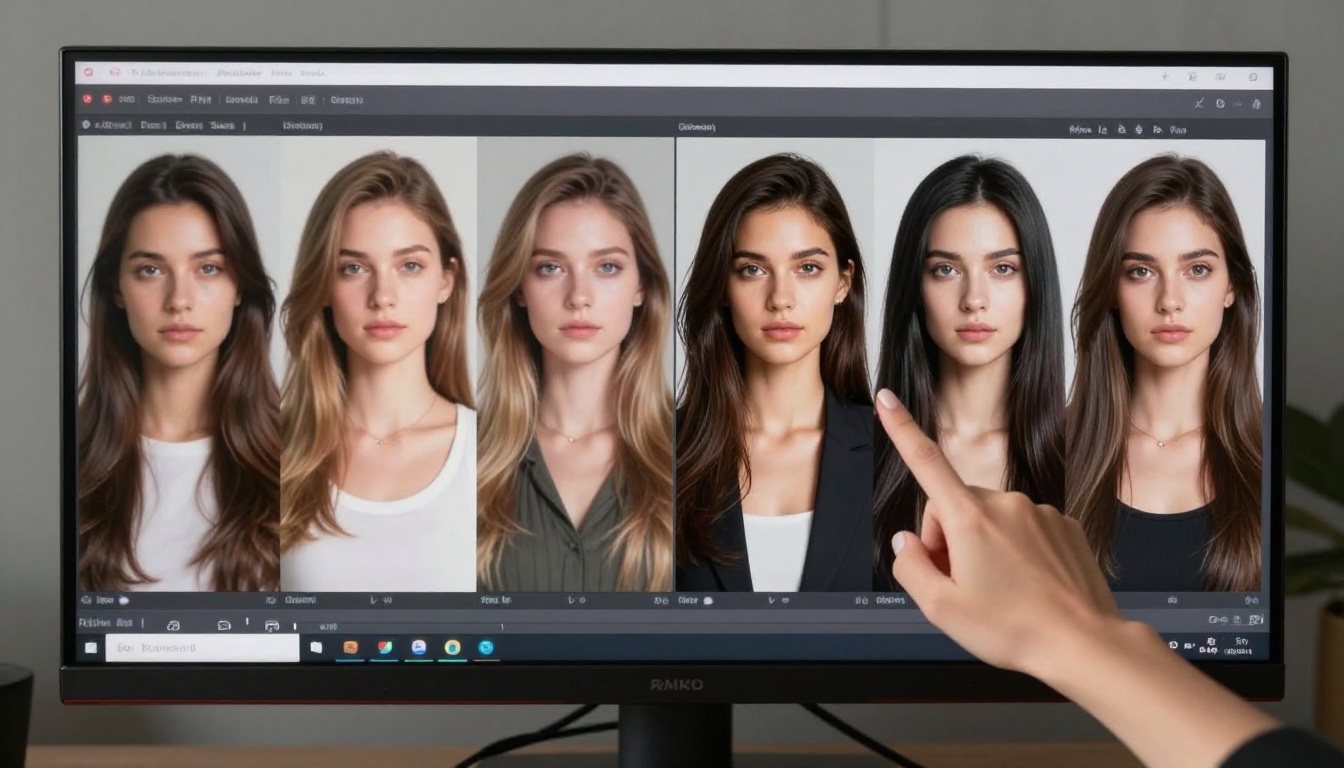
Comparing Results: OpenArt vs PicassoIA
The output gap is most visible when you test the same character across dramatically different scenes in the same session.
Output Quality Side-by-Side
On OpenArt, a character generated in a café and then regenerated on a beach will typically share broad characteristics but fail on the specific details: eye color shifts by a shade, the nose bridge changes in profile, the hair texture takes on a different quality, the jaw softens or sharpens in ways you did not prompt for. These errors feel trivial in isolation. They destroy visual storytelling in sequence.
On PicassoIA with Ideogram Character or a trained LoRA, the same character across different scenes maintains the specific: the exact freckle distribution, the particular shape of the cupid's bow, the precise color of the iris, the specific way the eyelids sit. It is not just similar. It is the same person in a different place.
Workflow Speed
The practical comparison also favors structured platforms. On OpenArt, achieving even approximate consistency requires finding a compatible community LoRA, testing multiple base model pairings, adjusting strength settings, and iterating through dozens of generations before landing on something usable. It is slow and uncertain.
On PicassoIA, you either use a purpose-built model like Image 01 and get reliable results immediately, or you train a LoRA with P Image Trainer once and generate consistently forever after with zero additional setup per scene.
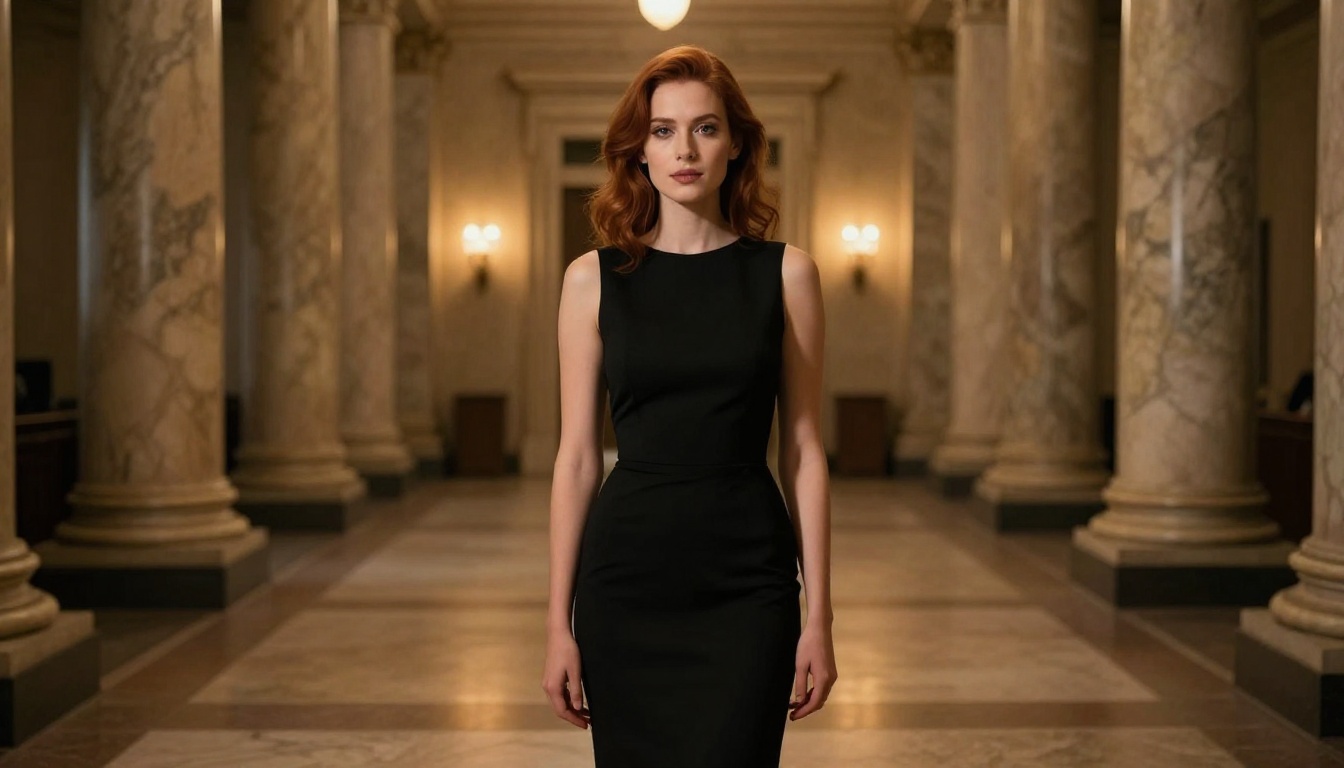
Tips for Consistent Characters Every Time
Even with the right models, small decisions in your workflow dramatically affect character consistency.
Reference Image Selection
The quality of your reference determines the quality of your consistency. Bad reference images produce bad consistency, regardless of which model you use. The model can only anchor what it can clearly see.
What makes a strong reference:
- Sharp focus on the face with zero motion blur
- Neutral or soft directional lighting that clearly reveals facial structure
- Minimal heavy shadows that obscure distinguishing features
- Frontal or near-frontal angle with both eyes fully visible
- Natural expression (extreme expressions distort proportions and confuse feature extraction)
What to avoid:
- Heavy filters that alter skin tone and feature contrast
- Heavy makeup that changes the underlying face structure
- Backlit or silhouetted images where facial detail is lost
- Very low resolution images where individual features are not clearly defined
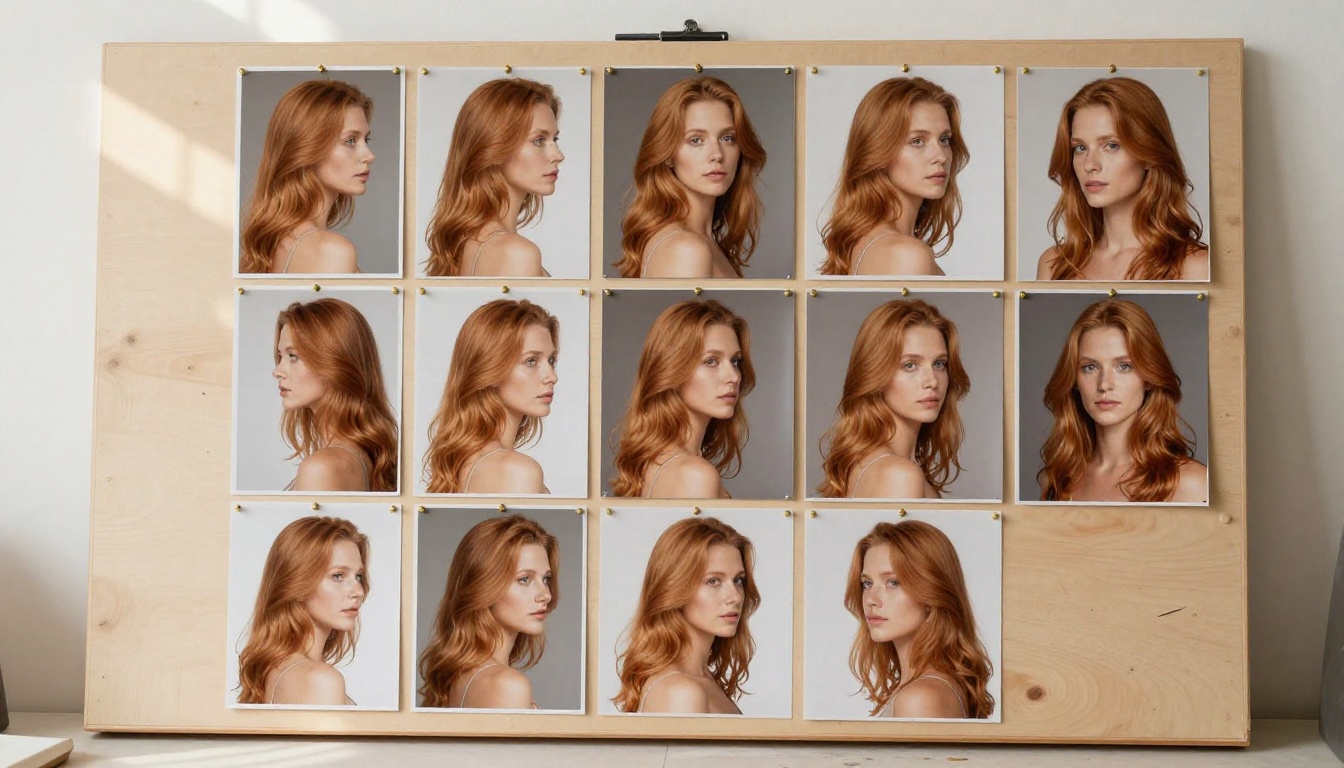
Prompt Engineering for Consistency
Your scene prompts should describe everything except the character's physical appearance. Let the reference image or LoRA handle the face. Your prompt handles:
- Location and time of day: "rooftop terrace, golden hour, Rome"
- Outfit: "white linen blazer, tailored dark trousers, simple gold necklace"
- Action and posture: "laughing at a phone screen, leaning against a sun-warmed brick wall"
- Lighting: "warm backlight from setting sun, soft practical fill from the right"
- Camera angle and distance: "medium shot, slight low angle, 85mm lens"
The more you try to describe the character's face in text alongside a reference image, the more conflict you introduce. The text description and the reference image pull against each other, and the model compromises between them. Trust the reference. Direct the scene.
Multi-Image Fusion for Complex Scenes
When a single reference is not enough, Multi Image Kontext Max and Multi Image Kontext Pro let you combine multiple reference images into a single coherent generation. This is particularly useful for scenes requiring multiple consistent characters, or for combining a specific character's face with a specific outfit or environment reference.
Gen4 Image by Runway builds on this further by turning multiple reference inputs into fully new scenes while preserving the visual identity of each element.
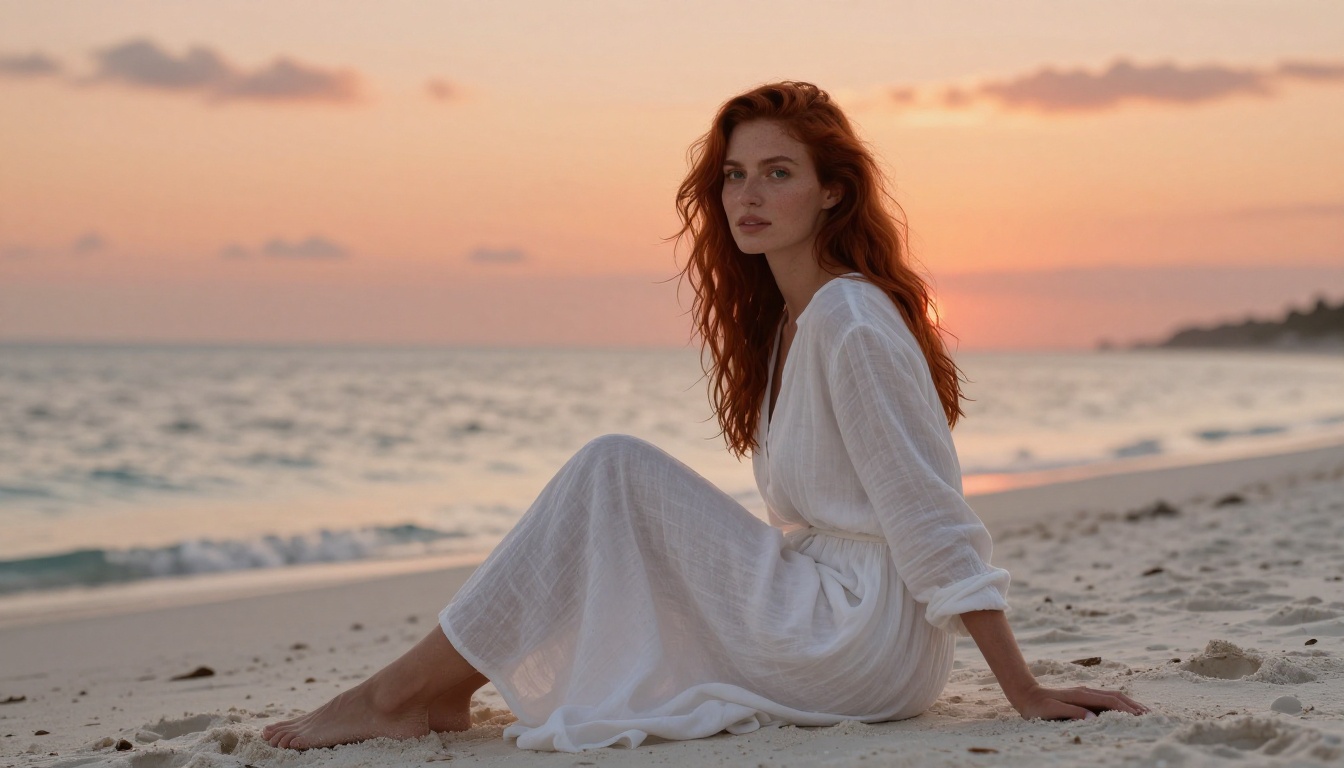
Start Creating Your Own Consistent Characters
Character consistency was once a premium capability, something reserved for animation studios with dedicated pipelines and technical artists who spent weeks on custom model training. That gap has closed.
Ideogram Character is the fastest entry point. Upload a reference image, describe your scene, generate. No training required, no complex setup, no deep technical knowledge needed. Image 01 covers the same territory with a complementary architecture, giving you a reliable second option when the first needs refinement for a specific scene type.
For long-form projects where you need a character across fifty or a hundred scenes, train a LoRA with P Image Trainer. One training session, permanent consistency, no drift. Combine it with Flux Pro Finetuned or AI Avatars depending on the output format your project needs.
The tools are there. The character is yours to build.