The demand for high-resolution, uncensored AI art has grown dramatically as creators, photographers, and digital artists look for tools that deliver genuine photorealistic quality without artificial content filters stripping away their vision. Whether you are generating artistic figure studies, glamour portraits, or boundary-free creative imagery, the resolution of the output can make or break whether that image looks like fine art or a compressed JPG from 2009. This breakdown covers the models that actually deliver, how to use them correctly, and why 4K resolution changes everything about what is possible.
What Uncensored AI Art Actually Means
Not every AI image generator that calls itself "uncensored" delivers the same experience. Most mainstream tools apply content policies that reject any prompt touching on bikinis, implied nudity, or even suggestive compositions. Truly uncensored platforms operate differently, giving creators control over their artistic vision without auto-rejecting legitimate creative work.
Safe vs. Unrestricted: The Real Spectrum
There is a spectrum here worth understanding clearly. On one end, you have fully filtered generators. In the middle, you have models like Flux Dev and Stable Diffusion 3.5 Large that allow creative flexibility with tasteful NSFW content. At the far end, fully unrestricted community models can generate explicit material. For most creators producing glamour photography, editorial art, or artistic figure work, the middle ground is exactly where the best output lives.
💡 Tip: The sweet spot for high-quality uncensored AI art is suggestive and beautiful, not explicit. Models optimized for realism perform significantly better when prompts focus on lighting, composition, and atmosphere over graphic content descriptions.
Why 4K Resolution Is Non-Negotiable
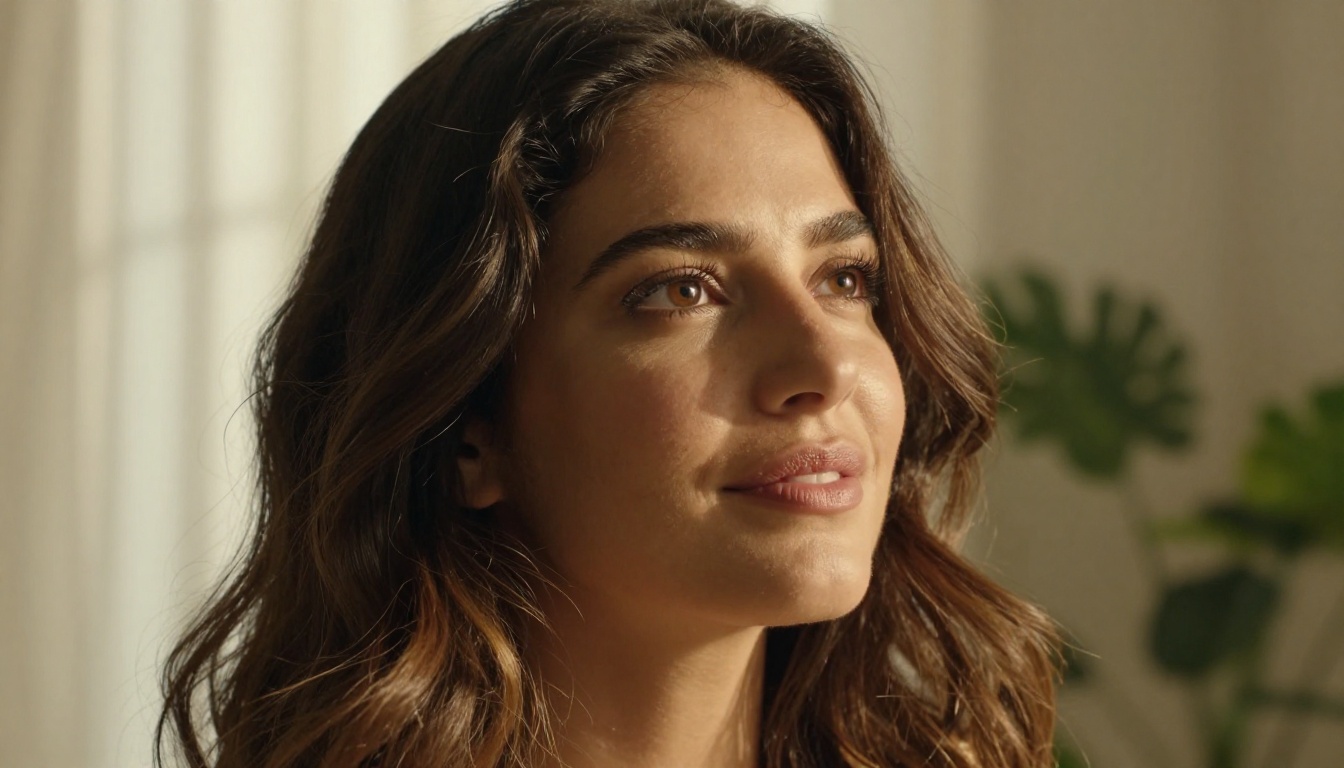
Resolution matters for a reason most beginners overlook: AI image generators do not just produce "more pixels" at higher resolutions, they reveal texture detail that simply does not exist at smaller sizes. A portrait generated at 512x512 and one generated at 3840x2160 (4K) are not the same image scaled up. The 4K version contains genuine skin texture, individual hair strand resolution, fabric weave detail, and environmental micro-textures that make the image look photographically real.
When you are generating glamour art or figure photography, this distinction is everything. Low-resolution output looks like a painting. True 4K output looks like a photograph.
The Top Models Worth Using in 2027
The AI image generation landscape has matured significantly. These are the models that consistently deliver both uncensored output and genuine high-fidelity 4K quality.
Flux 1.1 Pro Ultra: Sharpness at Full Power
Flux 1.1 Pro Ultra from Black Forest Labs is the current benchmark for photorealistic image generation. Its ability to render skin at macro detail levels while maintaining compositional coherence makes it the best choice for any uncensored portrait or figure work. The "Ultra" tier specifically targets high-resolution output with improved detail in hair, fabric, and environmental textures.
What sets it apart:
- Native 4K output support with accurate micro-detail
- Superior prompt adherence for lighting descriptions
- Minimal artifacts in skin tones and gradients
- Excellent handling of fabric textures and reflective surfaces
Flux 2 Pro: The Reliability Standard
Flux 2 Pro represents the second generation of Black Forest Labs' flagship model. It offers improved skin rendering over the original Flux Pro, with better handling of complex lighting scenarios. For creators who generate volume, Flux 2 Pro delivers consistent quality across hundreds of generations where other models start producing artifacts and anatomical inconsistencies.
RealVisXL v3.0 Turbo: Pure Photorealism
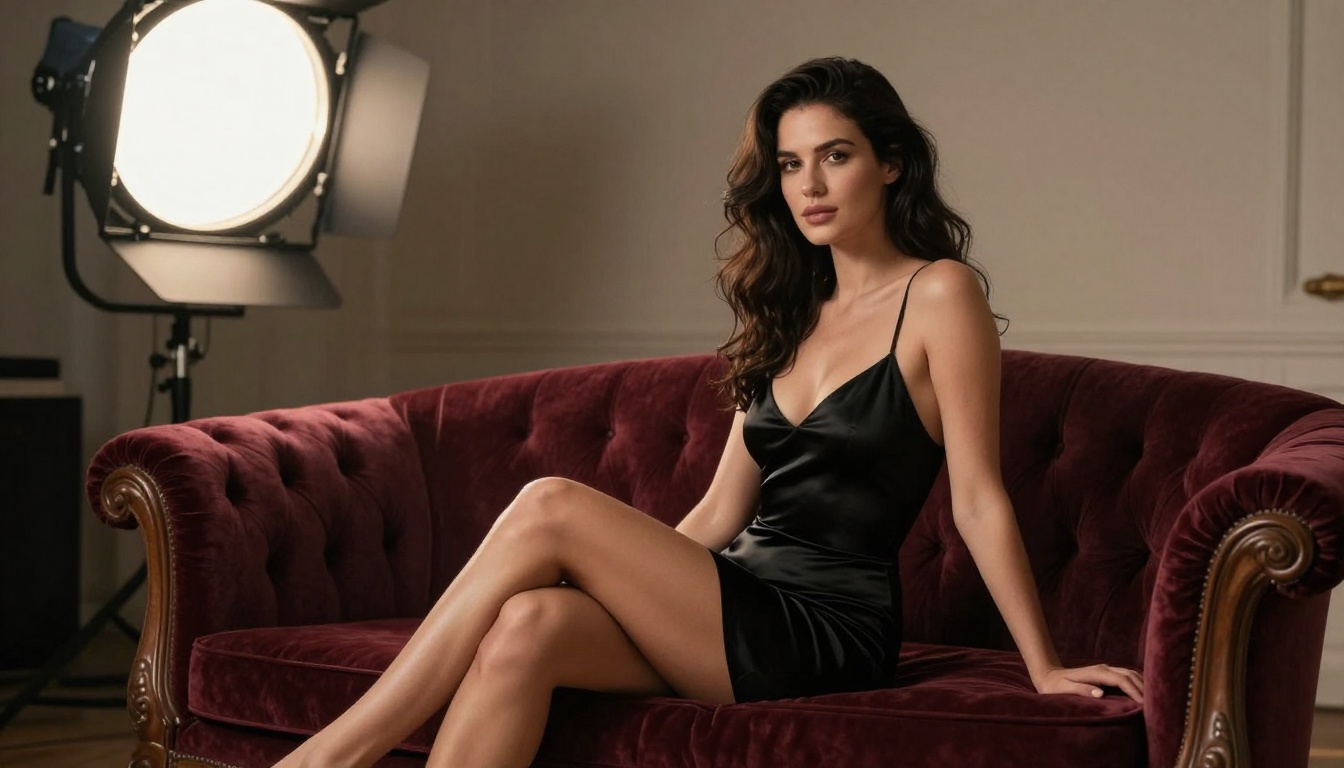
RealVisXL v3.0 Turbo was purpose-built for photorealistic output. The model was trained extensively on real photography, which shows in how naturally it handles human subjects. Skin does not look plastic. Eyes have depth and natural catchlights. Bodies have weight and anatomy that make sense.
For uncensored glamour and artistic figure photography, RealVisXL consistently produces images that pass the "is this a photograph?" test at first glance.
Stable Diffusion 3.5 Large: Maximum Creative Freedom
Stable Diffusion 3.5 Large remains the most versatile open-architecture model for uncensored creative work. Its accessibility through PicassoIA means you can adjust generation parameters far beyond what closed models allow. Negative prompt control, CFG scale tuning, and sampler selection give you granular control over exactly how much creative latitude the model takes.
💡 Tip: With SD 3.5 Large, a negative prompt specifying cartoon, illustration, CGI, 3D render, overexposed, flat lighting will dramatically push the output toward photorealistic quality.
Seedream 4: Resolution Without Compromise
Seedream 4 from ByteDance is specifically engineered for ultra-high-resolution output. The model architecture prioritizes detail preservation at large canvas sizes, making it one of the few models where generating at full 4K does not introduce the scaling artifacts common in upscaled images. For creators prioritizing sheer resolution fidelity, Seedream 4 is worth testing directly against Flux.
Resolution vs. Output Quality: Not the Same
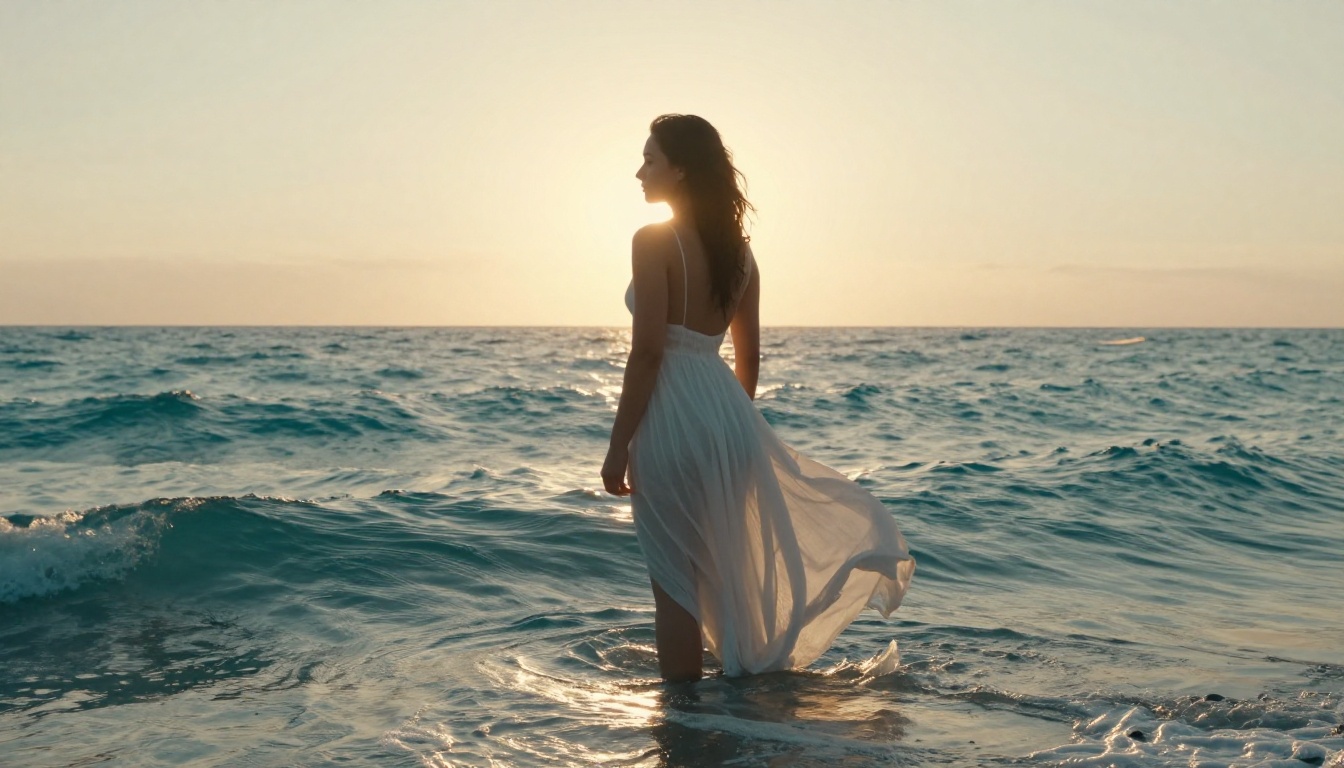
A lot of creators make the mistake of assuming resolution equals quality. They are related but not identical. You can have a beautifully detailed image at 1080p and a blurry, artifact-filled mess at 4K. What you actually want is high fidelity at high resolution, and that requires understanding how each model handles its output pipeline.
3 Things That Actually Affect Sharpness
| Factor | What It Does | Best Practice |
|---|
| Native resolution | How large the model natively generates | Use models that support 4K natively |
| Sampling steps | More steps, more detail refinement | 30-50 steps for photorealistic output |
| CFG Scale | Prompt adherence vs. creative freedom | 7-9 for sharp, prompt-accurate results |
| Aspect ratio match | Output proportions vs. display target | 16:9 for widescreen, 9:16 for portrait |
How Upscaling Changes the Game
Most generators produce images at 1024x1024 or 1024x576 natively, then upscale to 4K. This is where many platforms lose quality. A real upscaling pass using dedicated super-resolution AI adds genuine detail during the upscale rather than just interpolating pixels. The difference between a bilinear upscale and an AI super-resolution upscale at 4K is visible to anyone who looks at the result at 1:1 zoom.
How to Use Flux 1.1 Pro Ultra on PicassoIA
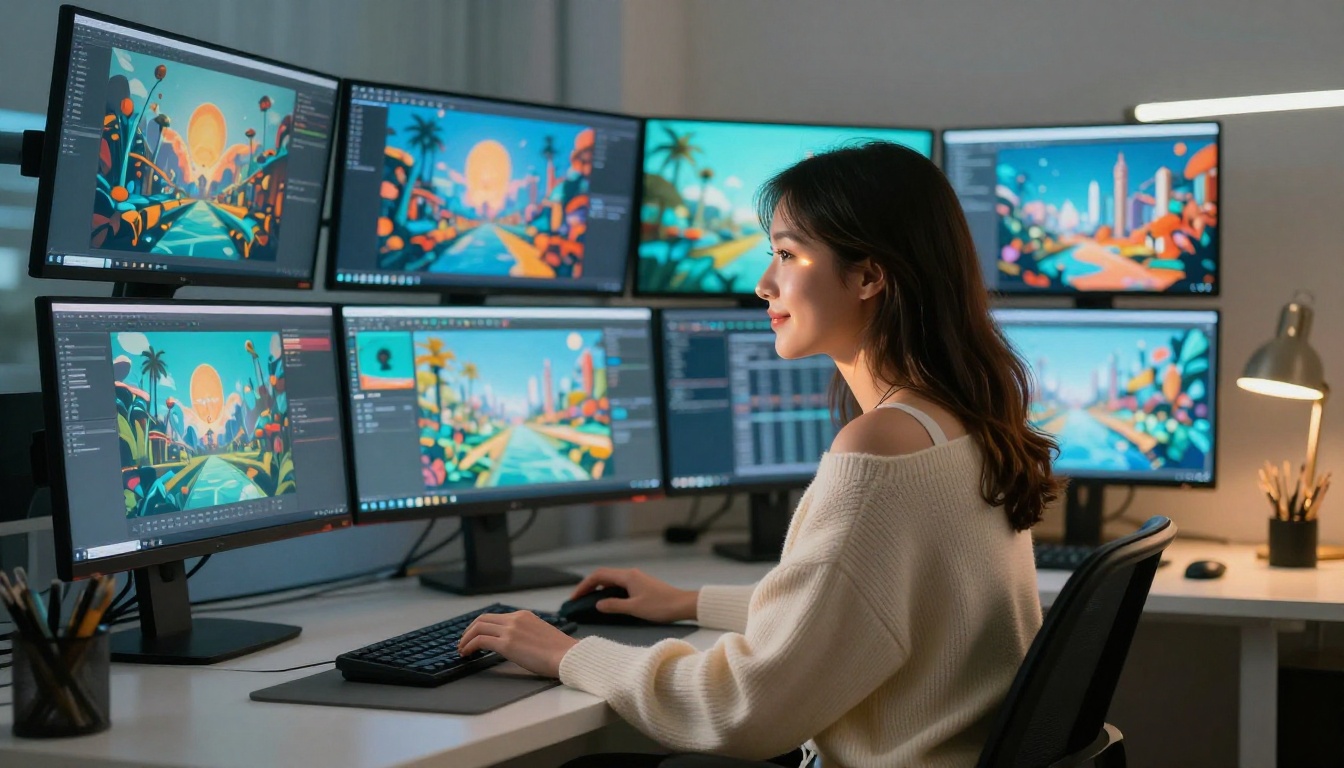
Flux 1.1 Pro Ultra is available directly on PicassoIA. Here is the exact workflow for generating uncensored 4K portraits and figure art without needing local hardware.
Step 1: Access the Model
Navigate to Flux 1.1 Pro Ultra on PicassoIA. No GPU, no installation, no local setup required.
Step 2: Craft Your Prompt Correctly
The model responds well to photographic language. Structure your prompt like a photographer briefing, not a chatbot request.
Prompt structure that works:
[Subject description] + [Clothing and style] + [Environment] + [Lighting direction and type] + [Camera and lens] + [Film stock or atmosphere]
Example that produces strong results:
"A woman with natural wavy hair standing in warm golden hour light, wearing a cream silk blouse, standing in a minimalist loft interior, volumetric light from the left through floor-to-ceiling windows, shot on 85mm f/1.4, Kodak Portra 400 grain, photorealistic, 8K"
Step 3: Set Resolution Parameters
- Aspect Ratio: 16:9 for editorial or landscape compositions, 9:16 for portrait orientation
- Output Quality: Select the highest available generation tier
- For body or figure art, 16:9 gives more compositional breathing room around the subject
Step 4: Refine with Iteration
Generate 3 to 5 variations at the same seed. Small prompt adjustments produce dramatically different results without losing the core composition. Changing "volumetric morning light" to "soft diffused studio light" shifts the entire mood of the image.
💡 Pro tip: Add natural photography language to your prompt: "no post-processing, no filters, natural photographic look, film grain". This prevents the model from over-smoothing skin and over-saturating colors, which are the two most common quality killers in AI portrait generation.
Step 5: Upscale the Result
After generating, run the output through a Super Resolution model on PicassoIA to push it to true 4K. The AI upscaling preserves every detail the generation captured while genuinely adding resolution-appropriate texture to skin, fabric, and environmental surfaces.
8 Top Uncensored Models Compared
Prompt Engineering for 4K NSFW Results
Getting clean, high-quality output from uncensored models requires more craft than simply describing what you want. The models that produce the best results are trained on real photography and respond to photographic language, not creative writing.
What Actually Works in a Prompt
The difference between a generic result and a stunning 4K image often comes down to specificity in three areas:
-
Lighting description: "warm afternoon light" is weak. "Volumetric golden hour light from the left, casting long warm shadows with a secondary cool ambient fill from an overcast sky" tells the model exactly what you need.
-
Camera and lens spec: Mentioning "85mm f/1.4 shallow depth of field" or "Phase One medium format with 110mm f/2.8" activates the model's knowledge of how specific optics render subjects. Background blur, compression, and subject separation all change based on lens choice.
-
Film stock reference: "Kodak Portra 400" is recognized by every major photorealistic model as shorthand for warm skin tones, creamy highlights, and subtle grain. "Fuji Velvia" reads as vivid and slightly cool with punchy saturation. These references shape the color science of the entire output.
The Glamour vs. Explicit Boundary
There is a practical reason to stay in the glamour and artistic space rather than pushing for explicit output: the results are objectively better. Models trained on real photography produce stunning results for tasteful and suggestive content because that content exists in vast quantities in their training data. Explicit content often produces less naturalistic, lower-quality rendering because the training data is thinner and less consistent.
A well-composed glamour portrait with proper lighting generated through Flux 1.1 Pro Ultra will consistently outperform explicit content from the same model on pure visual quality metrics.
Upscale to 4K: What Super Resolution Does
Even after generating at the highest native resolution, a dedicated AI upscaling pass takes the image further. Super Resolution models on PicassoIA do not merely add pixels. They analyze the image structure and intelligently synthesize detail that is consistent with the scene. A face upscaled with AI super resolution will have plausible pore structure and individual lash definition. Fabric will gain weave texture. Water and foliage will sharpen to a level that looks captured rather than generated.
When to run an upscale pass:
- After generating a composition you want to print or use commercially
- When the base generation is sharp but lacks fine texture at 1:1 zoom
- When preparing images for social media or editorial use at full resolution
The standard workflow: Generate at the model's best native resolution (usually 1024x576 or 1024x1024), then run through Super Resolution at 4x scale. The result is a native 4K image with genuine AI-enhanced detail that could not be achieved by simply resizing the original file.
Models That Define Realistic Output
Before moving to the final section, a few models deserve attention specifically for their realism at high resolution.
Flux 2 Dev serves as an excellent development-tier option when you want to iterate rapidly without the cost of pro-tier generation. Flux Schnell trades some resolution fidelity for significantly faster generation, making it practical for concept testing before committing to a full-quality run. For maximum prompt flexibility and parameter control, SDXL remains a foundational model with extensive community fine-tuning for realistic figure art.
Realistic Vision v5.1 is specifically tuned for human subjects and produces consistently natural-looking skin tones with excellent anatomical coherence, which is why it has a strong reputation specifically in uncensored photography communities.
For those interested in LoRA-enhanced output, Flux Dev LoRA allows custom style injection on top of the base Flux Dev architecture, enabling everything from specific artistic styles to trained subject consistency across multiple generations.
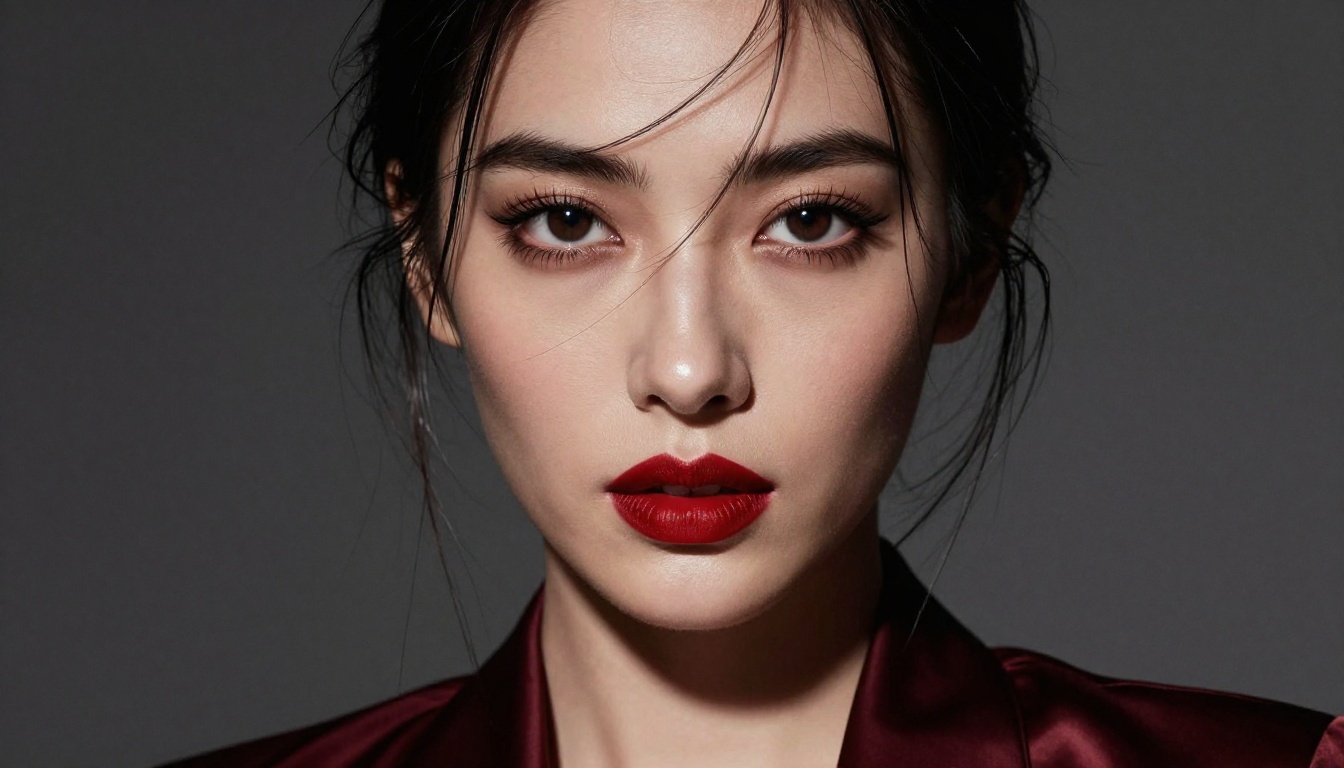
Start Creating 4K Art Right Now
The gap between wanting to generate high-quality uncensored AI art and actually doing it has never been smaller. The models exist. The platform is accessible without installation or GPU hardware. The only variable is how precisely you can describe what you want.
Start with Flux 1.1 Pro Ultra for your first serious portrait generation. Use the photographic prompt structure outlined above. Set your aspect ratio to 16:9 for editorial compositions or 9:16 for full-length figures. After generating, run the result through Super Resolution to reach true 4K. What comes out will look like a photograph.
From there, experiment with RealVisXL v3.0 Turbo for faster iteration on human subjects, and Seedream 4 when maximum resolution fidelity is the priority. Every model is available without local installation, without GPU wait times, and without the content restrictions that make most mainstream tools frustrating for serious creative work.
Your creative vision deserves tools that respect it. These are the ones that deliver.


