Free AI image generation has gone from a novelty to one of the most competitive spaces in tech. But here is the thing most articles won't tell you: not every "free" tool is actually free, and not every "uncensored" tool is actually uncensored. Some platforms quietly watermark your images. Others restrict prompts so aggressively that you can barely generate a person wearing a swimsuit. If you've hit those walls, you already know the frustration.
This breakdown cuts through the noise. You'll find the actual best uncensored AI image and video generators available for free right now, what makes each one worth using, and how to get photorealistic results without paying a cent.
What "Uncensored" Actually Means in AI
The word gets thrown around loosely. Before picking a platform, it helps to know what you're actually getting.
Filtered vs. Unrestricted Models
Most mainstream AI image generators run their outputs through safety classifiers. These filters block content that the platform considers inappropriate, but they're often blunt instruments. A filter trained to block nudity might also block a swimwear photo. A filter blocking "violence" might reject a boxing match image. The result is an AI that refuses creative, legitimate requests constantly.
Unrestricted models operate without these downstream filters. The model itself still has a training bias, but the output isn't run through a secondary classifier that blocks content. This is what most people mean when they say "uncensored." The difference in creative freedom is immediate and obvious the first time you try it.
Why Realism Demands Freedom
The highest-fidelity photorealistic models, the ones that can produce images nearly indistinguishable from actual photography, are also the most likely to trigger overzealous safety filters. Why? Because realistic human subjects, skin texture, natural body form, these are exactly what the filters are calibrated to catch.
If you want images that look like they came from a professional camera rather than a stylized illustration, you need a platform that trusts the model's output. Restrictions don't just limit content type, they actively degrade image quality by forcing the model to generalize away from realism.
💡 The real test: Generate a person at a beach in natural clothing. If the platform flags or refuses it, you're working with an overcalibrated system. Unrestricted platforms handle this without hesitation.
The Best Free AI Image Generators
Here's where things get concrete. These are the models producing the best uncensored, photorealistic results with free access tiers.
Flux Models: The New Standard
Black Forest Labs changed the landscape when they released the Flux family. These models produce some of the most anatomically accurate, photorealistically detailed images of any publicly available system. The improvement over previous generations is not subtle.
Flux 1.1 Pro Ultra sits at the top. It handles human subjects with remarkable accuracy across skin texture, hair detail, fabric physics, and lighting response. Push it toward suggestive content and it produces results that look genuinely photographic rather than "AI-ified."
Flux Dev is the open-weights version. Slower but with fewer commercial restrictions, it's a strong pick if you want to run generations without worrying about terms of service.
Flux Schnell is the speed-optimized variant. Quality drops compared to the Pro versions, but for rapid prototyping or prompt testing, it's invaluable. It generates in seconds rather than minutes, which matters when you're iterating.
Flux 2 Pro and Flux 2 Max push the architecture further with improved prompt adherence and finer detail rendering at high resolutions.
Stable Diffusion Still Delivers
Don't count out Stability AI's lineup. Stable Diffusion 3.5 Large introduced significant improvements in human anatomy rendering and face generation, two areas where earlier SD versions famously struggled.
SDXL remains one of the most versatile free models available. Its open weights mean the community has fine-tuned it extensively for photorealism, fashion, and figure work. You can access it through multiple platforms without spending a penny.
The Stable Diffusion ecosystem is also unique in that it carries the largest library of community-built LoRA adapters, specialized weights you can stack on top of the base model to push toward specific aesthetics, body types, or photographic styles. That flexibility is hard to match.
Realistic Vision and DreamShaper
Two fine-tuned models deserve specific mention for their output quality on human subjects.
Realistic Vision v5.1 was built specifically for photorealistic portrait and figure work. It excels at skin tones, hair, and natural lighting scenarios. For fashion, glamour, or artistic portrait content, this is one of the cleanest options available for free.
DreamShaper XL Turbo sits in an interesting middle ground: it produces images that feel slightly cinematic rather than purely photographic, with a quality that works well for editorial and beauty content. It's faster than most alternatives and highly responsive to detailed prompts.
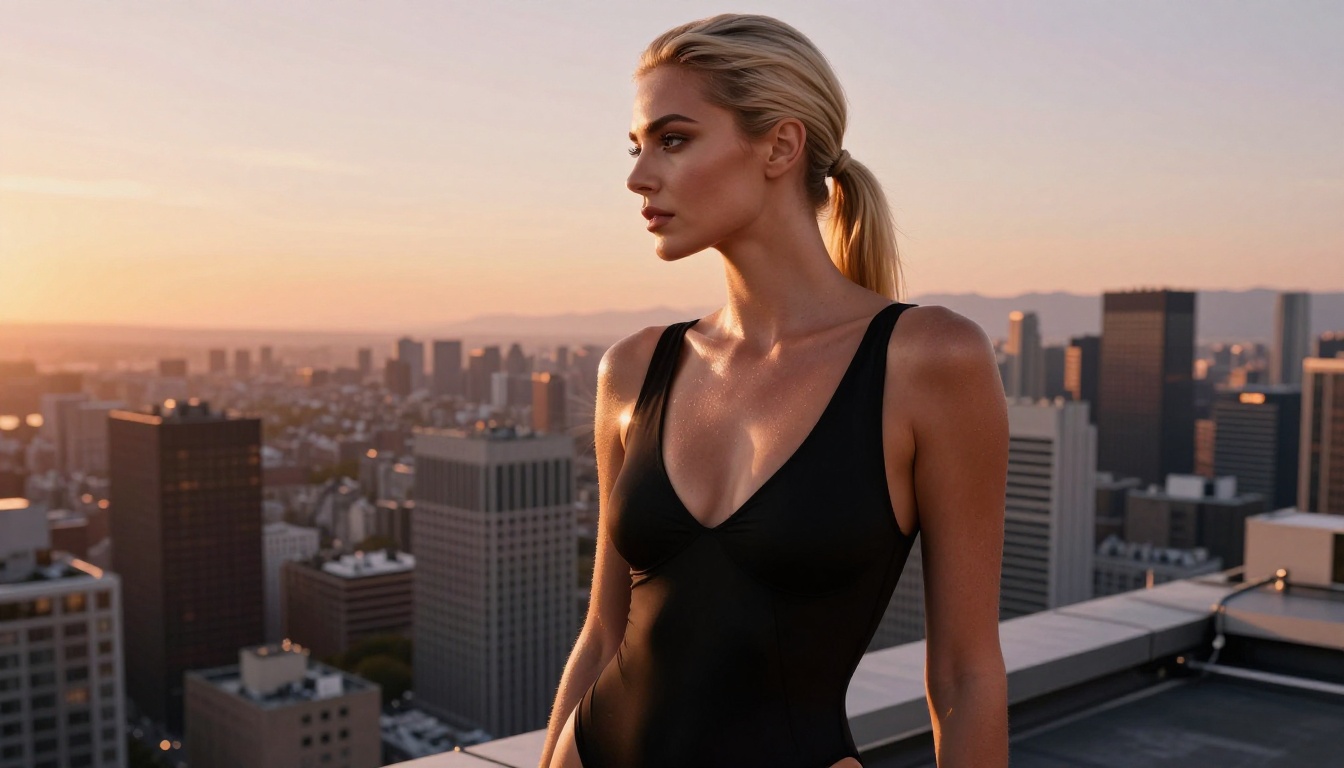
RealVisXL v3.0 Turbo extends the Realistic Vision lineage into the XL architecture, offering a step up in resolution and detail fidelity while maintaining the photorealistic focus of the original.
For users who want something newer and fast-evolving, Qwen Image 2 and Seedream 4.5 from Bytedance are worth testing. Both handle complex scenes and realistic human subjects with impressive accuracy, particularly for lower-light and indoor scenarios where many models fall apart.
p-image from PrunaAI is also worth a look for its speed-to-quality ratio on portrait work, especially when you want photorealistic results without the longer generation times of larger models.
Free AI Video Generators Worth Using
Generating video without paying is harder than images, but it's no longer a long shot. A handful of models now offer free tiers or trial credits that let you produce real, shareable results.
Text-to-Video Options
Kling v3 Video from Kwai has become one of the most-discussed free text-to-video models. It handles motion physics well and produces coherent, relatively long clips with realistic subject movement. It's one of the closest free alternatives to premium video tools currently available.
Wan 2.6 T2V is another strong performer. The Wan series has improved rapidly, and the 2.6 version handles camera motion, subject motion, and lighting transitions better than most tools at any price point.
Seedance 2.0 from Bytedance introduces native audio generation alongside video, meaning your clip comes with synchronized ambient sound. This is a meaningful step forward for content creators who previously had to add audio in post-production.
Veo 3 from Google represents the cutting edge of text-to-video quality. Free access is limited but available, and the output quality when you do get a generation is hard to beat.
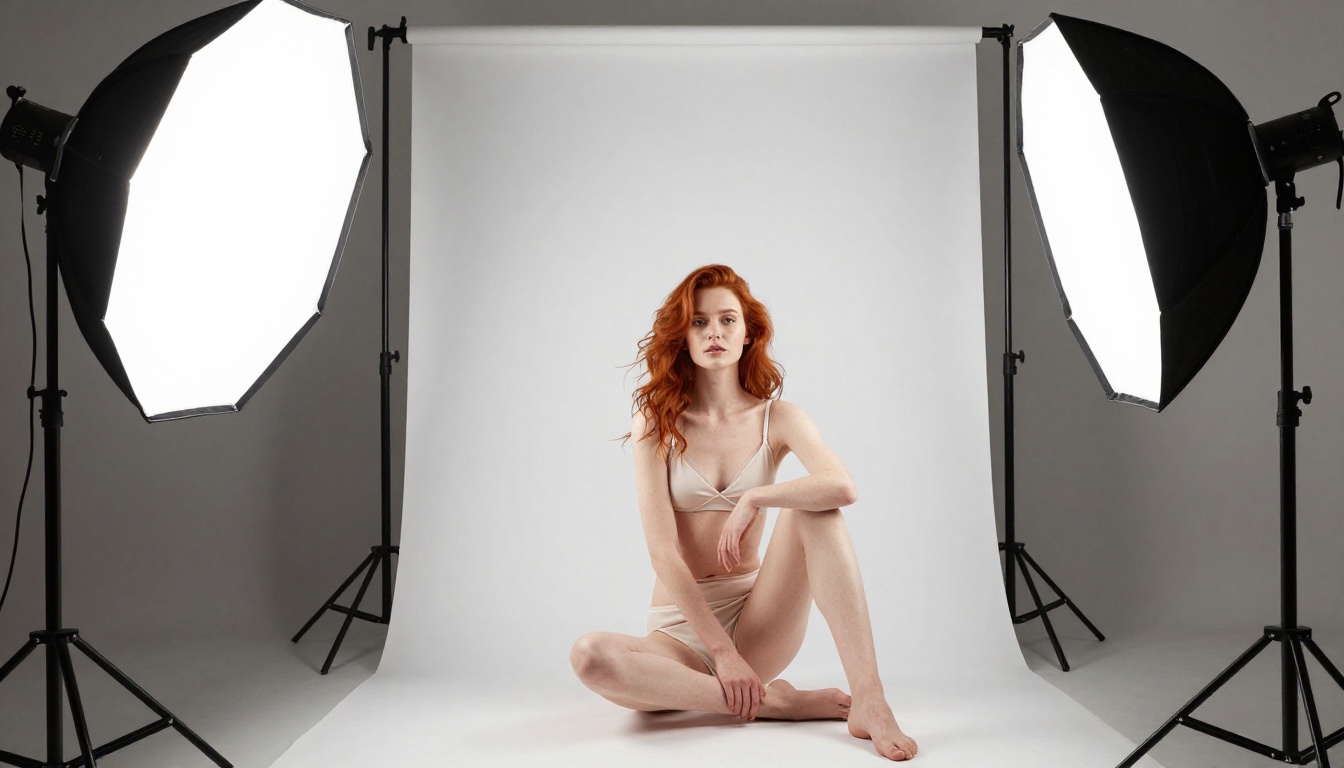
Image-to-Video Capabilities
Generating video from a static image opens a different workflow entirely. Instead of describing a scene from scratch, you generate a high-quality still image first, then animate it. The results are consistently better than pure text-to-video for close-up subjects.
Wan 2.6 I2V handles this particularly well. Feed it a photorealistic portrait and it produces subtle, natural movement: hair movement, slight breathing, environmental motion. The result is far more convincing than text-to-video for intimate subject shots.
LTX 2.3 Pro from Lightricks is worth watching for its speed-to-quality ratio. It generates quickly while maintaining decent motion coherence, which makes it practical for iteration.
💡 Workflow tip: Generate your hero image with Flux 1.1 Pro Ultra, then feed it to Wan 2.6 I2V for animation. The quality difference versus pure text-to-video is immediately obvious.
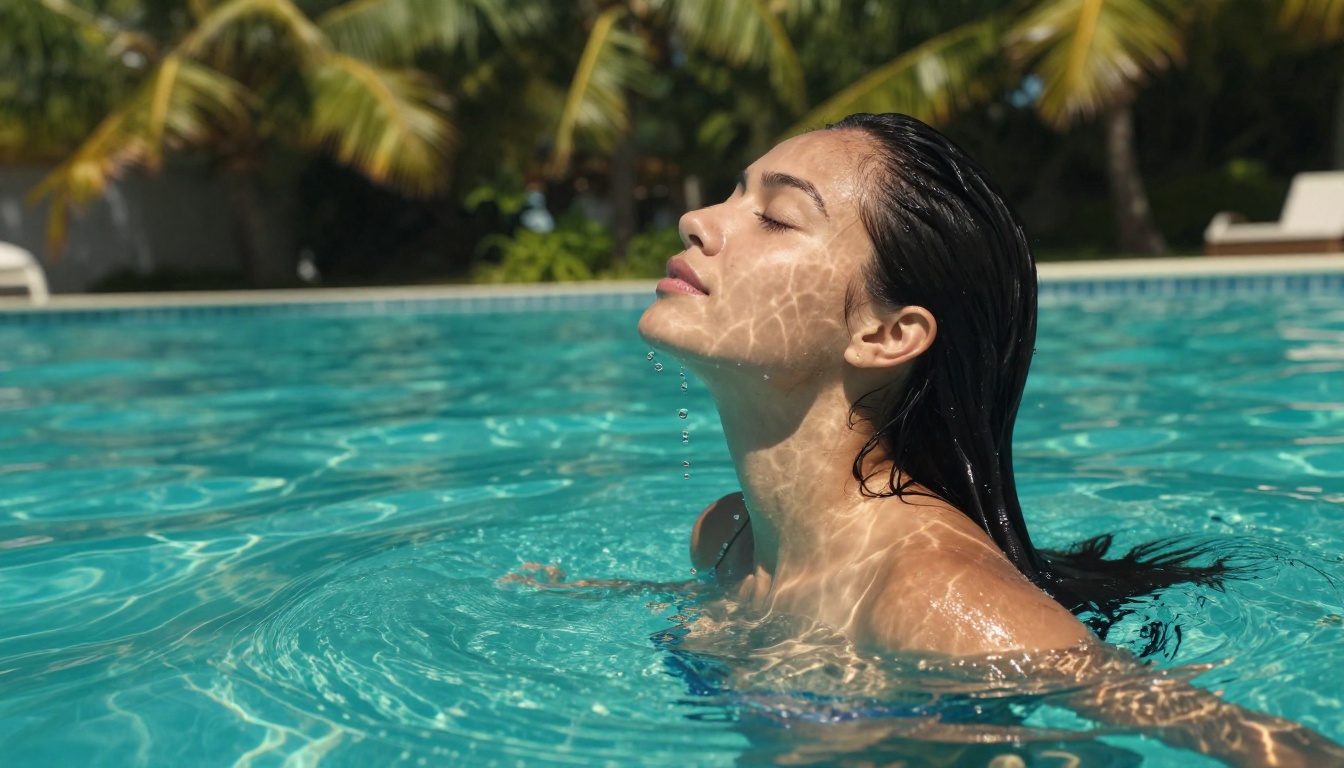
Flux 1.1 Pro Ultra on PicassoIA
PicassoIA gives you direct access to Flux 1.1 Pro Ultra without any local setup, downloads, or GPU requirement. Here's exactly how to use it for maximum output quality.
Step-by-Step Walkthrough
Step 1: Open the Flux 1.1 Pro Ultra model page on PicassoIA.
Step 2: In the Prompt field, write a detailed description of your image. The more specific, the better. Include subject, setting, lighting direction, camera lens, and mood. Aim for 60 words minimum.
Step 3: Set your Aspect Ratio. For social content, 16:9 works well for landscapes and wide shots. For portraits and fashion, 9:16 gives you the vertical frame that works on most platforms.
Step 4: Set Steps to 28-35 for maximum quality. Lower values generate faster but sacrifice detail in skin texture and background elements.
Step 5: Leave Seed blank for random results, or note a specific seed number when you get a result you like. This lets you regenerate with slight prompt variations while keeping the same fundamental composition.
Step 6: Click Generate and wait for the model to render. With Pro Ultra, this typically takes 15-30 seconds per image.
Step 7: Download your result or use it as an input for an image-to-video workflow with Wan 2.6 I2V.
Prompt Tips for Realism
The model responds strongly to photography-style language. These patterns consistently produce better results:
- Camera spec first: Open with "Shot on Canon EOS R5, 85mm f/1.4" before describing the scene
- Lighting direction: "Volumetric backlight from the left" outperforms "good lighting" every time
- Film stock: Adding "Kodak Portra 400" or "Fuji Velvia 50" at the end shifts the color rendition toward analog photography
- Texture specificity: "Visible skin pores on shoulders, natural tan lines" prompts the model to maintain micro-detail
- Negative framing: State what you don't want, "no digital artifacts, no painted look, no smooth skin filter"
💡 Pro detail: Flux 1.1 Pro Ultra is especially responsive to f-stop values. f/1.4 pushes strong bokeh and shallow depth-of-field. f/8 generates sharper, more editorial-style images with everything in focus.
Here's how the major free options stack up across practical criteria:
Which One Fits Your Use Case
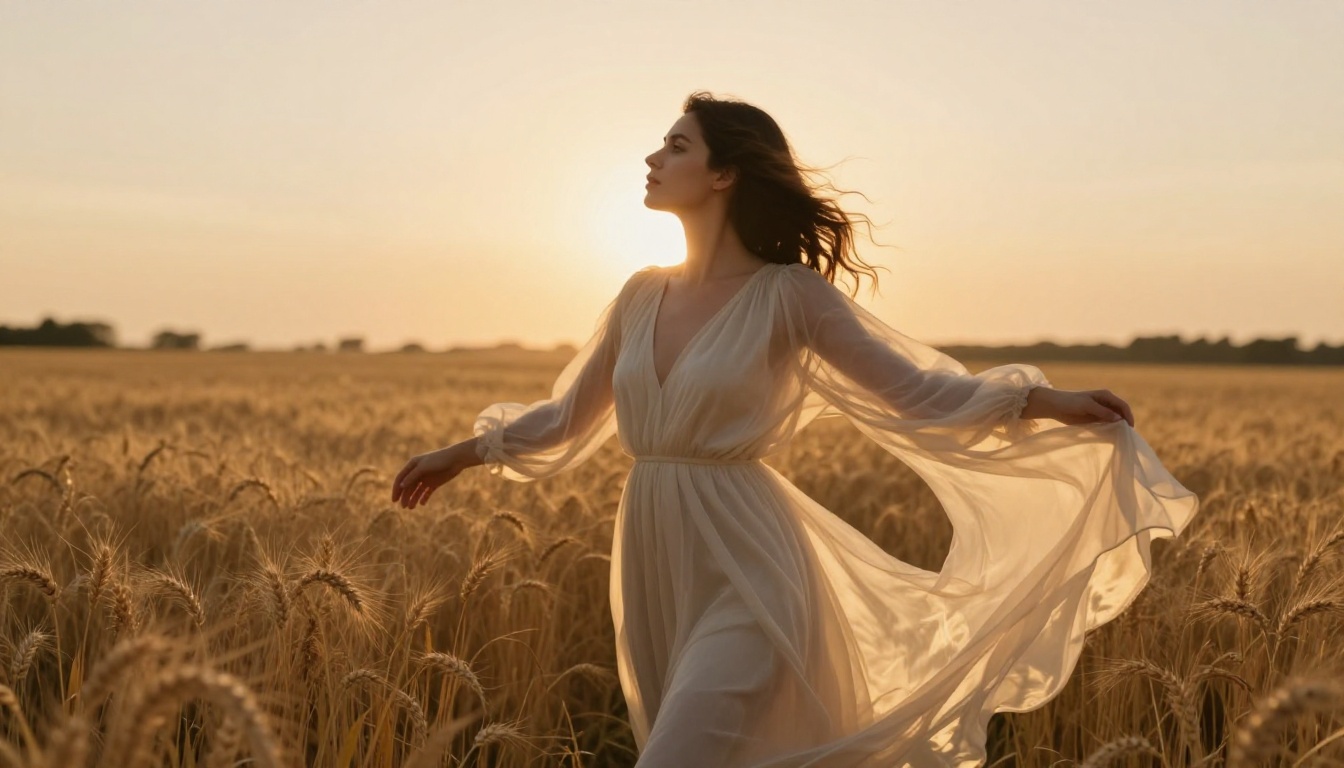
The right model depends on what you're creating, not on what has the highest overall rating.
Writing Prompts That Actually Work
The model is only as good as the instruction you give it. Most people write prompts that are either too vague or structured incorrectly, and then blame the tool when the output is generic.
The Anatomy of a Strong Prompt
A prompt that produces photorealistic uncensored output should follow this structure:
1. Subject and action: "A 28-year-old woman with dark hair, relaxed posture, sitting on a hotel balcony"
2. Clothing and texture detail: "wearing a fitted halter dress in champagne silk, fabric draping naturally with gravity"
3. Setting and environment: "overlooking a coastal city at twilight, buildings lit against a pink-purple sky"
4. Camera specification: "Sony A7R IV, 85mm f/1.8 lens, shot from a slightly elevated angle"
5. Lighting direction: "warm golden ambient light from the left, rim light from city glow on the right"
6. Style closers: "Kodak Portra 400, slight film grain, ultra-realistic, 8K, no digital artifacts"
This structure works across all the major photorealistic models on PicassoIA. The camera spec and lighting direction are what most casual users skip, and they're exactly what separates a technically impressive output from a mediocre one.
Common Mistakes to Avoid
- Stacking too many styles: Asking for "photorealistic, cinematic, editorial, fashion, magazine" all at once sends conflicting signals. Pick one dominant aesthetic.
- Vague lighting descriptions: "Nice lighting" tells the model nothing. "Overcast diffused daylight from above" is actionable information.
- Skipping negative framing: Always note what you don't want. "No airbrushing, no smooth skin filter, no painting style" actively pushes the model toward realism.
- Short prompts on complex subjects: Brief prompts produce generic results. The photorealistic models respond better to 60 words minimum when you want specific, detailed output.
- Inconsistent subject descriptions: Describing both "athletic build" and "soft curves" in the same prompt creates ambiguity. Be specific and consistent.
💡 Prompt structure trick: Start with the camera and lens, then describe the subject, then the environment, then lighting, then close with the film stock. It's counterintuitive but it primes the model for a photographic framing before it renders the content.
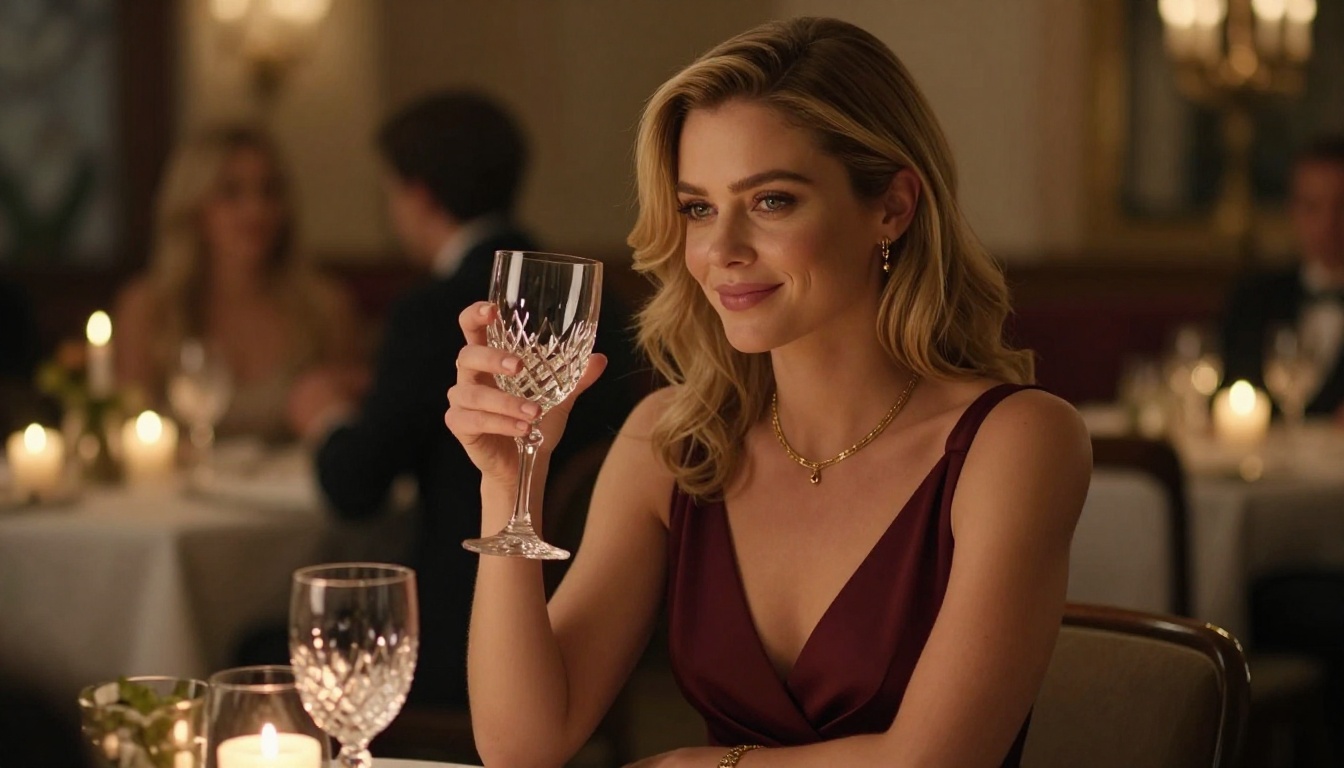
Start Creating Your Own Images
You now have a clear picture of the best uncensored AI image and video generators available for free. The models are real, the quality is real, and the only thing standing between you and photorealistic output is a well-written prompt.
PicassoIA brings all of these models together in one place, no local GPU required, no model downloads, no command line. You open the model page, write your prompt, and generate. The entire workflow from idea to finished image takes under two minutes once you know what you're doing.
Start with Flux 1.1 Pro Ultra for images. Once you have a still you're proud of, feed it to Wan 2.6 I2V for animation. Layer in Seedance 2.0 for video clips that come with native audio. The stack works, and all three are available for free on the platform.
The fastest way to improve is to start generating and iterate. Don't over-plan the prompt on your first attempt. Generate, examine what worked, refine the language, generate again. Most experienced users run 3 to 5 variations of every prompt before settling on the final version. That's not inefficiency, that's the process.
If you want to go deeper on specific models, PicassoIA also has Stable Diffusion 3.5 Large for its LoRA compatibility, Qwen Image 2 for complex indoor scenes, and Kling v3 Video for motion-heavy video work, all in the same interface. There's no reason to jump between five different platforms when everything is already in one place.
Your first image is one prompt away.