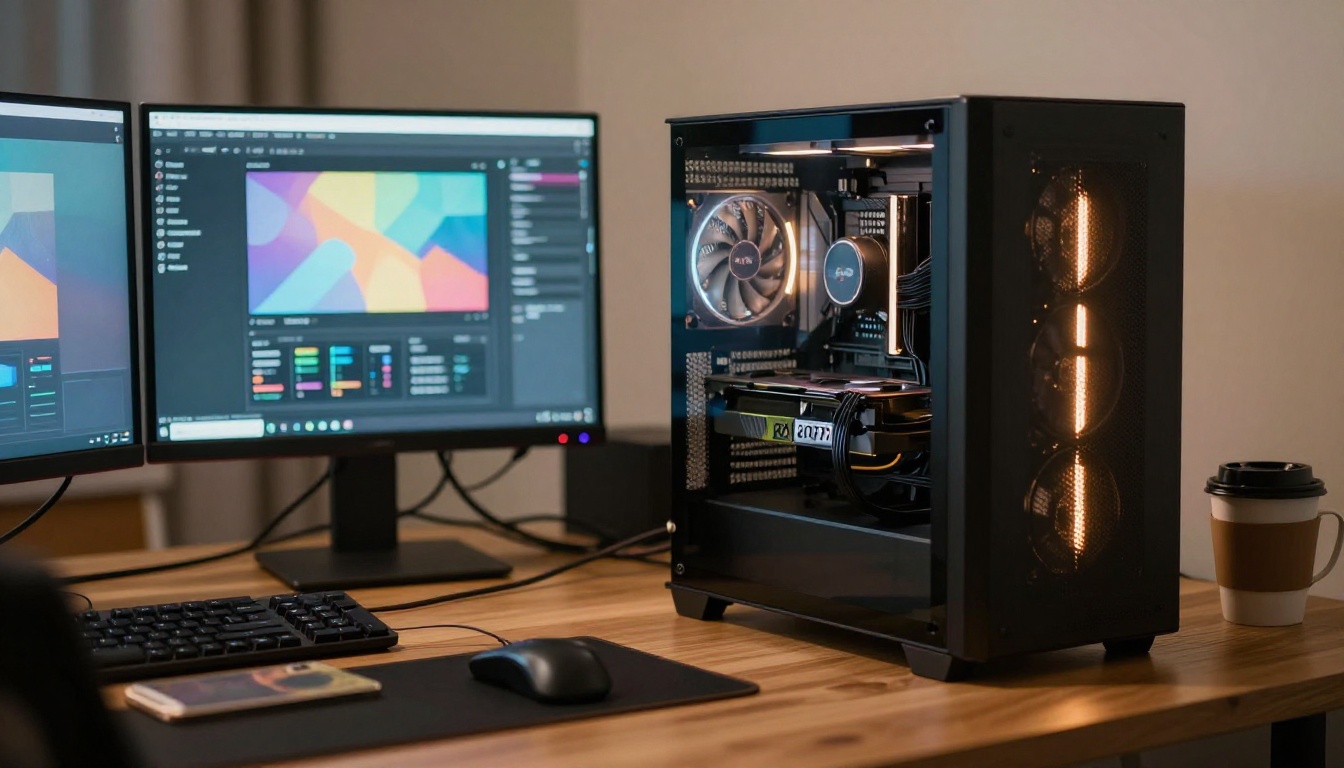
Running on 8GB of VRAM used to feel like a compromise. Not anymore. The AI image generation space has matured fast, and a handful of models now produce genuinely stunning, uncensored output on hardware that was considered "budget" two years ago. Whether you have an RTX 3060, 3070, or an older AMD card hovering around the 8GB mark, there are real, tested options that deliver without artificial filters cutting your work short.
Why 8GB VRAM Still Gets the Job Done
The myth that you need a 24GB monster GPU to run serious AI image generators has been largely debunked by the wave of quantized, pruned, and distilled models that hit the open-source ecosystem over the past 18 months. Models like Flux Dev and SDXL were originally designed with large VRAM requirements in mind, but community-driven optimizations brought them squarely into 8GB territory.
What Actually Eats Your VRAM
Three things consume VRAM during image generation:
- Model weights: The raw size of the neural network loaded into memory
- Attention maps: Intermediate data created during the diffusion process
- Image resolution: Higher output resolution scales VRAM consumption non-linearly
8GB handles most of this efficiently at 512px to 1024px output when models are properly quantized. The sweet spot sits around 768x768 to 1024x1024 for most SDXL-class models.
Why Censorship Is the Real Problem
Most cloud-based AI image tools apply heavy content filters at the API level. For adult content, artistic nudity, suggestive aesthetics, or anything touching on mature themes, you either get a flat refusal or heavily sanitized output. Running locally, or using platforms built specifically around uncensored models, is the only way to get real creative control over your work.
Top Models for 8GB VRAM
Here is a direct comparison of the strongest models that run comfortably within 8GB while delivering unrestricted results:
💡 All VRAM figures above assume 8-bit quantization (Q8) or FP8 precision. Running models at full FP16 will roughly double the VRAM requirement.
Flux Dev: The Highest Quality Option
Flux Dev from Black Forest Labs sits at the top of image quality rankings for a reason. It uses a transformer-based architecture rather than the traditional UNet pipeline, which gives it a significantly more nuanced understanding of prompt text and produces compositionally superior images compared to older SDXL models.
The base model sits at around 12GB in FP16, which puts it out of reach for most 8GB cards. However, running it at 8-bit quantization with sequential CPU offloading drops peak VRAM usage to approximately 7.5GB, making it feasible on 8GB cards. Tools like ComfyUI with the --lowvram flag push this further.
Flux Dev with LoRA for NSFW Content
The base Flux Dev model is not uncensored by default, but the community has released numerous LoRA adapters that remove content restrictions while preserving the model's exceptional photorealism. The Flux Dev LoRA variant supports these adapter weights natively, meaning you can load a style LoRA alongside a content-freedom LoRA simultaneously.
For realistic body proportions, natural skin rendering, and accurate anatomy, Flux Dev with the right LoRA stack is the current gold standard at 8GB.
Flux Schnell as a Fast Alternative
When generation speed matters more than maximum fidelity, Flux Schnell runs 4-step inference on the same architecture, cutting generation time from 20-30 seconds down to 3-5 seconds on a single 8GB card. The quality drop is noticeable in fine detail but the compositional strength of the Flux architecture still shines through.
SDXL: The Reliable Workhorse
SDXL from Stability AI remains the most battle-tested uncensored model available for consumer GPUs. Its open-weights nature means hundreds of fine-tuned community merges exist specifically for mature content, and many of them run comfortably within 5-6GB of VRAM.
Why SDXL Still Matters in 2027
Despite newer architectures like Flux existing, SDXL holds several practical advantages:
- Lower base VRAM: Runs at full quality on 6GB, comfortable headroom at 8GB
- Massive LoRA ecosystem: Thousands of public adapters covering every aesthetic
- Faster inference: Comparable or faster than Flux Schnell on most 8GB cards
- Merge flexibility: Community fine-tunes like JuggernautXL and RealVisXL extend realism dramatically
SDXL Lightning 4-Step is worth highlighting specifically as the fastest uncensored option. Running 4 denoising steps instead of the standard 20-25, it produces usable images in under 2 seconds on 8GB hardware. Output quality does not match full SDXL runs, but for iteration and rapid prototyping it is unmatched.

Realistic Vision: Photorealism on a Budget
Realistic Vision v5.1 is a fine-tune of the original SD 1.5 architecture, which makes it extraordinarily lightweight. It runs on under 4GB of VRAM at 512x768 resolution, meaning on 8GB cards you have surplus memory to increase batch size or push resolution higher.
While it lacks the architectural sophistication of Flux or SDXL, it has been specifically trained on photorealistic human subjects and produces convincing skin textures, natural lighting, and believable facial structures. For portrait-focused uncensored work on older or budget hardware, it remains the most VRAM-efficient choice available.
💡 Pair Realistic Vision v5.1 with a VAE tiled decoder to push output resolution above 768px without additional VRAM cost. Images can be upscaled afterward using a super-resolution model.
RealVisXL for the SDXL Tier
For users wanting SD 1.5-level realism at SDXL's higher base resolution, RealVisXL v3.0 Turbo bridges the gap. It is an SDXL fine-tune trained heavily on real photography datasets, producing images that are often indistinguishable from actual photographs at 1024x1024. The Turbo suffix indicates accelerated sampling, keeping VRAM usage lower and generation time shorter.
How to Squeeze More from 8GB VRAM
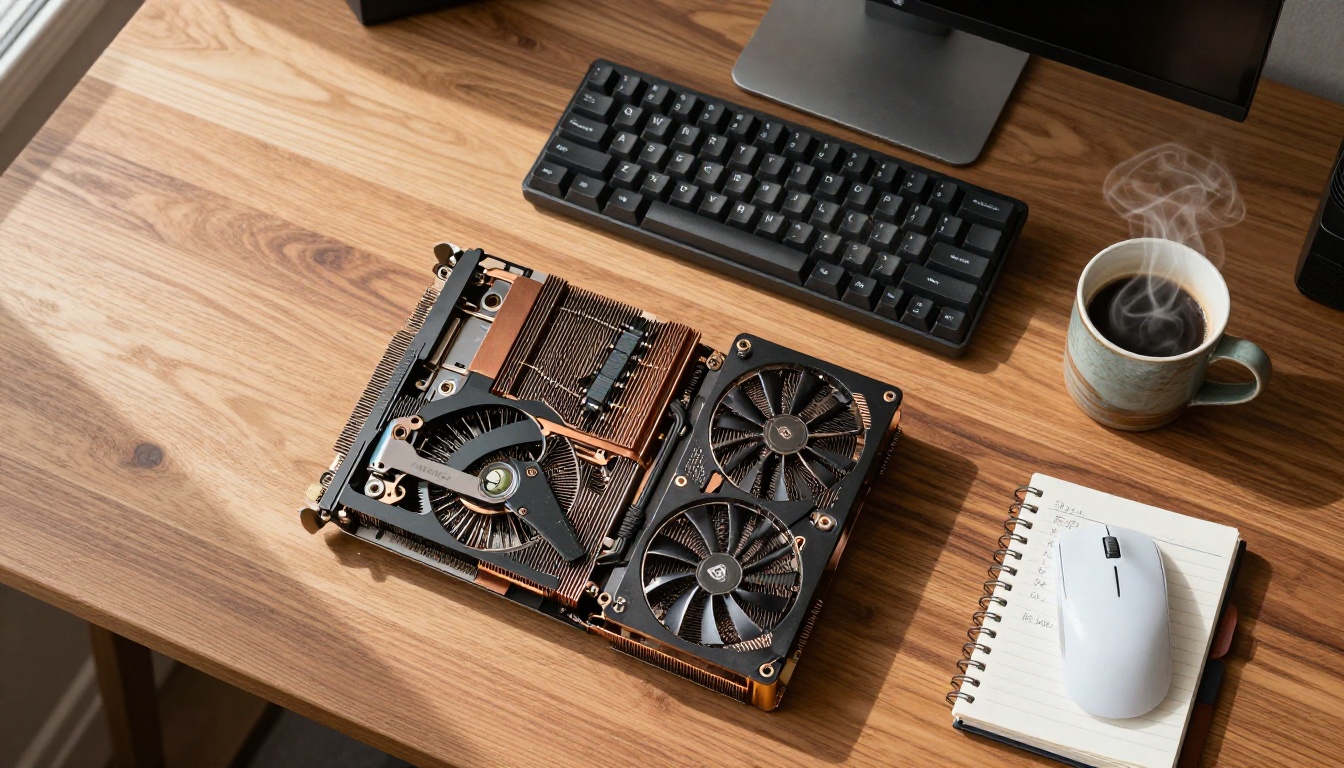
If you are running a model that sits right at your VRAM ceiling, several techniques make it viable without sacrificing much output quality.
Five Practical Tricks
-
Enable xformers or FlashAttention: These attention optimization libraries cut VRAM usage by 30-40% during the attention computation step. Both are supported natively in ComfyUI and Automatic1111.
-
Use FP8 instead of FP16: The FP8 precision format halves the memory footprint of model weights with minimal quality loss. Supported on RTX 30xx and 40xx series cards.
-
Sequential CPU offloading: Layers not actively computing are moved to system RAM. Slower but allows running models 2-4x larger than your VRAM alone.
-
Tile diffusion for high resolution: Instead of denoising the entire canvas at once, tiled diffusion processes overlapping patches. This enables 2048x2048 output on 8GB cards using SDXL.
-
Lower batch size to 1: Running single image batches rather than batches of 2-4 reduces peak VRAM by a meaningful margin.
💡 Disabling the VAE in memory during diffusion and loading it only for the final decode step saves approximately 800MB to 1.2GB of VRAM at no quality cost.
DreamShaper XL: Creative Range at Low VRAM
DreamShaper XL Turbo takes the SDXL base and fine-tunes it toward a broader aesthetic range, covering everything from photorealism to painterly illustration without needing to swap models. For users who want uncensored output across multiple visual styles from a single model, it is a compelling option.
It runs comfortably within 5.5GB VRAM, leaving meaningful headroom on 8GB cards for ControlNet or other conditioning models to run simultaneously.
Combining with ControlNet
SDXL Multi-ControlNet LoRA allows stacking pose control, depth maps, and edge conditioning on top of any SDXL-based model. On 8GB cards this requires running at reduced precision, but it works reliably. The ability to control subject pose and composition precisely is especially valuable for mature content where specific framing matters.
SD 3.5 Medium: Stability AI's 8GB Model
Stable Diffusion 3.5 Medium was released by Stability AI with explicit 8GB VRAM support as a design goal. The Medium variant sits between the Large and the older SDXL in parameter count, targeting consumer GPU users directly.
Its text rendering is significantly better than SDXL, it handles complex compositional prompts more accurately, and the default output quality is a clear step above SD 1.5-class models. The base model ships with moderate content restrictions, but the open weights have already generated community fine-tunes that remove them.
| Feature | SD 3.5 Medium | SDXL | Flux Dev |
|---|
| Architecture | DiT | UNet | Transformer |
| Min VRAM | 6GB | 5.5GB | 7.5GB (quant) |
| Text accuracy | High | Medium | Very High |
| Prompt following | Very Good | Good | Excellent |
| Fine-tune ecosystem | Growing | Massive | Growing |
| Speed on 8GB | Medium | Fast | Slow |
💡 Choosing between them: If you have a modern RTX 30xx or 40xx card and value raw quality, Flux Dev quantized is worth the setup cost. If you want reliability and a huge fine-tune library, SDXL is the safer choice. SD 3.5 Medium sits cleanly between the two.
The p-image Models: Pruned for Speed
The p-image and p-image-lora models from prunaai represent a different approach: structural pruning of larger models to create smaller, faster variants that retain most of the original quality. These are purpose-built for low-VRAM environments and run exceptionally fast on 8GB hardware.
For users who want consistent, fast output without configuring precision settings or quantization flags manually, the p-image family offers a practical shortcut. The LoRA variant supports style adapters, expanding creative range without swapping the base model.

Skip the Local Setup
Running these models locally demands real effort: ComfyUI configuration, driver management, precision flags, memory optimization settings. For most people who simply want to produce high-quality uncensored images without building a local pipeline, PicassoIA provides direct browser access to every model covered in this article.
The platform supports:
- ControlNet pose and depth conditioning for precise subject positioning via SDXL ControlNet LoRA
- Inpainting and outpainting for editing generated images non-destructively
- Super-resolution upscaling to take 1024px outputs to 2048px or beyond
- LoRA stacking for combining multiple style adapters in a single generation run
- p-image-lora for fast, optimized runs with style control

Which Model to Pick Right Now
If you are starting out and want the best balance of quality and speed for uncensored output:
Start Generating Today
The models covered here are not theoretical. They run on hardware most people already own, and they produce results that would have been impossible on consumer GPUs three years ago. The 8GB VRAM barrier has been broken, not by throwing more hardware at the problem, but by the open-source community building smarter, leaner versions of the best architectures available.
Pick the model that fits your workflow and start experimenting on PicassoIA. Flux Dev, SDXL, RealVisXL, DreamShaper XL, and Realistic Vision v5.1 are all one click away. No local configuration required. No content filters standing between your prompt and the image you actually want to create.


