If you have ever typed a suggestive prompt into a mainstream AI tool and received a sanitized refusal, you already know the frustration. The demand for uncensored AI image generators for adults has never been higher, and the technology has caught up in a big way. Today, a small number of platforms offer genuinely open access to realistic, mature imagery, and the gap between them is wider than most people think.
This article ranks the best options available right now, breaks down which models produce the most photorealistic adult results, and shows you exactly how to use them on PicassoIA.
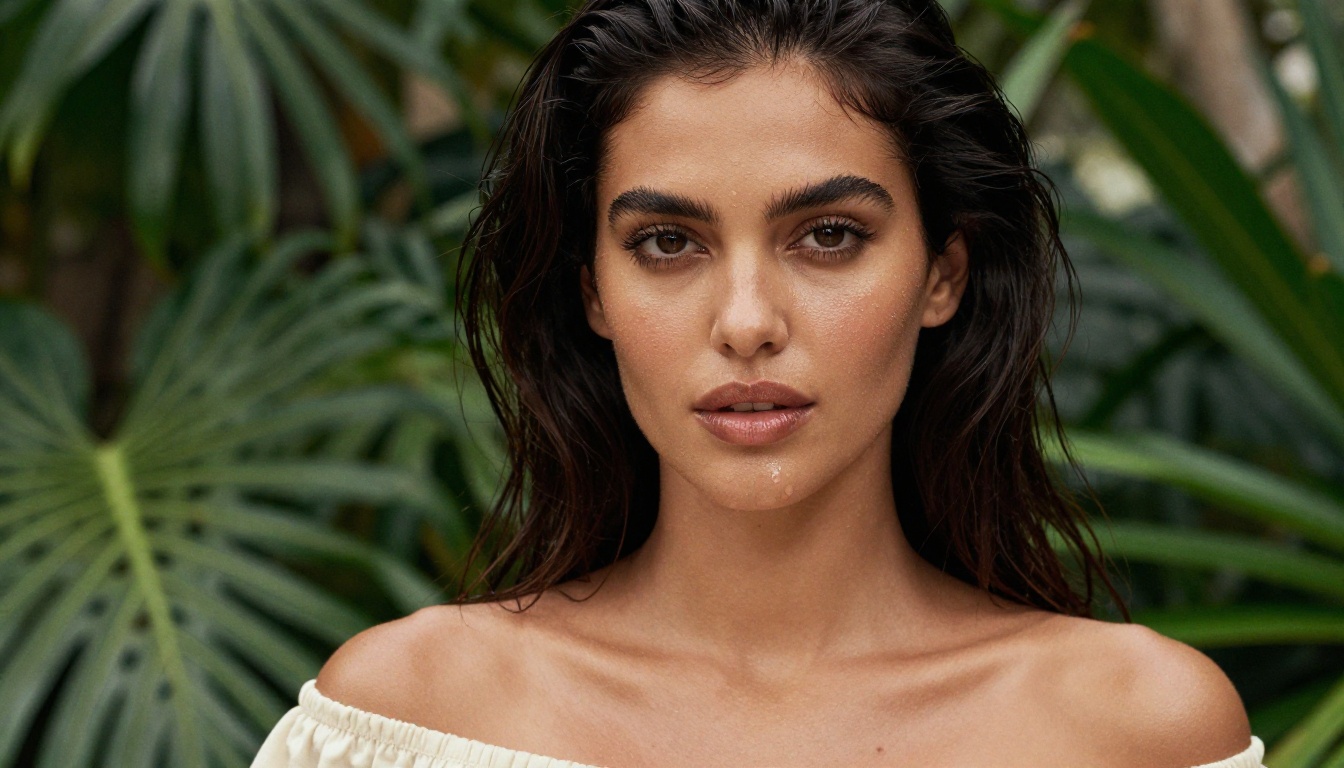
What "Uncensored" Actually Means
Filters vs. Open Models
Every AI image generator ships with some form of content policy. The distinction that matters is where that policy lives. Closed platforms apply filters at the API level, meaning the model itself might be capable of generating mature content, but a safety layer refuses the output before you ever see it.
Open or lightly-filtered platforms either remove those layers or allow users to toggle them off. This is the space where serious adult AI art creation happens, and where photorealistic NSFW image synthesis becomes possible without constant friction.
Note: "Uncensored" does not mean lawless. Platforms offering mature content generation still prohibit illegal content, minors in sexual contexts, and non-consensual scenarios. Any legitimate platform enforces these lines without exception.
Why It Matters for Adults
Adults creating original fiction, visual novels, character concept art, photography-style portraits, or personal creative projects have a legitimate need for unrestricted tools. Mainstream tools like DALL-E 3 or Midjourney on default settings will refuse a standard glamour prompt. That gap is exactly where platforms like PicassoIA operate, offering access to genuinely open models for adult AI art without the constant refusals.
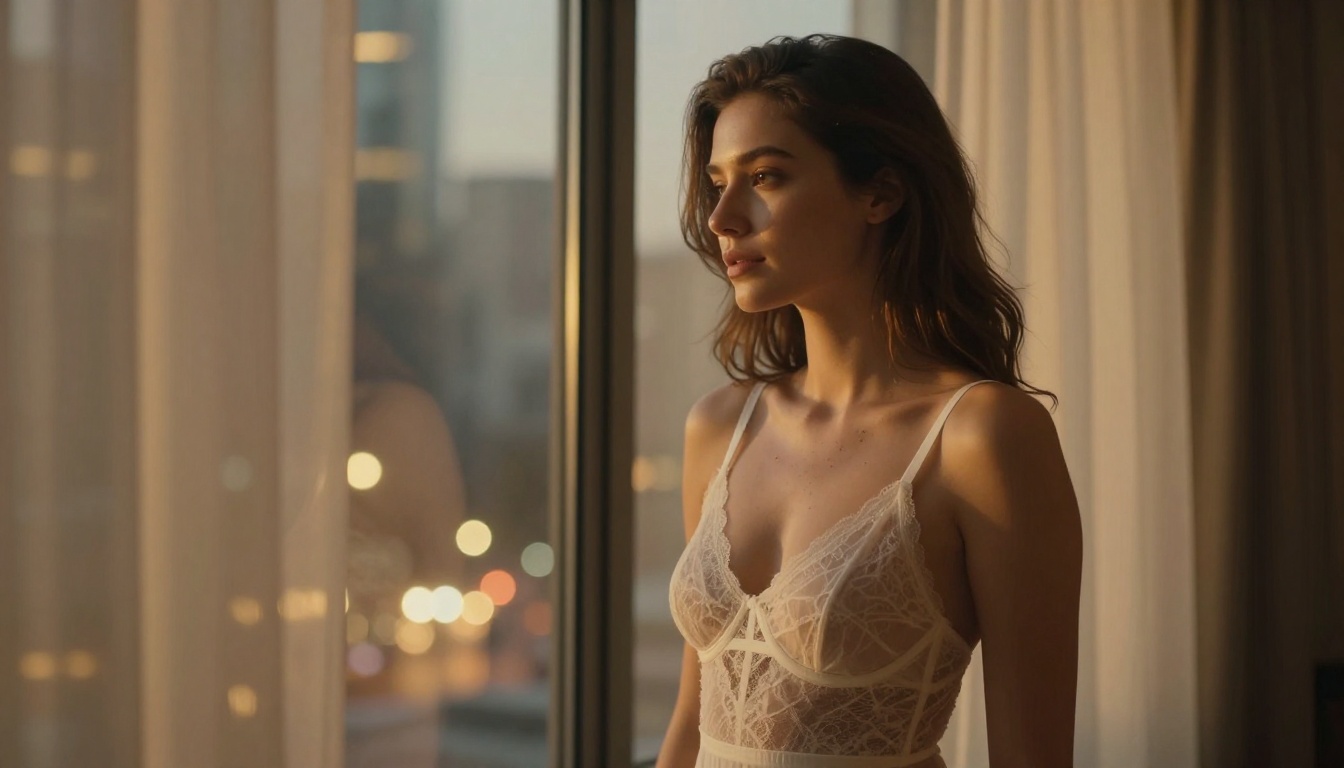
The Top Models for Adult AI Art
Flux 1.1 Pro and Pro Ultra
Flux 1.1 Pro from Black Forest Labs is currently the gold standard for photorealistic human figures. Its successor, Flux 1.1 Pro Ultra, pushes this further with ultra-high-resolution outputs that hold fine skin texture, hair detail, and fabric realism at 4K resolution.
What separates Flux from older diffusion models is its flow matching architecture, which produces images in fewer steps without the typical artifacts around hands, faces, and anatomical details. For adult portrait work, this is critical.
Top strengths:
- Exceptional skin texture and lighting response
- Accurate anatomy compared to earlier Stable Diffusion variants
- Strong adherence to detailed text prompts
- Available at multiple quality tiers (Pro, Pro Ultra, Dev, Schnell)
Flux 2 Pro and Flux 2 Max are the newest entries and bring further improvements in consistency and prompt fidelity, making them top picks for serious adult content creation AI workflows.
Stable Diffusion 3.5 Large
Stable Diffusion 3.5 Large remains a powerhouse for adult creative work, especially when used with targeted prompts. Its open architecture is what built the entire ecosystem of fine-tuned models and LoRA weights designed specifically for realistic adult imagery.
The Stable Diffusion 3.5 Medium variant runs faster with slightly lower detail, making it a good option for rapid iteration before committing to a final render.
Tip: SD 3.5 Large benefits significantly from negative prompts. Adding terms like "blurry, deformed, bad anatomy, cartoon" dramatically improves output realism.
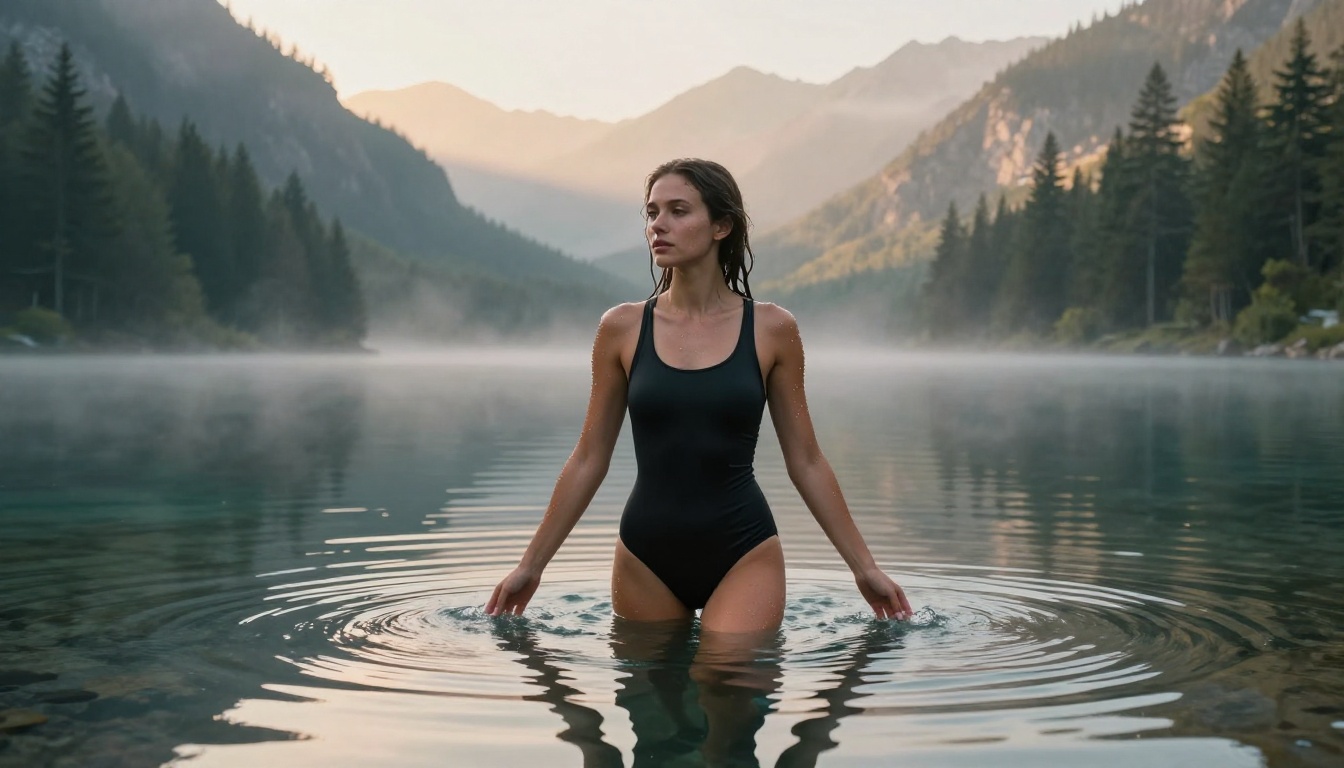
Realistic Vision v5.1
Realistic Vision v5.1 is the most downloaded fine-tuned model in the SDXL ecosystem for a reason. It is purpose-built for photorealistic human subjects, particularly portraits and full-body shots. The model has been trained on a curated dataset that prioritizes natural skin tones, correct proportions, and convincing lighting over stylistic interpretation.
For adult AI art specifically, this model produces the kind of output that looks like it came from a professional photography session rather than an AI generator.
DreamShaper XL Turbo
DreamShaper XL Turbo sits at the intersection of speed and quality. Where most high-quality models need 20-50 inference steps, DreamShaper XL Turbo delivers competitive results in 4-8 steps. This matters when you are experimenting with different prompts and compositions before committing to a full render.
Its aesthetic leans slightly cinematic, making it particularly good for moody, atmospheric adult portraiture and mature AI artwork with a polished editorial feel.
Flux 2 Dev and Flux Dev
For users who want more control, Flux 2 Dev and the original Flux Dev offer research-grade outputs with full access to sampling parameters. These models are the choice for professionals who want to fine-tune every aspect of their generation workflow.
Flux Schnell is the fastest option in the Flux family, trading some quality for near-instant generation. Ideal for rapid concept drafts before moving to Pro or Ultra for final output.
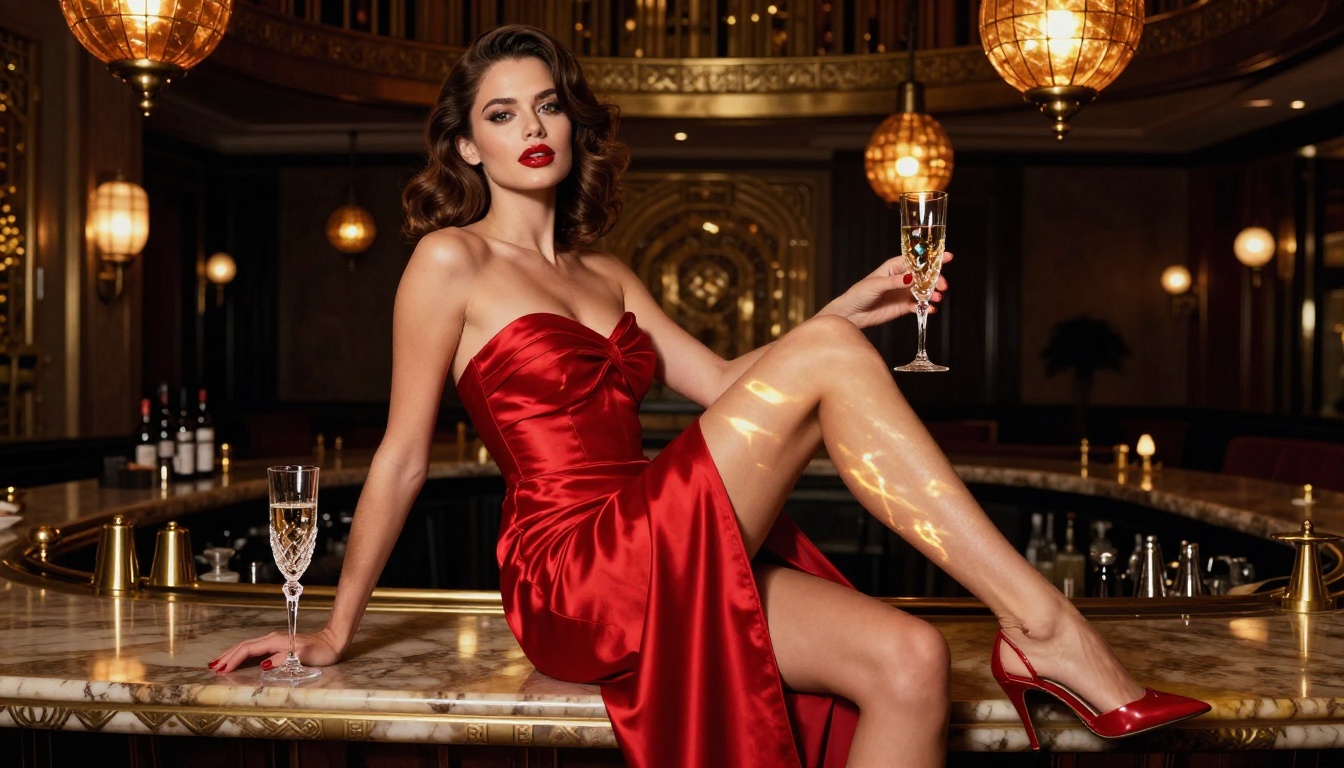
How to Use Flux 1.1 Pro Ultra on PicassoIA
PicassoIA gives you direct access to Flux 1.1 Pro Ultra, one of the top-rated models for photorealistic adult image generation. Here is how to get the best results.
Step 1: Choose Your Model
Head to Flux 1.1 Pro Ultra on PicassoIA. This model runs at ultra-high resolution and is specifically tuned for photorealistic outputs. It costs slightly more credits per generation but the quality difference is immediately visible compared to standard tiers.
Step 2: Write the Right Prompt
Structure your prompt in layers:
- Subject: Who or what is in the image ("a confident woman in her 30s")
- Setting: Environment and time of day ("reclining on white sand beach at golden hour")
- Wardrobe: Specific clothing description ("wearing a minimal coral bikini")
- Lighting: Specific light source and direction ("volumetric warm light from left at 15 degrees")
- Camera: Lens and angle ("Canon 85mm f/1.4, low angle")
- Film stock: Analogue quality cue ("Kodak Portra 400, 8K RAW")
The more specific, the better. Vague prompts produce average results. Detailed prompts produce images that look like they came from a professional shoot.
Step 3: Adjust Parameters
- Aspect Ratio: Use 16:9 for wide cinematic shots, 9:16 for portrait-style standing figures
- Prompt Upsampling: Enable this to let an LLM expand and enrich your prompt automatically
- Seed: Lock a seed when you find a composition you like and want to iterate on it without losing the core structure
Step 4: Refine with Kontext
Once you have a base image you like, use Flux Kontext Pro or Flux Kontext Max to edit specific elements via text without regenerating the entire image. Change the background, adjust the lighting, swap wardrobe, or fix anatomical details, all while preserving the overall composition intact.
Prompting Tips for Realistic Adult Images
The Anatomy of a Strong Prompt
The single biggest factor in image quality is prompt quality. Most users write prompts that are too short and too abstract. Compare these two approaches:
Weak prompt: "beautiful woman on a beach"
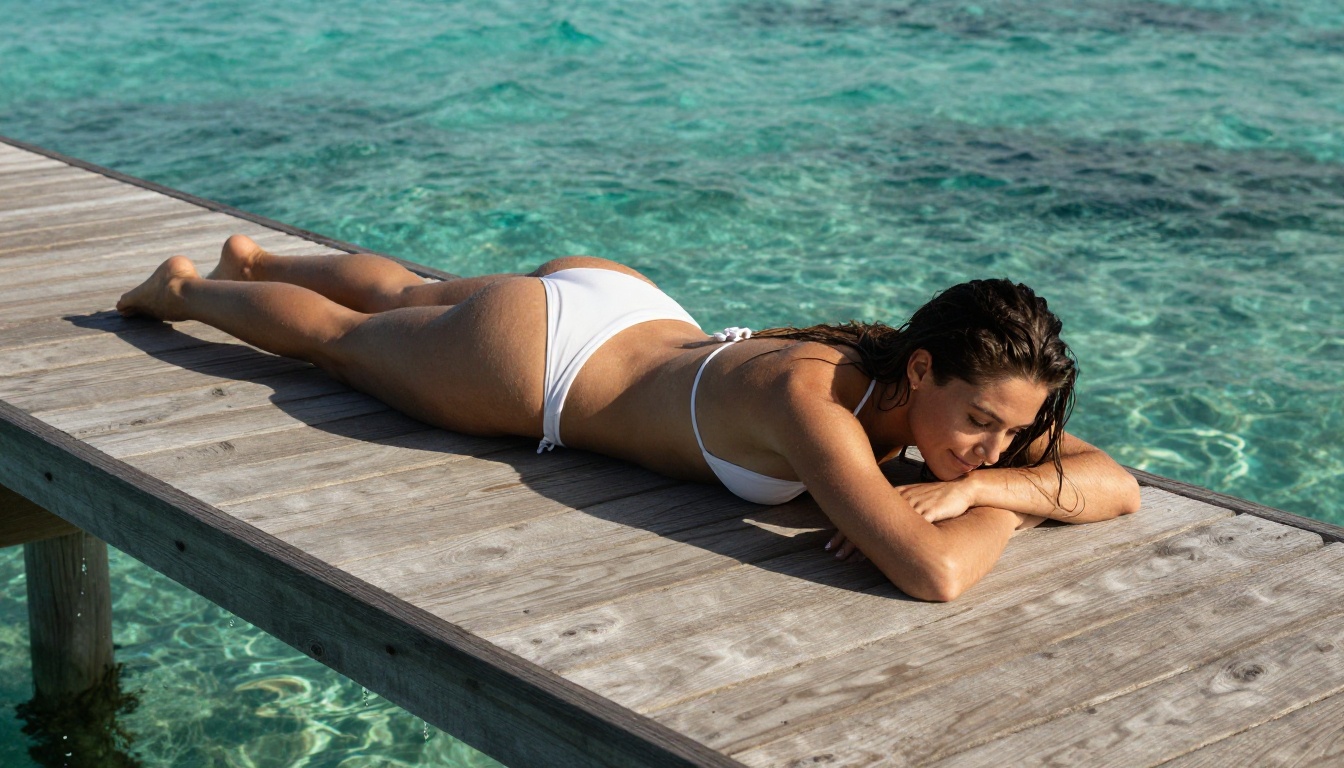
Strong prompt: "a 28-year-old woman with sun-kissed olive skin and dark wavy hair, lying on white sand, wearing a minimal coral bikini, volumetric golden hour light from the left at 10 degrees elevation, Canon EOS R5 85mm f/1.4, Kodak Portra 400 film grain, photorealistic, 8K RAW, skin pore detail, individual hair strands visible"
The second prompt will consistently outperform the first across every model listed in this article. The specificity is what signals to the model that you want a photographic output rather than an illustrative one.
Prompting checklist:
Common Mistakes to Avoid
Mixing styles. Do not combine "photorealistic" with "cinematic painting" or "digital art." Pick one direction. If you want photorealism, commit to it fully in your prompt.
Generic lighting. "Good lighting" tells the model nothing. Say "volumetric morning light from the upper right at 20 degrees" instead. Lighting direction alone has a dramatic effect on how realistic skin appears.
No negative prompts. For Stable Diffusion-based models, always include a negative prompt. A solid baseline: blurry, deformed hands, bad anatomy, cartoon, CGI render, low quality, oversaturated, unrealistic skin.
Ignoring aspect ratio. A full-body standing portrait will almost always look better in 9:16. A landscape or pool scene works in 16:9. Choosing the wrong ratio forces the model to crop or compress your subject awkwardly.
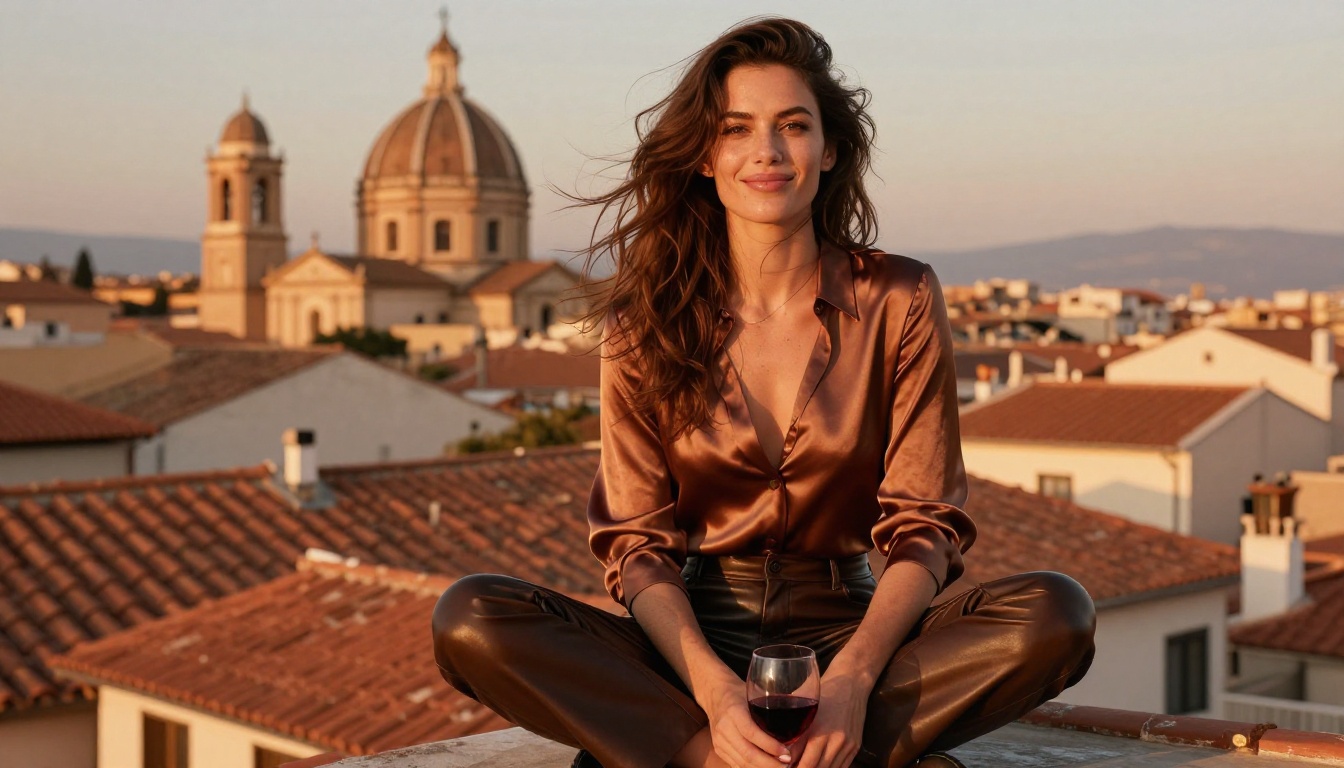
Tip: For portrait and beauty work, Realistic Vision v5.1 and RealVisXL v3.0 Turbo both respond exceptionally well to film stock references in the prompt.
Beyond Images: What Else You Can Do
Super Resolution for Sharper Output
Every model has an output resolution ceiling. Once you have a strong base image, PicassoIA's Super Resolution tools can upscale your output 2x to 4x without introducing blur or compression artifacts. This is particularly valuable for adult portraiture where skin texture and fine detail need to hold up at large print or display sizes.
Face Swap and Inpainting
Face Swap AI on PicassoIA allows you to apply a reference face to any generated image with realistic integration. For character consistency across a series of images, this is the most efficient workflow available for adult fiction or visual storytelling projects.
Inpainting (available through several SDXL-based models on PicassoIA) lets you paint over specific regions of an image and regenerate only that area. Fix a poorly generated hand, change wardrobe, adjust an expression, or add detail to a background without losing the rest of your composition.
Outpainting for Scene Expansion
Generated an image with a subject too tightly cropped? Outpainting extends the canvas beyond the original frame, generating new content that matches the existing scene style, lighting, and composition. This is useful for taking a portrait-framed shot and expanding it into a full environmental scene.
Ranking the Best Right Now
Top 3 for Realism
- Flux 1.1 Pro Ultra - The current benchmark for photorealistic adult image generation. Skin texture, hair physics, fabric interaction with light.
- Flux 2 Max - Latest generation with marginally tighter prompt adherence and extreme detail ceilings.
- Realistic Vision v5.1 - Best fine-tuned model for human-centric photorealism, especially close-up portraits.
Top 3 for Speed
- Flux Schnell - Near-instant generation with acceptable quality for concept drafts.
- DreamShaper XL Turbo - Fastest route to cinematic-quality outputs with strong aesthetic sense.
- RealVisXL v3.0 Turbo - Turbo speed with high realism retention, solid for rapid adult portrait drafts.
Top 3 for Artistic Style
- Stable Diffusion 3.5 Large - Most flexible for creative directional control and stylistic fine-tuning.
- Ideogram v3 Quality - Strong compositional intelligence with precise subject placement.
- Flux Kontext Max - Best for stylized editing of existing images while preserving subject identity.
Why PicassoIA Stands Out for Adult Creators
Most platforms offering unrestricted generation are either paywalled behind expensive API access, require local installation with technical setup, or offer a narrow selection of models. PicassoIA solves all three problems in one place.
With 91 text-to-image models available under one roof, including the full Flux family, Stable Diffusion 3.5 variants, Realistic Vision, DreamShaper, and newer models like Seedream 4 and Imagen 4 Ultra, the platform covers every adult AI art use case without forcing you to jump between services.
The platform also integrates editing capabilities, super resolution, face swap, inpainting, and outpainting alongside generation, making it a full production environment rather than a single-purpose tool.
What sets it apart:
- No local GPU required: everything runs in the cloud
- Switch between 91 models without changing platforms
- Integrated editing tools for post-generation refinement
- Direct links to every model with transparent capability descriptions
- Credit-based system that scales with your usage volume
GPT Image 1.5 and Imagen 4 round out the portfolio for users who want to sample across different generation architectures and compare outputs before settling on a primary model for their workflow.
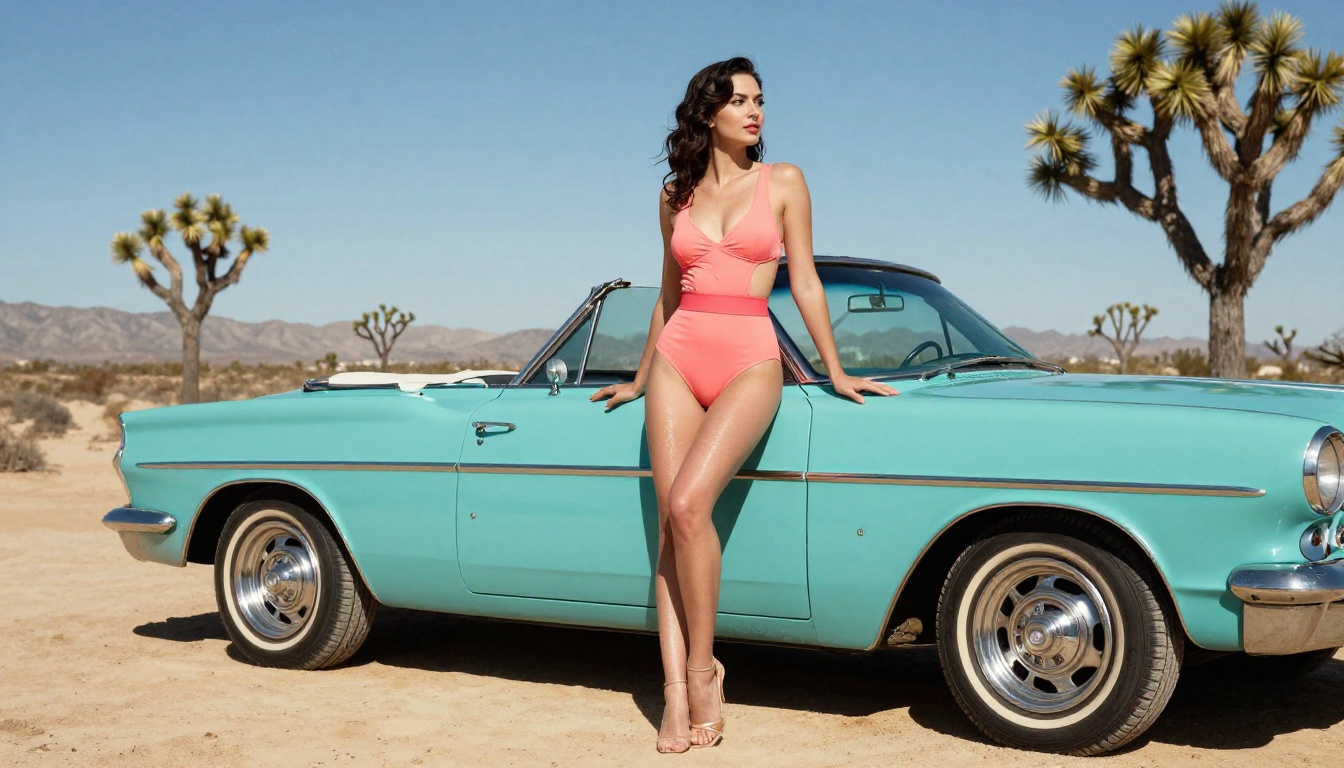
Start Creating Your Own Images
The gap between a basic prompt and a stunning, photorealistic result comes down to three things: the right model, the right prompt structure, and access to a platform that does not stand between you and the output you want.
PicassoIA gives you all three. Start with Flux 1.1 Pro Ultra for your best-quality renders, use Flux Schnell for rapid iteration, and reach for Flux Kontext Pro when you need to refine a specific detail without starting over from scratch.
Every model mentioned in this article is available right now on PicassoIA. Pick one, apply the prompting principles above, and you will have a result worth keeping in the first few tries.


