The reality is blunt: most AI image generators will refuse to create anything remotely provocative. They wrap themselves in safety filters so thick that even swimwear photos trigger refusals. If you have spent five minutes with mainstream tools trying to produce glamour photography, adult artistic content, or anything beyond vanilla stock imagery, you already know this frustration. The good news is that a growing category of the best uncensored AI image generators without filters actually delivers. This article breaks down which models perform, which ones promise and disappoint, and how to get genuinely unrestricted, photorealistic images from each.
What "No Filters" Actually Means
Not every tool claiming to be "uncensored" is the same. There is a meaningful spectrum between a tool that allows swimwear photos and one that generates fully explicit content without limits.
The Content Spectrum
Here is how most platforms categorize content:
| Level | Description | Examples |
|---|
| Safe | Fully family-friendly | Landscapes, portraits, objects |
| Suggestive | Tasteful and attractive | Bikinis, glamour, artistic posing |
| NSFW | Adult-oriented but not explicit | Lingerie, implied nudity, boudoir |
| Explicit | Graphic sexual content | Adult content, pornographic |
Most mainstream AI tools block everything at Level 2 and above. The best uncensored AI image generators without filters target Level 3, with some supporting Level 4 depending on platform policies.
Why Restrictions Exist
Filters are not arbitrary. They protect platforms from:
- Legal liability in jurisdictions with strict content laws
- Payment processor restrictions (Stripe and PayPal both ban adult content)
- App store policies from Apple and Google
- Advertiser pressure on free-tier platforms
This context helps you pick the right tool. Some generators are filtered at the API level, others at the platform level. Platform-level filtering is often avoidable by using models directly through dedicated interfaces.
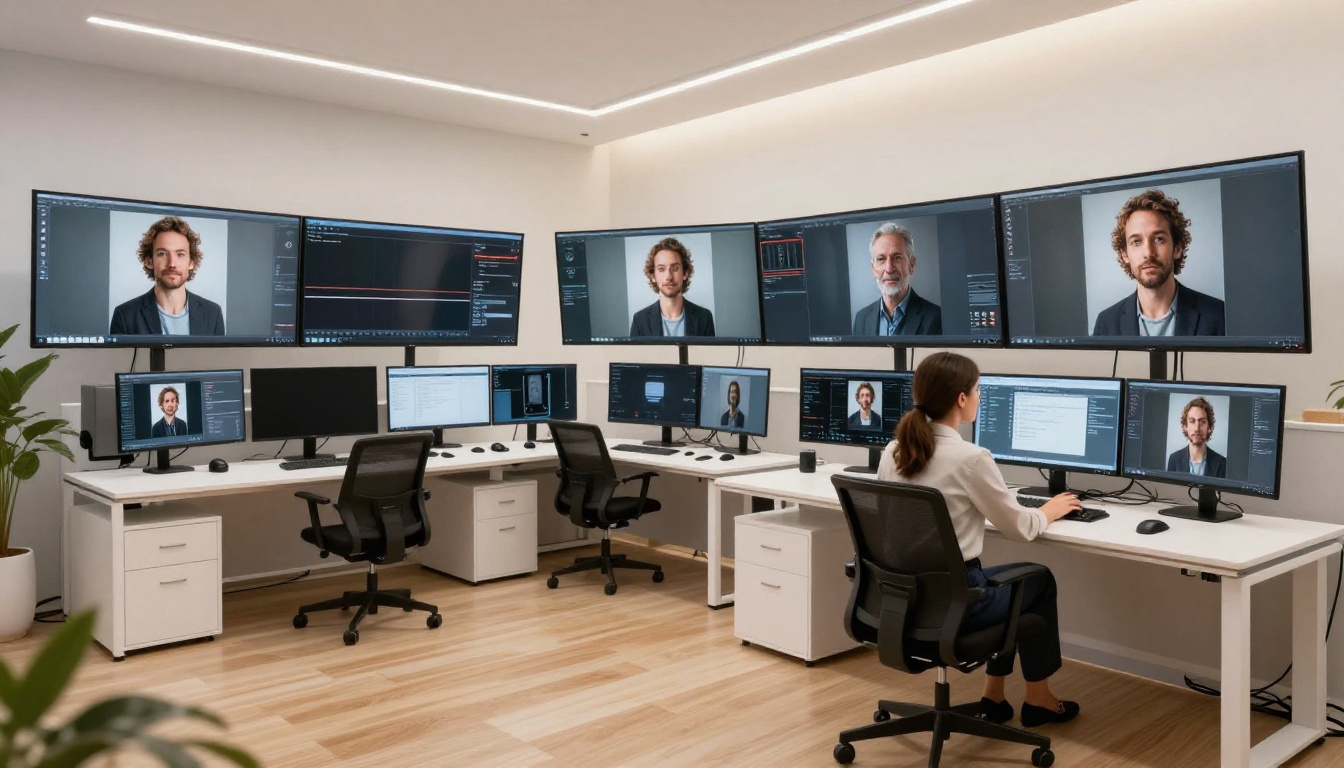
The Top Models for Unrestricted Images
These are the models that actually deliver for unfiltered or minimally filtered image generation, ranked by photorealism and flexibility.
Flux 1.1 Pro Ultra
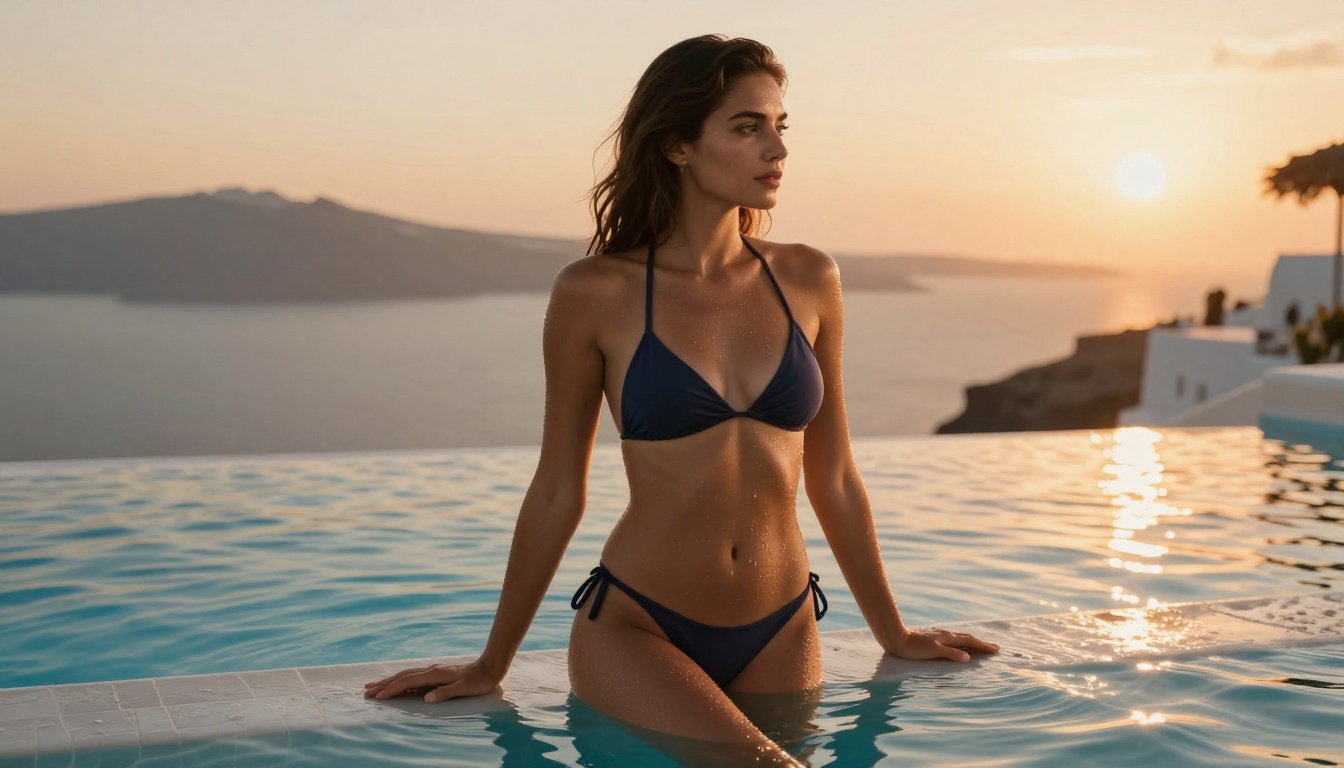
Flux 1.1 Pro Ultra is the current benchmark for photorealistic uncensored AI image generation. Built by Black Forest Labs, it runs at native 2K resolution and produces images that are genuinely difficult to distinguish from real photography.
What makes it stand out:
- Ultra-realistic skin texture, hair strands, and fabric details
- Superior anatomy rendering for human subjects
- Strong prompt adherence for nuanced, detailed scenes
- Consistent output quality across multiple generations
Its main limitation is speed: higher resolution outputs take longer. For most unrestricted portrait and glamour work, Flux 1.1 Pro Ultra remains the gold standard.
Flux Dev and Flux Pro
Flux Dev and Flux Pro offer the same Black Forest Labs architecture at lower cost and faster generation speed. Flux Dev is particularly popular for experimentation because it supports LoRA fine-tuning, allowing custom style adjustments. For unrestricted content, Flux Pro delivers consistently strong results with fewer generation artifacts.
💡 Pro tip: For glamour or adult-oriented content, Flux models respond well to photography-specific language. Describe the scene as if directing a professional photoshoot: mention lighting setup, camera lens, film stock, and subject positioning.
Stable Diffusion 3.5 Large
Stable Diffusion 3.5 Large represents the latest from Stability AI. Because it is open-weight, it runs without the platform-level restrictions applied to proprietary models. The 3.5 Large variant excels at:
- Complex compositional scenes with multiple subjects
- High-detail environments including interiors and natural settings
- Consistent face generation across multiple outputs
RealVisXL v3.0 Turbo
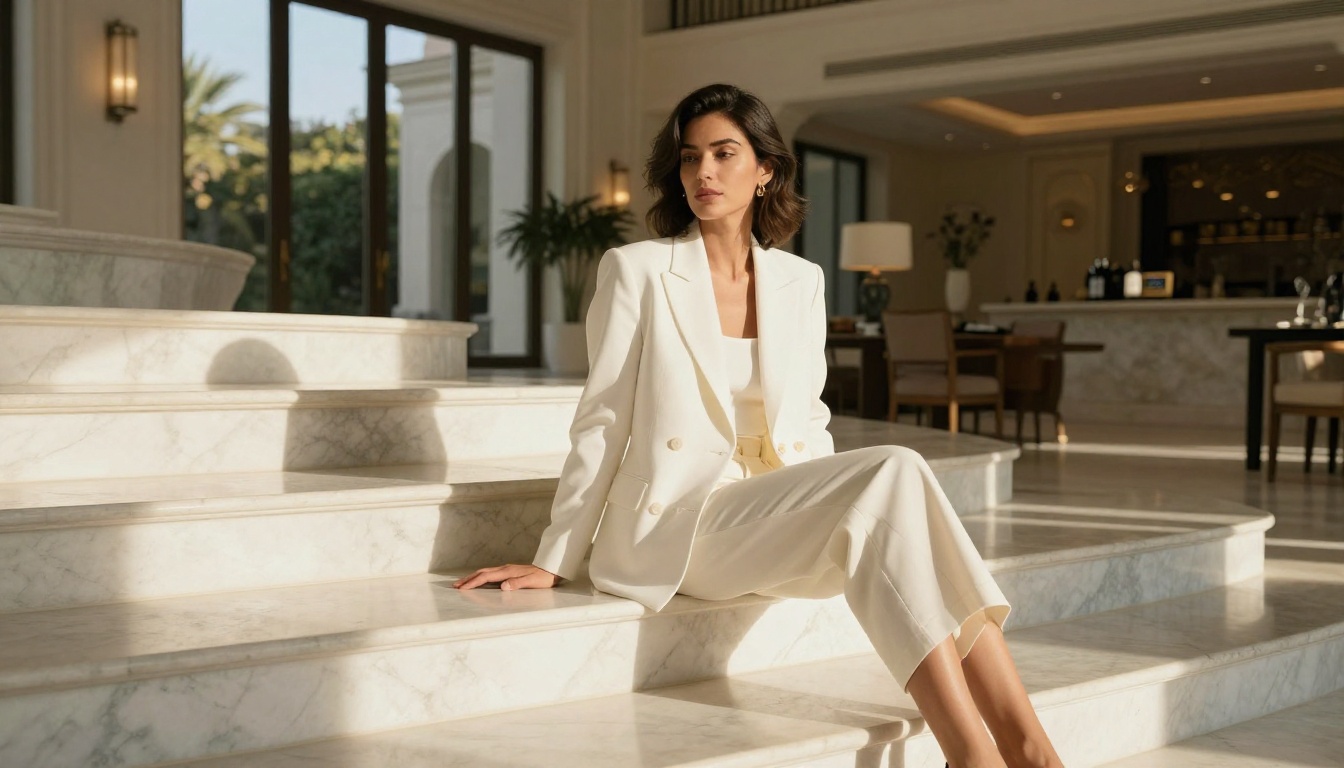
RealVisXL v3.0 Turbo is purpose-built for photorealistic human subjects. It is one of the most popular models in the uncensored AI art community for exactly this reason: it renders faces, skin, and clothing with a level of detail that most base models cannot match.
RealVisXL works particularly well for:
- Portrait photography: Highly detailed faces without the "AI face" artifacts common in other models
- Fashion and glamour: Accurate fabric rendering, jewelry, and accessories
- Studio-style shots: Clean backgrounds with controlled lighting simulation
Realistic Vision v5.1
Realistic Vision v5.1 remains one of the most reliable NSFW-capable models in the open-source ecosystem. Based on the SD 1.5 architecture but heavily fine-tuned for photorealism, it generates images rapidly and responds very well to negative prompts for quality control.
💡 Pro tip: Use negative prompts like (deformed, distorted, ugly, bad anatomy, low quality, blurry) to dramatically improve output quality with Realistic Vision.
DreamShaper XL Turbo
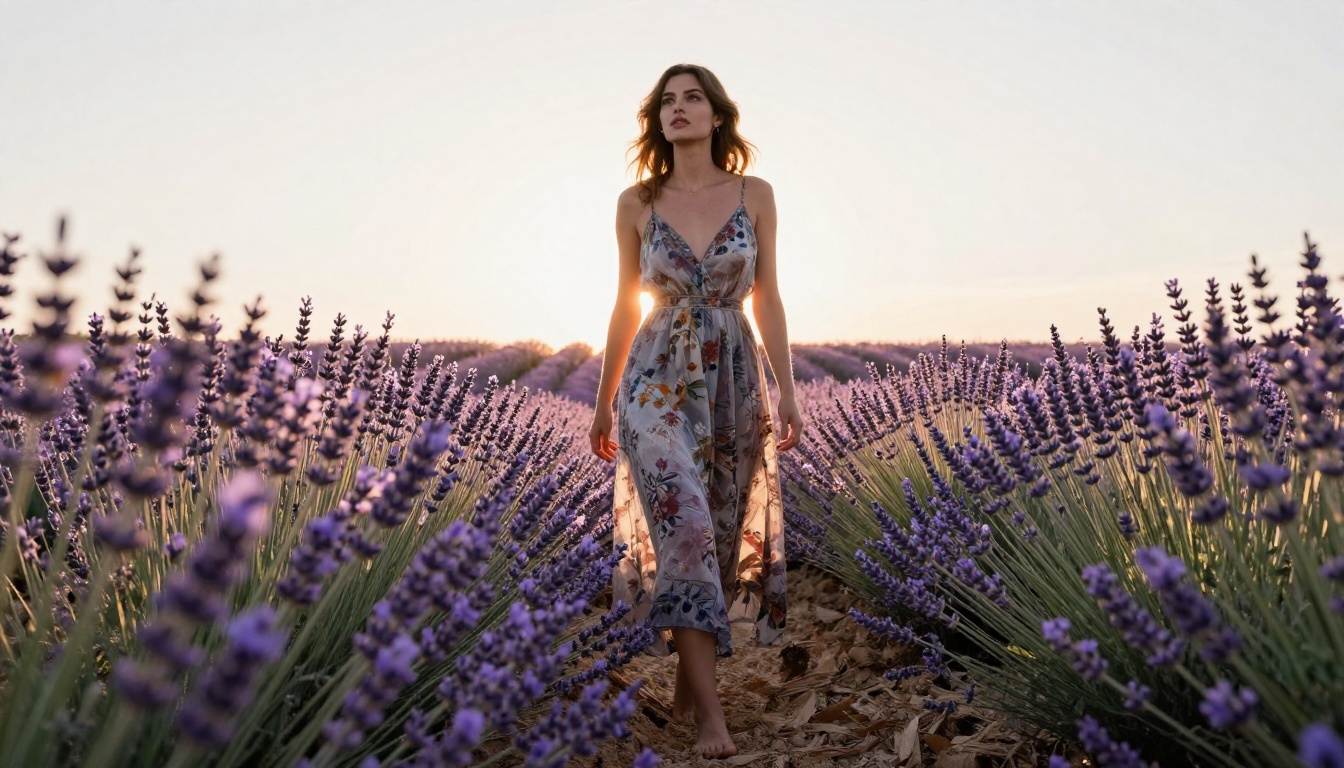
DreamShaper XL Turbo hits a sweet spot between artistic quality and raw photorealism. It is fast, produces vivid results, and handles suggestive content without aggressive refusals. For users who want glamour-style images with a slightly stylized but still realistic aesthetic, DreamShaper XL Turbo consistently delivers.
NSFW Art vs. Explicit Content
This distinction matters more than most people realize. NSFW (Not Safe For Work) is a broad category. Not all NSFW is explicit, and not all explicit content is illegal.
Where the Legal Line Falls
Legal considerations for AI-generated adult content:
- Age verification: Any depiction construed as involving minors is illegal in virtually all jurisdictions. Always specify adult subjects in prompts.
- Jurisdiction differences: Some countries have broad restrictions on adult content even between consenting adults.
- Platform terms: Even if legal in your jurisdiction, platform terms may prohibit certain content types.
Artistic Nudity vs. Explicit Content
The artistic community has long distinguished between:
| Type | Characteristics | Examples |
|---|
| Artistic nudity | Context, composition, intent | Fine art portraits, implied nudity |
| Glamour photography | Suggestive but not explicit | Lingerie, swimwear, boudoir |
| Explicit content | Graphic sexual acts | Pornographic content |
The best uncensored AI image generators without filters generally excel at artistic nudity and glamour photography. For fully explicit content, dedicated adult AI platforms with appropriate age verification infrastructure exist specifically for that use case.
How to Write Better Unrestricted Prompts
Bad prompts produce bad images, regardless of the model. This is doubly true for adult or NSFW content where imprecise language leads to uncanny results.
The Anatomy of a Great Prompt
A high-quality unrestricted image prompt has four components:
- Subject description: Age, build, ethnicity, clothing, expression, pose
- Scene context: Location, time of day, furniture, props
- Lighting specification: Source direction, quality (soft or hard), color temperature
- Technical parameters: Camera, lens, aperture, film stock, aspect ratio
Example (weak): beautiful woman, bikini, beach
Example (strong): A confident woman in her late twenties wearing a white string bikini, standing ankle-deep in crystal Caribbean water at late afternoon, warm golden backlight creating rim light on her tan skin, slight wind lifting her dark hair, shot from eye level with Canon R5 at 85mm f/2.0, Kodak Portra 400 film grain, photorealistic 8K
The difference in output quality between these two prompts is dramatic.
Common Prompt Mistakes
- Vague body descriptors: "Beautiful" means nothing. Describe specific features.
- Missing lighting: Models default to flat, uninteresting lighting without instruction.
- No camera parameters: Adding lens and aperture data dramatically improves photorealism.
- Forgetting negative prompts: Always specify what you do NOT want.
💡 Negative prompt template: (deformed, distorted, disfigured, bad anatomy, watermark, signature, jpeg artifacts, blurry, ugly, low quality, cropped, out of frame)
Not all platforms hosting these models treat adult content the same way.
Speed, Quality, and Access
| Platform Type | Filter Level | Speed | Quality |
|---|
| Closed API platforms | Heavy | Fast | High |
| Self-hosted open-source | None | Variable | Very High |
| Specialized NSFW platforms | Low | Medium | Medium |
| Multi-model aggregators | Configurable | Fast | High |
The advantage of multi-model platforms is access to many models under a single interface. You can switch from Flux 2 Pro to Proteus v0.2 to SDXL within the same session to compare outputs without managing multiple accounts.
What to Look For in a Platform
- Model variety: Access to both photorealistic and stylized models
- No watermarking: Watermarks on output immediately devalue the images
- Commercial rights: Check whether output images are commercially licensed
- Resolution options: At minimum 1024x1024 for usable output
- ControlNet support: SDXL Multi ControlNet LoRA and similar tools let you control poses and compositions precisely
How to Use Flux Dev on PicassoIA
Flux Dev is one of the most capable unrestricted image models on the platform. Here is exactly how to use it for photorealistic results.
Step 1: Open the Model
Navigate to the Flux Dev model page. No account is required to test the model with basic prompts.
Step 2: Write Your Prompt
Use the full prompt structure described above. For photorealistic human subjects, include:
- Subject description with specific physical details
- Clothing description including material, fit, and color
- Scene and background
- Lighting direction and quality
- Camera and lens specifications
Step 3: Set Parameters
Parameters for best results with Flux Dev:
| Parameter | Recommended Value | Why |
|---|
| Steps | 28-35 | Balance between quality and speed |
| CFG Scale | 3.5-4.5 | Flux responds to lower CFG than SD models |
| Aspect Ratio | 16:9 or 3:2 | Most photographic compositions |
| Seed | Fixed for variations | Allows iterative refinement |
Step 4: Iterate
Generate 3-4 variations of the same prompt before making major changes. Small seed adjustments change lighting and pose while keeping the overall composition intact. When you find a strong composition, refine the prompt details to push realism further.
💡 Pro tip: Combine Flux Dev with Flux Kontext Pro for text-guided image editing. Generate the base image with Flux Dev, then use Kontext Pro to modify specific elements such as clothing, lighting, or props without regenerating the entire image.
Upscaling and Post-Processing NSFW Images
Raw AI output at 1024px is often not enough for professional use. Post-processing makes the difference between an image that looks AI-generated and one that passes as real photography.
Super Resolution
Super resolution AI upscalers can take a 1024x1024 output and push it to 4096x4096 with enhanced detail. The best upscalers for NSFW work:
- Preserve skin texture without over-smoothing
- Maintain hair strand separation
- Sharpen fabric and material details without introducing noise artifacts
Face Restoration
Many unrestricted AI generators, particularly older SD-based models, produce slightly distorted faces at high content complexity. Face restoration tools correct anatomical artifacts, sharpen eye detail, and normalize proportions without regenerating the entire image.
When to Regenerate vs. Post-Process
Post-process when:
- The composition and lighting are strong but resolution is low
- Minor facial artifacts that restoration tools can fix
- Color grading adjustments are needed
Regenerate when:
- Fundamental anatomy issues exist (extra fingers, merged limbs)
- Wrong lighting direction that cannot be corrected in post
- The overall composition does not match your intent
The Right Model for Your Use Case
The best uncensored AI image generator without filters is not a single answer. It depends entirely on what you are creating.
Start Creating Your Own Images
Every model discussed in this article is available on PicassoIA. No complex local setup, no GPU required. You write the prompt, pick the model, and get the result.
The platform gives you access to Flux 1.1 Pro Ultra, RealVisXL v3.0 Turbo, Stable Diffusion 3.5 Large, and dozens of other models in one place. Switch between them freely to find the exact aesthetic you are after.
Start with Flux Dev if you want fast, flexible results with strong photorealism. Move to Flux 1.1 Pro Ultra when you need the highest possible output quality for a final image. Use SDXL with SDXL Multi ControlNet LoRA when you need precise control over poses and compositions.
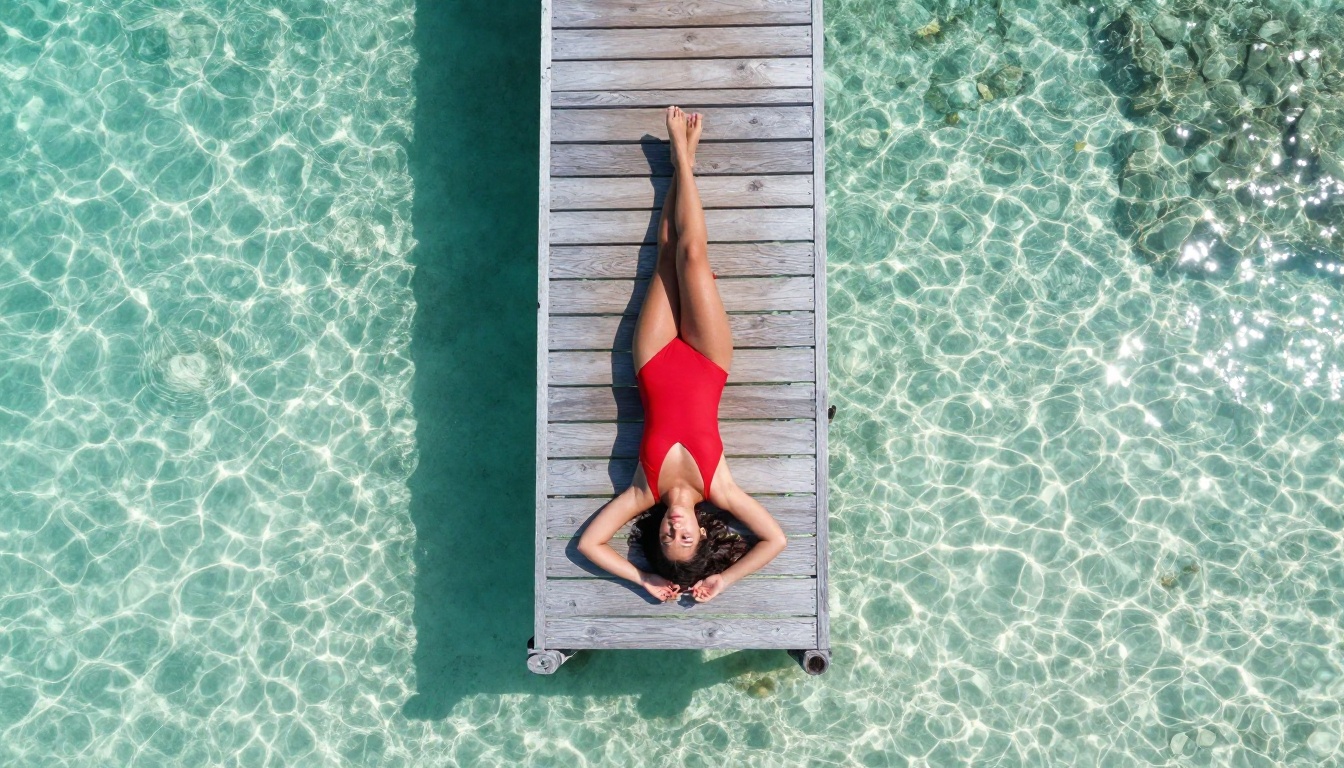
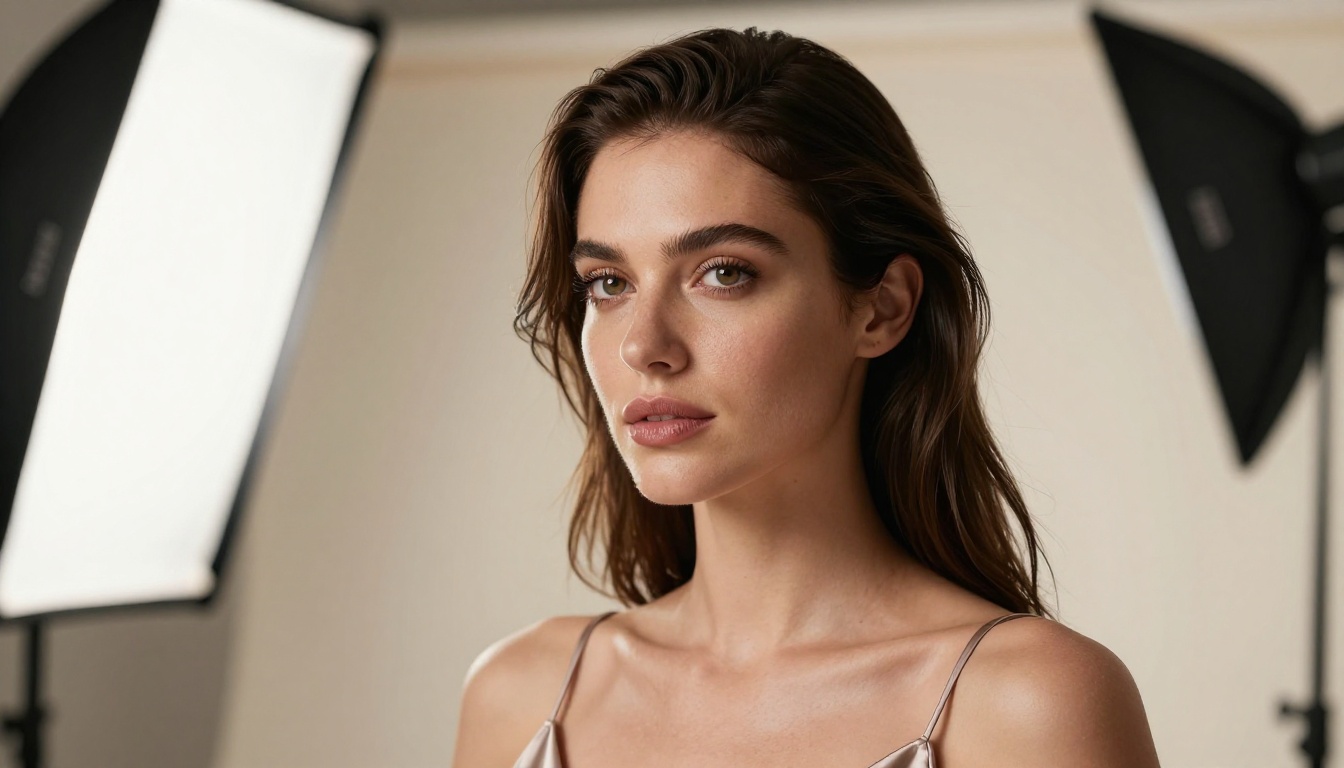
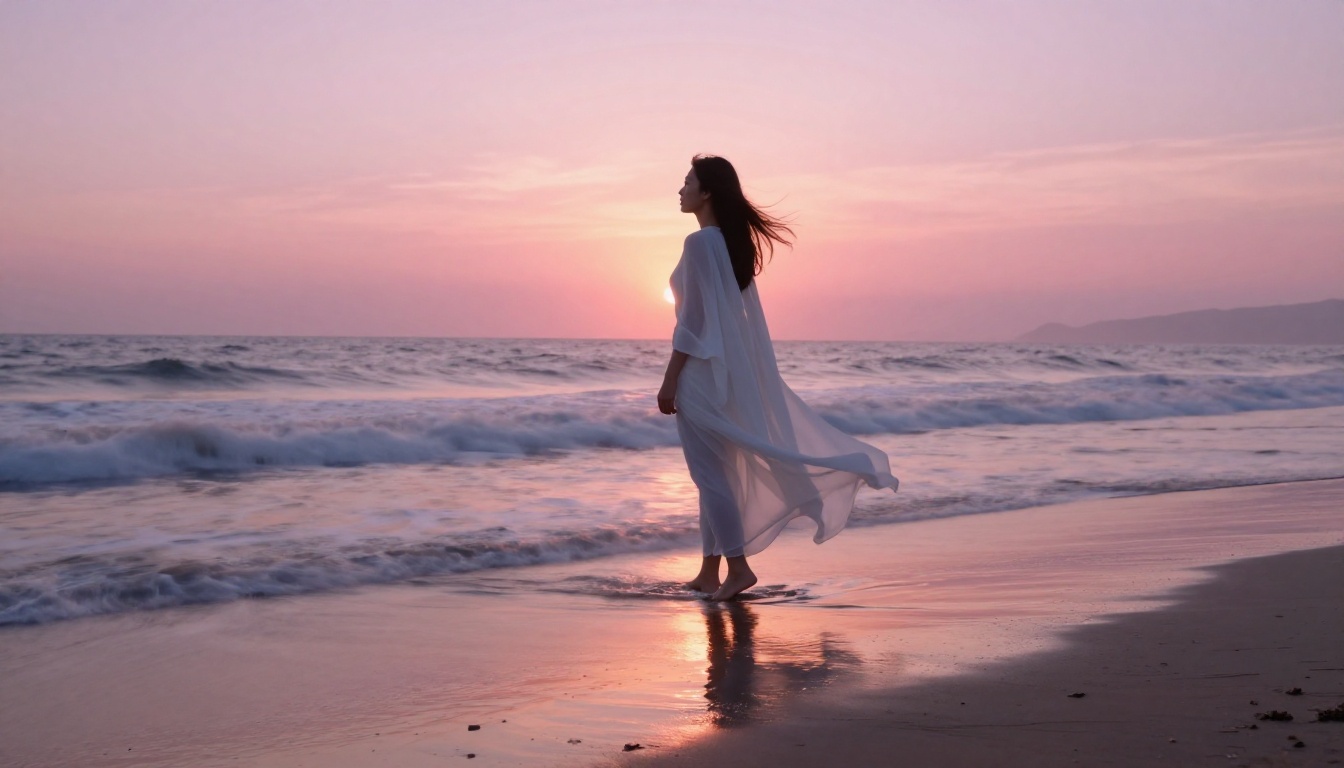
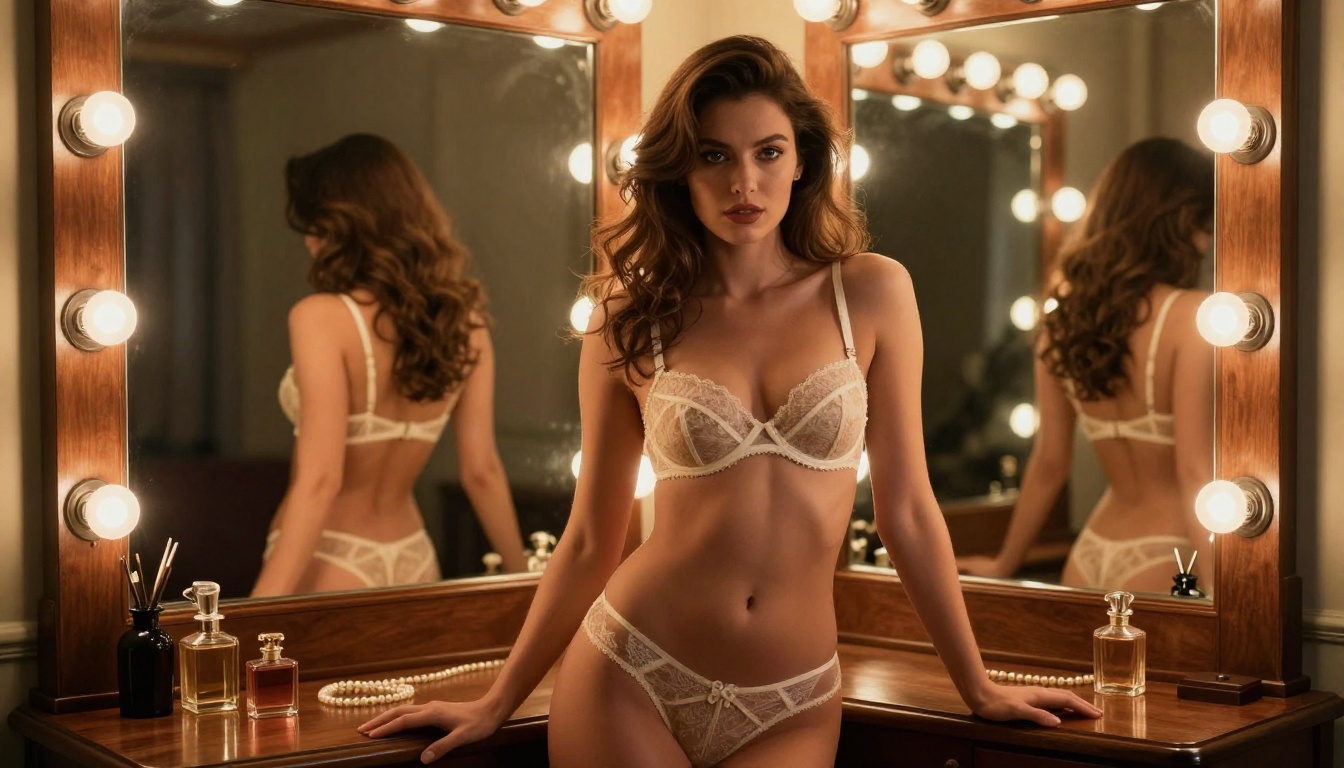
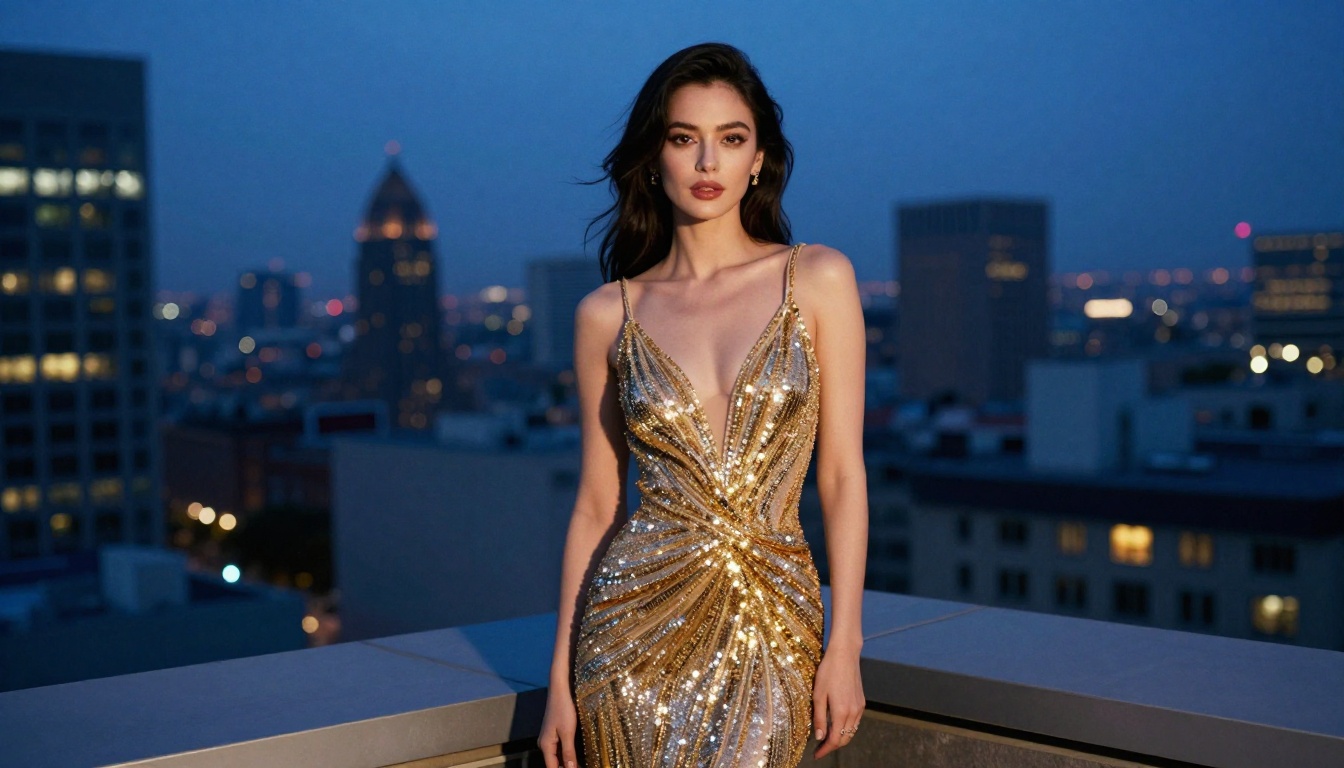
The images in this article were all generated using prompts similar to the examples shown above. Pick a model, write a detailed prompt, and start generating unrestricted, photorealistic images right now.


