Best Uncensored AI Models on CivitAI to Download Now
A curated selection of the most powerful uncensored AI models on CivitAI right now. From Flux-based checkpoints to SDXL fine-tunes and realistic LoRA add-ons, this article shows what to download, which settings produce the best results, and how to create stunning, unrestricted AI-generated imagery without the usual content filters getting in the way.
CivitAI has become the go-to platform for anyone looking to push AI image generation beyond the default guardrails. The site hosts thousands of checkpoints, LoRAs, and embeddings, and the best uncensored AI models on CivitAI sit at the top of the download charts for a reason: they produce photorealistic, artistically rich imagery without the heavy content restrictions baked into commercial platforms. Whether you want to create glamour photography, artistic boudoir work, or simply want a model that does not water down your creative vision, knowing which files to download matters more than any prompt trick.
What "Uncensored" Really Means in AI
Not all AI image models are equal when it comes to content restrictions. When someone searches for the best uncensored AI models on CivitAI to download now, they are typically looking for one of two things: models fine-tuned without restrictive NSFW filters, or models specifically trained on adult datasets to produce realistic human anatomy.
Filtered vs. Unfiltered Models
Commercial APIs and platforms like Midjourney or DALL-E 3 apply heavy post-generation filters or refuse NSFW prompts outright. Open-source checkpoints on CivitAI work differently. Many were fine-tuned by community creators on datasets that include mature content, meaning the model itself has learned to produce realistic bodies, intimate clothing, and anatomically accurate figures without needing workarounds.
This is not the same as pornographic output. The best models in this category produce imagery comparable to professional fashion photography, editorial boudoir work, or artistic nude photography in the classical sense. Think magazine-quality glamour rather than explicit adult content.
Why Base Architecture Matters Most
The base architecture determines how well any uncensored fine-tune will perform. Models built on Flux architecture currently produce the most photorealistic human skin, hair, and clothing detail. SDXL models are a close second, offering massive community support and thousands of compatible LoRAs. Stable Diffusion 1.5 is older but still surprisingly capable for specific body types and styles.
Top Flux Models on CivitAI Now
Flux changed everything when Black Forest Labs released the architecture in 2024. The raw output quality, particularly for human subjects with realistic skin texture and natural lighting, was a significant step up from anything before. CivitAI quickly filled with Flux fine-tunes, and some of them are genuinely outstanding.
Flux.1 Dev Uncensored Forks
The base Flux Dev model is already impressive for photorealistic portraits. On CivitAI, several creators have fine-tuned it on curated datasets that include mature content. Look for models with "uncensored" or "NSFW" in the title alongside high download counts and consistently positive community ratings.
💡 Tip: Always check the model's sample images before downloading. A good uncensored Flux model should show consistent anatomical accuracy across varied poses, not just cherry-picked single outputs.
The best Flux uncensored checkpoints on CivitAI typically weigh between 12GB and 24GB. Make sure your GPU has at least 16GB VRAM for comfortable inference, or use quantized versions (GGUF format) for lower-spec hardware.
Flux 1.1 Pro Ultra Photorealism
Flux 1.1 Pro Ultra represents the commercial peak of the Flux family. While the official Pro model requires API access, the community forks available on CivitAI bring similar quality to local inference. These models excel at:
Skin texture: Pores, fine hairs, and natural imperfections rendered convincingly
Lighting response: How fabric, skin, and hair interact with directional light sources
Pose fidelity: Hands, feet, and joints maintain anatomical correctness more reliably than older architectures
Flux 2 Pro and Flux 2 Dev take this further, with improved understanding of complex scenes and better multi-subject compositions. If your hardware supports it, these are the versions to download first.
Best SDXL Checkpoints for Realistic Output
SDXL remains the most supported architecture for NSFW fine-tuning, with a massive ecosystem of compatible LoRAs, embeddings, and control networks. The checkpoints below consistently rank among the most downloaded on CivitAI for uncensored realistic imagery.
Juggernaut XL: The Community Standard
Juggernaut XL has held a permanent spot near the top of CivitAI's most downloaded list for over a year. Its primary strength is photorealism at a level that makes many outputs indistinguishable from photographs. The uncensored version adds mature content capability while retaining the model's signature crisp detail and natural color grading.
The base SDXL architecture underneath gives it wide LoRA compatibility. You can stack multiple LoRAs on top for style, ethnicity, body type, or clothing specifics without major quality degradation.
RealVisXL: Hyper-Realistic Portraits
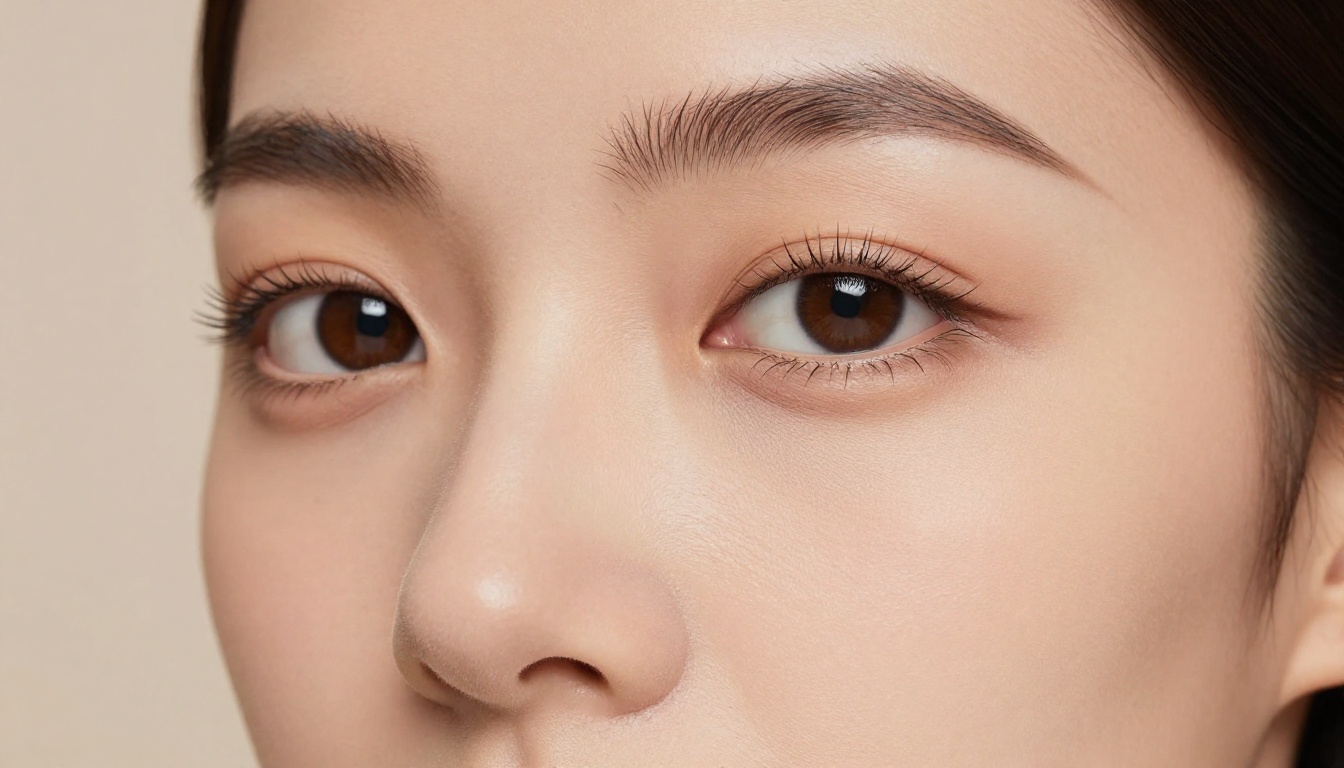
RealVisXL v3.0 Turbo was specifically trained for hyper-realistic human photography. It handles close-up portraits especially well, with iris detail, individual eyelashes, and lip texture that holds up at high magnification.
Model
Architecture
VRAM Required
Best For
Juggernaut XL Uncensored
SDXL
8GB+
Full scenes, fashion
RealVisXL v3.0 Turbo
SDXL
8GB+
Portraits, close-ups
DreamShaper XL Turbo
SDXL
8GB+
Stylized realism
Flux.1 Dev Uncensored
Flux
16GB+
Maximum photorealism
Realistic Vision v5.1
SD 1.5
6GB+
Vintage-style portraits
DreamShaper XL: Art Meets Realism
DreamShaper XL Turbo sits in an interesting middle ground. It produces results that feel slightly more stylized than Juggernaut, with a warm editorial photography quality. For glamour photography or fashion-adjacent imagery, it often beats the more clinical photorealism of RealVisXL.
Its Turbo variant generates images in 4 to 6 steps, making it significantly faster than standard SDXL sampling. This is valuable when iterating over dozens of outputs to find the right composition.
SD 1.5 Models Still Worth Downloading
Do not write off SD 1.5 models just because newer architectures exist. Several SD 1.5 fine-tunes on CivitAI were trained specifically for realistic human subjects and still produce impressive results, particularly for portrait work and specific body aesthetics.
Realistic Vision v5.1
Realistic Vision v5.1 is the undisputed champion of SD 1.5 photorealism. Version 5.1 introduced major improvements to skin rendering, particularly for close-up facial detail. Despite being a 2GB model compared to Flux's 24GB, it produces portraits that regularly fool casual observers.
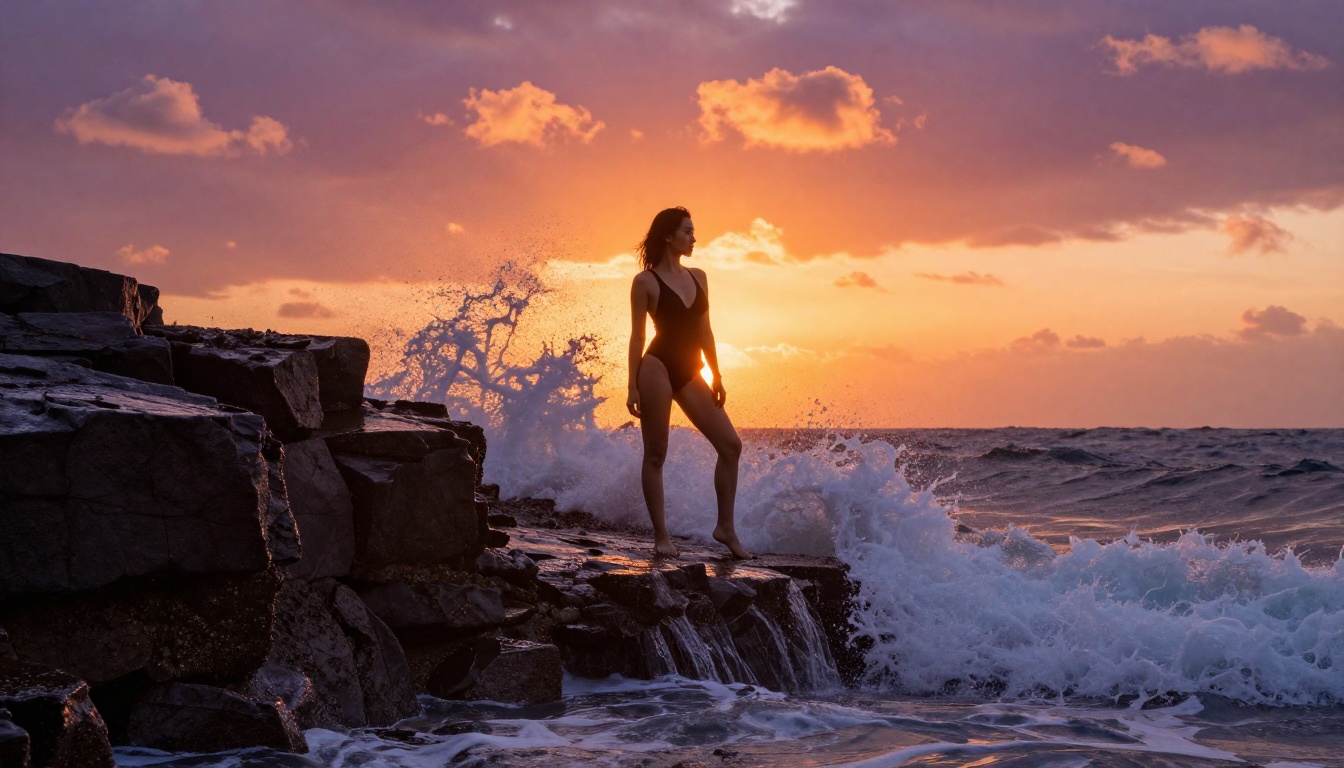
The uncensored version handles swimwear, lingerie, and artistic nudity without artifacts. Its relatively small size also means it runs on older GPUs (6GB VRAM minimum) and generates quickly, even without a Turbo sampler.
ChilloutMix and Its Variants
ChilloutMix sparked a wave of Asian-aesthetic focused models on CivitAI. Its fine-tune specifically addressed the tendency of older SD models to default to Western European facial features, resulting in more diverse, accurate portraits for different ethnicities.
Several ChilloutMix Uncensored variants exist on CivitAI with NSFW capability baked in. These work well for soft glamour photography and intimate portrait styles with consistent ethnic accuracy.
LoRA Add-Ons That Expand Any Model
LoRAs (Low-Rank Adaptations) are smaller files, typically 50MB to 500MB, that attach to a base checkpoint and shift its output toward a specific style, person, or content type. For uncensored AI art, LoRAs are often more practical than downloading entire new checkpoints.
What LoRAs Actually Do
A LoRA modifies the model's internal weights during inference, biasing outputs toward whatever the LoRA was trained on. An NSFW LoRA trained on lingerie photography will push a base model toward that aesthetic without requiring a full fine-tune. You can combine multiple LoRAs simultaneously, adjusting their weights to blend different influences.
💡 Tip: Stack a realism LoRA at 0.8 weight with an NSFW-specific LoRA at 0.6 weight on a Flux Dev base for exceptional results. The Flux Dev LoRA variant is built specifically for LoRA-compatible inference workflows.
Top LoRA Categories on CivitAI
The most useful LoRA types for uncensored realistic imagery on CivitAI fall into these categories:
Clothing LoRAs: Specific outfits, swimwear styles, lingerie types
Body type LoRAs: Targeting specific figure aesthetics with more consistent accuracy
Photography style LoRAs: Film emulation (Kodak Portra, Fuji Superia), specific lighting setups
Pose LoRAs: Specific body positions that base models handle poorly
Face fix LoRAs: Corrects the persistent problem of distorted faces at certain angles
For SDXL and SDXL Lightning 4Step specifically, the LoRA ecosystem is enormous. You will find LoRAs for virtually every imaginable subcategory of imagery, with new uploads appearing daily.
Prompting for Maximum Realism
Having the right model is only half the equation. Prompt structure matters enormously, especially for uncensored content where you need the model to correctly interpret both the aesthetic and the level of detail you want.
Building a Strong Positive Prompt
The best positive prompts for photorealistic uncensored content follow a consistent structure:
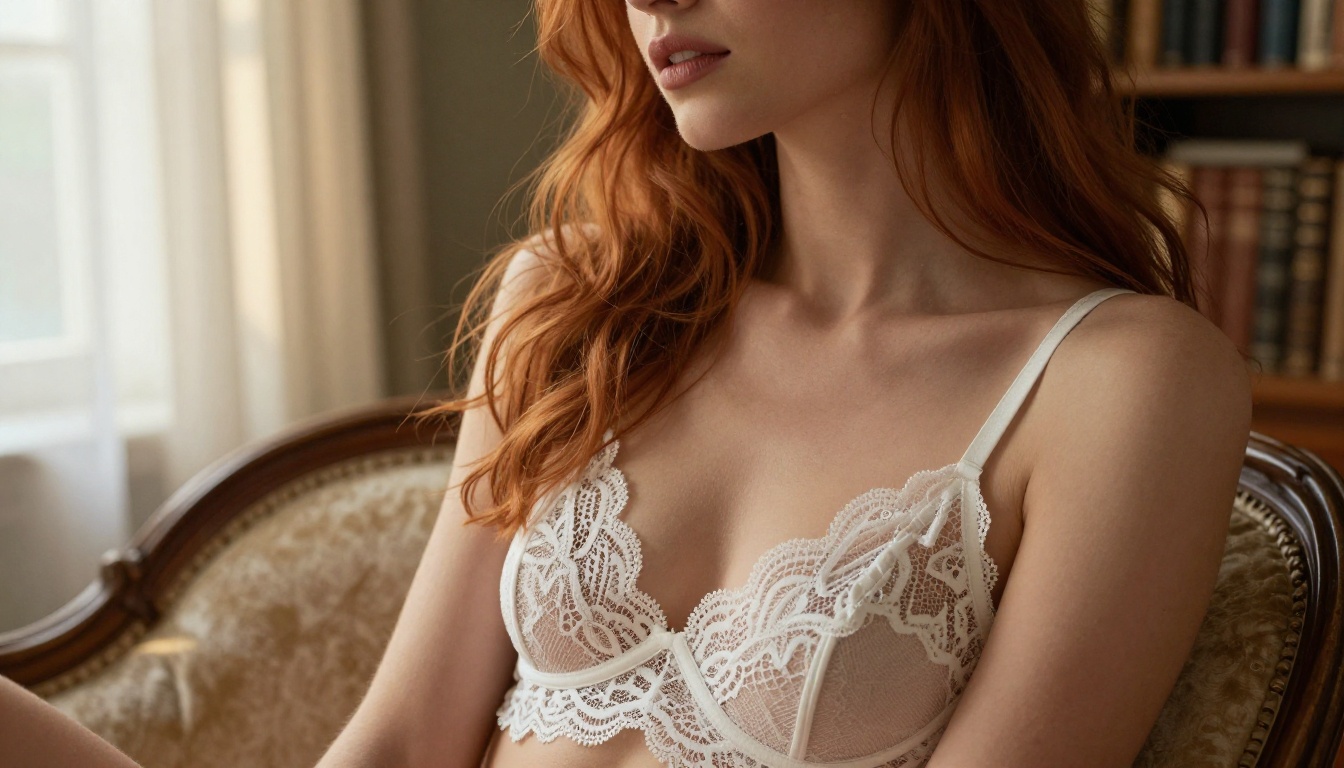
1woman, auburn hair, white lace lingerie, seated on vintage velvet chair, morning light from left window, soft shadows, 50mm f/2.0, Kodak Portra 400, 8K, photorealistic, film grain, editorial photography
The specificity of lighting direction and lens focal length signals to the model that you want photographic output rather than illustration. Include terms like volumetric light, film grain, Kodak Portra 400, and 85mm f/1.4 to push output firmly into photography territory.
Negative Prompts That Work
Negative prompts for these models should address the common failure modes:
cartoon, anime, illustration, 3d render, cgi, painting, drawing, sketch, deformed, mutation, extra limbs, bad hands, watermark, text, blurry, low quality
For Stable Diffusion 3.5 Large, negative prompts work particularly well for removing digital-looking artifacts. For Flux-based models, negative prompts have less influence, so focus your energy on the positive prompt instead.
The CFG Scale Problem
A common mistake: using too-high CFG (Classifier-Free Guidance) values. For realistic uncensored content:
SDXL models: CFG 5 to 7 (the sweet spot for photorealism)
SD 1.5 models: CFG 6 to 8
Going above these ranges produces what the community calls "AI skin," that telltale glossy, pore-free look that marks images as artificially generated.
Where These Models Rank
Different models win for different creative applications. Here is where each excels:
Stable Diffusion 3.5 Large Turbo and the classic Stable Diffusion are both accessible through web-based platforms, making them practical options when local setup is not viable. Flux Schnell offers the fastest inference of the Flux family, completing generations in 1 to 4 steps, making it viable even in rate-limited API contexts.
For a stylized take that blends realism with a more painterly aesthetic, Proteus v0.3 is worth exploring. It occupies the space between photorealism and stylized art, with strong uncensored fine-tune variants available on CivitAI.
Create Your Own AI Images on PicassoIA
If you want to put these models to work without managing local installations, VRAM requirements, or CivitAI download queues, there is a faster path. PicassoIA gives you direct browser-based access to the best architectures described in this article.
Take the prompt structures from the section above, pick your model, and start generating. Adjust sampling steps, CFG scale, and aspect ratio just as you would locally. For portrait work, Flux 1.1 Pro Ultra delivers the highest fidelity. For fast iteration with great results, DreamShaper XL Turbo is the fastest path to a polished output.
No downloads. No model management. No VRAM calculations. Just prompts and results.