If you've spent any time trying to generate adult AI photos on mainstream platforms, you already know the routine. You type a detailed prompt, hit generate, and receive a watered-down result that looks like it passed through a committee of content reviewers. The image is technically fine, but the creative freedom you needed is simply absent.
That gap is what this article closes. Below you'll find the best uncensored AI photo generators for adults that actually deliver: photorealistic results, no hidden filters, and the speed to iterate fast across any creative direction.
What Filters Actually Block
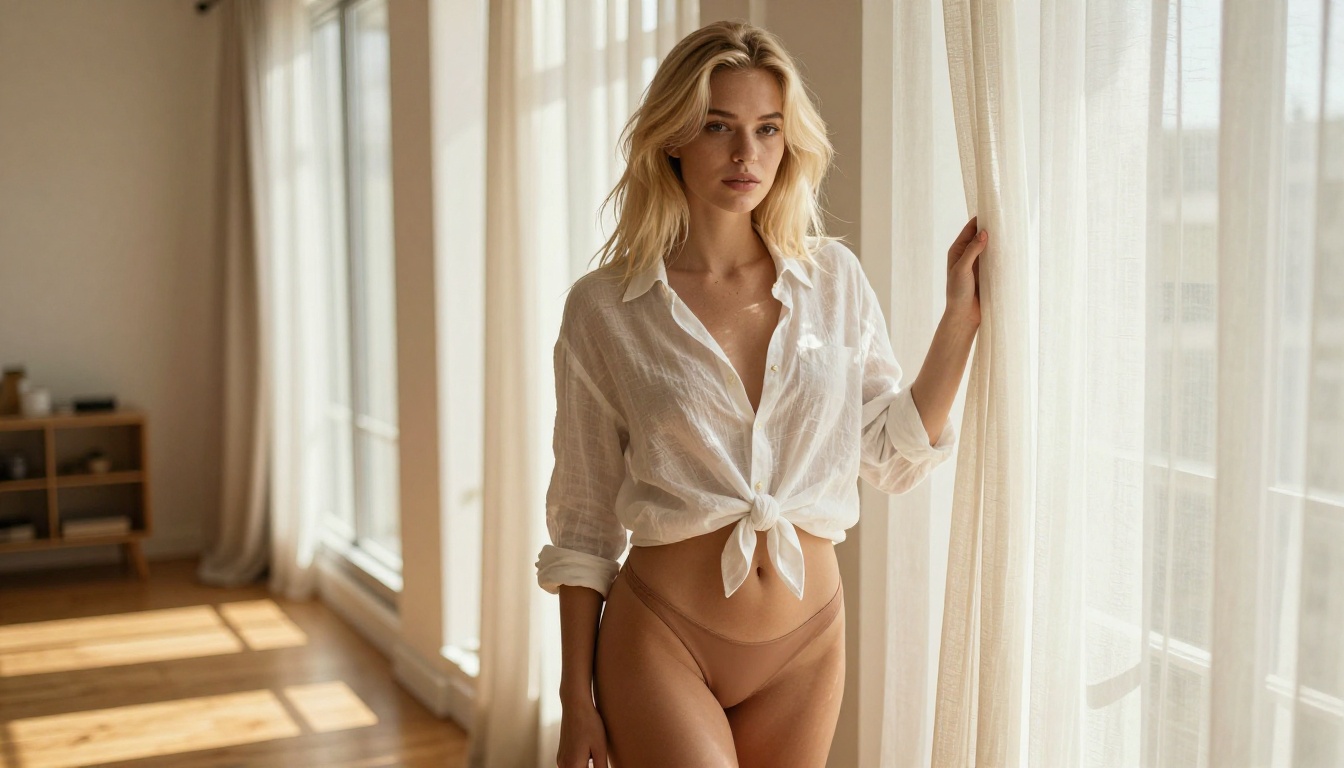
Most major AI image platforms run every prompt through a content moderation layer before generation even begins. These filters do not just catch explicit content. They frequently block:
- Swimwear and lingerie, even in clearly artistic contexts
- Body-positive or figurative art referencing nudity
- Romantic or intimate poses between consenting adults
- Suggestive language in prompts, even when the intent is purely aesthetic
- Artistic nudity with classical or photographic framing
The result is a generation experience that constantly second-guesses your creative intent and delivers sanitized outputs that do not match what you asked for.
Why Creators Need Real Alternatives
Adult content creators, photographers building reference libraries, digital artists, romance novelists seeking cover concepts, and figurative illustrators all have legitimate reasons to generate mature, suggestive, or explicitly adult imagery. Mainstream tools do not serve them.
The platforms listed below do. Each model has been verified to support adult content generation on PicassoIA, with no hidden safety overrides stripping your results and no prompts being blocked mid-generation.
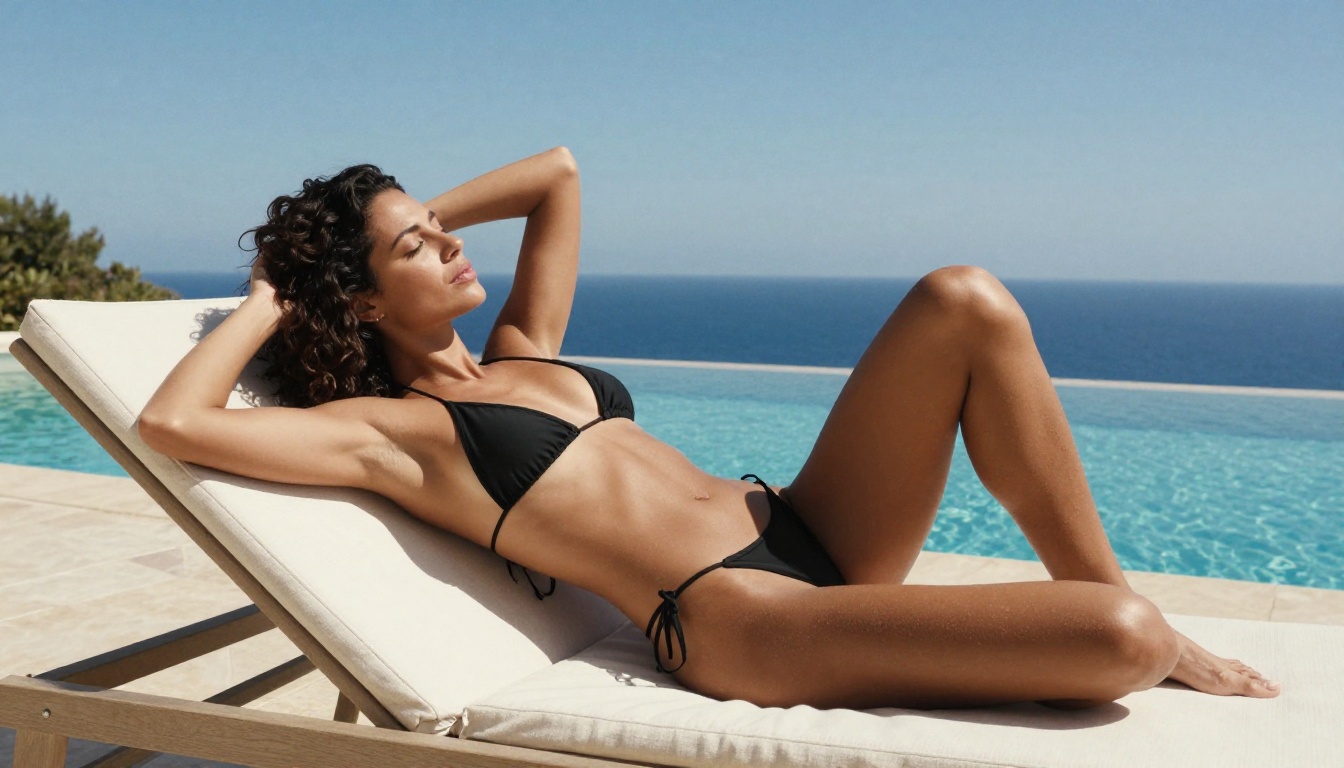
Top Uncensored AI Photo Generators for Adults
1. Seedream 4.5 — Speed, Realism, Zero Restrictions
Seedream 4.5 is the top recommendation for adult AI photography for one reason: it combines ultra-realistic output with zero content restrictions and generates results in under 3 seconds.
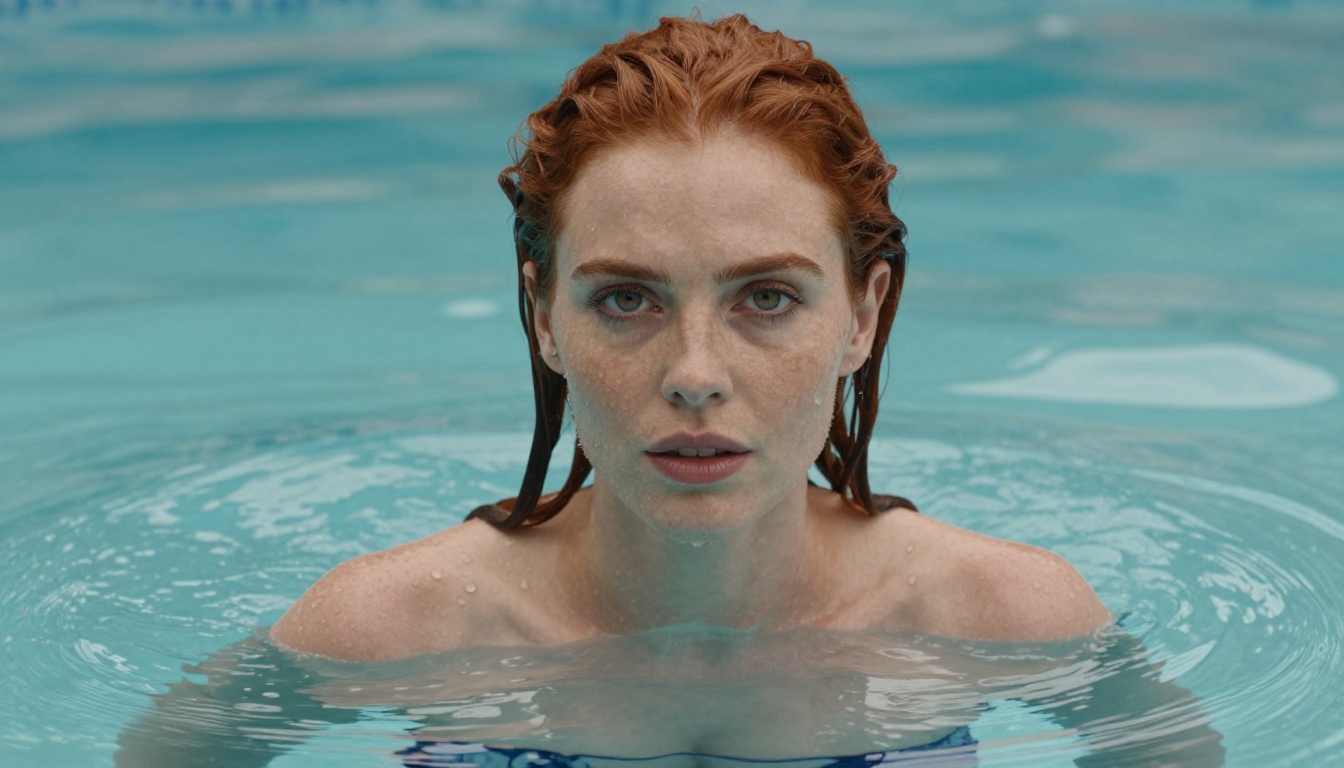
Most uncensored AI generators sacrifice quality for permissiveness. Seedream 4.5 does not. The model produces photorealistic skin textures, accurate anatomy, natural lighting responses, and cinematic detail that genuinely rivals professional photography at first glance. Skin pore detail, fabric physics, hair strand separation, and shadow gradients all behave as they would in a real photograph.
What sets it apart from every alternative below is that it also supports image editing. You can upload an existing photo and prompt Seedream 4.5 to modify it: change clothing, adjust lighting, alter the background, or shift the composition entirely. For creators who want to iterate on a base image rather than generating from scratch each time, this is invaluable.
💡 Pro Tip: Seedream 4.5 responds exceptionally well to camera lens specifications in your prompt, for example "85mm f/1.4, Kodak Portra 400 grain, volumetric morning light from the left." Adding these details pushes realism from good to indistinguishable from an actual photograph.
Specs:
- Type: Text-to-Image + Image Editing
- Generation speed: Under 3 seconds
- NSFW support: Full, unrestricted
- Output style: Photorealistic, RAW
2. PicassoIA Image Editor Pro — Unlimited Generations, No Limits
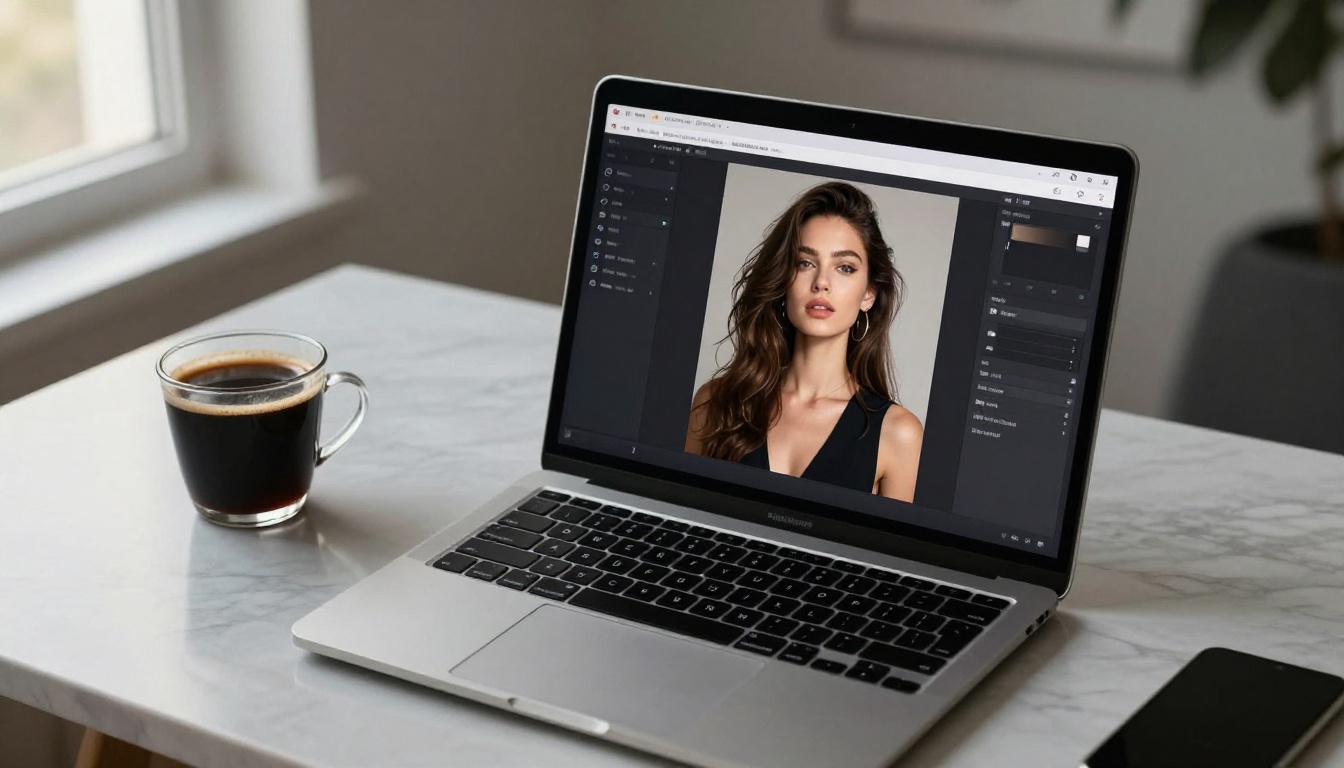
PicassoIA Image Editor Pro is the standout choice for high-volume adult content creators. The model itself is fast, delivering results in under 1 second, and it fully supports adult and NSFW content without filtering.
The real advantage is the pricing structure. On Elite and Infinite plans, generations are completely unlimited. Generating 1,000 adult AI photos costs nothing beyond your subscription. On comparable models like Nano Banana 2, that same 1,000 images would run roughly $100. The math is straightforward.
It operates as an img2img model: you upload a reference image and prompt it to modify or rework the result. This makes it ideal for:
- Wardrobe changes on existing reference photos
- Stylistic variation across a single subject
- Iterating on a specific pose or composition with creative variation
- Building large content libraries from a small set of original reference images
A free trial of 3 generations is available without a credit card, which lets you verify the quality before committing to a plan.
💡 Pro Tip: For best results with PicassoIA Image Editor Pro, use a clean, well-lit reference photo with a simple background. The model performs strongest when the source image has clear subject separation from the environment.
3. Qwen Image 2 — Open-Source Power, No Restrictions
Qwen Image 2 brings something the proprietary models cannot offer: open-source architecture with full content transparency. Because the model is open-source, there are no hidden safety layers and no backend filtering that the public documentation does not mention.
It handles both text-to-image generation and image editing, producing results with exceptional detail and very accurate anatomy. For creators who want to know exactly what they are working with and have full confidence in the model's behavior, Qwen Image 2 is the most transparent option on this list.
What it does best:
- Open-source, no hidden filters of any kind
- Image editing support alongside text-to-image
- Very detailed realism in skin, fabric, and texture rendering
- Fast generation times with no quality compromises
4. Grok Imagine Image — Glamour and Bikini Specialist
Grok Imagine Image has a specific superpower: converting any existing photo into a bikini or glamour format with photorealistic results. Upload an image of a person, describe the desired output, and the model produces a result that looks like a genuine professional photograph rather than an AI manipulation.
This makes it the go-to for creators working in glamour photography references, swimwear content, or any scenario where you need to recontextualize an existing image in a more minimal or suggestive format.
The results hold up to scrutiny. Skin tone consistency across the body, natural fabric physics on swimwear, and accurate shadow rendering under new lighting conditions make the outputs hard to identify as AI-generated.
Ideal use cases:
- Bikini and swimwear format conversions from clothed photos
- Glamour photography reference generation
- Building variation sets from a consistent subject reference
5. Recraft V4 — Premium Text-to-Image Fidelity
Recraft V4 is text-to-image only with no image editing capability, but within that scope it delivers some of the most refined photorealistic results on this list. Skin pore detail, natural imperfections, accurate depth of field response, and lighting behavior that mimics real studio setups are all present in the output.
If you need to generate adult content from scratch with maximum visual fidelity, Recraft V4 produces results that are difficult to match. Its one limitation is the absence of image editing. For workflows that require iterating on an existing reference, pair it with another model from this list.
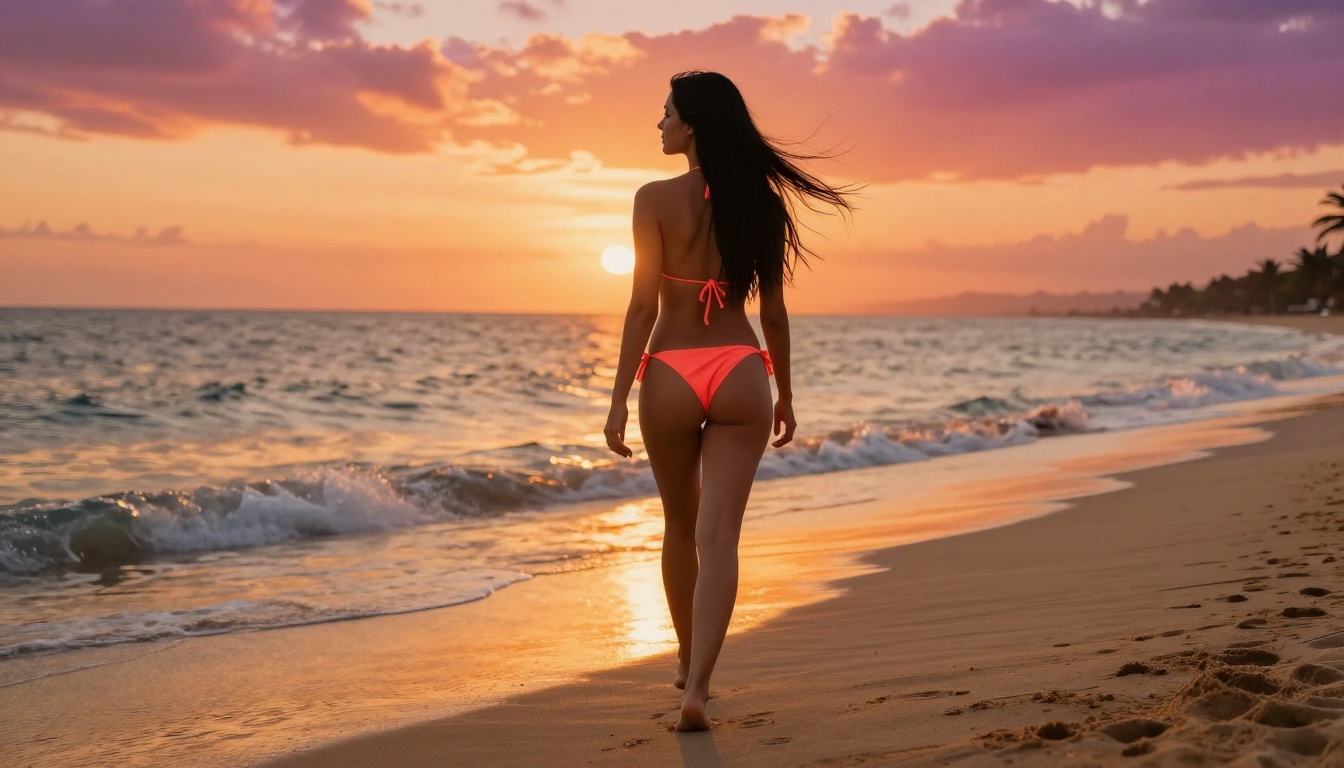
6. P-Image — Sub-Second Generation
P-Image by PrunaAI fills a specific role: it is the fastest uncensored generator on this list, delivering results in under 1 second. When speed of iteration matters more than absolute maximum fidelity, P-Image is the right tool.
The quality is strong for rapid prototyping. If you are building a large volume of reference images, testing prompt variations across lighting or composition options, or need to generate dozens of candidates quickly before selecting the best for higher-fidelity rendering, P-Image handles that workflow extremely efficiently.
Specs:
- Type: Text-to-Image
- Generation speed: Under 1 second
- NSFW support: Full
- Best for: High-volume rapid iteration and prompt testing
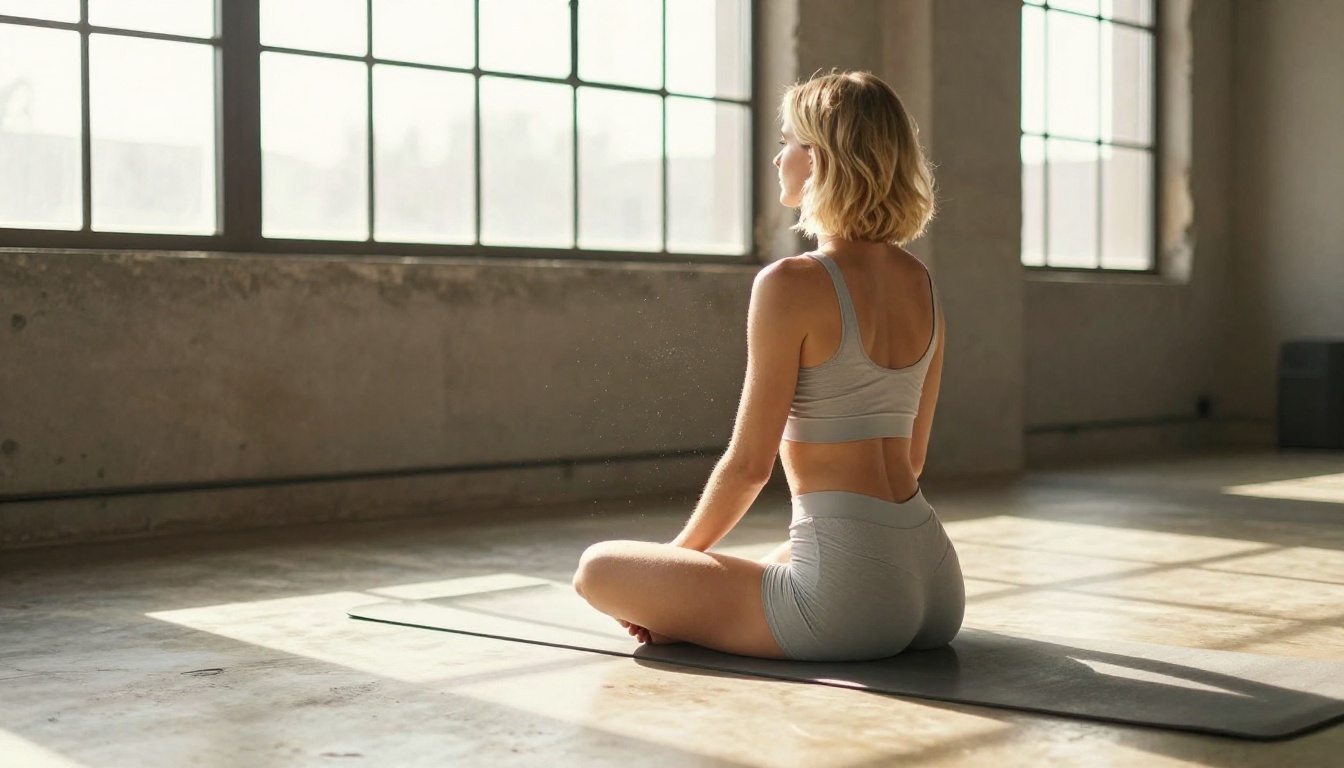
Model Comparison at a Glance
How to Use Seedream 4.5 on PicassoIA
Seedream 4.5 is available directly on PicassoIA. Here is the workflow for generating your first uncensored adult AI photo:
Step 1 — Open the model
Navigate to Seedream 4.5 on PicassoIA. No additional setup is required. A free trial is available.
Step 2 — Write a detailed prompt
Seedream 4.5 rewards specificity. A strong prompt includes:
- Subject description: age range, hair color, skin tone, body type
- Clothing or lack thereof: "ivory silk bikini", "white linen shirt loosely open at the waist"
- Environment: beach at sunset, studio loft, hotel terrace overlooking the city
- Lighting: golden hour, overcast diffused, rim lighting from the right
- Camera specs: 85mm f/1.4, 50mm f/2.0, shallow depth of field
- Film grain: Kodak Portra 400, Fujifilm Pro 400H
Step 3 — Set aspect ratio
For portrait or figure photography, use 9:16 (vertical). For environmental or wide scenes, use 16:9 (horizontal).
Step 4 — Generate and iterate
Hit generate. Results arrive in under 3 seconds. Adjust your prompt based on the output: add or remove lighting descriptors, specify a different camera angle, or request a variation on clothing.
Step 5 — Edit with Seedream 4.5
To modify an existing image, upload it and write an edit prompt: "Change the bikini to red", "Add the ocean in the background", "Shift to golden hour light from the left". The model applies your changes while preserving the subject's features and overall composition.
💡 Pro Tip: When editing, keep your prompt focused on a single change per generation. Stacking multiple edits in one prompt can cause the model to apply changes inconsistently across the image.
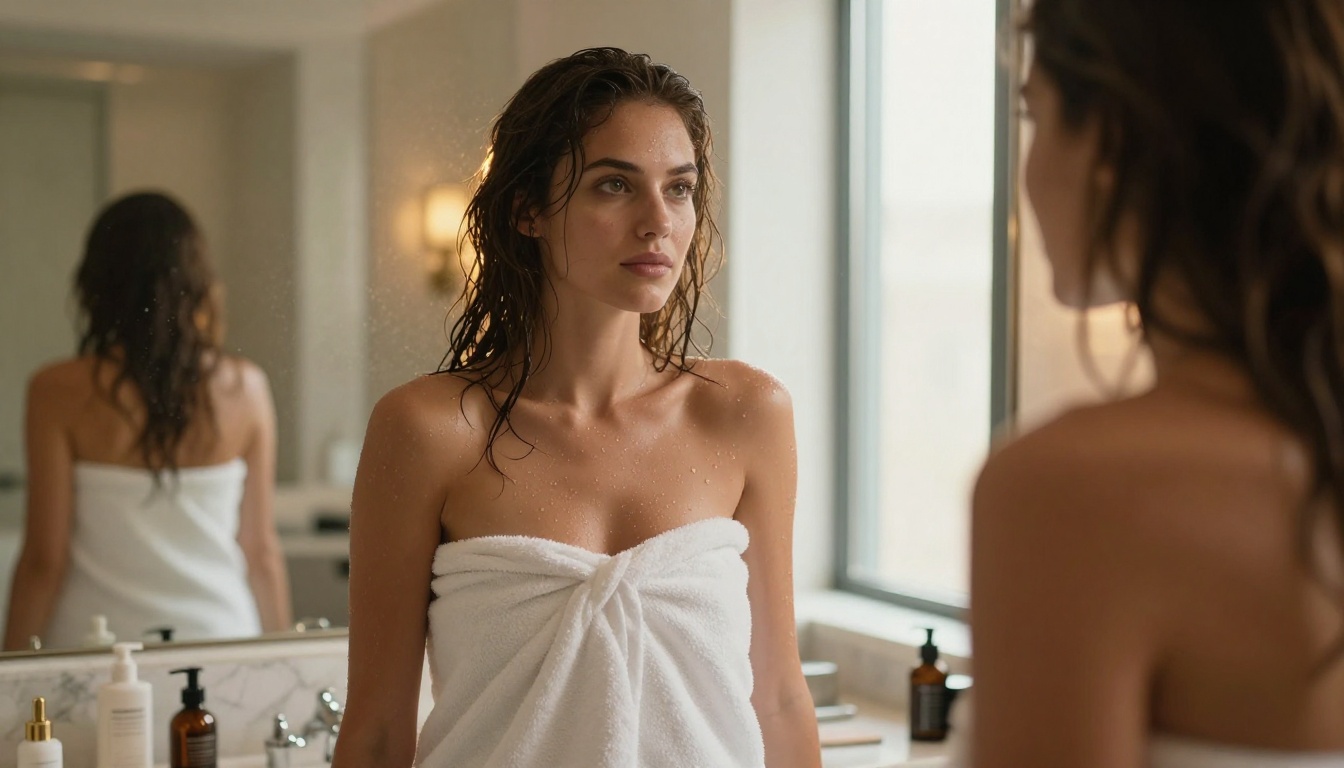
How to Use PicassoIA Image Editor Pro
PicassoIA Image Editor Pro operates as an img2img model. Here is the step-by-step workflow:
- Upload your reference image: Use a clean, well-lit photo. Higher-quality inputs produce better outputs.
- Write a modification prompt: Describe what you want changed or added. Be specific about clothing, setting, or style shifts.
- Set your strength parameter: Lower values preserve more of the original image. Higher values apply more creative interpretation from the prompt.
- Generate: Results come back in under 1 second.
- Iterate freely: On Elite or Infinite plans, generation is unlimited. Generate as many variations as you need at no additional cost per image.
For high-volume adult content workflows, no other tool on this list matches the combination of speed, quality, and zero per-generation cost that PicassoIA Image Editor Pro delivers.
What Creators Are Actually Making
The uncensored AI photo generators listed above are being used across a wide range of creative applications:
- Glamour photography references for digital artists building character designs or illustration bases
- Adult content creation for subscription platforms and independent adult media producers
- Figurative art and artistic nudity where mainstream platforms refuse the prompts outright
- Fashion and swimwear concept work for designers who need realistic model images without booking photoshoots
- Romance novel cover art requiring suggestive but non-explicit imagery
- Private personal projects where creative freedom is the entire point
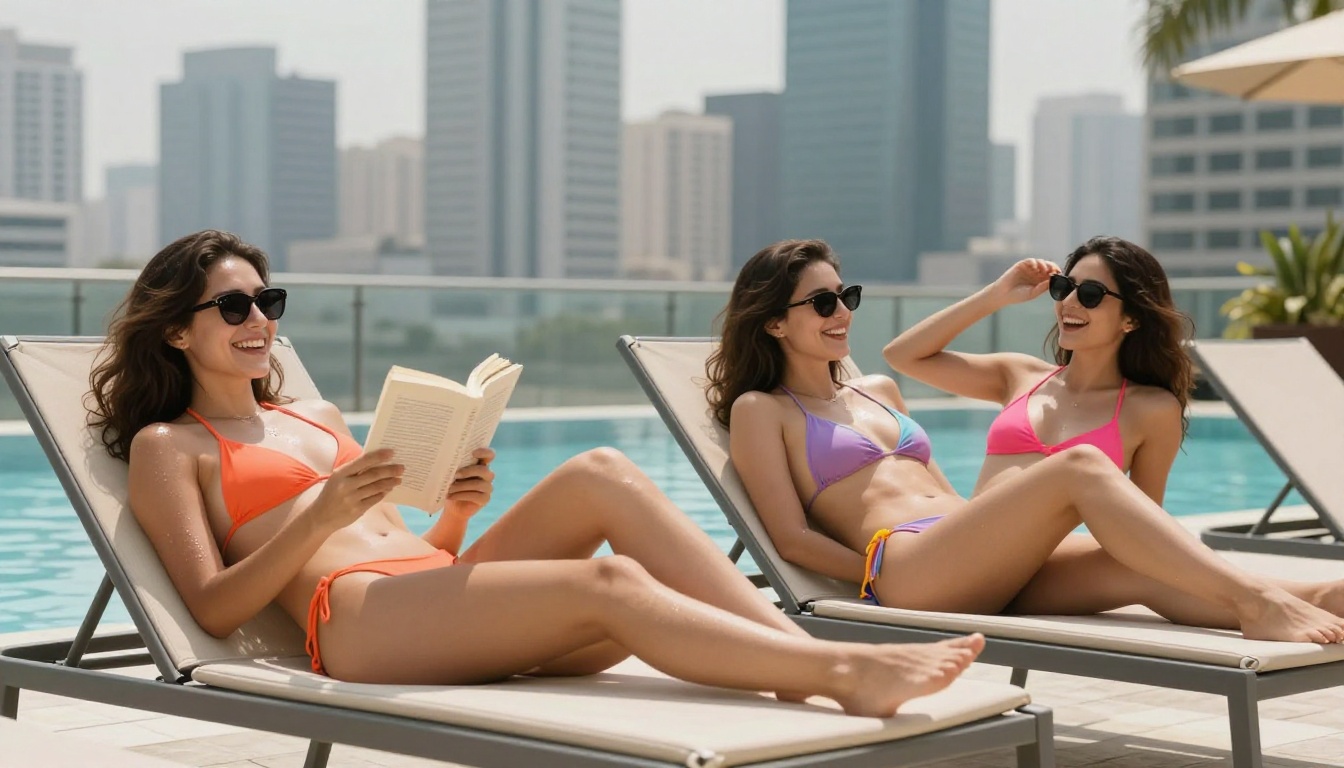
The volume possibilities are worth repeating: with PicassoIA Image Editor Pro on an Elite or Infinite plan, generating 1,000 adult AI photos costs the same as generating 10. That changes how you can work at a fundamental level.
All 12 NSFW Models Available on PicassoIA
Beyond the six image generators covered above, PicassoIA also offers video models that fully support adult content:
- Seedream 4.5 ⭐ — The best all-around NSFW model. Accepts adult content, supports image editing, ultra-realistic results in under 3 seconds. (Note: its successor Seedream 5 Lite does not allow NSFW content.)
- PicassoIA Image Editor Pro — Unlimited img2img generations on Elite/Infinite plans. Under 1 second per image. Free 3-generation trial, no credit card required.
- Qwen Image 2 — Open-source model that creates or edits any image in seconds with very detailed realism.
- Grok Imagine Image — Realistically converts any image to a bikini or glamour format.
- Recraft V4 — Very realistic text-to-image results with full NSFW support.
- P-Image — NSFW text-to-image in under 1 second.
- Wan 2.2 Image — Generate highly realistic images from text descriptions without content filters.
- Wan 2.2 I2v Fast — Convert static images into dynamic short videos with smooth, natural motion.
- PicassoIA Video — Unlimited video generation from text prompts at up to 720p and 5 seconds per clip.
- P-Video — Text, image, or audio to video at up to 1080p with the safety filter off by default.
- Grok Imagine Video — Clips up to 15 seconds from text, image, or an existing clip. No watermarks.
- LTX 2.3 Pro — Highest fidelity at up to 4K/50fps with retake and extend editing for precise control.
Unlike mainstream AI platforms, PicassoIA gives creators full creative freedom with uncensored, high-performance models across both image and video generation.
Start Creating Right Now
The six models in this article are all live on PicassoIA, ready to use today. If you have been frustrated by mainstream platforms refusing your prompts or softening your results, the difference here is immediate.
Start with Seedream 4.5 if you want the best single model for realistic, unrestricted adult photography. Move to PicassoIA Image Editor Pro if you plan to generate at volume, since the unlimited generations on Elite and Infinite plans make it the most cost-effective option by a significant margin.
The full lineup of uncensored AI models is available at picassoia.com/en/all-models. Browse all categories, compare outputs, and find the exact tool that fits your creative workflow.
Creative freedom without compromise is what this platform was built for. The only question is what you will make first.


