Best Uncensored AI Tools for NSFW Art and Videos in 2027
A deep-dive into the best uncensored AI tools available today for creating NSFW art and videos. From photorealistic image generators to cinematic video synthesis, this article breaks down what works, what doesn't, and how to get the most out of each platform without compromise.
The demand for uncensored AI image and video generation has exploded. Artists, adult content creators, fantasy illustrators, and independent studios are all looking for tools that don't restrict creative expression, especially in the NSFW space. The problem is simple: most mainstream AI image generators come pre-locked with content filters that block anything remotely sensual. That makes finding genuinely capable, unrestricted tools harder than it should be.
This article breaks down exactly what the best uncensored AI tools for NSFW art and videos actually are, how they compare, and where platforms like PicassoIA fit into the equation. Whether you're creating glamour photography-style imagery, implied artistic nudity, or suggestive creative content, the right tool makes an enormous difference.
Why NSFW AI Art Is Growing Fast
The creator economy shifted things
Independent creators on platforms like OnlyFans, Patreon, and adult content sites have discovered that AI-generated imagery dramatically cuts production costs. A shoot that might have required models, photographers, lighting crews, and post-production teams can now be approximated with a well-crafted prompt and the right model. This isn't speculation. The market for AI-generated adult content is worth hundreds of millions annually and growing.
Artistic freedom matters
Beyond commercial reasons, there's a genuine artistic tradition of exploring the human form in uncensored ways. Fine art photography, painting, and sculpture have always included nudity and sensuality as core subjects. AI tools that respect that tradition rather than blocking it serve a legitimate creative community.
The shift toward AI-powered NSFW art is also about accessibility. A skilled photographer or painter could always create this type of content. Now a solo creator with vision but limited technical skills can produce comparable work with the right platform.
What Makes an AI Tool "Uncensored"
Filters vs. no filters
Most mainstream generators, including DALL-E 3, Midjourney, and Adobe Firefly, run their outputs through safety classifiers. These classifiers block anything that resembles nudity, even implied or artistic. The term "uncensored" in this context means a model that doesn't apply these filters during inference.
There are three levels of "uncensored" in practice:
Fully unrestricted: No safety filters whatsoever. Can generate explicit content. High capability, high responsibility.
NSFW-permissive: Allows suggestive content, implied nudity, glamour, and artistic bodies. Blocks explicit or pornographic output.
Censored with workarounds: Mainstream models where users find prompt-based techniques to push past filters. Unreliable and inconsistent.
💡 For most creative use cases, NSFW-permissive models offer the best balance. They let you generate glamour, boudoir, fine-art nude, and suggestive content without crossing into territory that creates platform or legal risk.
Model training and data
What truly separates uncensored models isn't just filter removal. It's the training data. Models trained on diverse, adult-inclusive datasets produce more anatomically accurate, aesthetically coherent results when asked for suggestive or NSFW content. Models trained exclusively on safe datasets often generate awkward or broken anatomy when pushed toward adult content, even if filters are removed.
Top Uncensored AI Image Generators
Flux models: the current standard
The Flux architecture from Black Forest Labs has become the go-to backbone for high-quality image generation in 2027. The base model is highly capable, and fine-tuned variants trained on adult content datasets are among the strongest NSFW generators available.
On PicassoIA, several Flux variants are available:
flux-dev: The development model. Excellent quality, longer generation times. Best for final-quality outputs where time isn't the priority.
flux-1.1-pro: A major step up in coherence and detail. Handles complex prompts with multiple subjects well.
flux-1.1-pro-ultra: Ultra-high resolution output. Ideal when you need to print or display at large sizes.
flux-2-pro: The latest professional tier. Improved anatomy, better skin texture rendering, stronger adherence to artistic prompts.
flux-2-max: Maximum fidelity. When quality is the only priority.
flux-schnell: Fast generation for iteration. Perfect for testing prompts before running a final render.
For NSFW work specifically, flux-dev-lora is particularly relevant. LoRA adapters trained on specific aesthetics (boudoir, glamour, fine-art nude) can be stacked onto the base Flux model, giving you targeted style control that generic models can't match.
Stable Diffusion variants
Stable Diffusion remains relevant specifically because of the massive community-trained fine-tune ecosystem. The base Stable Diffusion architecture has been fine-tuned hundreds of times on adult content datasets. Specific derivatives worth knowing:
Realistic Vision v5.1 in particular has a strong reputation in the NSFW community for producing highly realistic skin tones, accurate facial anatomy, and plausible body proportions. When combined with the right negative prompts, it consistently avoids the uncanny valley problems that plague newer models.
Other strong contenders
Beyond Flux and SD-based models, a few other architectures produce compelling NSFW results:
Proteus v0.2 sits in an interesting middle ground: stylized enough to have aesthetic character, realistic enough to feel grounded. It handles skin rendering particularly well.
HiDream L1 Full is newer but shows strong results for detailed portraiture, including the kind of soft-focus, high-detail beauty shots common in boudoir photography.
Seedream 4 from ByteDance offers ultra-high-resolution outputs with impressive coherence at large scales, useful when output quality is paramount.
💡 For NSFW portrayals, combining a strong base model with a carefully written prompt is more effective than chasing the "best" model alone. Anatomy, lighting, and composition instructions matter as much as model selection.
Best NSFW AI Video Tools
Text-to-video for adult content
Video generation for NSFW content is harder than image generation for technical reasons. Video models require temporal consistency: the subject must remain the same person, with the same proportions, across every frame. Most video models struggle here even for safe-for-work content. For NSFW, this challenge is compounded.
That said, certain models produce usable results:
Wan 2.2 i2v fast is an image-to-video model, which helps with NSFW work because you start from a known, approved image and animate it. This reduces anatomical drift between frames significantly. It's fast, which helps for iteration.
Kling v3 Video from Kwai has become one of the most-used video models for human motion because of its strong character consistency. Start from a reference image, describe motion, and the output maintains the original subject with high fidelity.
Seedance 2.0 supports native audio generation alongside video, which opens up creative possibilities for content that needs both visual and audio components in a single workflow.
PixVerse v5.6 handles a variety of motion types and supports both text-to-video and image-to-video workflows. Good results on slow-panning shots and gentle movement.
Wan 2.5 t2v is the pure text-to-video version of the Wan series. Effective for establishing shots and environmental scenes where precise character fidelity is less critical.
Image-to-video: the smarter approach
For NSFW video content specifically, the workflow that produces the best results is:
Generate a high-quality reference image using a strong text-to-image model
Feed that image into an image-to-video model
Describe the motion you want, keeping it simple (slow pan, subtle movement, hair blowing)
Iterate on motion prompts until the output looks natural
This approach avoids the character consistency problems of pure text-to-video and lets you maintain tight control over the visual starting point. Wan 2.6 i2v and Kling v3 Omni Video are both strong choices for this pipeline.
How to Generate NSFW Art on PicassoIA
PicassoIA hosts the full ecosystem of models described above in a single platform, making it possible to run an entire NSFW creative workflow without switching between different tools.
Structuring a strong NSFW prompt
The structure of a strong NSFW prompt follows a consistent pattern:
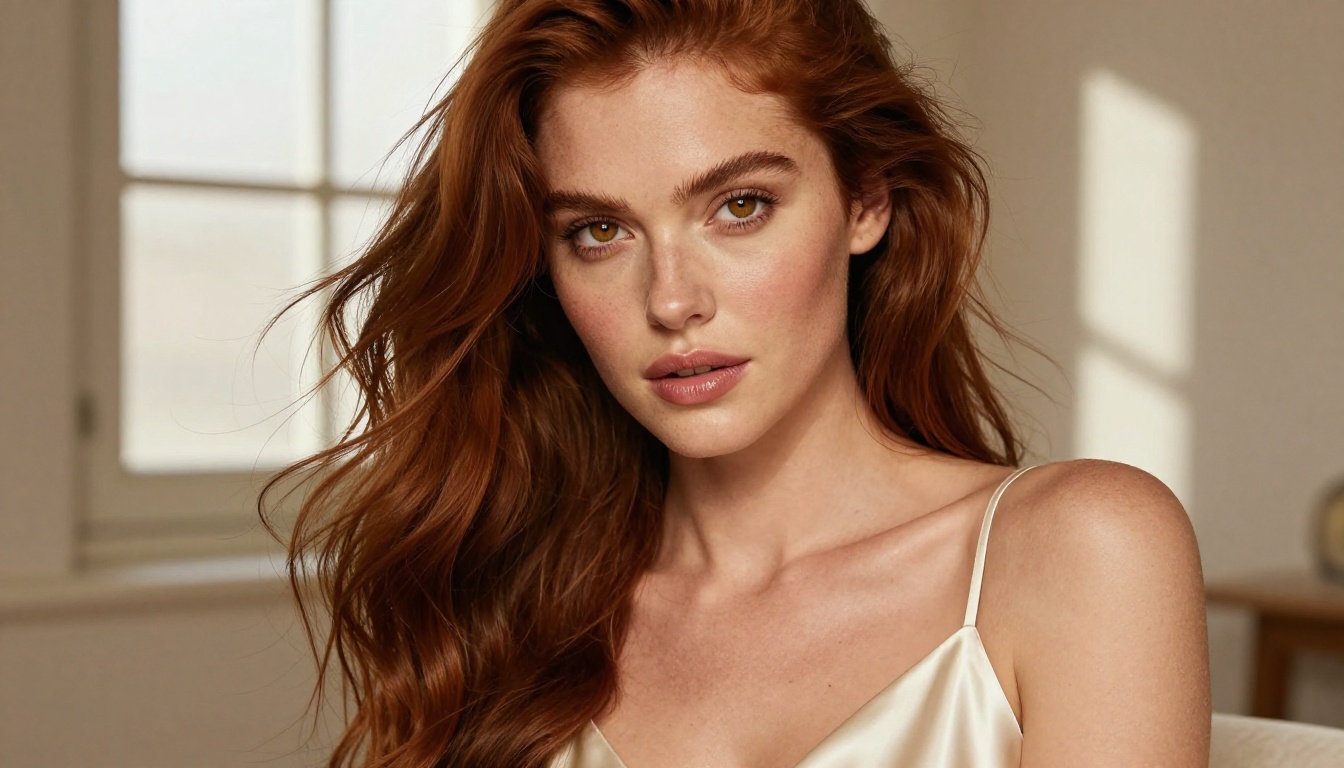
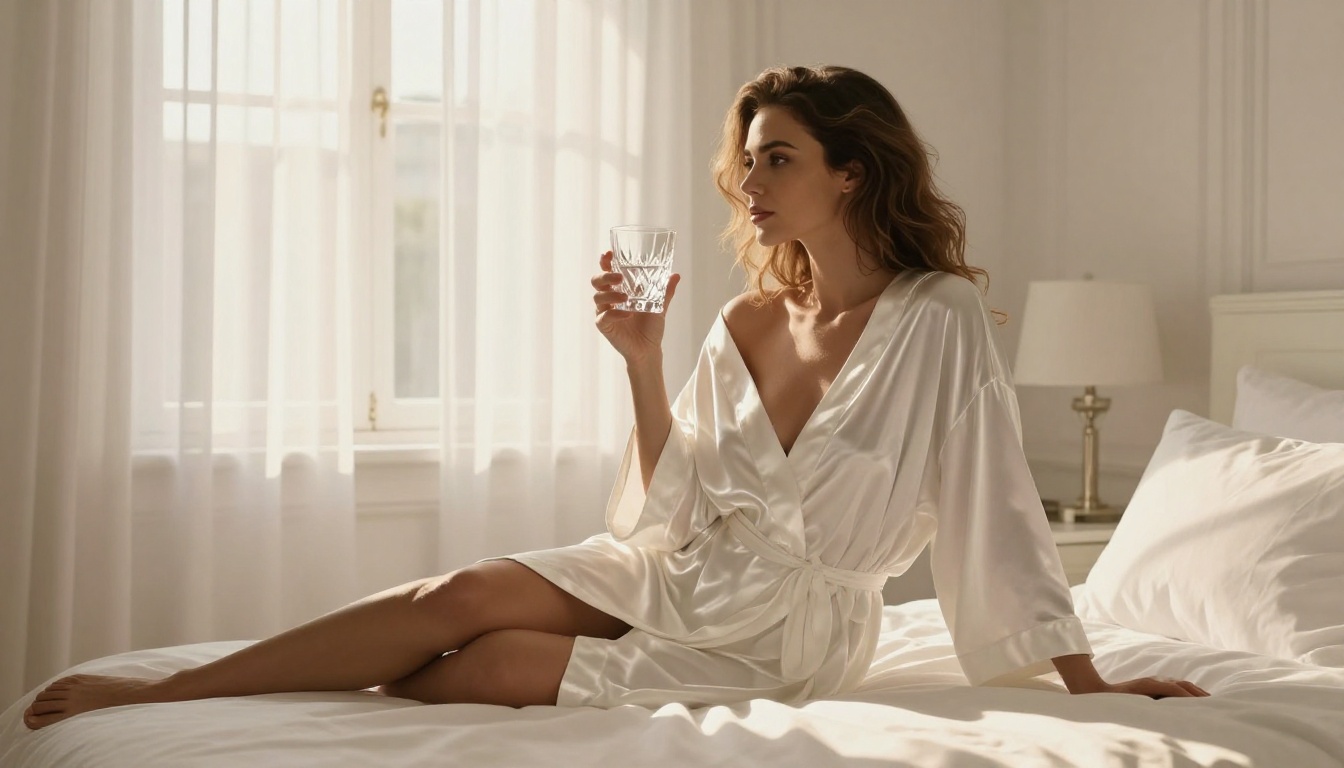
Beautiful woman, elegant white linen dress slipping off one shoulder, standing on a sunlit hotel balcony overlooking the Mediterranean, soft morning light from camera left, photographed on 85mm f/1.4, Kodak Portra 400 film grain, photorealistic, 8K
This produces a suggestive, aesthetically strong image that stays within non-explicit NSFW territory.
Choosing the right model for NSFW work
Not every model on PicassoIA behaves the same way with NSFW prompts. Here's a practical breakdown:
Working with NSFW models on PicassoIA, these adjustments consistently improve output quality:
Increase guidance scale slightly (7 to 8.5 range) for more prompt-faithful results
Use negative prompts to exclude: bad anatomy, extra limbs, deformed hands, cartoon, CGI, overexposed
Specify lighting explicitly: natural light direction, color temperature, softbox vs. direct
Reference real photography styles: Kodak Portra, film grain, lens specifics all shift the output toward photographic realism
Comparing the Best Platforms Side by Side
Outside PicassoIA, a few other platforms deserve mention for NSFW AI art work. Here's how the major options compare:
Platform
Censored?
Image Quality
Video Support
LoRA Support
PicassoIA
NSFW-permissive
Very High
Yes (89+ models)
Yes
Civitai
Opt-in uncensored
Very High
Limited
Yes
SeaArt
NSFW-permissive
High
Limited
Yes
Tensor.Art
NSFW-permissive
High
Limited
Yes
Stable Diffusion (local)
Fully uncensored
Model-dependent
Limited
Yes
Midjourney
Censored
Very High
No
No
DALL-E 3
Heavily censored
High
No
No
Adobe Firefly
Heavily censored
High
No
No
The key differentiator for PicassoIA is the combination of NSFW-permissive generation with access to a library of 91 text-to-image models and 89 text-to-video models under one interface. You're not locked into one architecture. You can switch from flux-2-max to RealVisXL v3.0 Turbo to Ideogram v3 Quality without leaving the platform.
Tips for Better NSFW AI Outputs
Prompt engineering matters most
The difference between a mediocre NSFW output and a stunning one is almost always the prompt. Here are the patterns that work:
Be specific about the subject: Don't assume the model knows what "beautiful woman" means to you. Describe build, hair color, skin tone, and specific facial features.
Layer the environmental context: The background isn't just decoration. It contributes directly to lighting and mood.
Control the camera perspective: Low angle makes subjects look powerful. Eye-level feels intimate. Top-down is editorial.
Name the genre: "boudoir photography," "fine-art nude," "glamour editorial" all activate different style priors in the model.
Negative prompts as quality control
A strong negative prompt is as important as the positive prompt for NSFW work:
Flux Kontext Pro and Flux Kontext Max are designed for text-based image editing, not just generation. If you get an output that's 90% right but needs a specific fix, such as changing the lighting, adjusting the pose, or modifying an element, these models let you apply targeted edits in natural language without regenerating from scratch.
💡 Workflow tip: Generate your base image with flux-2-pro, then refine it with Flux Kontext Max. This two-step approach consistently produces better results than trying to get a perfect image in a single generation.
Start Creating Your Own
PicassoIA gives you direct access to all the models discussed in this article, without having to manage local installs, GPU hardware, or model weights. The platform is built for creators who want professional-grade output from NSFW AI art and video tools without the friction.
Pick a model, write a prompt, and see what comes out. The best way to understand what each model can do is to run the same prompt through three or four of them and compare the results. You'll develop a strong intuition for which models fit which creative scenarios after just a few sessions.
From photorealistic glamour with flux-1.1-pro to cinematic NSFW video with Kling v3 Video, the tools are there. The creative direction is yours.