Best Unrestricted AI Art Generator with No Content Filters in 2027
From Flux Dev to Realistic Vision, this is where to find the best unrestricted AI art generators with no content filters in 2027. We break down the top models, prompt strategies for photorealistic outputs, and step-by-step instructions for producing NSFW glamour, artistic nude, and mature content on demand.
There is a version of AI art generation that most platforms don't advertise. The models exist. The results are stunning. But most tools wrap them in layers of filters that turn every creative attempt into a negotiation with a content policy. If you've been looking for the best unrestricted AI art generator with no content filters, you already know the frustration: vague refusals, blocked prompts, watermarked outputs, and heavily moderated results that strip out anything remotely suggestive or mature.
The good news: the open-source AI art world has moved fast, and access to uncensored, high-quality models is no longer limited to those who can run local GPU servers. This article breaks down the top models, what makes each one different, and exactly where you can use them right now without installing anything.
What "Unrestricted" Actually Means
Not all AI image generators are the same under the hood. When people search for an unrestricted AI art generator, they are looking for one of two things: freedom from topic restrictions (no blocked subjects), or freedom from stylistic guardrails (no forced "safe" aesthetic softening).
Censored vs. Open Models
Most mainstream generators, like Midjourney or DALL-E 3, run every prompt through a safety classifier before generation. These classifiers flag keywords, ban certain themes, and downgrade image quality for anything near the edge of their policy. You don't just lose explicit content: you lose tone, mood, and aesthetic precision.
Open models, by contrast, give you full prompt fidelity. What you describe is what gets generated. That includes suggestive themes, artistic nudity, glamour, and mature aesthetics that mainstream tools routinely soften or block.
Why Artists Need This Freedom
The creative community using AI image generators is not a monolith. It includes:
Adult content creators building original visual assets
Fine art photographers pushing into erotic art territory that has existed for centuries
Game developers needing character designs with full stylistic range
Writers and illustrators visualizing scenes from mature fiction
Glamour and fashion artists needing suggestive but non-pornographic reference material
For all of these people, a filtered tool isn't just inconvenient: it's professionally useless.
The Top Models for Unrestricted AI Art
The model you choose has a massive impact on the quality and character of unrestricted outputs. Here are the best performers available right now.
Flux Dev and Flux 1.1 Pro
Flux Dev is the open-weight model from Black Forest Labs that changed everything when it dropped. It follows complex prompts with exceptional fidelity, handles anatomy and skin texture better than nearly anything else at its parameter count, and produces cinematic outputs without needing special negative prompts.
Flux 1.1 Pro takes that foundation and sharpens it into a commercial-grade output machine. Colors are richer, fine details are crisper, and the model handles complex multi-element scenes without the compositional drift that plagues older architectures. Flux 1.1 Pro Ultra pushes resolution even further, with native 2K outputs and exceptional texture rendering.
For unrestricted work specifically, Flux 2 Pro and Flux Dev are the primary workhorses. They respond accurately to suggestive prompt phrasing without requiring elaborate workarounds.
Stable Diffusion 3.5 Large
Stable Diffusion 3.5 Large represents a major architectural step forward from the original SD ecosystem. The multimodal diffusion transformer handles text-image alignment far better than SD 1.5 ever did, which means your prompts translate directly rather than requiring CLIP-workarounds.
For NSFW and suggestive content, SD 3.5 Large produces exceptionally clean skin tones, natural fabric physics on clothing, and realistic lighting scenarios. Paired with the right LoRA fine-tune, it becomes one of the most controllable platforms for glamour and artistic nude work.
Realistic Vision v5.1 and RealVisXL
For maximum photorealism in suggestive or fashion-adjacent images, Realistic Vision v5.1 has a long-established reputation. This model was specifically fine-tuned on real photography datasets, making it exceptional for portrait work, editorial fashion, and glamour photography simulation.
RealVisXL v3.0 Turbo upgrades this philosophy to the SDXL architecture, producing higher-resolution outputs with even better skin texture fidelity. The "turbo" designation means generation speed is significantly faster than the base RealVis models without meaningful quality loss for most use cases.
DreamShaper XL Turbo
DreamShaper XL Turbo occupies a unique niche: it handles the boundary between photorealism and stylized imagery better than almost anything else. When you want outputs that feel like professional photography but with a slightly heightened, cinematic quality, DreamShaper delivers. It also handles suggestive themes with particularly strong anatomy results.
How PicassoIA Gives You Access Without the Friction
Running these models locally requires a capable GPU, software configuration, model downloads that can exceed 10GB, and ongoing maintenance. Most people don't have that setup, and even those who do often prefer a browser-based interface for convenience.
PicassoIA solves this. It runs all the models above through a clean web interface, no downloads, no API keys, no configuration. You write a prompt, select a model, and generate. The entire infrastructure runs in the cloud.
No Setup, Full Model Access
The platform gives you access to over 91 text-to-image models at the time of writing. That includes every Flux variant, the full Stable Diffusion family, Realistic Vision, RealVisXL, DreamShaper, and dozens of specialized fine-tunes. Switching between models is a single click.
Built-In NSFW Support
PicassoIA explicitly supports non-explicit NSFW content. That means suggestive, glamour, artistic nudity, and mature aesthetics are within scope. The platform is built for adult creative professionals who need full prompt fidelity without fighting a content classifier on every generation.
💡 Tip: For best results with suggestive content, use direct, descriptive language about lighting, fabric, and pose rather than vague euphemisms. Precise prompts produce precise outputs.
The model is only half the equation. Weak prompts produce weak results no matter which model you use. Here is what consistently separates good outputs from great ones.
Describe the Light First
Lighting is the single most powerful determinant of photorealism. Before you describe the subject, establish:
Source: Window, candle, studio softbox, golden hour sun
Direction: From the left, overhead, backlighting, rim light
Quality: Harsh, diffuse, volumetric, dappled
Color temperature: Warm amber, cool blue, neutral daylight
Example: "Afternoon diffuse light filters through sheer white curtains creating soft directional illumination from the left" outperforms "nice lighting" by a factor of ten in terms of output precision.
Specify the Camera
Every realistic prompt should include:
Camera body: Hasselblad H6D, Sony A7R V, Canon EOS R5, Leica M11
Lens: 85mm f/1.4, 50mm f/1.2, 35mm f/2
Film stock: Kodak Portra 400, Fujifilm Velvia 50
These details lock the model into a photography-generation mode rather than an illustration mode. The difference in skin rendering alone is substantial.
Use Texture Anchors
Vague prompts produce vague skin. Specific prompts produce pores, fine hair, and realistic depth. Include phrases like:
"visible skin pores and fine texture"
"individual eyelashes, subtle lip texture"
"fine arm hair glinting in light"
"natural warmth, faint windswept color in cheeks"
💡 Tip: After your subject description, add a dedicated sentence describing the texture of any fabric touching skin. Fabric-skin interaction is where most AI images fall apart, and specifying it directly fixes a large proportion of realism failures.
How to Use Flux Dev on PicassoIA
Flux Dev is the recommended starting point for anyone new to unrestricted AI art generation. Here is how to get the best results on PicassoIA.
Step 1: Access the Model
Navigate to the Flux Dev model page on PicassoIA. No account is required to preview, though an account unlocks higher generation limits and saved history.
Step 2: Set Your Aspect Ratio
For portrait and fashion work, use 3:4 or 2:3. For cinematic scenes, use 16:9. For profile pictures and close-up portraits, use 1:1. Matching the ratio to your subject reduces compositional cropping artifacts significantly.
Step 3: Write a Structured Prompt
Use this template for reliable photorealistic results:
Flux Dev performs best at 25 to 35 inference steps. Anything below 20 produces visible softness. Anything above 40 offers diminishing returns for most prompts.
Step 5: Use the Guidance Scale
For precise prompt following with complex descriptions, set guidance scale to 3.0 to 4.5. For more natural, painterly variation, drop to 2.0 to 2.5. The default of 3.5 works well for most NSFW-adjacent work.
Step 6: Iterate with Seeds
When you get a generation close to what you want, copy the seed number and use it as a starting point with refined prompts. This preserves the composition and lighting setup while allowing specific elements to be improved.
Three Mistakes That Kill Realism
Even with the best models, certain habits consistently produce bad outputs. Avoid these.
Vague Body Language
"Posing nicely" is not a prompt. "Standing with left hand on hip, right arm hanging naturally, weight shifted to left leg, slight shoulder rotation toward camera" is a prompt. The more specific the pose description, the more accurate the anatomy becomes in the output.
Ignoring the Background
Backgrounds are not filler. A mismatched background (modern interior against a fantasy sky, for example) destroys the photorealism of even a perfectly rendered subject. Spend as many words describing the environment as you spend on the subject itself.
Stacking Contradictory Styles
"Photorealistic anime style cinematic painting" is not a style: it is noise. Pick one aesthetic lane and commit to it fully. For unrestricted work, "RAW 8K photorealistic photography, Kodak Portra 400 film grain" is the most reliable and consistent baseline across all major models.
Beyond Static Images: What's Possible Next
Text-to-image is only one piece of what serious AI creators need. Once your static images are strong, the next level involves:
Super Resolution: Upscale your best generations 2x to 4x to near-print quality
Inpainting: Fix specific areas of an image (hands, clothing adjustments, facial details) without regenerating the whole scene
Face Swap: Replace faces in existing images while preserving the full environment
Background Removal: Isolate subjects for compositing into new scenes
Image to Video: Animate your best static generations with motion
All of these capabilities are available on PicassoIA alongside the generation tools, meaning you don't need to export your images to a separate pipeline for post-processing.
💡 Tip: Generate at 16:9, then use Super Resolution to push to near-print quality before downloading. The detail improvement on skin and fabric textures at high zoom is substantial.
The Intent Landscape: What People Are Really Looking For
Understanding what people are actually searching for helps you use AI art tools more effectively. The related searches around uncensored AI art generators cluster into four distinct intent categories:
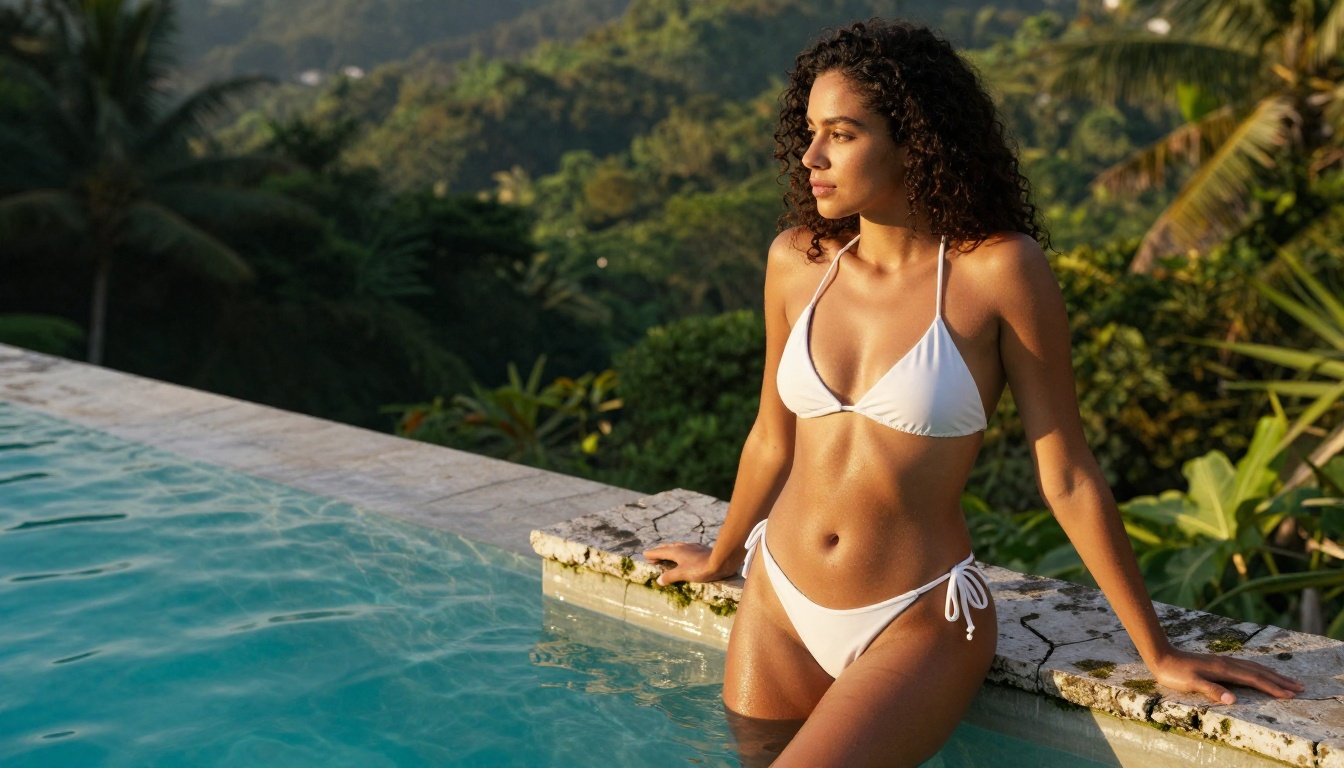
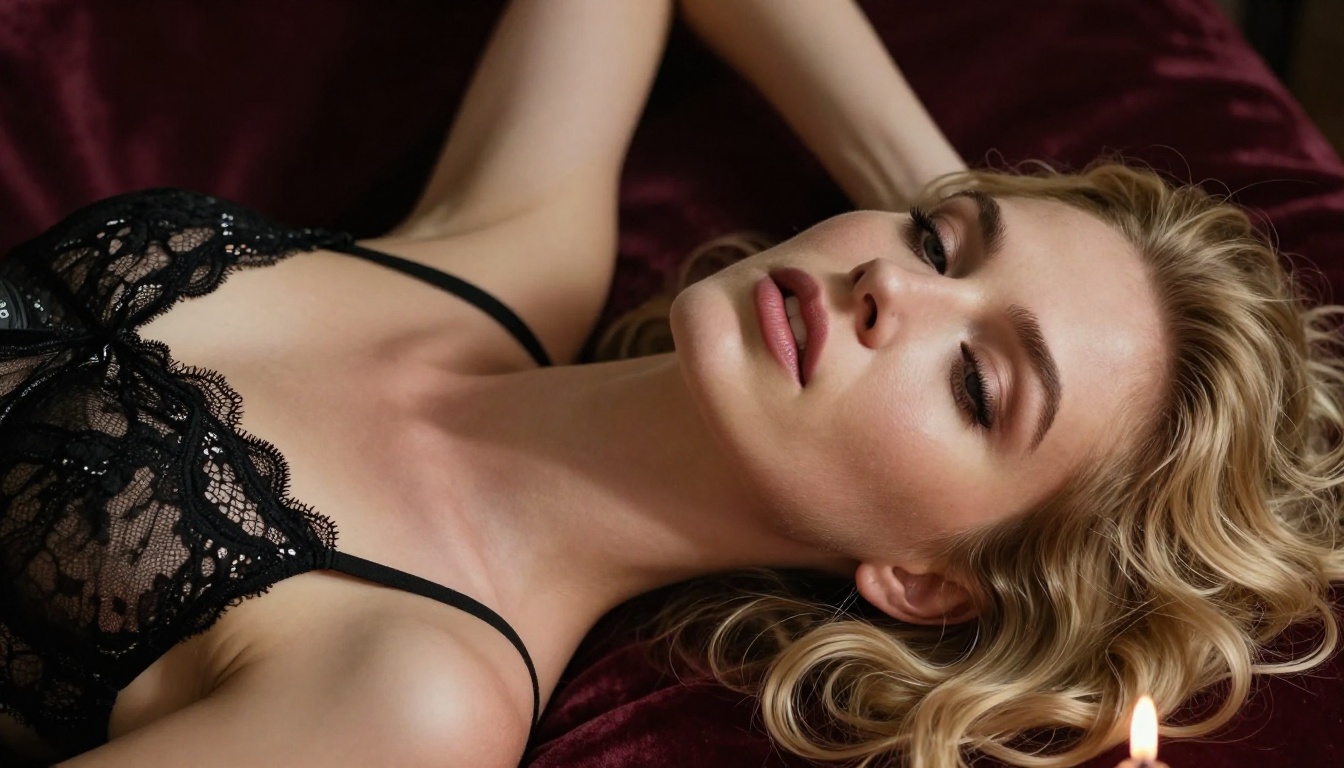
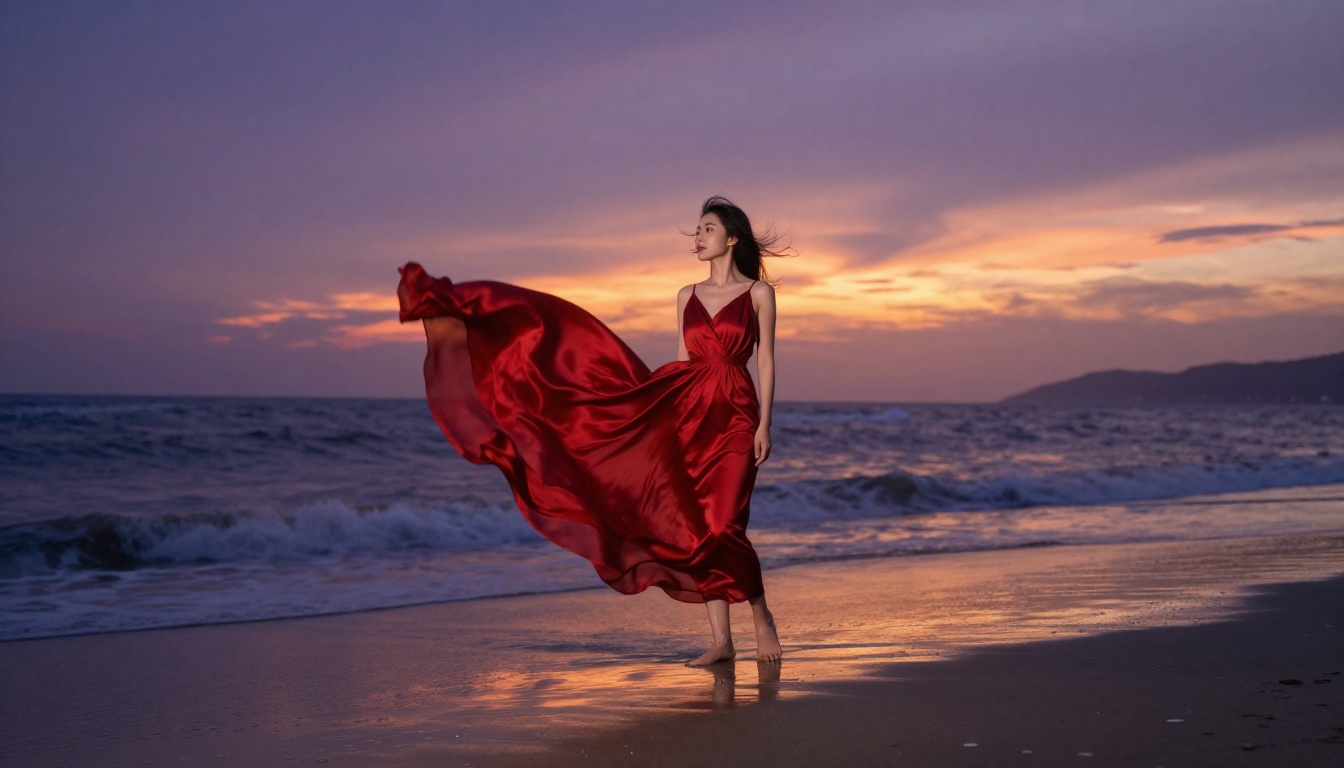
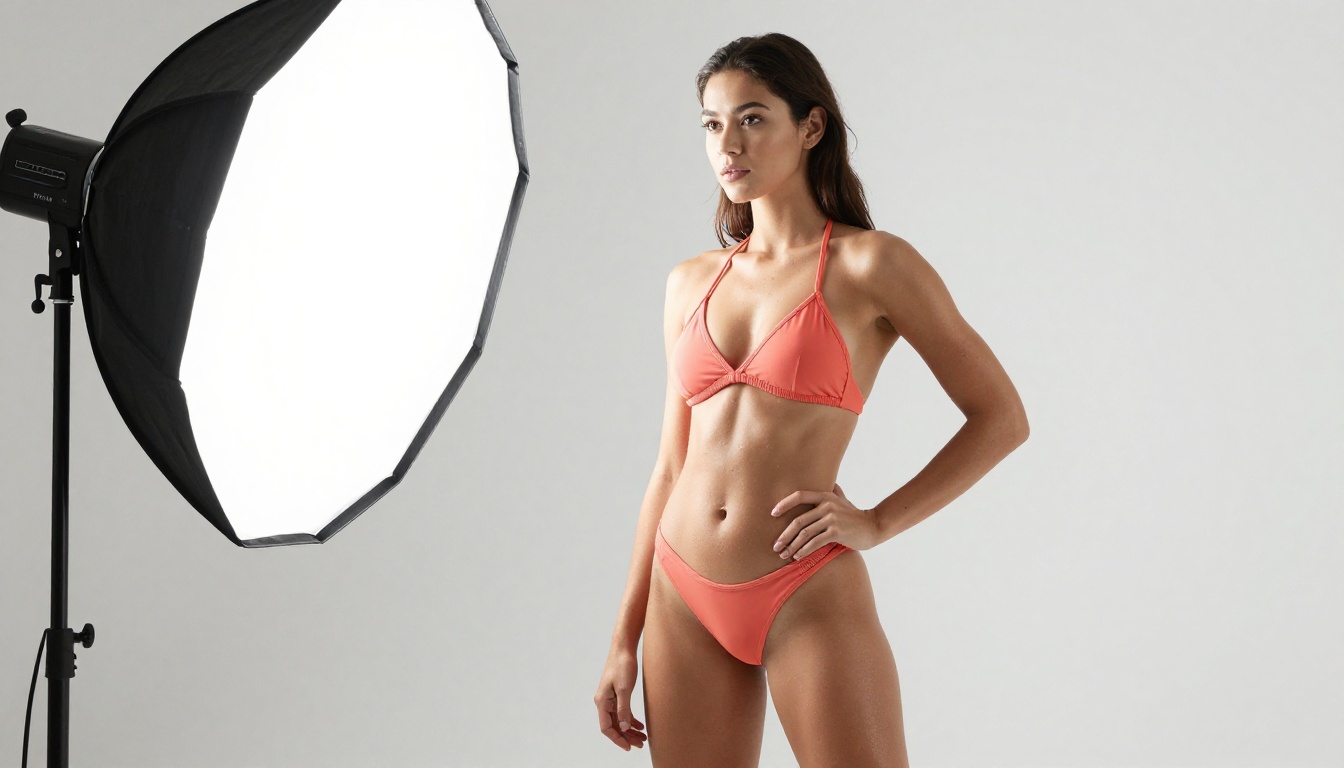
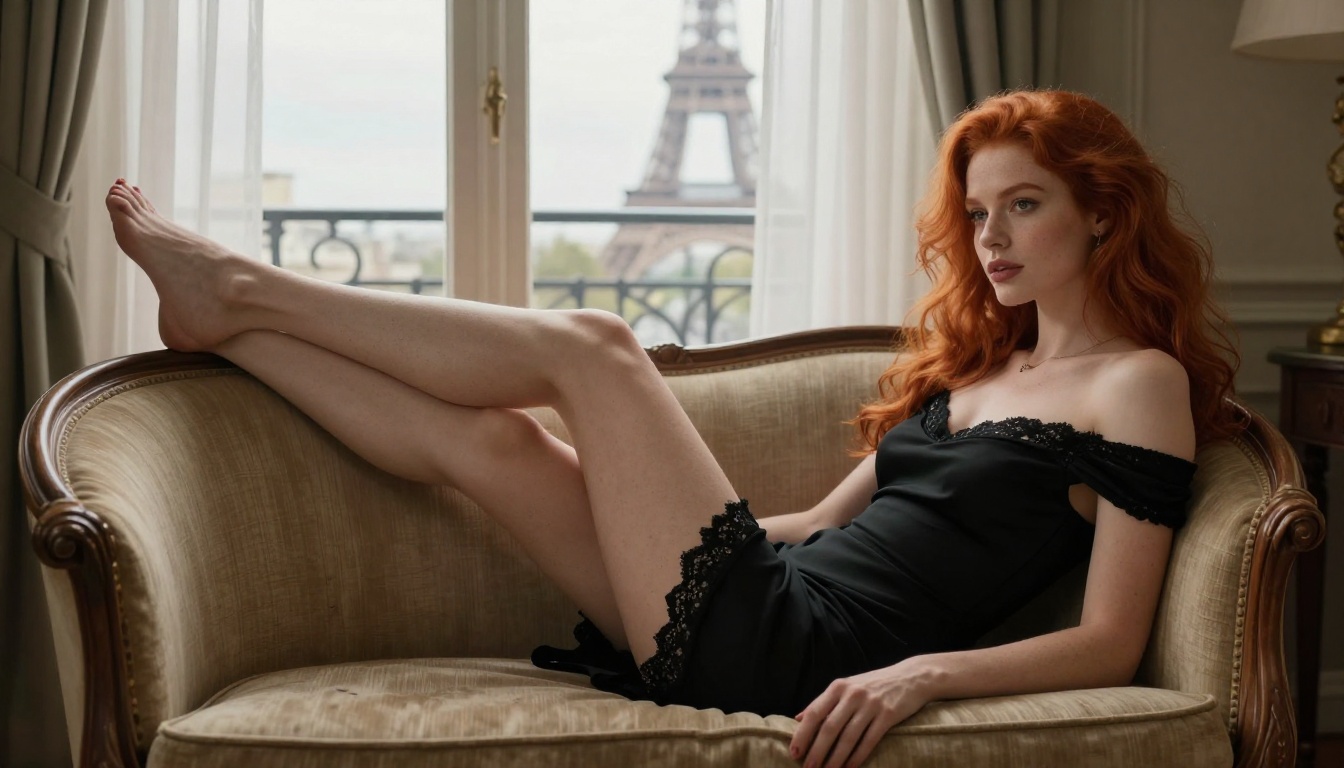
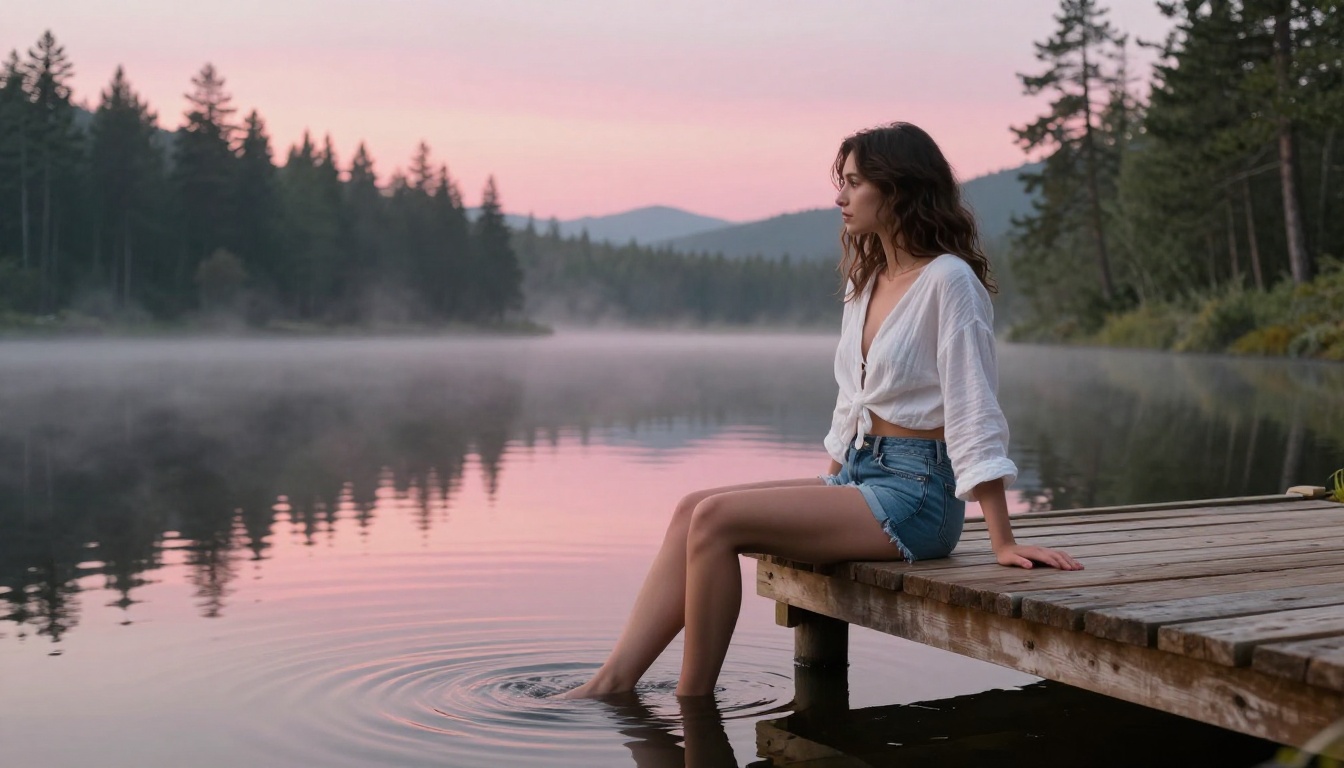
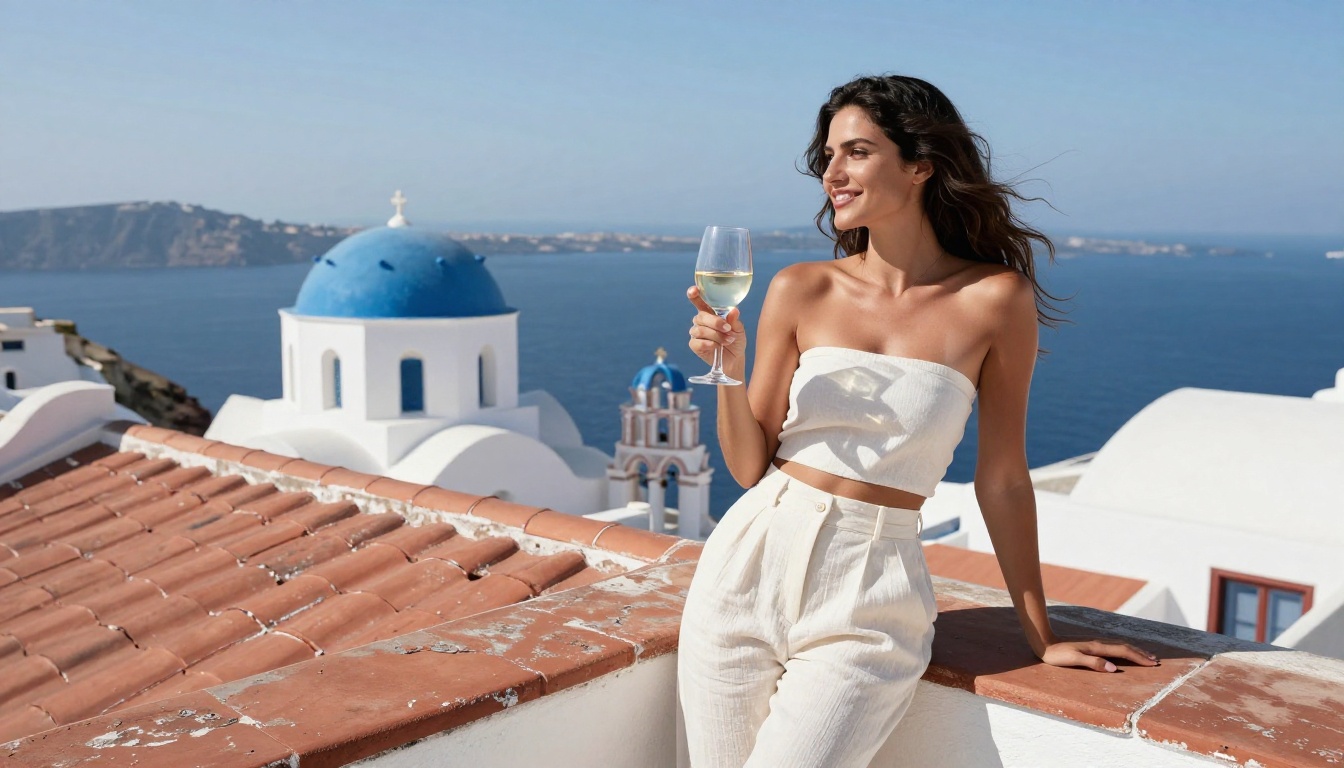
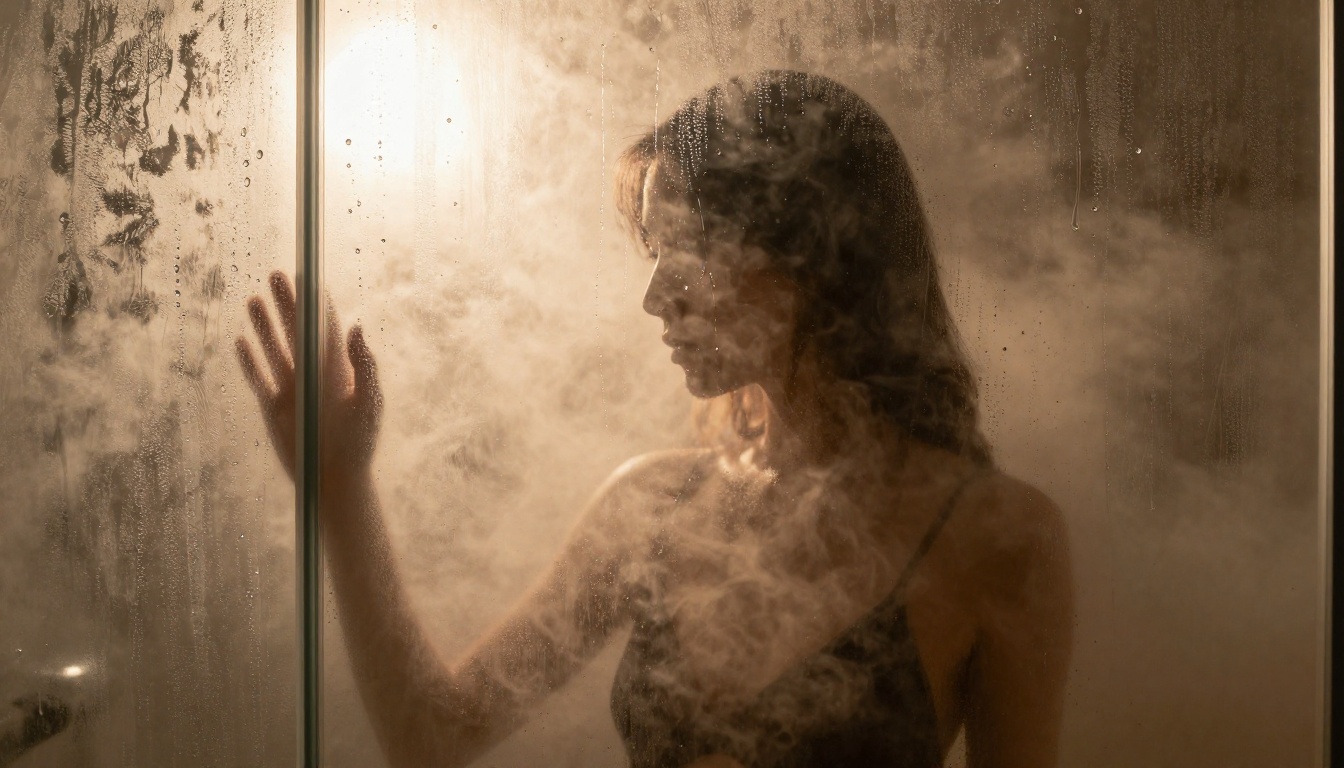
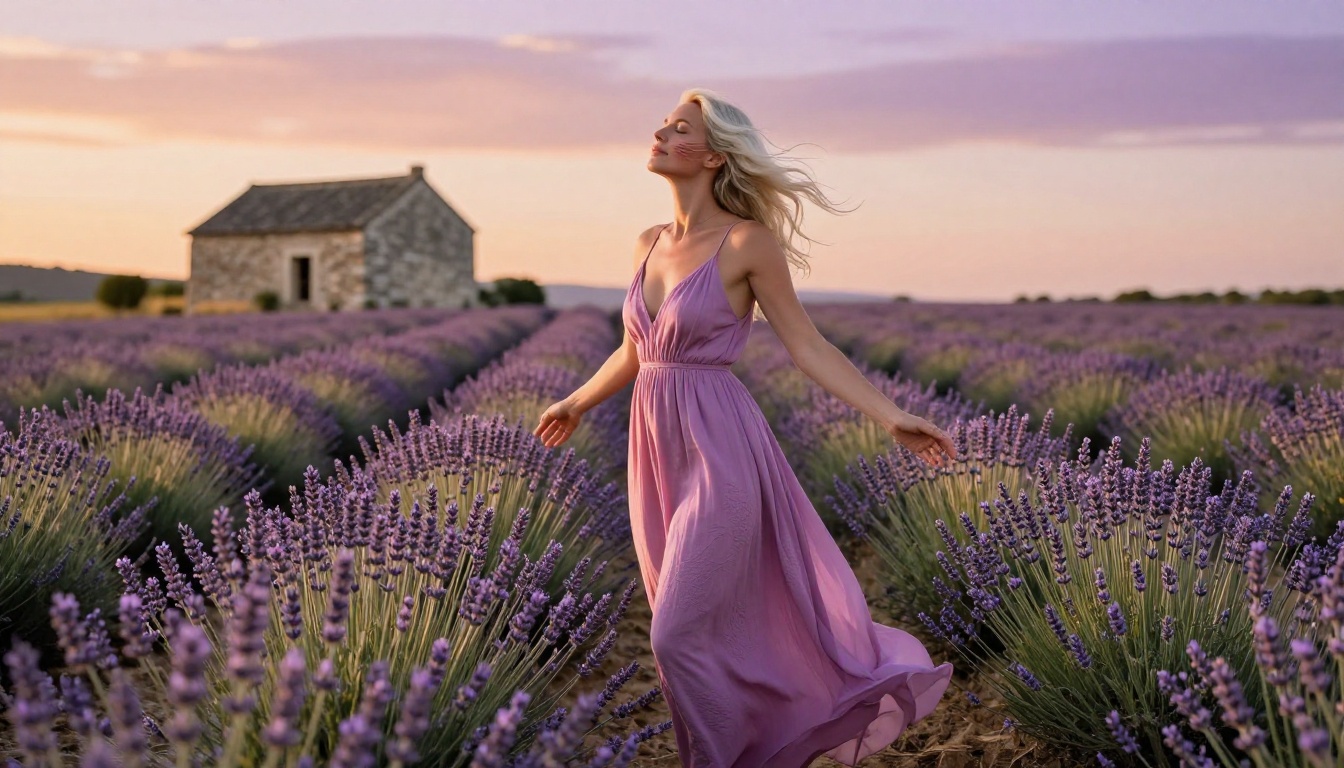
The images in this article were generated using the same models available to you right now on PicassoIA. Every portrait, every lighting setup, every fabric texture: all produced through browser-based generation with no downloads, no GPU, and no content negotiations.
The barrier to high-quality unrestricted AI art has dropped to near-zero. You need a prompt, a model, and an internet connection. The models that photographers, illustrators, and adult content creators once required expensive local hardware to run are now accessible in seconds through a browser.
Start with Flux Dev for general work. Move to Realistic Vision v5.1 when you want maximum photorealism in portrait and glamour work. Use Flux 1.1 Pro Ultra when resolution and print quality are the priority.
Write a prompt. Pick a model. See what comes back. The creative range available without content filters is substantial, and the only real limit is the precision and imagination behind your prompts.