Both tools run on OpenAI's image generation technology, yet the experience of using them could not be more different. Bing Image Creator sits inside a browser tab, requires no signup beyond a Microsoft account, and hands you four free images per prompt with no API key required. DALL-E, on the other hand, is an umbrella term covering both a consumer product inside ChatGPT and a developer API that charges per image. If you have ever searched for a free AI image generator and ended up confused about which one to actually use, this breakdown will sort it out.
The naming around these products is genuinely messy. Microsoft, OpenAI, and the press have all contributed to a situation where casual users confuse the model name with the product name.
DALL-E as a Standalone Product
DALL-E refers to the image generation model family built by OpenAI. The current version powering most consumer experiences is DALL-E 3, which launched in late 2023. OpenAI makes DALL-E 3 accessible in three ways:
- ChatGPT Plus ($20/month): Available to paid subscribers who can generate images through conversational prompts
- ChatGPT Free Tier: Limited access, with a small number of image generations per day that resets on a rolling basis
- OpenAI API: Developers pay per image, with pricing tiers based on resolution and quality settings
The model itself is what matters here. DALL-E 3 is trained to follow complex, detailed prompts with much higher accuracy than its predecessors. It handles text rendering inside images better than most competitors, produces consistent photorealistic results across a wide range of subjects, and interprets nuanced compositional instructions reliably. DALL-E 3 also introduced a key change in how prompts are processed: it rewrites your prompt internally before generation, which often improves results but can also change the creative direction in unexpected ways.
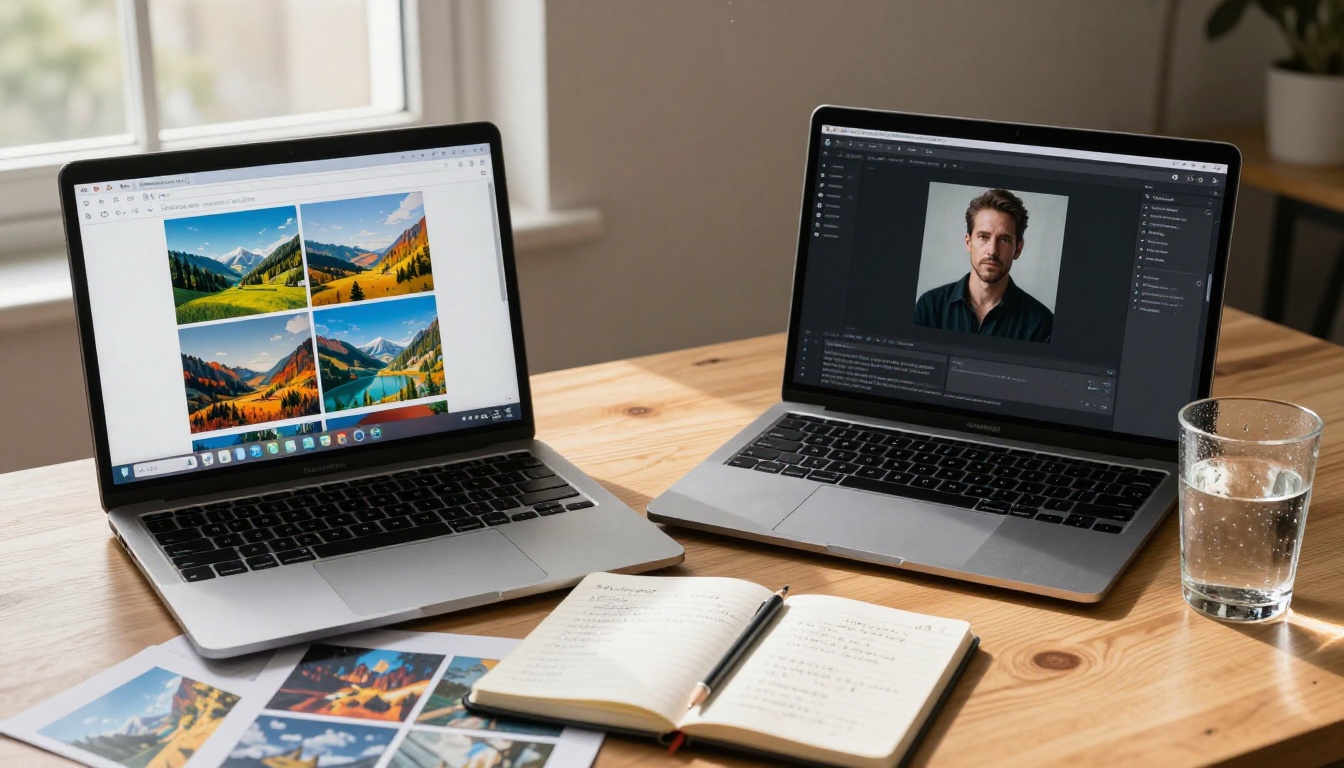
Bing Image Creator and the DALL-E Connection
Here is the part most people do not realize: Bing Image Creator is powered by DALL-E 3. When you go to bing.com/images/create and type a prompt, the model processing your request is the same DALL-E 3 running inside ChatGPT. Microsoft licensed it from OpenAI and built a free consumer interface around it, integrating it into Bing, Microsoft Edge, and the broader Microsoft Copilot ecosystem.
What this means practically is that the underlying model quality between Bing Image Creator and DALL-E 3 inside ChatGPT is essentially identical. The differences you will notice are entirely about the interface, the usage limits, the safety filtering approach, and what extra tools each product gives you access to. Neither product uses a different or inferior version of the model.
💡 Quick take: If someone tells you that Bing Image Creator produces "worse quality" than DALL-E, that is not accurate. The same base model powers both. Quality differences come from prompt interpretation and safety filter application, not the neural network itself.
Side-by-Side Feature Breakdown
Before going deeper into where each tool wins, here is a direct comparison of the specs that matter most to everyday users.
| Feature | Bing Image Creator | DALL-E 3 via ChatGPT |
|---|
| Cost to start | Free, Microsoft account only | Free tier available, Plus at $20/mo |
| Images per prompt | 4 images | 1 image per generation |
| Daily free limit | 15 fast "boosts" then slower | Limited, resets daily |
| Speed | Fast with credits, slow after | Consistent throughout |
| Default resolution | 1024x1024 | 1024x1024 |
| API access | No | Yes, paid per image |
| Aspect ratio options | Square, wide, tall | Square, landscape, portrait |
| Safety filtering | Very strict | Strict |
| Platform | Web browser, Bing app | ChatGPT web and app |
| Text rendering | Good | Good |
| Conversational refinement | No | Yes (ChatGPT Plus) |
| Credit card required | Never | For API access |
Image Quality at a Glance
At the same prompt, Bing Image Creator and DALL-E 3 inside ChatGPT produce images that are very close in visual quality. Both generate at 1024x1024 by default, both handle photorealistic subjects well, and both struggle with the same edge cases: complex hand anatomy, very specific compositional instructions, and prompts that involve multiple interacting figures.
Where you will notice a meaningful difference: Bing Image Creator applies more conservative safety filtering, which means it will refuse or significantly simplify prompts that ChatGPT would process with considerably more creative latitude. Anything involving fashion photography, mild glamour, or stylized portrayals of people is more likely to be refused or sanitized by Bing. For purely safe-for-work creative work, the quality delta between the two is minimal.
Daily Limits and Speed Caps
Bing Image Creator uses a "boost" credit system. You start with 15 fast-generation credits that refresh periodically. After those run out, generation slows significantly, sometimes taking 30 to 90 seconds per batch of four images instead of under 10 seconds. You can earn more boost credits through Microsoft Rewards points or by using Bing search regularly.
DALL-E through ChatGPT's free tier applies a usage cap that varies and is not publicly specified in hard numbers, but free users can typically generate a small batch of images before hitting a daily ceiling. ChatGPT Plus subscribers get significantly more headroom.
💡 For high-volume users: Neither free tier is designed for serious production work. If you need more than 20 to 30 images per day, both tools will throttle you into frustration territory.
Where DALL-E Pulls Ahead
The DALL-E ecosystem, specifically when accessed through OpenAI's products and API, has meaningful advantages over Bing Image Creator for anyone doing serious creative work.
API Access Changes Everything
Bing Image Creator offers no API. You cannot automate it, integrate it into a product pipeline, or batch-generate images programmatically. What you see in the browser is the full extent of your options.
DALL-E 3 through the OpenAI API is a completely different story. Developers pay per image and get access to capabilities that consumer interfaces do not expose:
- Batch generation with no hard rate limits beyond what your API tier allows
- Style parameters: the
vivid setting for dramatic, saturated outputs or natural for more subdued, realistic renders
- Aspect ratio flexibility: 1024x1024, 1792x1024 (landscape), and 1024x1792 (portrait) as standard options
- Revised prompts: The API returns the rewritten prompt DALL-E actually used, letting you see exactly how the model interpreted your input and adjust accordingly
- HD quality tier: An optional higher-quality generation mode for more detail and consistency in complex scenes
For app developers, marketers running automated content pipelines, or agencies generating image assets at scale, API access makes DALL-E the only viable option of the two.
Creative Control and Prompt Flexibility
Inside ChatGPT Plus, you can have a conversation with DALL-E. You generate an image, describe what you want changed, and the model iterates within the same session context. "Make the background a sunset instead of overcast. Move the subject slightly to the left. Add a small dog in the foreground." This conversational loop is genuinely useful for refining outputs without rewriting a full prompt from scratch every time.
Bing Image Creator offers no iterative refinement. You type a prompt, receive four images, and if you want changes you rewrite the entire prompt and start again. There is no session memory and no way to reference a previous output.
Where Bing Image Creator Wins
Despite the advantages above, Bing Image Creator has real strengths that make it the better choice for a specific type of user, and that user represents a large portion of the people searching for free AI image tools.
Zero Setup, Instant Results
To use Bing Image Creator, you need a Microsoft account (which is completely free and takes under two minutes to create) and a web browser. No ChatGPT subscription, no API key, no configuration file, no credit card. You are generating images in under three minutes from the moment you first visit the site.
For occasional users, students, people who need a few images for a personal project or presentation, or anyone just testing what AI image generation can do, that simplicity is genuinely significant. DALL-E via the OpenAI API requires programming knowledge. DALL-E via ChatGPT requires an OpenAI account and familiarity with the platform. Bing Image Creator has the lowest barrier to entry of any DALL-E-powered product by a wide margin.
Free Without a Credit Card
Bing Image Creator does not require a credit card at any point in the experience. You can use the free boost credits, and even after they run out you can still generate images at reduced speed, indefinitely, with no financial risk whatsoever.
With the OpenAI API, even though you only pay per generation, you need to add payment information to your account before making any requests. For many users, especially in education contexts or regions where card payments are less accessible, that requirement is a real barrier. There is also the practical risk of an unexpectedly large bill from a misconfigured script or automated process.
💡 For students and hobbyists: Bing Image Creator is almost always the better starting point. No financial risk, no setup friction, and four images per prompt gives you more to work with than DALL-E's single-image output in ChatGPT.
Real Output Comparison
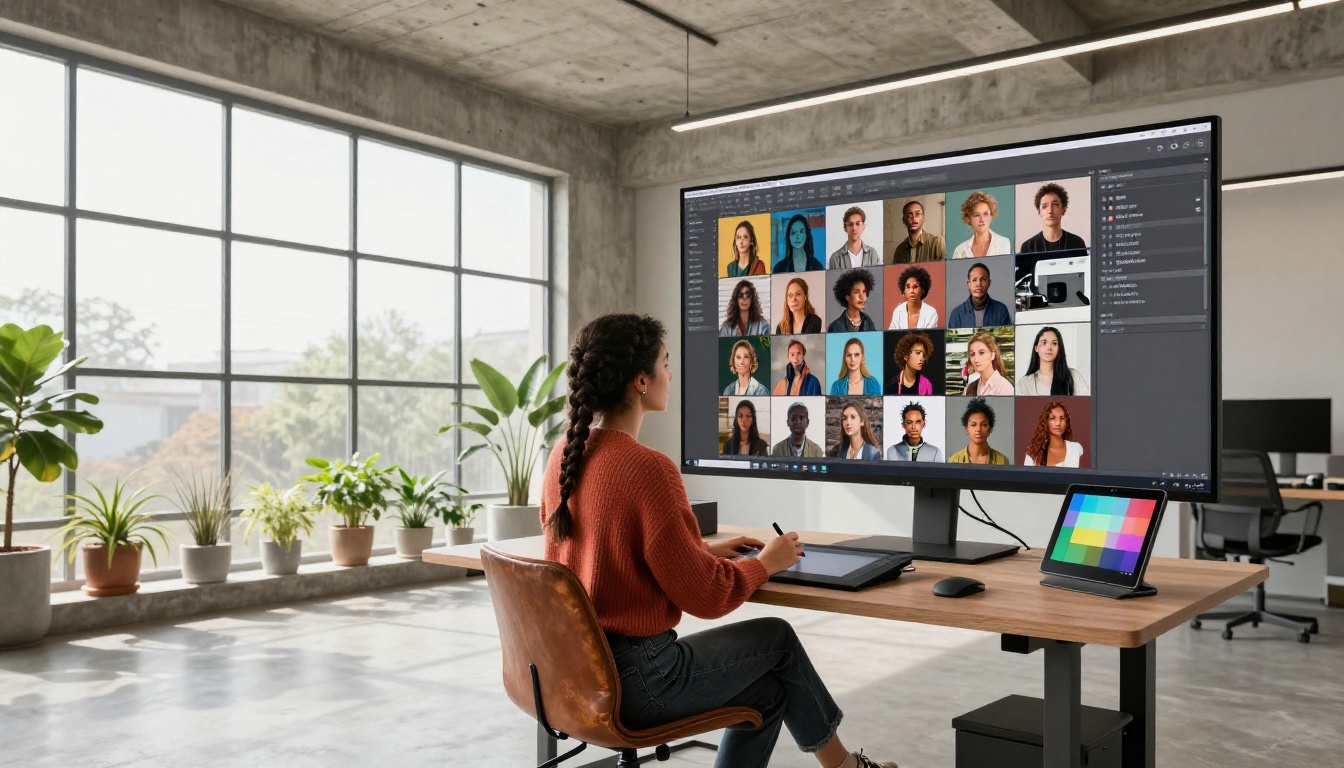
Testing both tools with identical prompts reveals patterns that matter for real creative decisions.
Same Prompt, Different Results
A prompt like "a photorealistic close-up portrait of a woman in her 30s with curly red hair, sitting in a sunlit cafe, looking at a laptop, warm tones, editorial photography" will produce outputs from both tools that are visually similar in composition and quality. DALL-E 3 handles this type of prompt cleanly in both the Bing and ChatGPT environments.
The divergence appears with prompts that approach content policy boundaries, even indirectly. Anything involving swimwear, mild glamour, artistic portrayals of real-world people, or political imagery is significantly more likely to be refused or stripped down by Bing Image Creator than by ChatGPT. Bing's filtering is tuned to be conservative in a way that occasionally affects completely legitimate creative requests.
For purely descriptive, clearly appropriate prompts, the output quality is close enough that most users would not be able to identify which tool produced which image in a blind test.
Consistency Over Multiple Runs
Both tools lack seed control in their consumer interfaces, meaning you cannot reproduce an exact image by running the same prompt again. Every generation is effectively random within the model's interpretation of your input. DALL-E through the OpenAI API does accept a seed parameter, giving developers reproducibility when they need it, but that is not available in either consumer product.
For creative workflows that require consistency, such as generating a set of images that look stylistically cohesive, neither free consumer tool is well suited. Both require significant prompt work and repeated attempts to build a coherent visual set.
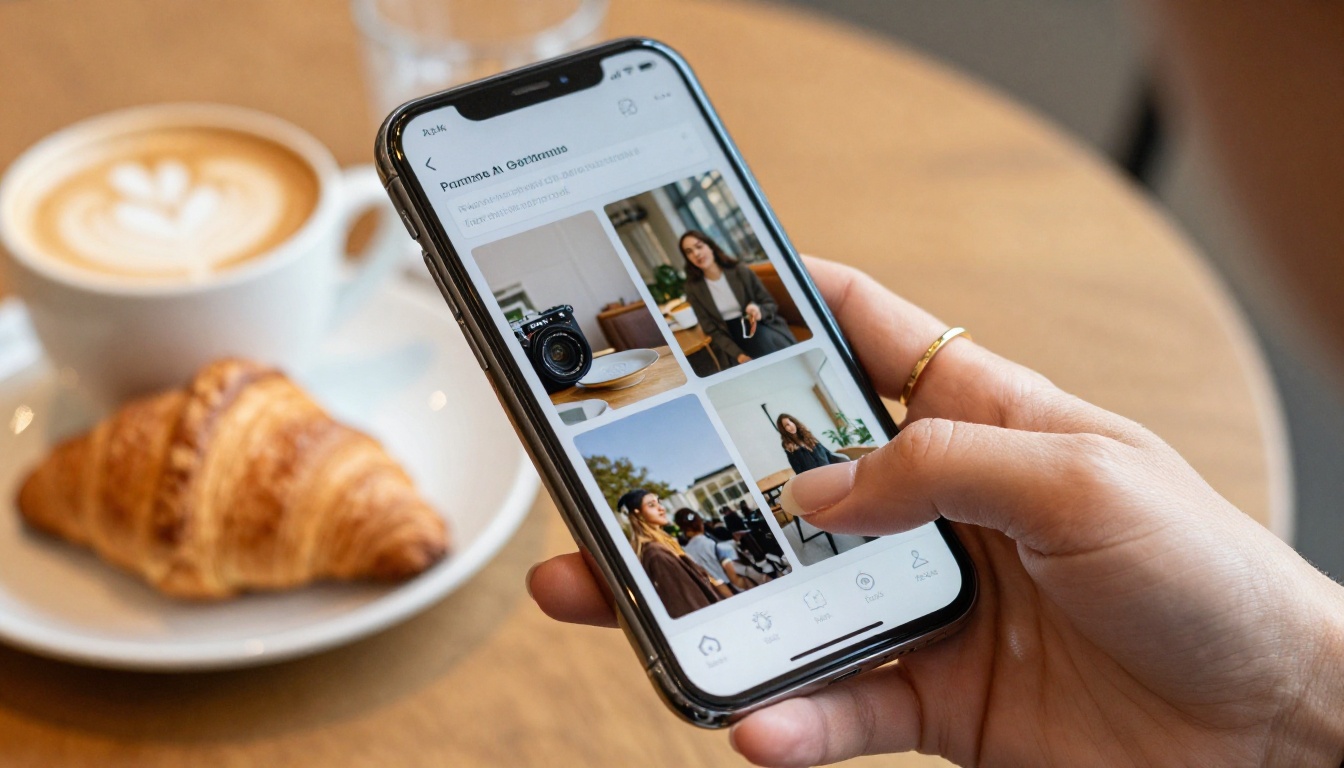
How to Use GPT Image 2 on PicassoIA
PicassoIA includes GPT Image 2, a direct access point to OpenAI's latest image generation model, without requiring an OpenAI API account or a ChatGPT subscription. This is the most capable version of the GPT image family currently available on the platform, building on the same foundation as DALL-E 3 with improvements in instruction following, detail rendering, and compositional accuracy.
Setting Up Your First Generation
Getting started on PicassoIA with GPT Image 2 takes under two minutes:
- Go to the model page: Visit the GPT Image 2 page on PicassoIA directly
- Write your prompt: Be specific about subject, environment, lighting, and mood. Specific language produces better results than vague descriptors
- Select your aspect ratio: Choose from square (1:1), landscape (16:9), or portrait (9:16) based on how you intend to use the image
- Run the generation: Click generate and the model processes your request, typically returning a result in 10 to 30 seconds
- Download or iterate: Save the result directly, or refine your prompt based on the output
The key advantage here over both Bing Image Creator and ChatGPT's free tier is that PicassoIA gives you model access without locking you into a single company's ecosystem. You get the OpenAI model quality alongside access to dozens of other image generation models on the same platform.
Tips for Better Results
GPT Image 2 responds particularly well to descriptive, layered prompts that specify multiple dimensions of the scene simultaneously. Instead of "a woman at a desk," try "a professional woman in her late twenties sitting at a glass desk, warm studio lighting from the left, shallow depth of field, editorial photography style, Kodak Portra color rendering." The model reads and applies each detail.
Specific techniques that improve outputs:
- Name the photography style explicitly: editorial, documentary, fashion, portrait, street photography
- Specify lighting direction and quality: morning light from the left, overhead studio strobe, golden hour backlight
- Include camera and lens details to target a specific aesthetic: 85mm f/1.8 portrait lens, 35mm wide angle, tilt-shift
- Use texture and material descriptors: linen shirt weave, polished marble, worn leather, matte paper
- Avoid abstract quality words like "beautiful" or "stunning" in favor of concrete, specific descriptions
💡 PicassoIA advantage: Unlike Bing Image Creator, GPT Image 2 on PicassoIA sits alongside additional models on the same platform. If you want image variations instead of new generations, Flux Redux Dev is one click away. No switching tools, no managing multiple accounts.
The Smarter Choice for Creators
After putting both tools through real-world testing with a range of prompts, the honest verdict is that neither Bing Image Creator nor DALL-E 3 through ChatGPT is a complete solution for anyone doing consistent creative work. Both are useful starting points, but both impose limitations that become obvious quickly.
Why PicassoIA Covers Both and More
Bing Image Creator is excellent for a quick, zero-friction test when you need a few images and want no setup. DALL-E through ChatGPT Plus is genuinely useful if you already pay for the subscription and benefit from the conversational interface. But neither tool gives you access to the full range of current AI image models, and neither integrates cleanly with video generation, image editing, super-resolution upscaling, background removal, or the other capabilities that a real creative workflow requires.
PicassoIA brings 91 text-to-image models onto a single platform. Beyond GPT Image 2 and Flux Redux Dev, you have access to super-resolution upscaling that pushes images to 4x their original resolution, background removal that works on complex subjects, face swap technology for realistic composite images, lipsync video generation, and AI music creation, all from the same account with no tool-switching required.
The comparison between Bing Image Creator and DALL-E is ultimately a comparison between two consumer wrappers around the same underlying model, each with different constraints and different audiences. PicassoIA gives you that same OpenAI model quality plus dozens of alternatives, with the flexibility to move between them based on what your specific project needs.
Try It Yourself Right Now
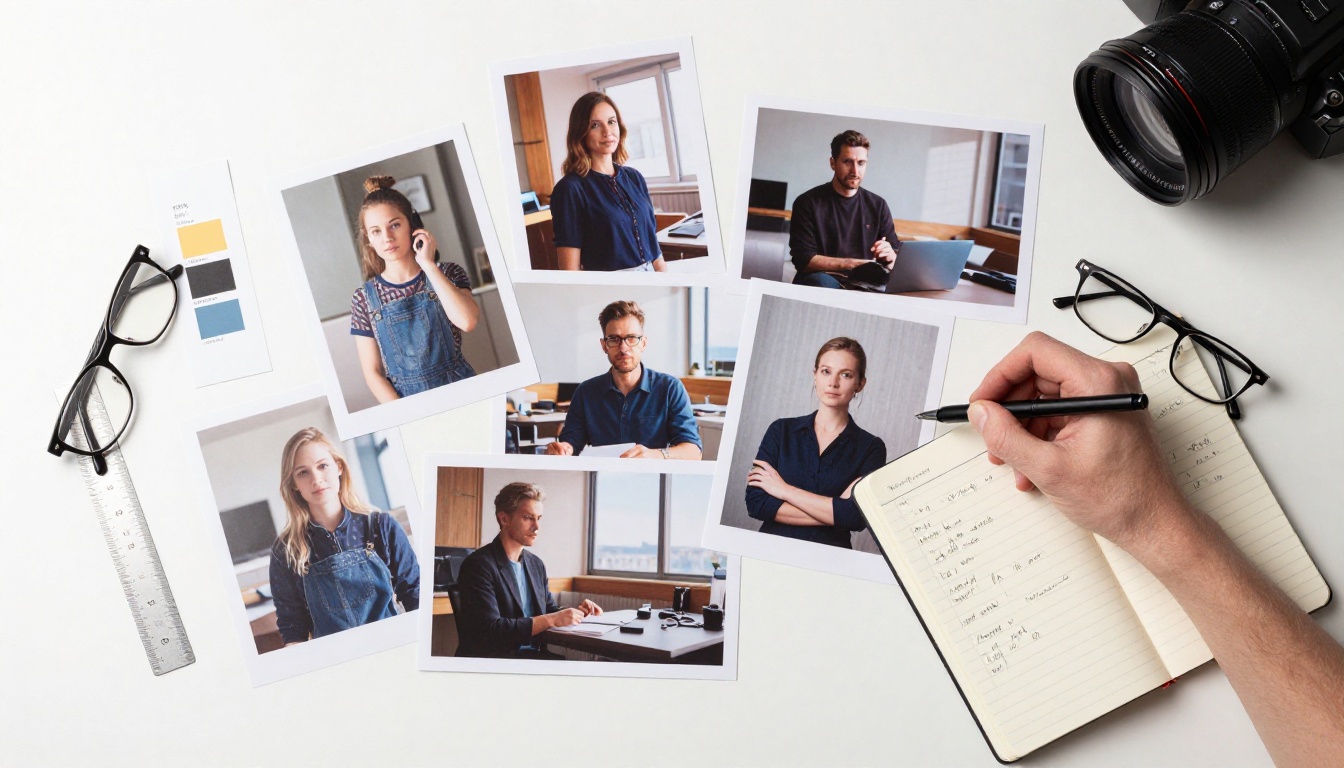
The most direct way to see the difference is to run the same detailed prompt through Bing Image Creator, ChatGPT, and GPT Image 2 on PicassoIA in the same session. Use a prompt that matters to you, something tied to a real project or creative direction you are working on, and compare the outputs side by side.
You will likely find that the baseline image quality is very similar across all three, which confirms the point about all three using the same model family. What will stand out is the flexibility that PicassoIA builds around that quality: more model choices when the default does not fit, more aspect ratio options, integrated post-processing tools, and no daily speed throttling imposed at the interface level.
Start with a free account on PicassoIA, run your prompt through GPT Image 2, and see what the OpenAI model delivers when it is not wrapped in the constraints of a single company's consumer product experience. Then try Flux Redux Dev to create variations on whatever you generated. That combination alone demonstrates why a dedicated platform beats either of the free consumer tools for anyone who creates images regularly.