When brands started asking "can we use this AI image commercially?" two tools kept coming up in the same breath: Bria and Adobe Firefly. Both promise commercially safe images. Both are built for business use. But they solve the problem from completely different angles, and picking the wrong one can cost a team real money in either licensing headaches or missed creative output.
This comparison cuts straight to what matters for marketing teams, e-commerce managers, and creative agencies: IP protection, output quality, workflow integration, and total cost of ownership.
Why Bria and Adobe Firefly produce such different results comes down to what each company was trying to solve when they built their AI.
Bria's commercial-first architecture
Bria AI was built specifically for brands and enterprises that need a clean IP stack. The company trained its models exclusively on licensed visual content, with compensation going directly to the creators whose work trained the model. The result is a system designed from the ground up around commercial use, not adapted for it after the fact.
Every image Bria generates comes with an indemnification clause for enterprise customers, meaning Bria takes on legal responsibility if a generated image ever triggers a copyright dispute. That is a significant structural difference from most AI image tools, which offer indemnity with significant caveats.
Firefly's creative ecosystem play
Adobe Firefly sits inside the Creative Cloud ecosystem and benefits from tight integration with Photoshop, Illustrator, and Adobe Express. Adobe trained Firefly on its own Adobe Stock library plus openly licensed content. The tool is genuinely strong for creative professionals who already live inside Adobe's software.
Where Firefly struggles is with more complex commercial licensing needs. Adobe offers a content credentials system and trained-on-licensed-content guarantees, but enterprise indemnification is more limited compared to Bria's explicit commercial-first model. For a solo designer, this matters less. For a Fortune 500 brand legal team, it matters a lot.

Licensing: The Real Business Difference
This is where the two tools diverge most sharply, and where the wrong choice becomes expensive.
Bria's IP indemnification model
Bria's commercial offer centers on three pillars:
- Full IP indemnification for enterprise plans: Bria assumes legal liability for generated content
- Trained on licensed data only: the model never touched scraped web content
- Creator compensation: rights holders whose work contributed to training received payment
This makes Bria the tool of choice for any brand where the legal team has final sign-off on creative tools. Financial services, healthcare marketing, legal advertising, and luxury brands all operate in spaces where "we used a commercially safe AI" needs to mean more than a checkbox.
Firefly's licensing approach
Adobe Firefly offers:
- Adobe Generative Credits: usage tied to Creative Cloud subscription tiers
- "Designed to be safe for commercial use": Adobe's core promise
- Content Credentials: provenance metadata baked into exported files
- No explicit third-party IP indemnification clause for most plans
For freelancers and smaller studios, Firefly's licensing is more than sufficient. Adobe Stock's visual style also means Firefly outputs tend to look polished and on-brand for creative work. The commercial protection just does not go as deep as Bria's enterprise offering.
| Feature | Bria AI | Adobe Firefly |
|---|
| Training data source | Licensed, compensated datasets | Adobe Stock + openly licensed |
| IP indemnification | Yes, for enterprise | Limited, no explicit clause |
| Commercial use | Full | "Safe for commercial use" |
| Legal liability | Bria assumes risk | User assumes risk |
| Creator compensation | Yes | Partial (Adobe Stock contributors) |

Licensing matters for business, but the creative team also needs images that actually work in campaigns.
Bria's photorealistic product outputs
Bria's Fibo model consistently produces crisp, photorealistic imagery suited to brand and product applications. Its strength is in clean, well-lit, accurate renderings, particularly for:
- Product shots on neutral or custom backgrounds
- Lifestyle imagery with accurate skin tones
- Brand-consistent visual assets at scale
The Fibo Edit model adds a layer of precision editing, letting you modify specific parts of an image without regenerating the whole thing. This is a critical workflow advantage when a client wants the product swapped, the background changed, or a detail corrected without starting from zero.
Bria also ships specialized commercial tools that go beyond basic image generation:
- Product Cutout: removes backgrounds from product images with edge-accurate precision
- Product Shadow: adds realistic shadows that ground products on any surface
- Product Packshot: generates professional packshot-style images from reference photos

Firefly's creative range
Adobe Firefly's biggest quality advantage is stylistic range. The model handles:
- Graphic art and illustrated styles very well
- Text-integrated imagery (Firefly is genuinely strong at placing readable text inside images)
- Photorealistic scenes with atmospheric quality
- Vector-compatible outputs through Illustrator integration
Where Firefly can fall short is in highly controlled commercial photography scenarios. When an e-commerce brand needs 50 product images at consistent lighting, angle, and background color, Firefly's outputs require more post-processing than Bria's purpose-built product tools.
Note: For campaigns requiring exact product accuracy, product shadow realism, or consistent pack-shot lighting across a full SKU lineup, Bria's specialized tools are meaningfully faster than Firefly's general-purpose approach.
Built for Business: Real Workflow Differences
Both tools claim to fit into professional workflows. In practice, how they integrate tells a different story.
E-commerce at scale
A brand running a 200-product catalog refresh faces a very different problem than a designer creating one hero image. For catalog-scale work:
Bria's advantages:
- API-first architecture built for bulk generation
- Generate Background for swapping product environments at scale
- Genfill for adding or replacing objects in existing product photos
- Eraser for removing unwanted elements from thousands of images in batch
- Expand Image for outpainting images to fit different aspect ratios across platforms
Firefly's advantages:
- Native Photoshop integration for single-image refinement workflows
- Generative Fill inside Photoshop is fast and intuitive
- Works well within existing Adobe creative pipelines
For a small team that already knows Photoshop, Firefly's integration eliminates tool-switching friction. For a dedicated e-commerce operation that needs programmatic image production, Bria's API depth wins.

Marketing campaign production
Marketing teams often need a mix of asset types: hero images, social variants, display ads, and lifestyle shots. Both tools can contribute here, but in different ways.
Firefly shines when a creative director needs to iterate quickly on visual concepts and is comfortable working in Adobe apps. The ability to generate variations inside Photoshop without exporting and re-importing is genuinely useful for the ideation phase.
Bria is the better production tool when the brief is locked and the team needs clean, licensable assets delivered at volume with brand-safe guarantees.
Note: Several marketing teams use both: Firefly for initial concept sketching and creative exploration, Bria for the final production pass where IP documentation matters.
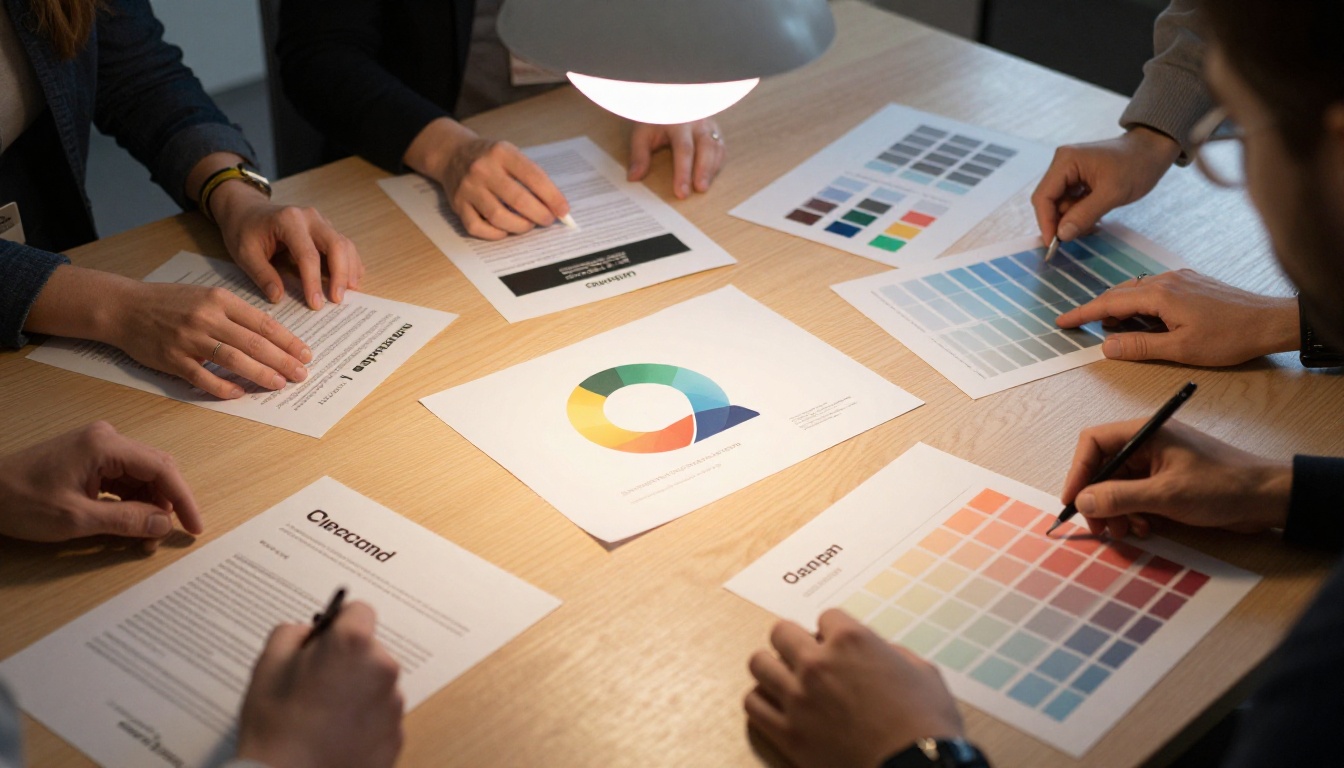
Use Bria Models on PicassoIA
Bria's full model suite is available directly on PicassoIA, making it accessible without API setup or enterprise contract negotiations. Here is how to use the main Bria tools for different commercial use cases.
Generating commercial images with Fibo
Fibo is Bria's primary text-to-image model, optimized for photorealistic, commercially oriented outputs.
Step 1: Go to the Fibo model page on PicassoIA.
Step 2: Write a prompt focused on commercial intent. For product photography, include:
- The product type and material
- Background description (white seamless, marble, lifestyle setting)
- Lighting style (soft studio light, window light, golden hour)
- Aspect ratio context (square for e-commerce, 16:9 for banners)
Step 3: Generate and review. Fibo tends to produce clean, controlled results on the first pass for product-adjacent prompts.
Step 4: If you need to modify a specific part of the image, take the output into Fibo Edit. Select the region you want to change, describe the edit in natural language, and the model applies it without touching the rest of the image.
Product photography with Bria tools
For e-commerce teams, the real power is in Bria's specialized product suite on PicassoIA:
- Start with a reference image of your product, even if it is not camera-ready.
- Use Product Cutout to isolate the product with a clean, pixel-accurate edge.
- Apply Product Packshot to place the product in a professional studio-quality environment.
- Add Product Shadow to ground the product with a realistic drop or contact shadow.
- Use Generate Background to swap the environment for different campaign contexts, seasonal variations, or regional markets.
This workflow produces professional product imagery from a single reference photo, in a fraction of the time and cost of a traditional photo shoot.
Note: Run the Eraser tool before cutout if the reference image has unwanted reflections, labels, or surface artifacts that would interfere with clean isolation.

Pricing: Where the Numbers Land
Pricing for both tools varies by usage volume and plan tier.
Bria's pricing structure
Bria operates on an API-based pricing model for enterprise, with usage measured in credits or API calls. There is also a self-serve tier through PicassoIA that removes the need for a direct enterprise contract. Main pricing factors:
- API access scales with volume
- Enterprise plans include IP indemnification and SLA guarantees
- PicassoIA gives individual users and smaller teams access to Bria's models without enterprise minimums
Firefly's pricing structure
Adobe Firefly is included in Creative Cloud subscriptions. Specific Generative Credit allocations depend on which plan tier the subscriber holds:
- Firefly free: limited monthly credits
- Creative Cloud single app: includes Generative Credits based on app
- Creative Cloud All Apps: higher credit allocation
- Firefly for Enterprise: custom pricing with additional governance features
| Plan type | Bria | Adobe Firefly |
|---|
| Free tier | Via PicassoIA models | Yes, limited |
| Self-serve | PicassoIA credit-based | Creative Cloud subscription |
| Enterprise | API contract + indemnification | Firefly for Enterprise |
| IP indemnification | Yes (enterprise) | Limited |
| Bulk production | Strong API support | Limited outside Adobe apps |

Neither tool wins universally. The right pick depends on your specific use case, team size, and the legal weight your brand puts on IP documentation.
Bria is the stronger choice when:
- Your legal team requires explicit IP indemnification
- You need bulk production of product images, not one-off creative work
- Your workflow is API-driven or integrated into a headless commerce pipeline
- You need specialized e-commerce tools: cutout, shadow, packshot, background replacement
- Your team does not use Adobe products as their primary creative software
Firefly is the stronger choice when:
- Your team works inside Adobe Creative Cloud daily and switching tools adds friction
- The use case is creative exploration and concept development rather than production at scale
- You need text in images: Firefly handles readable in-image text better than most models
- Budget is tied to existing Creative Cloud licensing and adding a separate AI contract is a barrier
Note: If your brand operates at the intersection of both needs, running Firefly for ideation and Bria for final production is a workflow several agencies have adopted.
What You Are Actually Paying For
At the end of a campaign cycle, what matters is whether the images held up: in print, on screen, in social feeds, and under legal review. Bria and Firefly both produce strong results, but they optimize for different endpoints.
Bria's outputs are clean, controlled, and production-ready from the first generation, particularly for product and lifestyle work. The model does not lean into artistic interpretation unless you prompt for it. This predictability is exactly what commercial production workflows need.
Firefly's outputs are creatively flexible and visually polished, with excellent range across styles. They perform well in editorial and campaign contexts where the creative direction allows for interpretation.
For brands where "this image needs to ship to 40 markets with zero legal questions asked," Bria is the stronger answer. For creative agencies where the brief is open and the client wants to see options, Firefly's range is a genuine asset.

Start Creating on PicassoIA
The best way to form an opinion on either tool is to run your own prompts and see what comes back. All of Bria's commercial-grade models are available directly on PicassoIA, no enterprise contract required. Start with Fibo for text-to-image generation, then run your best product reference through Product Cutout and Product Packshot to see what Bria's specialized suite can do for your catalog.
If your brand produces images for commercial campaigns, the IP question is not going away. Choosing tools that were built to answer it from the start saves time, legal review cycles, and real money over the long run.


