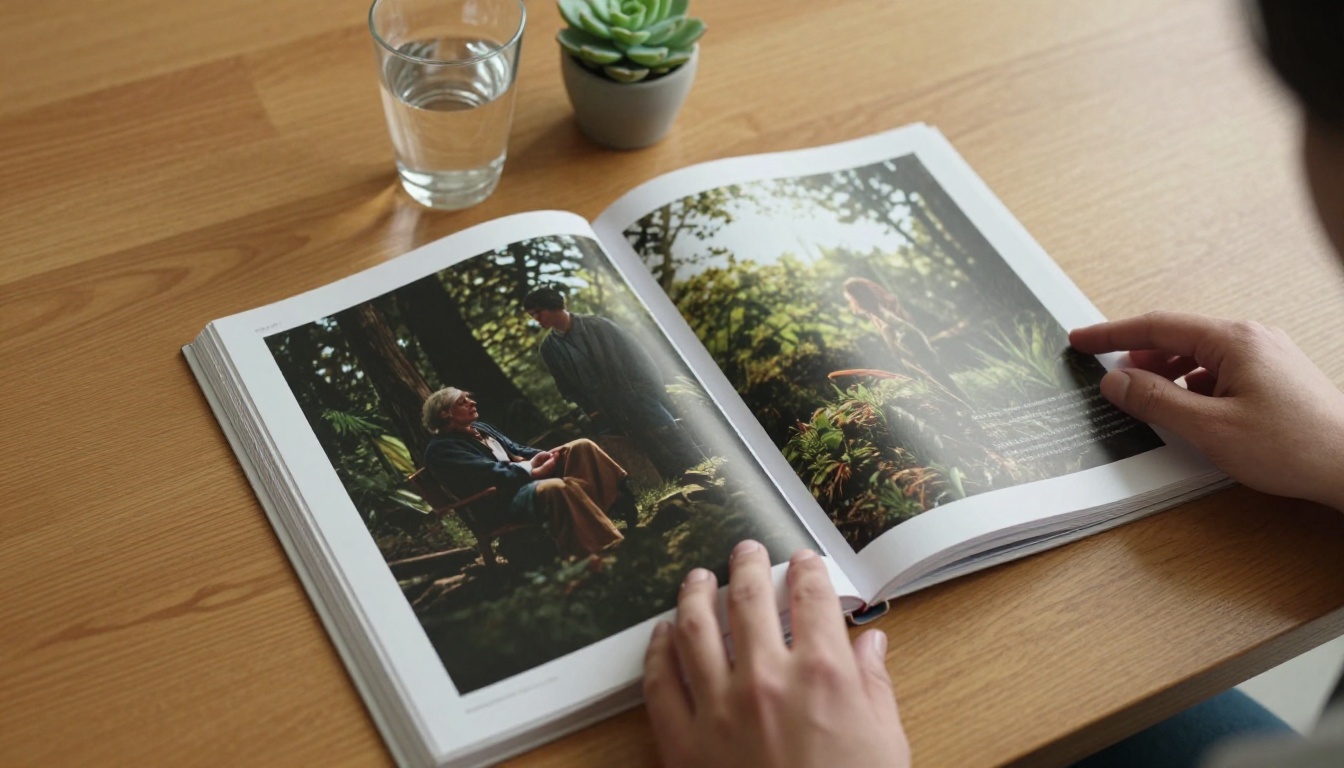
Kling 3.0 changed the conversation on AI video. Not because it generates clips faster, but because it generates them right. Scenes hold together. Motion flows naturally. And if you know how to write the prompts, you can produce a complete visual narrative, scene by scene, that reads like a film you actually want to watch. Building a storybook with Kling 3.0 is not complicated once you understand the workflow. This article walks you through it end to end, from story planning to final sequencing.
What Makes Kling 3.0 Worth Using
Most AI video tools produce individual clips that look polished in isolation. The problem appears the moment you try to string them together. Characters shift slightly between scenes. Lighting changes for no reason. The mood drifts. Kling 3.0 solves a significant portion of this through improved semantic consistency and better motion control, making it the strongest option available right now for narrative video work.
1080p Output That Holds Through the Clip
Kling v3 Video outputs at 1080p with motion that stays coherent across the full clip duration. Where earlier versions produced scenes that softened or distorted at the tail end, v3 maintains sharpness and compositional integrity. For a storybook, this matters because every frame in your sequence needs to survive being paused, printed, or exported as a still image.
Prompt Fidelity That Narrows the Gap
The distance between what you write and what Kling renders has narrowed considerably with v3. Specific character descriptions, environmental details, and camera angles are respected with higher consistency than previous versions. This is the core property that makes storybook creation at scale actually possible.
💡 Tip: Kling v3 responds exceptionally well to camera angle instructions. Always include "low-angle", "aerial", or "eye-level" in your prompts to lock in your composition from the start.
Planning Your Story Before You Prompt
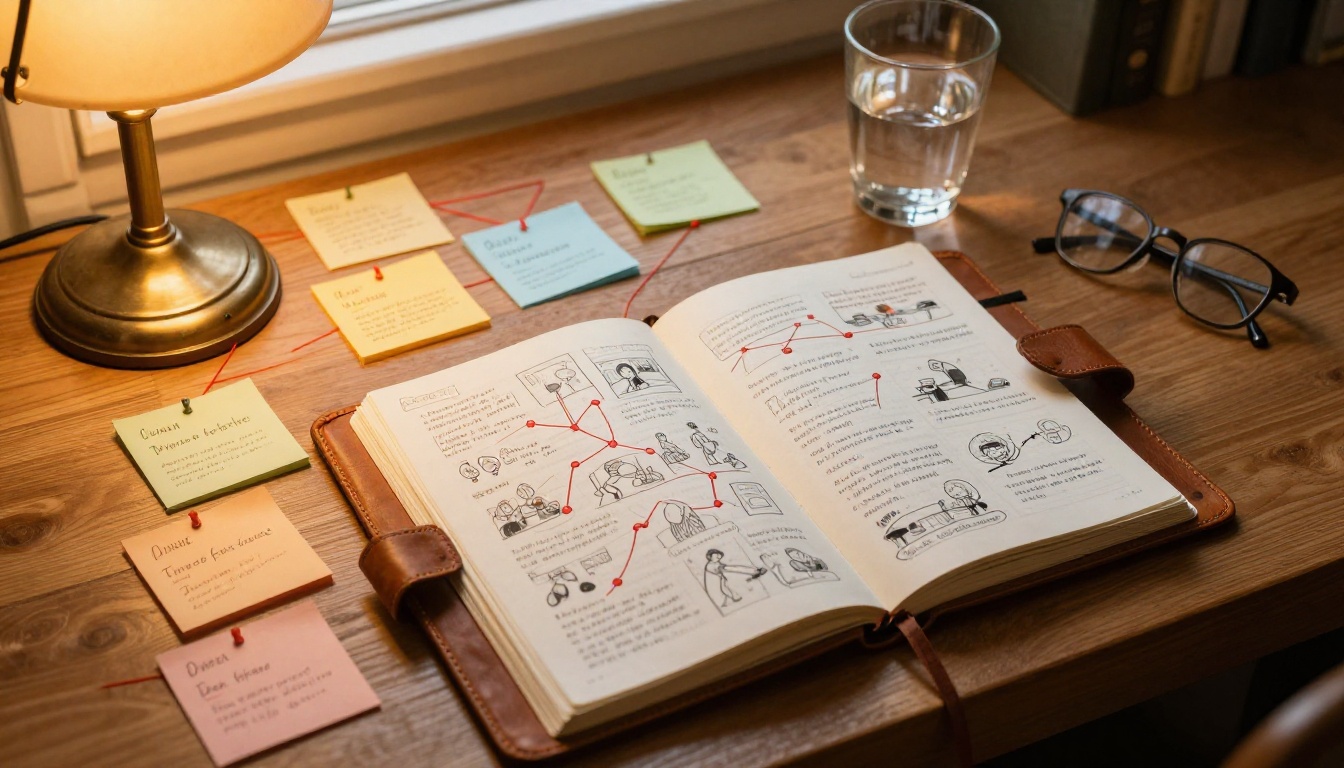
The biggest mistake in AI storybook creation is jumping straight to generation. Without a plan, your scenes will be technically good but narratively incoherent. A story needs structure before it needs pixels.
The 3-Act Framework, Simplified
You do not need a 200-page screenplay. You need three things mapped out clearly before you write a single prompt:
| Act | Purpose | Recommended Scene Count |
|---|
| Act 1: Setup | Establish the character, world, and want | 2-3 scenes |
| Act 2: Conflict | Introduce tension, obstacles, turning points | 4-6 scenes |
| Act 3: Resolution | Pay off the story, end with impact | 2-3 scenes |
Eight to twelve scenes is the sweet spot for a first storybook. Enough to tell a real story, tight enough to keep quality consistent throughout the entire production process.
Scene Count and Pacing
Each scene in Kling 3.0 is a 5-10 second clip. For a storybook, think of each clip as a single story beat. A beat is one thing happening: she arrives at the door, he reads the letter, the storm begins. One beat, one prompt, one scene. When you try to cram multiple events into a single scene, the model either picks one or produces something visually confusing.
Write your beats first. Then write your prompts.
This sequence discipline alone will improve your output quality by a wide margin. Creators who skip it produce storybooks that feel like highlight reels rather than stories.
Writing Prompts That Generate Real Scenes
Prompt quality directly determines scene quality. Kling 3.0 is powerful, but vague prompts produce vague results. The model needs specifics, and the specifics need to follow a consistent structure across all your scene prompts.

The Anatomy of a Strong Kling Prompt
A prompt that reliably produces a usable scene has five components working together:
- Subject: Who or what is in the frame, described in specific detail (age, clothing, hair, expression, build)
- Action: What they are actively doing, described in present tense
- Environment: Where it is happening with precise detail (not "a forest" but "a dense pine forest at dusk with fog at knee level and dead leaves on the ground")
- Camera: Angle, lens type, and movement if any ("slow push-in, 85mm f/1.8, low angle looking slightly up")
- Mood: Lighting direction and emotional tone ("cold blue morning light from the left, somber and quiet atmosphere")
A full prompt built from these components looks like this:
"A woman in her 40s with short silver hair and a worn navy coat walks slowly toward a crumbling stone arch at the edge of a fog-covered field, turning to look back over her shoulder, shot from a low angle with a 35mm lens, overcast morning light filtering through thin clouds, melancholic and quiet mood."
That prompt will produce something usable. "A woman walking through a field" will not.
What Kills a Scene Prompt Fast
There are four failure patterns that consistently destroy otherwise promising scene prompts:
- Contradictory instructions: Do not describe warm afternoon light and then ask for "moonlit shadows"
- Too many subjects: One focal subject per scene. Two or more creates visual chaos the model cannot resolve cleanly
- Abstract emotions without visual anchors: "She feels sad" is not visual. "She stares at the floor, fingers pressing against her closed eyes, shoulders drawn inward" is
- No camera direction: Without it, Kling picks a perspective arbitrarily, and it may not match your previous or following scenes at all
💡 Tip: Read your prompt out loud before submitting. If it would confuse a cinematographer on a real set, it will confuse Kling 3.0.
Keeping Characters Consistent
This is the hardest part of AI storybook creation, and it is where most projects fall apart visually. Kling 3.0 does not have native long-term memory of a character across sessions. But you can engineer consistency through disciplined prompting combined with reference inputs.
Anchor Descriptions That Work
Create a "character anchor" document before you write any scene prompts. A character anchor is a fixed description you copy verbatim into every prompt where that character appears. It should cover:
- Age and build: "a woman in her mid-30s, slender, approximately 5'7", upright posture"
- Hair: specific length, color, and style ("short black bob, blunt-cut at the jaw with no layering")
- Clothing for this scene: specific enough to repeat without ambiguity ("wearing a burgundy wool turtleneck and dark straight-leg jeans")
- One signature feature: something visually distinct and memorable ("a small scar above her left eyebrow")
The signature feature is critical. It gives the model a consistent visual hook that anchors identity even when lighting, environment, and camera angle all change between scenes.
Using Reference Frames Effectively
Once you have a scene that perfectly captures your character, save a still frame from it. With Kling v3 Motion Control, you can input that reference image to drive character appearance in subsequent scenes. This dramatically reduces visual drift. Your first successful scene becomes the visual reference document for all following scenes featuring that character.
| Approach | Consistency Level | Production Effort |
|---|
| Prompt-only anchor text | Moderate | Low |
| Reference image via Motion Control | High | Medium |
| Anchor text combined with reference image | Very High | Medium |
For most storybook projects, the combined approach is worth the extra setup time.
How to Use Kling v3 on PicassoIA
Kling v3 Video, Kling v3 Motion Control, and Kling v3 Omni Video are all available directly on PicassoIA. Here is exactly how to run your storybook workflow from start to finish.

Step 1: Open the Kling v3 Video model
Navigate to Kling v3 Video on PicassoIA. This is your primary tool for text-to-video scene generation throughout the storybook project.
Step 2: Paste your scene prompt
Use the full structured prompt format described in the section above. Do not paste a partial or rough prompt. Set clip duration to 5 seconds for tight dialogue or reaction beats, 10 seconds for scenes with significant movement or environmental reveal.
Step 3: Set your parameters
- Aspect ratio: 16:9 for cinematic storybooks
- Quality: 1080p (available in the model settings)
- Negative prompt: Add "text, watermark, blurry, distorted, low quality, multiple subjects" to keep outputs clean and controlled
Step 4: Review and iterate on each scene
Generate once, then review the full clip from beginning to end. Pay particular attention to the last 2 seconds, where quality drift and motion softening are most common. If the ending degrades, trim it in your editing software. If the composition is wrong, adjust your camera instruction and regenerate. Do not accept a scene that does not match your intended story beat precisely.
For scenes involving specific character motion or body language, switch to Kling v3 Motion Control and upload your reference frame from the character anchor session. For wide narrative scenes that benefit from stronger spatial coherence and environmental detail, Kling v3 Omni Video handles complex scene descriptions with better world-building fidelity.
💡 Tip: Generate 2-3 variations of each scene before committing. The cost difference is small, and having options to choose from makes the final sequence significantly stronger.

Sequencing Your Scenes Into a Story
Having ten strong scenes does not automatically produce a strong storybook. Order and visual rhythm matter enormously, and getting this wrong is more common than most creators expect.
Scene Order Logic
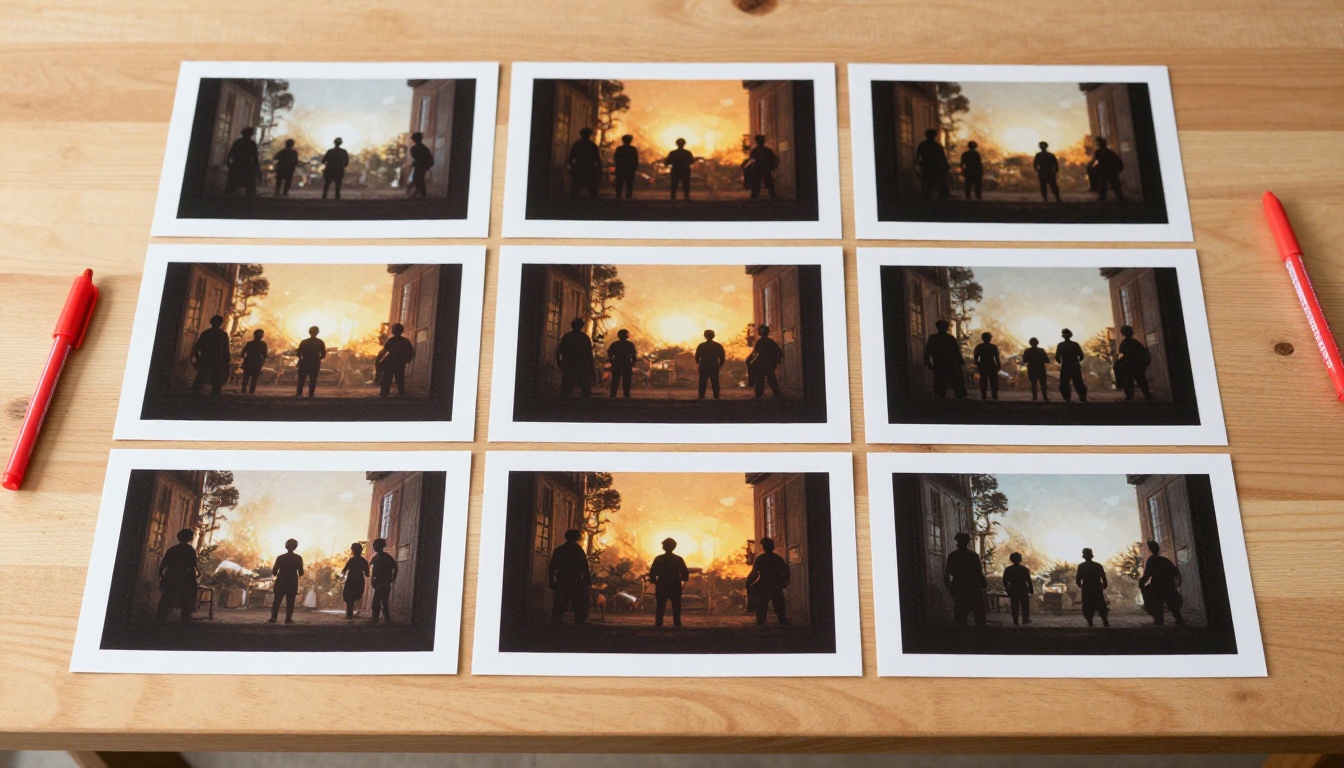
Your sequence should follow visual and emotional rhythm, not just plot chronology. Three specific principles drive good sequencing:
- Light continuity: If scene 3 is golden hour, scene 4 should not be midday. Either stay in the same lighting period or make a clear time jump with a visual indicator
- Space-to-close rhythm: Alternate between wide establishing shots and close character shots. Wide, close, wide, close. This is how films create both intimacy and scale within the same narrative
- Emotional arc: Each scene should shift the emotional register slightly forward. You want the viewer to feel movement and progress, not repetition
Transitions Between Scenes
In a printed storybook format, transitions are visual and static. In a video storybook, you have more options:
- Hard cut: Default for high-energy or high-stakes sequences
- Fade to black: Use for scene endings that need emotional weight or a strong sense of time passing
- Matched cut: End one scene with a specific visual element (a door closing) and open the next on a similar motion or shape (a book snapping shut). This creates narrative elegance that feels deliberate

Most standard editing tools, including free ones, handle all three transition types without any problem. The scenes themselves do not need to include transition effects baked in.
3 Mistakes That Break Storybooks
After working through numerous AI storybook projects, these are the three that consistently derail otherwise well-planned work:
1. Inconsistent prompt length across scenes
If your first scene prompt is 180 words and your fifth is 35 words, the outputs will be wildly different in quality, specificity, and visual coherence. Standardize your prompt length for every scene. Build a prompt template with the five required components and fill it in for each beat. Treat it like a form, not a creative writing exercise.
2. Ignoring the ending of clips
Kling 3.0 clips are generally strong in the first 7-8 seconds and can soften visually at the tail. If you are using 10-second clips and the final 2 seconds are weak or motion begins to distort, trim them. An 8-second scene that is visually strong throughout is far better than a 10-second scene that ends poorly and disrupts the viewer's experience.
3. Skipping the planning phase entirely
The temptation to start generating immediately is real and understandable. Resist it. Every hour spent planning your story arc and writing your beat sheet saves two hours of regenerating scenes that do not fit together narratively. Write the beat sheet first. Always. Without exception.
Your Storybook Starts Here
Building a visual narrative with Kling 3.0 is one of the most rewarding things you can do with AI video right now. The technology is capable enough that the bottleneck is entirely on the creative side. Strong story structure, precise prompts, and disciplined character anchoring are what separate a storybook that feels like a film from one that feels like a collection of unrelated clips.
PicassoIA gives you direct access to the full Kling v3 suite, including Kling v3 Video, Kling v3 Motion Control, and Kling v3 Omni Video, without setup overhead, without API key configuration, and without queue delays. Pick a story you have been thinking about. Write your beat sheet. Open PicassoIA and generate your first scene today. Your storybook is already waiting to be made.