How to Build an AI Character for Your Brand (Without a Design Team)
A brand character is no longer a luxury reserved for Fortune 500 budgets. This article walks you through every decision, tool, and creative step required to build an AI character for your brand from scratch: personality definition, visual consistency, voice generation, and multi-channel deployment. Whether you are a solo founder or a growing team, this is how you compete on identity.
Your brand already has a personality. The problem is no one can see it yet.
Most businesses communicate through logos, color palettes, and taglines, but the brands that people remember, talk about, and stay loyal to are the ones that feel like a person. They have a recognizable face, a consistent tone of voice, and a way of showing up that is unmistakably theirs. Building that used to require a full creative agency, a six-figure budget, and months of iteration. Today, with the right AI tools, you can do it in a weekend.
This is a practical breakdown of how to build an AI character for your brand: from the first personality decision to a fully deployable visual and audio identity.
Why a Brand Character Changes Everything
A character is a promise made visible. When customers interact with your brand through a consistent persona, something important happens: trust accumulates faster. They stop evaluating each message and start recognizing a relationship.
Think about the brands you personally trust most. You can probably describe their "personality" in a few words without thinking hard. That is not an accident. Those companies made deliberate decisions about how their brand would speak, what it would look like, and how it would behave in every situation.
The AI brand avatar takes that further. It is not just a visual mascot. It is a character that can speak in your brand voice, appear consistently across video, photography, and marketing materials, and maintain coherence even as your team grows and changes.
The 3 Pillars of a Strong Brand Character
Before you open any AI tool, you need to define three things:
Pillar
What It Means
Example
Personality
How the character behaves and communicates
Warm, direct, slightly irreverent
Visual Identity
What the character consistently looks like
Age range, skin tone, style, setting
Voice
How the character sounds when speaking
Calm, mid-tempo, slightly husky
Miss any one of these, and the character feels flat or inconsistent. Nail all three, and you have something genuinely valuable.
Step 1: Define Your Character's Personality
This is the step most people skip, which is exactly why most brand characters fail within six months. A personality is not a mood. It is a durable set of traits that determine how the character behaves when things are boring, stressful, joyful, or confusing.
Start by answering these questions honestly:
If your brand were a person at a dinner party, how would they behave?
What would they never say, even if it were technically accurate?
What would they find funny? What would they find offensive?
What are they genuinely good at? What are they not pretending to know?
From your answers, extract 5 core personality traits. Not values, not aspirations. Traits. Things that are true right now, even if they are imperfect.
💡 Practical tip: Write one sentence describing your character in a scenario where something went wrong for a customer. How do they respond? That single answer reveals more about your brand personality than any vision statement.
LSI Keywords That Shape Your Character's Tone
The language your character uses is not random. It should contain your brand's LSI vocabulary: the words and phrases that naturally appear whenever your brand's topic area is discussed. For a fitness brand, that might be "consistency," "progress," and "recovery." For a financial tool, it might be "clarity," "control," and "confidence."
Write down 10-15 of these terms. Your character's voice should use them naturally, not as keywords, but as the actual way they think about the world.
Step 2: Build the Visual Reference System
Once you know who the character is, you need to decide what they look like. This is not about creating a cartoon mascot (unless that is right for your brand). For most modern brands, the AI brand persona looks like a real person: specific, grounded, and visually consistent.
The Character Reference Sheet
Before generating any images, create a written reference document with these specifications:
Physical traits:
Approximate age range (not exact)
Skin tone and texture descriptors
Hair color, length, and style
Facial features (defined jaw, soft eyes, prominent cheekbones, etc.)
This reference document becomes the single source of truth for every image you generate. Any prompt that deviates from it will break your visual consistency.
Step 3: Generate Your Character with AI Image Tools
Now you are ready to start generating. This is where AI character generation platforms save weeks of traditional production time.
The key principle for visual consistency: your prompt structure should be as consistent as your character. Create a base prompt template that you use for every image, modifying only the action or scenario, never the physical descriptor block.
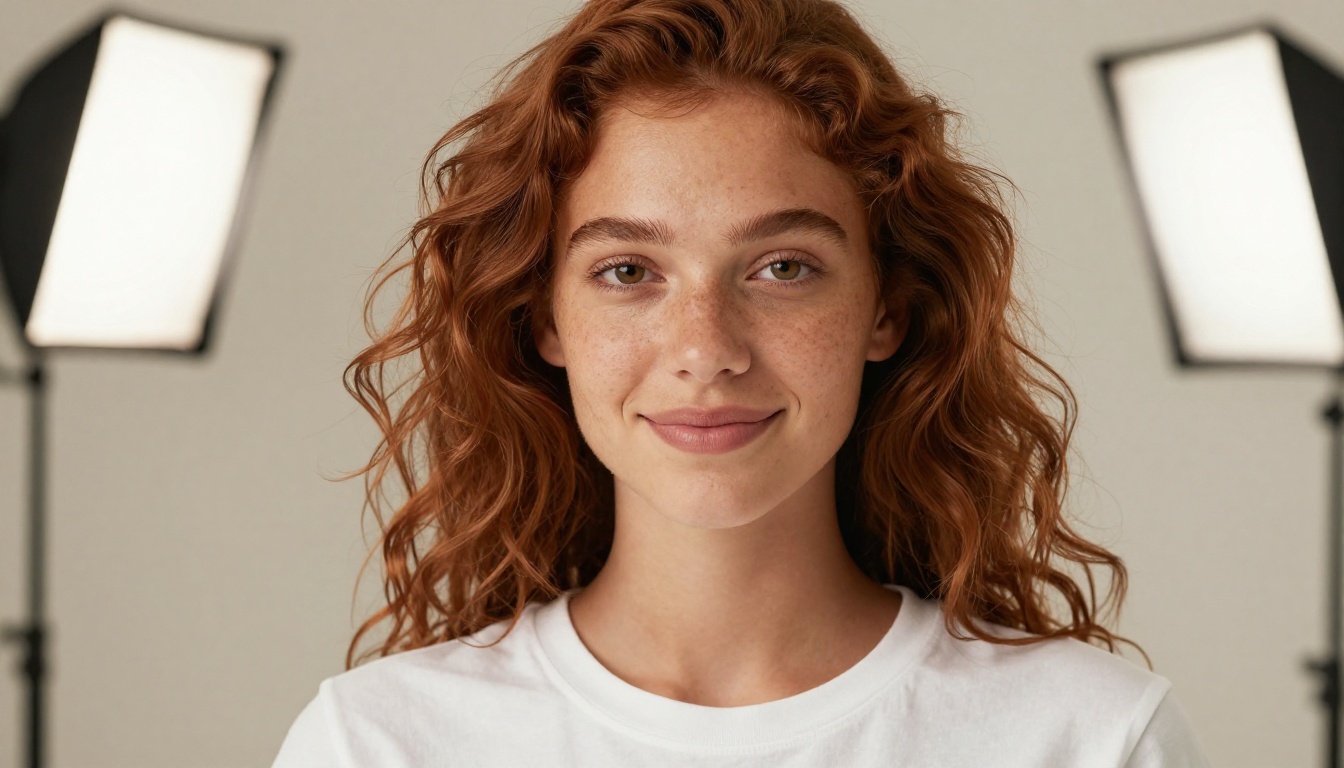
"A woman in her early 30s with warm olive skin, dark wavy hair loose at shoulder length, wearing a cream linen blazer over a white t-shirt..."
Every single image starts with this exact block. The scenario changes. The character does not.
How to Use AI Image Generation on PicassoIA
PicassoIA's text-to-image collection gives you access to over 91 models from a single interface, which matters enormously when you are trying to maintain character consistency. You are not locked into one engine's quirks.
Here is the step-by-step process:
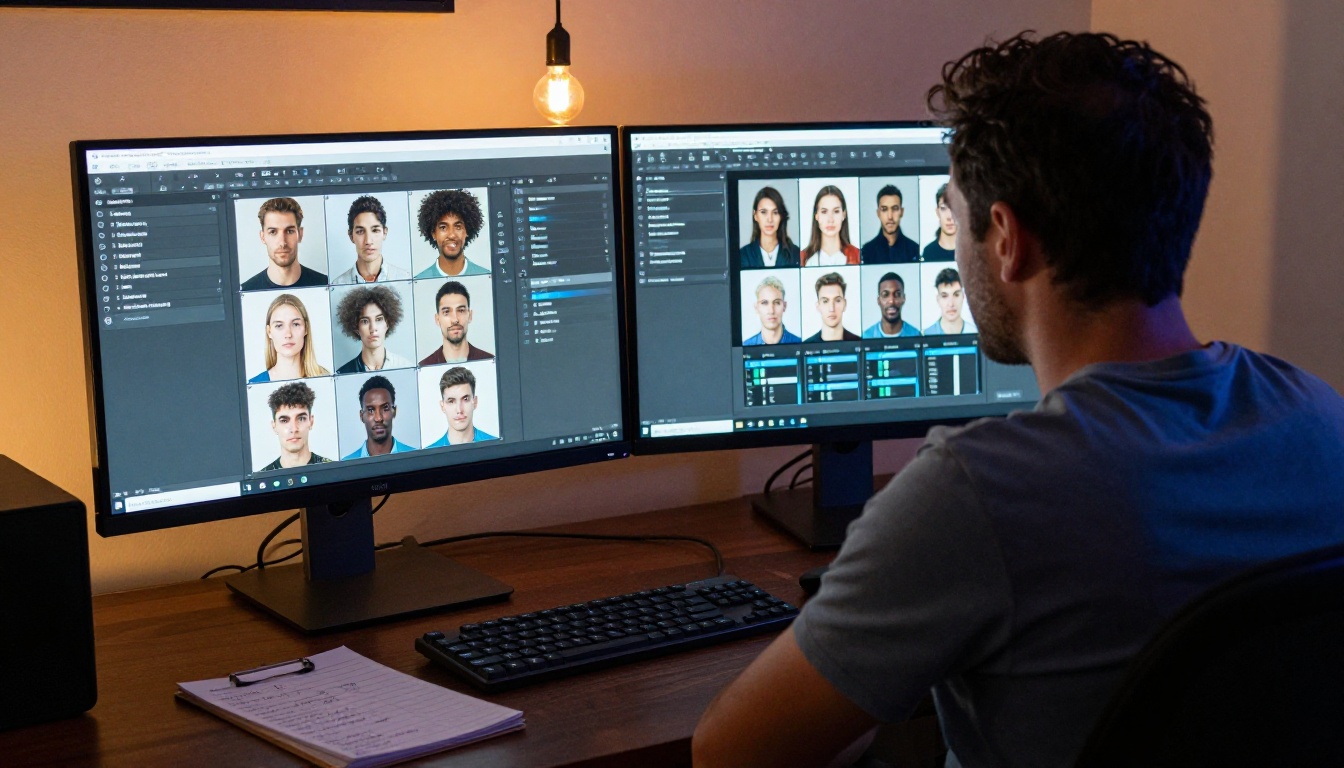
1. Start with a high-fidelity portrait run. Use your full reference prompt to generate 10-15 portrait variations. You are looking for the generations that feel most "true" to your character definition.
2. Select your 3 canonical references. From the generated set, choose 3 images that represent the character from different angles: front-facing, three-quarter, and profile. These become your visual anchors for all future generation.
3. Use Crystal Upscaler to refine your canonical shots. Upscaling your reference portraits to maximum resolution sharpens skin texture, hair detail, and fabric quality. This step alone separates amateur brand imagery from professional-grade output.
4. Remove backgrounds with Bria Remove Background. Your character will appear in multiple contexts. Having clean cutouts from the start lets you place them against any background without re-shooting.
💡 Consistency tip: Save your exact prompt for the canonical portrait shots. When you return six months later to generate new images, that saved prompt is what prevents character drift.
Step 4: Give Your Character a Voice
A visual character without a voice is half a character. The moment your brand character can speak, they stop being a mascot and start being a presence.
Choosing the Right Voice Profile
Voice selection is not about finding a voice that sounds good. It is about finding one that sounds like your character's personality. Go back to your 5 core traits and translate them into acoustic characteristics:
PicassoIA's text-to-speech collection includes models built for exactly this kind of precision. ElevenLabs V3 is particularly strong for characters that need emotional nuance, delivering expressiveness that varies naturally across different sentence types without sounding mechanical.
For brands that need a truly unique voice rather than selecting from existing ones, Minimax Voice Cloning lets you create a custom voice profile from a brief reference recording. This is the approach that makes your brand character's voice genuinely proprietary.
Writing Scripts for Your Character's Voice
The voice is only as good as the script. Write in your character's natural speech patterns, not in formal brand language. Your character should sound like they are talking to someone, not presenting to a boardroom.
Rules for character voice scripts:
Sentences under 20 words wherever possible
No passive voice
Contractions are normal (they say "you're" not "you are")
Start with the point, not the preamble
Step 5: Animate Your Character for Video
Static images are powerful. But when your brand character can speak on camera in a video, something shifts in how audiences relate to them.
This is where lipsync technology becomes part of your brand stack. You start with a high-quality portrait of your character (generated and upscaled in the previous steps), add a voice recording or AI-generated audio, and the lipsync model creates a video where your character speaks naturally.
Omni Human 1.5 by ByteDance is one of the strongest options available for realistic photo-to-video animation. Feed it your canonical character portrait, pair it with your ElevenLabs or Minimax audio, and you get a speaking avatar that maintains your character's visual identity.
For quick social media clips or product announcements, Kling Lip Sync offers speed without sacrificing realism, which matters when you are shipping content on a regular cadence.
A Basic Video Production Workflow
Generate and upscale your character portrait (canonical front-facing shot)
Write a 15-30 second script in your character's voice
Generate audio with your chosen TTS model
Feed portrait + audio into your lipsync model
Optionally: upscale the resulting video for higher output quality
Total production time for a basic speaking character clip: under an hour.
Step 6: Deploy Your Character Consistently
Building the character is one challenge. Keeping it consistent as you use it across different channels is the other.
The Character Consistency Checklist
Before publishing any piece of content featuring your brand character, run it through these checks:
Physical traits match the reference document (hair, skin, wardrobe)
Lighting is consistent with your defined default (not a dramatic style shift)
Expression matches the scenario's emotional tone
Voice tempo and pitch match your established profile
Background/environment is within your approved settings range
No watermarks, artifacts, or generation errors visible
Channel-Specific Deployment Notes
Website: Use your upscaled canonical portraits as hero images and in the about section. The character should appear prominently on the homepage within the first scroll.
Social media: Generate scenario-specific images using your base prompt template. Your character at a coffee shop, your character reviewing something, your character celebrating a milestone. The action changes, the person does not.
Email marketing: A consistent character in email headers has measurable effects on open rates. People recognize the face and associate it with content they have valued before.
Video content: Even short lipsync clips (15-30 seconds) perform well as social ads. They feel personal without requiring a production crew.
The Most Common Mistakes
💡 Avoid these: Generating your character using different base prompts each time. This is the fastest way to break visual consistency. One base prompt, saved and reused, every single time.
Mistake 1: Changing the character when changing the tool. Switching between image generators mid-project introduces subtle trait drift. If you need to use a different model for a specific output style, still start with your canonical portrait as a reference.
Mistake 2: Skipping the personality document. Teams that do not have a written personality reference end up with a character that sounds different depending on who wrote the script that week. The document is not bureaucracy. It is consistency infrastructure.
Mistake 3: Treating the voice as an afterthought. Audiences form stronger emotional bonds with characters they have heard. If your character never speaks, half the relationship-building potential is unused.
Mistake 4: Over-producing the first asset. Your first canonical portrait does not need to be perfect. It needs to be good enough to establish the visual anchor. Refinement is iterative.
How Much Can You Actually Do on PicassoIA?
The full AI character production stack, everything described in this article, is available in one place. Text-to-image generation for visual assets, super-resolution upscaling for professional-grade quality, background removal for flexible deployment, text-to-speech for voice, lipsync animation for video, and image upscaling to polish the final output before it goes live.
The practical implication: your brand character has a single production home. You are not switching between five tools and losing consistency at every interface boundary. Every output uses the same login, the same file management, and the same prompt system.
💡 Where to start: Create your first canonical portrait. That single image, done well, is the foundation every other asset is built on. Take the time to get the written reference document right before you generate anything.
Your Character Is Waiting
Most brands never build a character because they believe it requires resources they do not have. A design team, a photographer, a voice actor, a video crew. That belief is no longer accurate.
The cost of building a recognizable brand character has dropped by an order of magnitude. The skill requirement has shifted from "can you draw?" and "do you know a good photographer?" to "can you write a clear description of what you want?"
If you can answer the personality questions honestly, write a consistent physical reference, and spend an afternoon running prompts, you have everything you need to create something that used to cost six figures.
Start with the personality document. Open the image generator. Write the base prompt. Generate the first canonical portrait.
Your brand character is not a future project. It is a weekend of focused work. Try building yours on Picasso IA today, and see what a face does for the way people remember your brand.