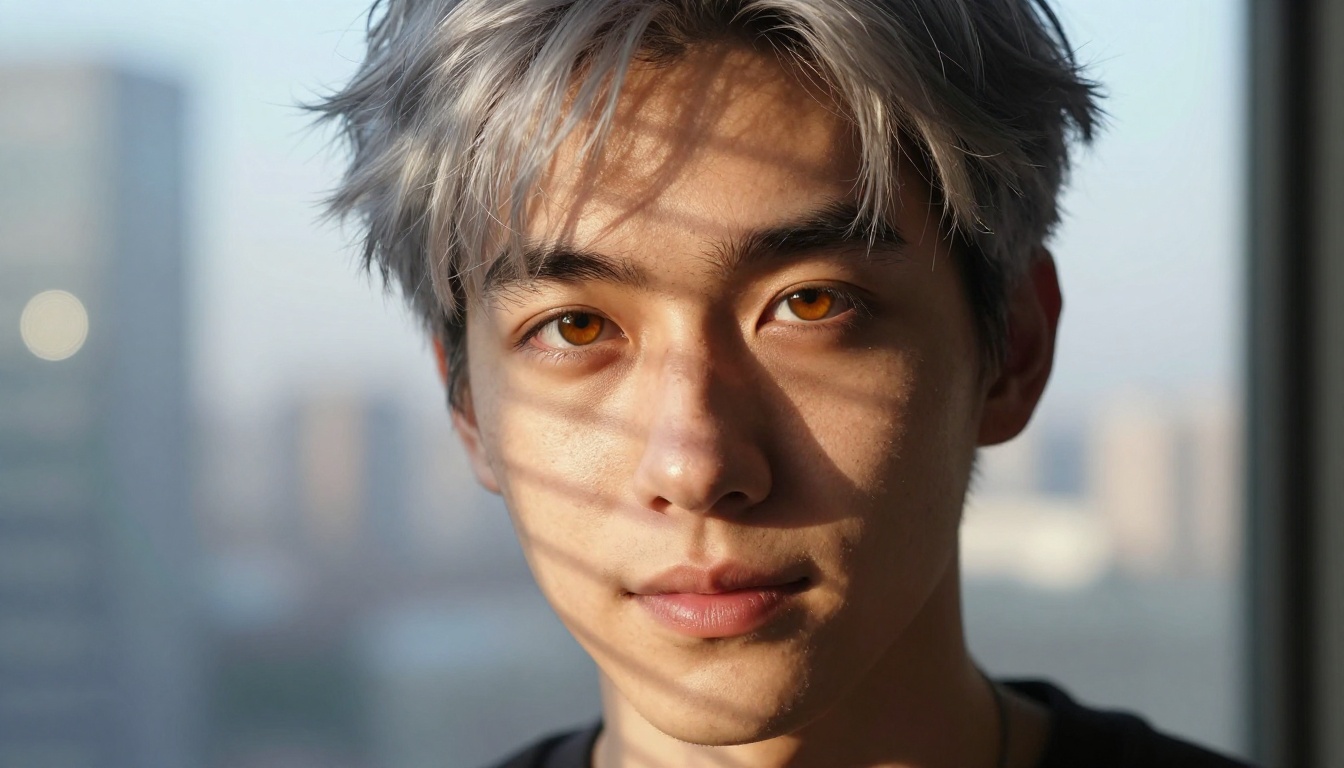
Every anime series introduces him differently. He appears in episode three, says something quiet and cutting, and suddenly there's no going back. The problem is he belongs to someone else's story. He has a fixed design, a fixed arc, and a fanbase already building shrines to him. You had no say in any of it.
AI image generation changes that equation entirely. Today, with the right tools and the right prompts, you can build your own anime husbando from nothing: define his face structure, choose the exact shade of his eyes, put him in the setting you imagined, and iterate until the character on screen matches the one in your head. This article walks through exactly how to do that, from first concept to finished character sheet.
What Makes a Husbando Yours
The word husbando (borrowed from the English "husband" via anime fandom) refers to a fictional male character that someone has a deep attachment to, typically from anime, manga, visual novels, or games. What separates a husbando from a general favorite character is specificity. You don't just like him. You know exactly what he looks like when he's tired, how he holds a cup of coffee, what kind of lighting makes his face do the thing it does.
That specificity is exactly what makes AI generation so well-suited for husbando creation. These tools are designed to respond to precise description. The more specific your input, the more accurate the output. And unlike commissioning an artist or waiting for a canonical design, the feedback loop is instant.
Why this matters for character accuracy:
- You control every visual decision from the start
- No artistic style compromise forced by someone else's interpretation
- Full ownership of the character's visual identity
- Ability to generate multiple canonical scenes, expressions, and angles
How AI Changed the Rules of Character Creation
From Commission Queues to Instant Results
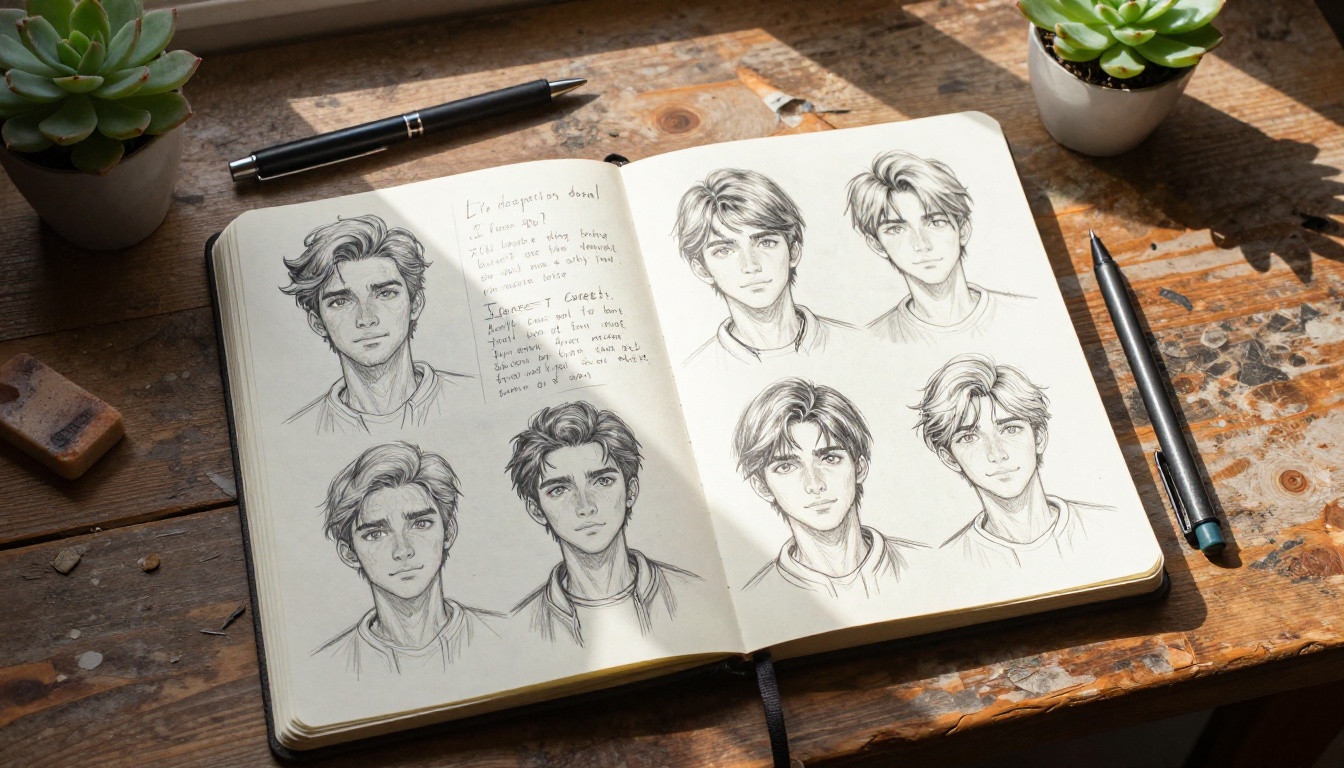
Before AI tools became accessible, creating a custom anime character meant one of two paths: draw yourself (years of practice, steep learning curve), or commission an artist (weeks of waiting, sometimes hundreds of dollars, and no guarantee the result matched your vision). Either path required significant investment before you saw a single sketch.
AI image generation collapses that barrier. A single generation takes between five and thirty seconds. You can run twenty variations in an afternoon, refining the face shape in one pass, adjusting the color palette in another, and testing completely different settings without starting from scratch.
Iteration Without Guilt
One underrated advantage of AI character creation: you can change your mind completely and repeatedly. With commissioned art, requesting three rounds of major revisions strains the artist-client relationship. With AI, asking for the same character with brown eyes instead of blue, or shorter hair, or a completely different expression, costs nothing.
That freedom produces better results. The character you end up with after fifty iterations is almost always sharper and more precise than the character you described in your first prompt, because seeing what you don't want teaches you how to articulate what you do.
The Personality-Appearance Connection
A character's personality has visual equivalents. A deeply patient, observant character will have different physical markers than an impulsive, passionate one. Patience reads in the eyes: calm, steady gaze, no tension around the brow. Impulsivity reads in posture: forward lean, energy in the shoulders, a mouth that looks like it's about to say something.
Defining personality first, then deriving visual descriptors from it, produces characters whose appearance feels internally consistent. This is the workflow that separates memorable AI-generated characters from generic ones.
Use an LLM to Build His Personality First
Before writing a single image prompt, open one of the Large Language Models on PicassoIA, like Claude Sonnet 4.6 or GPT 5, and describe your character in plain language. This step seems counterintuitive when the goal is an image, but it produces dramatically more coherent characters.
Try this specific workflow:
- Tell the LLM who your character is: his age, his role in an imagined story, his core personality traits, what he wants, what he's afraid of, how he treats the people around him.
- Ask the LLM to translate those traits into specific visual descriptors: what does a person with this psychology look like? How does he carry himself? What does his default expression say?
- Ask it to suggest specific physical features that align with the character type: eye shape, hair behavior, jaw structure, posture.
- Build your image prompt directly from those descriptors.
The LLM is not generating the image. It's doing the character design logic that a professional character artist would do before picking up a stylus. The result is a character whose every visual choice has a reason behind it.
💡 Tip: Save the LLM's character sheet output as a reference document. You'll use it across every generation session to keep the character consistent.
Traits that map to specific visual cues:
| Personality Trait | Visual Indicator |
|---|
| Stoic, guarded | Neutral mouth, heavy brow, steady gaze, minimal expression |
| Gentle, warm | Relaxed brow, soft jaw, open eyes, small natural smile |
| Intense, driven | Furrowed brow when focused, sharp eyes, tight jaw |
| Playful, irreverent | Slight smirk, raised brow, light in the eyes |
| Melancholic, introspective | Downward gaze, slack jaw, distant expression |
| Confident, slightly arrogant | Direct gaze into camera, half-smile, squared shoulders |
You can also use Deepseek R1 for this step, particularly when you want step-by-step reasoning about how personality traits translate into physical design decisions. It tends to produce unusually granular output that works well as prompt source material.
The Right Models for Anime Character Art on PicassoIA
Not every AI image model handles anime character design the same way. Some produce photorealistic output with fine skin detail; others lean into the painterly, stylized aesthetic that defines classic anime art. Knowing which to reach for first saves significant time.
Krea 2 Medium for Painterly Anime Style
Krea 2 Medium is built specifically for anime and painterly aesthetics. When you want output that reads like a high-quality animation still, this is the model to start with. It handles character consistency well across multiple generations of the same subject, which matters when building a character sheet with multiple expressions and angles.
💡 Tip: Pair Krea 2 Medium with detailed face prompts covering eye color, eye shape, brow weight, and jaw line for the most consistent results. Vague prompts produce the generic anime face that plagues bad AI character art.
Seedream 5 Pro for Photorealistic Anime Detail
When you want a husbando who looks like a real person rendered to anime-level beauty, Seedream 5 Pro delivers. This model excels at rendering skin texture, hair physics, and lighting at a fidelity that makes the character feel photographed rather than painted. The result sits in the compelling space between photorealism and idealization, which suits the "beautiful but real" aesthetic many husbando designs aim for.
PicassoIA Image Editor Pro for Unlimited Creations
Once you have a base design you like, PicassoIA Image Editor Pro is where heavy refinement happens. This tool offers unlimited image generation, which is critical during intense iteration. Use it to adjust specific facial features with inpainting, swap the outfit without redrawing the face, or expand the canvas to add a background that fits the character's world.
Full model comparison for husbando creation:
| Model | Best For | Output Style |
|---|
| Krea 2 Medium | Anime stylization, painterly renders | Painterly, stylized |
| Seedream 5 Pro | Photorealistic anime beauty | Photorealistic, fine detail |
| PicassoIA Image Editor Pro | Iteration, inpainting, unlimited edits | Versatile, unlimited |
| GPT Image 2 | Precise prompt-following | Clean, instruction-accurate |
| Reve 2.1 | Combined editing and generation | Flexible, responsive |
| Ideogram v4 Quality | Character sheets, multiple angles | Photorealistic, consistent |
Write Prompts That Actually Build a Character
The most common mistake in AI character creation is writing prompts that are too general. "Handsome anime boy with dark hair" produces a result, but it won't produce your character. Good prompts are built like character sheets: methodical, layered, and specific.
Start with the Face
The face is the anchor. Before describing anything else, lock in:
- Eye shape and color: Not just "blue eyes" but "pale steel-blue irises with dark limbal rings, slightly hooded eyelids, thick lash line"
- Brow weight: Heavy brows read as intense or serious; light brows read as gentle or youthful
- Jaw structure: A strong jaw with light stubble versus a softer, clean-shaven jaw sends completely different personality signals
- Nose bridge: High and narrow versus softer and rounded changes the entire face read
- Lip shape: Full lips versus thinner lips, natural color versus deeper pigment
Get these five elements precise before moving to anything else. Once the face is locked, every other prompt decision slots in around it.
Add the Setting and Outfit
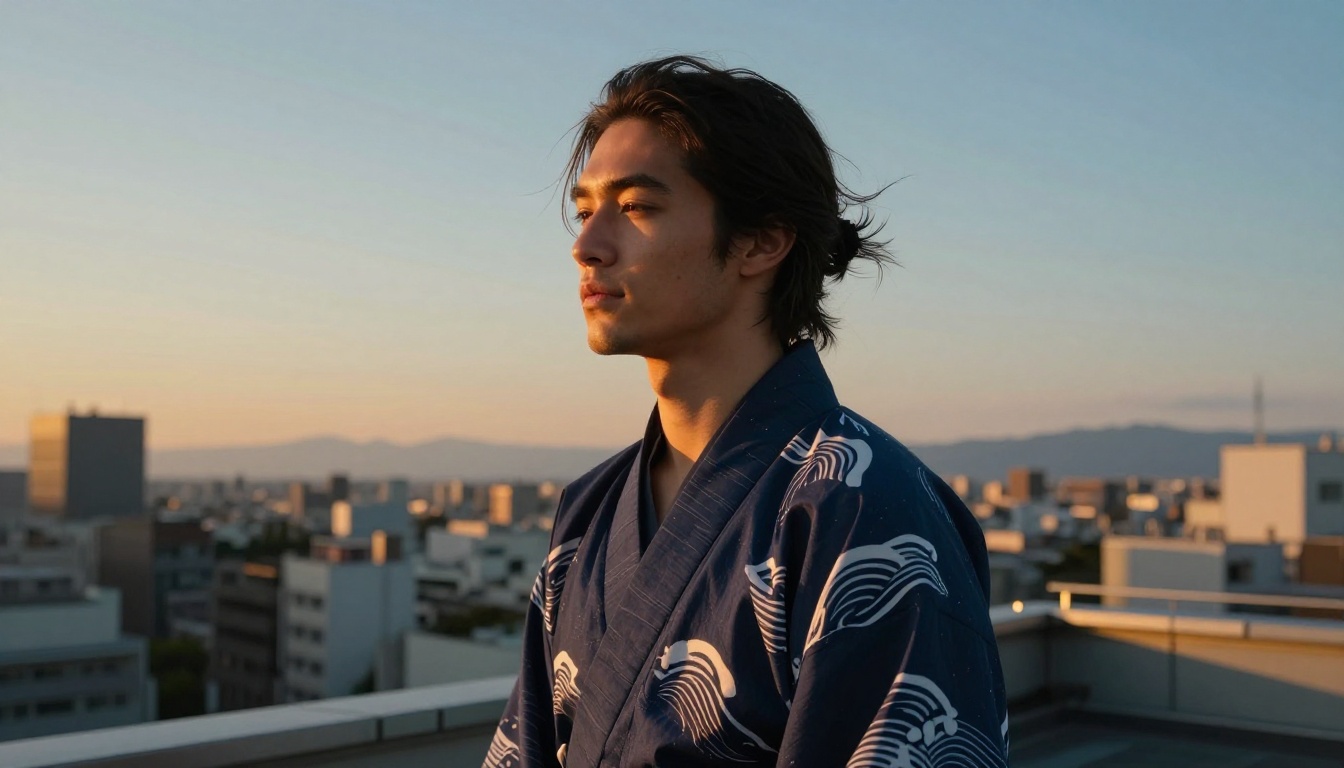
Setting contextualizes the character. A young man in a school uniform reads differently from the same face in a dark military coat or a linen shirt in a sunlit apartment.
Outfit prompts that work well for husbando creation:
- School uniform with undone tie (classic, slightly rebellious)
- Fitted dark turtleneck in a library setting (intellectual, restrained)
- Open linen shirt at a Japanese temple (romantic, poetic)
- Tactical vest over black shirt (action archetype, protective)
- Casual oversized sweater at a window (gentle, introspective)
Match the outfit to the personality established in the LLM session. Describe fabric texture, fit, and small details: a collar button undone, sleeves pushed to the elbows, a single piece of jewelry.
Lock In the Emotional Register
The expression in the first generation sets the character's entire emotional signature. Decide before you prompt:
- Is he guarded or open?
- Does he look at the viewer directly or away?
- What does his expression say when he's at rest and not performing for anyone?
A character who always looks slightly away with a small unreadable expression reads as mysterious. A character who looks directly into the camera with a half-smile reads as confident, maybe a little dangerous. Both are valid. Pick one and be specific about it in every prompt.
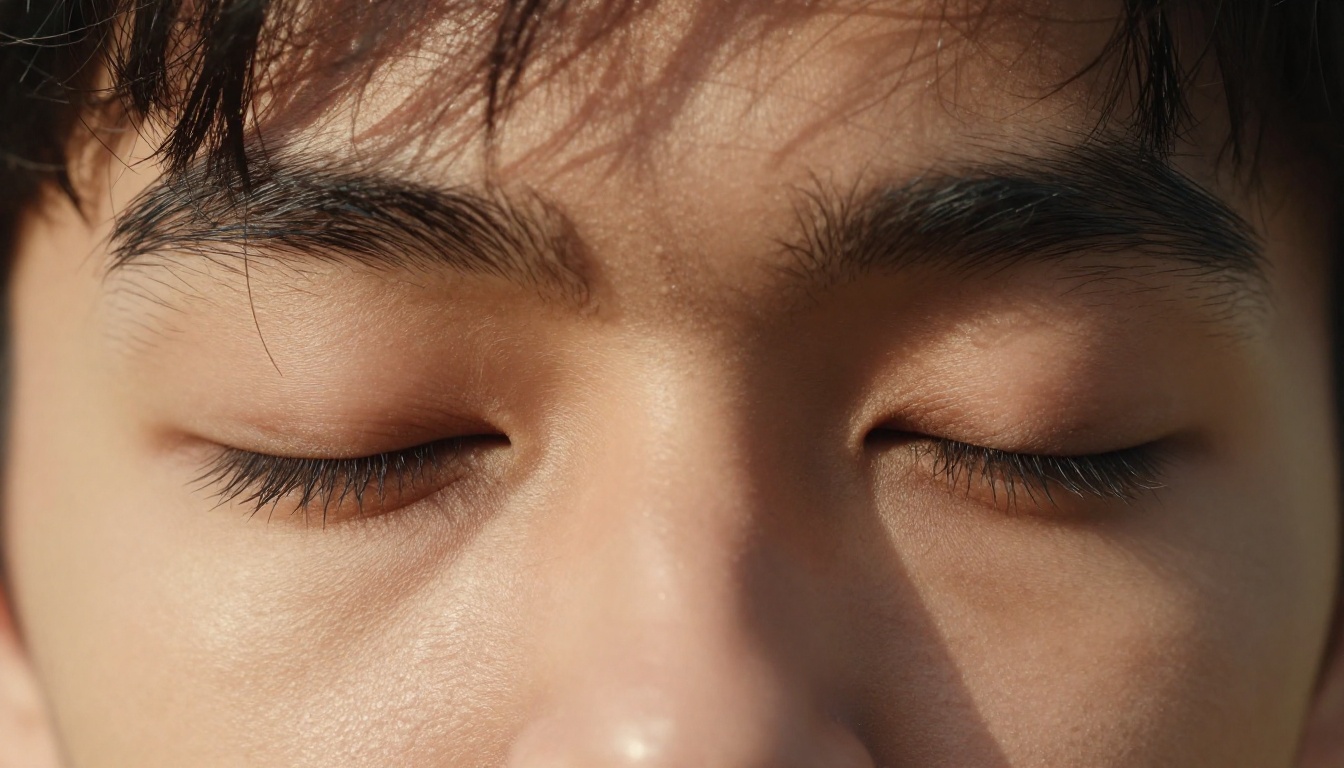
From Flat Art to 3D Character Presence
Depth Through Lighting and Angle
Real character presence comes from three things working together: lighting angle, camera angle, and expression contrast.
Lighting angles that build character presence:
- Rembrandt lighting (45 degrees above, one side): serious and cinematic, classic for intense characters
- Rim lighting from behind: creates a halo effect, works for idealized or dramatically lit scenes
- Soft window light from the left: gentle, warm, intimate, best for vulnerable or romantic moments
- Overcast diffuse light: even, melancholic, works for introspective or stoic types
Change the lighting angle between generations and you'll see the same character in completely different emotional registers without changing anything else.
When to Try 3D Character Generation
If you want to take your husbando beyond flat artwork and into full three-dimensional character design, PicassoIA's 3D model generation tools let you visualize characters with actual volumetric depth. This is especially useful when you need reference art from multiple angles, or plan to use the character in a game, animation project, or visual novel.
3D generation is also valuable for testing whether a design holds up across viewpoints. A face that looks striking from the front sometimes reads differently in profile. Building in 3D lets you check all angles before committing to a final design direction.
The workflow: generate a strong front-facing 2D character image first, then use it as a reference for 3D generation, specifying the same face structure, color palette, and features in the new prompt.
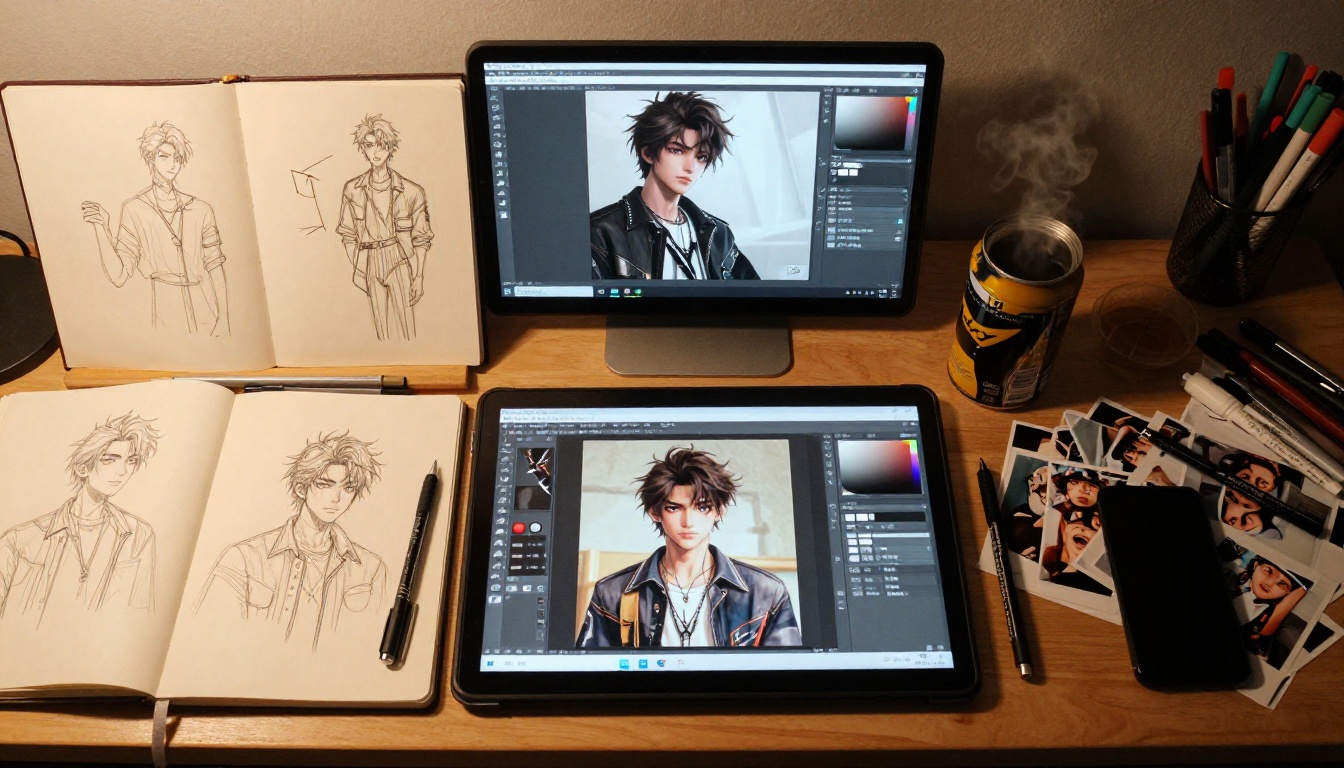
Keeping the Character Consistent Across Generations
Character consistency is one of the harder problems in AI image creation. Each generation is technically independent, so without active strategies, the same character can look meaningfully different between sessions.
Practical consistency strategies:
- Lock a seed number when you get a generation you love. Seeds allow you to reproduce near-identical results while varying one element at a time.
- Build a prompt template that includes all the face's fixed elements, and always start new prompts with it before adding new context.
- Use your best generation as an image reference when the model supports it: pass the existing character image as a visual anchor for new generations.
- Create a reference doc with approved prompt phrases for every facial feature. Copy-paste them rather than rewriting from memory, because even small word changes shift the output.
💡 Tip: Generate one canonical front-facing portrait early on and pin it as your reference image. Every subsequent generation should aim to match it. This is the equivalent of a character bible in animation production.
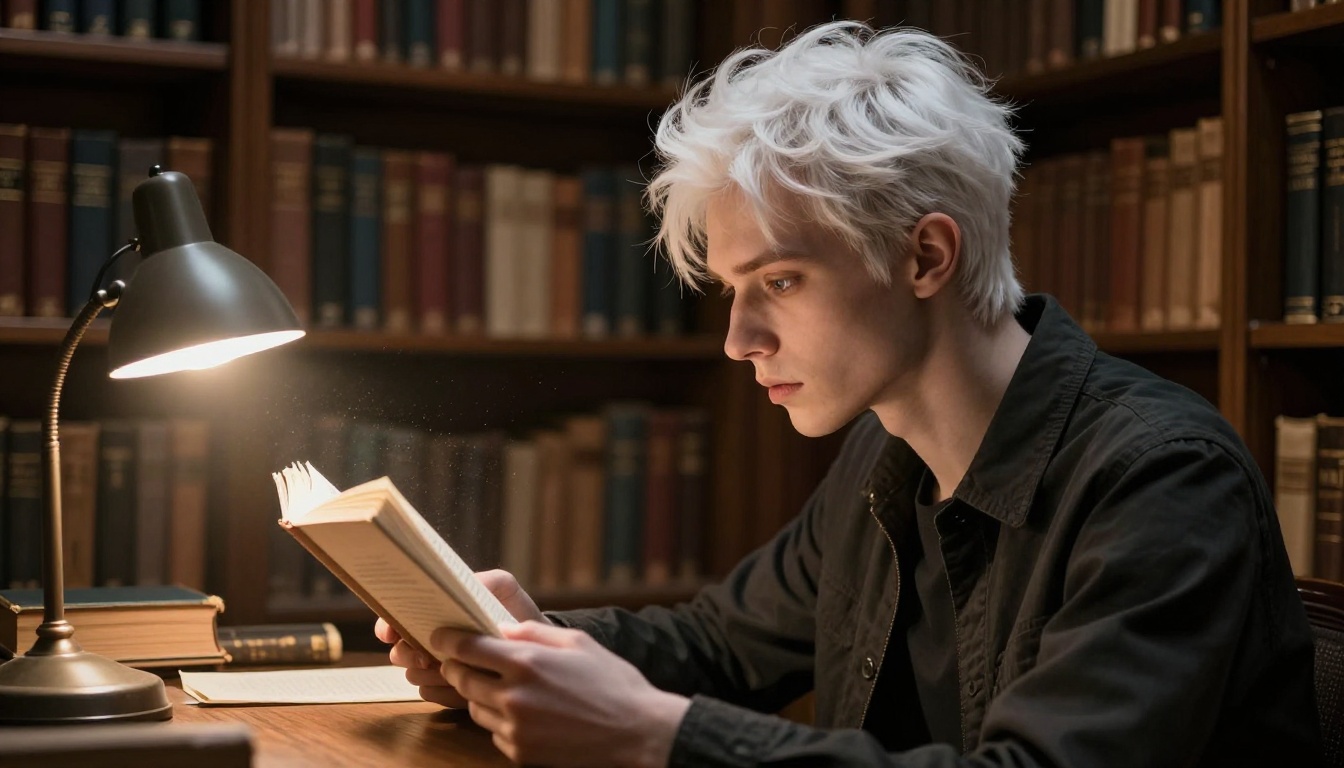
Refining Until He's Right
Use Inpainting to Fix Specific Features
Inpainting is the single most effective tool for character refinement. Instead of regenerating the entire image because the nose came out slightly off or the eye color drifted, inpainting lets you mask a specific region and regenerate only that area while keeping everything else intact.
With PicassoIA Image Editor Pro, the inpainting workflow:
- Generate a base character image you're mostly satisfied with
- Identify the specific element that's off (eye color, hair length, jaw shape, expression)
- Mask only that region
- Write a targeted prompt describing exactly what you want in that area
- Run inpainting until the fix integrates naturally with the rest of the image
This is far more efficient than starting from zero, and it preserves all the elements of the original that already worked.
Super Resolution for Print-Quality Output
Once you have a final character image, run it through PicassoIA's Super Resolution tools. These upscale your image 2x or 4x while recovering fine detail: individual strands of hair, the exact texture of fabric, micro-details in the eyes that weren't visible at base resolution.
If you're printing reference sheets, creating wallpapers, or using the character in any physical medium, super resolution is not optional. It's the difference between something that looks good on a phone screen and something that holds up at poster size.
💡 Tip: Run super resolution after all inpainting is finished. Upscaling before you're done with edits adds unnecessary processing steps.
Building a Full Character Sheet
Once your core design is locked, use Ideogram v4 Quality to generate a proper character sheet. This model handles prompt adherence well, which matters when you need consistent character output across many separate generations.
A full character sheet includes:
- Front-facing neutral expression
- Three-quarter view with slight smile
- Profile with a thoughtful expression
- Two to three emotion studies (surprised, serious, embarrassed)
- At least one full-body shot showing posture and outfit
Each generation requires its own pass, but the total time is a fraction of what a commissioned character sheet would cost.
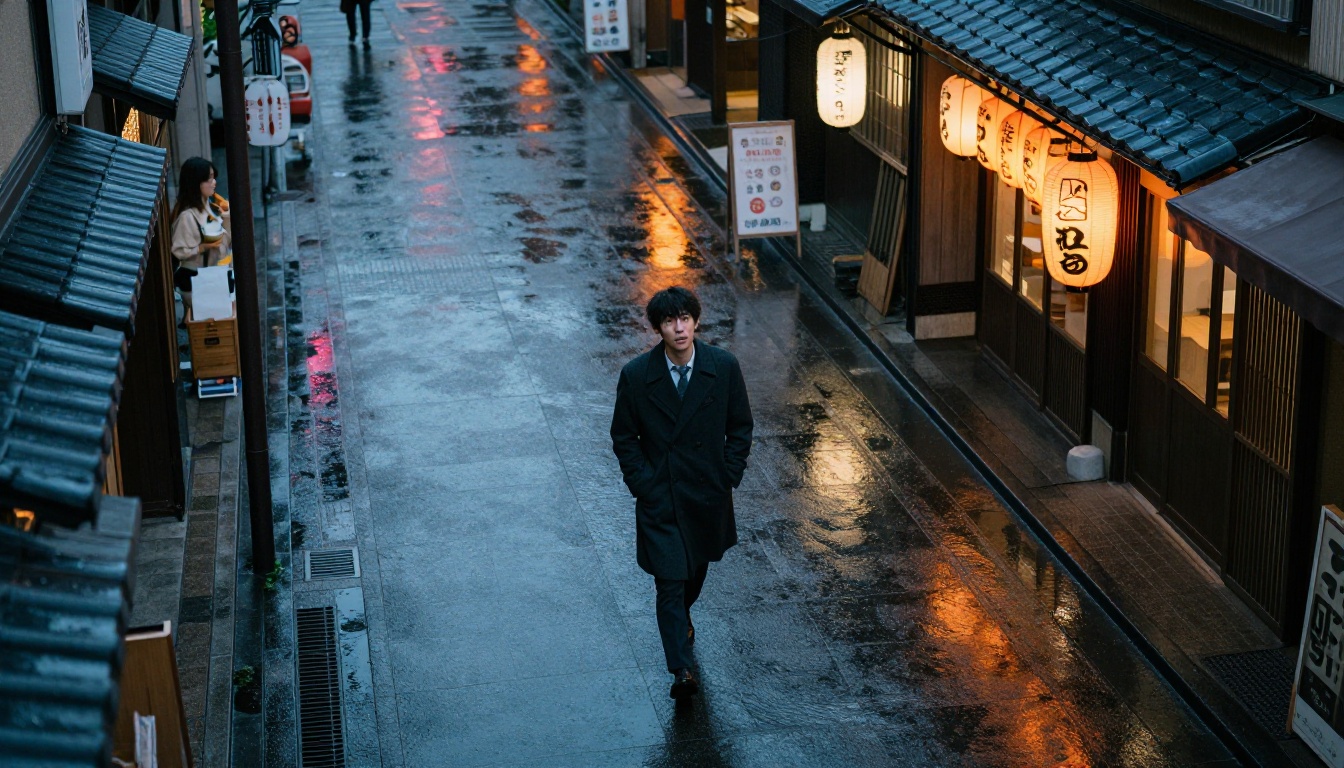
The Vocabulary of Anime Character Prompting
Successful AI-generated anime characters come from prompts that pull from a specific vocabulary. Here are the terms that produce the most consistent results:
Facial structure terms:
angular jaw, sharp cheekbones, defined chin, high cheekbones, soft jaw, aquiline nose, broad nose bridge
Eye descriptors:
hooded eyes, single eyelid, double eyelid, limbal ring, heterochromia, heavy lash line, almond-shaped, deep-set
Hair behavior:
windswept, gravity-defying, layered, undercut, textured, side-parted, tousled, slicked back, curtain bangs
Emotional expression:
guarded, vulnerable, pensive, amused, detached, conflicted, calculating, wistful
Character archetypes:
stoic protector, tsundere arc, soft-spoken intellectual, impulsive fighter, reformed antagonist, aloof prodigy
Mix and match from these vocabularies and your prompts will produce characters with genuine visual coherence rather than generic filler.
Start Creating on PicassoIA Right Now
The character you've been imagining doesn't need to stay in your head. With Krea 2 Medium for anime stylization, Seedream 5 Pro for photorealistic detail, PicassoIA Image Editor Pro for unlimited iteration, and Claude Sonnet 4.6 for personality development, you have everything you need to build a fully realized anime character from scratch.
Start with the personality. Let an LLM translate traits into visual language. Write a precise prompt with a locked face, a specific outfit, and an intentional emotional register. Generate, iterate, and refine with inpainting. When it's right, push it through super resolution.
PicassoIA has 91+ text-to-image models, 3D character generation tools, LLM chat tools, super resolution, inpainting, and face swap tools, all in one place. No stack of different subscriptions required. Everything for building, refining, and expanding a character is at picassoia.com/en/all-models.
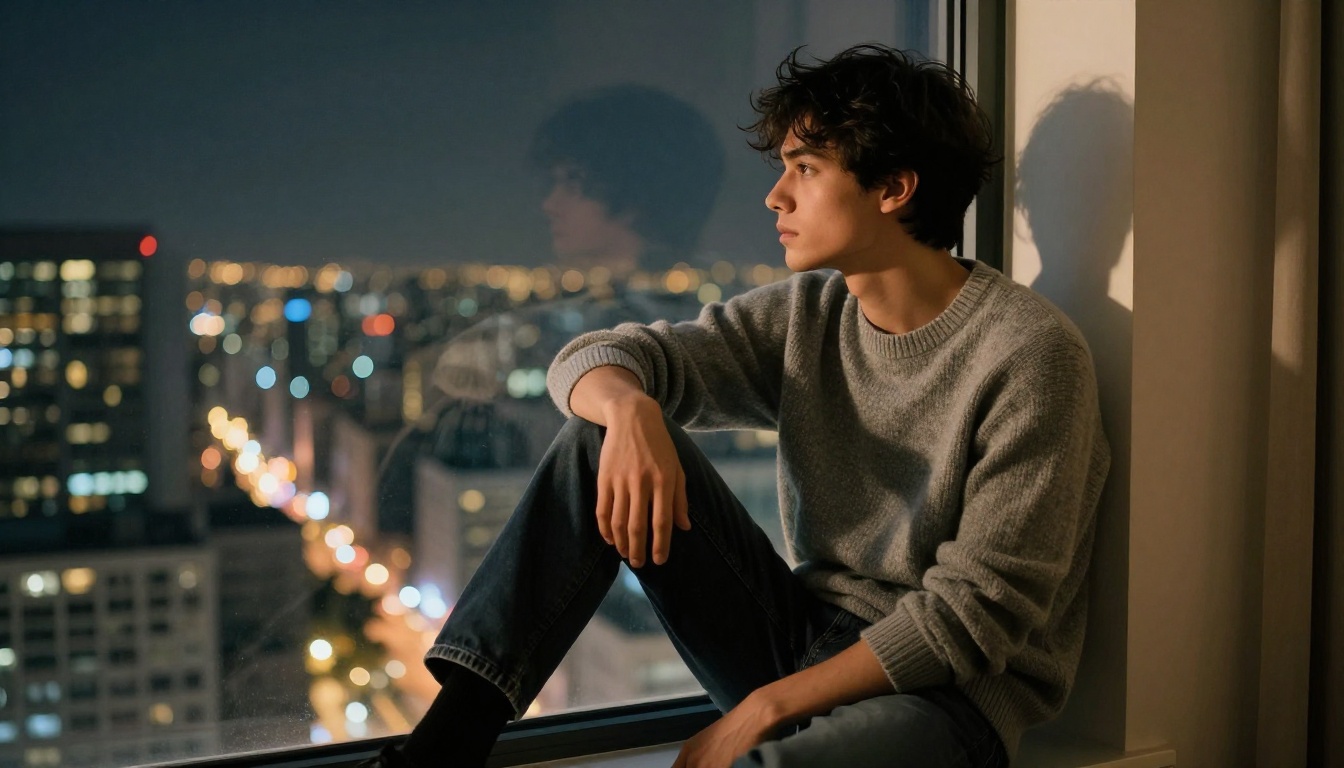
Your husbando is waiting to be built. The tools are ready when you are.