Running a professional ad campaign used to mean weeks of production calls, studio bookings, and five rounds of revision notes. Sora 2 Pro changes that math entirely. With the right workflow, a single operator can move from a blank brief to finished, platform-ready video ads in a day, without a film crew, a director, or a post-production suite.
This is exactly how to do it.
What Sora 2 Pro Actually Does for Advertisers
Sora 2 Pro is OpenAI's most capable text-to-video model. It doesn't just generate movement from a description. It generates spatially coherent, temporally consistent scenes with real physics, natural lighting behavior, and cinematic framing. For advertising, that matters enormously.
Where earlier video models produced 3-5 seconds of abstract motion, Sora 2 Pro delivers footage you can actually cut into a commercial. Products stay on-brand across frames. A model walking through a scene maintains consistent proportions. A logo stays in place instead of morphing into something unrecognizable.
From Brief to First Frame
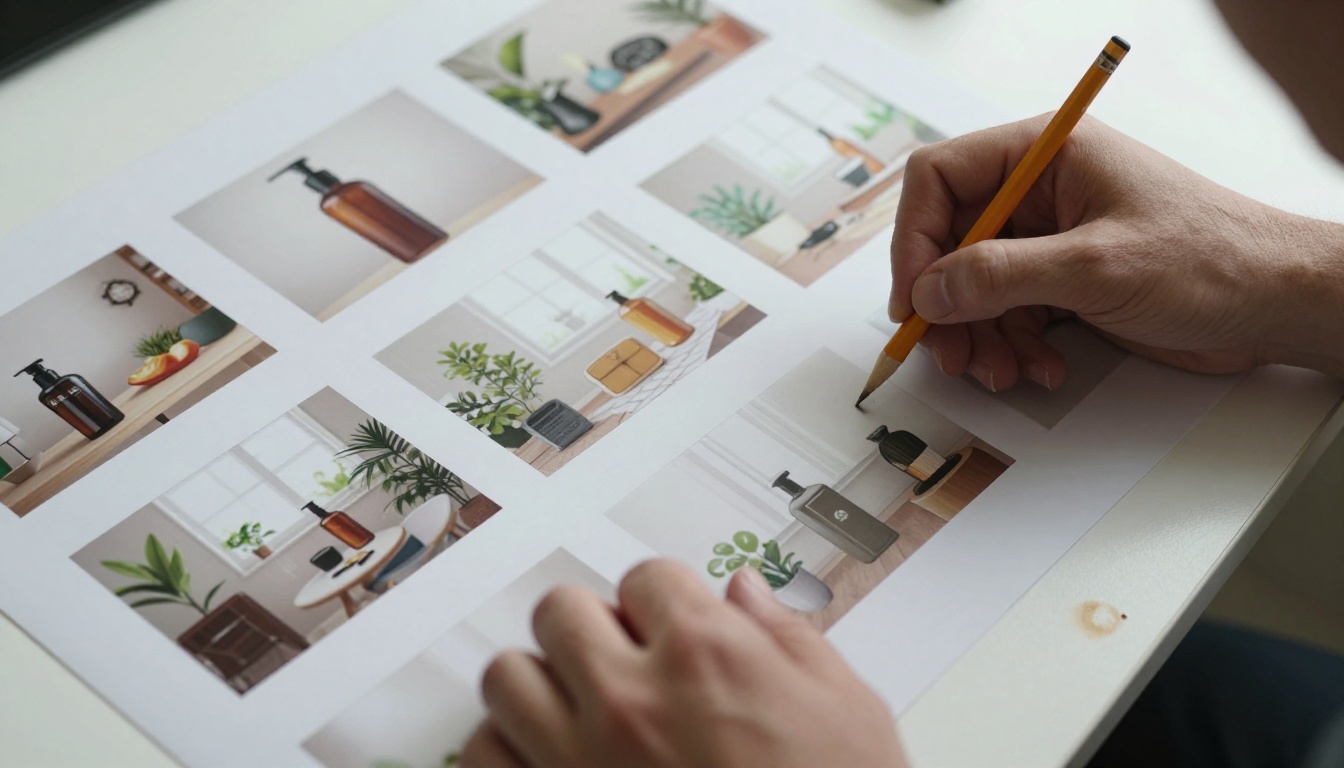
The gap between a good ad brief and a good Sora 2 Pro prompt is smaller than you'd think. Both require the same information: who the audience is, what action you want them to take, what the scene should look and feel like, and what emotional response you're after.
Sora 2 Pro handles HD resolution output natively, with synchronized ambient audio in many modes. It understands camera direction, motion speed, subject-to-background relationships, and time-of-day lighting, all from natural language.
Resolution and Format Specs
For ad production purposes, plan your aspect ratios before you generate anything:
| Format | Recommended Output |
|---|
| Social (Reels, TikTok) | 9:16 vertical |
| YouTube Pre-roll | 16:9 horizontal |
| Display / Banner | 1:1 square |
| Connected TV | 16:9, max quality |
Always generate at the highest available quality. You can resize and crop in post, but you can't recover detail that wasn't there.
The Campaign Brief Comes First
The single biggest mistake AI-assisted ad creators make is jumping straight to prompting. Without a structured brief, you get beautiful footage that means nothing to anyone.
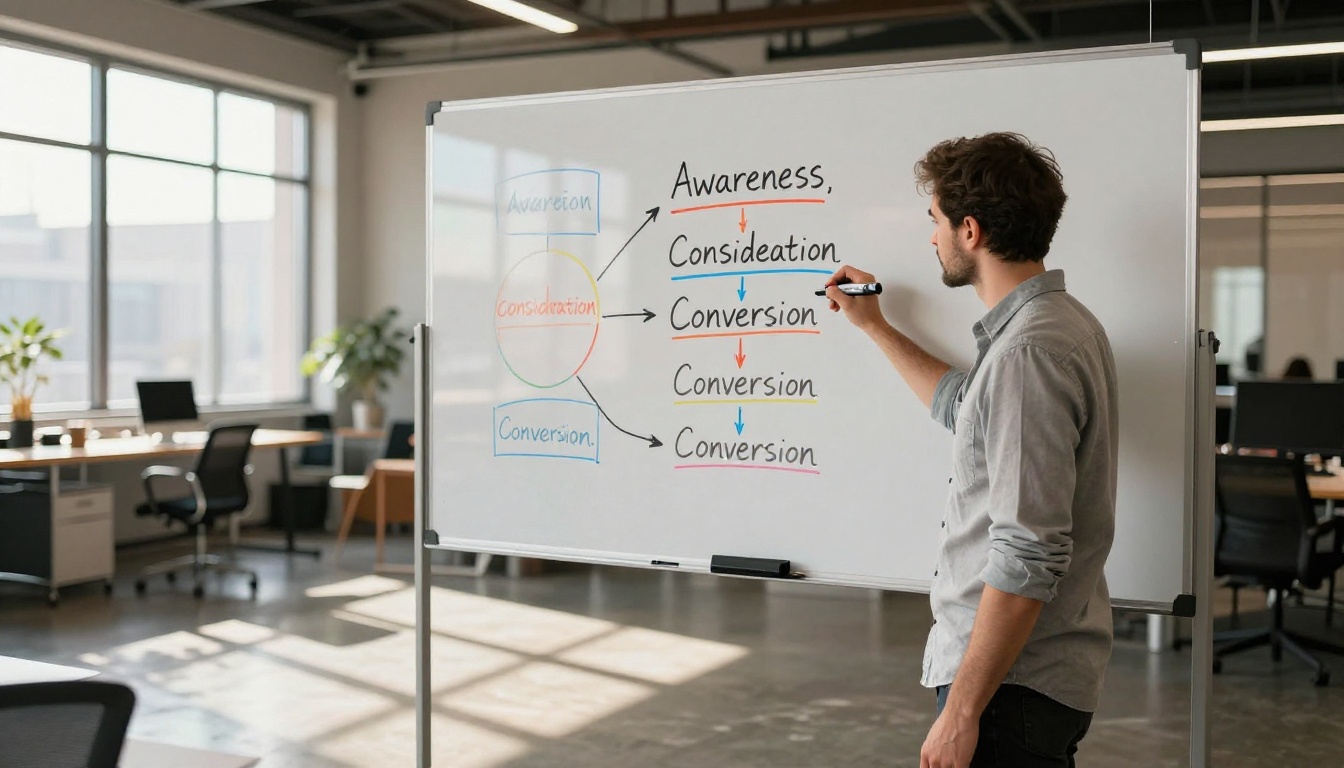
A proper campaign brief answers these questions before you type a single prompt:
- Who is watching? Age range, platform, buying mindset (cold audience vs. warm retargeting)
- What's the single CTA? Buy now, sign up, click to learn, save for later
- What's the emotional hook? Aspiration, urgency, humor, trust
- What are the visual rules? Colors, product placement, tone (bright lifestyle vs. muted premium)
- How long is each spot? 6s bumper, 15s hook, 30s story
Don't skip this. A brief written in 20 minutes saves hours of prompt iteration.
Audience, Tone, and CTA
Your CTA drives your scene structure. A "Buy Now" spot needs to show the product in use and end with friction-free imagery. A "Sign Up" spot needs authority and social proof visuals. A "Learn More" spot can be slower, more atmospheric, and educationally framed.
Sora 2 Pro reads tone directly from your language. "Warm, golden afternoon light" produces different footage than "stark, overcast morning." Those aren't just stylistic choices. They're emotional cues that do real conversion work.
Mapping Scenes to Ad Spots
For a 30-second ad, plan 4-6 distinct scenes. Each scene is a separate Sora 2 Pro generation. You're not getting 30 seconds from one prompt. You're editing together a sequence of 5-second clips, just like any real film shoot.
Treat each generation as a shot. Write it like a shot: subject, action, camera, lighting, mood.
💡 Pro tip: Generate 2-3 variations of each shot. You'll almost always find that one variation captures the timing or expression you actually wanted.
Writing Prompts That Sell
Sora 2 Pro prompt writing for advertising follows a different discipline than creative art generation. Ad prompts are intentional and outcome-focused, not open-ended.

The Ad-Specific Prompt Formula
Every high-converting prompt follows this structure:
[Subject] + [Action] + [Location/Environment] + [Camera/Framing] + [Lighting] + [Mood/Tone]
Example for a skincare brand:
"A woman in her early 30s gently pressing her palm to her cheek, eyes closed, seated near a sunlit bathroom window in a clean white modern interior. Camera starts in medium close-up then slowly dollies back to reveal product on marble counter. Warm morning backlight through frosted glass. Serene and confident mood."
That's a usable Sora 2 Pro prompt. It gives the model everything it needs to make a deliberate creative decision at every frame.
Common Prompt Mistakes
Avoid these patterns:
- Too vague: "A beautiful woman using skincare" tells the model almost nothing about the kind of shot you want
- Conflicting instructions: Don't write "fast-paced" and then "gentle slow motion" in the same prompt
- Missing camera direction: Without a camera movement instruction, you get a static shot. Name it explicitly
- Overloaded scenes: One prompt, one scene. Don't try to tell a full story in a single generation
💡 Always describe the ending frame of your shot, not just the beginning. Sora 2 Pro works best when it knows where the motion needs to arrive.
One brief, three formats. This is the professional approach. You write the concept once and then adapt it for three distinct lengths and aspect ratios.
15-Second Hook Ads
These are your workhorses for Instagram Reels, TikTok, and YouTube skippable pre-roll. The structure is tight:
- 0-3s: Visual hook (movement or striking image)
- 3-10s: Problem or desire, product in frame
- 10-15s: CTA visual with audio
Each segment is 1-2 Sora 2 Pro generations. Generate 3 different hooks. Test them. The winner gets the media budget.
30-Second Story Ads
Used for YouTube non-skip, connected TV, and Facebook in-feed. More room for narrative:
- 0-5s: Scene-setting, establishes world
- 5-20s: Conflict or desire with product as solution
- 20-27s: Resolution and emotional payoff
- 27-30s: CTA and branding
This is 6-8 separate clip generations, assembled in any standard video editor.
6-Second Bumper Ads
YouTube bumpers run before videos and can't be skipped. Six seconds means one idea only. One strong visual. One line of text. One emotion.
The entire clip is a single Sora 2 Pro generation. Write the prompt like you're designing a still image that breathes.
💡 6-second rule: Whatever the brand can't afford to cut is what the bumper should show. Product, logo, or face — pick one and own it.
Brand Safety and Visual Consistency
AI-generated video creates a challenge that traditional production doesn't: each generation is statistically independent. Your brand palette, product design, and visual signature don't automatically carry over between clips unless you build that into your workflow.
Color, Lighting, and Tone Locks
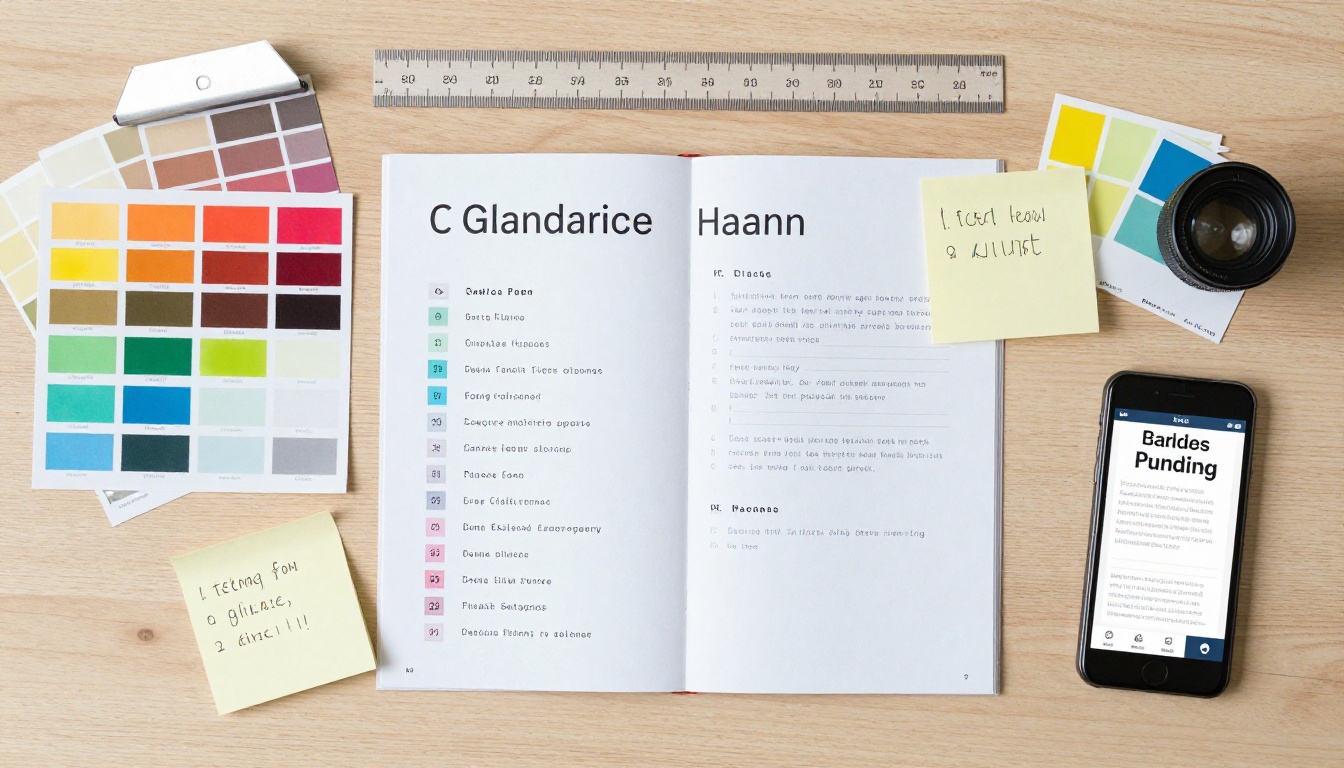
Build a "visual lock" phrase into every prompt for a campaign. This is a short, reusable description of your brand's visual identity:
Example lock phrase: "warm amber tones, natural linen and skin textures, soft overcast morning light, premium restrained atmosphere"
Paste this into every single prompt. It won't guarantee pixel-perfect color matching, but it dramatically reduces the time you spend in post-production correcting for visual inconsistency across clips.
Iteration Without Starting Over
When a clip is almost right but not quite, don't re-generate from scratch. Identify the specific element that's wrong — timing, subject position, lighting — and rewrite only that part of the prompt. Keep everything else identical. This preserves the visual language you've built up across previous generations.
Seed values help here too. When a generation hits something close to what you wanted, note the seed and use it as a starting point for variations.
Testing Your Ads Before Launch
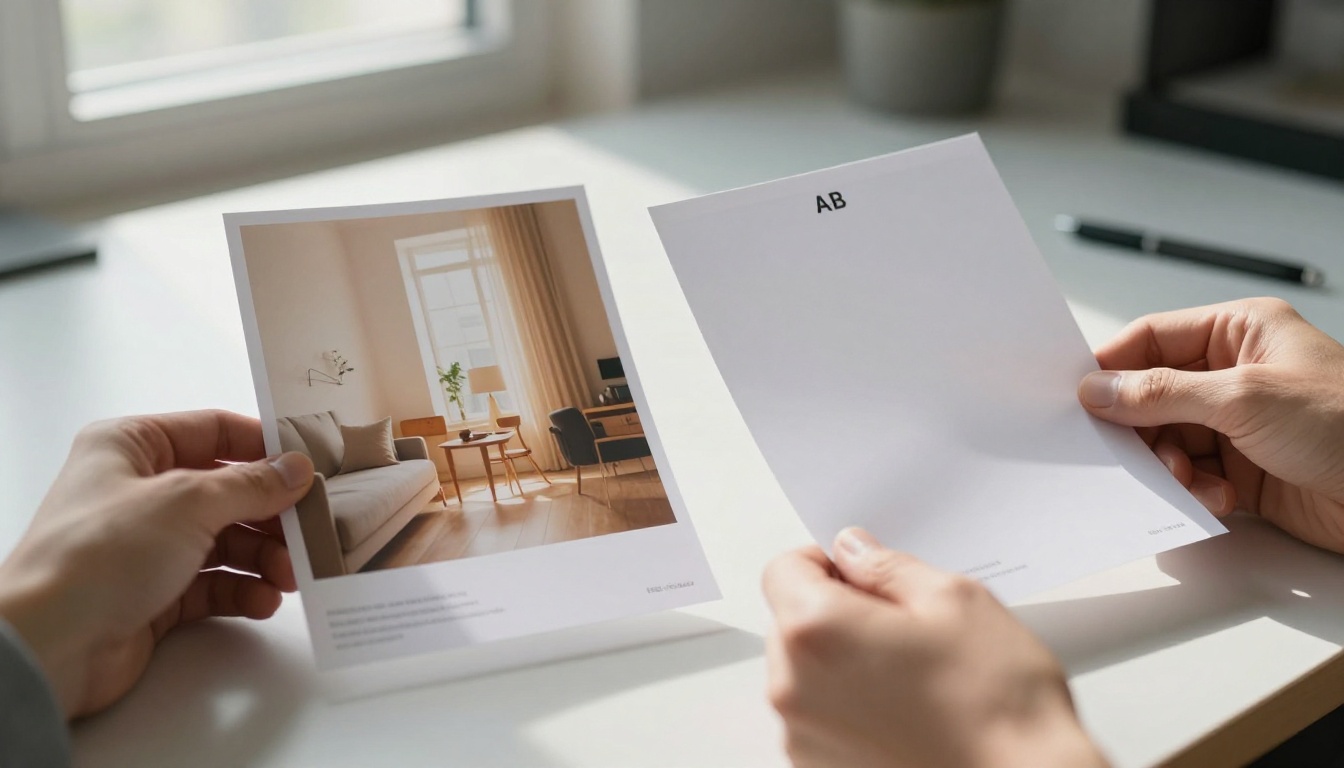
No amount of creative confidence replaces data. Even experienced ad directors A/B test their creatives before committing to a media budget.
A/B Testing with AI Variations
The traditional cost of producing two versions of an ad was roughly double the production cost. With Sora 2 Pro, variations are nearly free. Your workflow should be:
- Lock your best-performing concept
- Generate 2-3 alternative hooks (different opening 3 seconds)
- Generate 2-3 alternative CTAs (different closing frames)
- Test hooks first, then CTAs — don't change both at once
This isolates variables and gives you clean data on what's actually driving performance.
Platform-Specific Optimization
Each platform rewards different creative signals:
| Platform | What Works | What to Avoid |
|---|
| TikTok / Reels | Authentic tone, text overlay, fast opening | Polished corporate feel |
| YouTube Pre-roll | Strong first 5 seconds, clear hook | Slow burns |
| Connected TV | Cinematic quality, minimal text | Fast cuts |
| Facebook In-feed | Clear product shot, story arc | Ambiguous visuals |
Generate platform-specific versions of your best-performing scene. A connected TV version might use slower camera movement and wider shots. A TikTok version might cut tighter and open faster.
How to Use Sora 2 Pro on PicassoIA
Sora 2 Pro is available directly on PicassoIA without any API setup or separate OpenAI account. Here's the exact workflow:
Step 1: Go to Sora 2 Pro on PicassoIA
Step 2: Select your output format. For advertising, 16:9 is the most flexible starting point. You can crop to 9:16 or 1:1 in post.
Step 3: Paste your ad prompt using the formula above: subject, action, location, camera, lighting, mood.
Step 4: Generate and review. If the clip is 90% there, note what's off and refine only that element in the next generation.
Step 5: Download your clip and bring it into your editing workflow. Export at the native resolution for the highest quality in paid placement.
The full Sora 2 model is also available on PicassoIA if you want a lighter-weight option for rapid early-stage iteration.
💡 PicassoIA gives you access to 87+ text-to-video models in one place, so you're not locked into a single engine. You can test your prompt across models and choose the best visual output before committing to a campaign asset.
Beyond Sora: Other Video Models Worth Knowing
Sora 2 Pro is the clear choice when quality is the priority, but it's not always the fastest or most cost-effective option for every use case.
Seedance 2.5
Seedance 2.5 from ByteDance delivers excellent motion fidelity with native audio. It's particularly strong at lifestyle and human subject footage, making it a solid alternative for DTC brand spots. Generates up to 30 seconds per clip.
Veo 3.1
Google's Veo 3.1 excels at photorealistic outdoor environments and cinematic camera work. If your ad concept calls for landscape-heavy visuals — travel, automotive, outdoor apparel — Veo 3.1 handles scene depth and atmospheric lighting better than most alternatives.
Kling v3 Video
Kling v3 Video from Kuaishou is known for strong character motion and consistent human subject handling across frames. For ads featuring people in action — sports, fitness, fashion — this model delivers natural, fluid motion without uncanny valley artifacts.
Ray 3.2
Luma's Ray 3.2 generates HDR-quality footage with excellent color depth. It's a strong pick for luxury brands where color accuracy and visual richness matter as much as the motion itself.
Wan 2.7
Wan 2.7 T2V consistently delivers HD output at speed. When you're iterating on 10+ prompt variations to find your best hook, Wan 2.7's fast generation makes it efficient for early-stage concept testing before committing a premium model render.
Choosing the right model for your campaign:
Start Your First Campaign Today

The full workflow, brief to platform-ready delivery, runs faster than most people expect the first time. The bottleneck isn't the AI. It's the clarity of the brief and the precision of the prompt. Get those two things right, and Sora 2 Pro handles the rest.
If you want to start without a full production brief, begin with a single 15-second hook. Pick one product, one audience, one CTA. Generate three variations of the opening scene. Test them. Build from what converts.
PicassoIA puts Sora 2 Pro, Seedance 2.5, Veo 3.1, Kling v3 Video, Ray 3.2, and 80+ other video models in one place, alongside the image generation and editing tools you need for the full creative pipeline. No API keys. No separate accounts. Head to picassoia.com/en/all-models and start building your first campaign.


