There's something magnetic about redheads. Whether it's the rare combination of copper hair, pale skin, and striking eyes, or just the statistical novelty of it all, building a consistent redhead AI girlfriend is one of the most requested, and most technically demanding, things you can do with an AI image generator. Most people get it wrong on the first try. The hair turns orange. The face shifts between images. The freckles disappear. This article breaks down exactly how to do it right, model by model, prompt by prompt.
Why Redheads Are the Hardest AI Characters
The auburn complexity problem
True red hair is rare in real life, roughly 2% of the global population, and equally rare in AI training data. Models see far fewer examples of authentic redheads compared to brunettes or blondes. This means the model has less confidence about what "correct" red hair looks like, and defaults toward oversaturated orange or muddy brown when your prompt is even slightly vague.
There's also a technical color-space challenge: auburn and copper tones sit between warm browns and bright reds. A single wrong word in your prompt can tip the output toward strawberry blonde on one end or cartoon orange on the other. The fix is specificity, not more words, but more precise words.
Why most generators fail here
The three most common failure modes when building a redhead AI character:
- Hair drift: Color shifts between images even with an identical prompt
- Freckle erasure: Freckles disappear when lighting changes or the camera angle shifts
- Skin tone mismatch: The model pairs red hair with a skin tone that looks borrowed from a different character
These failures all have direct prompt solutions. Once you know why they happen, fixing them is straightforward and fast.
The Best AI Models for Redhead Characters
Seedream 4.5 is your primary tool
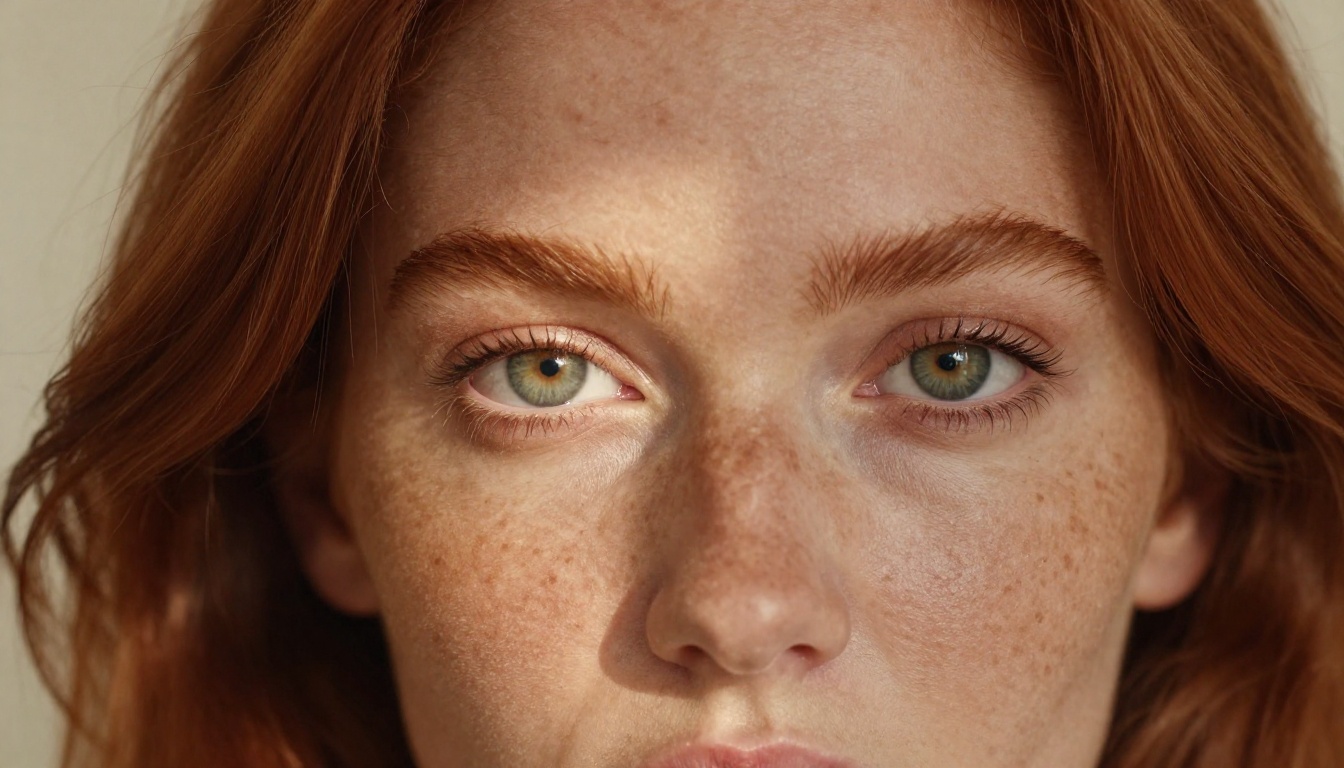
For building a redhead AI girlfriend, particularly one with any suggestive or NSFW aesthetic, Seedream 4.5 is the clear first choice on PicassoIA. It produces photorealistic skin texture at a level that most models struggle to match, handles the subtle color nuances in auburn hair extremely well, and does not apply aggressive content filtering that blocks adult-adjacent prompts.
💡 Why Seedream 4.5 specifically? It sits in the sweet spot between prompt-following accuracy and creative flexibility. It won't hallucinate bizarre anatomy, and it takes detailed hair and skin descriptors literally rather than averaging them out into something generic.
Key strengths for this use case:
- Superior auburn and copper hair rendering
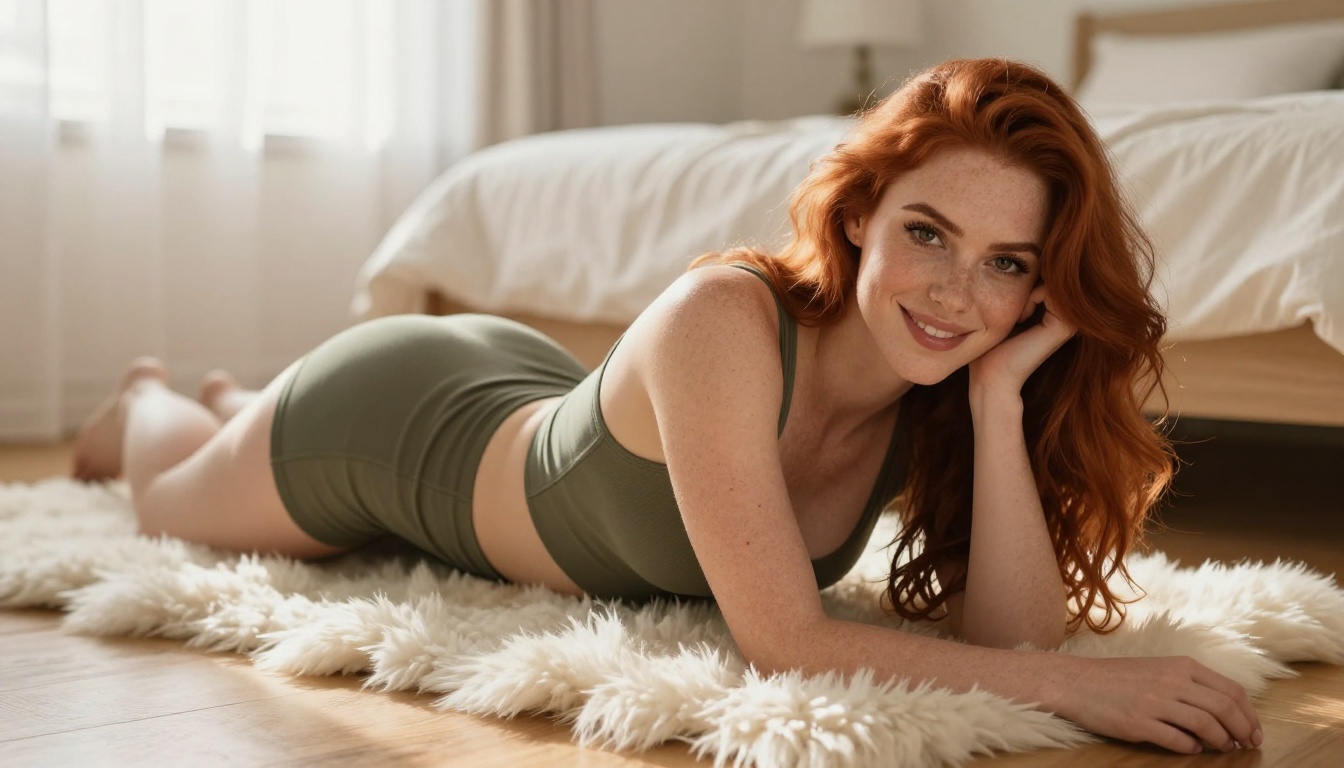
- Natural freckle generation when specified in the prompt
- Consistent skin tone across different lighting conditions
- Accepts detailed negative prompts to prevent the most common errors
Seedream 5 Pro is a strong second option for cleaner, more commercial-feeling results. Seedream 4 and Seedream 3 remain solid alternatives if you want slightly different aesthetic qualities or want to compare outputs across generations.
For strictly SFW results, Qwen Image 3 produces excellent photorealistic portraits. GPT Image 2.5 Flare handles creative prompt variations and prompt-following particularly well.
⚠️ Skip Seedream 5 Lite for this type of content. It applies strict content filtering that blocks suggestive imagery, making it the wrong tool for this workflow.
Where to access everything
All of these models are available in one place at picassoia.com/en/all-models. No separate accounts, no API key management. You pick the model, enter your prompt, and generate directly in the browser.
Step 1 - Nailing the Hair Color
The exact words that work
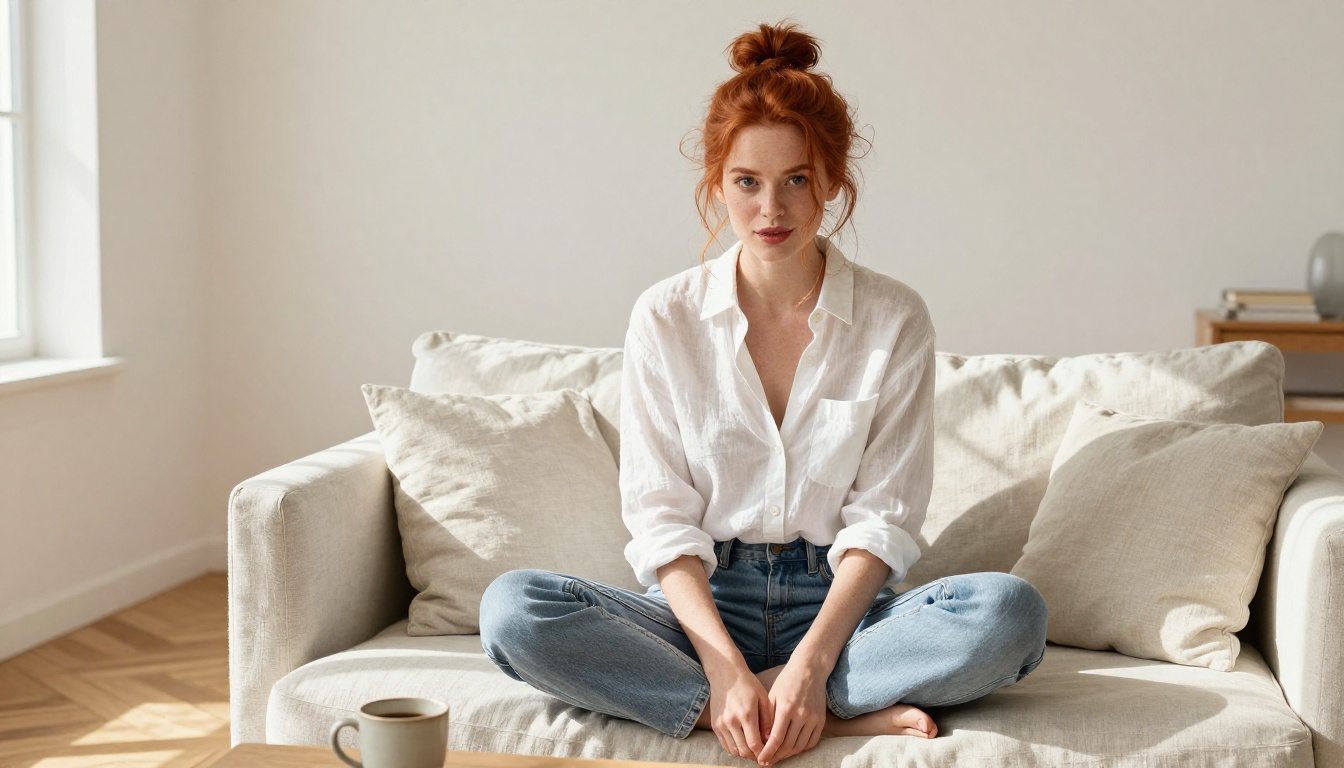
The single biggest lever in redhead prompt engineering is how you describe the hair. Avoid the word "red" by itself. It reads as a primary color to most models and produces fire-engine orange or neon scarlet. Use compound descriptors that reference real-world color behavior instead.
| Works Well | Avoid |
|---|
| deep auburn hair | red hair |
| copper-auburn hair | bright red hair |
| natural strawberry copper | orange-red hair |
| rich chestnut-auburn | red-orange hair |
| dark copper with bronze highlights | vivid red |
The most reliable phrase across all tested models: "natural deep auburn hair with warm copper highlights in sunlight". This tells the model the base color (auburn), the shade modifier (deep), the behavior under light (warm copper highlights), and the context (sunlight), which anchors the rendering to realistic photographic conditions.
Adding depth and texture
Hair that reads as photorealistic needs more than color accuracy. Add these descriptors for natural-looking results:
- "wavy" or "loosely curled" for organic movement
- "individual strands visible" for fine detail at close range
- "backlit copper sheen" when you want that signature redhead glow in sunlight
- "darkened to deep auburn at the roots" for natural color variation that avoids flat, painted-on results
Flat, perfectly even hair color is the single biggest tell of a low-quality AI portrait. Natural hair always has tonal variation, and specifying that variation explicitly produces dramatically better results.
Step 2 - Defining Consistent Features
The freckle equation
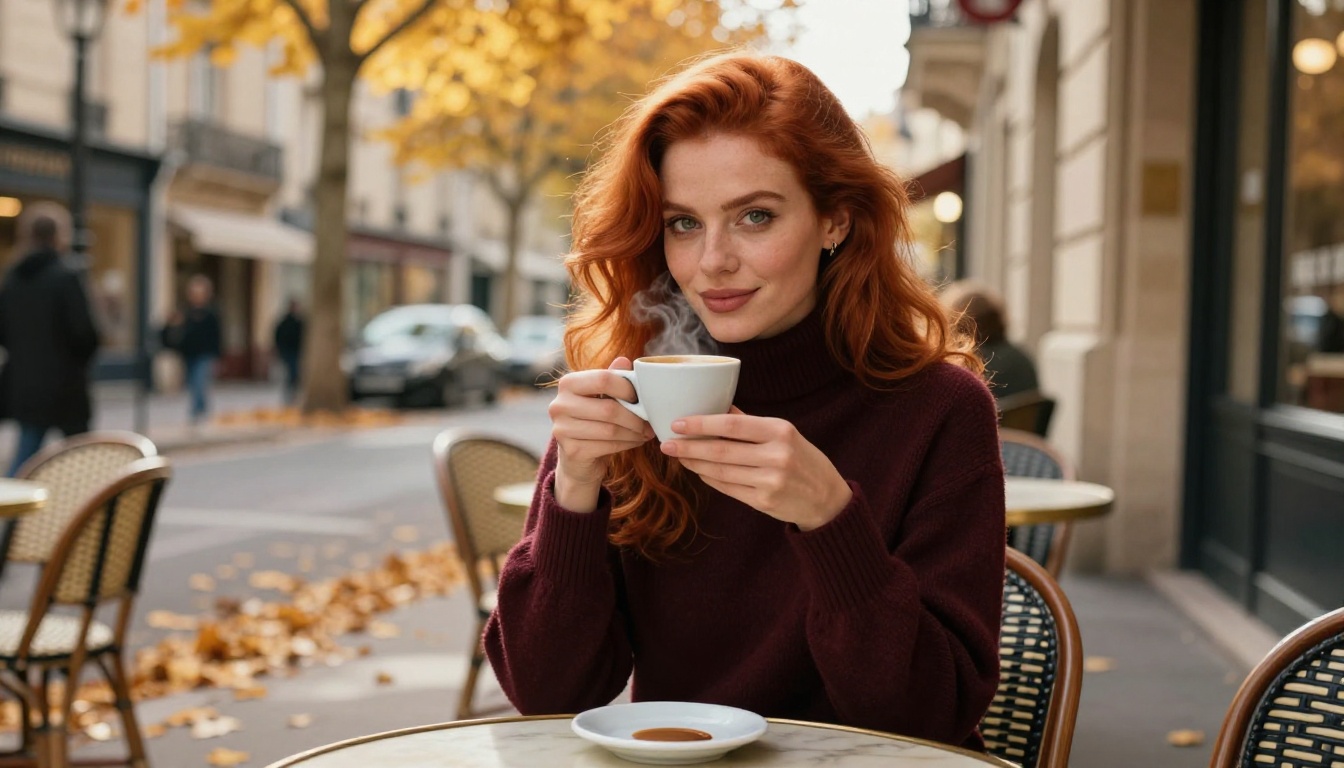
Freckles are the most important supporting feature for a convincing redhead, and the easiest thing to lose between generations. The root problem: freckles are subtle, and many models de-prioritize subtle details when other elements of the prompt compete for rendering attention. Your solution is to give freckles explicit priority in your prompt structure.
Effective freckle prompt phrases:
- "light scatter of natural freckles across the nose and cheeks"
- "soft pale skin with sun freckles, high detail"
- "freckled pale complexion, skin texture visible at 8K"
The third example works particularly well because it anchors freckles to your resolution request. When the model is told to generate fine detail (8K, high detail), it tends to maintain subtle micro-features like freckles that would otherwise get smoothed away.
Eye color that stays consistent
Green and hazel eyes pair most naturally with auburn hair and work best for character consistency. Use specific descriptions rather than generic color words:
- "deep forest green eyes" rather than just "green eyes"
- "amber-hazel eyes with gold flecks" for warmth against copper tones
- "striking pale blue eyes" for maximum contrast with the hair color
Add "detailed iris texture" and "natural catchlight" to every prompt involving a close-up. These phrases push the eyes toward genuine photorealism and prevent the flat, artificial-looking eyes that mark many AI portraits.
Building a reusable character card
Once you find a combination that works, document it as a "character card": the exact set of physical descriptors you paste into every new prompt for this character. A solid character card for a redhead AI girlfriend looks like this:
natural deep auburn copper hair with loose waves, pale freckled skin with sun freckles, deep forest green eyes with natural catchlight, soft natural features, slender build
Paste this block at the start of every new prompt before adding any scene or pose details. Character consistency across sessions depends entirely on exact repetition of these descriptors. Even small wording changes shift the output.
Step 3 - Setting and Mood
Scenes that showcase redheads best
Not all environments produce equally strong results for redhead characters. Certain lighting conditions and settings amplify the natural beauty of auburn hair and pale skin. Others flatten or distort it.
High-performance settings:
| Setting | Why It Works |
|---|
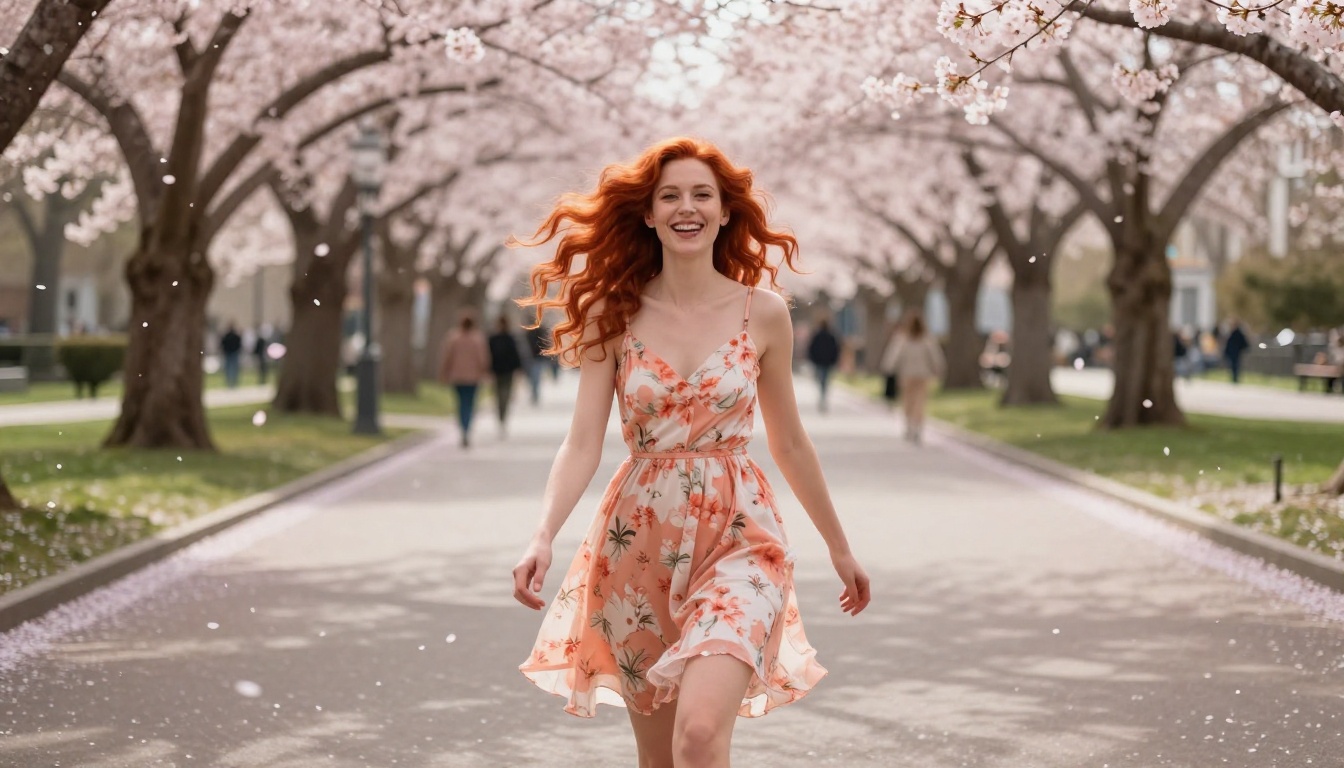
| Golden hour outdoors | Warm light amplifies copper and bronze hair tones |
| Overcast beach | Soft diffused light reveals skin texture without blowout |
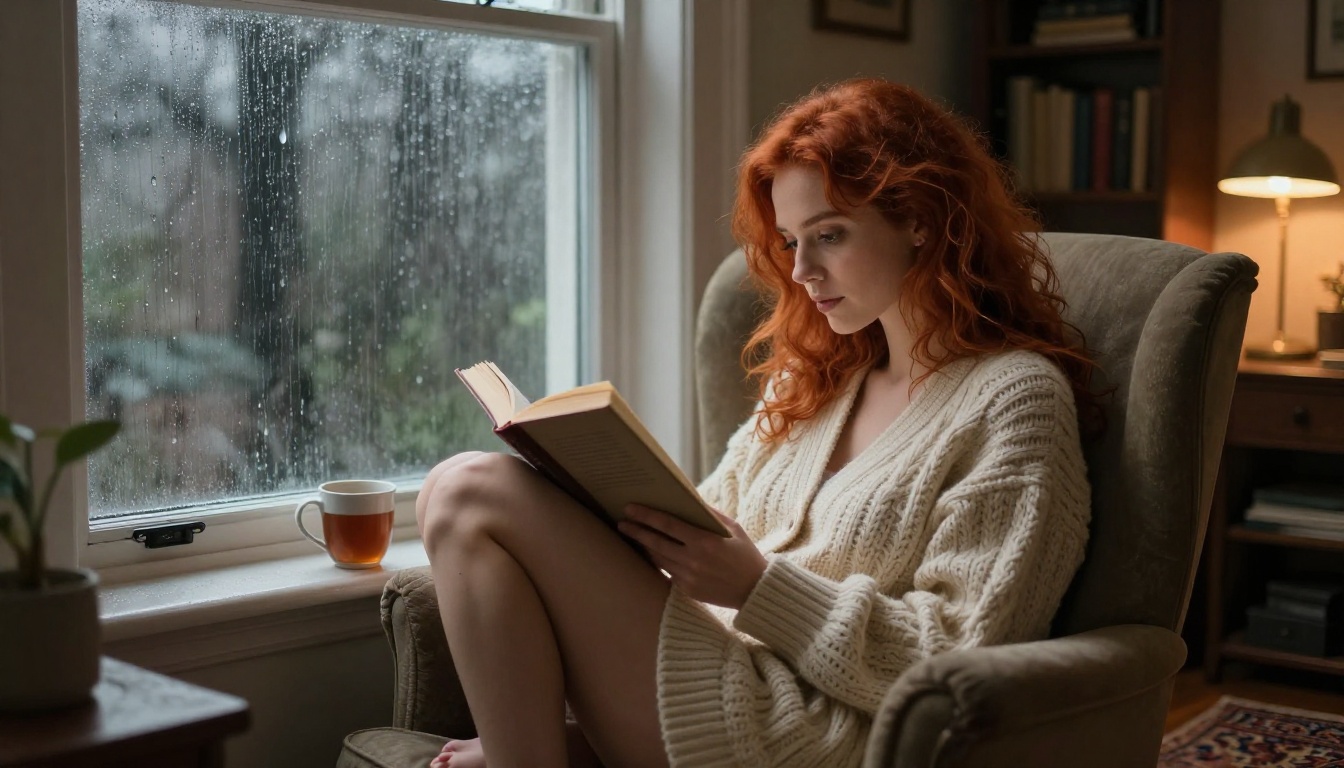
| Cozy indoor firelight | Flickering warm light against pale skin creates contrast |
| Parisian or European streets in autumn | Warm stone and golden leaves match the color palette perfectly |
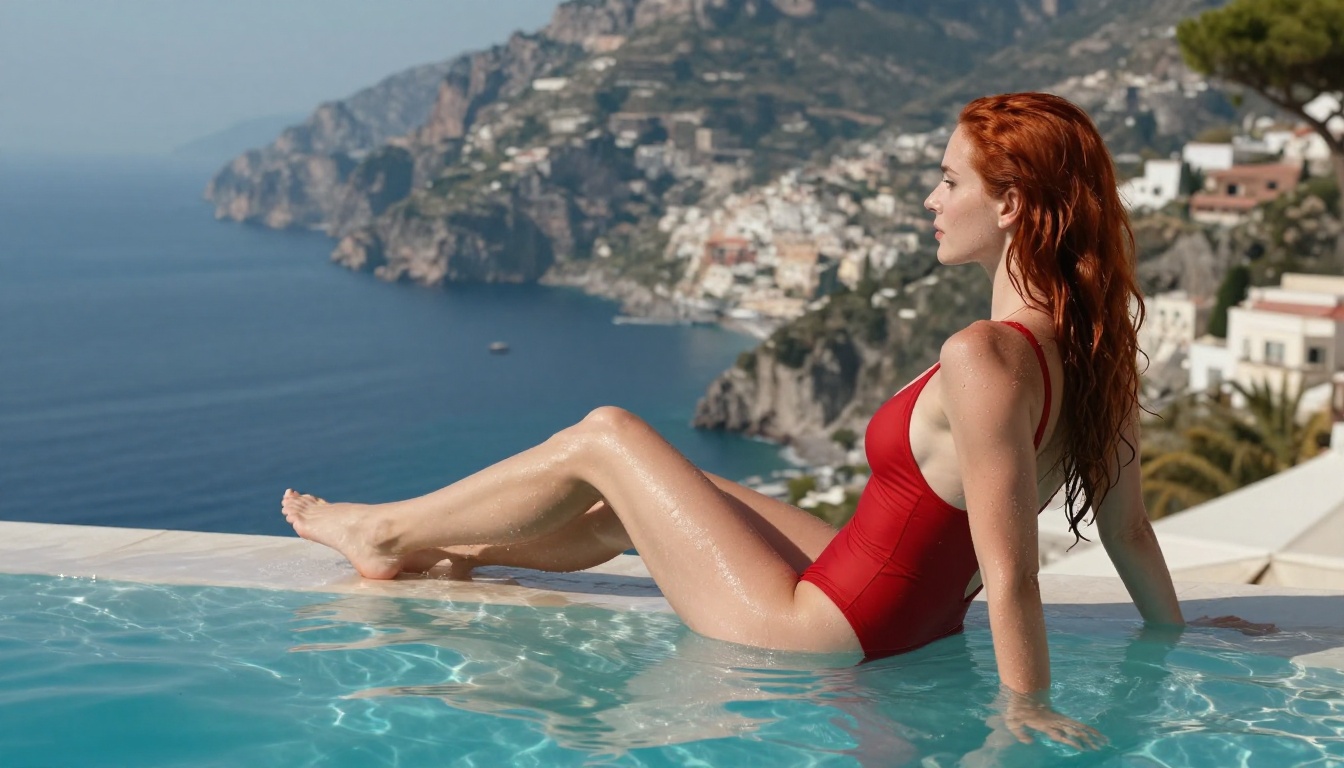
| Morning bedroom with sheer curtains | Soft backlight creates a natural halo around the hair |
Settings to avoid when starting out:
- Harsh noon sunlight (blows out pale skin into pure white)
- Blue-tinted nightclub or neon environments (clashes aggressively with warm hair tones)
- Heavy shadow-dominated scenes (kills the hair color detail that makes the image interesting)
Lighting is the most underused tool
Most people describe their character in detail but ignore the light source entirely. Lighting descriptions transform a generic portrait into something that looks professionally shot. Three phrases that reliably improve redhead images regardless of scene:
- "volumetric morning light from the left window"
- "golden hour backlight creating a copper halo around her hair"
- "Rembrandt lighting, warm shadow triangle under the cheekbone"
The backlight technique is especially powerful for redheads specifically. When sunlight or any warm light source comes from behind the subject, auburn hair catches it and glows in a way that looks unmistakably real and very difficult to fake with any other hair color.
Step 4 - Camera and Photography Details
Why camera specs change everything
Adding real photography specifications shifts the model from "generate an image" mode into "simulate a photograph" mode. The outputs are categorically different. With camera specs, the model applies realistic depth of field, natural film grain, and authentic color science. Without them, you get something that looks like a stylized illustration even if you specified "photorealistic."
The minimum camera spec block to include in any portrait prompt:
85mm f/1.4 portrait lens, shallow depth of field, Kodak Portra 400 film grain, natural color grade
For different creative moods:
- Intimate close-up: 135mm f/2, very shallow depth of field, compressed background bokeh
- Environmental full-body: 35mm f/1.8, moderate depth of field, scene context visible around her
- Editorial fashion: 50mm f/1.2, balanced framing, Fujifilm Pro 400H color science
The RAW style instruction
Add "--style raw" at the end of your prompt as a consistent habit. This suppresses the model's default tendency to apply overly saturated or stylized post-processing. RAW style delivers:
- Natural, somewhat unpredictable tonal variations that read as photographic
- Authentic shadow and highlight texture rather than digitally compressed gradients
- Skin that reads as actual skin rather than smooth CGI or plastic
This single addition improves almost every photorealistic portrait generation regardless of the model you're using.
Refining with PicassoIA Image Editor Pro
After generating your base images, the PicassoIA Image Editor Pro gives you unlimited generations to refine and perfect your character. This is where you close the gap between "good generation" and "exactly what I had in mind."
The most useful editing workflows for redhead character work:
Inpainting for feature refinement: Select just the hair area and regenerate it with a more specific hair color prompt. This fixes color drift without requiring you to regenerate the entire image from scratch. You keep the pose, expression, and scene, and replace only the problematic element.
Outpainting for scene extension: Generated a tight portrait but want to show the full outfit or the surrounding environment? Outpainting extends the canvas outward naturally, letting the model infer what the background looks like based on what's already in the image.
AI image restoration: If the face details are soft, slightly inconsistent, or show minor artifacts, the restoration tool sharpens features while preserving natural texture. It won't make a face look airbrushed; it makes it look sharper and cleaner.
💡 Practical tip: Generate your character in a neutral standing pose with simple neutral lighting first. Use this as your "reference image" for all subsequent inpainting and editing operations. Having a clean, well-lit neutral reference makes every subsequent edit easier and more consistent.
Common Problems and Fast Fixes
Hair turns orange, not auburn
Root cause: The model is reading "red hair" as a primary color instruction.
Fix: Replace with "natural deep auburn" and add to your negative prompt: "orange hair, neon, oversaturated." Also add "Kodak Portra 400 color rendering" to anchor the color science toward film-accurate warm-but-not-blown-out tones.
Face changes between images
Root cause: You're not using a consistent enough character description, or you're paraphrasing your character card instead of copy-pasting it.
Fix: Lock your character card as a saved text snippet and paste it verbatim into every prompt. Even small word changes, "green eyes" versus "forest green eyes," can shift the output meaningfully between generations.
Freckles disappear
Root cause: Complex scenes with detailed backgrounds de-prioritize subtle skin details as the model allocates rendering attention.
Fix: Add "highly detailed skin texture, natural freckles clearly visible" as a block directly after your character descriptor, not at the end of the prompt. Proximity to the character description increases its rendering weight.
Skin looks plastic or airbrushed
Root cause: Models default to beauty-retouched aesthetics that smooth skin to an artificial degree.
Fix: Add to your prompt: "natural skin texture, visible pores, subtle natural imperfections, no smooth skin filter, --style raw"
| Problem | Fix Phrase |
|---|
| Orange hair | "natural auburn, not orange, Kodak Portra color rendering" |
| Missing freckles | "sun freckles clearly visible, detailed skin texture, 8K" |
| Plastic skin | "natural pores, no skin smoothing, --style raw" |
| Inconsistent face | Exact copy-paste character card, never paraphrase |
| Flat lifeless eyes | "detailed iris texture, natural catchlight, 135mm lens" |
| Hair color drift | "deep auburn copper, individual strands, Portra 400" |
What Makes a Redhead Character Feel Real
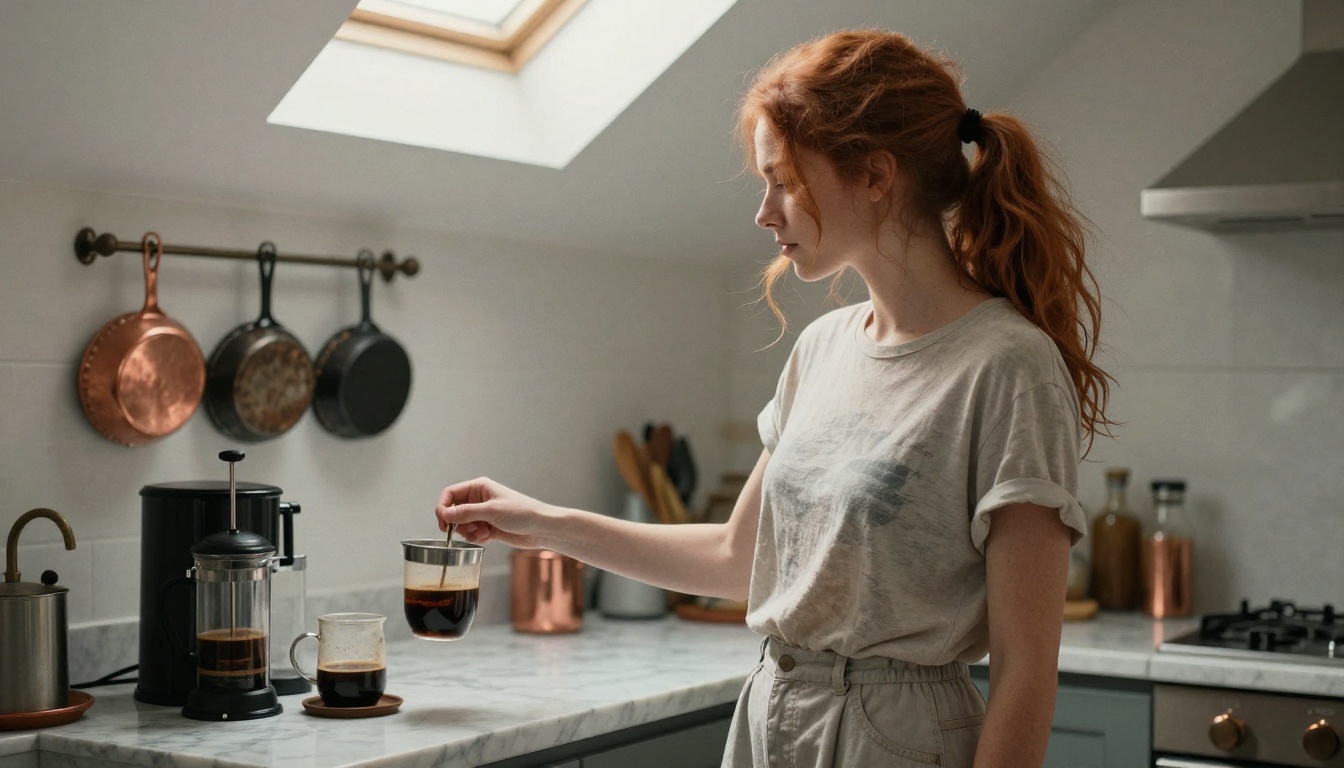
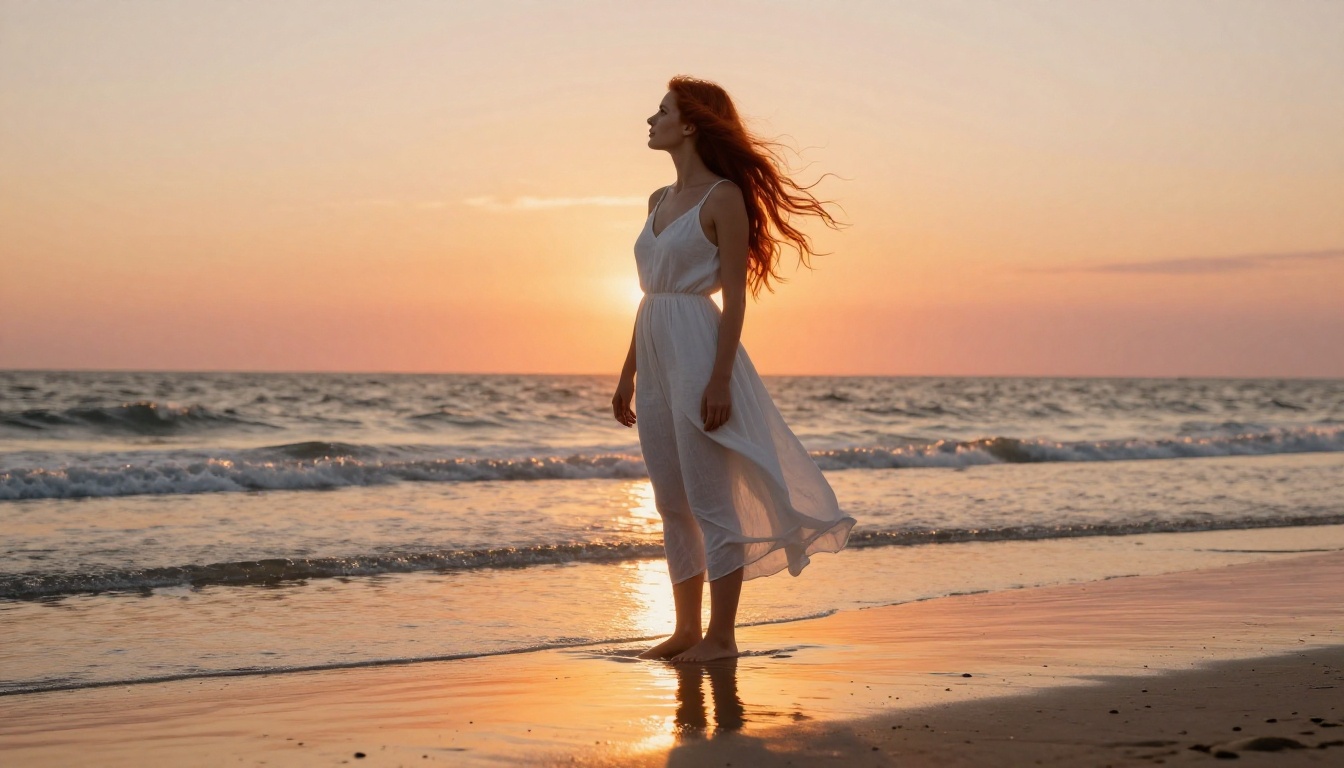
There's a specific combination of details that separates an AI-generated redhead portrait that looks convincing from one that looks obviously synthetic. It comes down to three things working together: correct hair color rendering (deep auburn, not orange), natural skin texture with freckles, and authentic lighting that behaves the way light actually behaves on pale skin and copper hair.
When all three are working, the result is striking in a way that's hard to put into words. Auburn hair in golden light is one of the most visually compelling things you can generate with a text-to-image model, and it's achievable consistently once you have the prompting framework dialed in.
The character card approach is the single most important habit to build. One session of good results does nothing for you if you can't reproduce it. A well-written character card turns a lucky generation into a repeatable workflow. Three good sessions with a documented character card, and you have something that genuinely feels like a character rather than a series of unrelated AI portraits.
Create Your Redhead Character Right Now
Building a consistent, photorealistic redhead AI girlfriend takes three to five iterations once you have the right prompt structure. The models are ready. The workflow is straightforward. What separates people who get it right from people who don't is almost always the same thing: they don't describe their character specifically enough, and they don't use the same description twice.
Seedream 4.5 remains the strongest single model for this type of character work on PicassoIA. It handles the nuanced color science of auburn hair better than virtually any alternative, and it responds well to the detailed photographic prompts that produce genuinely convincing portraits.
Start at picassoia.com/en/all-models. Pick Seedream 4.5. Paste your character card. Add a scene, a lighting condition, and a camera spec. Generate. Your first real redhead AI character is two minutes away, and the second one will look even better than the first.


