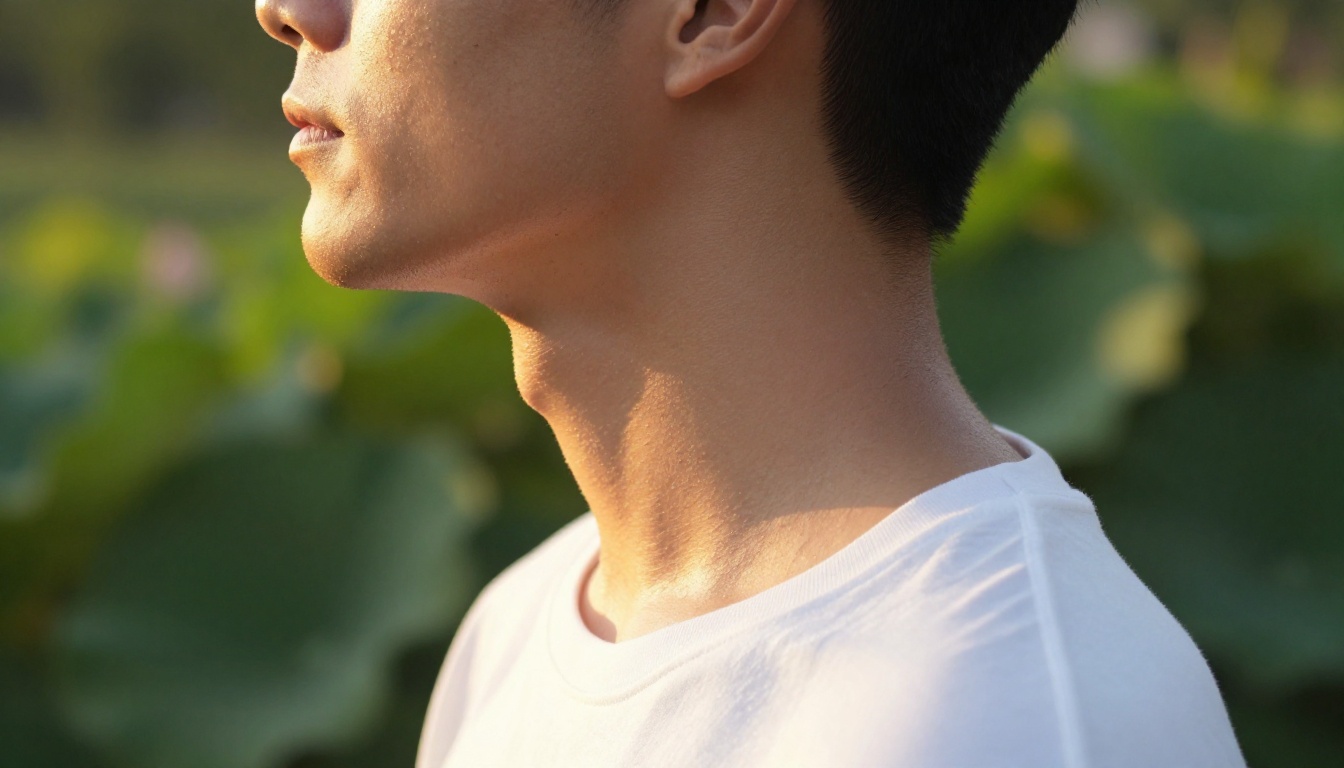
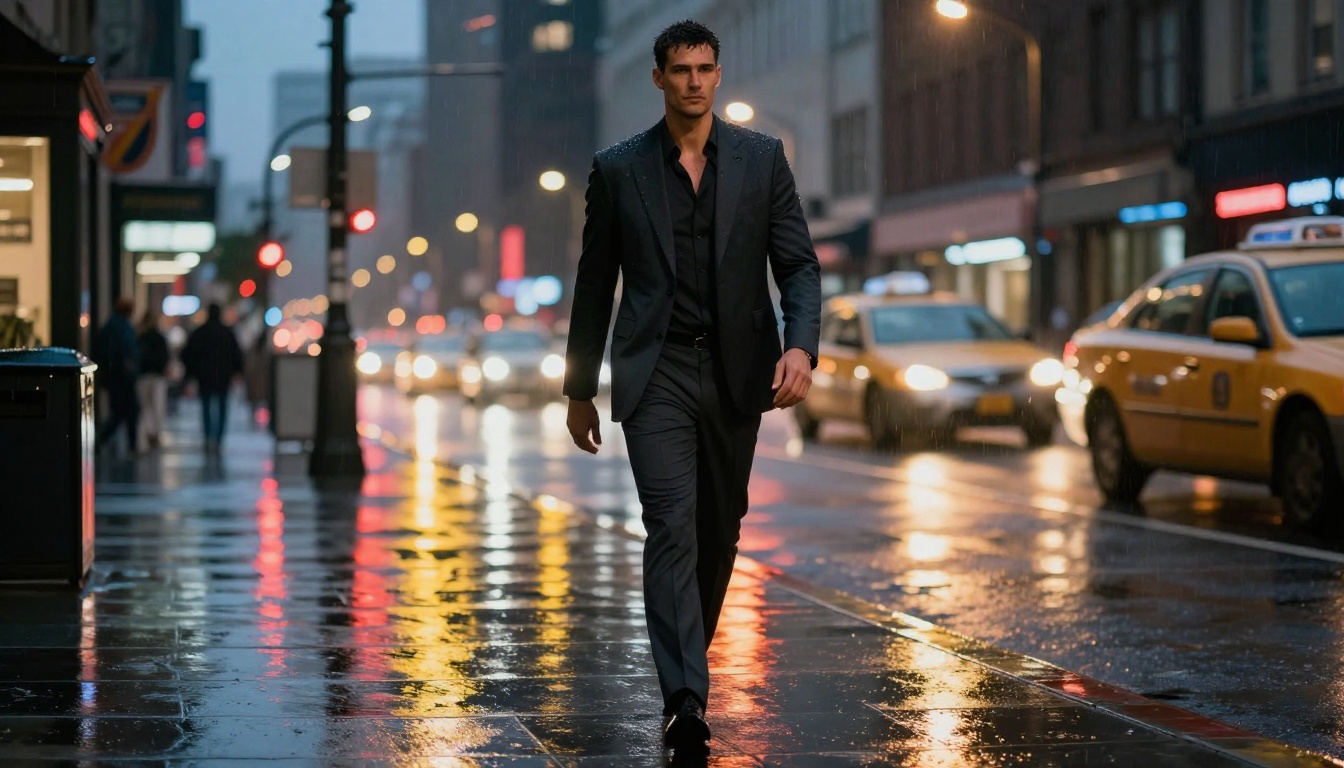
So you want to build an AI husbando who is tall, well-built, and has a voice that could fill a room. Not a cartoon character, not a heavily stylized anime figure, but something that actually looks and sounds believable. This is absolutely possible with today's AI tools, and the gap between "interesting idea" and "actually impressive result" comes down to a handful of specific choices at each step.
This article spans the full workflow: picking the right image generation models for masculine proportions, writing prompts that communicate height and physicality, and pairing the visual result with a deep voice using AI text-to-speech tools. Whether you're building a character for roleplay, content creation, storytelling, or just because you want to, these steps apply.
What You're Actually Building Here
The term "AI husbando" spans a wide range of creative goals. At the core, it means creating a male AI character you have an affective or aesthetic relationship with, whether that's a recurring fictional persona, a voiced character for audio content, or a consistent visual identity.
What makes it work is consistency and specificity. A single AI-generated portrait of an attractive tall man isn't a husbando, it's just an image. What turns it into a character is:
- A consistent visual appearance across multiple generations
- A defined physical profile (height, build, facial features, coloring)
- A voice that fits the character
- A setting and aesthetic that reinforces the personality
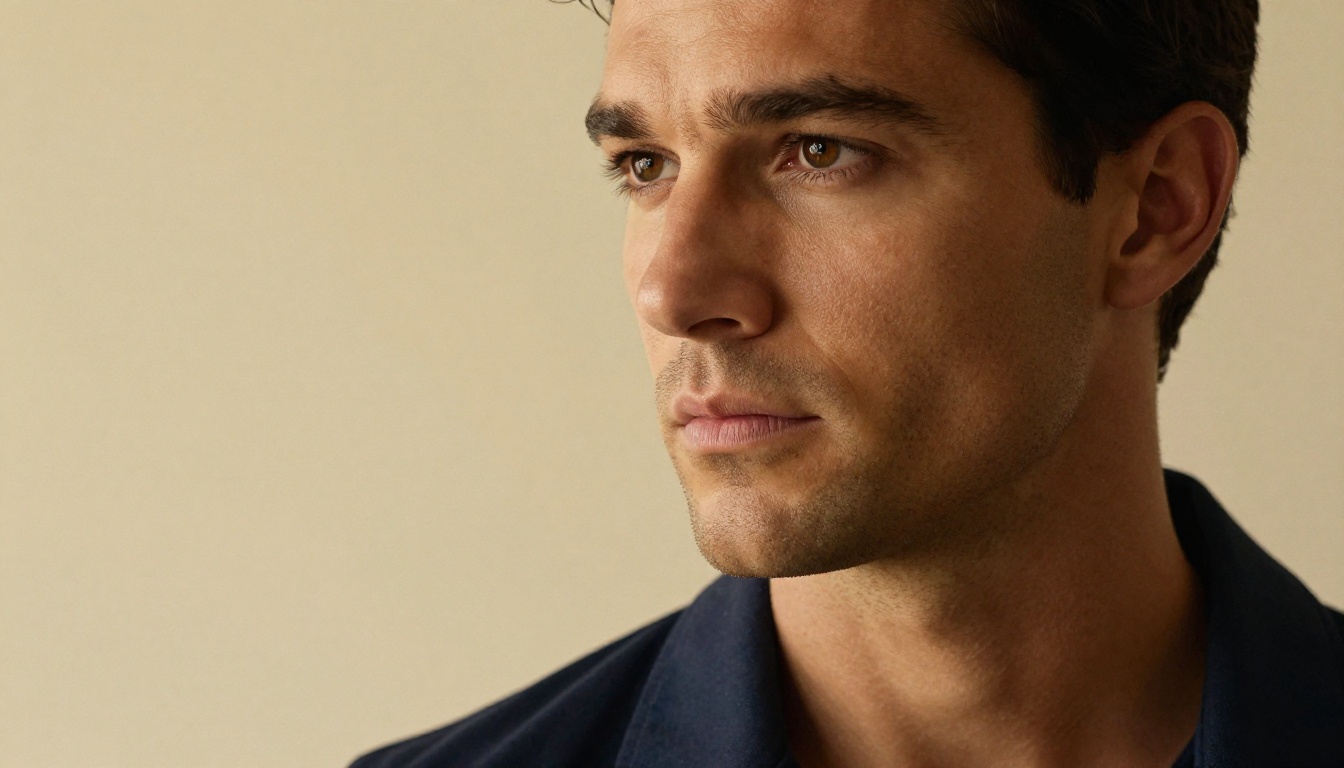
The best results come from treating this like a character sheet in game design. Define the specifications first, then let the AI execute them.
Height in AI images
"Tall" is a relative concept in a static image. You can't actually show that someone is 6'3" in a single photo, but you can communicate it through:
- Low-angle shots that look up at the subject
- Environmental scale cues like doorframes, furniture, and ceiling height
- Camera lens choice in your prompts (wide angles exaggerate height)
- Proportional framing with a long torso-to-leg ratio
These are prompt engineering decisions, and they matter more than any model-specific setting.
Why model choice matters
Not all image generation models handle male anatomy, particularly tall masculine figures, with the same quality. Many models were trained on broader datasets where female figures are more represented, which can cause male generations to drift toward softer features unless prompted precisely.
For photorealistic male character generation, you want models optimized for anatomical accuracy in proportions, facial detail without feature softening, clothing and fabric rendering that looks real, and skin texture quality at high resolution.
Top models for realistic male portraits
Seedream 4.5 from ByteDance is one of the strongest options available on PicassoIA for full-body character generation. It excels at photorealistic human figures, handles masculine proportions well, and produces 4K output. The model responds well to specific physical descriptions and camera angle instructions.
Seedream 5 Pro is the upgraded version with sharper 2K output and improved facial and fabric detail. For close-up portrait work where the face has to hold up under scrutiny, this is worth reaching for over the base version.
Krea 2 Large handles cinematic, photorealistic compositions effectively. Its strength is scene atmosphere and lighting, which makes it useful when you want your character placed in a specific environment, an apartment at golden hour, a rainy city street, a library at night, and the scene needs to look cohesive.
Ideogram v4 Quality is worth using when precise composition matters. It tends to follow detailed prompts more faithfully than some other models, which is useful when specifying things like "strong jawline, 3/4 profile, looking slightly downward."
| Model | Best For | Output |
|---|
| Seedream 4.5 | Full body, character consistency | 4K |
| Seedream 5 Pro | Facial detail, close-ups | 2K |
| Krea 2 Large | Cinematic environments | HD |
| Ideogram v4 Quality | Precise composition control | HD |
Crafting the Perfect Prompt for Height and Build
The anatomy of a tall character prompt
A strong prompt for a tall male character has these components in sequence:
- Physical description: Build, specific facial features, hair
- Clothing: Colors, fit, style, fabric texture
- Pose and expression: What they are doing, where they are looking
- Environment: Where they are, what is around them
- Camera angle and lens: How we are seeing them
- Lighting: Direction, quality, color temperature
- Photography style: Film grain, color grading, format
Here is an example of a weak prompt versus a strong one:
Weak: "tall handsome man, dark hair, photorealistic"
Strong: "A tall broad-shouldered man in a fitted charcoal turtleneck and dark trousers, standing in a warmly lit apartment, photographed from a low angle with a 35mm lens to emphasize height, strong jawline and composed expression, Kodak Portra 400 film grain, volumetric golden hour light from the left, shallow depth of field with bookshelves softly blurred behind --ar 16:9 --style raw"
The difference is that the strong prompt tells the model exactly how to frame the shot. Every detail that communicates "tall" is built into the camera and environment description.
Lighting and angle tricks that sell height
These specific techniques consistently produce more height-conveying results:
- "photographed from below knee height" puts the camera at a very low angle, making the subject tower over the frame
- "28mm wide-angle lens" creates natural perspective distortion that lengthens the figure
- "full-body shot with ceiling visible in frame" gives scale context
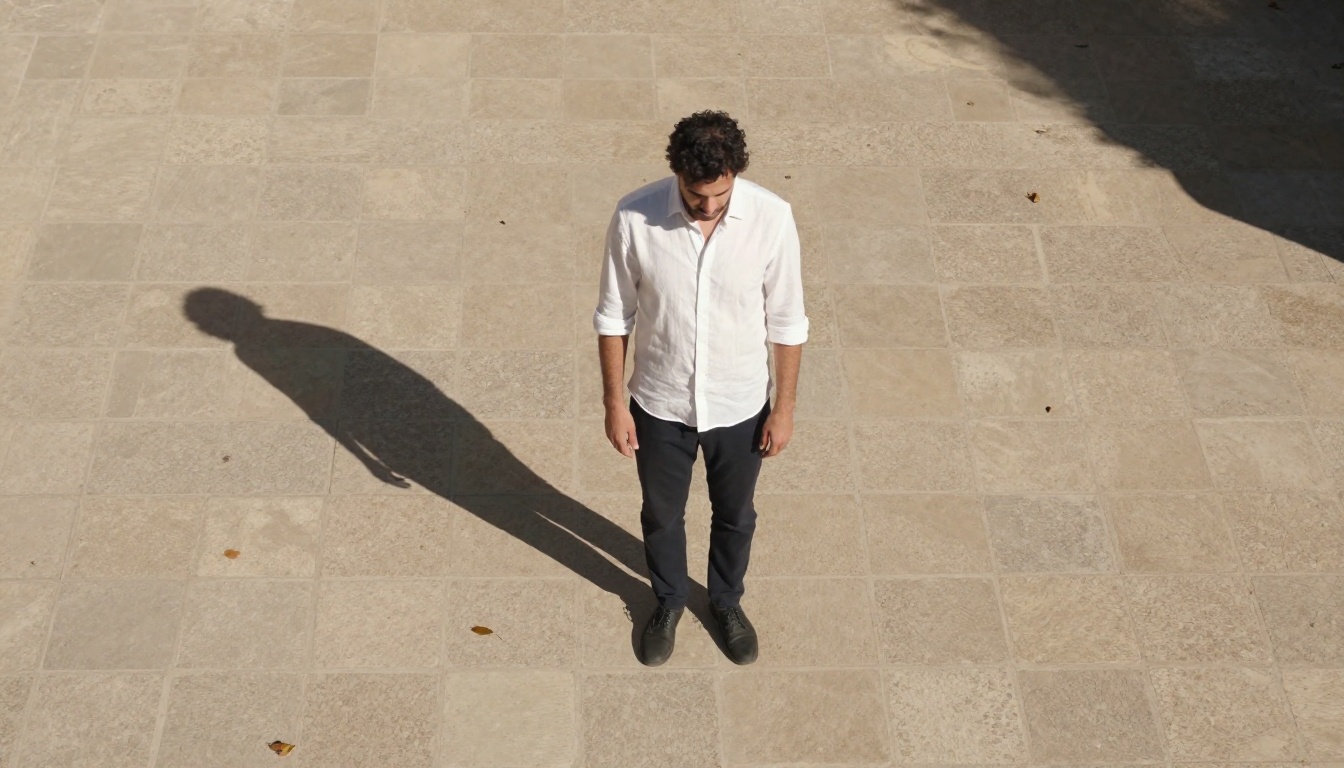
- "long shadow stretching diagonally" implies a tall figure in overhead light
💡 Tip: Pair these with environmental cues like "standard doorframe visible at shoulder height" or "seated furniture at standard height" to reinforce scale through familiar reference points.
Deep Voice Generation on PicassoIA
The best TTS models for masculine tones
Once you have the visual, the voice is what brings the character to life. PicassoIA has a strong selection of text-to-speech models that can produce deep, masculine voices. The main difference between them is latency, expressiveness, and how much control you have over voice characteristics.
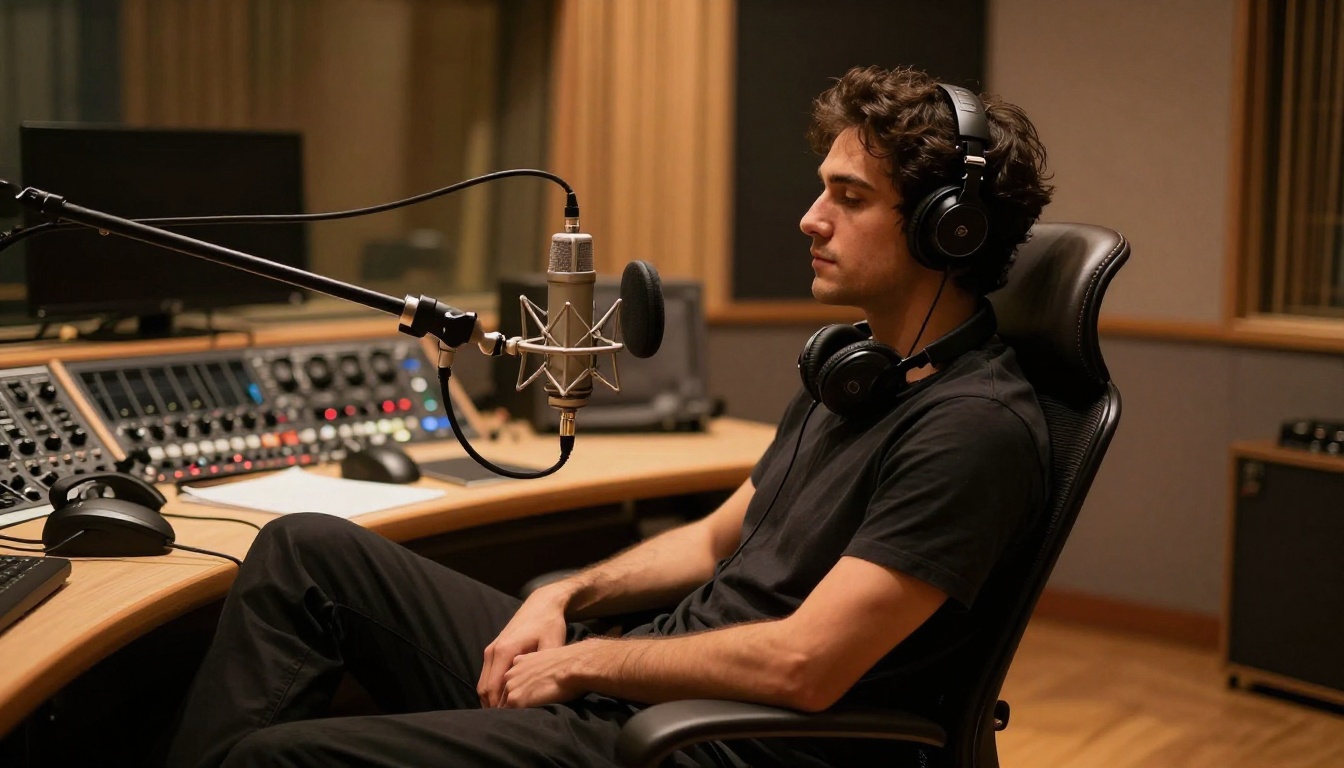
MiniMax Speech 2.8 HD is the standout option for high-quality deep voice synthesis. It offers studio-level audio quality and responds well to voice style descriptions. For a commanding, deep-voiced character, this model produces the most cinematic-sounding output. It is synchronous, so results come back fast without polling.
ElevenLabs V3 delivers natural-sounding voiceovers with strong emotional range. It is particularly good if your character needs to express different moods: calm authority in one scene, warmth in another, without the voice sounding mechanical.
Qwen3 TTS from Qwen is notable for its voice design capabilities. You can clone a reference voice or design a custom one from scratch, which is useful if you want to define a specific vocal quality for your character and reuse it consistently across generations.
Choosing the right voice style
For a deep-voiced AI husbando, the voice style settings matter more than the model alone:
- Pitch: Lower is what you want, but "deep" alone is not enough. Describe the character of the voice: measured, unhurried, resonant, warm
- Pace: Slower delivery with natural pauses sounds more authoritative than rapid speech
- Tone: "English_Explanatory_Man" is the default for MiniMax Speech 2.8 HD and already skews deep and clear, it is a solid starting point
For best results, write the text you want voiced in a style that matches the character. Short, declarative sentences with natural pauses produce a more commanding delivery than long compound sentences.
💡 Tip: Test the same text across two or three different TTS models. The same words sound dramatically different depending on which model renders them. ElevenLabs Flash v2.5 is great for rapid iteration since it returns results fast.
Putting the Visual and Voice Together
Creating a consistent character across images
One of the harder parts of building an AI character is keeping them looking like the same person across multiple generations. Most text-to-image models don't have built-in character memory, so each generation is independent.
The workaround is a character spec prompt: a saved, detailed description of your character that you paste into the beginning of every new prompt. It should include:
- Hair color, length, and style
- Eye color and shape
- Facial structure (jaw, cheekbones, forehead)
- Build and height indicators in framing language
- A signature outfit or clothing style
Flux Redux Dev is specifically designed for creating image variations while preserving subject identity. If you have one strong generation you like, you can feed it into Flux Redux Dev and produce variations of that same character in different poses, outfits, or environments without losing the facial identity.

PicassoIA Image Editor Pro adds inpainting and outpainting capabilities on top of image generation. This means you can take a generated character image and use AI to change the background, adjust the outfit, or extend the frame, all without losing the character's face or body.
Voice cloning vs. voice design
There are two approaches to consistent AI voice for your character:
Voice cloning means taking an existing voice recording and having the model replicate it. MiniMax Voice Cloning allows you to upload a short sample and generate new speech that sounds like that specific voice. If you find a voice reference that fits your character, this is the most reliable path to consistency.
Voice design means describing the voice you want and letting the model construct it. Resemble AI Chatterbox includes emotion control parameters that let you specify not just the voice qualities but how expressive the delivery should be.
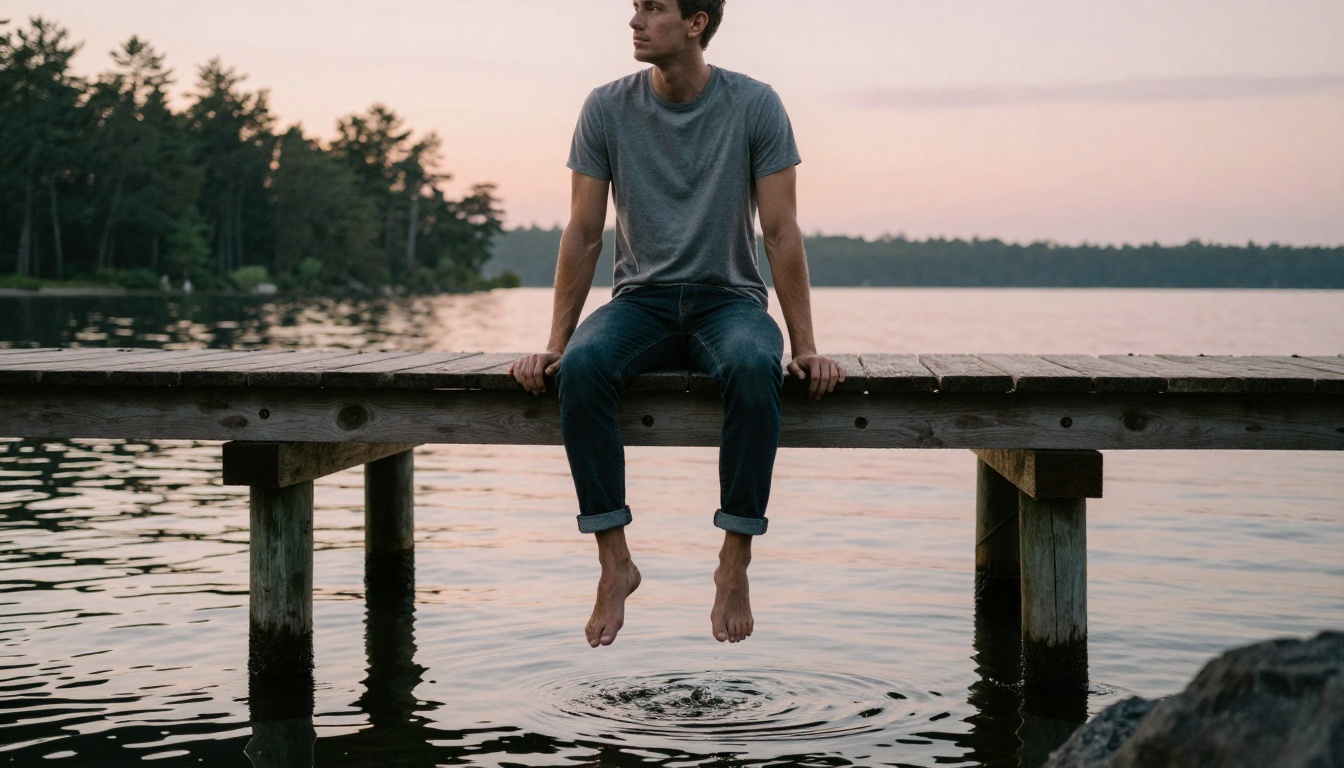
Accessories, Outfits, and Aesthetic Choices
Wardrobe prompting for masculine archetypes
The outfit described in your prompt significantly shapes how "tall" and "commanding" the character reads. Some wardrobe choices that consistently produce authoritative and masculine results in AI image outputs:
- Fitted turtlenecks in dark colors (charcoal, navy, black): emphasize neck and shoulder width
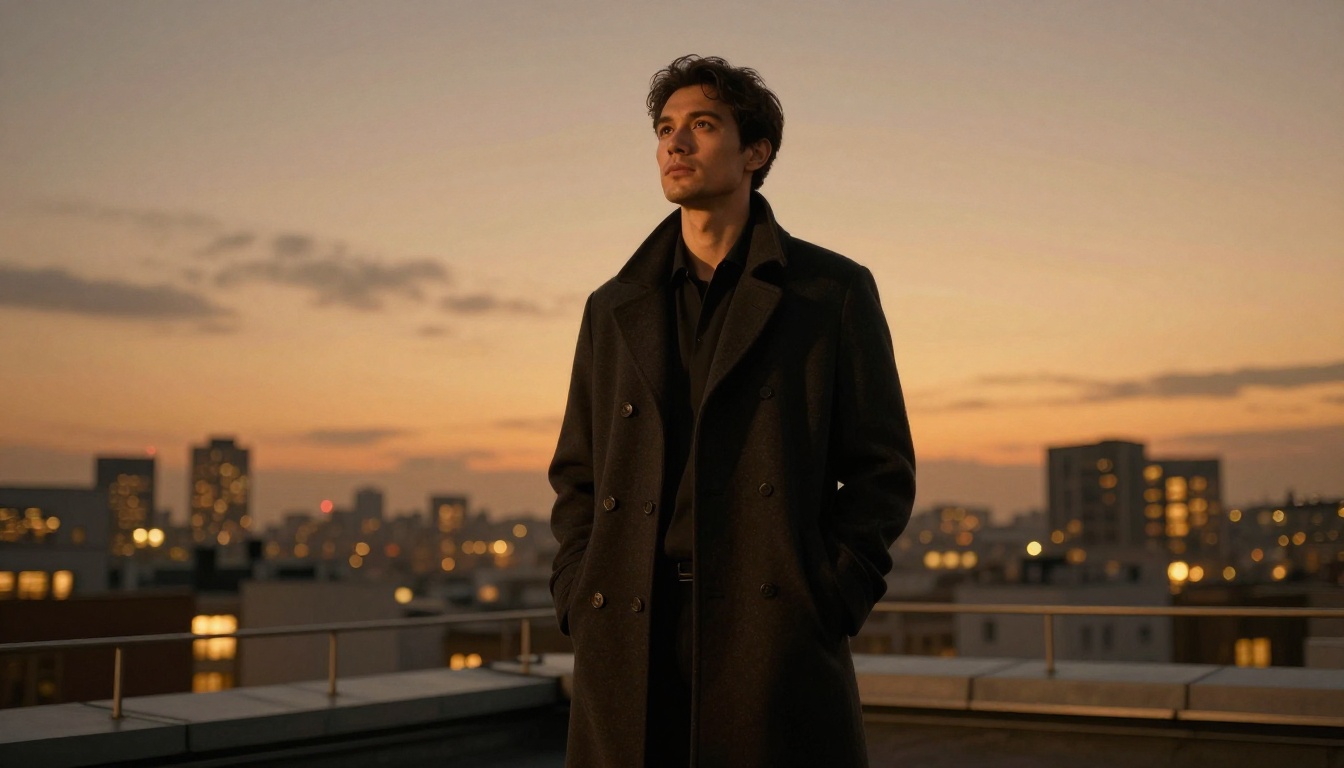
- Tailored overcoats: add vertical lines that lengthen the silhouette
- Simple fitted crew-neck sweaters: show the torso's natural V-shape without distraction
- Dark, well-fitted trousers: lengthen the leg line when paired with minimal footwear detail
Avoid overly detailed or loud patterns in prompts. They distract from the face and body, and models can struggle to render them cleanly.
Expression and gaze control
The expression and gaze direction have a large effect on the perceived character personality:
| Expression / Gaze | Character Reads As |
|---|
| Looking slightly down, neutral | Calm authority, thoughtful |
| 3/4 turn, gaze at camera | Confident, direct |
| Slight smile, looking off-frame | Warm, approachable |
| Side profile, strong jaw visible | Stoic, composed |
Be specific in prompts: "slight upward curl at the left corner of the mouth" is more useful than "slight smile."
How to Use Seedream 4.5 on PicassoIA
Seedream 4.5 is the recommended starting model for this type of character work. Here is how to use it effectively.
Step 1: Go to the model page
Navigate to Seedream 4.5 on PicassoIA. You don't need an account to preview the model, but you'll need one to save and manage your results.
Step 2: Set the aspect ratio
Use 16:9 for cinematic landscape shots that show the character in their environment. Use 9:16 for full-body portrait shots that emphasize height, since this ratio naturally accommodates a standing figure from head to foot.
Step 3: Write your prompt
Use the character spec prompt structure described above. Start with the physical description, then add the environment, camera angle, and lighting. End with --style raw to push toward photorealism over stylized output.
Step 4: Generate and review
Run 3 to 5 generations. Models don't produce the same result twice. Pick the one where the face, proportions, and lighting best match your character concept.
Step 5: Save your seed
If the model shows a seed number for your best result, save it. Re-using the seed with minor prompt variations can produce closely related results that share the same base facial structure, which helps with character consistency across images.
💡 Tip: After finding a strong Seedream 4.5 result, upload it to Flux Redux Dev to generate variations. This gives you multiple scenes featuring the same face without writing a character spec from scratch each time.
The Character Is Waiting For You
Building a tall AI husbando with a deep voice takes more deliberate work than a single prompt, but every step in this process is accessible right now. The tools on PicassoIA span the full pipeline from visual generation through voice synthesis, and the quality difference between a rushed attempt and a thought-out character spec is substantial.
Start with Seedream 4.5 for the visuals. Lock down the face and proportions you want. Then move to MiniMax Speech 2.8 HD for the voice, and experiment with style descriptions until you hit the tone that fits the character you have built.
The most satisfying part of this process is the moment when the visual and the voice click together and the character stops being a series of outputs and starts feeling like a presence. That moment is closer than you might think.