The idea of designing a virtual partner who looks exactly the way you imagine, with the hair color, eye shape, skin tone, style, and personality you choose, has gone from science fiction to something you can do in under three seconds. AI girlfriend generators have reached a level of photorealism that makes the results genuinely difficult to distinguish from professional photography. But the tools are not equal, and the platforms that allow real creative freedom without content filters are rare. This article breaks down how to do it right: which models produce the sharpest, most realistic results, how to write prompts that actually get you the look you want, and where you can generate images without running into restrictions at every turn.
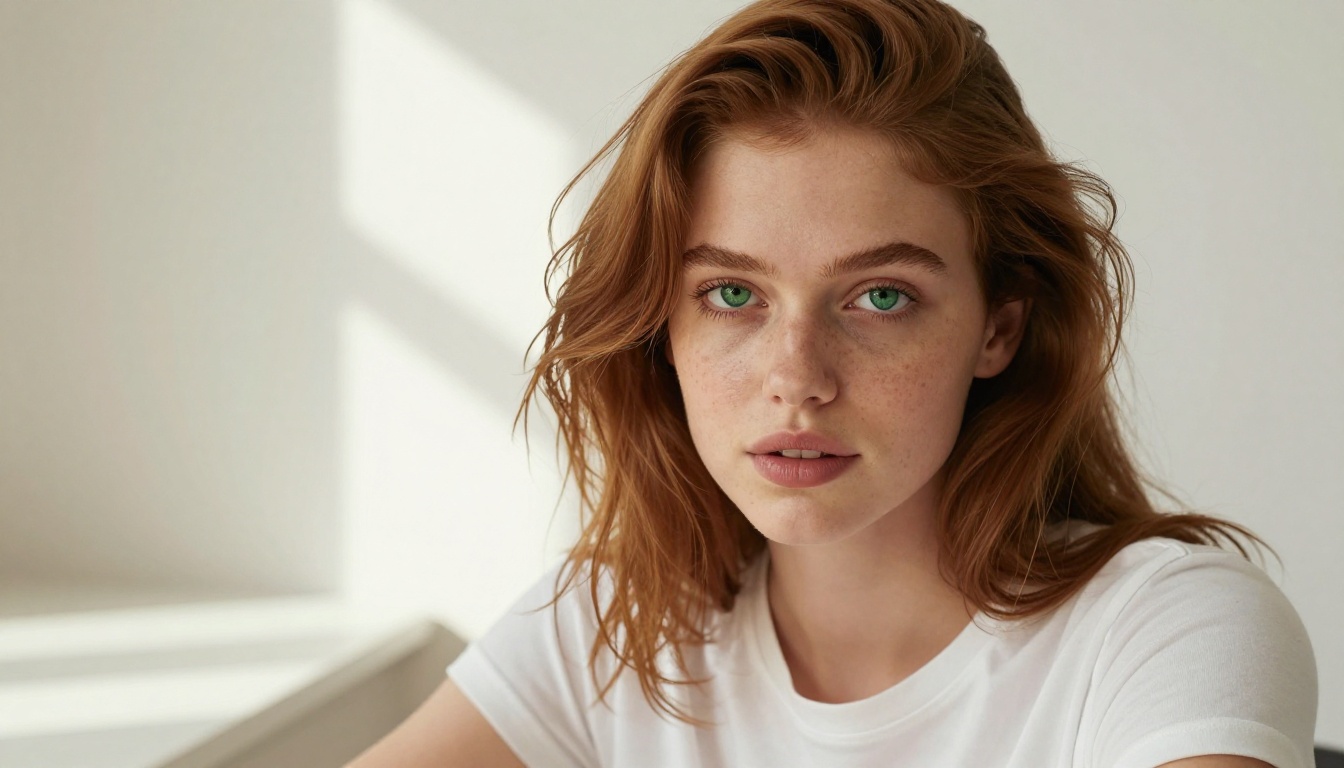
What "Your Dream Look" Means in AI Generation
The phrase "dream look" covers a lot of ground. In AI image generation, it refers to the complete set of physical and stylistic attributes that define a person's appearance in a scene. Every detail you specify in your prompt feeds directly into the output, so understanding what you can control is the first step to getting results you actually want.
Physical Features You Can Define
Modern text-to-image models respond to a surprising level of detail. You can describe:
- Hair: color, length, texture (wavy, straight, curly, coily), how it falls (loose, pinned up, windswept)
- Eyes: color, shape (almond, round, hooded), size, and expression
- Skin tone: from porcelain to deep ebony, with descriptors for undertone (warm, cool, olive)
- Body type: athletic, slender, curvy, petite, tall
- Facial structure: high cheekbones, soft jawline, defined lips, freckles, dimples
The more specific you are, the more control you have. "Beautiful woman" produces generic results. "A woman with warm olive skin, large dark almond eyes, thick arched brows, and full lips in a wide natural smile" produces something closer to what you actually picture.
Style, Setting, and Mood
Physical appearance is only half of the image. The setting and lighting dramatically change how a person is perceived in a photo. A woman in identical clothing looks completely different photographed on a beach at golden hour versus in a minimalist studio with flat white light.
Elements to include in prompts:
- Clothing: fabric type, cut, color, fit
- Location: indoor or outdoor, specific environment, architectural details
- Lighting: source, direction, quality, and color temperature (warm, cool, golden hour)
- Camera angle: low angle, high angle, straight-on, over-the-shoulder
- Lens and depth of field: 85mm f/1.8 for portraits with bokeh, 35mm for environmental context
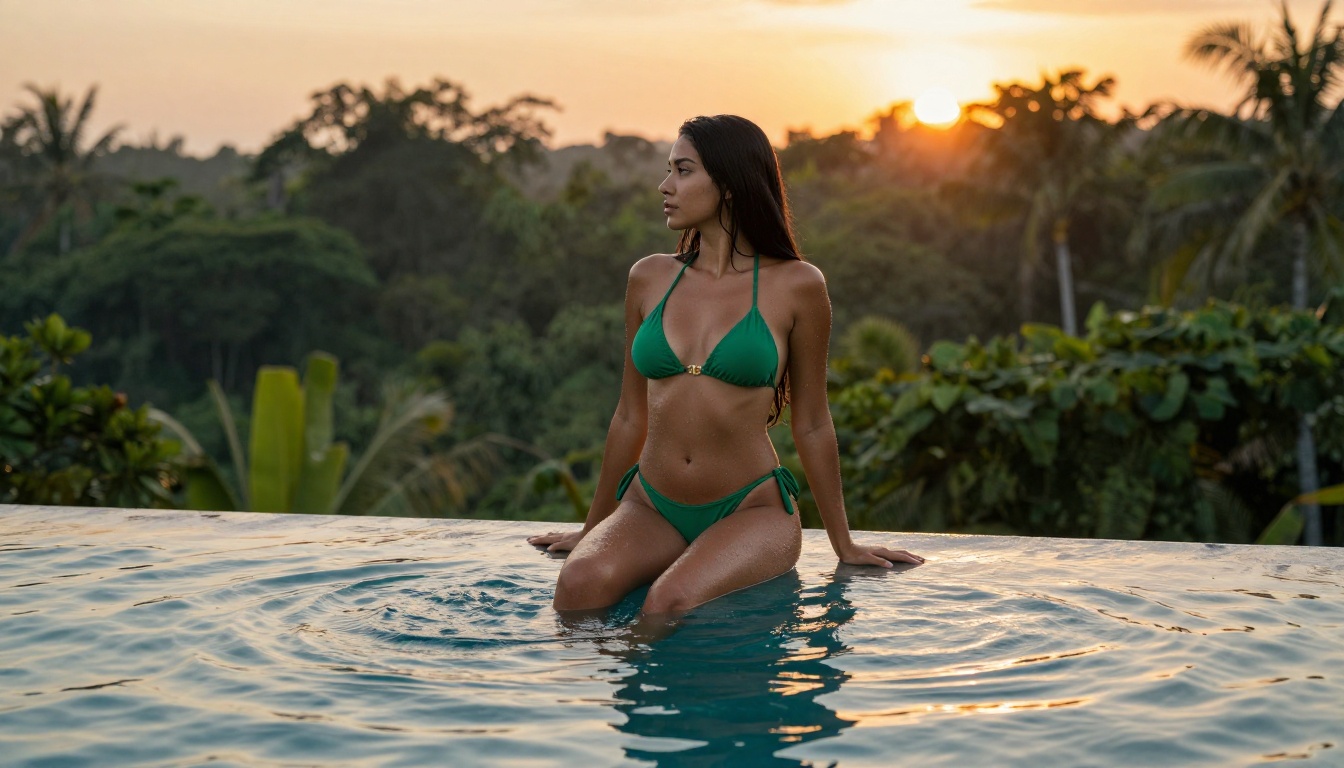
Censorship Walls
The majority of popular AI image generators block adult content by default, and many block it even with paid subscription upgrades. This means a significant portion of what users actually want to create gets rejected at the generation step. The frustrating part is that the rejection often has nothing to do with explicit content. A prompt for a woman in a bikini on a beach or an artistic portrait with implied nudity frequently gets flagged and refused.
PicassoIA stands apart here. Several models on the platform have content safety filters disabled by default, or are explicitly cleared for adult creative work. You are not paying for a subscription only to hit a wall every time you try to create something suggestive.
Prompt Vagueness vs. Specificity
Even on platforms with no content restrictions, weak prompts produce weak results. The single most common reason AI girlfriend images look generic is that the user wrote a vague, three-word prompt and expected the model to fill in the blanks creatively.
The model does fill in the blanks, but it fills them with the statistical average of everything it was trained on. "Pretty girl" gets you the average of millions of training images. "A woman with long copper-red hair, light hazel eyes, freckles across her nose, wearing a fitted navy blue wrap dress, standing in morning light from a floor-to-ceiling window in a Paris apartment" gets you something specific and visually distinct.
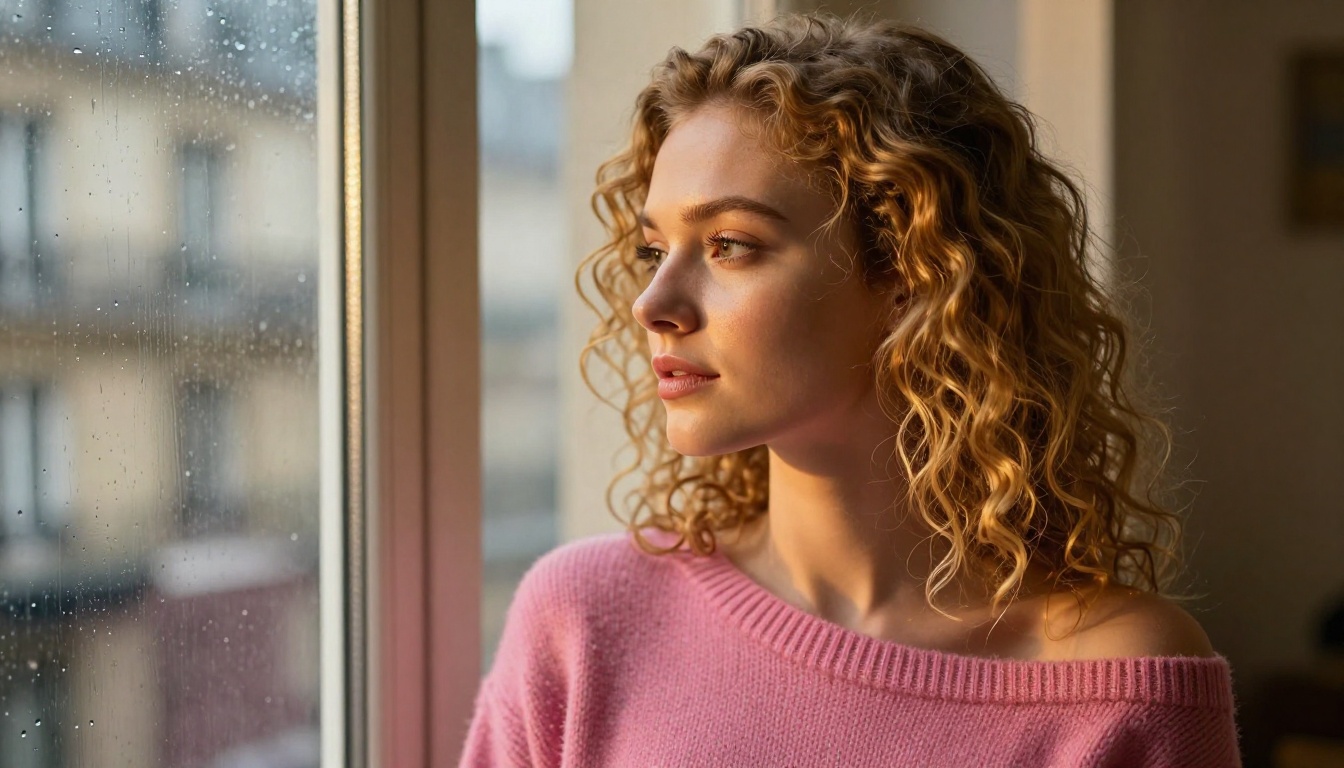
The Best Models for AI Girlfriend Generation on PicassoIA
PicassoIA hosts a wide range of models that support the full creative spectrum, including adult content. Here are the ones that consistently produce the most realistic and unrestricted results:
Seedream 4.5 is the clear top pick. It handles both text-to-image generation and image editing in a single interface, accepts adult content without restrictions, and delivers results in under three seconds. The level of skin texture, hair detail, and expression realism it produces is among the highest on the platform.
💡 Important: Seedream 5 Lite does not support NSFW content. Always use Seedream 4.5 for adult creative work.
PicassoIA Image Editor Pro has a different value proposition. It is an img2img model, meaning you feed it an existing image and tell it what to change. Its biggest advantage is unlimited generations: with an Elite or Infinite plan, you can run 1,000 edits for exactly the same price as 10. On models like Nano Banana 2, that volume would cost around $100. Here it is included. Results come back in under a second, and a free trial is available without a credit card.
Qwen Image 2 is open source and handles image creation and editing with very detailed realism. It is a strong option when you want precise control over specific image attributes without triggering safety filters.
Grok Imagine Image specializes in style conversions. Upload a photo and it converts clothing to bikinis or other outfits in a highly realistic way. The output maintains the original person's proportions and features while swapping the specified elements.
Recraft V4 works strictly as a text-to-image generator but produces very realistic results. Good for when you are starting from scratch with a detailed written description.
P-Image is the fastest option for NSFW text-to-image, generating results in under one second. Ideal for rapid iteration when testing prompts.
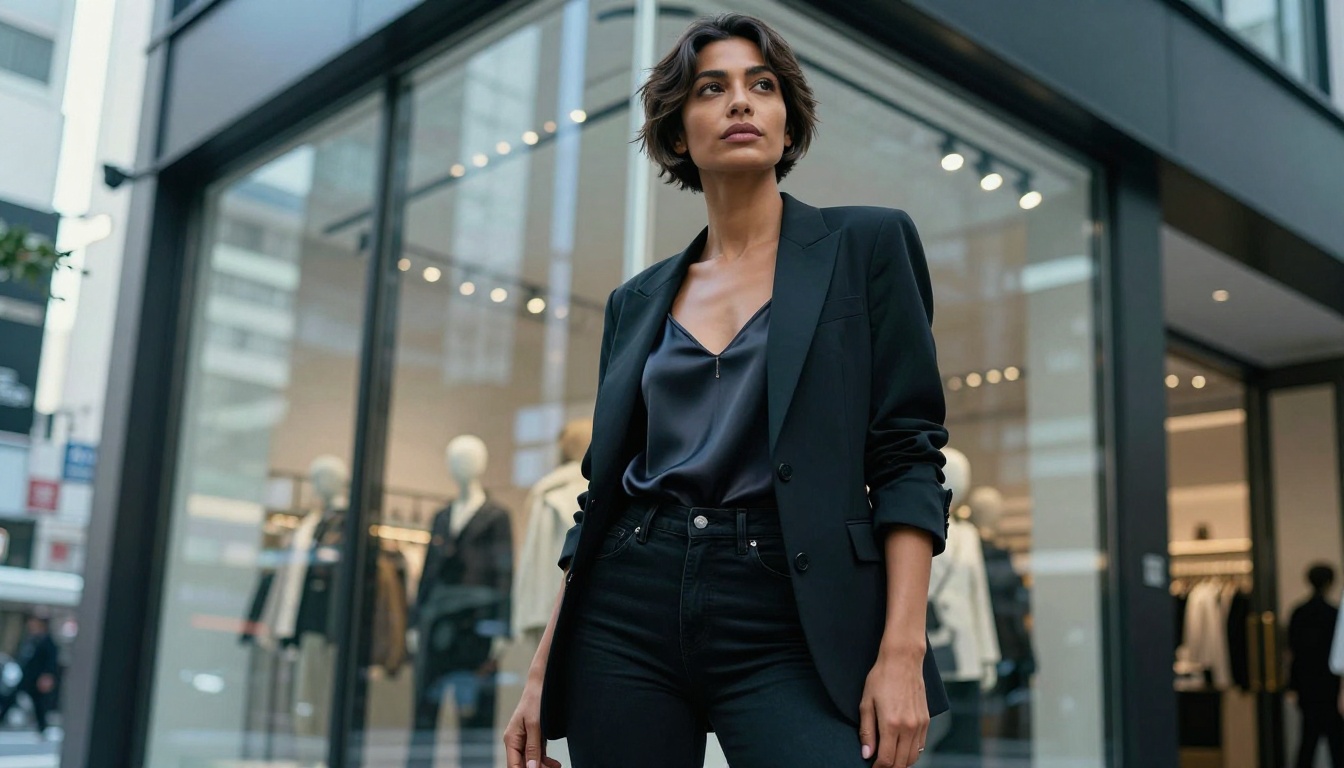
How to Use Seedream 4.5 on PicassoIA
Seedream 4.5 is available directly on PicassoIA. Using it requires no technical setup and no local installation.
Step 1: Open the model page
Go to the Seedream 4.5 page on PicassoIA. If you do not have an account, you can sign up and get a free trial. The interface loads directly in your browser.
Step 2: Write your prompt
The prompt field accepts natural language descriptions. Do not use shorthand or cryptic codes. Write a full description of the person, their clothing, the setting, the lighting, and the mood. The more specific you are, the better. Including camera and lens details produces a more photographic result.
Step 3: Set your parameters
Seedream 4.5 supports aspect ratio selection and quality settings. For close-up portraits, 3:4 works well. For environmental and lifestyle shots, 16:9 gives a cinematic feel.
Step 4: Generate and iterate
Click generate. The result arrives in under three seconds. If the output is close but not perfect, refine your prompt. Change specific descriptors: "wavy hair" to "loose beach waves," "warm lighting" to "golden hour volumetric sunlight from the left," "smiling" to "lips slightly parted in a natural half-smile."
Step 5: Edit with image input
If you have a result you like and want to modify something (change clothing, adjust background, alter a specific detail), switch to the image input mode. Upload your generated image and describe the change. Seedream 4.5 performs the edit while preserving everything else.
💡 Tip: Describing lighting direction and camera lens in your prompt significantly improves photorealism. "Zeiss 85mm f/1.8 at golden hour from the left" produces a noticeably different result than just "portrait."
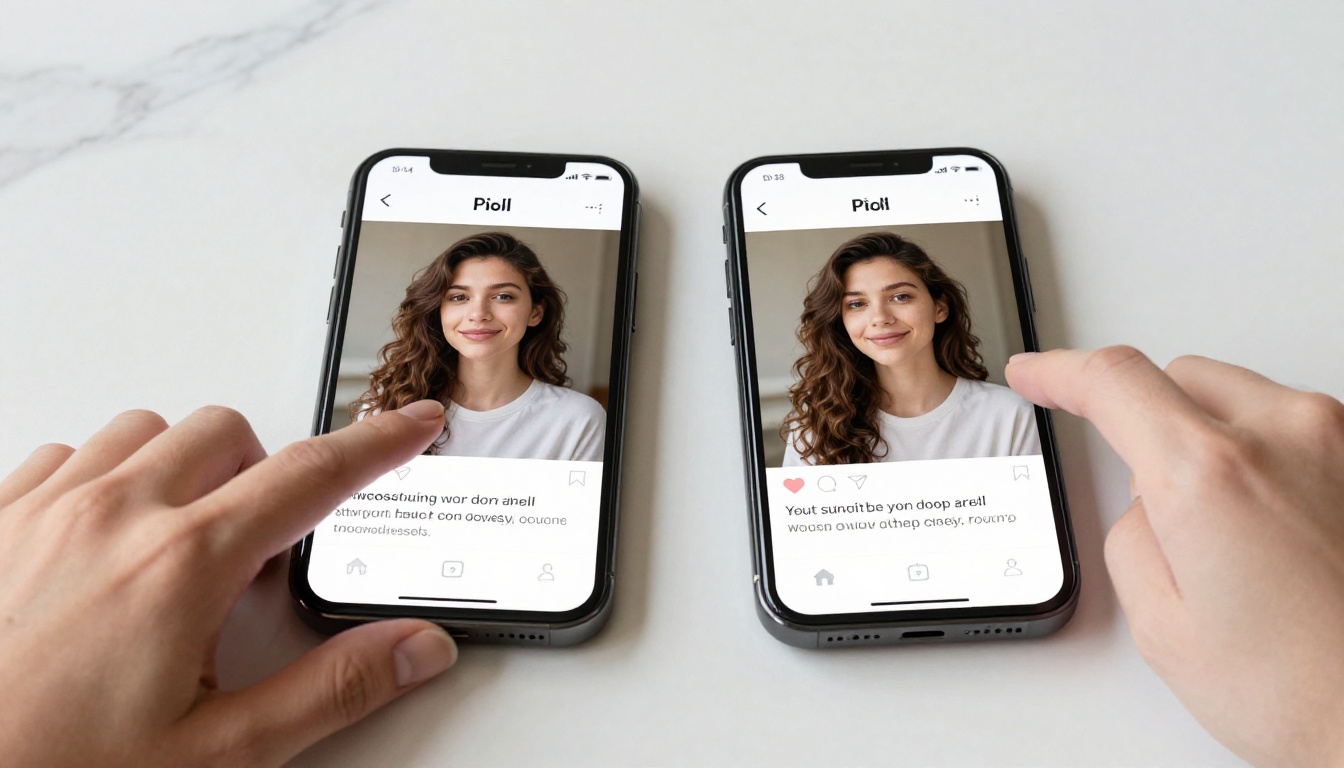
Writing Prompts That Actually Work
The Anatomy of a Good Prompt
A strong AI girlfriend prompt has five components working together:
- Subject description: who the person is (physical appearance, expression, pose)
- Clothing and style: what they are wearing, the fit, fabric, color
- Setting and environment: where the scene takes place, background elements
- Lighting: the source, direction, quality, and color temperature of the light
- Camera and technical specs: lens focal length, aperture (depth of field), shooting angle
Each component sharpens the result. Skip one and the model fills it in generically.
5 Prompt Structures That Deliver
Below are five prompt templates organized by scenario. Copy, adapt, and iterate using Seedream 4.5.
1. Summer beach portrait:
"A woman with [skin tone] skin, [hair description], wearing a [color] bikini, standing ankle-deep in clear turquoise water, shot from a low angle at water level, golden hour rim light from behind-right, Sony A1 85mm f/1.8, bokeh on distant coastline, photorealistic 8K"
2. Urban lifestyle:
"A [ethnicity] woman with [feature], wearing [outfit], standing on a [city] rooftop at dusk, city lights beginning to blur in the bokeh behind her, Canon EOS R5 35mm f/1.8, warm ambient street light from below-right, photorealistic RAW"
3. Intimate indoor:
"Close-up portrait of a woman with [eye/hair description], sitting on a bed in soft morning light from a window to the left, wearing [minimal clothing], loose hair across the pillow, Nikon Z9 105mm f/2.8, shallow depth of field, warm neutral skin tones, Kodak Portra 400 film look"
4. Fashion editorial:
"Full-body shot of a woman with [body type], wearing [fashion item], in a [environment], natural afternoon light from directly above, wide-angle 28mm f/2.8, photorealistic with visible fabric texture, high detail"
5. Glamour:
"Side-profile close-up of a woman, [facial features], bare shoulder and collarbone, studio softbox light from the left creating a narrow catchlight in the eyes, Hasselblad medium format 80mm f/2.2, crisp foreground focus, creamy background, film grain, photorealistic"
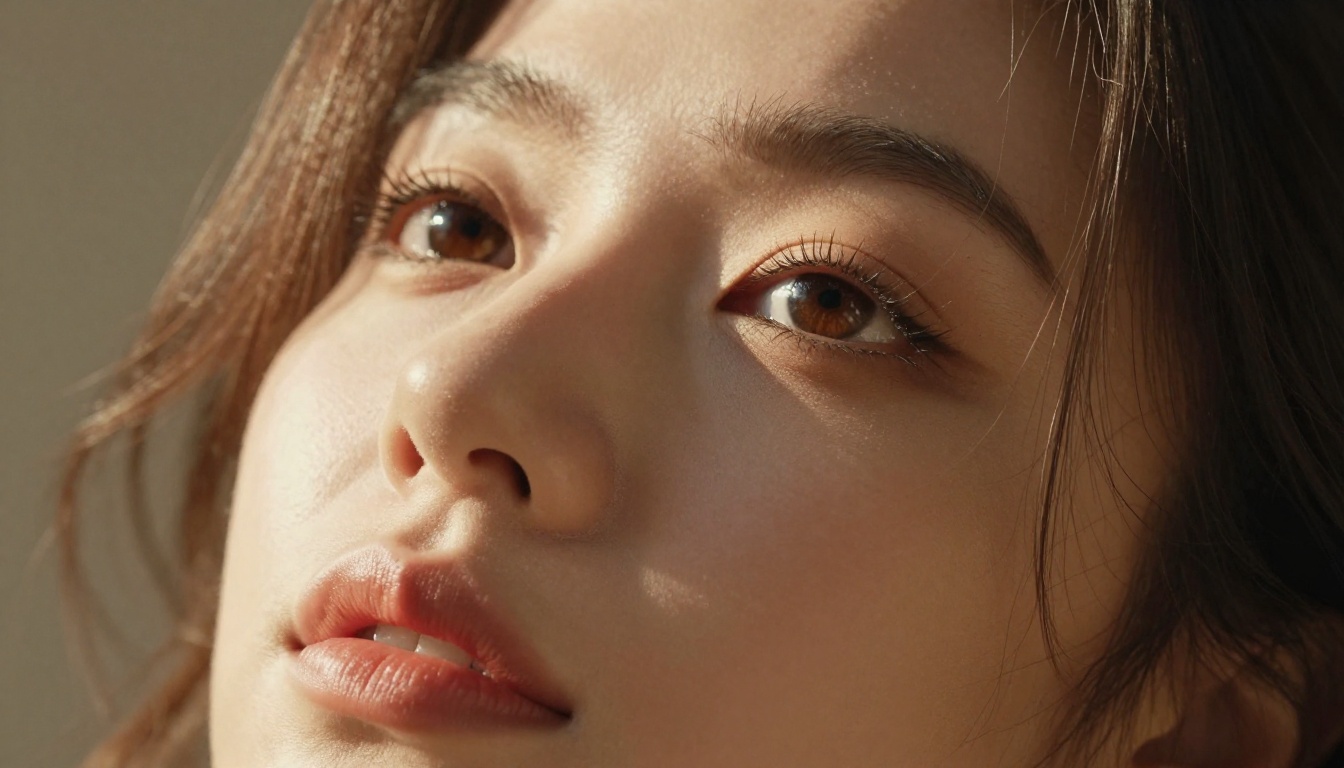
Editing and Refining with PicassoIA Image Editor Pro
Once you have an initial image you like, PicassoIA Image Editor Pro becomes your primary refinement tool. It is designed for image-to-image work, which means you supply a base image and a description of the change you want made.
What You Can Change
- Swap clothing items while keeping the person's appearance intact
- Change the background or setting without altering the subject
- Adjust lighting conditions (add a sunset glow, change from indoor to outdoor)
- Modify specific physical details (hair length, style, color)
- Convert attire from one category to another (casual to glamour, dressed to swimwear)
The Unlimited Generations Advantage
The cost calculus here is important to understand. Most pay-per-generation models charge per image. If you are iterating heavily, testing ten variations of a clothing change or fifteen different lighting setups, costs accumulate fast. On models like Nano Banana 2, generating 1,000 images costs around $100.
With PicassoIA Image Editor Pro under an Elite or Infinite subscription, those 1,000 images cost nothing extra. They are included. If you are doing serious volume work, building a visual reference library, or extensively customizing an AI companion's appearance, this makes a real difference. The free trial gives you three generations with no credit card required to test it first.
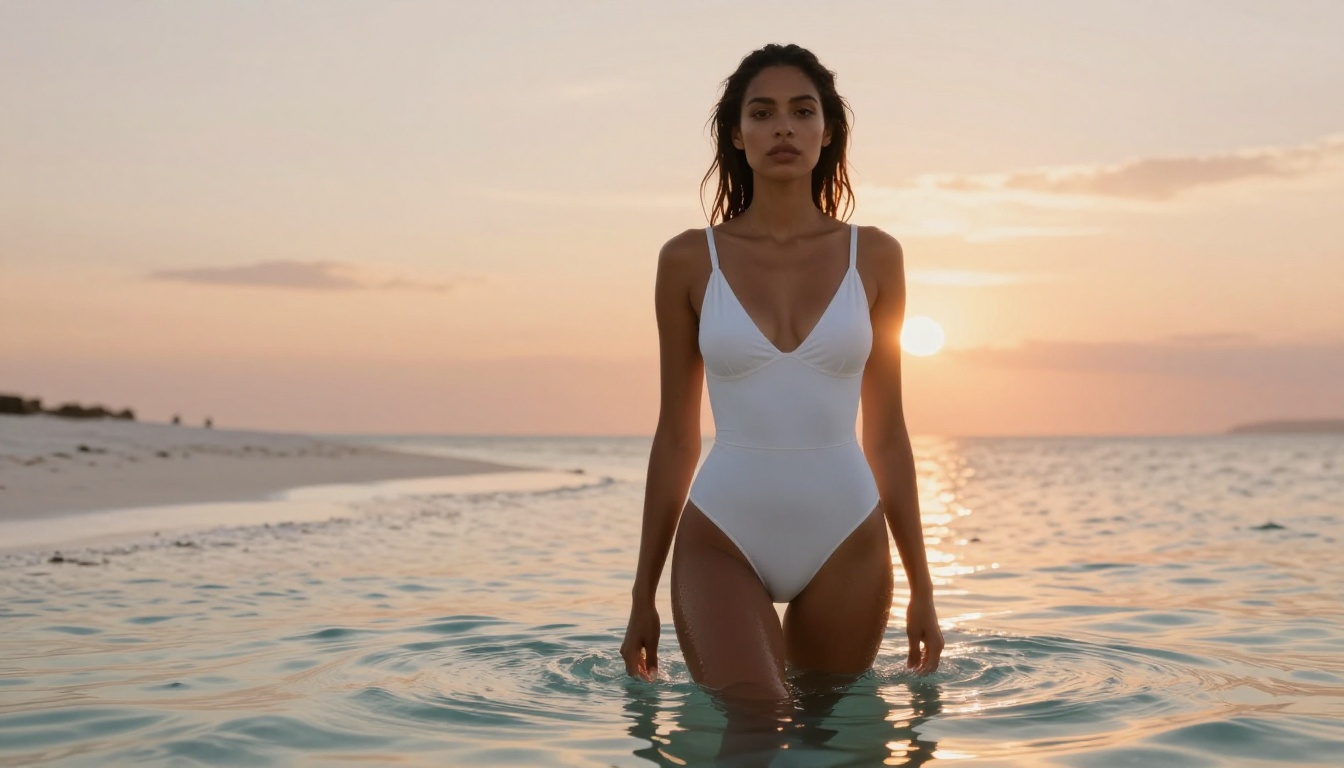
Privacy and No Filters
One underappreciated aspect of creating AI companions is privacy. On many mainstream platforms, prompts are logged, images are sometimes reviewed, and accounts can be suspended for generating content that violates guidelines, even content that is not explicit by any reasonable standard.
PicassoIA takes a different approach. Models like P-Image and P-Video have safety filters disabled by default. Seedream 4.5 accepts adult content without requiring special permissions or account verification beyond standard sign-up. Grok Imagine Image handles style conversions, including swimwear, without refusing based on subject matter alone.
💡 For creators: If you are building a content library for adult platforms, subscription-based communities, or personal collections, the combination of Seedream 4.5 for generation and PicassoIA Image Editor Pro for unlimited refinement is the most cost-effective and restriction-free workflow available.
3 Mistakes to Stop Making Right Now
1. Using generic physical descriptors
"Beautiful" and "attractive" mean nothing to a model. Every image in the training data is labeled attractive by some standard. Describe actual physical attributes: bone structure, eye shape, lip fullness, skin quality, hair texture.
2. Ignoring lighting in your prompt
Lighting is responsible for at least 50% of how a portrait feels. A vague prompt about a woman on a beach produces flat midday light that makes the image look like a stock photo. Specifying "golden hour light from the right, warm rim light separating her from the background" turns the same scene cinematic.
3. Giving up after the first result
AI image generation is an iterative process. The first output tells you what the model did with your instructions. Adjust one element, regenerate, see what changed. The users who get consistently high-quality results treat generation as a two-way conversation with the model, not a one-shot request.
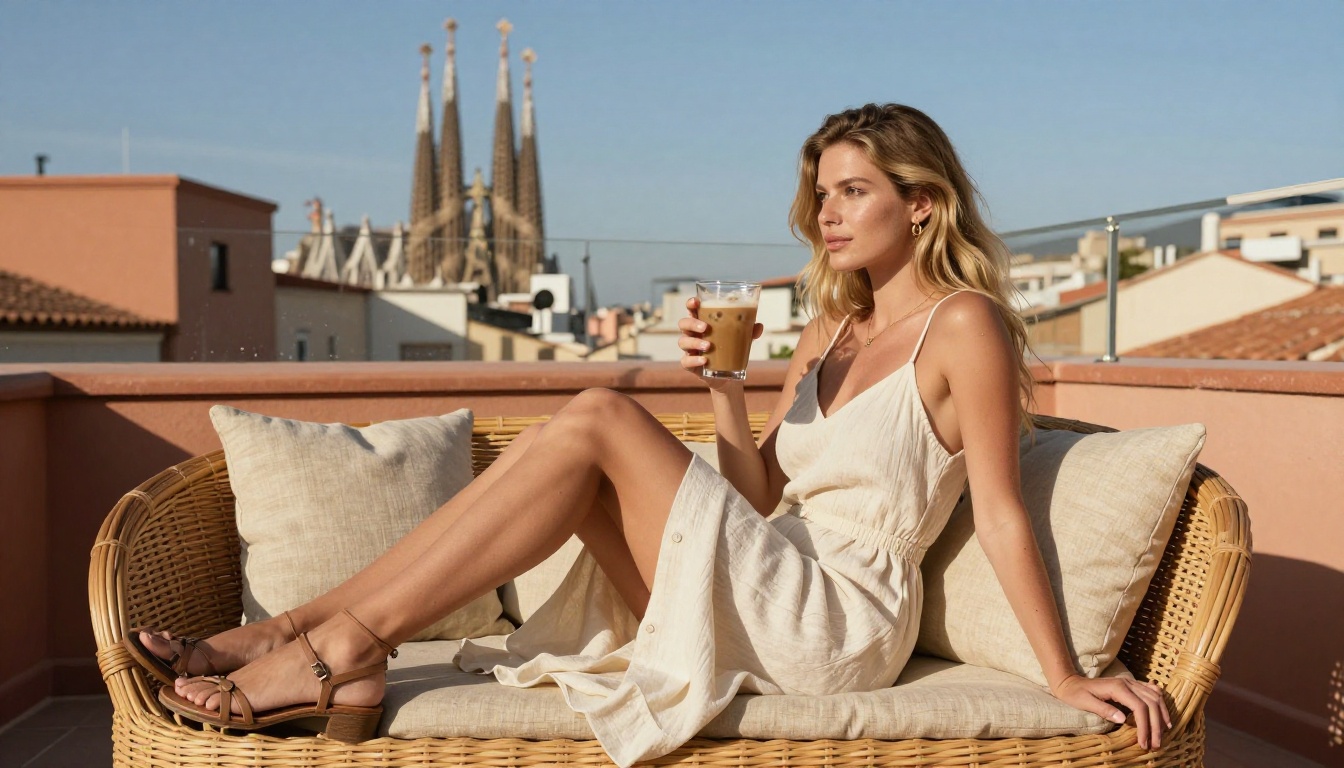
Start Generating Your AI Companion Now
Every element of an AI girlfriend's appearance is within your control: the exact shade of her eyes, the texture of her hair in the light, how she holds herself in a room, the way afternoon sun catches her shoulder. The tools to produce genuinely photorealistic, uncensored results are available now, and the best of them take under three seconds to deliver.
The most direct path starts at Seedream 4.5 on PicassoIA. Write a detailed prompt, generate, refine, and iterate. When you are ready to do volume work or heavy editing, PicassoIA Image Editor Pro handles unlimited changes at no extra cost on Elite or Infinite plans.
The full catalog of models, including every option mentioned here and dozens more, is at picassoia.com/en/all-models. Over 90 text-to-image models are available in one place, giving you a range of styles, speeds, and capabilities no single tool has offered before.
Your AI companion looks exactly the way you imagine her. Now you have everything you need to bring that image to life.


