You want an AI boyfriend who looks exactly how you imagine him, responds the way you want, and has no arbitrary content blocks stopping you from getting creative. That is no longer science fiction. With the right combination of image generation models, large language models, and a platform that does not restrict adult content, you can build a fully custom AI companion from the ground up. This article shows you exactly how.
What "Uncensored" Actually Means in AI
The word uncensored gets used loosely in AI discussions. What it actually means in practice is a model that does not reject prompts based on perceived sensitivities around adult themes, suggestive imagery, or relationship-style roleplay content. Most mainstream platforms hard-filter these requests before the model even processes them.
The Filter Problem
Platforms like standard Stable Diffusion deployments or OpenAI-based image generators apply safety filters at multiple layers: the prompt parser, the inference step, and the output review. Even a prompt describing a shirtless man can get flagged depending on the surrounding context. The result is a broken creative workflow where you spend more time rephrasing than creating.
This matters for people building AI companions. The whole point of a custom AI boyfriend is that it responds to your creative direction without pushback. Filtered models break immersion constantly.
What Unrestricted Actually Looks Like
A truly unrestricted image model accepts detailed prompts describing real-seeming people in suggestive but non-explicit scenarios. It generates photorealistic results without artifacts, watermarks, or substitute outputs. And it does this consistently, image after image, without random refusals mid-session.
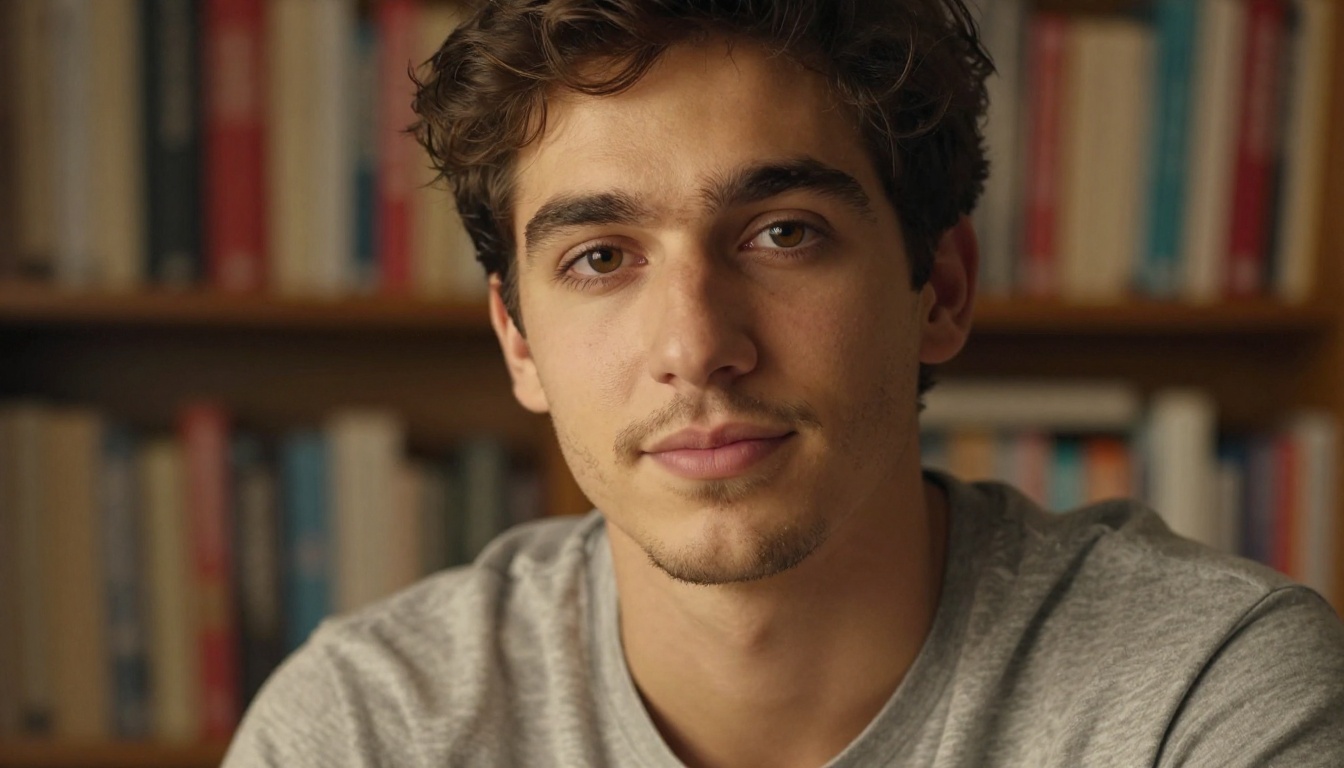
The good news: several models do exactly this. And they are all accessible in one place.
The Best Image Models for the Job
Not all image models that claim NSFW support are actually useful. Some produce plastic-looking results, others cap resolution, and several stop at softcore filters that still block most realistic content. Below are the models that actually deliver, ranked by performance.
Seedream 4.5 Is the One to Start With
Seedream 4.5 is the top recommendation for building a photorealistic AI boyfriend. It accepts NSFW prompts without filtering, supports image editing so you can refine a character across multiple sessions, and generates results in under three seconds. That speed matters when you are iterating on a character's look. You are not waiting two minutes per image; you are getting results fast enough to actually experiment.
💡 Speed tip: Because Seedream 4.5 generates in under 3 seconds, you can run 20+ iterations of your character in a single sitting to nail the exact look before committing.
It also handles consistency better than most. Give it the same character description with minor pose variations and the underlying facial structure stays stable. That is crucial for building a character that feels like one person across different scenes.

PicassoIA Image Editor Pro: Unlimited Without the Cost
PicassoIA Image Editor Pro is an image-to-image model with a significant pricing advantage. With an Elite or Infinite subscription, you get unlimited generations with no extra cost per image. Compare that to models like Nano Banana 2 where generating 1,000 images would run around $100. Here, you can generate 1,000 images for the price of your subscription.
It delivers results in under one second, accepts NSFW content, and you can try it for free with three generations and no credit card required. For anyone planning to build out a full character library, this is the economic choice.
The Rest of the NSFW-Ready Stack

All of these models are available through PicassoIA without content restrictions. The platform does not apply additional filtering on top of the models, which means what you prompt is what you get.
Crafting the Perfect AI Boyfriend Appearance
A good image generation prompt is not just a description. It is a set of technical and artistic instructions that tell the model exactly what to render. The difference between a generic result and a photorealistic character that looks like a real person comes down to how specific you get.
The Anatomy of a Strong Character Prompt
A high-performing character prompt has these layers:
- Subject: Who is he? Age, hair color, eye color, facial structure, build.
- Clothing and style: What is he wearing? Material, fit, color.
- Environment: Where is he? Describe the background with detail.
- Lighting: Direction, quality, source. "Warm morning light from the left" beats "good lighting."
- Camera specs: Lens focal length, aperture, depth of field.
- Film stock: Kodak Portra 400, natural grain.
- Style flag: Raw photography mode keeps results photorealistic.
💡 Prompt structure example: "Handsome man, dark brown hair, chiseled jaw, 28 years old, wearing an open white linen shirt, standing in a modern kitchen, warm pendant light from above, 85mm f/1.4 lens, shallow depth of field, Kodak Portra 400 film grain, photorealistic RAW 8K"
Consistency Across Scenes
The biggest challenge in building an AI boyfriend is getting him to look like the same person in every image. Current text-to-image models do not have a "remember this face" button, but you can maintain consistency by:
- Keeping the same physical descriptors in every prompt (copy-paste the core character block)
- Using the same model for the entire character library
- Using PicassoIA Image Editor Pro to do image-to-image refinements from a base image you are happy with
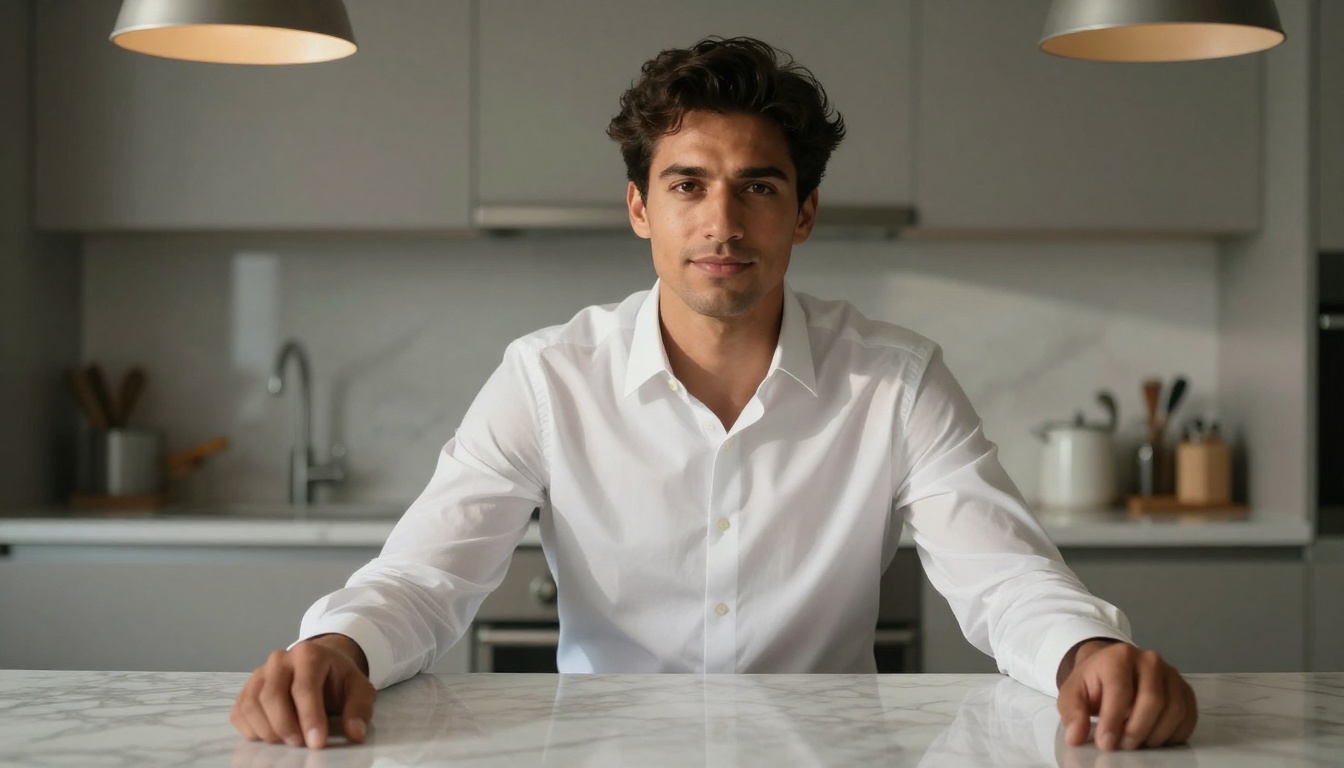
Once you have a "master image" of your character, Qwen Image 2 can take that reference and generate variations while preserving the core facial features. It is an open-source model with strong realism and no content restrictions.
Giving Him a Personality with LLMs
The visual is only half the equation. An AI boyfriend that does not talk back is a photo album, not a companion. To give your character a voice, a personality, and conversational depth, you need a large language model configured with the right system prompt.
The Best LLMs for AI Companion Roleplay
PicassoIA provides access to dozens of LLMs in its catalog. These are the standouts for character-based roleplay and companion simulation:
GPT 5 Pro has built-in extended reasoning, which means it can maintain complex character personas over long conversations without losing track of who the character is. It is the strongest option for a companion with depth.
Claude 4 Sonnet excels at precise, nuanced writing. If you want a boyfriend who sends poetic messages, has a distinctive writing style, or can hold emotionally intelligent conversations, Claude 4 Sonnet is the right pick.
Deepseek R1 is a reasoning model with transparent step-by-step thinking. Useful for AI companions who explain their reasoning or take a more analytical, intellectual personality.
Llama 4 Maverick Instruct is free to use and solid for casual chat personas. A strong starting point before upgrading to a premium model.
Gemini 3.1 Pro handles multimodal context well, meaning you can pair it with your generated images to create a richer companion experience where the model "sees" what your character looks like.
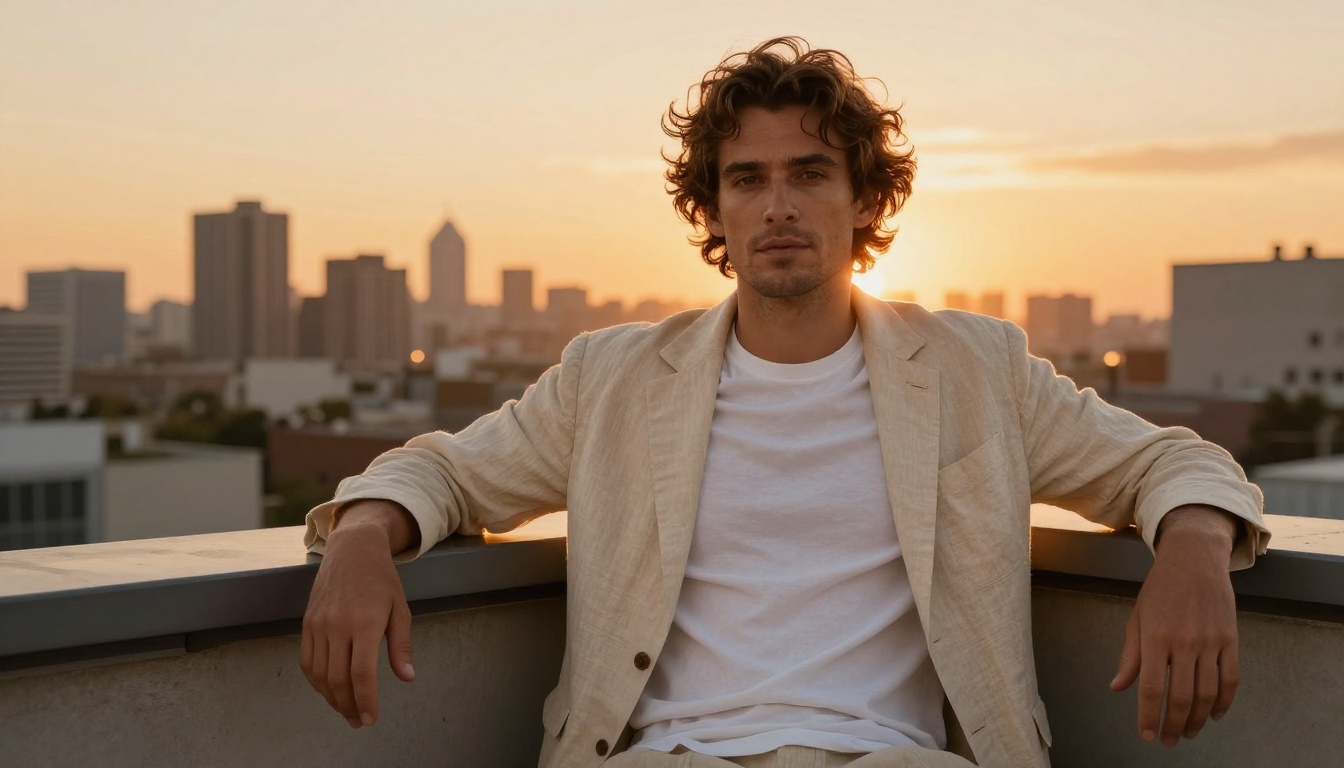
Personality Prompting That Actually Works
The system prompt is where your boyfriend's personality lives. Most people make it too short. A well-built companion system prompt covers:
- Name and backstory: Where is he from? What does he do for work?
- Personality traits: Three to five specific traits with behavioral examples.
- Communication style: Does he text in full sentences? Use humor? Give short replies?
- Relationship dynamic: How does he think about you? What tone does he use?
- Triggers and reactions: How does he respond to certain topics?
💡 Example personality block: "You are Marco, a 29-year-old architect from Milan. You are warm, confident, and slightly sarcastic in a playful way. You write in short, casual sentences. You call her by her name often. You are attentive and remember details she has mentioned before."
The more specific the system prompt, the more coherent the character over long sessions. Short system prompts produce generic responses. Detailed ones produce a personality that feels like a real person.
How to Use Seedream 4.5 on PicassoIA
Seedream 4.5 is available directly through PicassoIA. Here is how to create your first AI boyfriend image step by step.
Step 1: Open the Model
Go to picassoia.com/en/collection/text-to-image/bytedance-seedream-45 and open the model interface. No complicated setup required.
Step 2: Write Your Prompt
Use the structure above. Start with the physical description, add environment and lighting, then close with camera specs and film stock. Do not use vague descriptors like "handsome" alone. Be specific: hair color, eye color, jaw shape, age range, skin tone.
Example: "Tall man, dark hair, light stubble, early 30s, wearing a grey fitted t-shirt, standing near a window in a modern apartment, soft morning light from the left, 85mm f/1.8, shallow depth of field, Kodak Portra 400 grain, photorealistic 8K"
Step 3: Adjust Parameters
Seedream 4.5 accepts standard image generation parameters. Use a 16:9 ratio for lifestyle images or 9:16 for portrait-style character shots. Set steps to the recommended default or slightly higher for more detail in facial features.
Step 4: Generate and Evaluate
Your result lands in under three seconds. Evaluate the output critically: does the face look real? Are the proportions correct? Is the lighting consistent with your prompt? Refine one element at a time rather than rewriting the entire prompt.
Step 5: Build Variants
Once you have a result you are happy with, use it as the basis for image-to-image work in PicassoIA Image Editor Pro to create new scenes, different outfits, and different expressions while preserving the core face.
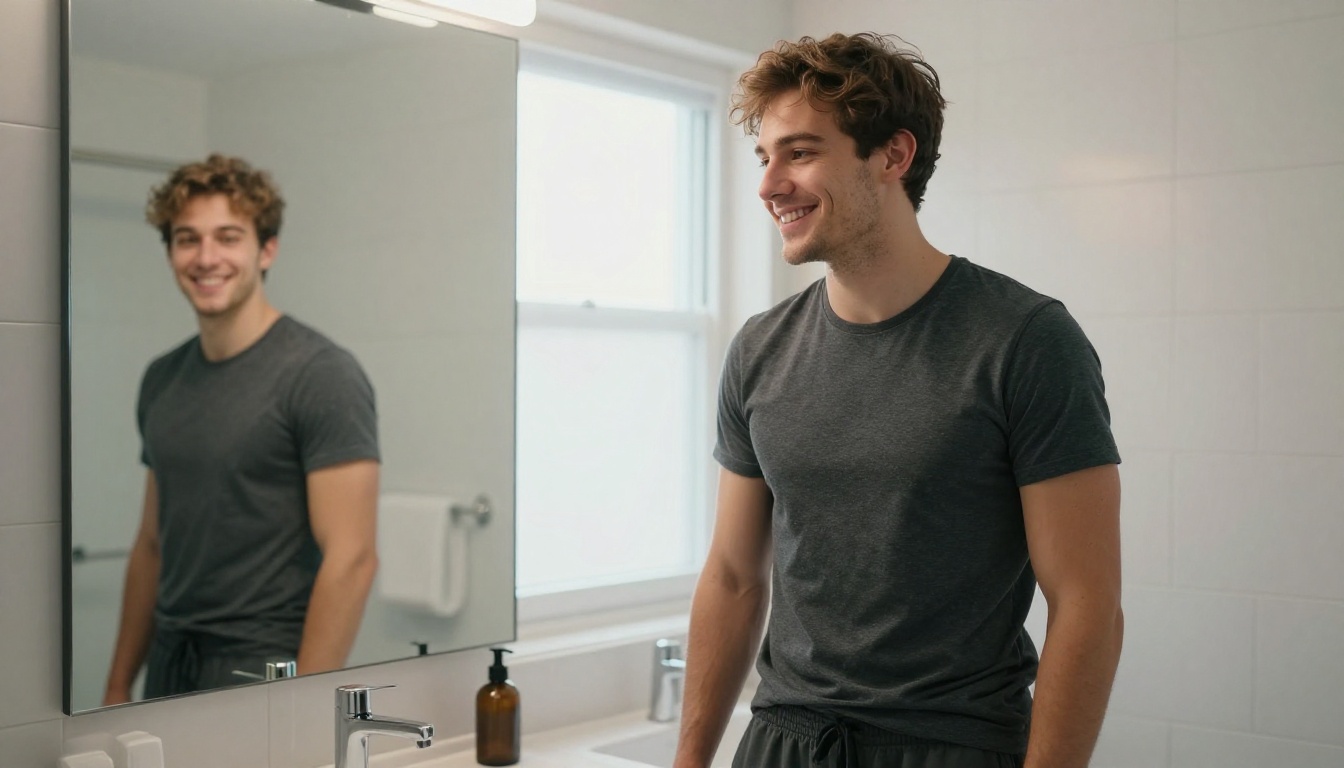
3D Model Options for Your AI Companion
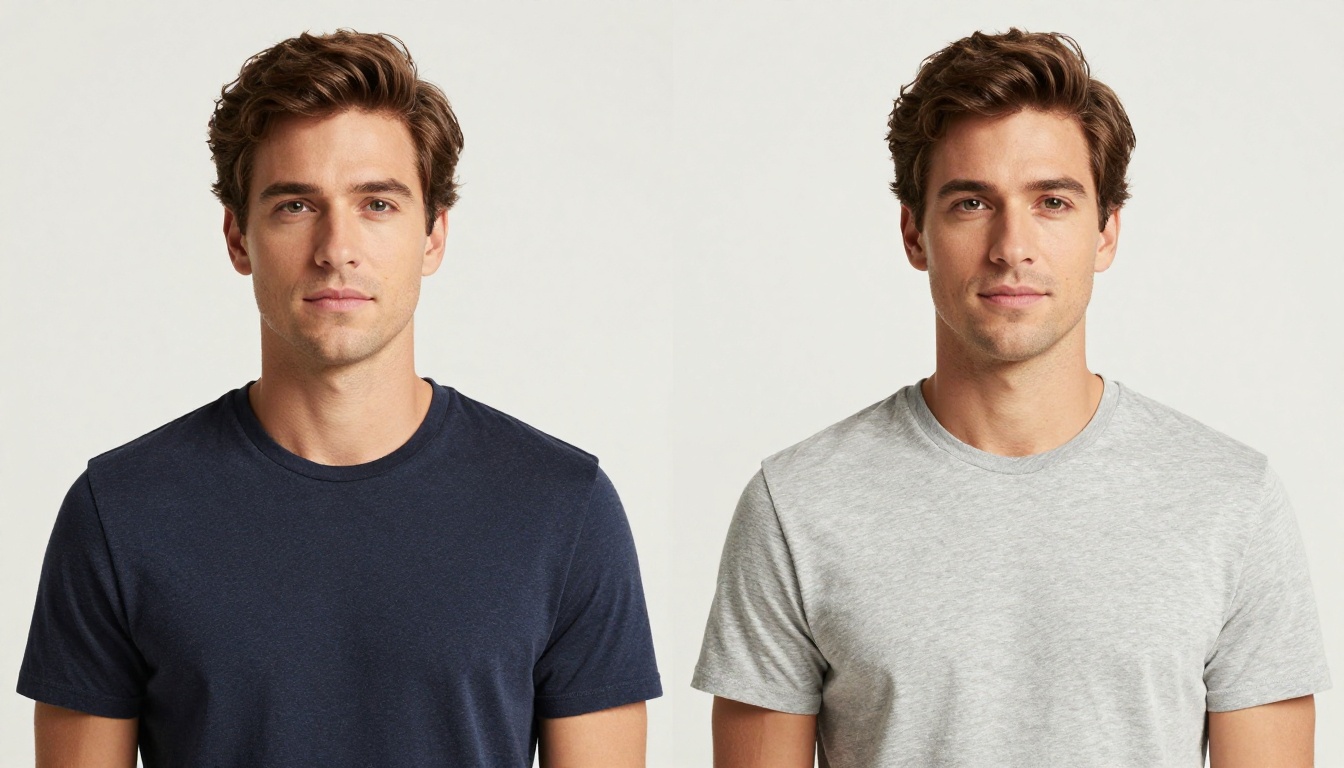
For creators who want to go beyond 2D images, the Generate 3D models category on PicassoIA opens up a new dimension for your AI boyfriend. A 3D model of your character can be posed, rotated, and used in virtual environments, giving the companion experience a different kind of depth.
Why 3D Adds a New Dimension
3D character models allow for dynamic posing that text-to-image cannot replicate consistently. You define the character once in three dimensions, then pose it however you want without rewriting prompts. For creators building out interactive stories or VR experiences around their AI companion, 3D is the logical step up from static imagery.
The workflow pairs naturally with your 2D images: start with Seedream 4.5 to define and perfect your character's visual design, then use the 3D model tools on PicassoIA to bring that design into a poseable format.
3D Character Tips That Save Time
- Use your best 2D images as reference inputs for the 3D generation
- Focus on front-facing, well-lit, neutral-expression images as the base input
- Generate multiple 3D iterations since face topology can vary between outputs
- Combine with the LLM personality layer for a companion that is both visually defined and conversationally alive
Putting It All Together
Building a full AI boyfriend from scratch involves three layers working in parallel:
- Visual design via Seedream 4.5 for the photorealistic appearance, with PicassoIA Image Editor Pro for unlimited scene variations
- Personality and voice via a carefully configured LLM like GPT 5 Pro or Claude 4 Sonnet
- Optional 3D form via the Generate 3D Models tools on PicassoIA for poseable character control
The image side is where most creators spend the most time, and rightly so. Getting the visual character right is the foundation. Once the face and presence are locked in, the LLM layer adds the dimension that makes it feel like a real connection.
Best Models for NSFW AI Generation on PicassoIA
PicassoIA offers several models designed for unrestricted, realistic content creation. Here is the full recommended list:
- Seedream 4.5 ⭐ The best all-around NSFW model. Accepts adult content, supports image editing, and generates ultra-realistic results in under 3 seconds. Its successor, Seedream 5 Lite, does not allow NSFW.
- PicassoIA Image Editor Pro Img2img with unlimited generations. Need 1,000 images? They are free with your Elite or Infinite plan. That same volume would cost around $100 on models like Nano Banana 2. Accepts NSFW, returns results in under a second, and includes a 3-generation free trial with no credit card required.
- Qwen Image 2 Open-source model that edits or creates any image in seconds with very detailed realism.
- Grok Imagine Image Realistically converts any image to a bikini format.
- Recraft V4 Very realistic results, text-to-image only.
- P-Image NSFW text-to-image generation in under 1 second.
👉 Explore the full lineup of the best NSFW AI models and generate without limits at picassoia.com/en/all-models.
Start Building Right Now
You have everything you need to create your first AI boyfriend today. Open Seedream 4.5 on PicassoIA, write a detailed character prompt, and see your first result in under three seconds. From there, iterate on the appearance, build out variant scenes with PicassoIA Image Editor Pro, and layer in personality using one of the LLMs in the catalog.
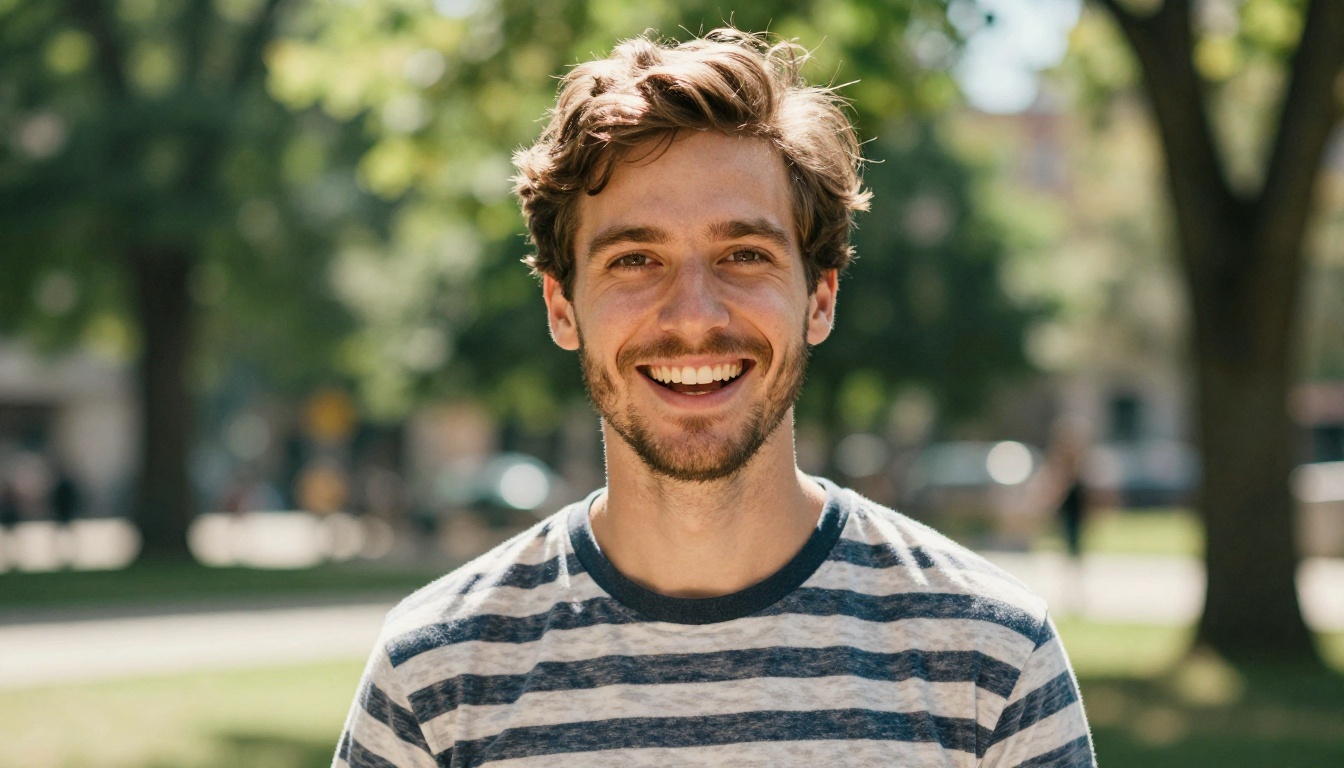
There is no correct version of what an AI boyfriend looks like. Dark hair or light, athletic or lean, quiet and brooding or openly affectionate. The models do not judge the direction. That is the point. Start with one image and build from there. PicassoIA has 91 text-to-image models and over 75 LLMs in its catalog, all available at picassoia.com/en/all-models.


