Movie trailers are the most concentrated form of visual storytelling. In 90 seconds, they set tone, introduce stakes, and force an emotional reaction that lingers for days. That kind of precision has always required a full production team, a color suite, and months of post-production work. Wan 2.7 changes that equation completely. With the right prompting approach and a clear understanding of cinematic composition, you can now produce footage that holds up against professionally graded trailer content, all from a single text prompt.
This is not about mimicking Hollywood at a surface level. It is about understanding the specific visual grammar that makes a trailer feel expensive and then applying that grammar systematically through Wan 2.7 T2V, Wan 2.7 I2V, and Wan 2.7 R2V on PicassoIA.
What Makes a Movie Trailer Look
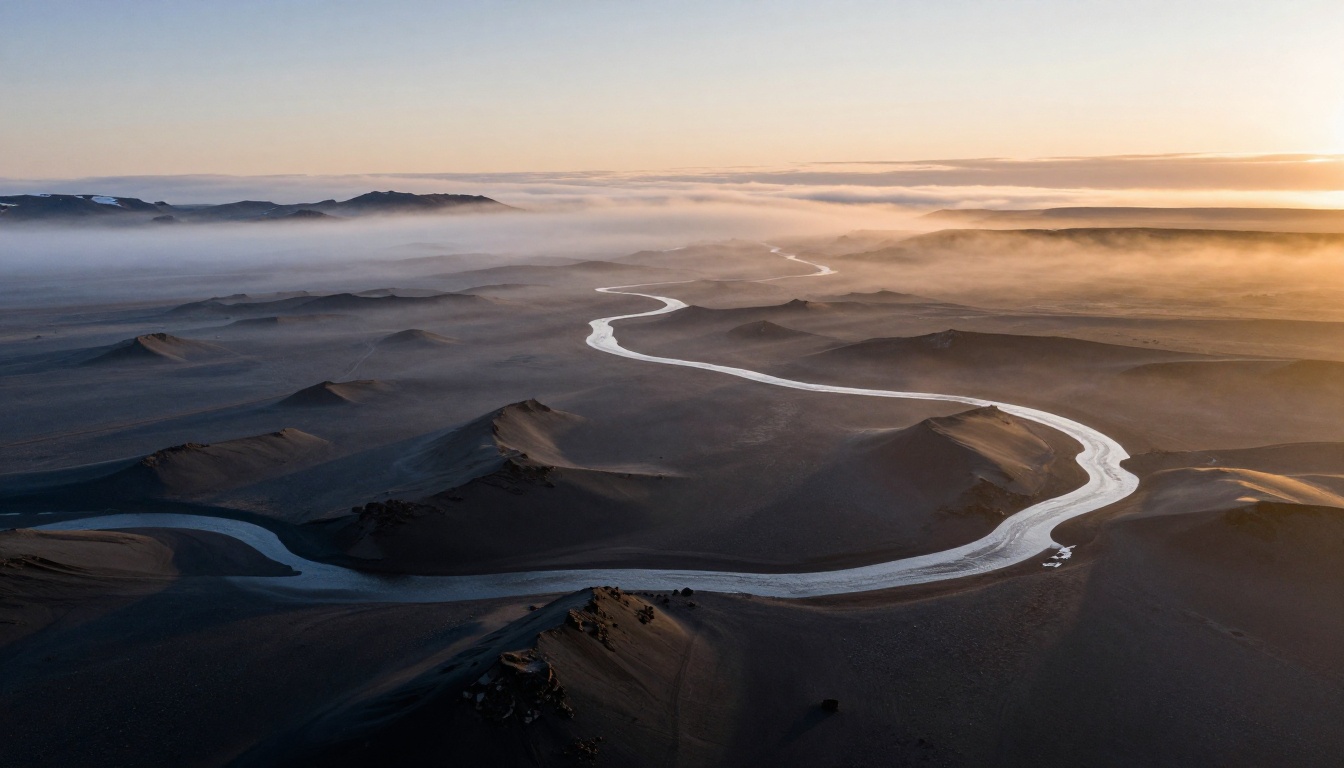
If you strip away the music and the title cards from any major trailer, what remains is a deliberate visual system built on three principles. Understanding those principles is the first step toward replicating the effect with AI-generated footage.
Three Visual Pillars
Every frame in a professional trailer serves at least one of these three functions:
- Establish scale: Wide shots, aerial perspectives, long-lens compression. The viewer must feel the weight of the world before the story can matter.
- Build tension: Close-ups that reveal emotion without explaining it. A brow furrowing. A hand gripping. A door left ajar.
- Punctuate with movement: Action sequences that do not just depict speed but feel fast. Motion blur, impact frames, and directional cuts that tell the eye where to look.
Why AI Video Changes Everything
Until recently, creating even a rough approximation of this visual language required shooting on location, sourcing professional color grading, and spending weeks in an edit. AI video models like Wan 2.7 collapse that workflow to minutes. The photorealism of the current generation, particularly in Wan 2.7 T2V, means a well-written prompt consistently produces footage with the depth, lighting nuance, and motion naturalism that previously required a cinema camera.
💡 The gap between AI video and traditional production is no longer about visual quality. It is about knowing what to ask for.
Wan 2.7 and Its Cinematic Edge
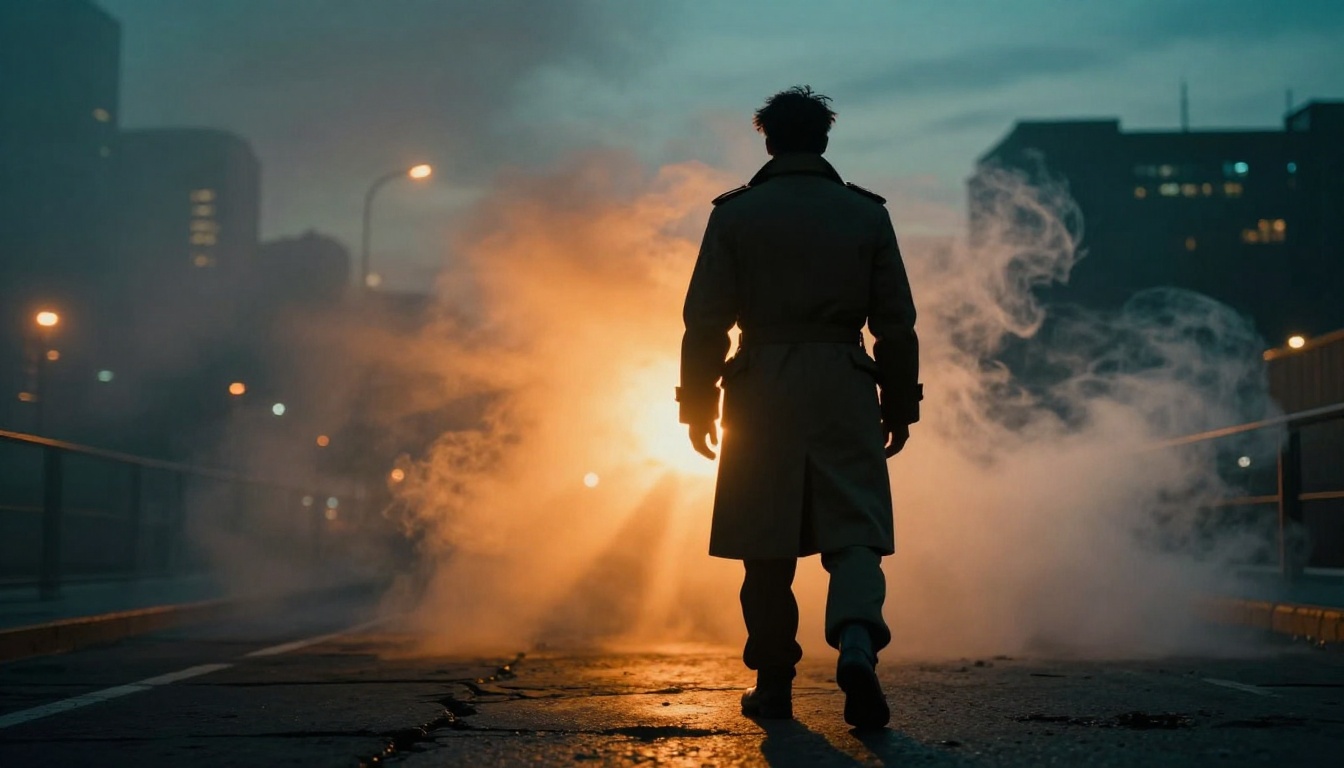
Wan 2.7 is the current flagship from the Wan Video team, and it was designed explicitly for high-resolution, high-fidelity generation. The model generates at 1080p with natural motion physics, meaning objects move with convincing weight and inertia rather than the slightly floaty quality common in earlier text-to-video systems.
T2V, I2V, and R2V
The Wan 2.7 lineup on PicassoIA covers three distinct workflows:
| Mode | Full Name | Best For |
|---|
| Wan 2.7 T2V | Text to Video | Full scene creation from scratch |
| Wan 2.7 I2V | Image to Video | Animating a specific composition |
| Wan 2.7 R2V | Reference to Video | Animating a specific subject or character |
For building a movie trailer look, T2V is your primary tool for establishing shots and action sequences. I2V excels when you have already generated or photographed a specific frame composition and want to breathe motion into it. R2V is most useful when you need a consistent character or object across multiple shots.
Resolution and Motion Quality
Wan 2.7 outputs at 1080p, which is the floor for trailer-quality work. The model's strength is in slow-to-medium movement: a figure walking through fog, a camera slowly revealing a landscape, rain falling across a wet street. For intense high-speed action, it performs well when you provide precise timing language in the prompt rather than generic descriptors like "fast" or "action".
💡 Write "camera begins slow then accelerates into a sharp push-in over 4 seconds" rather than just "dynamic camera." Specificity is everything.
Writing Prompts That Work
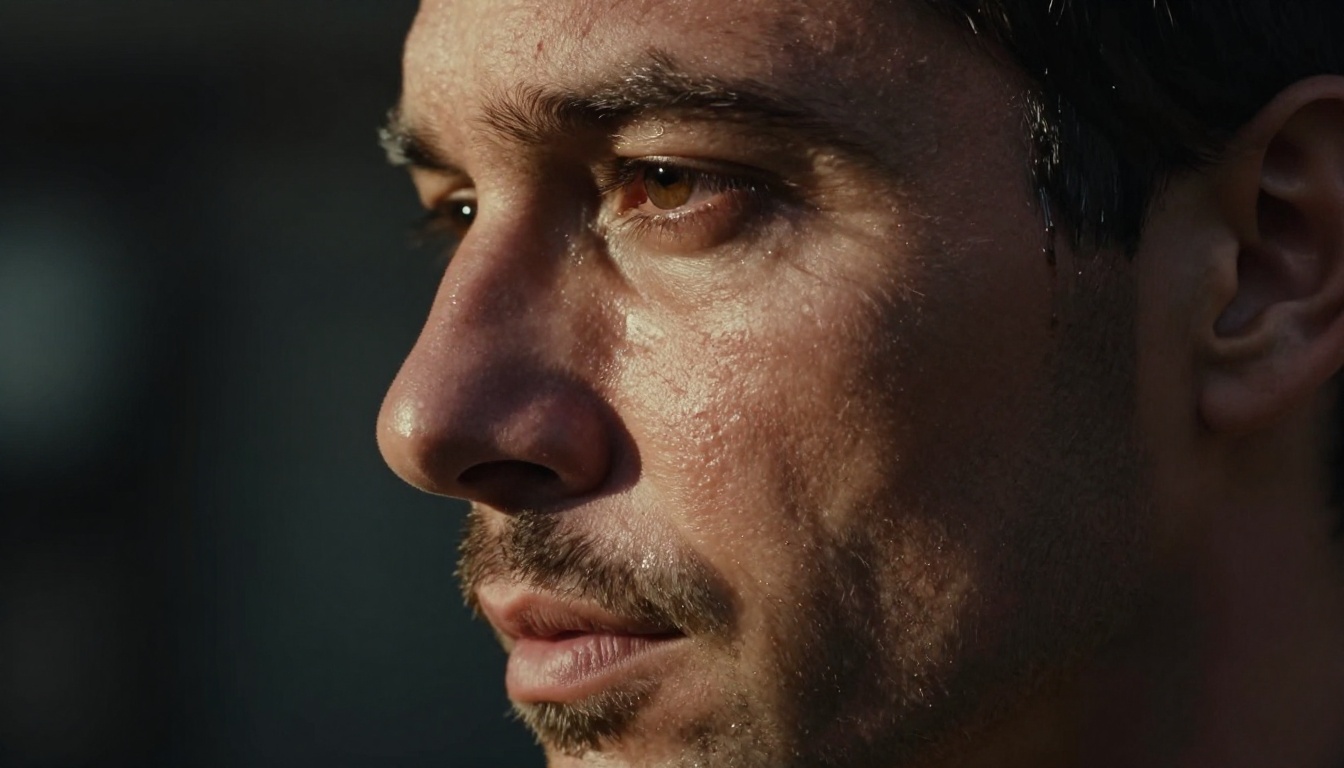
The prompt is the screenplay. Most people treat it like a caption. The ones getting cinematic results treat it like a shot description written by a director of photography.
Put Motion First
Start every Wan 2.7 prompt with what moves and how. The model responds better when motion is the first described element rather than an afterthought at the end.
Weak: "A man in a desert, cinematic, 4K"
Strong: "A lone man in a sand-worn coat walks slowly toward the camera across a cracked salt flat, each step kicking up a thin puff of white dust, the camera holds still as he grows from a tiny silhouette to a mid-shot over 5 seconds"
The second version gives the model a complete temporal instruction. It knows where to start, what to move, and where to end.
Light Is Your Mood
Lighting in a trailer is not decorative. It carries emotional weight. These are the lighting conditions that consistently produce cinematic results in Wan 2.7:
- Golden hour from the side: Creates long raking shadows that add depth to every surface.
- Overcast flat light with one practical source: Perfect for interior drama or close-up tension.
- Backlit silhouette with rim light: The classic hero reveal shot.
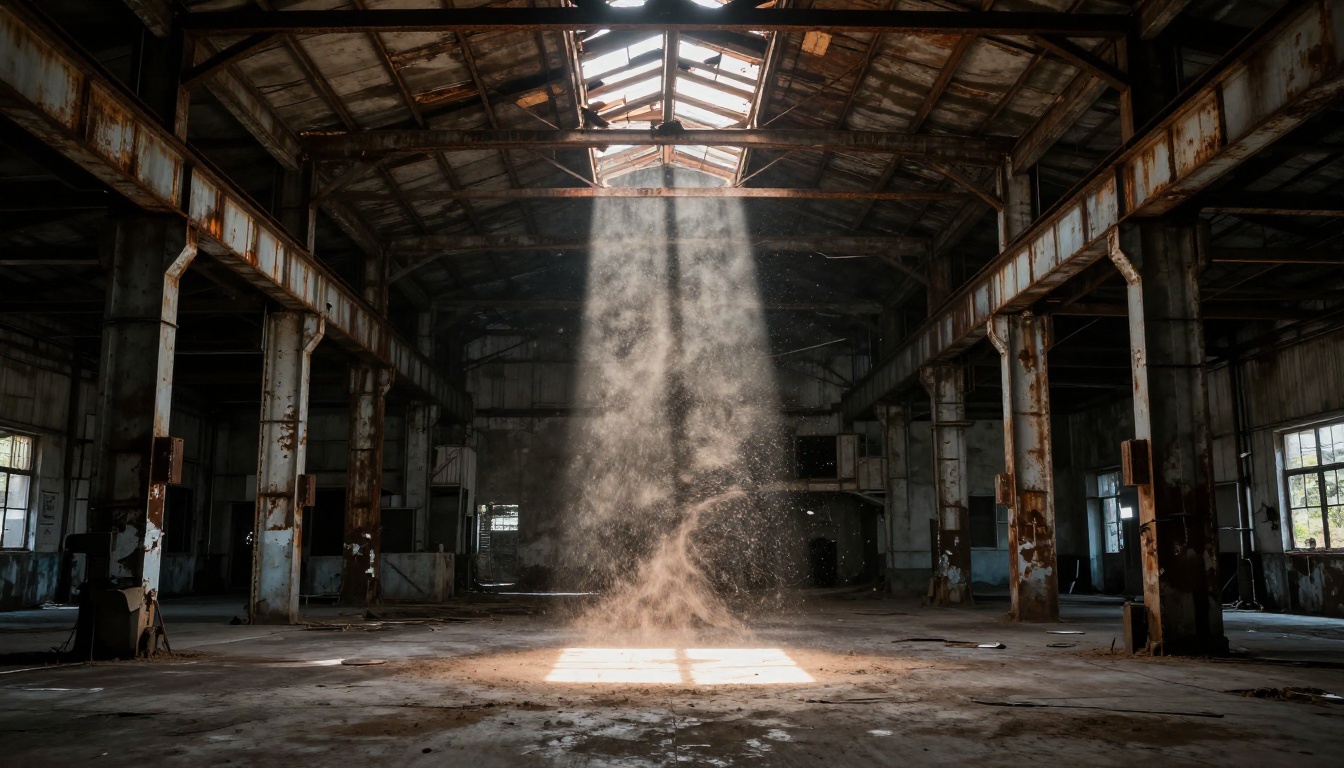
- Single volumetric shaft in darkness: Works for reveals, secrets, and slow builds.
- Storm diffused light: An even, high-contrast look that reads as dangerous and inevitable.
Camera Language in Text
Wan 2.7 responds to camera terminology when it is placed within the action description rather than listed as a tag. These phrases consistently trigger the intended camera behavior:
| Written Phrase | Camera Effect |
|---|
| "slow dolly-in toward the subject" | Gradual push toward the focal point |
| "camera circles the subject at ground level" | Orbit tracking shot |
| "snap pan from left to right" | Hard horizontal whip pan |
| "crane rises from ground to reveal skyline" | Vertical reveal |
| "handheld follows subject at shoulder height" | Gritty chase aesthetic |
How to Use Wan 2.7 on PicassoIA
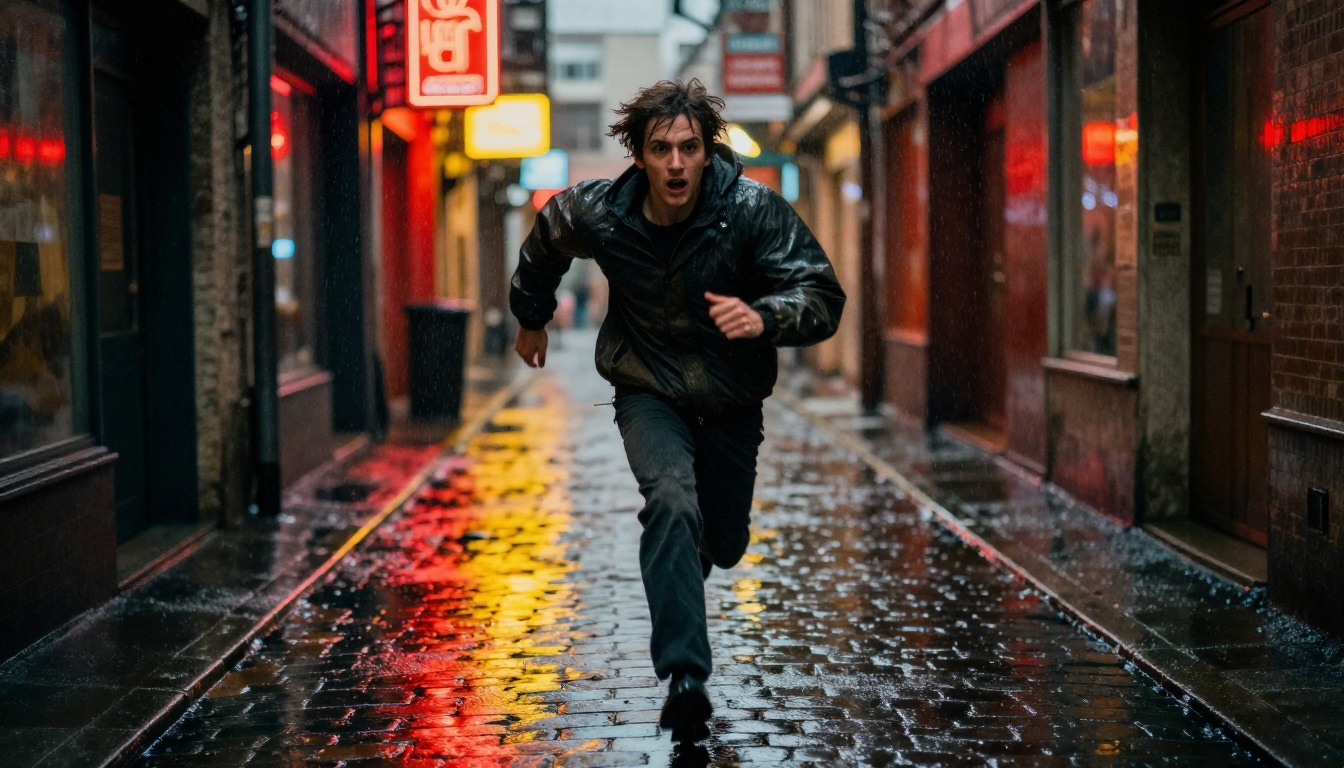
PicassoIA makes all three Wan 2.7 modes accessible from the same interface with no local installation or GPU required. Here is the exact workflow for producing trailer-quality clips.
Step 1: Pick Your Mode
Navigate to the Wan 2.7 section and decide which mode fits your current shot:
- Starting from nothing? Use Wan 2.7 T2V.
- Have a specific image you want to animate? Use Wan 2.7 I2V.
- Need consistent character animation across shots? Use Wan 2.7 R2V.
Step 2: Write the Prompt
Structure your prompt in four layers:
- Subject and starting state: Who or what is in frame and what they are doing at frame one.
- Motion arc: What changes over the duration. Camera movement, subject movement, or both.
- Lighting condition: Time of day, direction, quality (hard vs. soft), and color temperature.
- Atmosphere: Fog, rain, dust, film grain, depth of field.
A complete prompt looks like this:
A woman in a worn leather jacket stands at the edge of a rooftop in heavy rain, water streaming from her hair across her face, the camera begins at her shoulder level and slowly rises above her to reveal the vast rain-blurred city stretching behind her to the horizon, blue-tinted streetlight as the key source from below, 200mm telephoto compression, Kodak Vision3 film grain.
Step 3: Set the Parameters
For a movie trailer look specifically, these settings matter most:
- Resolution: 1080p. Never lower for trailer work.
- Duration: 5 seconds is the standard clip length. Trailers cut frequently, so this is actually the right unit of work.
- Aspect ratio: 16:9 for standard theatrical. Consider 2.35:1 cropping in post for an anamorphic feel.
Step 4: Iterate Fast
Do not fall in love with the first output. Run three to five variations of each shot. The difference between a good clip and a great one is often a single adjusted phrase. Change the camera movement, adjust the lighting description, or shift the subject's starting position.
💡 Keep a running note of which phrasing produced the best motion results. Wan 2.7 is consistent: a phrase that works will work again.
The Three Shot Types That Sell a Trailer
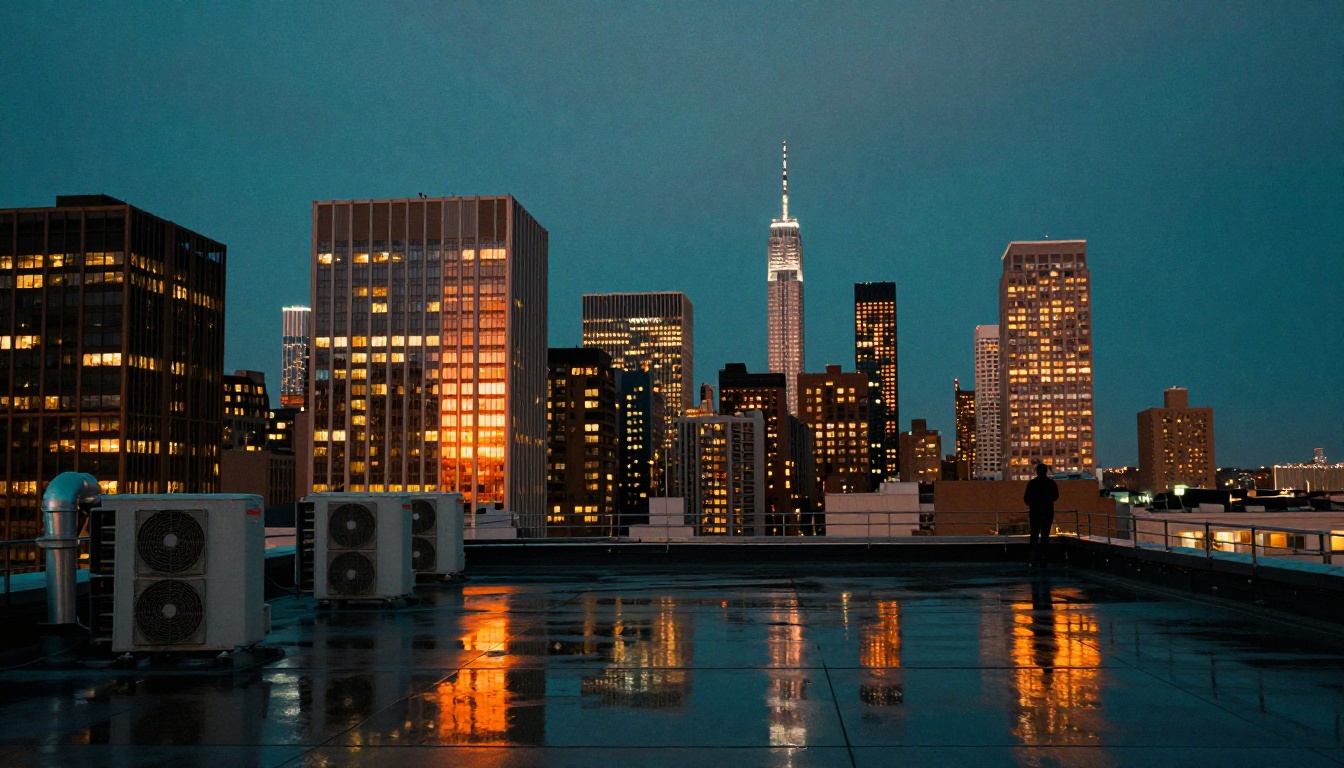
Every trailer, regardless of genre, uses the same three fundamental shot types to build its emotional arc. Getting these three right gives you the backbone of any trailer sequence.
The Hero Shot
This is the shot that introduces your protagonist as someone worth following. The composition always places the character in contrast with something much larger than them: a vast landscape, a crumbling city, an approaching storm. The framing creates tension between the person's smallness and their apparent resolve.
For Wan 2.7, the hero shot works best when you use long-lens compression (described as "300mm telephoto" or "400mm compression" in the prompt) to collapse background depth. This makes the world feel like it is pressing in on the character from all sides.
Sample prompt structure:
Figure standing motionless at the center of a massive empty space, long lens compression bringing the distant walls impossibly close, camera holds still as wind moves the figure's clothing, low backlight with thin rimlight separating them from the background.
The Action Sequence
The action sequence exists to demonstrate stakes. It is not about spectacle for its own sake. It is about showing the audience what failure looks like. Speed and chaos are not achieved by labeling a shot "action." They are achieved by describing what is breaking, falling, or moving and how fast.
Use motion blur language: "at 1/60s shutter speed," "trailing motion blur on the arms," "wheels kicking gravel sideways." Wan 2.7 reads these as instructions to introduce temporal blur into the motion, producing that characteristic real-camera look.
The Reveal
The reveal is the most emotionally loaded shot type in a trailer. Something hidden becomes visible. It is almost always accompanied by a camera movement that mirrors the discovery: a slow pull-back, a rising crane, a pan that brings a new element into frame.
The reveal works in Wan 2.7 when you describe the transition explicitly: "the camera begins tight on the face then slowly pulls back to reveal the burned city behind them." Give the model both endpoints of the move and it will generate the connecting motion.
Color, Fog, and Film Grain
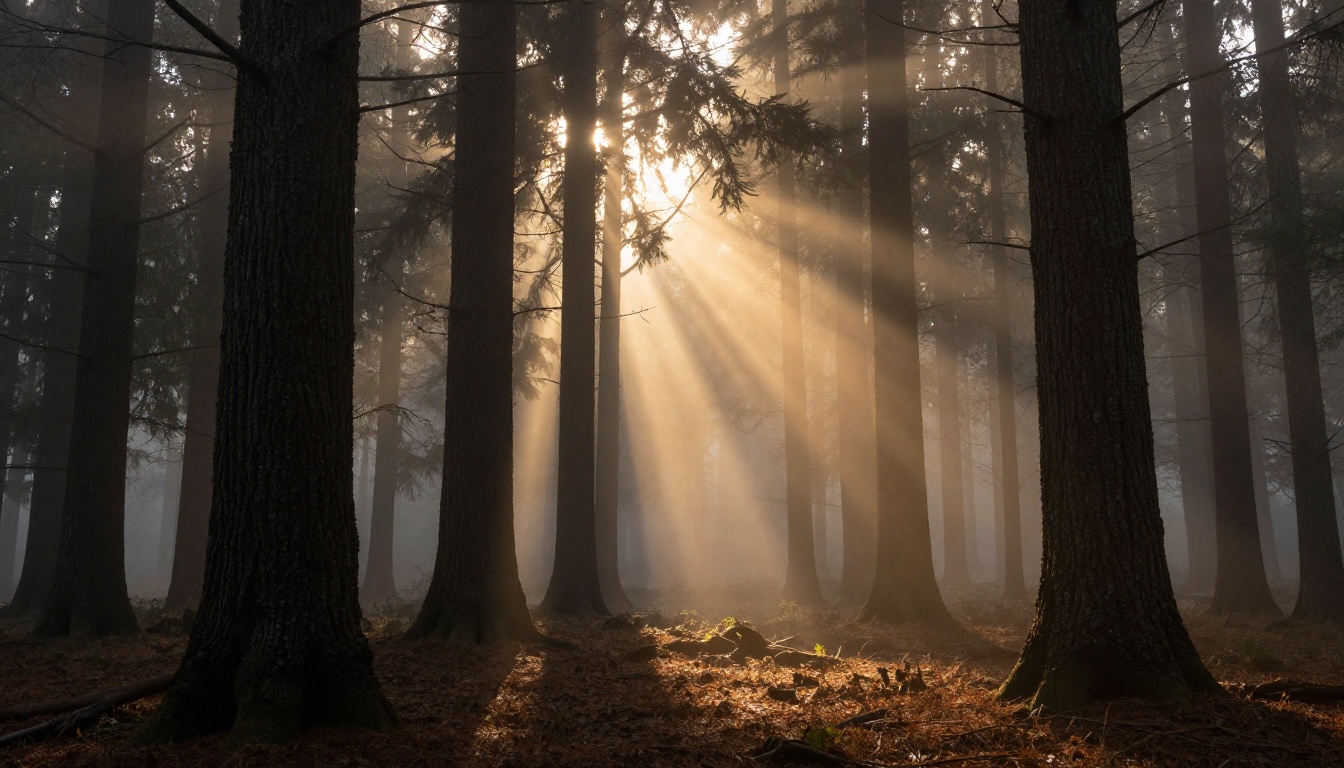
The visual language of a movie trailer is inseparable from its color treatment. Getting the palette right is often the difference between footage that looks cinematic and footage that merely looks high resolution.
The Teal-Orange Grade
The teal-and-orange color grade is the dominant look of prestige action cinema for the past two decades. It works because it exploits the complementary relationship between skin tones (amber, orange, sienna) and the shadows and sky (pushed to cool teal and blue-green). The contrast is inherently dramatic without being garish.
In Wan 2.7, you can suggest this grade directly in the prompt: "teal-and-orange color grade," "prestige cinematic palette," or "warm amber highlights with cool teal shadows." The model has been trained on enough cinematic footage to interpret these phrases as color temperature and saturation instructions.
For a more specific result, describe the actual lighting conditions that produce this look: golden hour sunlight from the side, which naturally warms skin and earth tones, combined with a cloudy or shaded foreground that keeps the shadows cool.
Atmosphere Beats Everything
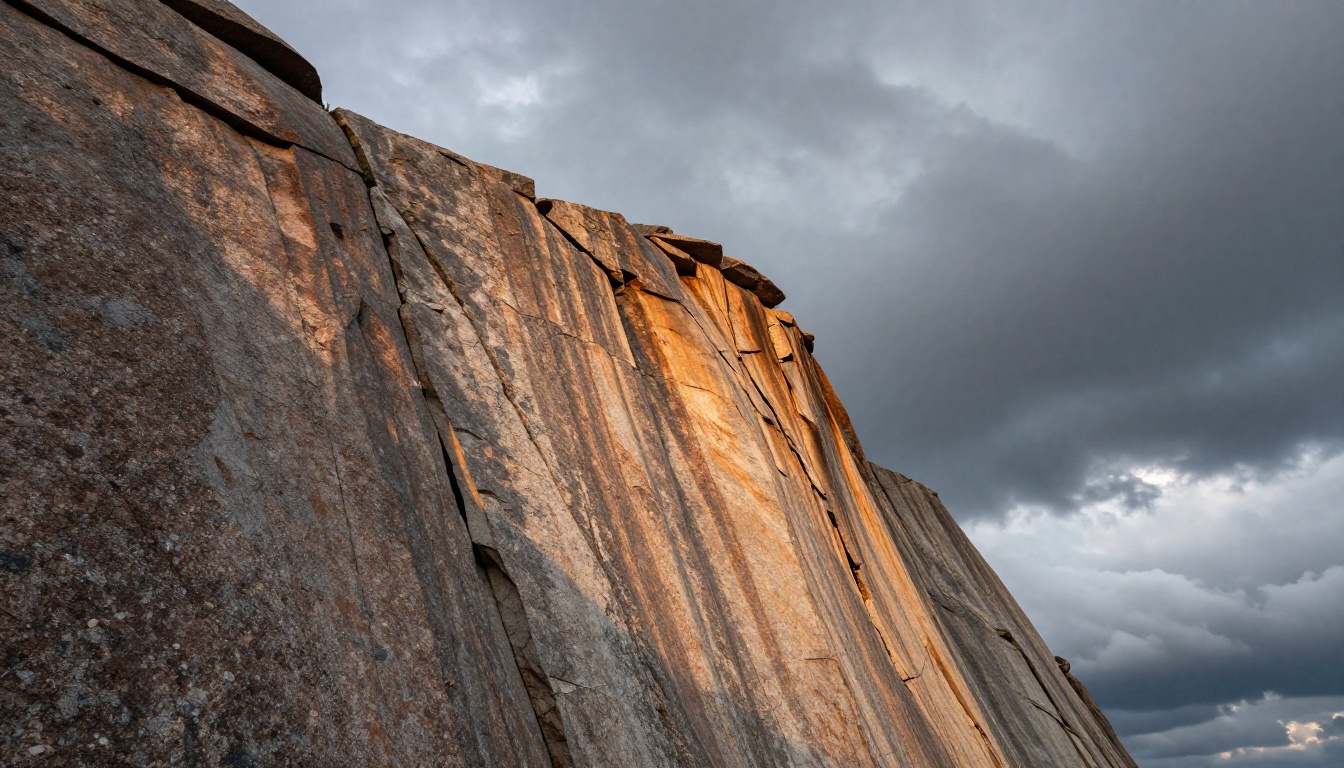
Atmosphere is what separates a shot from a frame. Fog, rain, dust, and smoke all do the same thing: they make light visible. A beam of light in clear air is invisible. A beam of light in fog becomes volumetric and physical.
These atmospheric elements also soften edges and create natural depth cues that the brain reads as cinematic depth of field even when the camera cannot actually produce it. In Wan 2.7 prompts, describe atmosphere as a physical material with direction and density:
- "Low ground fog rolling in from the left, rising to knee height"
- "Fine windswept desert dust crossing the frame from right to left, catching the backlight"
- "Heavy rain falling at a slight angle into the key light, creating visible streaks against the dark background"
- "Thin smoke from a distant fire drifting across the upper third of the frame"
Each of these descriptions gives the model a physical substance to render, a direction for that substance to move, and a light source for it to interact with.
Film grain is the final atmospheric layer. Including "Kodak Vision3 film grain" or "Kodak Portra 400 grain" in a Wan 2.7 prompt shifts the rendered texture from the slightly plastic quality of digital-native AI video to something with the organic warmth of genuine celluloid. The model has seen enough scanned film to know what these references mean.
How Wan 2.7 Stacks Up
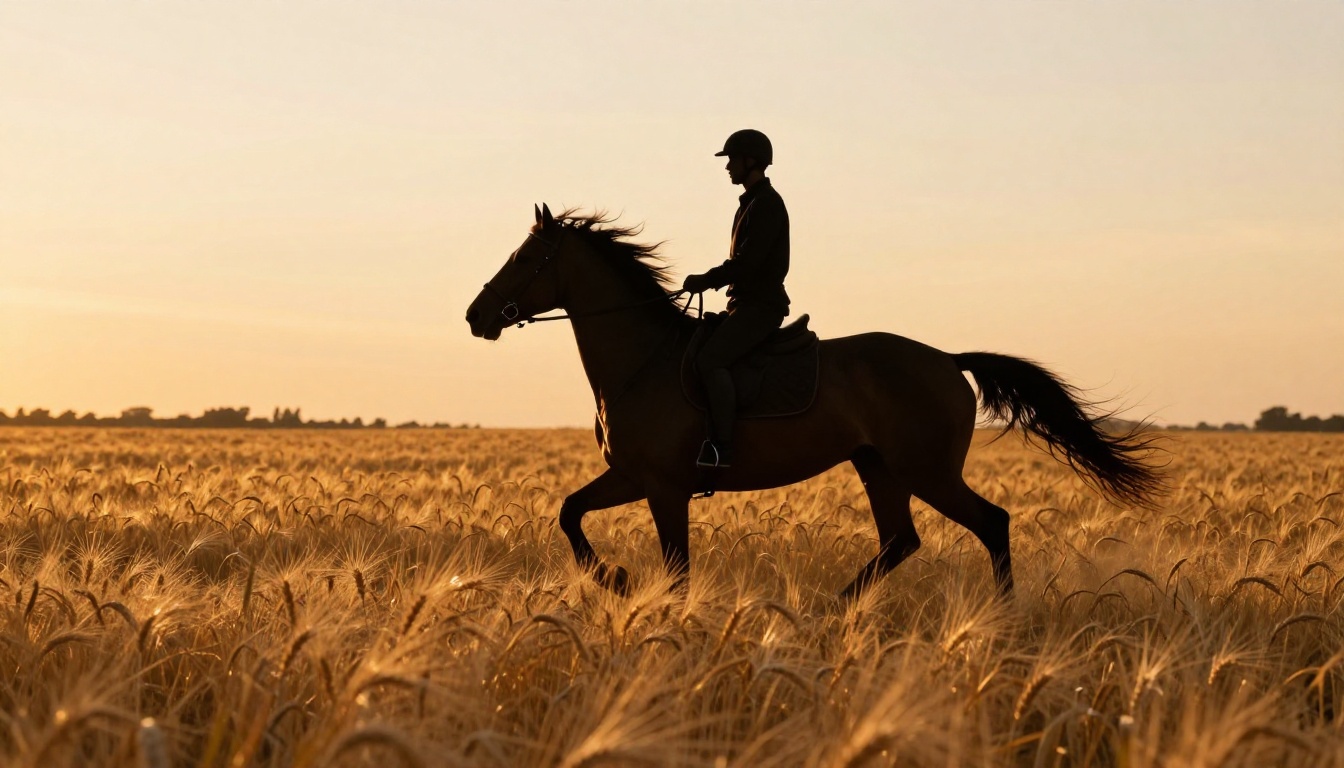
PicassoIA offers a broad selection of text-to-video models, and it is worth understanding where Wan 2.7 sits relative to the alternatives for specifically cinematic work.
| Model | Max Resolution | Cinematic Strength | Speed | Best Use Case |
|---|
| Wan 2.7 T2V | 1080p | Very High | Medium | Wide shots, landscapes, drama |
| Wan 2.7 I2V | 1080p | Very High | Medium | Animating specific compositions |
| Ray 3.2 | HDR | High | Fast | Short sharp cuts with HDR pop |
| Kling v3 Video | 1080p | High | Medium | Character-driven drama |
| LTX 2.3 Pro | 4K | High | Slow | Establishing shots where 4K matters |
| Seedance 2.5 | 1080p | Medium | Fast | Quick content at volume |
Wan 2.7's specific advantage for trailer work is its handling of slow-to-medium camera movement with high scene complexity. When you combine a detailed environment (rocky canyon, rain-soaked city, foggy forest) with a deliberate camera move, Wan 2.7 maintains detail and coherence through the motion in ways that faster but lower-complexity models often do not.
Ray 3.2 is the better choice when you need HDR impact and very short cut-heavy sequences. LTX 2.3 Pro is worth the generation time when you are building an establishing shot that will hold on screen for more than three seconds and where 4K detail matters.
For most trailer workflows, the answer is a mix: use Wan 2.7 for the majority of shots, Ray 3.2 for the high-energy cuts, and LTX 2.3 Pro for the two or three establishing shots that anchor the geography of the story.
💡 PicassoIA also offers Veo 3 with native audio synthesis if you want to add ambient sound and effects directly to your generated clips without a separate audio pipeline.
Start Creating with Wan 2.7
The movie trailer look is a learnable system. It is not about expensive equipment or industry access. It is about understanding that every great trailer frame is the product of deliberate decisions: where the light comes from, how the camera moves, what the atmosphere is made of, and how the color is treated.
Wan 2.7 on PicassoIA puts that system within reach of anyone with a text prompt and a clear visual idea. Start with the three core shot types: the hero shot that establishes character, the action sequence that raises stakes, and the reveal that delivers the emotional payoff. Build your prompts in four layers: subject, motion arc, lighting, and atmosphere. Apply the teal-orange grade. Add film grain.
Then iterate. Run five versions of each shot. The difference between a rough output and a genuinely cinematic clip is almost always in a single revised phrase.
All three Wan 2.7 modes are available on PicassoIA with no technical setup required. Open Wan 2.7 T2V and write your first shot description. See what the model gives you. Then refine it. That cycle of generation and refinement is where the real work happens, and it is faster and more rewarding than any traditional production workflow.
The complete library of video models, including the full Wan 2.7 family alongside Ray 3.2, Kling v3 Video, LTX 2.3 Pro, and Veo 3, is available at picassoia.com/en/all-models.


