The question used to be theoretical. "Can AI make a video that looks completely real?" was something researchers debated at conferences while the general public laughed at the glitchy, uncanny results online. That conversation has changed entirely. In 2027, the answer is yes, under the right conditions, with the right models, and for the right content. The gap between synthetic and authentic video has narrowed to a point where trained professionals are fooled on a daily basis, and ordinary people cannot tell the difference at all.
This is not a distant possibility. It is happening now, at scale, on platforms anyone can access.
How Far AI Video Has Actually Come
From Blocky Clips to 1080p Realism
The first widely accessible AI video tools generated short, low-resolution clips that were obviously artificial. Faces distorted at the edges. Hair flickered between frames. Physics ignored gravity. You could spot them in seconds. That was 2022.
By early 2024, that had changed meaningfully. Models started producing videos with consistent lighting across frames, faces that held their geometry through motion, and natural motion blur that mimicked real camera behavior. By mid-2025, several top-tier models regularly output footage that passes casual human review.
The technical leap came from a few convergent advances: larger training datasets of real video, architectural improvements in diffusion-based video generation, and a new focus on temporal coherence, the ability to keep every element of a scene logically consistent from one frame to the next.
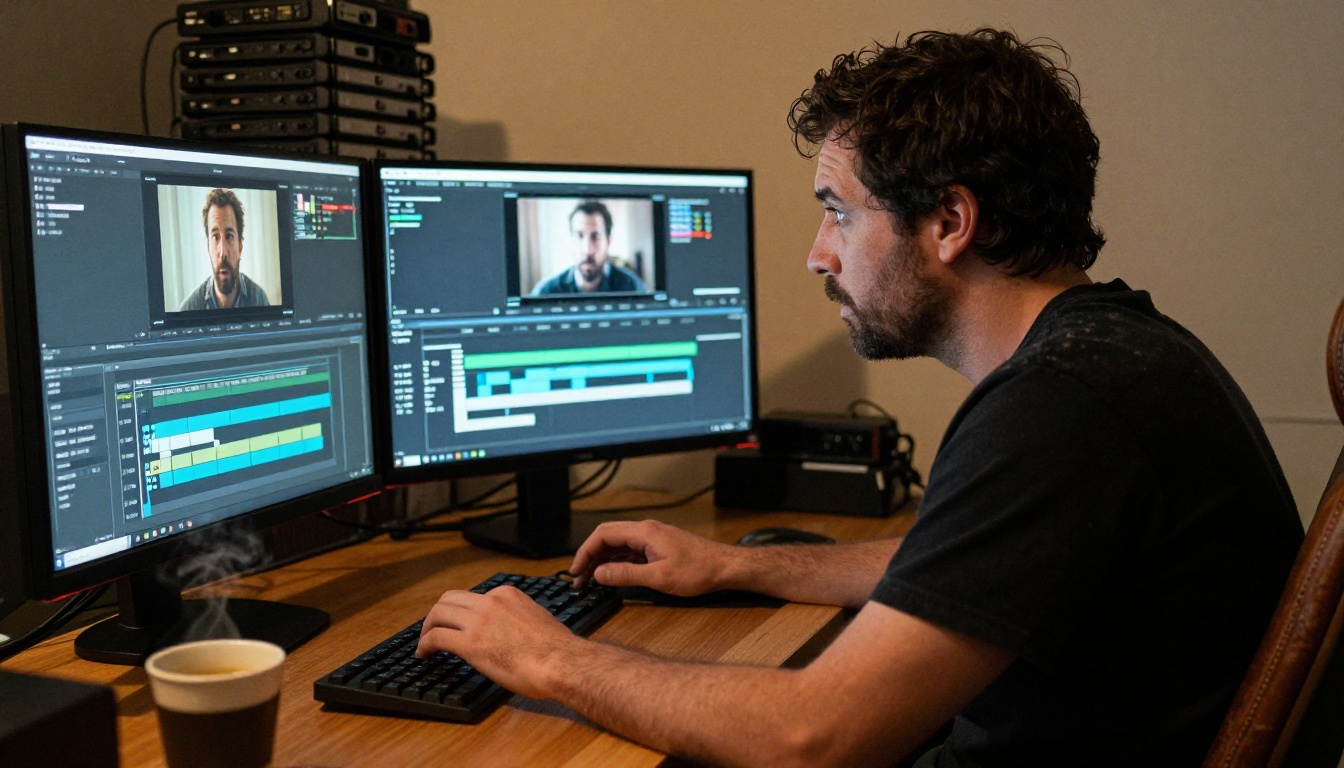
What Changed in 2024 and 2025
Three things accelerated realism dramatically:
- Diffusion video models replaced earlier GAN-based approaches. Diffusion models handle the high-dimensional complexity of video far better, producing more natural textures and less artifacting.
- Physics-aware generation became a real feature. Models began capturing how hair moves under wind, how water behaves with surface tension, and how shadows track the movement of a light source.
- Native audio integration arrived. Models like Veo 3 from Google and Seedance 1.5 Pro from ByteDance now generate synchronized audio as part of the output itself, not as a post-processing step. Ambient sound, footsteps, and background noise that match the visual scene add a layer of believability that silent AI video never had.
💡 The most convincing AI videos are not the ones with perfect skin. They are the ones with perfect sound. Synchronized ambient audio is the newest and most powerful realism signal.
What Makes a Video Look Real
Motion and Temporal Coherence
The single biggest tell in AI video used to be motion. Objects would slide rather than move. Hands would morph between frames. People would shift position in unnatural ways. Modern models address this through optical flow conditioning and longer-context generation windows that allow the model to process 30 or more frames simultaneously when deciding what the next frame looks like.
The result: walking characters now have foot-strike weight. Hair follows momentum. Heads turn at believable angular velocities. When you watch footage from Kling v3 Video or Veo 3.1, the motion no longer reads as synthetic unless you are specifically looking for it.
Skin, Texture, and Micro-Expressions
Human beings are extraordinarily good at detecting fake faces. We have evolved an acute sensitivity to facial geometry, skin quality, and micro-expressions because faces are our primary social interface. This is the hardest problem in AI video to solve, and it is only recently being solved with any consistency.
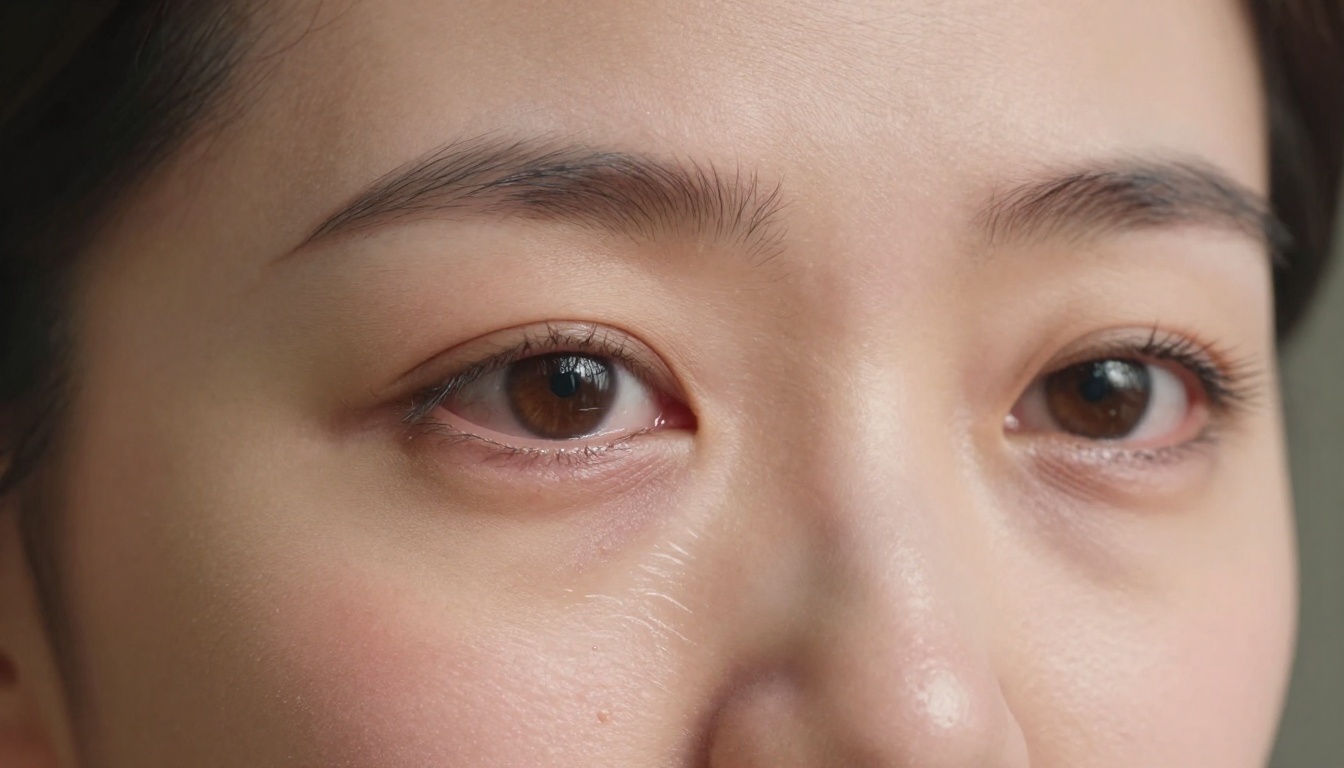
Current top-tier models now render skin with:
- Sub-surface scattering: the way light passes through skin layers and creates warmth near blood vessels
- Pore-level texture that shifts naturally with perspective changes
- Micro-expressions: involuntary eye movements, nostril flares, lip compression under stress
- Natural asymmetry: real faces are not perfectly symmetrical, and AI models have had to reproduce this convincingly
The models that do this best right now include Sora 2 Pro from OpenAI and Hailuo 02 from MiniMax, both of which produce facial close-ups that regularly fool people in controlled studies.
Light Physics and Scene Consistency
Real cameras behave in specific ways. Lens flares appear when a light source hits at certain angles. Depth of field blurs the background. Motion blur trails fast-moving objects. Chromatic aberration creates subtle color fringing at high-contrast edges.
AI models have now replicated all of these behaviors, not as post-processing tricks but as part of the generation itself. A person walking past a window in Wan 2.7 T2V output will have the correct shadow pattern on their face as they move through the light band. That is not easy. It requires the model to internalize light physics, not just copy visual patterns.
The Models Pushing Realism Right Now
Top Text-to-Video Models in 2027
The field has moved fast. Here are the models currently setting the standard for photorealistic AI video generation:
How They Compare at a Glance
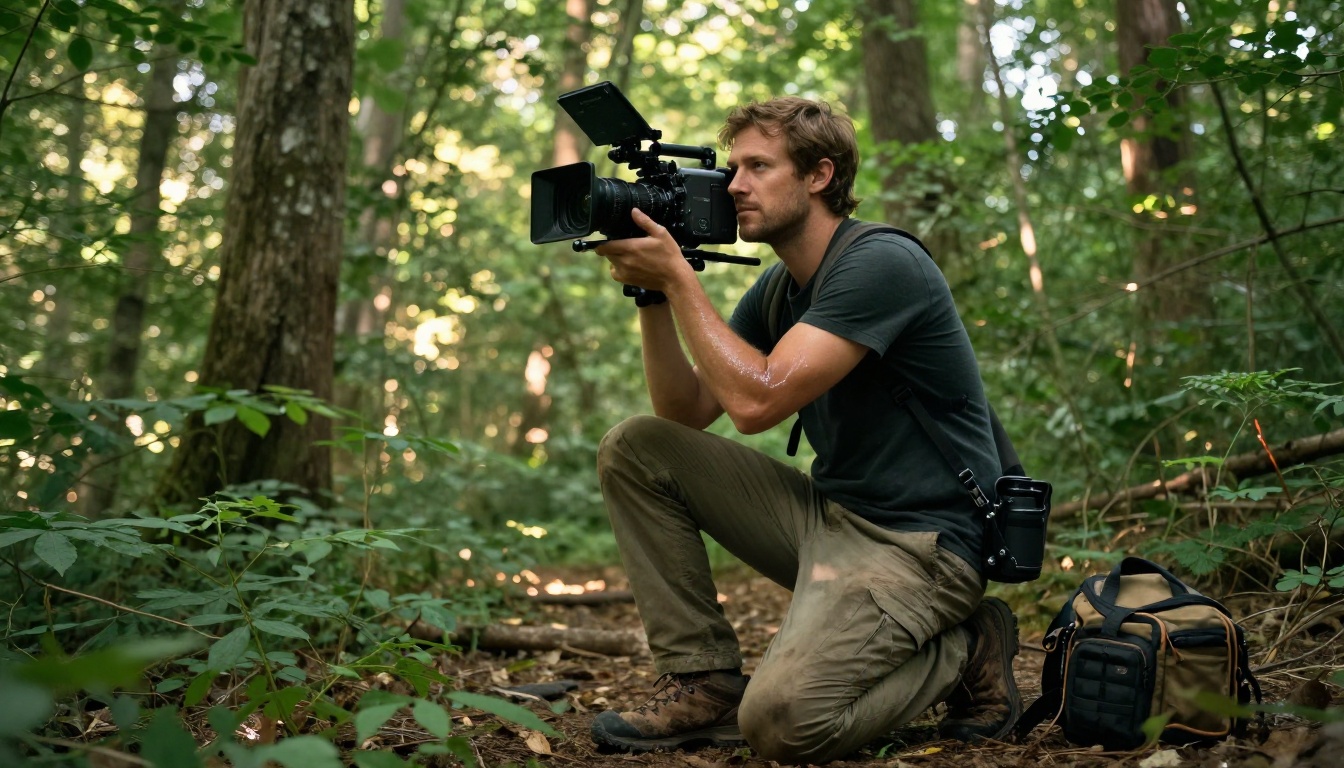
Not all models are equal for every task. Veo 3.1 leads on facial coherence across long sequences. Sora 2 Pro handles complex multi-character scenes with background depth. Kling v3 produces the most cinematic-feeling motion. LTX 2 Pro outputs 4K resolution, which matters for professional applications. Seedance 1.5 Pro is the right choice when synchronized audio is a priority.
The practical implication: no single model wins every category. The most convincing results come from choosing the right tool for the specific type of content at hand.
💡 For the most realistic people-focused content, Veo 3.1 and Hailuo 02 are the strongest choices. For cinematic wide shots, Kling v3 and Sora 2 Pro are hard to beat.
How to Spot a Fake AI Video
5 Tells You Can Spot Yourself
Even with modern models, there are patterns that betray synthetic origin. Knowing them is the first step toward protecting yourself from being deceived.

1. Background instability
Real cameras capture a stable environment. AI models sometimes let background elements shift position, flicker, or change between cuts. Look at stationary objects: do they remain exactly in place throughout the clip?
2. Hand and finger geometry
Hands remain one of the hardest body parts for AI to render correctly through motion. Extra fingers, unusual joint bending, or hands that morph when they come near the face are consistent signals.
3. Text in the scene
Any text visible in the background, on signs, on clothing, is almost always corrupted in AI video. Letters will be jumbled, misspelled, or will shift between frames.
4. Hair physics at the silhouette edge
Where hair meets the background is a high-complexity area. In synthetic video, individual strands at the edge of the silhouette often show subtle blending artifacts or unnaturally smooth edges against a busy background.
5. Blinking and eye movement
Early deepfakes rarely blinked naturally. Current models have improved, but the timing and speed of blinks is still often slightly off. Watch for blinks that are too synchronized, too fast, or that coincide suspiciously with cuts.
Automated Detection Methods
Human detection is unreliable. Several technical approaches attempt to automate it:
- Biometric signal scanning: Real video contains subtle biological signals including micro-head-movements from heartbeat, pupil response to lighting, and breathing rhythm. These are absent or inconsistent in synthetic video.
- Compression artifact profiling: AI video and real video have different statistical fingerprints in their compressed formats.
- Temporal noise profiling: Real camera sensors produce spatially consistent noise patterns. AI generation noise has a different statistical signature.
The problem is that detection methods are always one step behind generation tools. As models improve at photorealism, they also inadvertently improve at defeating automated detection.
Why Deepfakes Are a Real Problem
Beyond Entertainment: The Stakes
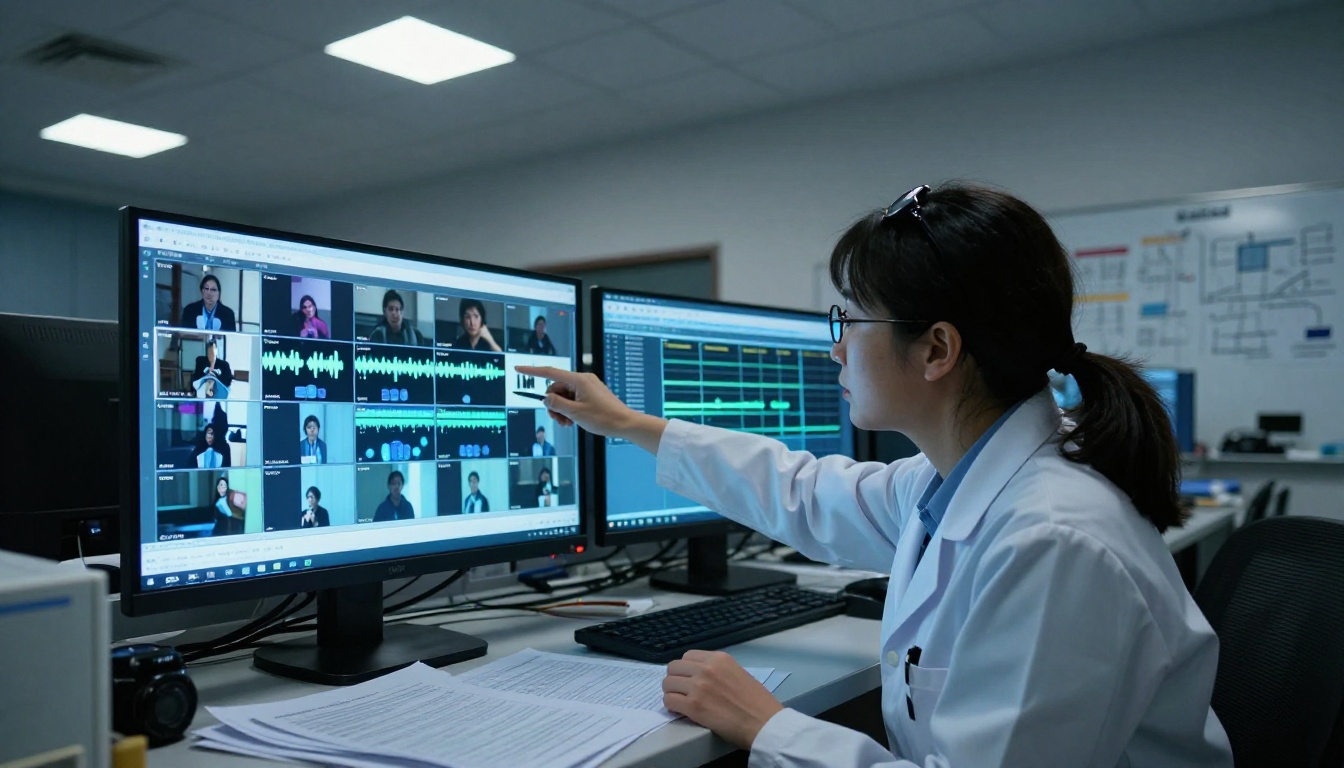
Synthetic video started as a party trick. It became a political weapon, a fraud instrument, and a vehicle for non-consensual intimate imagery that has caused documented harm to thousands of real people. The ability to generate convincing video of anyone saying or doing anything has clear and immediate implications:
- Political misinformation: Fabricated videos of candidates or officials making statements they never made
- Financial fraud: CEO impersonation via video calls to authorize wire transfers (this has already happened at scale, with documented losses in the tens of millions)
- Reputation damage: Synthetic intimate content targeting private individuals without consent
- Evidence fabrication: Apparently verified footage of events that never occurred
The acceleration of realism makes all of these threats more severe. A blurry deepfake from 2020 was easy to dismiss. A 1080p synthetic video from 2025, with correct lighting, synchronized audio, and natural micro-expressions, is not.
Cases That Went Viral as Real
Several high-profile incidents have demonstrated the real-world impact. A synthetic audio-video clip of a European financial official was used to defraud multiple companies in a single scheme involving tens of millions of dollars. Political deepfakes circulated in electoral contexts in multiple countries during the 2024 election cycle, with documented influence on public perception in polling data.
The pattern is consistent: the more realistic the synthetic video, the longer it circulates before being flagged, and the more damage it does in that window.
💡 The viral spread happens before the debunking. By the time fact-checkers catch a sophisticated deepfake, it has already been seen millions of times.
How to Make Realistic AI Video on PicassoIA
Which Models Work Best
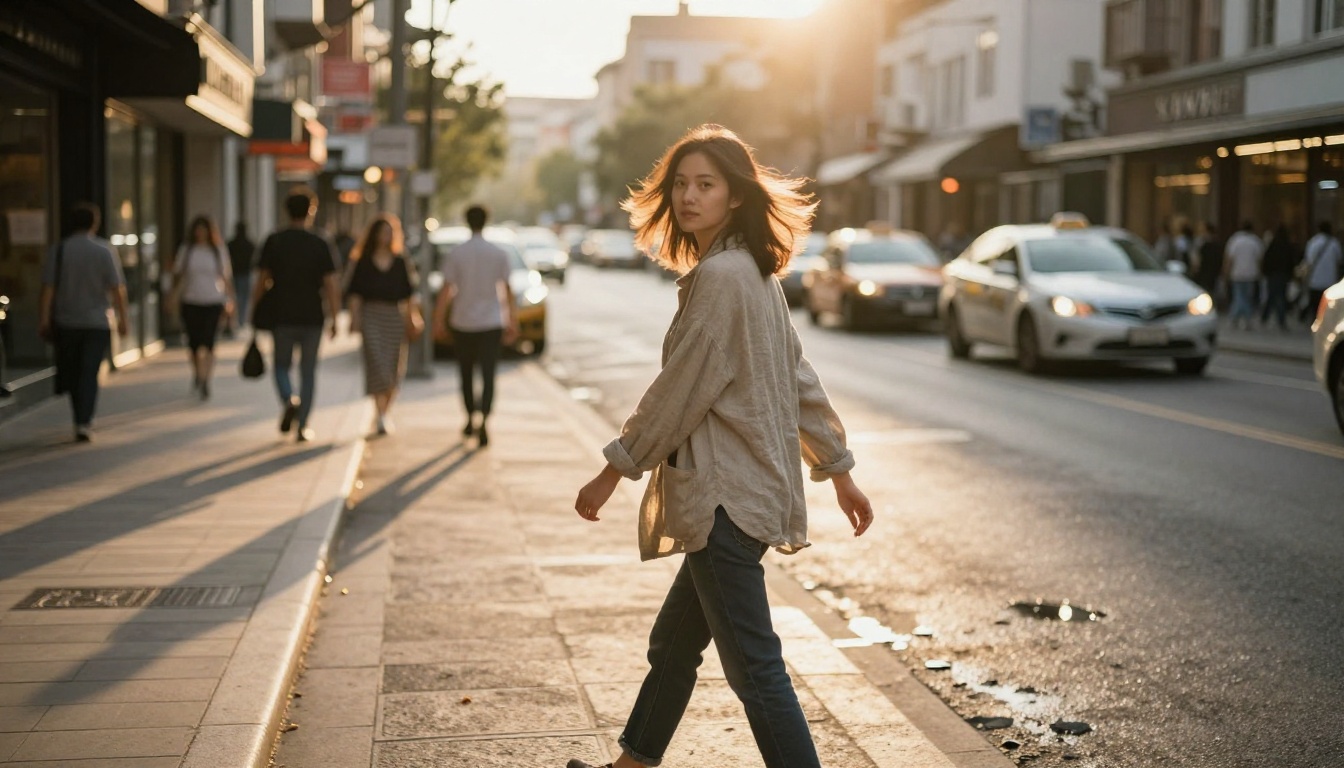
PicassoIA gives you access to the most capable video generation models currently available, all in one place. For photorealistic output, the following models produce the strongest results:
For realistic people and faces:
- Veo 3.1 delivers 1080p output with excellent facial coherence and native audio generation
- Hailuo 02 produces clean 1080p video with strong face rendering
- Kling v2.6 handles character-driven cinematic scenes with realistic motion
For wide scenes and environments:
- Sora 2 handles complex multi-element scenes with strong physics simulation
- Wan 2.7 T2V produces 1080p output with excellent scene consistency
- Pixverse v5 is fast and reliable for general-purpose realistic video
For 4K and professional resolution:
- LTX 2 Pro outputs 4K, the only model at this resolution with broad content support
Tips for Better Realism
Getting truly convincing output from any of these models requires more than just writing a prompt. These practices consistently improve realism:

Be specific about camera behavior. Phrases like "handheld camera with subtle shake," "shallow depth of field with 85mm lens," or "slow zoom during dialogue" cue the model to replicate real cinematography, not just generate imagery.
Describe lighting sources explicitly. "Afternoon sunlight from the right window" gives the model a physics anchor. "Well-lit" gives it nothing. The more specific your lighting description, the more consistent the shadows will be throughout the clip.
Keep sequences short and focused. All current models degrade in consistency over longer clips. A 5-second clip of one person in one setting will be more convincing than a 15-second clip with multiple characters and scene transitions.
Use reference images when available. Models that accept image-to-video input, such as Wan 2.7 I2V or Kling v2.6 Motion Control, can start from a photorealistic still and animate it. This bypasses many face-generation challenges entirely.
💡 The easiest path to photorealistic AI video is starting from a photorealistic still image. Generate your frame with an image model first, then animate it. The result is almost always more convincing than pure text-to-video.
Start Making Something Real
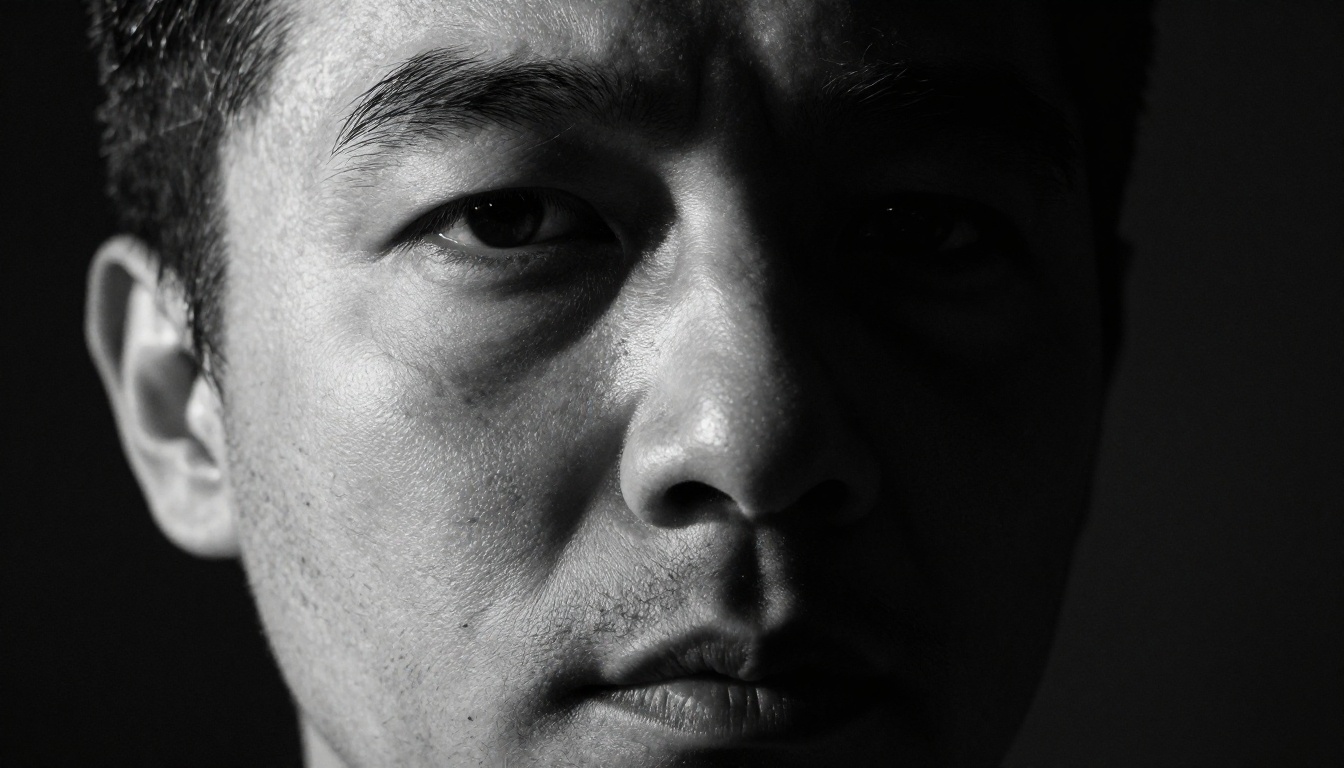
The line between AI video and real video is no longer reliable. For anyone who creates content, that is a genuine creative opportunity. For anyone who consumes content, it means developing new habits around what you trust and why.
The models available right now are genuinely capable of producing footage that passes human scrutiny. That is not a warning, it is a fact about the moment we are in. What you do with that, whether you use it to tell stories, build content, or simply stay more alert as a viewer, is up to you.
All of the models mentioned in this article are available on PicassoIA. You can try Veo 3.1, Kling v3, Sora 2, and dozens more without needing accounts across multiple platforms. Pick a scene, write a prompt with specific lighting and camera details, and see for yourself exactly where the boundary sits today.
It is closer to real than you think.


