Can Seedream 5 Pro Do Uncensored Product Shots? Here's the Truth
Seedream 5 Pro generates stunning 2K images for standard commercial photography, but its content moderation filters block lingerie, swimwear, and glamour product shots inconsistently. This article tests the model's real limits, compares it against Seedream 4.5 and other NSFW-capable models on PicassoIA, and shows you exactly which tool to use for unrestricted product photography workflows.
If you've been testing Seedream 5 Pro for product shots that push past safe-for-work boundaries, you already know the frustration. The model generates stunning 2K images, handles text rendering with precision, and produces the kind of sharpness that makes stock photo agencies look dated. But the moment you write a prompt for lingerie, swimwear, or anything more revealing than business casual, something changes. The question is: exactly how much does Seedream 5 Pro restrict, what does it block, and is there a smarter path to getting the uncensored product images you actually need?
This article breaks it all down with real model comparisons from PicassoIA's full catalog.
Seedream 5 Pro: Sharp Images, Real Limits
What the Model Actually Delivers
Seedream 5 Pro is ByteDance's latest flagship text-to-image model, and on pure image quality it ranks among the best available right now. It outputs at native 2K resolution, handles complex text rendering better than most competing models, and produces photorealistic results that need almost no post-processing for commercial use.
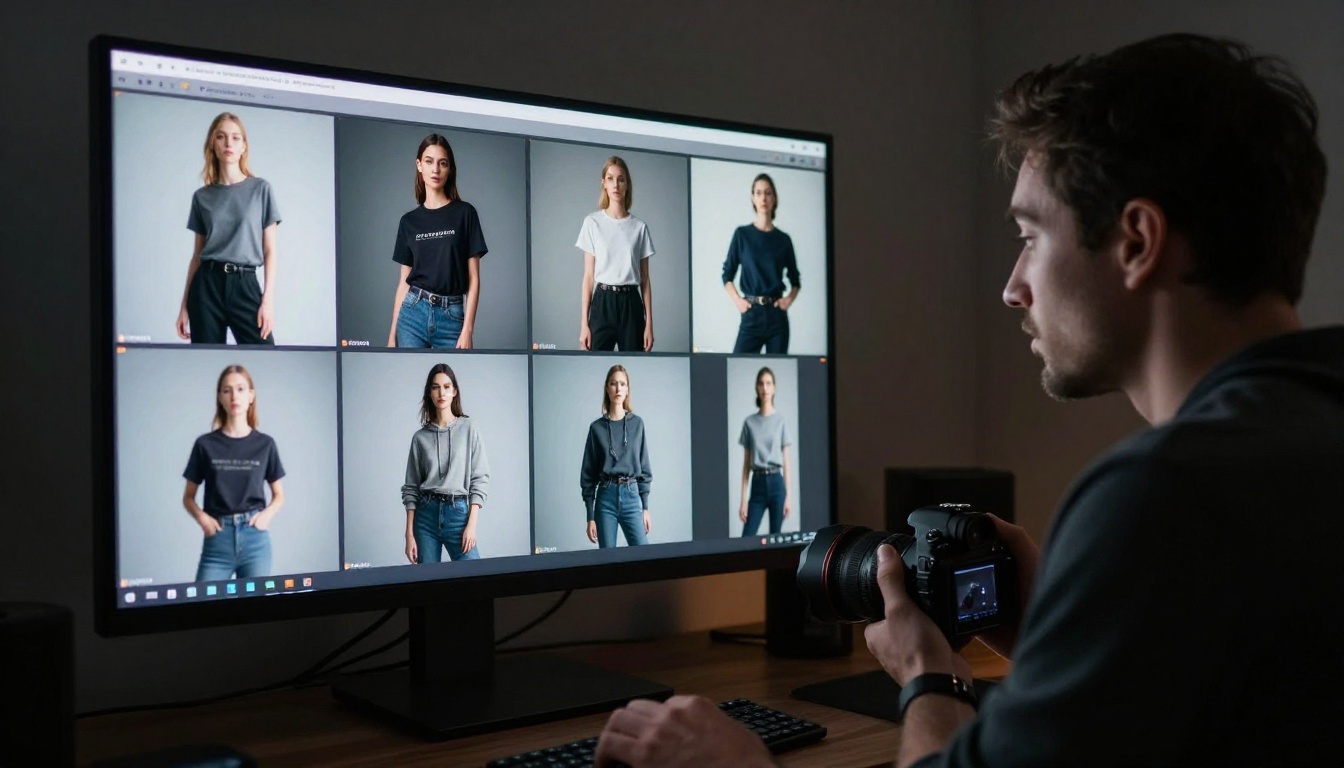
For standard product photography, flat lays, packshots, lifestyle images with fully clothed models, and brand catalog shots, Seedream 5 Pro performs at the level you'd expect from a high-budget production shoot. The color accuracy is exceptional, composition reasoning is strong, and you can get results that look genuinely editorial with a well-written prompt.
The problem starts when you move into the territory most product photographers working with apparel, beauty, and lifestyle brands actually need.
Where Content Filters Kick In
Seedream 5 Pro runs with content moderation enabled by default, and that moderation extends further than the obvious categories. In real-world testing:
Lingerie and intimate apparel prompts are frequently softened or refused outright
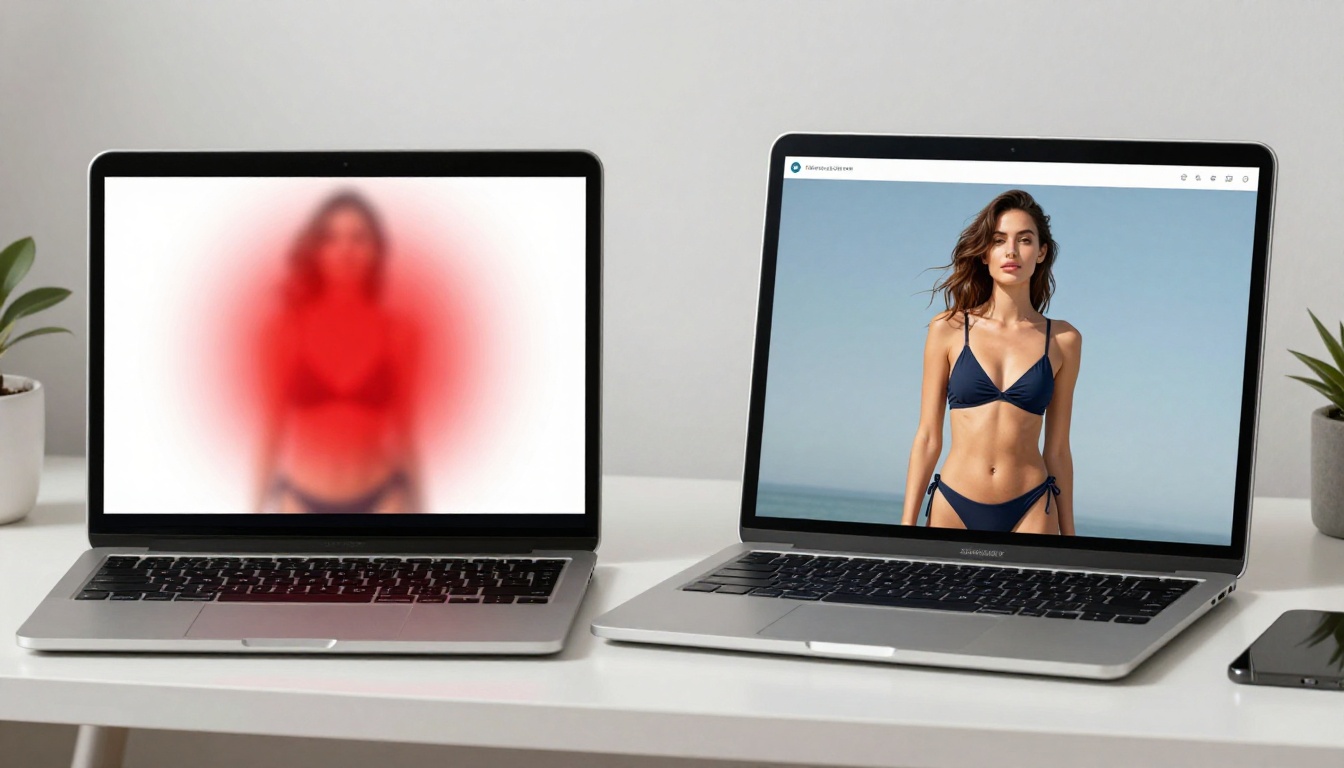
Swimwear in revealing cuts (high-cut, thong, string bikinis) often gets rerouted to conservative output
Implied nudity and artistic body-positive content is regularly rejected before generation starts
Suggestive poses combined with minimal clothing produce inconsistent results, sometimes generating cleanly, sometimes refused
This creates a real workflow problem. You cannot build a reliable batch generation pipeline when 30 to 40 percent of your product shot prompts get filtered mid-run. For brands in swimwear, intimate apparel, adult wellness products, or beauty campaigns that lean into body confidence, Seedream 5 Pro is genuinely unreliable for production use.
The Swimwear and Lingerie Problem
The content filter on Seedream 5 Pro is not a simple keyword block. It processes the full semantic meaning of prompts, which means even carefully worded professional photography descriptions can trigger rejections if the underlying intent reads as adult content.
A prompt like "female model in a high-cut one-piece swimsuit, product photography, white backdrop, studio lighting" might generate cleanly once and get refused on the next identical run. This inconsistency makes it essentially unusable for any creator who needs reliable, repeatable output for product photography involving bodies and clothing.
Here's the main point: Seedream 5 Pro is not the same as its predecessor when it comes to content policies. Seedream 4.5 handles NSFW content. Seedream 5 Pro does not, in the same way that Seedream 5 Lite does not. If you need uncensored product shots, you need a different model entirely.
What "Uncensored Product Shots" Really Means
The Spectrum of What Creators Actually Need
"Uncensored product shots" spans a wide range depending on who's asking and what they're creating. For most photographers and brand creators, it means:
Lingerie and intimate apparel shown on a model without the AI softening or refusing the prompt
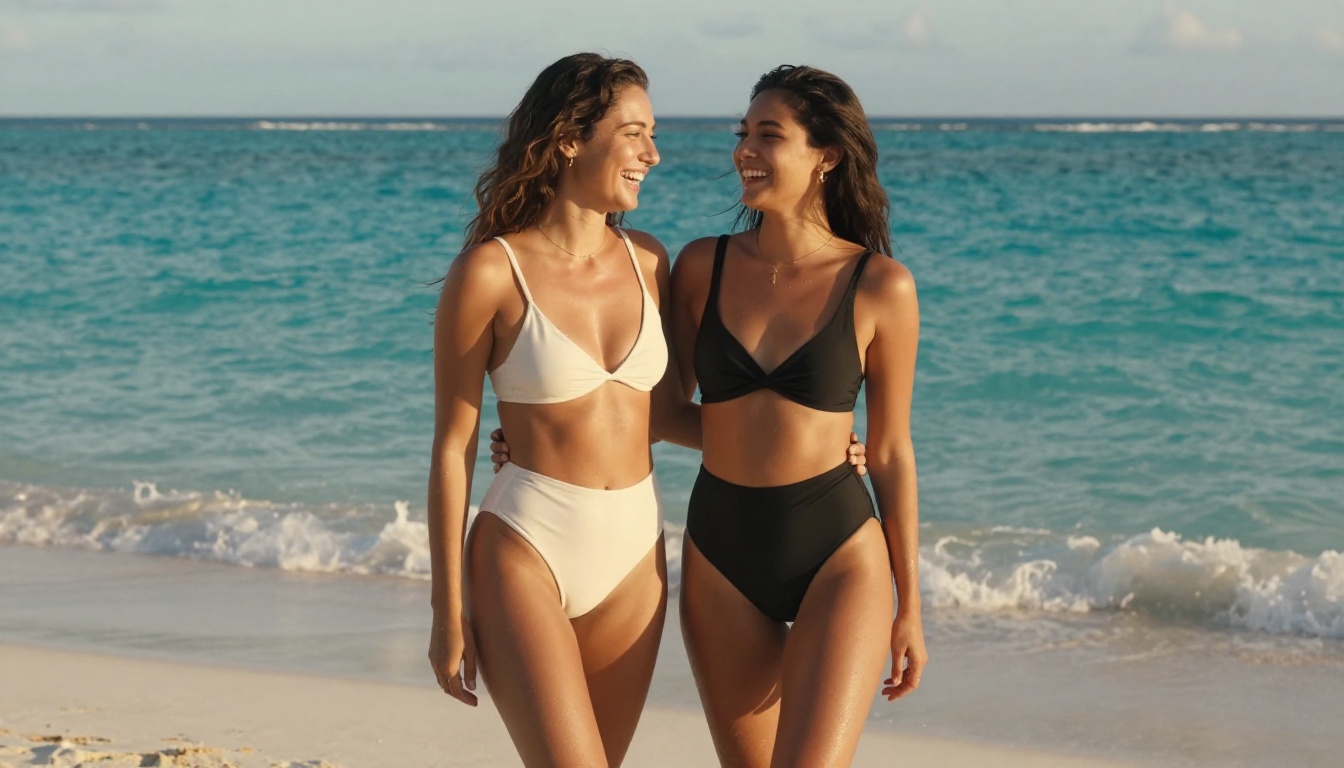
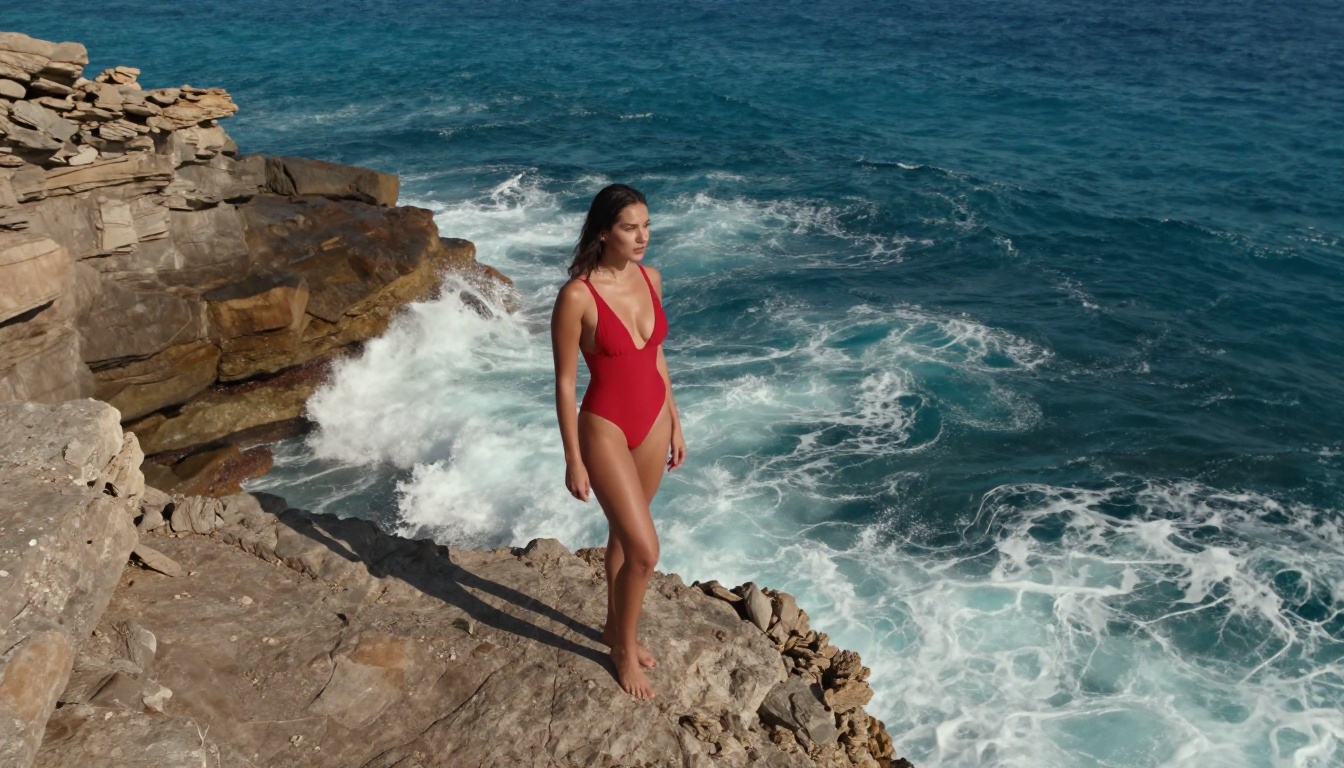
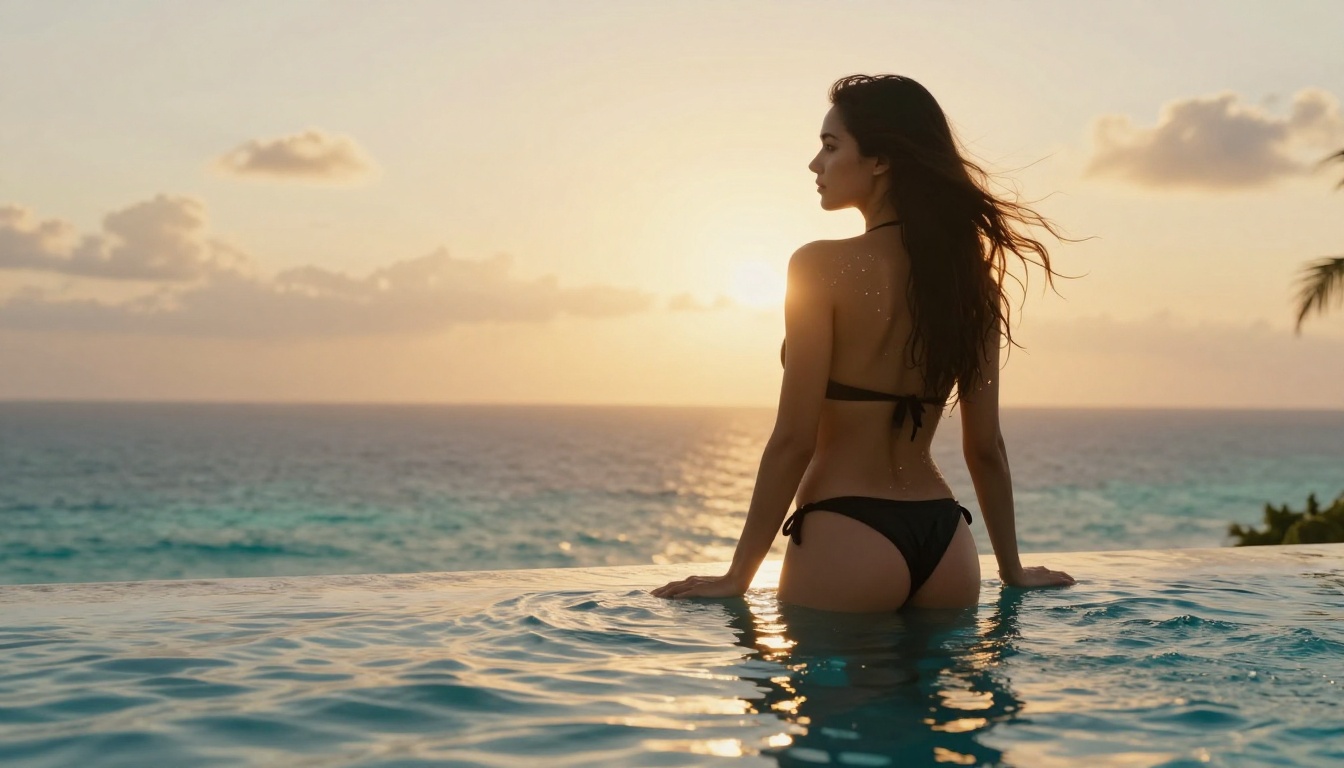
Swimwear campaigns with realistic poses that represent how the garment looks when worn
Body-positive beauty content that shows skin, curves, and human bodies as they actually appear
Adult wellness product photography where showing context around the product is essential
Glamour and boudoir editorial where artistic, suggestive imagery is the entire point
None of this is explicitly pornographic. It's the category of content that magazines publish, that swimwear brands post on Instagram, that beauty campaigns run in national media. The problem is that most AI platforms draw their content lines in places that make standard commercial product photography impossible.
Why Creators Need More Freedom
Product photography for fashion and beauty brands is a billion-dollar industry. Brands need high volumes of content, they need it quickly, and they need it to represent their actual products accurately. An AI tool that blocks legitimate commercial apparel photography is not a creative tool for this industry, it's an obstacle.
The photographers and brand creators switching from stock agencies to AI generation are not doing it for explicit content. They're doing it because AI can produce 50 professional product shots in the time it used to take to book a studio for one day. When content filters block 40 percent of those prompts, the value proposition collapses entirely.
Seedream 4.5: The Real NSFW Pick
Why It's Different from Seedream 5 Pro
Seedream 4.5 is the model you should be using if uncensored product shots are your use case. Despite being an earlier version, it has not adopted the stricter content policies that came with the 5 Pro update.
Here's what sets it apart for this specific use case:
Accepts NSFW prompts including lingerie, swimwear, implied nudity, and adult wellness product contexts
Supports image editing alongside text-to-image, so you can generate a base shot and refine specific areas without starting over
Generates in under 3 seconds, making it fast enough for batch production workflows at real scale
Ultra-realistic output that matches what you'd get from a professional photographer for product catalog work
The speed point deserves emphasis. Three seconds per image means you can generate 20 product shots per minute. For a swimwear brand launching a new collection with 50 pieces, that's a full product photography library in under an hour.
Speed, Realism, and Zero Restrictions
The realism on Seedream 4.5 is not a step down from 5 Pro for product photography use cases. The model handles fabric texture, skin tone accuracy, lighting consistency, and pose naturalism at a level that looks genuinely commercial.
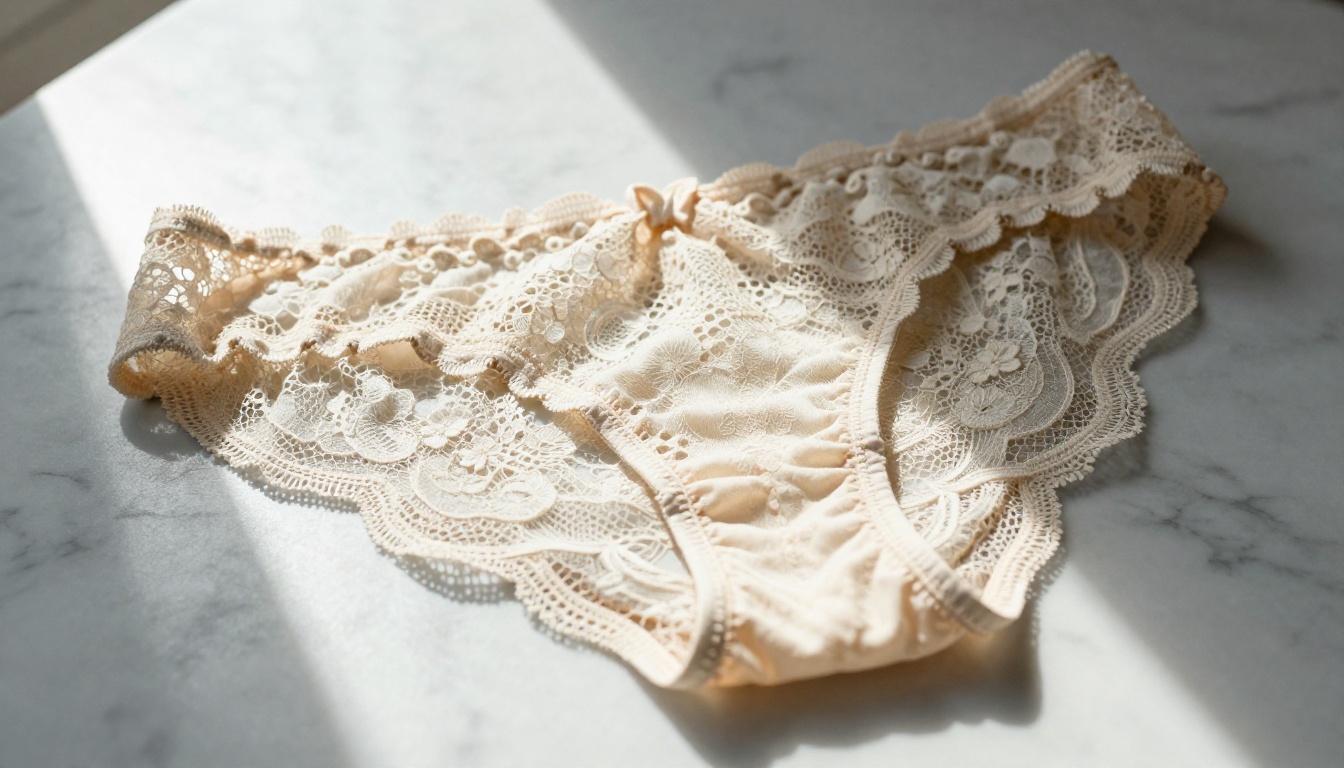
For lingerie and intimate apparel specifically, texture rendering is what matters most. The way fabric drapes, how lace patterns read at different focal lengths, how sheer materials interact with light: these are the technical details that make a product shot usable or not. Seedream 4.5 handles all of them without requiring the level of prompt engineering that other models demand.
Because it also supports image editing, you can take a generated base image and adjust specific elements without regenerating from scratch. Change the background, adjust the lighting color temperature, swap the model's pose in a specific region. All within the same model, at under 3 seconds per operation.
Best Models for Uncensored Product Shots on PicassoIA
PicassoIA offers a curated set of models that actually support adult and NSFW product photography without restriction. Here's the full breakdown, ordered by recommendation:
The right model depends on your specific workflow:
For batch product photography campaigns: Use Seedream 4.5. The combination of speed (under 3 seconds), NSFW acceptance, and image editing support makes it the best all-around choice for high-volume production work.
For unlimited volume on a budget: Use PicassoIA Image Editor Pro. The unlimited generation model on Elite and Infinite plans means 1,000 product shots cost the same as 1. Compare that to models like Nano Banana 2 where the same volume would run close to $100. It accepts NSFW content, delivers results in under a second, and includes 3 free generations with no credit card required.
For open-source flexibility: Qwen Image 2 lets you create or edit any image with detailed realism and no content restrictions, making it a strong pick for creators who want granular control.
For converting existing images: Grok Imagine Image excels at taking a reference image and transforming it, particularly for swimwear and apparel contexts where you want to place a specific garment on a model.
💡 Note on Seedream 5 Pro: Use it for standard product shots where content restrictions are not a factor. Sharp packshots, fully-clothed lifestyle images, and text-heavy product graphics are where Seedream 5 Pro genuinely shines. Just don't build your lingerie catalog workflow around it.
How to Use Seedream 4.5 for Product Shots
Setting Up Your Prompt
The difference between a professional product shot and a generic AI image comes down almost entirely to prompt construction. For Seedream 4.5, here's the structure that consistently produces commercial-quality results:
"Female model wearing a high-cut burgundy bikini, standing with one hand on hip facing three-quarters to camera, seamless white studio backdrop, large softbox lighting from left at 45 degrees with reflector fill from right, shot from waist height at eye level, 85mm f/1.8 lens, RAW photorealistic, 8K, editorial product photography"
Example prompt for lingerie:
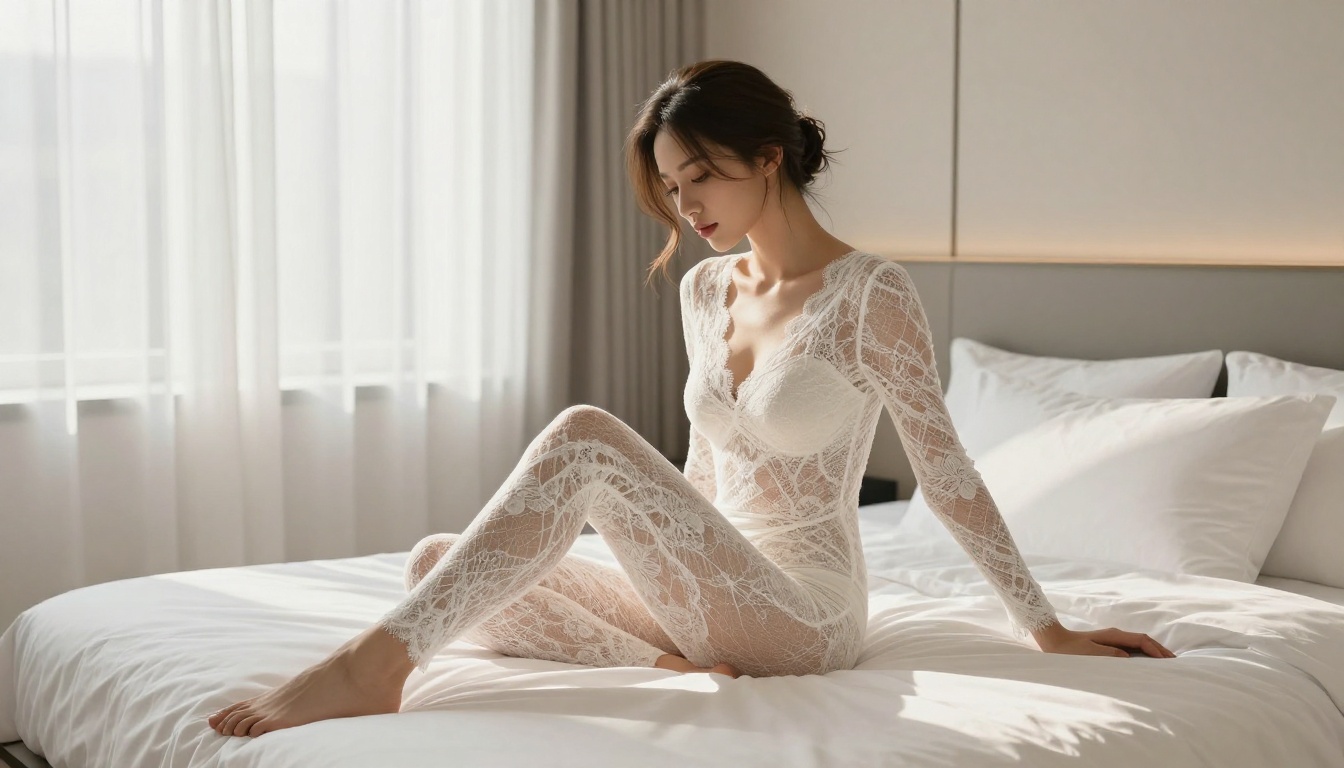
"Woman in black lace bralette and matching brief, seated on edge of white bed, late afternoon window light from left, hair down over one shoulder, medium distance shot from slightly elevated angle, 85mm f/2, skin texture visible, Kodak Portra 400, luxury catalog product photography"
Prompt Tips That Actually Work
Be specific about lighting. "Soft lighting" gives the model room to improvise. "Large softbox from camera left at 45 degrees with white reflector fill on the right" tells it exactly what to do.
Name your lens. 85mm means portrait distance and compression. 24mm means environmental context. 50mm means natural perspective. The model uses these as compositional signals, not just metadata.
Describe the backdrop. "Seamless white paper" versus "marble surface" versus "tropical beach at golden hour" changes everything about the final image's commercial appropriateness.
Include post-processing style. "Kodak Portra 400" pulls warm skin tones and natural grain. "Clean white commercial" pulls sterile product-catalog aesthetic. Both are legitimate; both give the model clarity on your intention.
Mention fabric characteristics. For intimate apparel, adding "sheer lace with floral pattern, 85mm macro, visible thread detail" signals the model to prioritize fabric rendering over generic pose output.
PicassoIA vs. Mainstream Platforms
The Hidden Cost of Censored Tools
The big mainstream AI image platforms, Midjourney, DALL-E, Adobe Firefly, and yes, Seedream 5 Pro on most platforms, all share one common problem for professional creators: they optimize for the median user, not the professional creator.
The median user might be a student making a fun avatar. The professional creator is a swimwear brand trying to photograph 200 new SKUs for a catalog launch. When a platform's content policy is tuned for the first use case, the second use case gets filtered out constantly.
The hidden cost shows up in your workflow:
Time spent rewording prompts to slip past filters
Generation credits wasted on refused requests
Inconsistent output when the same prompt sometimes works and sometimes doesn't
Creative compromises where you settle for less revealing shots than the product actually requires
All of this adds up to a tool that sounds powerful but delivers less than half its value for professional apparel and beauty content work.
Why PicassoIA Is the Better Choice
PicassoIA's approach is different. The platform curates models specifically chosen to serve professional creators, including those working in adult, beauty, and intimate apparel categories. The NSFW-capable models are clearly identified, the content policies are transparent, and the tools work reliably for the use cases they claim to support.
The practical advantages are significant:
Reliable output. A prompt that works once will work again. No random filtering of identical requests.
Model variety. Twelve different NSFW-capable models covering text-to-image, image editing, image-to-video, and more.
Speed and volume.Seedream 4.5 at under 3 seconds per image and PicassoIA Image Editor Pro with unlimited generations on Elite/Infinite plans give you the throughput a real production workflow requires.
Transparent pricing. You know exactly which models burn credits and which are included in your plan.
No watermarks. Commercial use without branding overhead.
For any creator who has hit the ceiling on what mainstream AI tools allow, PicassoIA is simply the more capable platform for this category of work.
Create the Product Shots Your Brand Actually Needs
The answer to "Can Seedream 5 Pro do uncensored product shots?" is: not reliably, and not for the content categories where most fashion and beauty brands actually need help.
Seedream 5 Pro is a technically impressive model for standard product photography. It belongs in your toolkit for packshots, branded lifestyle images, and text-heavy commercial visuals. It just shouldn't be the model you rely on when your campaign involves lingerie, swimwear, intimate apparel, or anything that reads as adult content to its moderation system.
Seedream 4.5 is where that work happens. Fast, realistic, NSFW-capable, and powerful enough for production-volume output. PicassoIA Image Editor Pro adds unlimited generation volume for subscribers who need to produce at scale without watching a credit meter.
Browse every available model, including the full list of NSFW-capable options, at picassoia.com/en/all-models. The product shots you've been trying to generate are one model switch away.