Product photography is expensive, slow, and logistically painful for most brands. You book a studio, hire a photographer, ship samples, wait for edits, and pay invoices that eat into your margin before a single product page goes live. Seedream 5 Pro from ByteDance changes that calculation in ways that were not possible 18 months ago, and thousands of e-commerce brands are already rethinking how they create product imagery.
This is not about whether AI is "good enough." The better question is: for which specific tasks does Seedream 5 Pro outperform a $3,000 studio shoot, and where does it still fall short? The answer matters because choosing wrong costs real money in either direction. The brands figuring this out right now have a real operational advantage over those waiting for the technology to "mature."
What Seedream 5 Pro Actually Does
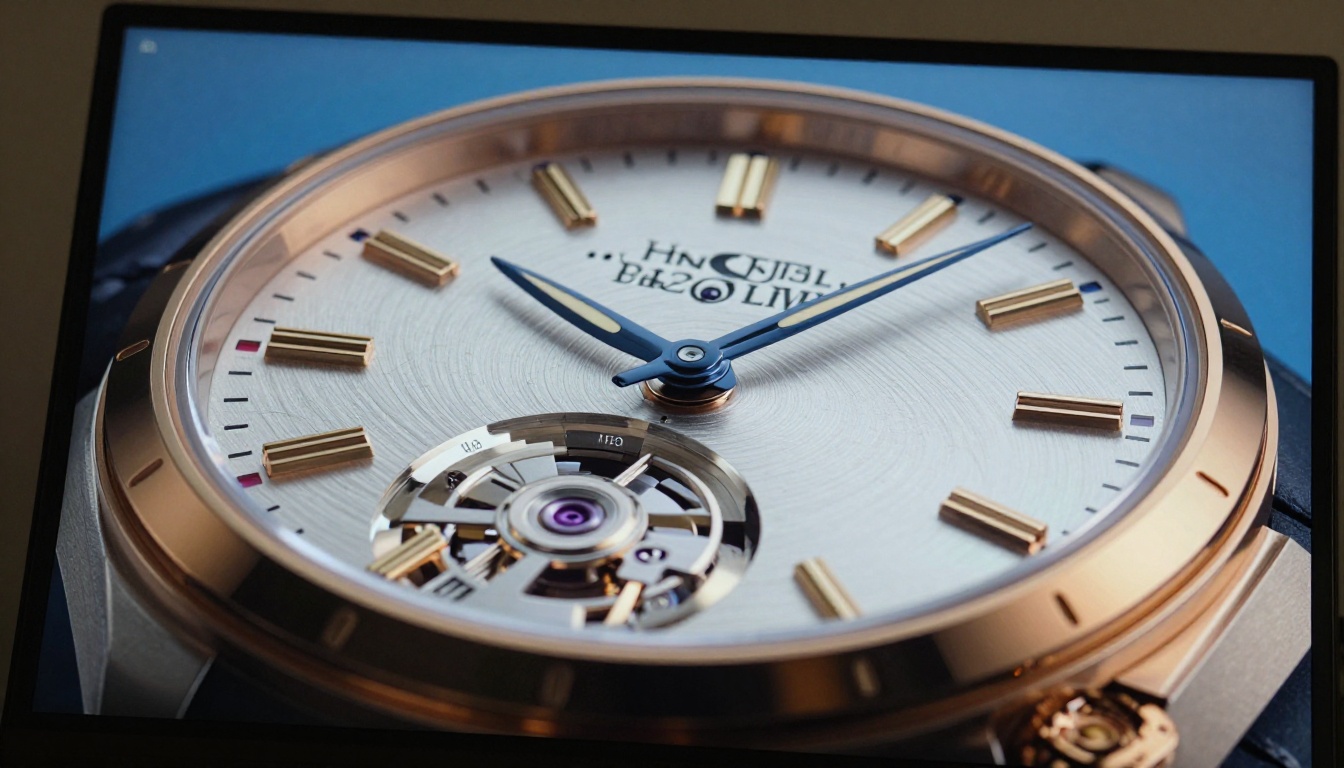
Seedream 5 Pro is ByteDance's most capable text-to-image model for photorealistic output. It was trained on an enormous dataset of commercial imagery and has developed a particularly strong grasp of product lighting, surface reflectivity, and material textures. When you write a prompt describing a perfume bottle, it does not just place a generic bottle on a white background. It reasons about where light would catch the glass, how the liquid color would refract, and what shadow density would appear on the surface beneath it.
The Architecture Behind the Output
The model operates at a significantly higher resolution ceiling than its predecessors, Seedream 4.5 and Seedream 4. This matters for product photography specifically because packaging text, label detail, and fine material textures break down at lower resolutions in ways that kill commercial usability. Seedream 5 Pro holds detail at print-ready quality, which is a prerequisite for any serious e-commerce or catalog application.
Output Quality Benchmarks
Real-world testing across categories including cosmetics, electronics, food and beverage, and fashion accessories shows that Seedream 5 Pro consistently produces:
- Specular highlights that behave physically correctly on glass, chrome, and lacquered surfaces
- Material differentiation between matte, satin, and gloss finishes on the same product
- Shadow accuracy that matches what you would get from a single-source directional studio light setup
- Label legibility on text included in the prompt context, with degradation only at very small font sizes
The model struggles with highly complex transparent products (layered glass vessels with internal liquids), and it occasionally hallucinates brand names on packaging when prompted too loosely. These are solvable problems with better prompt structure, but they require knowing what to watch for before you commit to a batch run.
The Cost Math Nobody Does Honestly
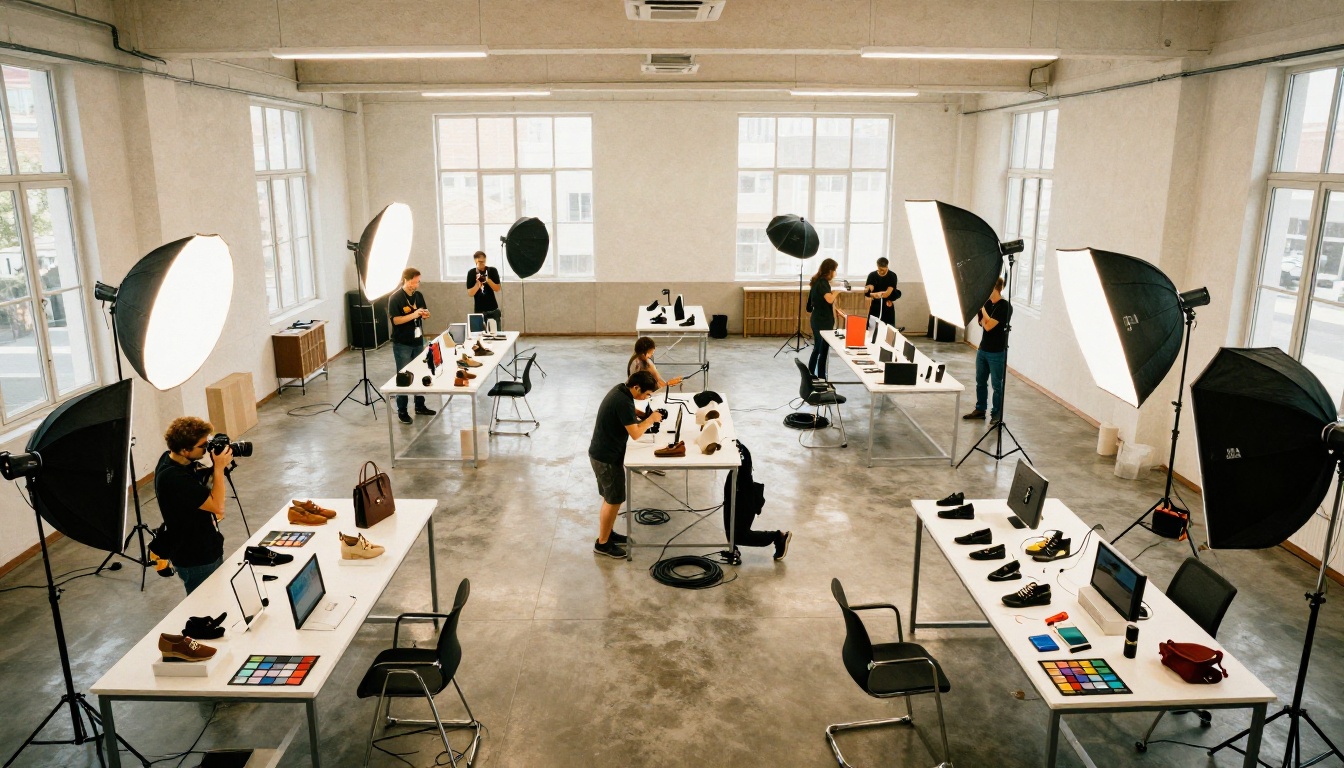
The standard pitch for AI image generation skips the comparison you actually need to make. Here is a realistic cost breakdown for a 20-SKU product shoot:
| Item | Traditional Shoot | Seedream 5 Pro |
|---|
| Photographer day rate | $800-$1,500 | $0 |
| Studio rental (8 hours) | $400-$800 | $0 |
| Prop stylist | $300-$600 | $0 |
| Post-processing and retouching | $200-$500 | $0 |
| Sample shipping (round-trip) | $50-$150 | $0 |
| Platform cost | $0 | $20-$60/month |
| Time to 20 final images | 2-4 weeks | 2-4 hours |
| Total | $1,750-$3,550 | $20-$60/month |
For a startup running 50 SKUs per quarter, that is the difference between $7,000 and $240. That gap is why adoption is accelerating far faster than most professional photographers anticipated.
💡 Tip: These cost numbers assume you already have strong product descriptions or reference images. If you are starting from scratch with a completely new product, budget extra time for prompt iteration before committing to a final style.
When the Numbers Flip
The calculus changes for specific scenarios. High-stakes catalog shoots for luxury brands, hero imagery for major campaigns, and products that require physical props, models, or location settings still favor professional photographers. Not because the AI output is poor, but because the art direction, brand-specific styling, and creative judgment that go into those shoots are not captured in a text prompt alone.
Where AI Wins Outright
Speed and Iteration at Scale
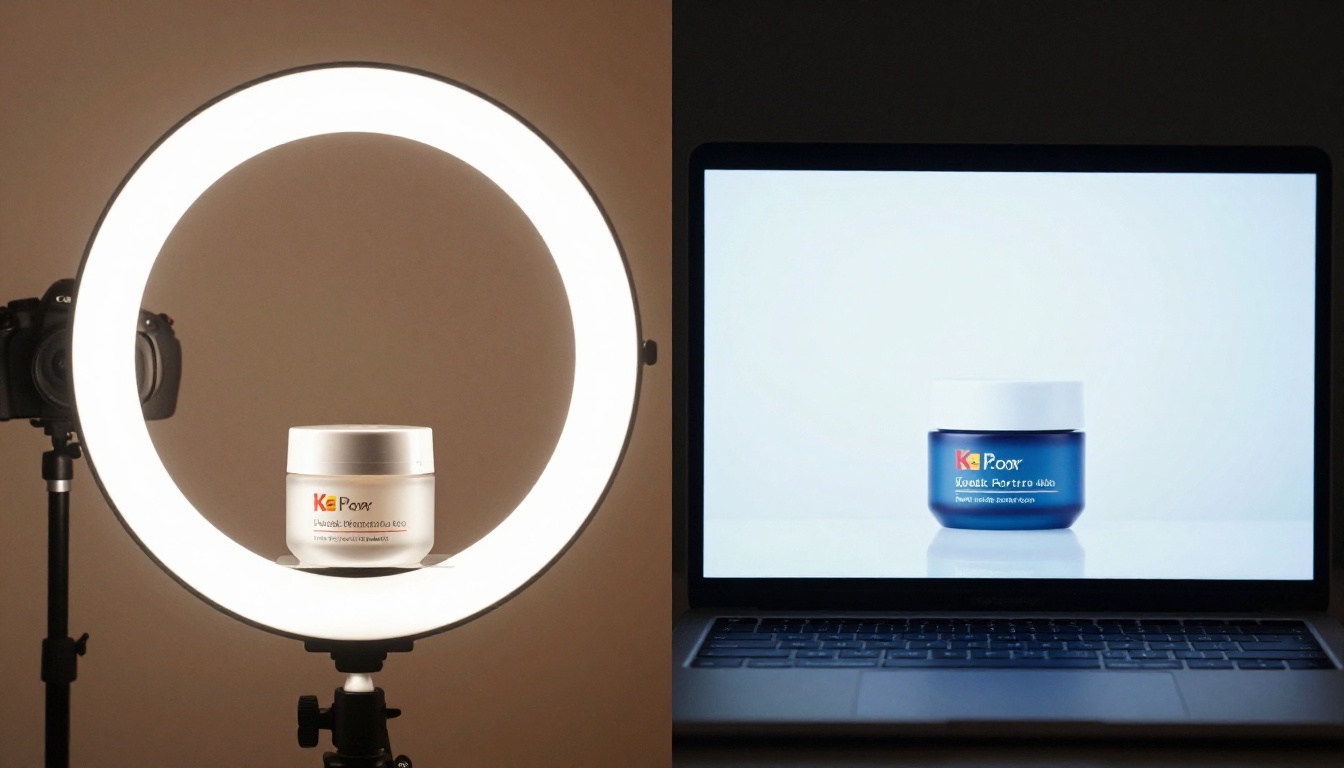
The most overwhelming advantage of Seedream 5 Pro is iteration speed. A product photographer produces 20 to 50 final images per day under good conditions. Seedream 5 Pro produces that same number in under five minutes. For brands running A/B tests on product imagery, seasonal campaigns with weekly refreshes, or marketplaces requiring dozens of angle variations per SKU, this speed differential is not a convenience. It is a structural advantage that compounds over time.
Background Variations Without Reshoots
One genuinely difficult task in traditional product photography is changing the background or environment after the shoot. It requires either a clean original cutout (which adds cost and complexity) or expensive retouching. With AI generation, you create the same product against a winter lifestyle scene, a minimal white studio, and a warm kitchen context in the same session. Three variations that would cost $1,500 extra in a traditional workflow cost nothing beyond the time to write three prompts.
Prototyping Before Production
Fashion and consumer goods brands spend money photographing prototype products that never make it to market. A $2,000 studio shoot for a colorway that gets killed in QA is money that disappears entirely. Seedream 5 Pro lets you generate photorealistic product mockups before the physical product exists, which means marketing materials can be ready at launch day instead of three weeks after. For most product teams, this alone has measurable return on investment in the first quarter of adoption.
💡 Tip: When generating prototypes, use FLUX.1 Pro alongside Seedream 5 Pro for comparison. The two models handle metallic surfaces differently, and one will often outperform the other for a specific material type on your product.
Where Photographers Still Win
Complex Reflective Surfaces
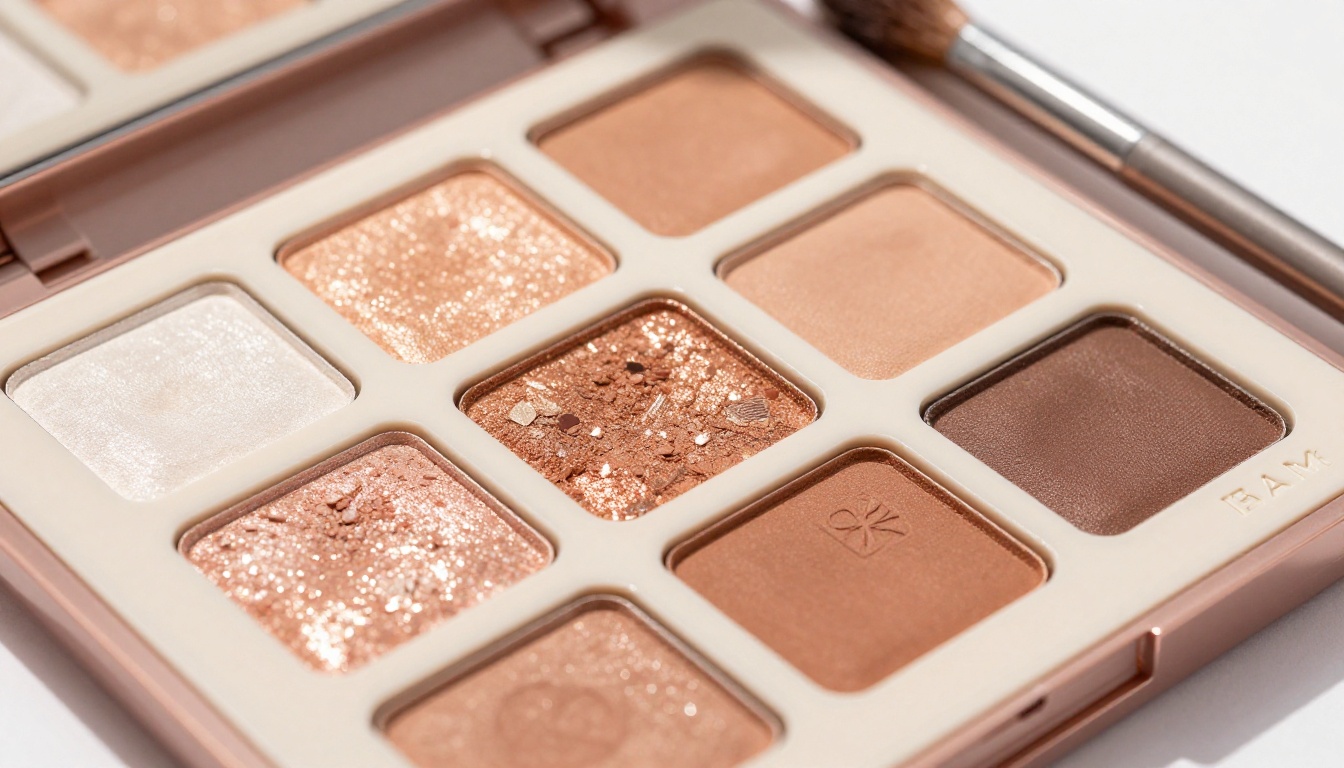
Highly polished surfaces, chrome objects, mirrored packaging, and products with significant transparent components remain difficult for current AI models. The physics of light bouncing between multiple reflective surfaces in a scene requires either extended prompt engineering or hybrid approaches where AI fills gaps rather than generating the primary shot. A professional photographer using controlled studio lighting and polarizing filters still produces cleaner results in these specific cases.
Brand Consistency Across a Long Catalog
When a brand has 500 product SKUs photographed over three years with a specific photographer who understands their lighting language, replacing that person means losing institutional knowledge. AI can replicate a style once you document it with precision, but the documentation process itself is non-trivial. Brands with deeply established visual identities face a steeper transition curve than brands starting fresh, and that transition cost should be factored into any adoption timeline.
Legal and Rights Considerations
AI-generated commercial imagery raises questions that traditional photography sidesteps entirely. Training data provenance, ownership of outputs, and platform terms of service for generated images are still evolving in multiple jurisdictions. Brands operating in regulated industries or with strict intellectual property policies need legal review before deploying AI product imagery at scale. This is not a creative limitation of the technology, but it is a real operational constraint worth addressing before the first campaign goes live.
How to Use Seedream 5 Pro on PicassoIA
PicassoIA provides direct access to Seedream 5 Pro without any local setup or API configuration. Here is the step-by-step workflow for producing commercial product images that are ready to use immediately.
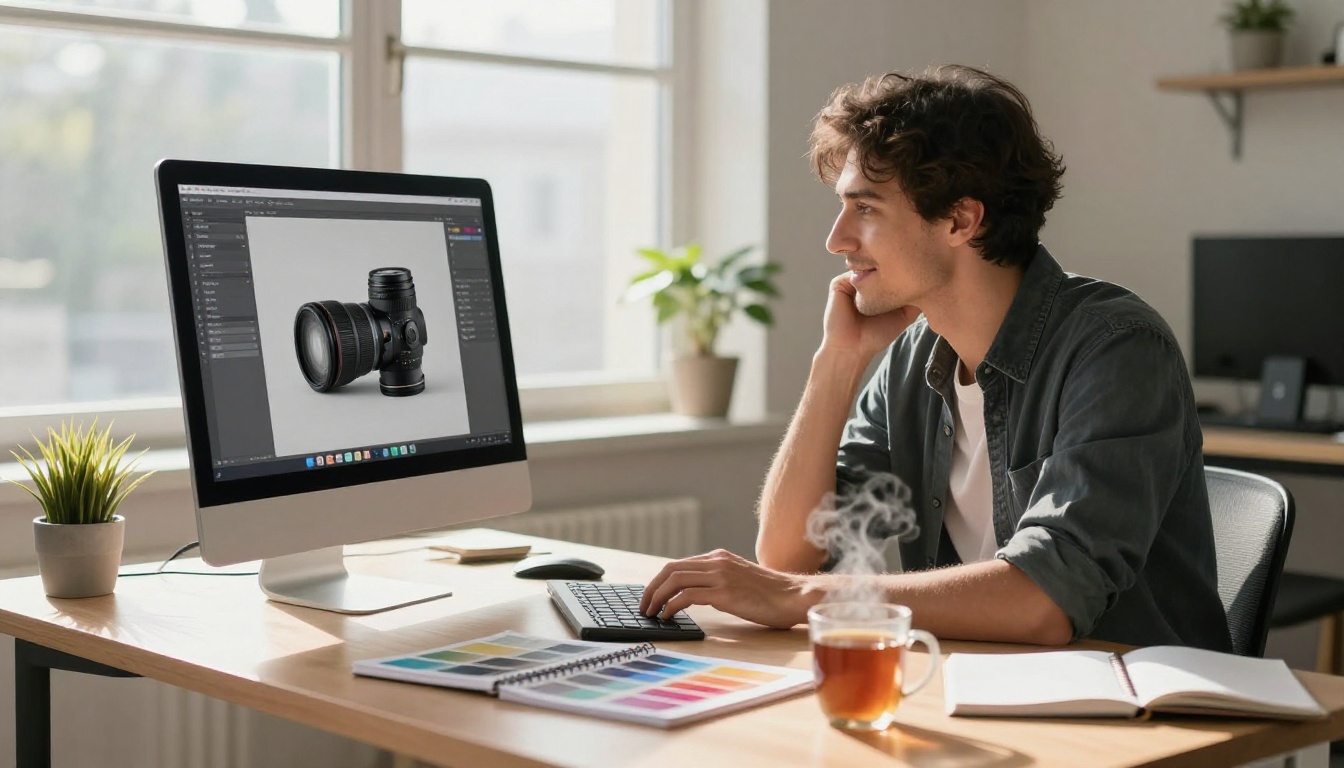
Step 1: Document Your Product
Before writing any prompt, note these details with specificity:
- Material (glass, matte plastic, brushed aluminum, lacquered wood, fabric)
- Primary color and any secondary color accents
- Approximate dimensions and proportions (tall and narrow vs. wide and flat)
- Any text or logo visible on the product surface
- Desired background (white seamless, lifestyle context, gradient, textured surface)
Step 2: Write a Structured Prompt
The most effective Seedream 5 Pro prompts for product photography follow this structure:
[Product description] + [Surface and background] + [Lighting setup] + [Camera angle and lens] + [Style modifiers]
For a skincare serum bottle, this translates to:
"Luxury glass serum bottle with rose gold dropper cap, placed on white marble surface with soft watercolor texture, soft overhead diffused light creating subtle shadow beneath bottle, 85mm macro lens at slight low angle, photorealistic commercial beauty product photography, Kodak Portra 400 film grain, 8K RAW"
Step 3: Iterate on Lighting
Most product photography failures in AI come from lighting that does not match the product category. Use these as starting references:
- Beauty products: Soft overhead plus subtle rim light (bright, clean, minimal shadow)
- Electronics: Single-source directional light plus controlled fill (drama without glare)
- Food and beverage: Warm backlighting plus front fill (steam and translucency effects)
- Jewelry: Narrow spotlight plus negative fill card (maximum sparkle, deep surrounding shadows)
Step 4: Build Systematic Variations
Once you have a prompt that produces acceptable results, create variations by changing one variable at a time: angle, background color, lighting direction, or surface type. This gives you a full product library from a single base prompt with minimal additional effort.
💡 Tip: Use FLUX Kontext Fast when you need to edit a specific element of an already-generated product image without regenerating the whole scene. It preserves context exceptionally well for inpainting tasks.
Comparing Seedream 5 Pro to Other Models
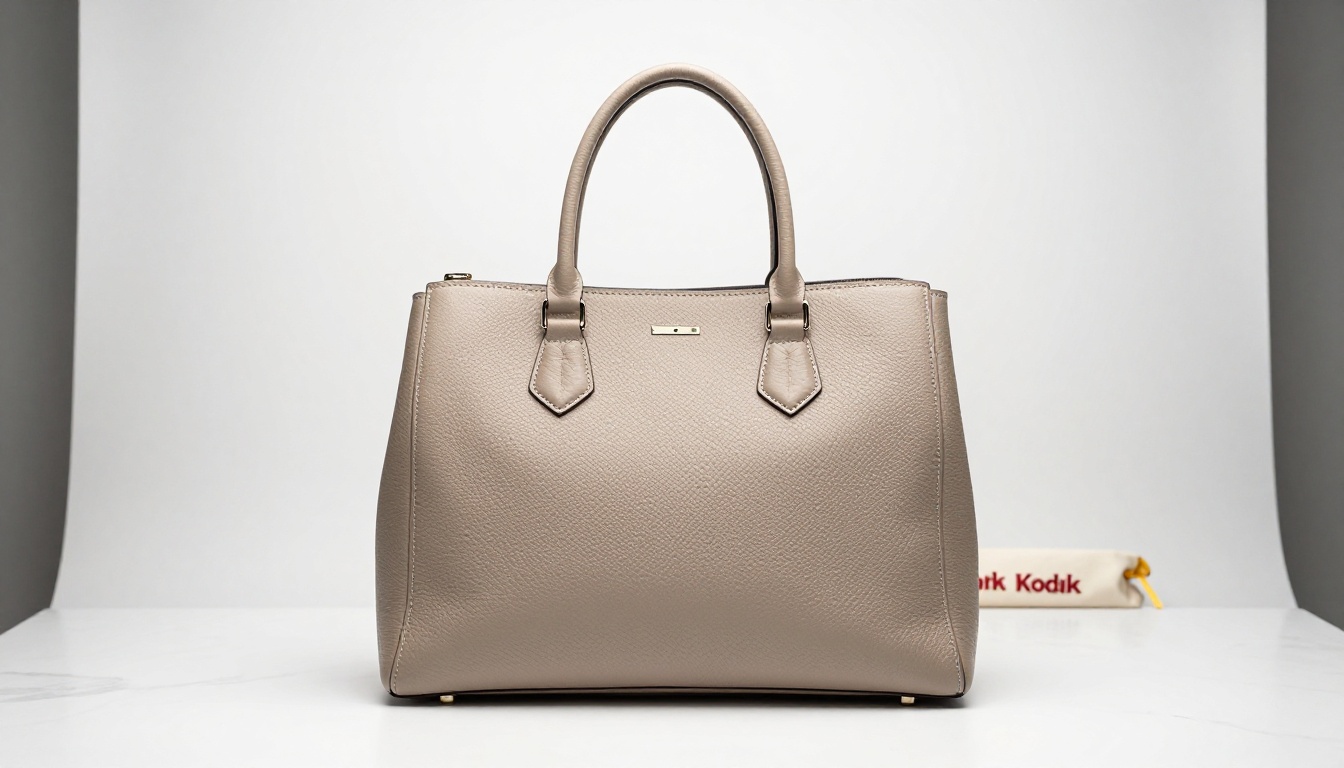
Seedream 5 Pro vs FLUX.1 Dev
FLUX.1 Dev from Black Forest Labs is the other leading contender for product photography use cases. The two models have genuinely different strengths:
| Category | Seedream 5 Pro | FLUX.1 Dev |
|---|
| Photorealism | Exceptional | Excellent |
| Text rendering on labels | Strong | Very Strong |
| Complex material textures | Very Strong | Strong |
| Prompt adherence | Strong | Exceptional |
| Generation speed | Fast | Moderate |
| Fine detail at crop | Excellent | Very Good |
For most product photography workflows, Seedream 5 Pro produces more immediately usable outputs with less prompt iteration. FLUX.1 Dev rewards precise, well-engineered prompts and gives more predictable results when you have a complex specification to hit.
When to Use Seedream 5 Lite Instead
Seedream 5 Lite trades some quality headroom for significantly faster generation. For prototyping and iteration phases where you are still determining composition before committing to a final output, Seedream 5 Lite is the right tool. When you have locked in the composition and need the highest quality final image, switch to Seedream 5 Pro for the final render.
The FLUX.1.1 Pro Ultra Option
FLUX.1.1 Pro Ultra offers the highest resolution ceiling of any currently available model on the platform. For brands that need print-ready imagery at very large format (trade show backdrops, billboard crops, large-format packaging mockups), this model provides resolution headroom that Seedream 5 Pro does not match in those specific edge cases.
The Hybrid Workflow That Actually Works
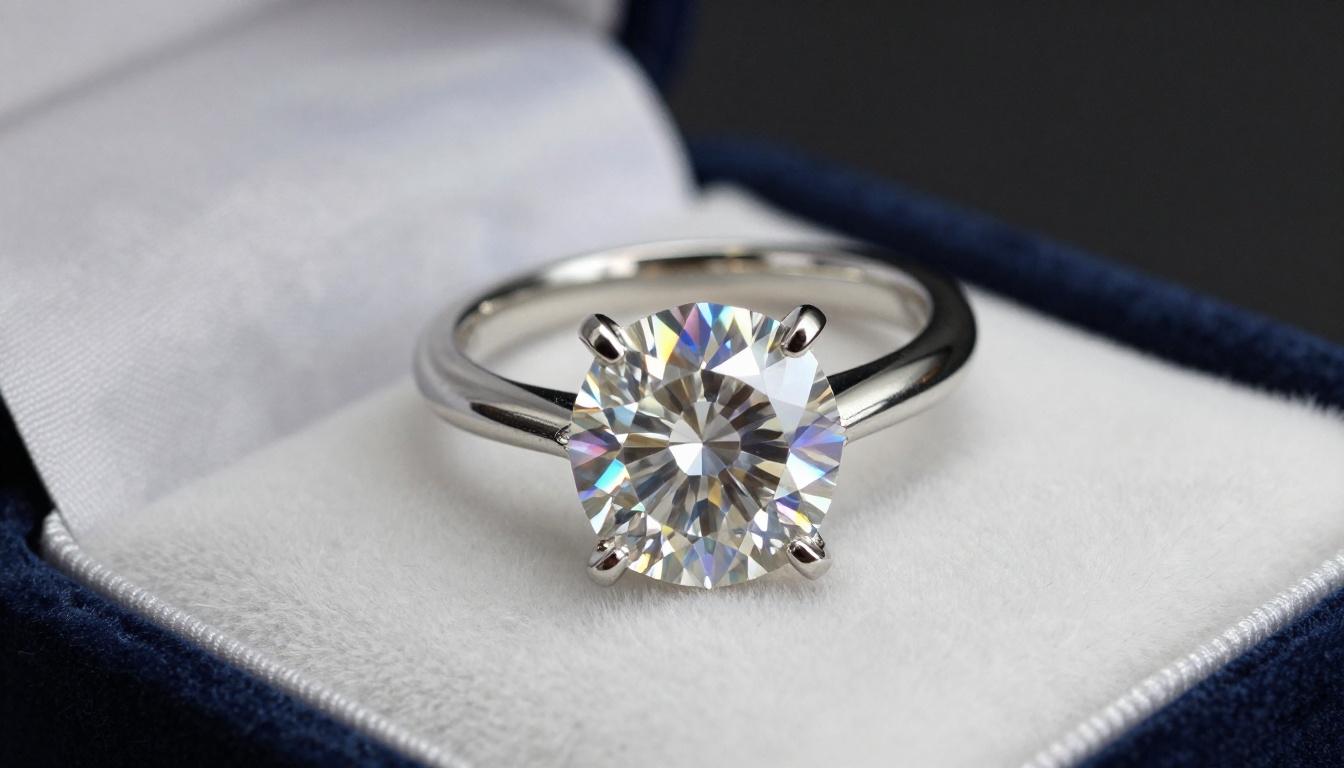
The brands getting the best results are not asking whether AI replaces a photographer. They are asking how to use both intelligently. The workflow that produces the most cost-efficient, high-quality product imagery in practice:
-
AI drafts all standard SKU images using Seedream 5 Pro for white-background and minimal lifestyle compositions. This covers 80 to 90 percent of the total product library.
-
Professional photographer shoots hero images for the top 10 to 20 percent of catalog items: flagship products, seasonal hero shots, campaign imagery requiring models or complex locations.
-
AI handles variations on all photographer-produced images using FLUX.1 Pro inpainting and style transfer to generate seasonal or contextual alternatives without additional shoots.
-
Super Resolution on all final outputs using PicassoIA's AI image restoration tools ensures print-ready quality across the entire library.
This structure reduces total photography spend by 60 to 75 percent for most e-commerce brands while maintaining the quality ceiling where it matters most.
💡 Tip: When a photographer produces a hero image with a clean neutral background, use that image as a reference shot for Seedream 5 Pro to generate consistent variations. The model's style matching from reference is strong enough to maintain visual identity across the AI-generated catalog additions.
The Real Verdict
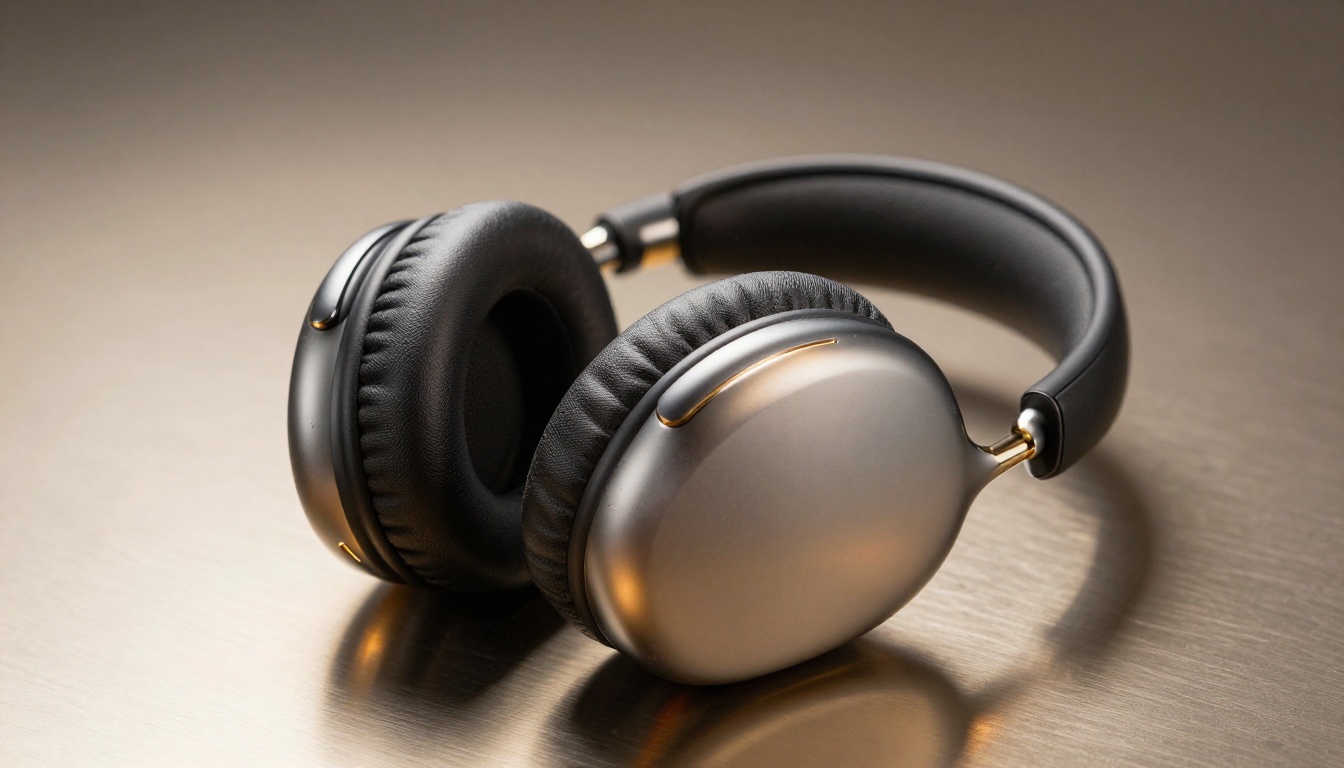
The answer to whether Seedream 5 Pro can replace a product photographer is not binary. For most standard e-commerce product imagery, it can and does, at a fraction of the cost and a fraction of the time. For complex, brand-defining creative work, high-stakes campaigns, or products requiring physical interaction with environments and models, the photographer still wins outright.
What is shifting is the economic pressure point. When AI handles 80 percent of the work at 5 percent of the cost, the photographer's value proposition moves toward the 20 percent that requires genuine creative judgment and physical presence. That is not a threat to great photographers. It is a redistribution of where their expertise gets applied.
Brands still running every product image through a traditional studio workflow in 2027 are leaving significant margin on the table. The question is not whether to adopt AI product photography. It is how quickly to build the operational knowledge to use it well.
Start Creating Your Own Product Images
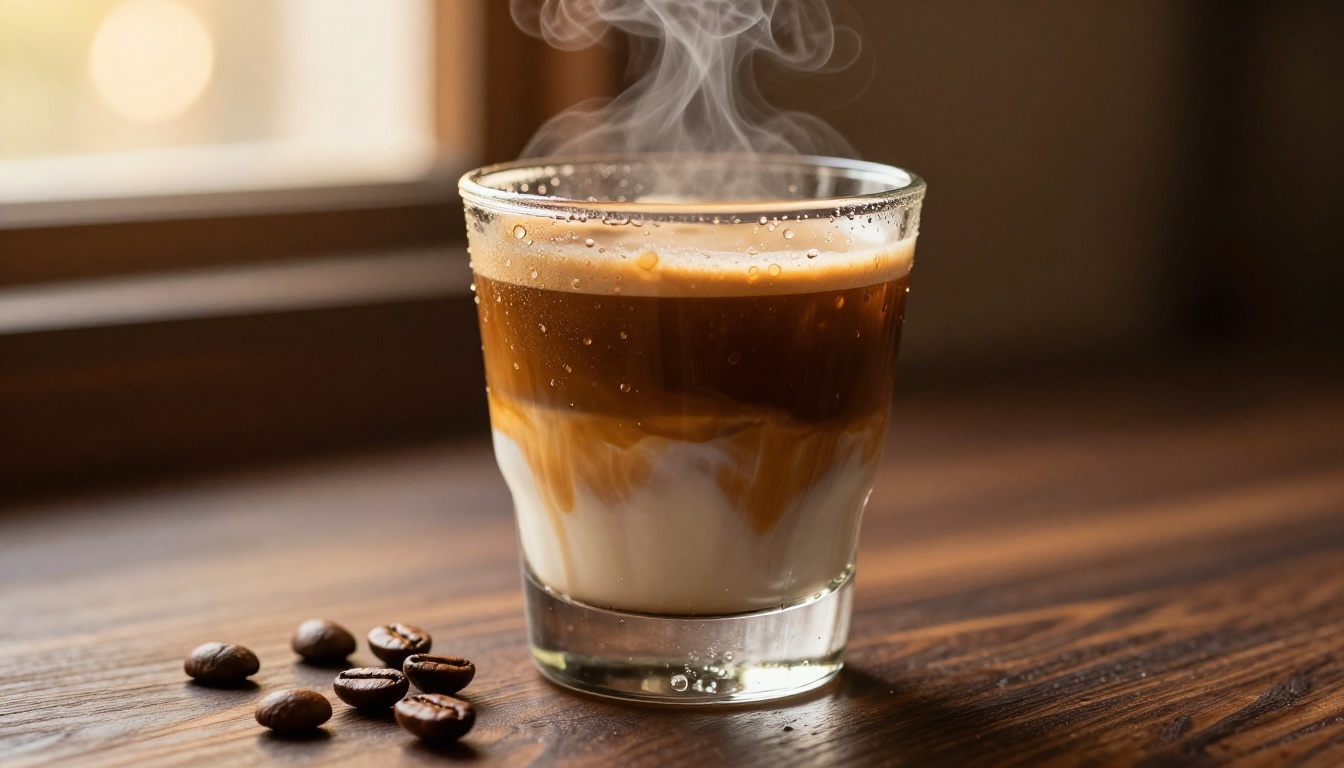
PicassoIA gives you direct access to Seedream 5 Pro, FLUX.1 Pro, FLUX.1.1 Pro Ultra, and 91 other text-to-image models without any technical setup. You write a prompt, choose your model, and get a commercial-quality image in seconds.
The most effective way to test whether AI product photography works for your specific products is to run a direct comparison. Take your three best-performing product images from your current catalog, write detailed prompts describing each one, and generate AI versions with Seedream 5 Pro. The comparison will tell you more about the capability ceiling for your specific product category than any benchmark could.
Browse all available models at picassoia.com/en/all-models and start with the free tier to calibrate the tool to your products before committing to a plan. The iteration cost is zero. The potential time and budget savings are real and immediate.


