You typed a prompt, picked the best of forty results, and now a buyer wants a print. Before you list it, three questions decide whether this becomes a small business or a headache: do you own the image, does your tool's license let you sell it, and does the platform make you say it came from AI? So, can you sell AI art as your own? In most cases yes, provided you are honest about how it was made. The word own is where people stumble, so this article splits the question into three layers and then walks through the disclosure rules platform by platform, from Etsy and Adobe Stock to YouTube, music services and the EU.
💡 Checked in October 2026. Marketplaces rewrite these policies often. Treat this article as a map, and read the live policy page of each platform before you upload anything.
The Short Answer on Selling AI Art
Yes, With Conditions
Selling AI-generated images is legal in most countries, and marketplaces, publishers and stock agencies all have a route for them. What changes from place to place is the fine print. Four conditions show up almost everywhere:
- Your generator's license allows commercial use on the plan you are paying for.
- The image does not copy a protected character, a trademark, or the signature style of a named living artist.
- You use the label, tag or checkbox the platform demands.
- You never describe the work as something it is not, such as "hand painted" or "photographed".
Break one of them and the likely outcome is not a lawsuit. It is a removed listing, a frozen payout or a closed shop.
What "Your Own" Really Means
"Your own" can mean two different things. Owning a file means you hold the rights to sell it. Claiming authorship means telling people you made it with your hands or a camera. The first can be true while the second is false. Writing "I painted this" under an image that came from a prompt is a misrepresentation, and buyers, platforms and regulators treat it as one. Writing "designed by me with AI tools" is accurate, and it sells just fine. Plenty of buyers do not care how a print was made, but almost all of them care about being told the truth.
Most of the confusion comes from mixing three separate questions into one:
| Layer | The question | Who answers it |
|---|
| Copyright | Can you stop other people from copying the image? | Courts and national copyright offices |
| License | Are you allowed to sell what the tool produced? | The terms of your generator and plan |
| Disclosure | Do you have to tell buyers it is AI? | Each platform and, increasingly, the law |
You can pass the license test, fail the copyright test and still have to disclose. Keep the three layers apart and every later decision gets easier.
Who Owns an AI Image?
The Copyright Office Position
The United States Copyright Office set out its stance in a report on copyrightability published in January 2025: human authorship is required, and a prompt alone does not make you the author, because prompts act as instructions that express ideas rather than control over the exact output. Courts have lined up behind that view. In Thaler v. Perlmutter, the appeals court held that a work created entirely by an autonomous AI system cannot be registered, and the Supreme Court declined to hear the case in March 2026, so the rule stands.
The Office has also shown where protection can exist. For the graphic novel Zarya of the Dawn, it protected the text and the arrangement of the pages but not the individual Midjourney images. In 2025 it registered A Single Piece of American Cheese, a work built from many inpainting edits, based on the human selection and arrangement of the elements.
What does this mean for a seller? A purely prompted image sits in a weak spot: you can sell it, but you may have nothing to enforce if a competitor copies it. Other countries differ. A Beijing court recognized copyright in an AI-generated image in 2023 because the person had made many choices about prompts and settings, so the answer depends on where you sell and where you would have to sue.
Your Tool's License Comes First
Copyright is about outsiders. The license is about you. Every generator publishes terms that say who may use outputs commercially. Some give commercial rights on every plan, some limit them to paid tiers, and some set extra conditions for larger companies. Midjourney, for example, has tied commercial rights to paid subscriptions. Before you sell anything, check three points:
- Is commercial use allowed on your plan?
- Does the specific model carry its own conditions?
- What happens to your rights if you cancel the subscription?
On Picasso IA, read the terms attached to your plan and the notes on each model page, because different models can come with different conditions.
Where Human Edits Count
The more real creative decisions you make, the stronger your legal position and the more honestly you can describe the work. Edits that count include:
- Painting, drawing or collaging by hand over a printed output
- Compositing several generations with your own photographs
- Selecting and arranging many outputs into a sequence, a book or a series
- Revising specific regions of an image on purpose and noting what you changed
For the last item, PicassoIA Image Editor Pro lets you revise parts of an image instead of rerolling the whole thing. Keep your drafts, layers and prompt history. If anyone ever asks how a piece was made, that folder is your evidence.
Here is the overview before the details. "Required" means the platform demands a label or a statement, not that AI work is welcome everywhere.
| Platform | AI art accepted? | What you must do |
|---|
| Etsy | Yes, as "Designed by" items | Mention AI use in the listing description and never sell prompts |
| Adobe Stock | Yes | Tick the generative AI checkbox and keep names and brands out of titles and tags |
| Shutterstock | Not from contributors | Do not upload third party AI images |
| Getty Images | No | AI-generated uploads are refused |
| Amazon KDP | Yes | Tell KDP when content is AI-generated |
| YouTube | Yes | Turn on the altered or synthetic content disclosure for realistic scenes |
| Meta apps | Yes | Disclose realistic AI video or audio and expect "AI info" labels |
| TikTok | Yes | Label realistic AI content |
Etsy
Etsy's Creativity Standards, introduced in July 2024, ask every seller to say who made an item: Made by, Designed by, Handpicked by or Sourced by. Art built with AI tools fits under Designed by, and the seller has to disclose the AI involvement in the listing description. Etsy also prohibits selling AI prompts as products, so packs such as "500 landscape prompts" are out.
Put one plain sentence near the top of the description, not buried in the last line. Buyers who feel misled leave bad reviews, and Etsy can remove listings that break the standards.
Adobe Stock and Other Stock Sites
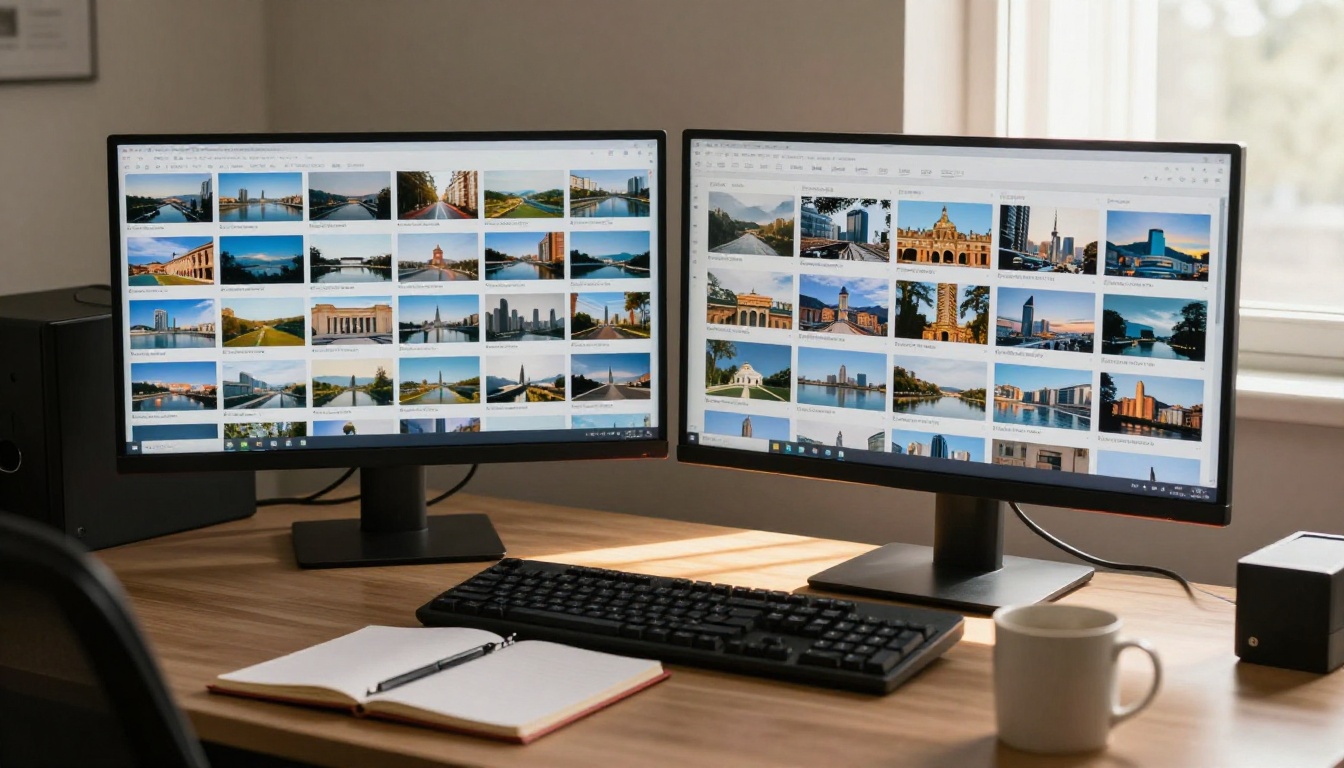
Adobe Stock accepts generative AI work, with rules. You must tick the "Created using generative AI tools" box on upload. Prompts, titles and tags cannot contain artist names, real people, fictional characters, brands or other protected material. Identifiable people need model releases, and recognizable real property needs a property release.
Shutterstock does not allow contributors to submit AI-generated content for licensing, and Getty Images has long refused it too. Sending images there risks account problems for no gain. If stock is your plan, Adobe Stock is the main route, and every image should carry its AI label from the first upload.
Social Networks and Video Platforms
Social platforms care less about the sale and more about realism. If an image or clip could pass for a real photograph or a real event, expect a labeling rule:
- Meta (Facebook, Instagram, Threads) asks you to disclose photorealistic video and realistic audio made with AI, and adds "AI info" labels.
- YouTube requires a disclosure toggle at upload when realistic content has been altered or synthetically generated.
- TikTok requires labels on realistic AI-generated content and reads embedded provenance data.
- Pinterest labels AI-generated or modified Pins.
Clearly stylized art triggers fewer rules, but a photoreal portrait of a person who does not exist triggers nearly all of them.
Books and Print on Demand
Amazon KDP asks you to state whether your book contains AI-generated text, images or translations when you publish. AI-assisted editing, where you made the content and a tool polished it, does not need to be reported. The disclosure goes to Amazon in the publishing form and is not printed on the page, but you should still be able to defend your answer. Art communities such as DeviantArt and ArtStation have their own AI tags, and print-on-demand shops usually add a checkbox or a line in their content policy, so read each upload form closely.
Selling AI Music and Video
Images are only one product. Music and video bring their own rules, and the same disclosure habit applies.
Music. Streaming services have moved fast. Spotify announced in 2025 that it supports AI disclosures in track credits through an industry standard, and it tightened its rules on voice impersonation and spam uploads. Deezer tags albums that contain AI-generated tracks so listeners can see them. Most distributors now ask during upload whether a track uses AI. If you generate songs with Lyria 3 Pro, Music 2.6 or Stable Audio 2.5, answer honestly, keep your generation records, and avoid prompts that imitate a specific living singer. Voice imitation is where the strictest rules and the biggest legal risks sit.
Video. AI video follows the image rules with a stronger accent on realism. A clip made with Seedance 2.0 or Veo 3.1 that looks like real footage of a real place needs a disclosure on YouTube and Meta. Stock footage marketplaces set their own AI policies, and many accept AI clips only with a label, so check each upload page. Never generate a recognizable real person without permission. That is the fastest road to a takedown.
Laws That Now Require Labels

The EU Labeling Deadline
Article 50 of the EU AI Act sets transparency duties for AI-generated content, and they apply from 2 August 2026. Providers of generative systems must mark outputs in a machine-readable way, and anyone publishing realistic deepfakes must disclose them. The European Commission has published a code of practice on marking and labelling plus official guidance, with a short transition period for the marking duty on systems already on the market.
For a solo seller of clearly artistic prints, most of the weight lands on the tool provider and the platform, not on you. But platforms pass their own labeling requirements down to sellers, so if you sell to EU buyers, expect tags and labels to become routine.
Misleading Buyers Is the Real Risk
Beyond AI-specific laws, ordinary consumer protection applies. In the United States the FTC treats false claims about how a product was made as deceptive marketing, and EU consumer law does the same. Calling a printed generation "an original oil painting" or "my photograph" is a false statement of fact that a buyer can act on, whatever the status of copyright. Honest labels are cheap protection.
Use GPT Image 2 on PicassoIA
Generating from a documented prompt gives you a clean record of how each image began. GPT Image 2 follows long, detailed prompts, places readable text inside an image, supports transparent backgrounds and can produce up to 10 variations in a single run, which makes it a practical starting point for print and product work.
Step by Step
- Open the GPT Image 2 model page on PicassoIA.
- Write your prompt, the only required field. Describe subject, setting, lighting and style in plain sentences, and leave out artist names and brands.
- Pick an aspect ratio: 3:2 for landscape prints, 2:3 for portrait posters and 1:1 for square social posts.
- Set quality to high for anything you plan to print, and choose a transparent background for stickers and cutouts.
- Set the number of images (up to 10) to compare variations in one run.
- Click generate, pick the strongest result and download it as a PNG for print work.
- Save the prompt, the model name and the date in a log next to the file.
Settings That Matter for Sales
| Setting | Suggested value | Why it helps a seller |
|---|
| aspect_ratio | 3:2 or 2:3 | Matches standard print sizes without cropping |
| quality | high | Cleaner detail for large prints |
| background | transparent | Ready for stickers, mockups and product pages |
| number_of_images | 4 to 10 | More choice, so your selection is a real creative decision |
| output_format | PNG | Lossless file for printing and editing |
💡 Tip: If you want a more natural, less processed look, compare your result with Seedream 4.5 or Flux Krea Dev. Then finish your favorite in PicassoIA Image Editor Pro so your own edits are part of the final file.
A Safe Selling Checklist
Before You Upload
- Read the commercial terms for your plan and for the exact model you used.
- Remove artist names, brand names and character names from prompts, titles and tags.
- Check the platform's AI label, tag or checkbox and use it.
- Describe the work with accurate verbs: designed, generated, edited, never painted or photographed unless that is true.
- Save the prompt, model, date and your edits in one folder per piece.
- Check releases for any realistic person or recognizable property.
Disclosure Wording That Works
Short and plain beats clever. Three lines you can adapt:
Designed by me using generative AI tools and finished with my own edits.
AI-generated artwork. Prompt, selection and layout by the seller.
Created with AI image tools. Digital file only, no hand painting involved.
Three mistakes that get shops suspended:
- Putting a living artist's name in a prompt, title or tag.
- Selling prompt packs on a marketplace that bans them.
- Calling an AI image handmade, hand drawn or a photograph.
Make Your Own Images on Picasso IA
Selling AI work is not a gray area when you know the three layers: check the copyright position, read the license, and label the work the way each platform asks. The rest is craft. Pick a model, write a precise prompt, make real edits and keep your records.
Picasso IA puts images, video and music in one place, so you can build a full set of assets for a shop, a channel or a release without juggling accounts. Start with GPT Image 2 for a first batch of prints, animate your best one with Seedance 2.0, add a soundtrack with Lyria 3 Pro, and label each piece as you publish. Open the platform, try a prompt today, and see how your own creative decisions turn a generation into something worth selling.


