Yes, you can sell AI art on all three. Etsy, Amazon and Redbubble each accept AI-generated artwork, but each one attaches its own conditions, and the sellers who lose listings are rarely the ones using AI. They are the ones who skipped a disclosure box, borrowed a famous style, or pushed hundreds of untouched generations live in a single weekend. This article walks through what each marketplace asks of you, where copyright law gets awkward, and how to build a small catalog that survives a review.
One caution before the details. Marketplaces rewrite their terms often, and the summaries below come from published policies and recent reporting, not from private conversations with support teams. Treat this as a map, then confirm the exact wording inside your own seller dashboard before anything goes live.
Every one of these marketplaces has landed in the same place: AI work is welcome when it is labeled honestly and does not copy anyone else. The differences are in how the label works and what happens when you ignore it.
| Platform | AI art allowed? | What you must do | Biggest risk |
|---|
| Etsy | Yes, as "Designed by" items | Say in the listing description that AI was used | Passing AI work off as handmade |
| Amazon KDP | Yes | Answer the AI disclosure questions for text and images | Undisclosed AI content and thin bulk uploads |
| Amazon Merch on Demand | Yes, after design review | Own the rights to every element in the design | Trademarks and look-alike artwork |
| Redbubble | Yes | Flag AI-made uploads where the form asks | Mislabeled tags and mass uploading |
💡 Quick rule: If a buyer would feel misled after hearing how the item was made, the label is missing or wrong. Fix the label before you fix anything else.
The pattern is easy to remember: allowed, but labeled. Nobody is asking you to hide your tools. They are asking you not to pretend your tools were something else.
Selling AI Art on Etsy
Etsy is the friendliest of the three for individual creators, and also the one with the most explicit rules. Its Creativity Standards ask every seller to describe how much human involvement went into an item, and AI-assisted work has a clear home inside that system.
The Designed By Label
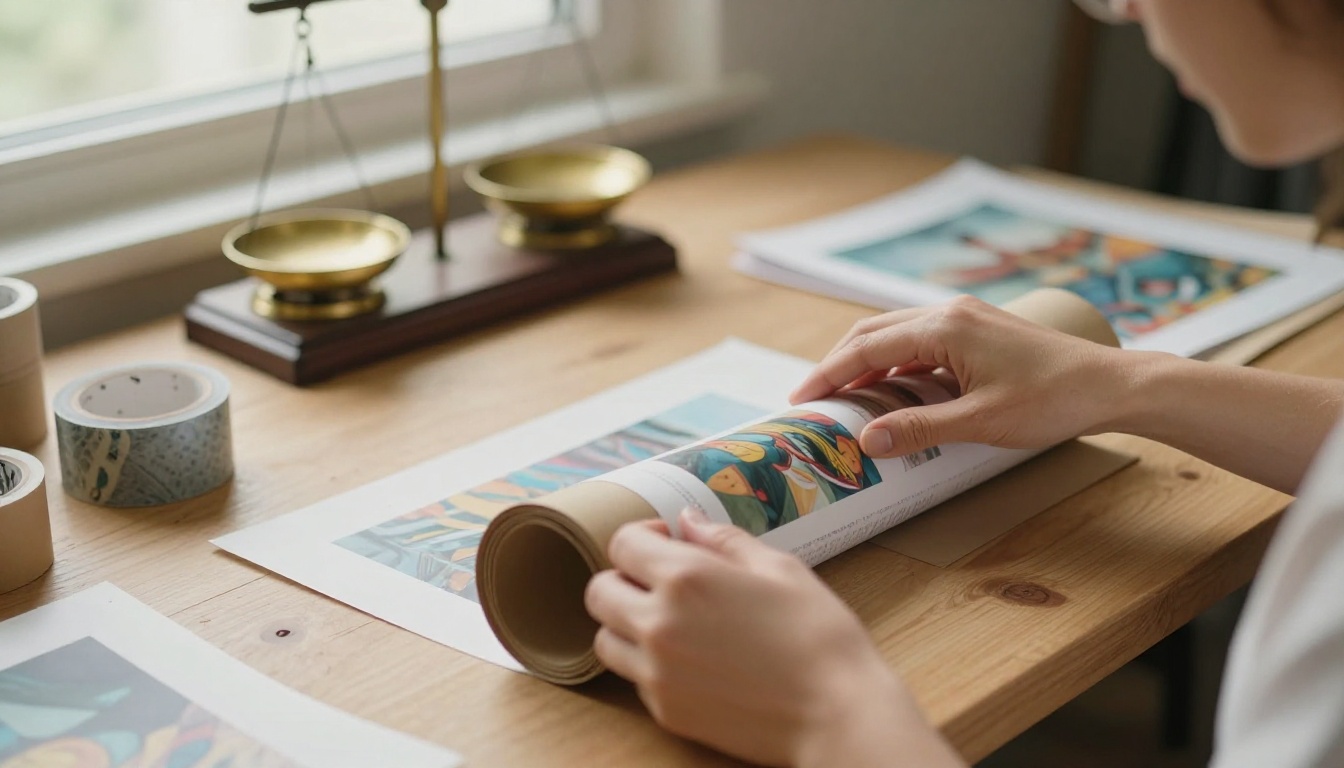
Etsy lets you sell artwork generated from your own original prompts, provided you list it as Designed by rather than Made by. That label tells buyers the item may involve generative AI, an outside production partner, or other digital tools. You also have to say in the listing description that AI was used. Put that sentence in plain words near the top instead of hiding it at the bottom.
If a print shop or print-on-demand partner produces the physical item, Etsy expects you to name that partner in the listing too. A digital download, a framed print shipped from your studio, and a print-on-demand poster all work, as long as the story you tell buyers is accurate.
What Etsy Won't Allow
Three habits get shops into trouble:
- Calling AI work handmade. Phrases like "hand-painted" or "drawn by me" on a generated image are the fastest route to a removed listing.
- Selling prompts as products. Etsy has made clear that sellers may design items with AI tools but may not sell AI prompts themselves.
- Copying other people's work. Listings that imitate a living artist's recognizable style or use a franchise's characters break intellectual property rules no matter how the image was made.
Listings That Convert
AI art is abundant, so the listing has to do the work the image cannot. Buyers respond to context: where the piece will hang, which size fits which wall, and how the paper feels.
- Show three to five mockups in real rooms instead of a single flat file.
- Offer standard frame sizes such as 5x7, 8x10, 11x14, 16x20 and 24x36 so buyers never need to crop.
- Write the description in your own voice, with the AI disclosure in the first lines.
- Use natural search terms in your tags, like "botanical wall art" or "moody landscape print", instead of stacking every adjective you can think of.

💡 Tip: Etsy lets you add a short listing video. A five-second clip of a print on a wall often builds more trust than one extra still photo.
Selling AI Art on Amazon
Amazon is really two marketplaces for artists: Kindle Direct Publishing for books, and Merch on Demand for apparel. The rules differ enough that each deserves its own look.
KDP Books and Disclosure
On KDP, you must tell Amazon when a book contains AI-generated text, images or translations. The disclosure sits in the publishing dashboard during upload, with a separate question for each type of content. The artwork on the outside of the book and the illustrations inside both count as images. Reports from 2026 say Amazon has moved from asking to enforcing, pulling titles with undisclosed AI content and suspending accounts that repeat the offense.
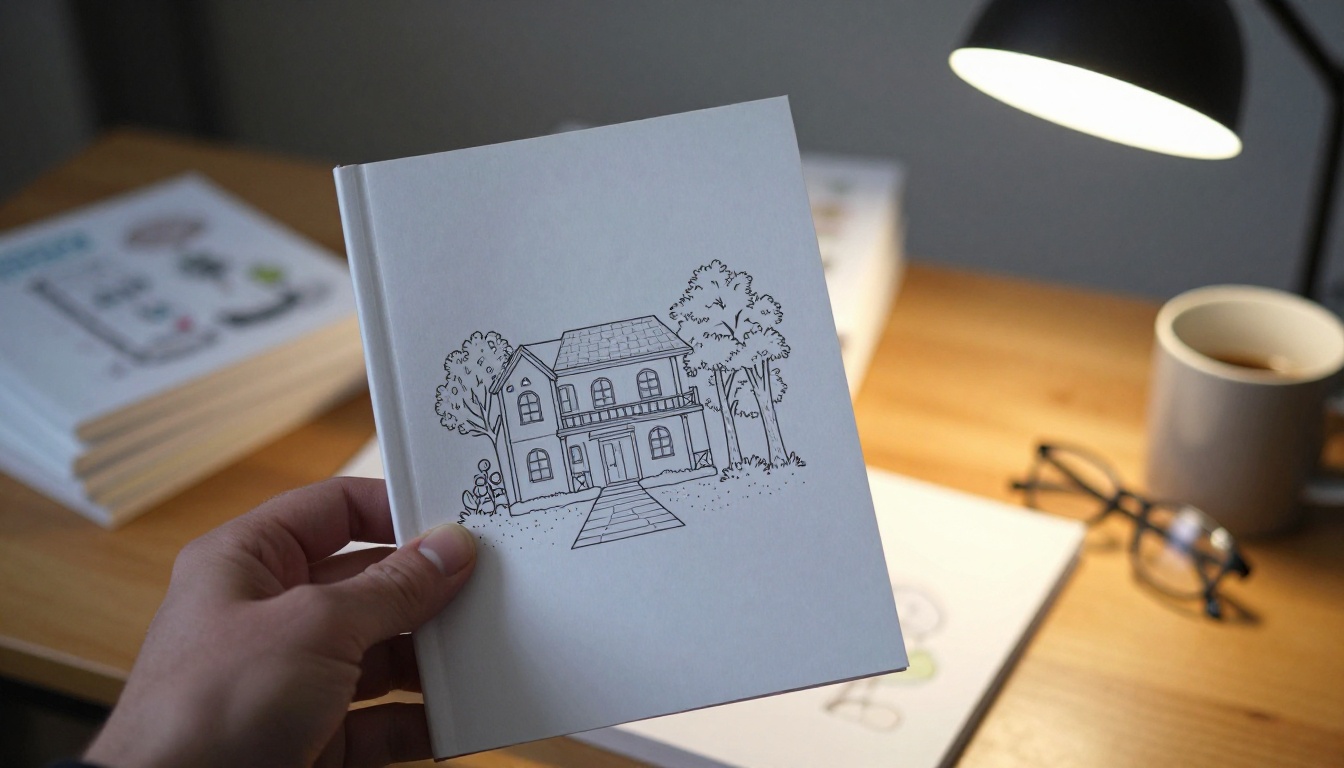
Coloring books, journals, planners and illustrated children's books are the formats where AI images show up most. They are also the formats where Amazon sees the most low-effort uploads, so thin and repetitive interiors are the biggest threat to a new publishing account.
AI-Generated vs AI-Assisted
Amazon draws a line that matters. If an AI tool created the content, it counts as AI-generated, and you must disclose it even if you edited the result heavily. If you made the content yourself and used AI to refine it, proofread it or brainstorm ideas, it counts as AI-assisted, and no disclosure is required.
For image sellers the practical reading is simple: a book full of generated illustrations is AI-generated, no matter how many retouching passes follow. Answer the question honestly and move on.
Merch on Demand Limits
Merch on Demand lets approved sellers put designs on shirts, hoodies and similar products without holding inventory. Amazon reviews each design, and the usual rejection reasons have nothing to do with AI: trademarked phrases, character look-alikes, and artwork the seller cannot prove they have the right to use.
There is also a new competitor in the room. In June 2026, Amazon added an AI design tool to Alexa for Shopping that lets customers generate their own merch artwork from a text prompt. A plain slogan shirt with a generic AI graphic now competes with a free option. Designs with a clear point of view, a specific audience and a clean composition have the most room to grow.
Selling AI Art on Redbubble
Redbubble is a print-on-demand marketplace, so your art ends up on stickers, posters, phone cases and apparel. Its AI rules are described in less public detail than Etsy's, which makes reading the upload form carefully even more important.
Disclosure and Tagging
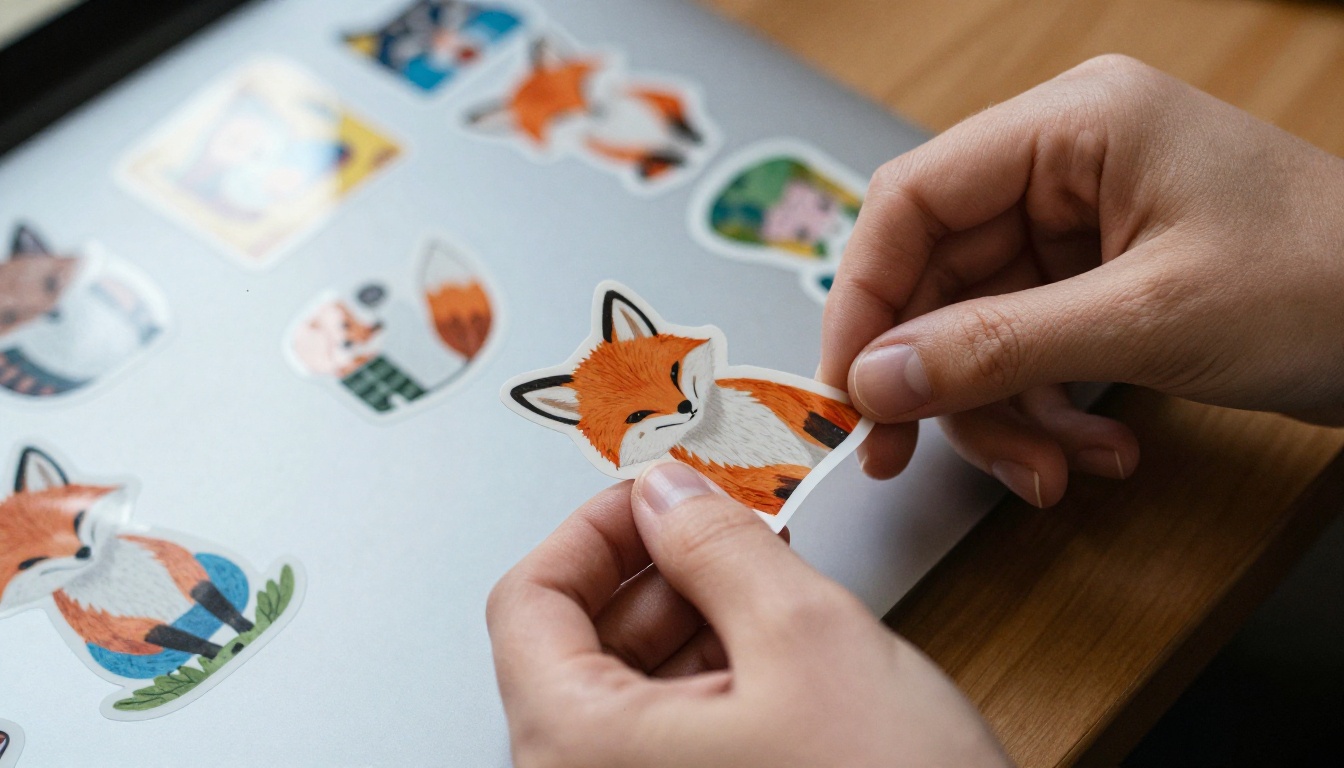
Redbubble allows AI-generated designs, and creators are expected to disclose AI use where the upload form asks for it. Tags matter just as much. Describing an AI design as "hand-drawn" or "traditional painting" is the kind of mislabeling that gets work delisted. Honest tags cost you nothing, because a buyer searching for "fox sticker" is not going to care how the fox was made.
Upload Volume and Quality
Print-on-demand sites have spent the past few years fighting floods of near-identical uploads, and a shop that publishes dozens of lightly varied designs at once invites scrutiny. A steadier rhythm works better: a handful of finished designs per week, each one with a distinct subject, a clean edge for stickers, and a transparent background wherever the product needs one.
Test each design on several products before you move on. A fox that looks charming as a sticker may be too small and busy for a tote bag, and a landscape that works as a poster may crop badly on a phone case.
Copyright Is the Real Catch
Marketplaces decide whether you may list a piece. Copyright decides whether you can stop other people from copying it.
Prompts Alone Aren't Enough
The US Copyright Office concluded in its January 2025 report that copyright requires human authorship, and that prompts alone do not give a person enough control over the output to count as authorship with today's generally available tools. Pure text-to-image output usually can't be registered. Other countries handle this differently, so check the law where you live.
In practice, if someone copies your AI-only print, your legal options are thin. The marketplaces still let you report copying under their own rules, but you shouldn't build a business on exclusivity you may not have.
Add Human Work You Can Prove
The same report says a work that combines AI output with human contribution can be protected for the human part: your selection, your arrangement, and your original modifications. The more of your own work sits in the final file, the stronger your position.
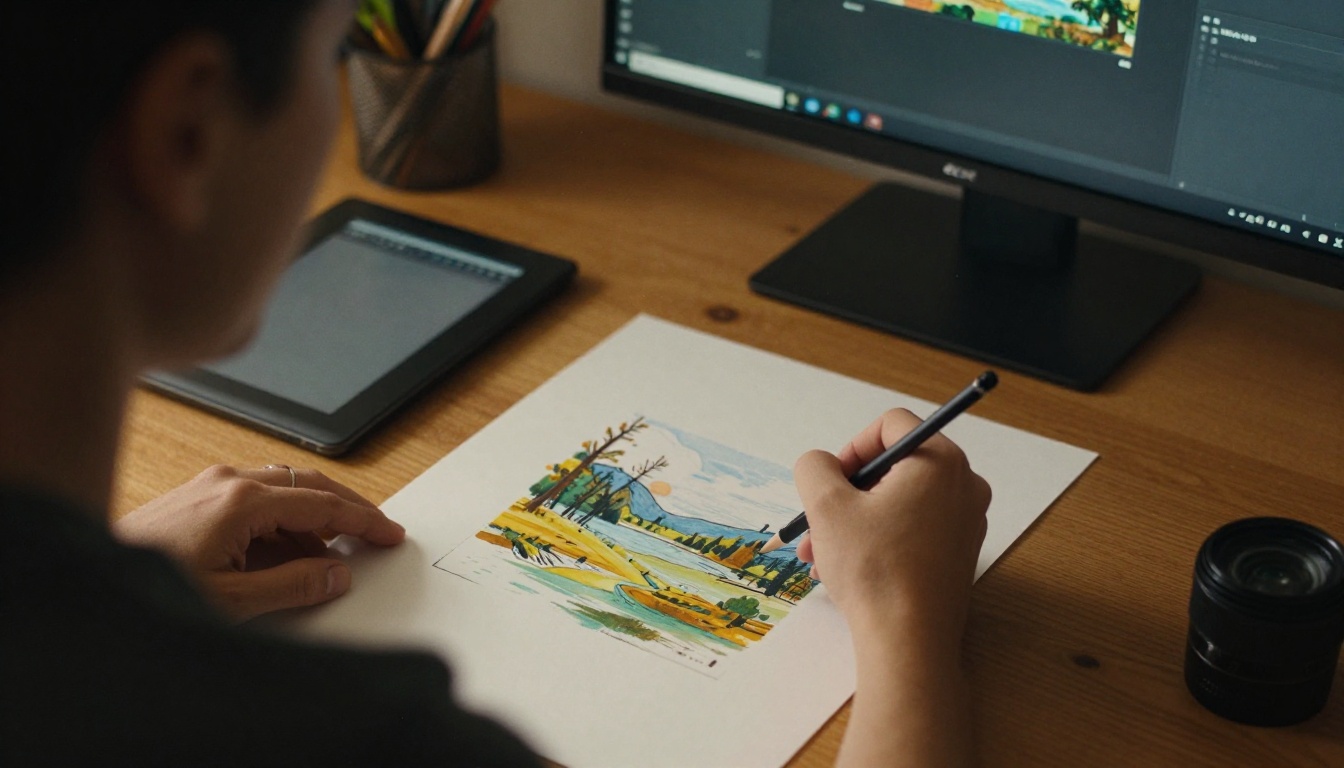
- Paint, draw or collage over the generated base so your hand shows in the result.
- Combine several generations into one original layout instead of shipping a single raw output.
- Keep your process files: prompt history, drafts, layered files and timestamps.
- Write original copy for titles and descriptions rather than pasting model output.
Skip Trademarks and Artist Names
Never put a living artist's name, a brand name or a franchise character in a prompt for a product. Even if a generator produces something, marketplaces remove look-alikes quickly, and a single takedown strike can freeze an account. Also read the commercial-use terms of the generator and plan you use before you list anything.
PicassoIA puts the whole pipeline in one place: image generation, upscaling, video and music for your listings. Seedream 4.5 suits art prints because it outputs at 2K and 4K, which gives you a large starting file. The same workflow also works with GPT Image 2 and Flux 2 Max if you want a different look.
Generate the Base Image
- Open the Seedream 4.5 page on PicassoIA.
- Write a prompt that names the subject, the medium, the lighting and the composition. For example: a quiet mountain lake at dawn, soft mist, muted blue and sand palette, painterly film look.
- Set the size to 4K for anything you plan to print. Keep 2K for fast drafts.
- Pick an aspect ratio that matches the product: 2:3 or 3:4 for posters, 1:1 for stickers and tote graphics.
- Switch group generation to auto and raise the maximum image count (up to 15) to get a set of related variations for a collection.
- Upload up to 14 reference images if you want a consistent palette across a series.
💡 Tip: Generate a series of three or four pieces with the same palette. Matching sets sell better than single prints because buyers can fill a whole wall.
Upscale Before You Upload
Print sites want large files. A 24x36 inch poster at 150 DPI needs 3600 by 5400 pixels, and at 300 DPI it needs 7200 by 10800. Use Topaz Image Upscale to enlarge a file up to 6x, or Real-ESRGAN for a free 4x pass. Zoom in on edges and fine details afterward, since upscalers can smooth out texture.
Add Video and Music
Listings with motion draw more attention. Describe a slow push-in on a framed print in a lived-in room and generate a short clip with Seedance 2.0 or Veo 3.1 Fast. For a soundtrack under that clip or your social posts, Lyria 3 and Music 2.6 can produce original instrumental tracks from a text prompt. Check the license terms before you use generated audio commercially, just as you would for images.
Pricing and Product Ideas
Image generation costs almost nothing, so the price of your product has to come from everything around it: the finish, the size options, the mockups and the set. Price against the physical product and the time you spent editing, not against the time it took to generate the file. Competing on the lowest price against thousands of near-identical listings is a race you will lose.
| Product | Best marketplace | Approach | Why it works |
|---|
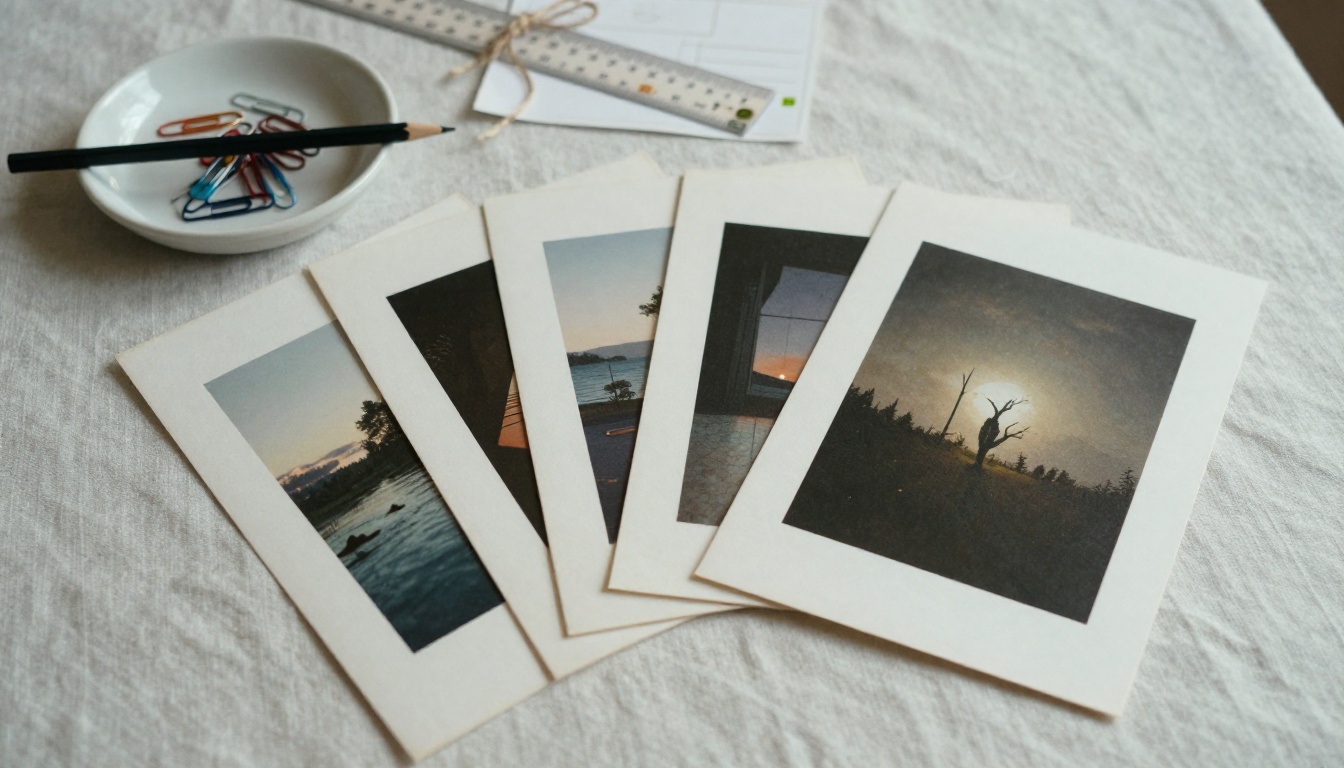
| Wall art prints | Etsy, Redbubble | Sets of three matching pieces in standard sizes | Buyers fill a wall instead of buying one print |
| Digital downloads | Etsy | Printable files in several aspect ratios | No shipping and instant delivery |
| Coloring books | Amazon KDP | 40 or more distinct pages with consistent line weight | Repeatable format with clear buyer intent |
| Sticker packs | Redbubble, Etsy | Themed sets with clean die-cut edges | Low price point and easy gifting |
| Apparel graphics | Amazon Merch, Redbubble | Niche hobby or profession designs | Specific audiences beat generic slogans |
| Greeting cards | Etsy | Seasonal series with your own handwritten touch | Human detail adds value and protects your claim |
Start with one platform and one niche. Five strong designs with honest labels will teach you more about what sells than a hundred rushed uploads.
Make Your First Listing Today
The rules are not the hard part. Label your work honestly, add your own hand to it, stay away from other people's names and brands, and give buyers a reason to choose your piece over the next one. Do that and AI art is a legitimate way to sell on Etsy, Amazon and Redbubble.
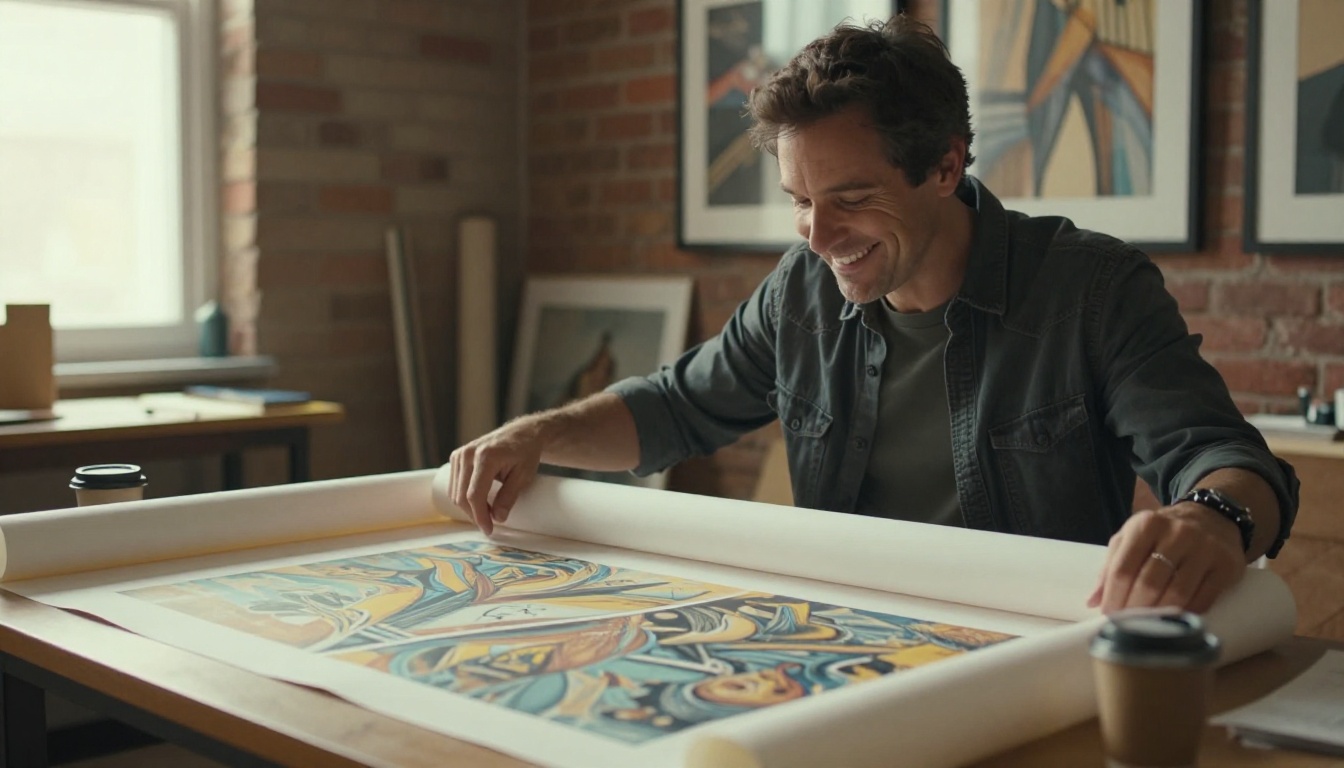
Here is a simple plan for this week:
- Pick one platform and one niche you actually care about.
- Open Picasso IA and generate a small series with Seedream 4.5.
- Upscale the best three pieces and add something of your own: a brush pass, a new layout, an original palette.
- Write an honest listing with the AI disclosure in the first lines.
- Make a short clip and a track for the listing with the video and music models.
Ready to build the first piece? Browse every model on Picasso IA, run a few prompts, and see how quickly a blank prompt box turns into a print you would be proud to put your name on.


