If you've spent any time researching AI video editing tools in 2027, you've almost certainly run into both CapCut AI and Higgsfield. They both promise to take the friction out of video creation, but they are built for very different kinds of creators. One is a mobile-first powerhouse with a massive ecosystem. The other is a web-based cinematic tool that leans hard into AI-generated style and motion.
This is a direct, no-nonsense comparison. By the end, you'll know exactly which one fits your workflow, your budget, and the type of content you actually make.

What CapCut AI Actually Does
CapCut started as a free mobile video editor from ByteDance, the same company behind TikTok. Over the past two years, it has integrated a substantial set of AI features that change how creators produce short-form content. It's no longer just a trimming and transitions app.
The Mobile-First Workflow
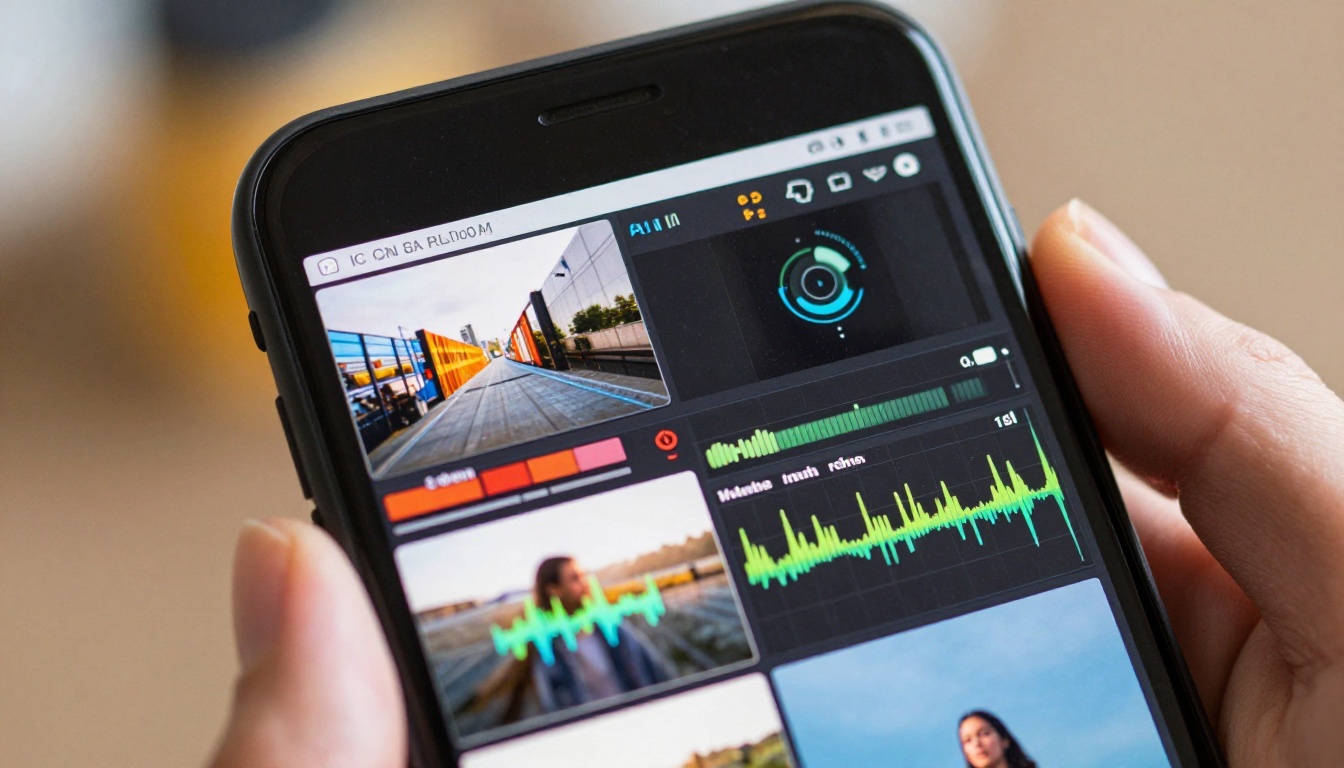
The biggest strength CapCut brings is its zero-friction mobile pipeline. You shoot on your phone, open CapCut, and within minutes you have a polished short-form video ready for TikTok, Instagram Reels, or YouTube Shorts. No file exports, no format conversions, no desktop handoffs.
The timeline is intuitive even for beginners. You drag clips, drop templates, and the app does a surprising amount of heavy lifting. For creators who produce daily or weekly content, this speed is genuinely valuable.
AI Features Inside CapCut
CapCut's AI layer has grown significantly. Here's what it actually offers in 2027:
- AI Cut: Automatically removes silences and filler words from talking-head footage
- Auto Captions: Generates burned-in subtitles with high accuracy across multiple languages
- AI Background Remover: Works reasonably well on static subjects in good light
- Template AI: Applies trending editing styles to your footage automatically
- Text to Video: Basic AI clip generation from text prompts (limited resolution)
- Motion Effects: AI-enhanced transitions and movement tracking
- Auto Reframe: Recropped content for different aspect ratios
💡 CapCut's strength is in workflow automation for social media, not cinematic quality. If you need auto-captions, quick cuts, and template-driven edits, it's hard to beat on mobile.
What Higgsfield Brings to the Table
Higgsfield is a fundamentally different product. It's a web-based AI video generation and style transfer platform built specifically around cinematic quality. Where CapCut edits footage you've already shot, Higgsfield can generate footage, apply cinematic styles to existing clips, and produce outputs that feel closer to a short film than a TikTok post.
Cinematic Video Style Transfer
Higgsfield's core feature is its ability to take uploaded video footage and apply dramatic cinematic transformations. You can turn a shaky handheld phone clip into something that looks like it was shot with an Arri Alexa. The style consistency across frames is noticeably better than most tools in this category.
Key Higgsfield capabilities:
- Video style transfer: Apply cinematic looks to existing footage
- AI video generation: Create clips from text and image prompts
- Motion quality: Smooth, temporally consistent results across longer clips
- Camera motion control: Pan, zoom, and dolly moves applied with AI
- High resolution output: Up to 1080p with good detail retention
Who Higgsfield Is For
Higgsfield is not a beginner's tool. Its interface assumes you know what you want visually. You're working with style prompts, reference images, and generation parameters. The reward for that learning curve is output quality that social media-focused tools simply don't match.
It's built for:
- Filmmakers producing short-form cinematic content
- Agencies needing polished B-roll or concept visuals
- Creative directors visualizing storyboards quickly
- Photographers wanting to add motion to their still work

Speed and Ease of Use
This is where the two tools diverge most sharply. They're not really competing on the same dimension here.
CapCut on Mobile
CapCut is genuinely fast. From raw footage to exported Reel, an experienced user can be done in under ten minutes. Templates mean you often don't need to make creative decisions at all. The AI features are one-tap where possible.
Speed rating for social content: 9/10
The downsides are real though. Template-driven content looks like template-driven content. If you publish daily and all use similar AI templates, your audience will notice the repetition. CapCut also pushes heavily toward its own watermark and premium features, which can be annoying.
Higgsfield in the Browser
Higgsfield requires more from you upfront. You need to write a decent style prompt, understand how generation settings affect output, and be willing to iterate. First generations are rarely perfect.
Speed rating for social content: 5/10
But for the right project, that investment pays off. A single polished Higgsfield clip that looks genuinely cinematic will outperform dozens of template-driven CapCut edits in terms of impression and brand perception.
The Output Quality Gap
Let's be specific about what "quality" means here, because both tools produce good results, just in different categories.
Social Clips vs. Cinematic Shots
CapCut output looks polished for social media. Subtitles are clean. Cuts are snappy. Colors pop. It's optimized for the small screen and short attention spans. But at 1080p on a large display, CapCut's AI effects and template transitions look exactly like what they are.
Higgsfield output, when the generation works well, looks cinematic. Grain structure, color science, motion blur, and depth of field all read as intentional artistic choices rather than algorithmic shortcuts.
| Feature | CapCut AI | Higgsfield |
|---|
| Mobile editing | ✅ Full support | ❌ Web only |
| Auto-captions | ✅ Excellent | ❌ Not available |
| Style transfer | ⚠️ Basic templates | ✅ Cinematic-grade |
| Text to video | ⚠️ Low resolution | ✅ High quality |
| Output resolution | Up to 4K (export) | Up to 1080p |
| Workflow speed | Very fast | Slower, iterative |
| Beginner friendly | ✅ Yes | ⚠️ Learning curve |
| AI video generation | ⚠️ Limited | ✅ Core feature |
| Watermark (free) | ✅ Yes | ✅ Yes |
Where Each Tool Wins
CapCut AI wins when:
- You produce daily short-form content
- Your audience is on TikTok or Instagram
- You edit primarily on a phone
- Speed matters more than cinematic quality
- You need auto-captions and auto-cut features
Higgsfield wins when:
- You need cinematic output for a brand campaign
- You're generating footage from scratch
- Visual quality is a non-negotiable
- You have time to iterate on generations
- You want style consistency across a series of clips
Pricing and Access
Neither tool is fully free at the level most professionals need. Here's the honest breakdown.
Free Tier Differences
CapCut free tier gives you access to most basic editing features and some AI tools. The catch is the watermark on exports, limited cloud storage, and certain AI features locked behind CapCut Pro. For casual creators, the free tier is genuinely useful.
Higgsfield free tier gives you a limited number of generation credits per month. This is enough to test the platform but not enough for regular production use. Credits go fast when you're iterating on style prompts.
Value Per Dollar
CapCut Pro runs around $7-10/month depending on your region and plan. For daily social media creators, this is an easy yes. The time saved on auto-captions alone justifies it.
Higgsfield's paid plans are higher, reflecting the compute cost of cinematic AI generation. For studios or agencies billing clients, the cost per project is still reasonable. For individual creators, it's a bigger commitment.
💡 If your content strategy requires both social volume and cinematic quality, budgeting for both tools isn't unreasonable. They solve different problems.
AI Video Quality in 2026
The broader context matters here. In 2026, AI video generation has improved dramatically across all platforms. Models like Kling v2.6, Google Veo 3, and Wan 2.6 T2V now produce footage that would have seemed impossible eighteen months ago. This raises the bar for what creators expect from any AI video tool.
Both CapCut AI and Higgsfield are competing in an environment where standalone AI video generators are producing 1080p cinematic clips from text alone. CapCut's strength remains in its editing workflow around existing footage. Higgsfield's strength is in cinematic style application and generation quality.
For creators who want to go beyond both platforms, tools like Gen 4.5 by RunwayML and Pixverse v5 offer pure text-to-video generation with strong temporal consistency.

Which One Fits Your Workflow?
There's no objectively better tool here. The right choice depends entirely on what you're making and who you're making it for.
For TikTok and Reels Creators
If you're publishing 3 to 7 times a week on social platforms, CapCut AI is the practical choice. The mobile workflow is unmatched. Auto-captions work better than almost any competing tool. Templates keep your editing time low. And the platform is actively updated with features that mirror current social media trends.
Add tools like Luma Modify Video for restyling footage or Autocaption to your workflow when you need more control without leaving a browser-based environment.
For Filmmakers and Pros
If you're producing brand content, short films, or cinematic social ads, Higgsfield gives you output quality that justifies the extra time. The style transfer results, when used well, are distinctive in a way that template-based editing simply isn't.
For even more control over cinematic video production, Kling v2.1 Master produces 1080p footage with excellent motion control. Wan 2.6 I2V lets you animate still images into high-quality video clips with smooth, realistic motion.
Editing Quality After Generation
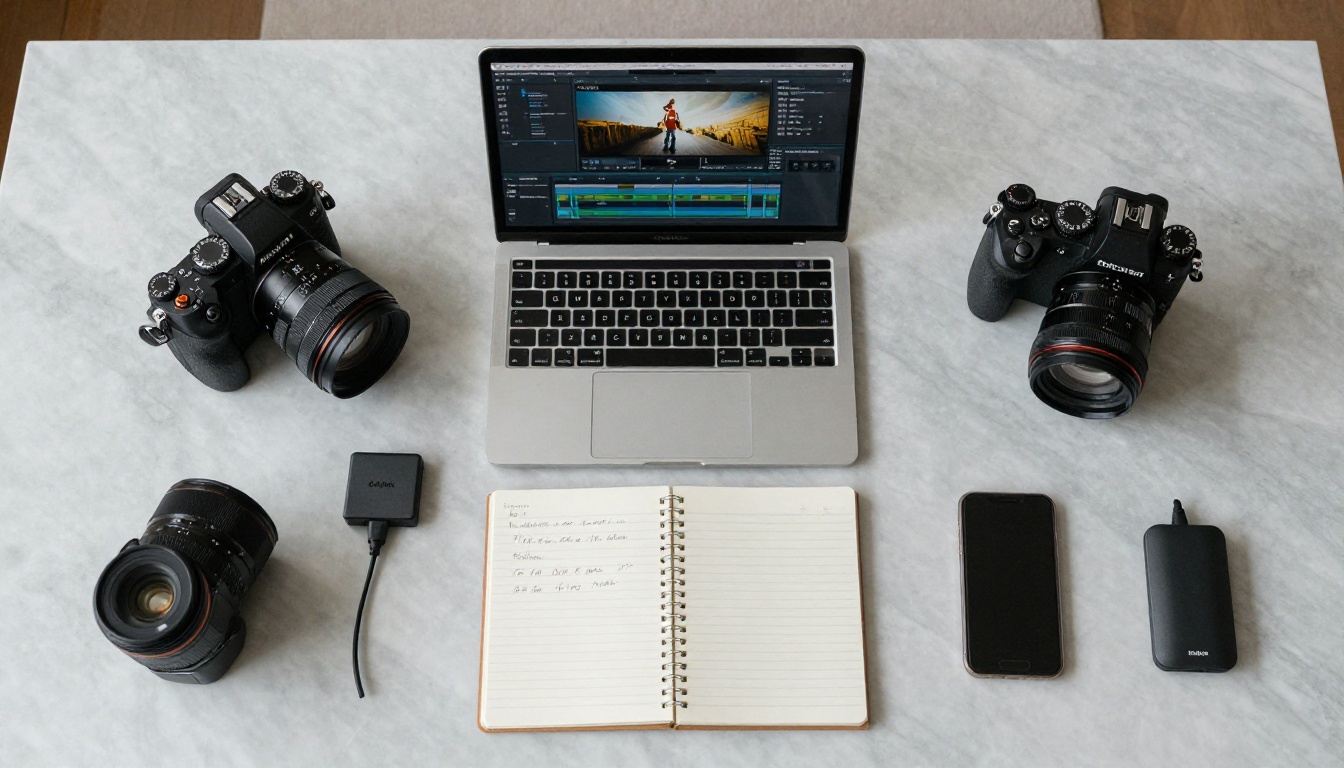
One area both tools share is the need for post-generation polish. Raw AI video often needs upscaling, stabilization, or background cleanup before it's truly production-ready.
For upscaling AI-generated or low-resolution clips, Real ESRGAN Video handles 4x upscaling with strong detail preservation. Bria Video Increase Resolution pushes footage to near-8K quality. For background removal without green screen, Bria Video Remove Background works cleanly on both generated and live footage.
Sound is often the most overlooked step. MMAudio adds contextually relevant AI-generated sound to any clip, while Thinksound analyzes your footage and adds realistic ambient audio automatically.
For multi-clip projects, Video Merge and Luma Reframe Video let you combine and reformat clips for different platform requirements without quality loss.
The Verdict
CapCut AI is the better tool for speed, social media volume, and mobile-first creators. Its AI features are practical, well-integrated, and constantly updated with social trends in mind. If your primary metric is output frequency and platform-native polish, CapCut wins.
Higgsfield is the better tool for cinematic quality, visual distinctiveness, and projects where the output needs to feel considered. It's slower and requires more creative investment, but the results can be genuinely striking.
Most serious creators will eventually find a use for both, depending on the project. The question isn't really which one is better, but which one you need right now for the content you're building.
Create Your Own AI Videos Now
Both CapCut AI and Higgsfield are strong tools, but the fastest-growing AI video platforms in 2027 are the ones offering direct access to dozens of cutting-edge models in one place. On PicassoIA, you can run Kling v3 Video for cinematic text-to-video, Google Veo 3.1 for 1080p generation with native audio, or LTX 2.3 Pro for 4K output from a simple text prompt.
You're not locked into one platform's aesthetic or one company's model choices. You pick the model that fits the shot you need, run it, and move on. For video editing after generation, tools like Luma Modify Video restyle any clip in seconds, and Autocaption handles subtitles automatically.
The comparison between CapCut AI and Higgsfield is worth knowing. But the real advantage goes to creators who aren't limited to either one.


