Generate imagesVisual EffectsLarge Language Models
ChatGPT Caricature Prompt: Caricature of Me and My Job, With Prompts That Work
The viral ChatGPT caricature trend asks the chatbot to draw you and your job from everything it knows about you. Here is the exact prompt to paste, eight job variations, fixes for the most common bad results, and a photo based route for sharper likeness.
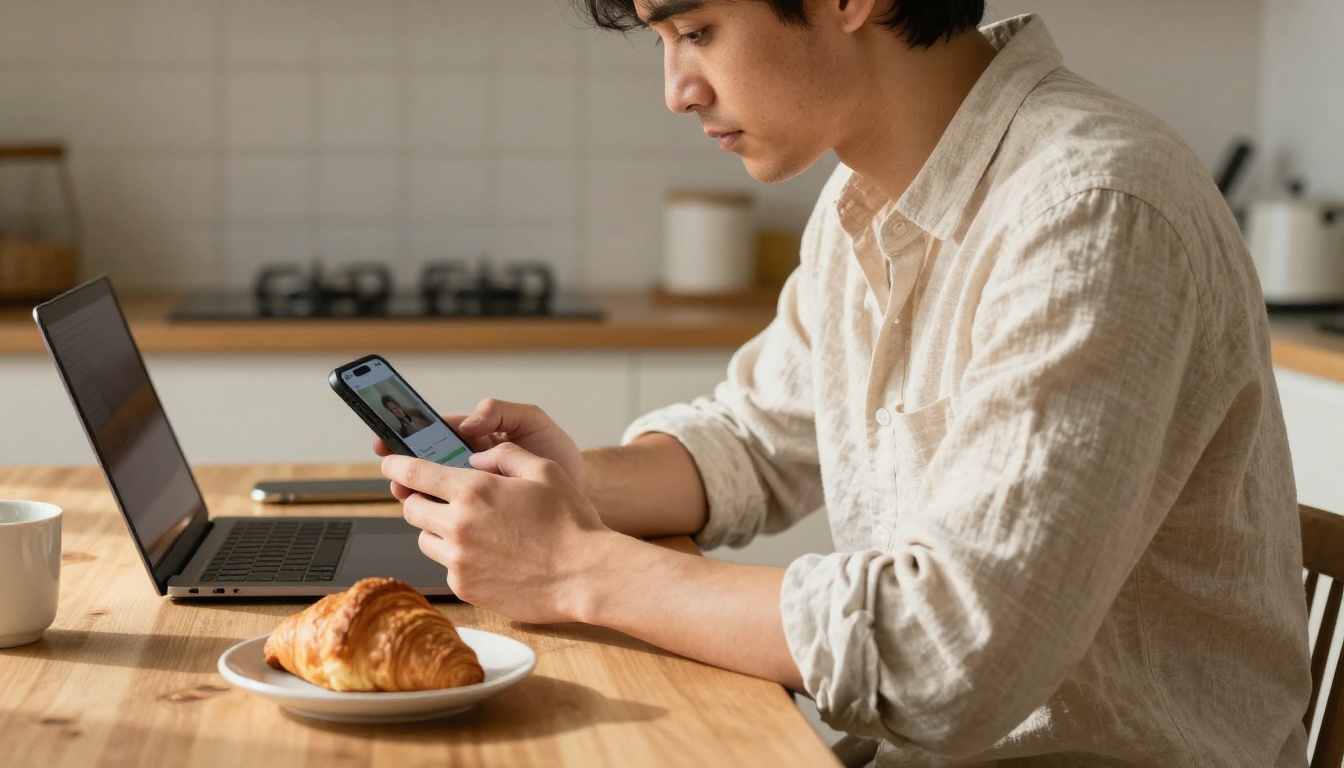
You have seen them in your feed: a cheerful cartoon of someone with a giant head, a tiny body, and a desk buried under the exact objects that define their workday. A nurse with a stethoscope the size of a garden hose. A developer drowning in coffee cups. A teacher standing behind a mountain of ungraded papers. Behind almost every one of them sits a single sentence typed into a chatbot, and the result feels uncannily personal. This article gives you the ChatGPT caricature prompt: caricature of me and my job in its original form, then shows how to sharpen it, adapt it to eight different professions, and fix the usual disasters: a face that looks like a stranger, a job that gets guessed wrong, and lettering that turns into soup.
What the Trend Actually Asks For
The whole phenomenon runs on one request. You ask ChatGPT to draw a caricature of you and your job using whatever it already knows about you. There is no long brief and no style list. The surprise comes from the chatbot filling the gaps with details pulled from your past conversations: the tools you mention, the deadlines you complain about, the snacks you admit to at 3 pm.
That is why people share the images. A caricature built from your own habits reads like a friend who has been watching you work for a year and finally decided to roast you, kindly.
The Prompt Everyone Copies
The classic version is one line:
Create a caricature of me and my job based on everything you know about me.
That sentence is enough to start the trend, and it also explains why results vary so much. Two people who type the same words get two very different images, because the chatbot's picture of each person is different. One user gets a lively scene with a custom mug, a cat, and a wall of sticky notes. Another gets a bland figure in a tie holding a laptop.
Why ChatGPT Knows Your Job
ChatGPT can only draw on what it can access. When memory and chat history referencing are switched on in your settings, it can pull details from earlier conversations: your profession, your software, your recurring complaints, even the name of your dog. When those settings are off, or when you rarely talk about work, it has almost nothing to go on and falls back on clichés. A person who never mentioned their job tends to receive a generic office worker with a laptop and a plant.
💡 Quick fix: If ChatGPT guesses wrong, do not argue with the image. Write two or three sentences about your job, your daily tools, and one odd habit, then ask again. The second attempt almost always lands closer.
The Base Prompt That Works
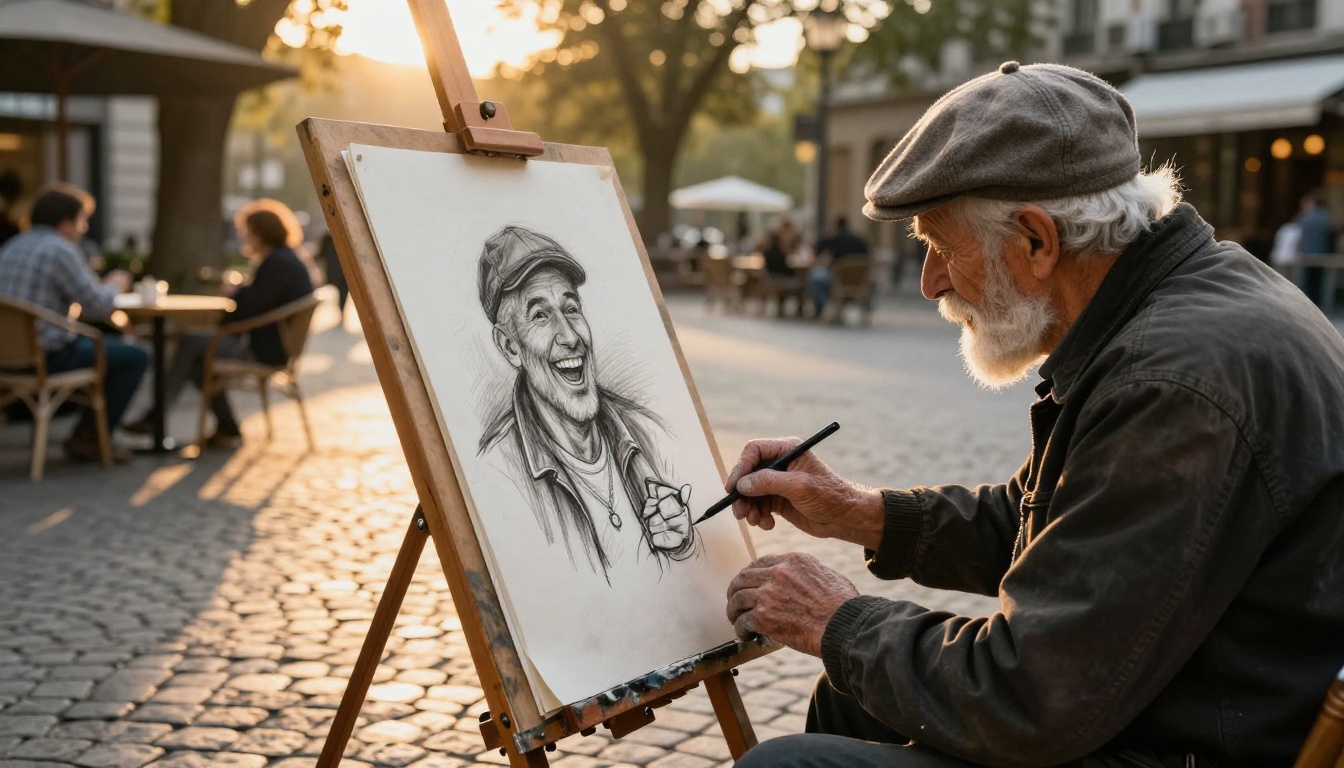
Real caricature artists on a city square do the same thing in thirty seconds: they spot one feature, push it too far, and add an object that says what the person does. A good prompt copies that logic. Instead of leaving everything to memory, give the chatbot a small brief with four ingredients: who you are, what you do, what objects surround you, and how far the exaggeration should go.
Copy and Paste Version
Replace each bracket with plain facts, not adjectives.
Create a caricature of me and my job. I am a [job title] who spends most days [main activity]. Show me with an oversized head, an expressive face, and a smaller body, holding [signature tool]. Surround me with [three objects from my daily routine]. Style: playful hand-drawn caricature, bold outlines, warm colors, wide 16:9 frame, no text in the image.
The last line matters more than it looks. Image models still struggle with long labels, so "no text in the image" prevents garbled signs and fake name tags. If you want a word on a mug or a badge, ask for one short English word and nothing else.
Photo Version for Better Likeness
The one-line trend relies on memory, but memory cannot know what your face looks like. Upload a clear, front-facing photo and add a line that tells the model how to use it:
Use the face in the attached photo as the reference. Keep my glasses, hair color, and beard shape, but exaggerate my smile and eyebrows. Create a caricature of me and my job as a [job title], with [three objects from my daily routine] around me.
Good reference photos share three traits: even light on the face, no sunglasses or heavy filters, and only one person in the frame. A blurry group selfie is the fastest way to get a caricature of the wrong person.
Ingredient
What to write
Example
Job
Title plus the main daily activity
Primary school teacher grading homework
Signature tool
One object that says the job at a glance
Red pen as big as a baseball bat
Background objects
Three items from your routine
Cold coffee, stack of notebooks, laminator
Exaggeration
One or two features to push
Huge tired eyes, tiny feet
Style
Medium and color mood
Hand-drawn, bold outlines, warm colors
Format
Ratio and text rule
16:9, no text in the image
8 Job Prompts to Steal
The table below packs eight ready jobs into one scan. Each row gives a signature object and the exaggeration that makes the joke land.
Job
Signature objects
Exaggeration
Graphic designer
Stylus, color swatches, giant mug
Enormous round glasses, tiny body
Software developer
Dual monitors, energy drinks, rubber duck
Eyes glued wide open, thin arms
Teacher
Red pen, stack of papers, whistle
Towering pile that hides the head
Accountant
Calculator, spreadsheets, sticky notes
Fingers like pistons
Chef
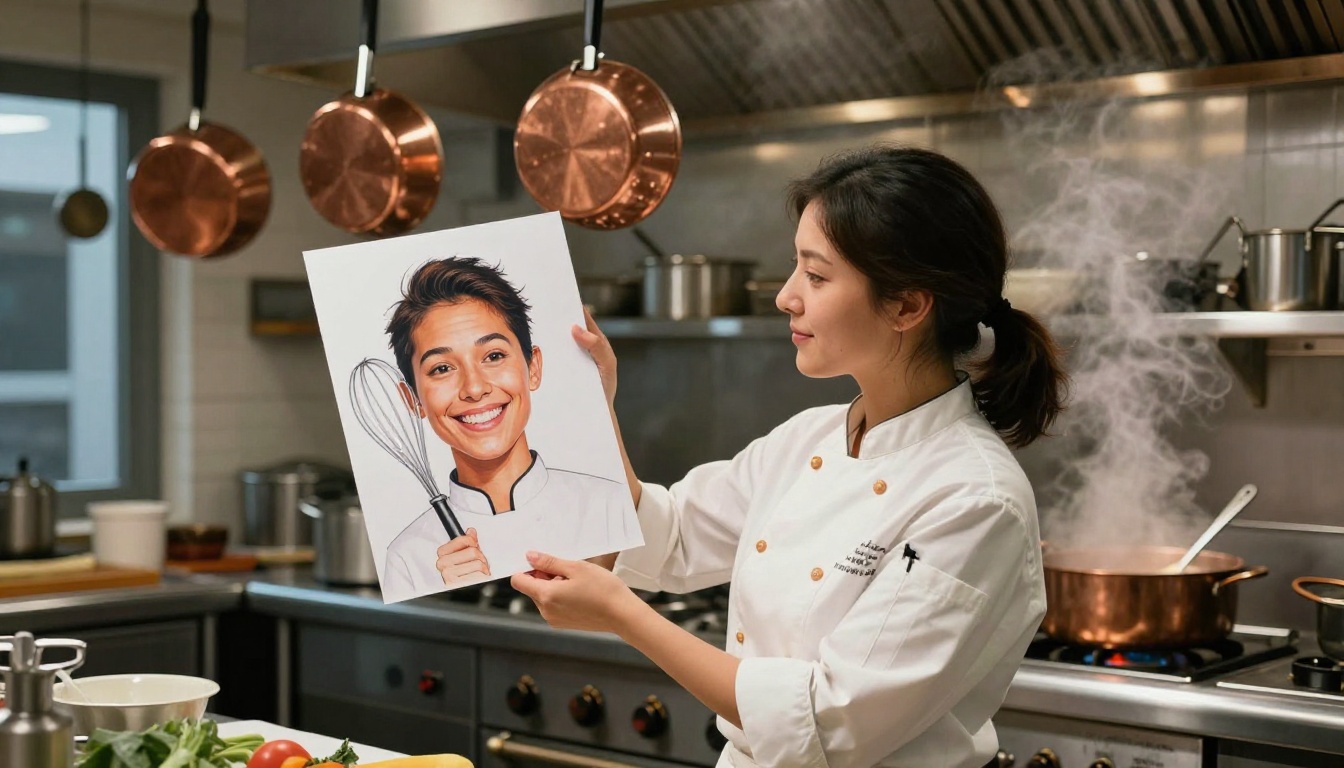
Whisk, copper pans, steam
Chef hat taller than the body
Barista
Portafilter, milk jug, latte art
Arms that pour three drinks at once
Mechanic
Wrench, tires, oil can
Hands bigger than the head
Nurse
Stethoscope, clipboard, coffee
Stethoscope looping like a scarf
Office and Creative Jobs
Desk jobs are the easiest to caricature because the props are so recognizable. The trick is to name the annoying objects as well as the proud ones: the unread email counter, the third monitor nobody uses, the mug with a ring of dried coffee.
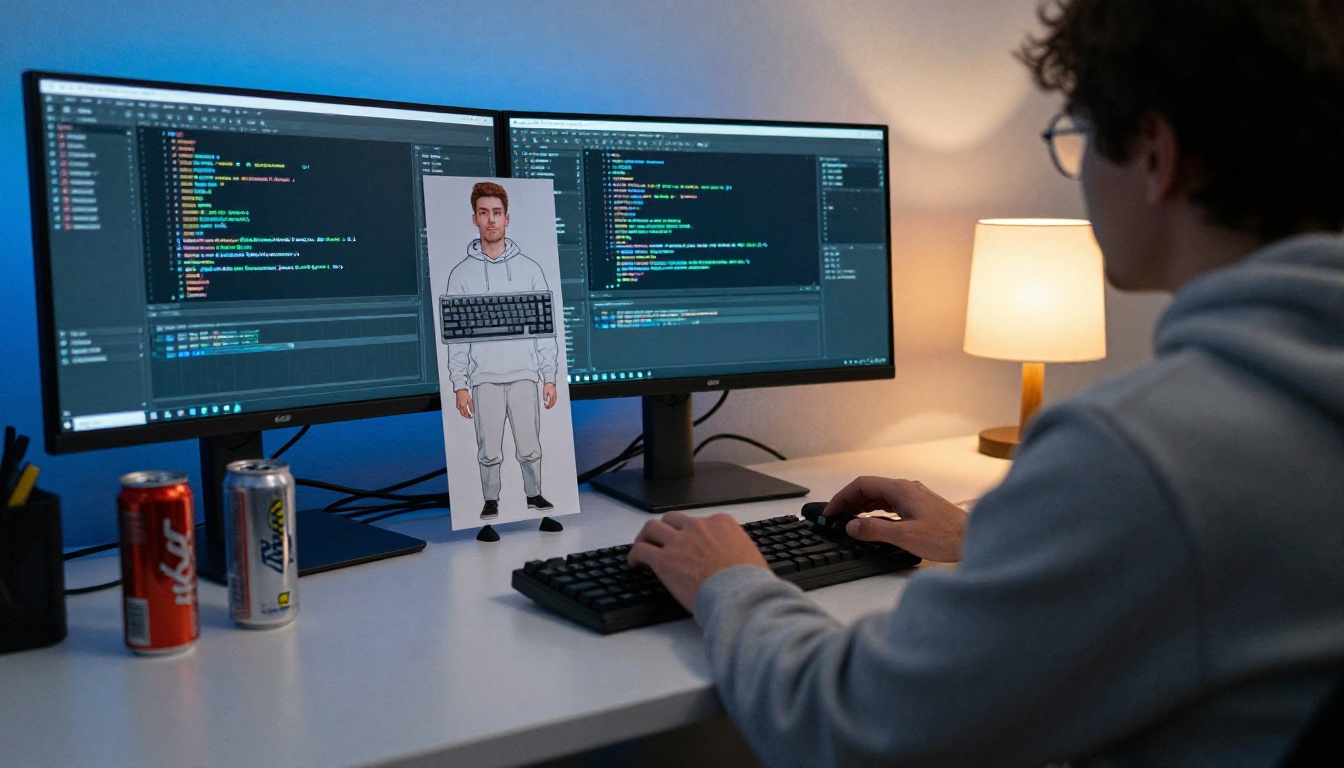
Developer prompt:
Create a caricature of me and my job. I am a software developer who spends most days fixing bugs I wrote last week. Show me with a huge head, bloodshot cartoon eyes, and thin arms typing on two monitors. Around me: five empty energy drink cans, a rubber duck wearing a tiny headset, and a sticky note that says "TODO". Playful hand-drawn caricature, bold outlines, 16:9.
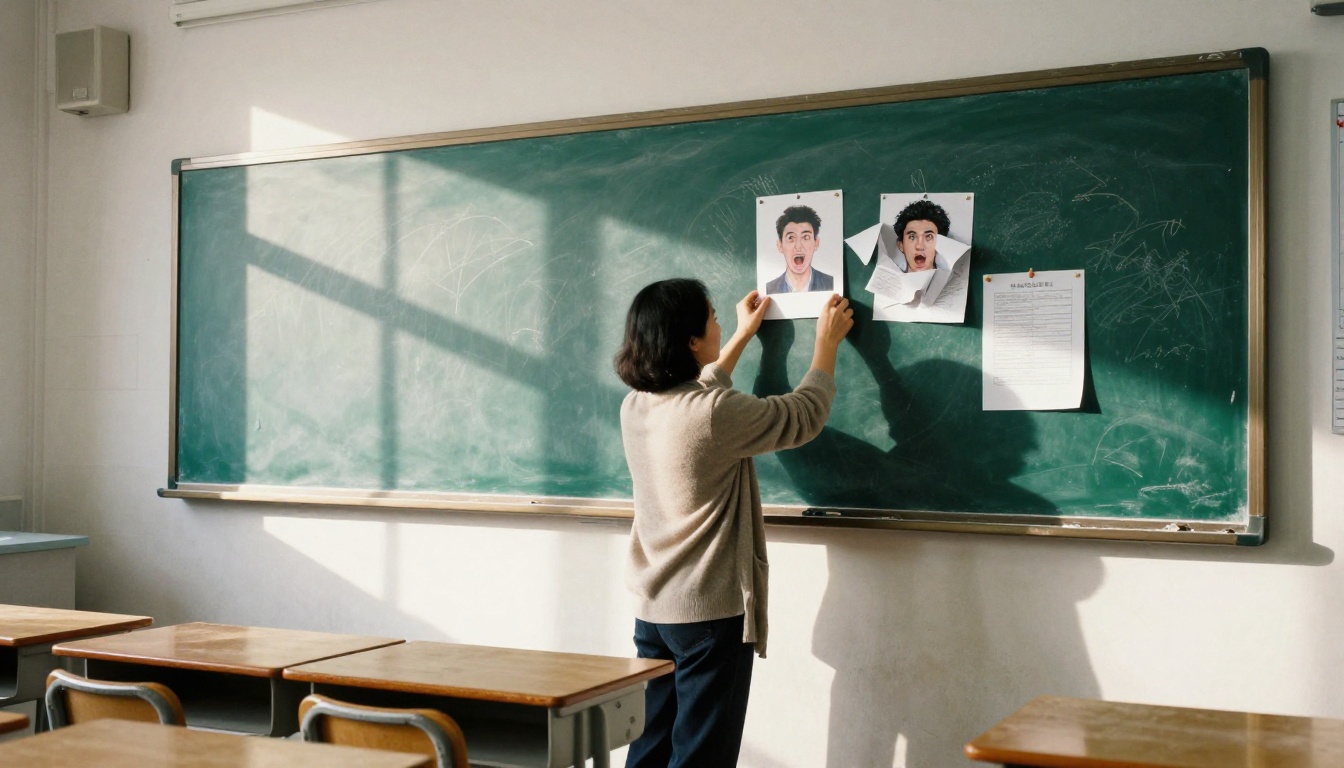
Teacher prompt:
Create a caricature of me and my job. I am a high-school history teacher who spends evenings grading. Show me with a gentle smile and tired eyes, holding a red pen the size of a baseball bat, nearly hidden behind a tower of essays. Add a chalk-dusted cardigan, a cold tea, and a stuffed owl on the desk. Warm hand-drawn style, 16:9, no text.
Designer and accountant: swap in "stylus the size of a broomstick, thirty open tabs, and a mug with a ring of dried coffee" for the designer, and "a calculator with oversized buttons, fingers like pistons, and a spreadsheet scrolling out of the window" for the accountant. Keep the same four-part structure and only change the facts.
Hands On Jobs
Physical jobs give the model richer shapes to exaggerate: forearms, tools, steam, grease. Describe the motion of the work, not only the uniform, and the picture comes alive.
Chef prompt:
Create a caricature of me and my job. I am a restaurant chef who works twelve-hour shifts. Show me with a tall chef hat as big as my body, a giant whisk in one hand and a flaming pan in the other, steam curling around my face. Background: hanging copper pans and a ticket rail full of orders. Playful hand-drawn caricature, vibrant colors, 16:9, no text.
Mechanic prompt:
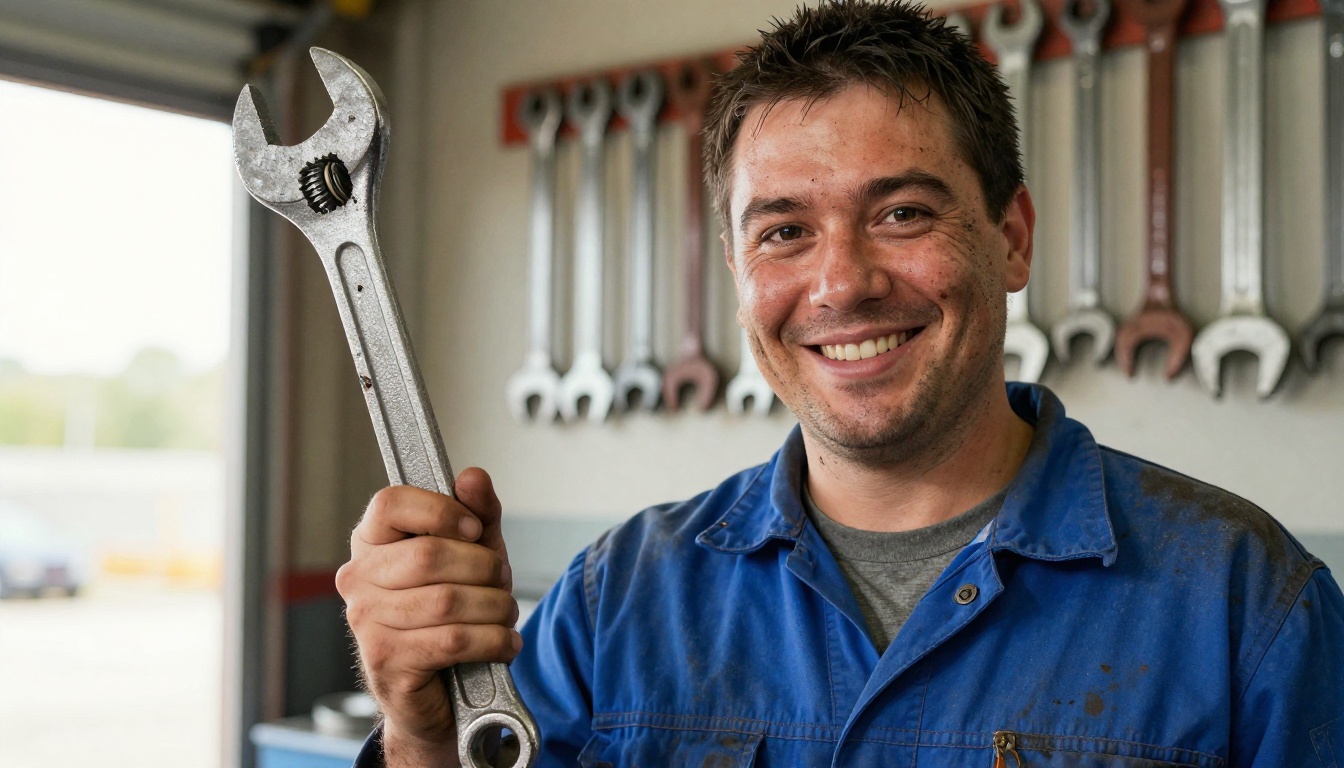
Create a caricature of me and my job. I am an auto mechanic who has fixed every kind of engine. Show me with hands bigger than my head, a grin with one missing tooth, and a wrench the size of a canoe paddle. Add oil stains on the work overalls, a tire stack, and a radio blasting music. Bold outlines, warm colors, 16:9, no text.
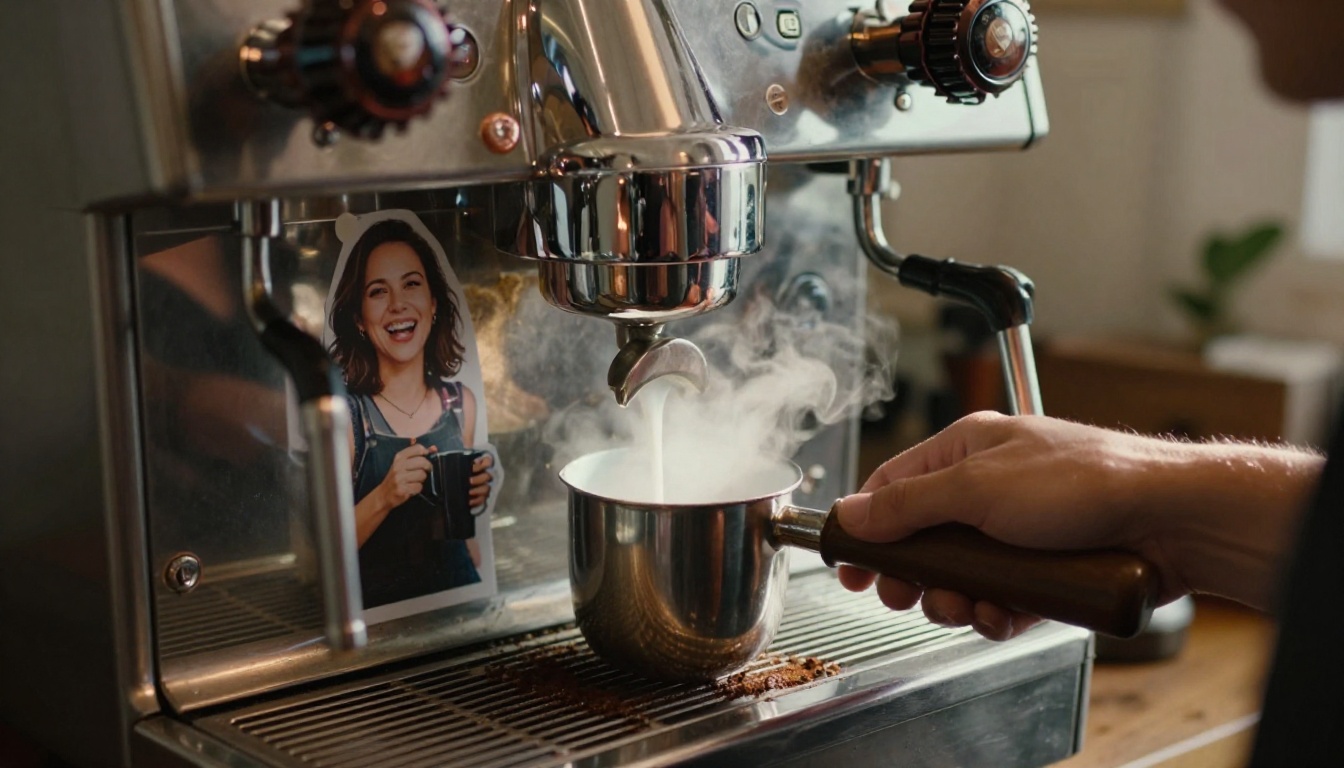
Barista and nurse: for the barista, push the arms: "three arms pouring latte art at once, a portafilter held like a sword, steam behind the head". For the nurse, lean on the gentle side: "a stethoscope looped like a scarf, a clipboard under one arm, a cold coffee that has been reheated four times, and a warm smile".
Fix Weak Results Fast
Most failed caricatures fail in one of three ways. The fix is usually one extra sentence, not a rewrite. Treat the first image as a draft and change one thing per attempt, so you can see which instruction actually moved the result.
When the Face Looks Wrong
Caricature pushes features, and pushed features can drift into someone else. Name the three things people use to recognize you: glasses, a beard, a hairline, freckles, a gap in the teeth. Then tell the model what to exaggerate, such as "exaggerate the smile by 30 percent, keep everything else realistic". Percentages are not literal, but they stop the model from going wild.
When the Job Is Missing
If the image shows a laptop and a plant regardless of your profession, the model does not have enough context. Spell out the job in the prompt, and name the one object nobody else in that job would have. A radiographer needs a lead apron, a florist needs a bucket of tulips, a farmer needs a muddy tractor. One hard object beats five vague adjectives.
When Text Looks Broken
Image models are better at lettering than they used to be, but long phrases still collapse. Ask for no text at all, or ask for a single short word in quotes, and add the object it sits on. For example: a mug that reads "MONDAY". Anything longer than two words is a gamble.
Problem
Add this line
Face is generic
"Use the attached photo as the face reference, keep my glasses and beard"
💡 Tip: Ask for three versions in one message. Seeing three takes side by side shows quickly whether the problem is the prompt or just an unlucky draw.
Use GPT Image 2 on PicassoIA
ChatGPT is not the only place to make these portraits. If you want more control over format, quality, and the number of attempts, GPT Image 2 on PicassoIA takes the same prompts and lets you set the details yourself. It follows long, multi-part instructions closely, which is exactly what a four-ingredient caricature brief needs.
Step by Step Settings
Open the model page. Go to GPT Image 2 and paste the copy and paste prompt with your own facts filled in.
Pick the ratio. Choose 16:9 for a banner or 1:1 for a profile picture. The model also offers 3:2 and 2:3 for print.
Set the quality. Use low for quick drafts and high once the idea is right. Auto lets the model decide.
Generate several at once. The number of images setting accepts up to 10 variations in one run, so you can compare facial exaggerations without retyping.
Add a reference photo if you want likeness. The input images field accepts a photo, which works like the "attached photo" line in ChatGPT.
Choose the file format. PNG is best for editing, JPEG for sharing, and WebP for the smallest file.
Download and refine. If one element is off, change that single sentence and run it again.
💡 Tip: Set the background to transparent if you want to drop your caricature onto a slide, a newsletter header, or a poster.
Photo Reference With Nano Banana Pro
When likeness is the priority, Nano Banana Pro is built around reference images. It accepts up to 14 of them alongside your prompt, so you can add one photo of your face, one of your workspace, and one of your favorite tool, then ask for all three in a single caricature. Resolution runs from 1K to 4K, and the aspect ratio can match your input image automatically.
Other Models Worth Trying
Different models give the same prompt a different personality. Running one prompt through three of them takes ten minutes and often shows a version you like better than the first.
A practical workflow: generate the base caricature in GPT Image 2, then pass it to Flux Kontext Pro with an instruction like "make the glasses red" when a single detail is wrong. Editing a good image is faster than regenerating from scratch.
Draft Your Prompt With an LLM
If you freeze at the blank brackets, ask a chat model to write the brief for you. Paste three sentences about your workday into GPT 5.4, Claude Opus 4.7, or Gemini 3.1 Pro and ask:
Turn these sentences into a detailed image prompt for a friendly caricature of me and my job. Include my signature tool, three background objects, and one exaggerated feature. Keep it under 120 words and add "no text in the image".
The model will pick funnier objects than you would, because it is not embarrassed by your actual desk.
Share It Without Regrets
A caricature feels harmless, but the prompt behind it can hold more than you intended. The chatbot builds the image from what you gave it, so the picture can reveal details about you, your workplace, or your family.
What to Leave Out
Keep these out of the prompt and out of the image:
Employer and client names, especially in text on badges or screens
Faces of other people, unless they agreed to be included
Identity documents, access cards, or license plates in a reference photo
Your home address or workplace layout in the background of a reference photo
Private details from past chats that you would not say out loud at a party
A team caricature is a great office game, though. Ask every colleague to run the prompt alone, then print the results and guess who is who. It works as a ten-minute icebreaker and costs nothing.
Make Your Own Caricature Today
You now have the one-line trend prompt, the four-ingredient upgrade, eight job examples, and a fix for each common failure. The best next step is also the simplest: pick your job, fill in the brackets, and run the prompt.
Open GPT Image 2 on PicassoIA, paste your version, and generate ten variations in one go. Then try Nano Banana Pro with a photo of yourself to see how much closer the likeness gets. Change one detail at a time, keep the best result, and post it with the prompt so your friends can copy it.
Want more options? Browse every image model at picassoia.com/en/all-models and see which one draws you best.