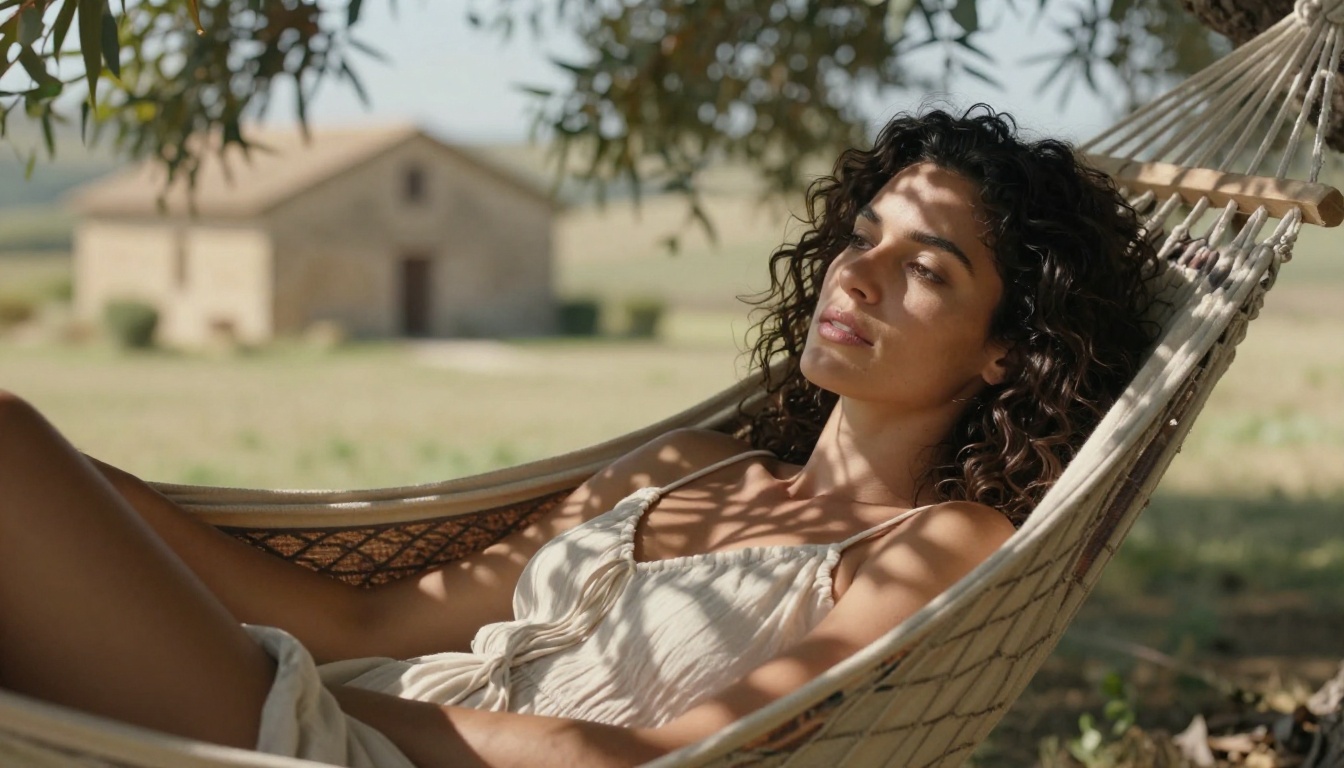
chatgpt alternativeuncensored aiai image generatornsfw ai
ChatGPT Image Alternative With No Content Filters: The Real Tools in 2027
ChatGPT's image filters block everything from bikini photography to artistic body studies. This article covers the best AI image generators with no content filters in 2027, from Flux Schnell to SDXL, and shows you exactly how to use them on PicassoIA to create photorealistic, suggestive, and uncensored images without hitting a wall.
If you've spent any time trying to generate suggestive, glamour, or artistic images using ChatGPT, you already know what happens: the request gets blocked, softened, or returned with a sanitized version that looks nothing like what you asked for. The refusal isn't a bug. It's a deliberate design choice baked into every OpenAI product. The question isn't whether ChatGPT will block your prompts. The question is where you go instead.
This article covers the best ChatGPT image alternative with no content filters available right now, how they compare, and exactly how to start using them. Whether you're creating glamour photography, artistic body studies, or suggestive visual content for adult-oriented platforms, these tools produce photorealistic results without the constant interruptions.
Why ChatGPT Refuses Your Prompts
The Filter Logic Behind the Blocks
OpenAI built its content moderation system to operate across a wide range of users, from children using educational tools to enterprise clients running business workflows. That single moderation layer applies to everyone, regardless of context or intent. The result is a system calibrated for the most conservative possible use case, which means it will flag and refuse prompts that are entirely legal, legitimate, and commonplace in photography, art, and adult content creation.
The filter doesn't evaluate intent. It pattern-matches keywords, subjects, and combinations that statistically correlate with content OpenAI wants to avoid serving at scale. A prompt asking for "a woman in a bikini on a beach" might pass. The same prompt with "sheer fabric" or "revealing" added will likely fail. Add any suggestion of implied nudity, even in an artistic context, and the refusal is almost certain.
What Gets Refused (and Why It's Frustrating)
The frustrating part isn't that ChatGPT has limits. Every tool has limits. The frustrating part is the unpredictability. ChatGPT will generate one image of a woman at the beach and refuse the next nearly identical prompt because of a single word change. There's no clear rule published, no way to appeal, and no explanation beyond a generic policy message.
For creators working in:
Glamour photography and fashion editorial
Adult content platforms (OnlyFans, fan sites, subscription content)
Fine art and figure studies
NSFW illustration and character art
Suggestive marketing for lingerie, swimwear, or adult wellness brands
...ChatGPT is simply not a viable production tool. The refusals aren't occasional friction. They're constant.
💡 The real cost of content filters isn't one blocked image. It's the hours spent rephrasing, retrying, and working around a system that was never built for your use case.
What "No Content Filters" Actually Means
Suggestive vs. Explicit
"No content filters" doesn't mean anything goes. It means the platform doesn't apply a conservative blanket policy that blocks legal, legitimate, and artistically valid content. There's still a spectrum.
Suggestive content includes:
Bikinis, lingerie, and swimwear
Implied nudity (covered but revealing)
Glamour and beauty photography
Sensual poses and body-focused compositions
Artistic nude studies where nudity is incidental to the artistic intent
Explicit content is a different category and falls outside the scope of most open-source models in their default configurations, though fine-tuned variants exist specifically for adult platforms.
The sweet spot for most creators, and the one this article focuses on, is the suggestive and glamour range. This is content that is commercially viable, artistically credible, and completely blocked by ChatGPT despite being standard fare in photography, fashion, and entertainment.
Artistic Nudity Has Always Been Legitimate
Figure drawing and painting are foundational to art education. Studio photography of the human form is a centuries-old discipline. Glamour photography is a major commercial genre. None of this is fringe content. The fact that AI tools with mainstream audiences have over-corrected to refuse it entirely is a product decision, not a moral one.
Open-source models don't carry those product constraints. They were trained on broad datasets that include figure photography, artistic nudity, and glamour content, and they generate that content naturally when prompted correctly.
The 4 Best Alternatives Available Right Now
Flux Schnell: Speed Without Restrictions
Flux Schnell is the fastest serious image model available right now. Black Forest Labs built it to complete a generation in four denoising steps, which translates to results in under five seconds. For iterative work where you're testing dozens of prompt variations to find the exact composition, lighting, and pose you want, that speed is genuinely transformative.
What makes it work for unrestricted content:
Trained on a broad, uncurated dataset that includes figure photography
No built-in safety checker active by default on open platforms
Eleven aspect ratios including 16:9 for cinematic wide compositions
Unlimited generations on PicassoIA with no credit caps
The tradeoff with Flux Schnell is that its speed comes at some cost to fine detail at very high resolutions. For quick iteration and finalizing compositions before running a longer render, it's the right first tool. For final production images where every texture and pore needs to be perfect, move to Flux Dev.
Flux Dev: High-Fidelity Open Generation
Flux Dev is the full-quality version of the same architecture. At 12 billion parameters, it produces significantly more detailed outputs with sharper skin textures, more accurate lighting, and better prompt adherence. It supports img2img mode, which means you can take a Flux Schnell result you like and refine it further without starting from scratch.
Flux Dev's 28-50 denoising steps produce noticeably better skin rendering, hair detail, and fabric texture compared to Schnell's 4-step fast mode.
Recommended workflow with Flux Dev:
Run 10-20 variations with Flux Schnell to find the right composition and pose
Take the best result into Flux Dev's img2img mode with a prompt strength of 0.6-0.75
Let Flux Dev add detail and refine the output without changing the fundamental composition
Download as PNG at maximum quality for production use
SDXL: Full Control Over Your Output
SDXL (Stable Diffusion XL) generates at 1024x1024 pixels natively and offers the most parameter control of any model in this list. You get seven schedulers, a refiner pipeline for second-pass sharpening, LoRA support for applying custom trained styles, and both img2img and inpainting modes.
The extra control matters when you're doing precise work. Want to fix the face on an otherwise perfect image? Inpaint just that region. Want all your outputs to follow a specific artistic style consistently? Load a LoRA trained on that style. Want to test whether a composition works in portrait vs. landscape? Set the dimensions and run both.
SDXL parameter guide for glamour photography:
Parameter
Value
Effect
Guidance Scale
7.0-8.5
Higher = closer to prompt, less creative variance
Inference Steps
40-50
More steps = sharper detail, longer generation
Scheduler
K_EULER
Good balance of diversity and accuracy
Negative Prompt
"cartoon, illustration, CGI, 3D render, watermark"
Forces photorealism
Refiner
expert_ensemble_refiner
Sharpens final output significantly
Stable Diffusion: The Original Open Model
Stable Diffusion is where open-source AI image generation started. The original model lacks the resolution and detail of SDXL or Flux, but it's fast, well-understood, and has the largest ecosystem of guides, fine-tunes, and community knowledge around it.
For creators who are new to AI image generation and want to learn how prompts work before moving to more capable models, Stable Diffusion is a reasonable starting point. For production work in glamour and NSFW categories, SDXL or Flux Dev will produce better results.
ChatGPT vs. Open Models
Feature
ChatGPT (DALL-E 3)
Flux Schnell
Flux Dev
SDXL
Suggestive content
Blocked
Supported
Supported
Supported
Glamour photography
Blocked
Supported
Supported
Supported
Artistic nudity
Blocked
Supported
Supported
Supported
Generation speed
~15s
~5s
~15-30s
~20-40s
Prompt adherence
High
High
Very High
High
Img2img mode
No
No
Yes
Yes
Inpainting
No
No
No
Yes
LoRA support
No
No
No
Yes
Credit caps
Yes
None
None
None
Cost
Subscription
Free on PicassoIA
Free on PicassoIA
Free on PicassoIA
💡 The credit cap difference is significant. ChatGPT limits image generation through subscription tiers. On PicassoIA, all four open models run without generation quotas. You can iterate a hundred times on a single prompt without watching a counter.
How to Use Flux Schnell on PicassoIA
Flux Schnell on PicassoIA requires no account setup, no API keys, and no local installation. Here's the complete workflow from first visit to downloaded image.
The prompt field accepts plain English descriptions. Be as specific as possible about:
Subject: Who or what is in the image, their physical appearance, clothing, pose
Environment: Where the scene takes place, time of day, weather
Lighting: Direction, quality, color temperature of the light source
Camera angle: Low angle, aerial, close-up, wide establishing shot
Lens and film: 85mm f/1.4, Kodak Portra 400, shallow depth of field
Example prompt for glamour beach photography:
Young woman with sun-kissed olive skin, wearing a strappy white bikini,
sitting on a tropical beach at golden hour. Warm amber light from camera-left
at 15 degrees. Sony 85mm f/1.4, shallow depth of field, bokeh background,
turquoise ocean. Kodak Portra 400 film grain. Photorealistic RAW photography
8K --ar 16:9 --style raw
Step 3: Set Aspect Ratio
For landscape and editorial compositions, select 16:9. For portrait-oriented content, use 9:16. Square 1:1 works for social media thumbnails.
Step 4: Enable Speed Mode
The Go Fast toggle is on by default. Leave it enabled for quick iteration. Once you have a composition you want to refine, disable it for the final render.
Step 5: Set a Seed (Optional)
If you find a result you like and want to iterate on the prompt while keeping the general composition, copy the seed value and paste it into your next generation. This locks the random noise pattern, so only prompt changes affect the output.
Step 6: Download
Click the download button below the generated image. Flux Schnell outputs as WebP by default. Switch to PNG in settings if you need a lossless format for further editing.
Writing Prompts That Deliver Results
Be Specific About Subjects
Vague prompts produce vague images. The more precisely you describe the subject, the closer the output will be to what you're visualizing. This applies to every aspect of the image.
Vague: "A beautiful woman on a beach"
Specific: "A tall woman in her late twenties with dark wavy hair and olive skin, wearing a coral-red string bikini, standing at the water's edge on a white sand beach, facing the camera with a relaxed expression"
Specificity in lighting is especially important for glamour and figure photography, where light direction determines whether the image feels cinematic or flat:
"Volumetric morning light from camera-left at 30 degrees" instead of "nice lighting"
"Strong backlight creating a rim halo effect" instead of "sunset lighting"
"Butterfly lighting pattern, soft shadow under chin" instead of "studio lighting"
Negative Prompts That Work
Negative prompts tell the model what to exclude. For photorealistic glamour work, a solid negative prompt eliminates the most common failure modes.
Baseline negative prompt for photorealism:
cartoon, illustration, CGI, 3D render, anime, painting, watermark,
text overlay, deformed hands, extra limbs, blurry, low resolution,
plastic skin, overexposed, flat lighting
Add or remove terms based on what you see in outputs. If faces are coming out wrong, add "distorted face, asymmetrical eyes" to the negative prompt. If the skin looks artificial, add "plastic texture, smooth skin, airbrushed."
💡 For SDXL, negative prompts are especially powerful. The model responds strongly to them, so a well-crafted negative prompt will push your output toward photorealism more effectively than it does in Flux.
What You Can Actually Create
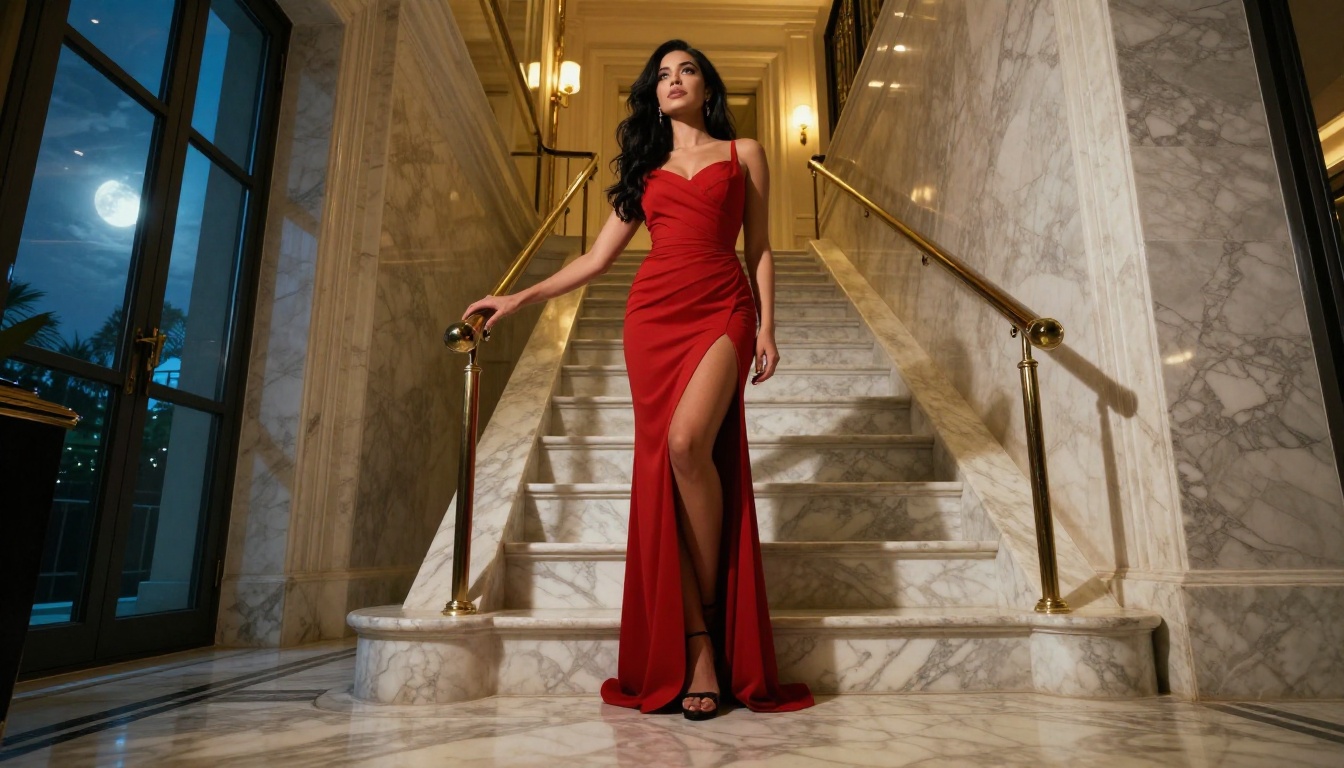
Glamour and Bikini Photography
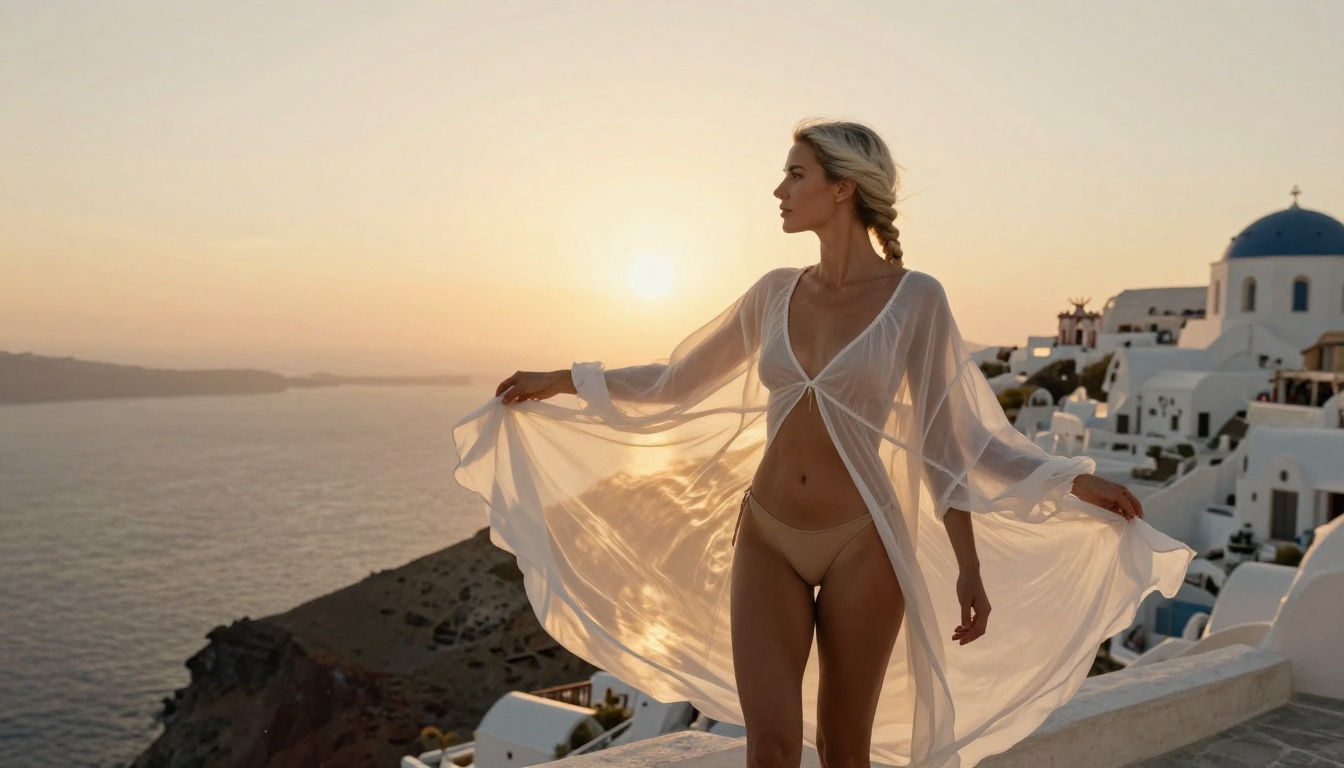
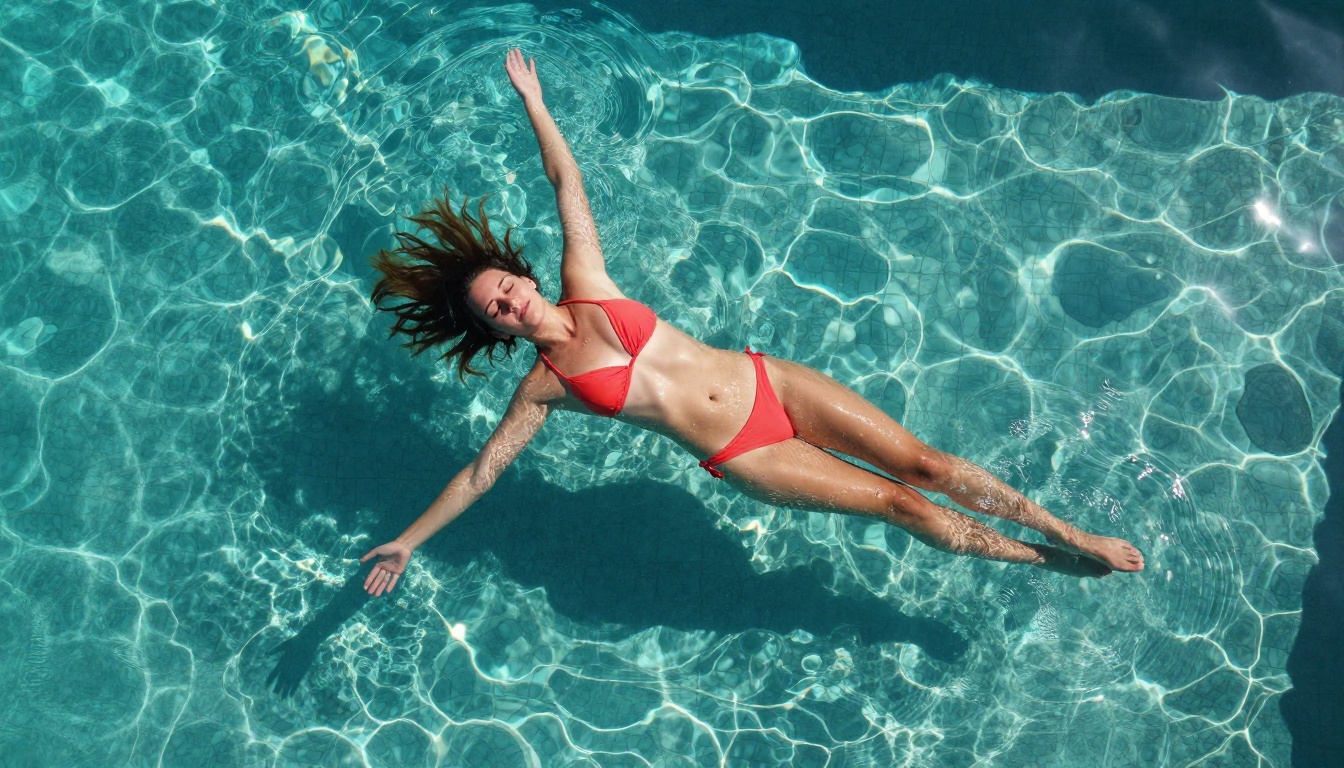
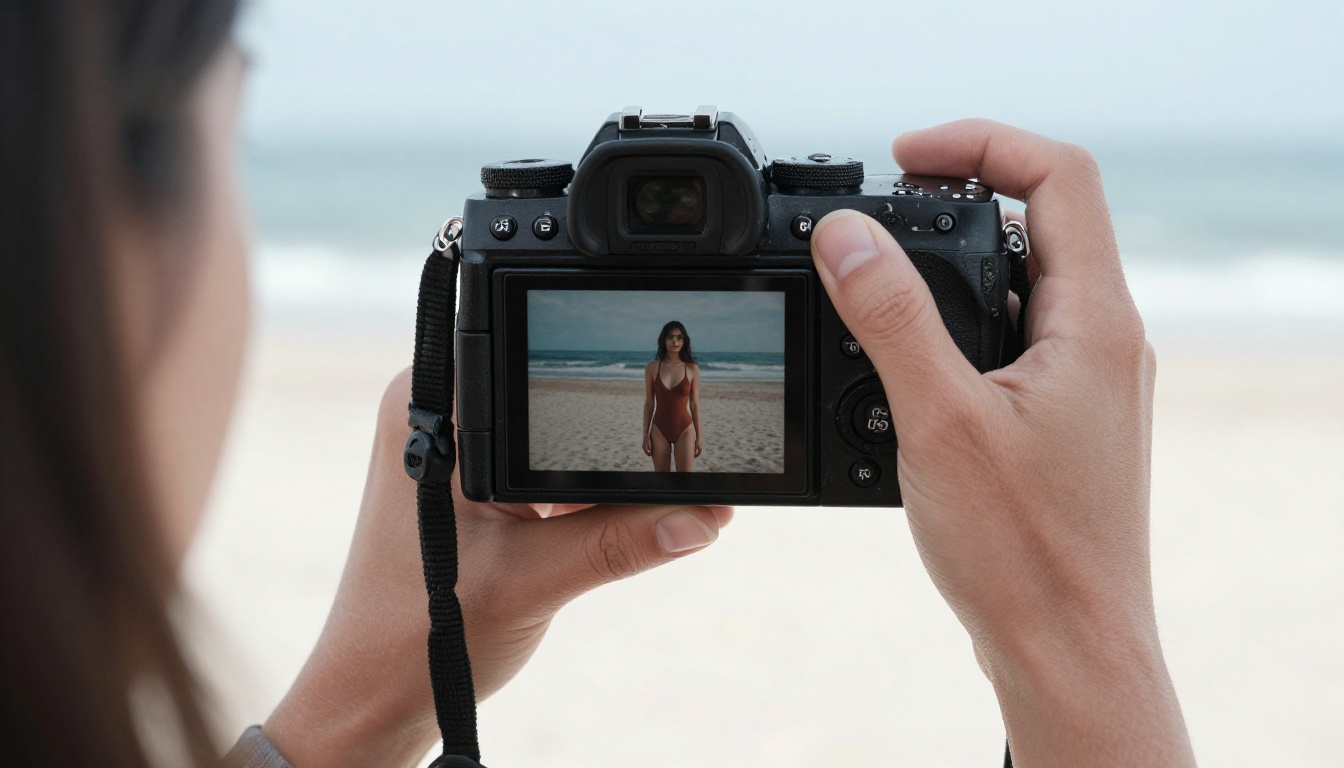
This is the most common use case for creators moving away from ChatGPT's restrictions. Swimwear brands, travel content creators, and adult platform creators all need photorealistic images of people in swimwear and lingerie. None of this is controversial in any professional photography context.
Both Flux Dev and SDXL handle bikini and lingerie photography with significantly better results than DALL-E because the models were trained on broader datasets that include this content type natively.
Fine Art Body Studies
Figure photography and drawing are foundational to visual art. Painters, sculptors, and photographers have been working with the human form for centuries. AI models trained on broad datasets understand this context and can generate tasteful body studies without treating the subject as inherently inappropriate.
For artistic nude work, focus prompts on lighting, composition, and artistic context rather than physical description. "Studio figure photography, soft north light, chiaroscuro shadow technique, neutral background" produces more artistically credible outputs than prompts focused on physical attributes.
Fantasy and Mythology
Greek mythology, Norse legends, Renaissance allegories, these subjects have always involved figures in states of undress within high-art contexts. AI models handle this material without the reflexive refusals ChatGPT applies. Prompts referencing Venus de Milo, Artemis the huntress, or Aphrodite rising from the sea produce the kind of painterly results that would be flagged instantly in ChatGPT.
The Models Side by Side
For creators deciding which model to use for a specific project, here's a practical breakdown by content type:
💡 The most efficient workflow for serious production work is to use Flux Schnell for iteration and Flux Dev for final renders. You move fast during the creative phase and switch to high-fidelity only when you've found a composition worth finishing.
Start Creating Without Restrictions
ChatGPT is an exceptional tool for writing, coding, analysis, and conversation. It is a poor fit for any image generation workflow that involves suggestive content, glamour photography, artistic nudity, or adult-oriented visual creation. The filters aren't going away. They're a product requirement for OpenAI's enterprise customer base, and they will continue to block entirely legitimate creative work.
The open-source alternatives covered here, Flux Schnell, Flux Dev, SDXL, and Stable Diffusion, produce photorealistic results at resolutions and quality levels that rival or exceed DALL-E 3 in most photographic categories, without a single blocked prompt.
All four models are available on PicassoIA with no credit caps, no subscription required to start, and no safety checker standing between your prompt and your image. If you've been working around ChatGPT's restrictions, you don't need to anymore.
Pick your model, write your first prompt with the techniques above, and see what's actually possible when the filters aren't in the way.