Every time you hit the image limit on ChatGPT, something quietly dies inside a creative project. You had the prompt ready. The concept was clear. The momentum was there. Then a message tells you you've reached your cap and you need to wait. This is not a rare edge case — it happens to virtually every active user on ChatGPT Plus within a day of heavy use. The frustrating part is not that the limit exists. It's that it exists on a platform that charges you monthly and still expects you to stop creating on a schedule that suits the provider, not you.
There is a different way to work.
The Real ChatGPT Image Cap
How Many Images Per Day?
ChatGPT Plus subscribers on GPT-4o can generate roughly 40 to 50 images per day using DALL-E 3 before throttling kicks in. That number is not published officially. OpenAI communicates it only through the error message you get when you hit it. Free users get even fewer, typically around 2 to 5 images per session, and access to image generation disappears entirely on high-traffic days.
💡 The unofficial community consensus: 40 images per day for Plus subscribers before slowdowns or full stops. Power users regularly hit this before lunch.
The numbers get worse when you factor in the quality trade-offs. ChatGPT's implementation of DALL-E 3 automatically rewrites your prompts for safety and clarity. What you typed and what the model receives are two different things. Photorealistic human subjects often come out with an uncanny softness. Specific compositions get ignored. You burn through three or four attempts trying to get a result close to your original vision, which means your effective daily limit is much lower than 40.
Why It Kills Real Workflows
Think about what 40 images means across a real project. A single e-commerce brand launch for ten products typically needs three to five image variants per product to test performance across different ad channels. That's 30 to 50 images minimum, before you factor in revisions, different aspect ratios, or lifestyle shots. You cannot do that in one ChatGPT session.
Content creators face the same wall. A consistent posting schedule for Instagram or TikTok might require 20 to 30 unique images per week at minimum. If you want to work ahead and batch-create content for the month, you're looking at 100 or more images. ChatGPT simply cannot support that workflow without constant interruptions and days of waiting.
The other issue is variety. DALL-E 3 has a recognizable aesthetic signature: slightly desaturated, soft edges, a particular way of handling skin tones that immediately reads as AI-generated to trained eyes. When you need photorealistic output that holds up in a professional context, that signature becomes a problem. You get consistency, but not the kind you wanted.
What "Unlimited" Really Means in Practice
No Waiting, No Daily Reset
Unlimited AI image generation is not a marketing phrase here. It is a functional description of how platforms like PicassoIA are built. When you run GPT Image 2 or Flux Redux Dev through a dedicated generation platform, the usage model is based on compute cost per image, not a soft cap enforced at the account level. You pay for what you use, or you operate within a subscription that covers real volume, not an arbitrary daily ceiling.
This means you can run a batch of 80 product images in an afternoon and run another 80 the next morning without hitting a wall. You can iterate quickly, generate variations, and test different prompts without watching a counter tick down. The creative process stays continuous.
💡 Practical difference: In the time it takes to hit ChatGPT's daily limit and wait for a reset, you can generate 200 or more images on a dedicated platform and have a complete campaign ready to review.
91 Models, One Platform
The second piece is model variety. ChatGPT gives you one image model with no adjustments to style, resolution approach, or generation behavior. If DALL-E 3's output does not match your project's visual language, you have no alternative inside the same tool.
PicassoIA currently hosts over 91 text-to-image models alone, ranging from photorealistic photography-focused pipelines to illustration models, portrait-optimized outputs, and product-specific generators. Every model has different strengths. Some excel at environmental photography. Others are tuned for human subjects with natural skin tones. The Qwen Image Edit Plus model is specifically built around intelligent editing within existing images, allowing targeted changes that a generation-only model cannot perform.
Flux vs DALL-E 3 — Side by Side
Prompt Accuracy
One of the most persistent complaints about ChatGPT image generation is prompt rewriting. DALL-E 3, accessed through ChatGPT, does not execute your prompt directly. It passes it through a system that modifies the input based on content guidelines and quality enhancements. The result is often a fundamentally different composition from what you specified.
Flux-based models execute prompts with much higher fidelity. Specific compositional instructions like "low-angle shot," "woman facing left," or "warm backlight from the right" actually appear in the output. This matters enormously for professional use where the brief is precise and iteration time is expensive.
| Feature | ChatGPT (DALL-E 3) | Flux Redux Dev |
|---|
| Daily image limit | ~40 (Plus) | None |
| Prompt rewriting | Yes (automatic) | No |
| Photorealism level | Moderate | High |
| Style variety | One model | 91+ models |
| Composition control | Limited | Detailed |
| Pricing model | Monthly flat + cap | Per generation |
Photorealism and Detail
Flux Redux Dev and similar high-fidelity models on dedicated platforms produce output that is consistently harder to identify as AI-generated. Skin texture shows natural pore detail. Fabric has realistic weave texture. Hair catches light with individual strand definition. DALL-E 3 tends to smooth over these micro-details in a way that reads as artificial when inspected closely, particularly on output viewed at large sizes or in print.
The difference in skin rendering alone makes a significant practical impact for any project involving human subjects: portraits, lifestyle photography, fashion, beauty content, or any kind of model-based campaign. The photorealism standard expected in commercial contexts is simply not reachable with DALL-E 3 at scale.
How to Use Flux Redux Dev on PicassoIA
Creating Your First Image
Getting started with Flux Redux Dev on PicassoIA takes less than two minutes from an empty browser tab to a completed image. Here is the process:
- Navigate to the Flux Redux Dev model page on PicassoIA
- In the prompt field, describe your subject, environment, lighting, and camera settings
- Set aspect ratio to 16:9 for landscape or banner content, or 9:16 for vertical social formats
- Click Generate and wait approximately 10 to 30 seconds depending on server load
- Download the result or use it directly in a follow-up editing workflow
The interface shows your full generation history in your session, so you can compare outputs side by side and iterate efficiently. No message about reaching a cap. No countdown timer. Just results.
Getting Photorealistic Results
The prompts that perform best in Flux are structured rather than conversational. ChatGPT's DALL-E 3 accepts natural language well because it rewrites anyway. Flux models reward specificity in camera language, lighting terminology, and texture description.
💡 High-performing prompt structure for photorealism: [Subject + pose/action] + [environment + time of day] + [lighting direction and type] + [camera + lens + aperture] + [film stock or texture modifier] + [resolution tag]
Example: "Athletic woman in a white linen shirt standing on a rooftop terrace at golden hour, warm directional light from the left casting a soft shadow across her face, shot with a 50mm f/1.8 lens, natural bokeh background of city skyline, Kodak Portra 400 film grain, 8K resolution"
This structure consistently produces output that sits at the boundary between AI-generated and photographed, which is exactly where commercial content needs to be.
Real Work That Benefits Most
Content Creators and Social Media
The math for content creators is simple. A posting schedule of five times per week across Instagram, TikTok, and Pinterest requires unique visual assets for each platform and each format. Even at a conservative estimate, that is 15 to 20 images per week minimum. Add seasonal campaigns, collaboration content, and story assets, and you're looking at 80 to 100 images monthly.
ChatGPT's cap turns that into a two-week ordeal with constant interruptions. An unlimited platform turns it into a two-afternoon batch job.
💡 Creators who batch their content weekly report saving 8 to 12 hours per month by switching from throttled tools to platforms with no generation limits.
What changes when limits disappear:
- You stop rationing prompts and start iterating freely
- You can run A/B visual tests with 10 or 20 variants without worrying about burning your daily allowance
- You batch entire campaigns in a single sitting instead of spreading work across a week
- You stop losing momentum every time a cap message appears mid-session
E-commerce and Product Photography
Product photography is where AI image generation has its clearest return on investment, and where image caps are most destructive. Launching a new collection means generating images for every product in every colorway, plus lifestyle shots showing products in context, plus ad variants at different aspect ratios.
A ten-product launch at three colorways each with five image variants per colorway is 150 images before you've tested a single ad creative. That is four days of ChatGPT image limits, assuming you hit the cap every day, which you will.
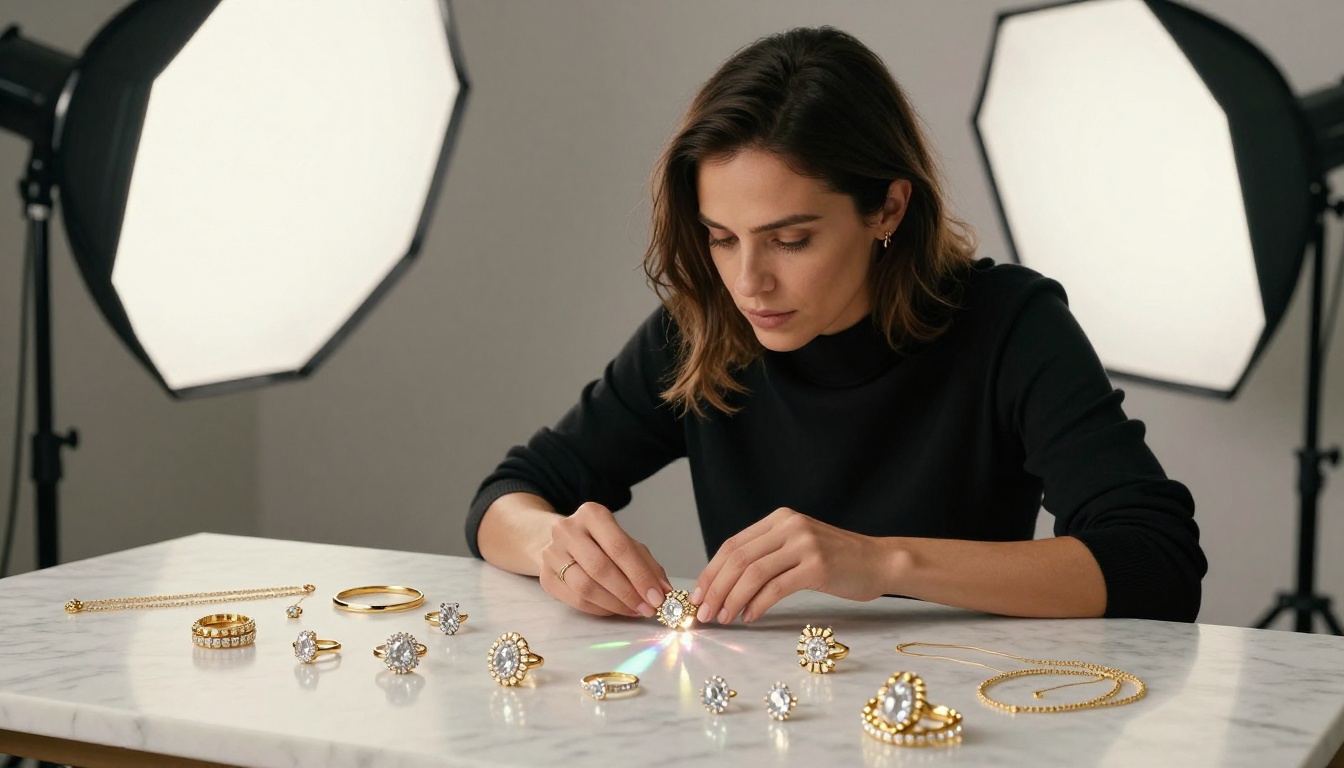
With Qwen Image Edit Plus, you can also generate a base product image and then make targeted edits for each colorway, swapping the product color while keeping the background, lighting, and composition identical. That consistency across a product line is nearly impossible to achieve through repeated generation but straightforward through AI-powered editing.
Fashion and Glamour Shoots
Fashion content demands photorealism that holds up under scrutiny. Skin texture, fabric detail, natural hair behavior — these are the markers of professional photography that AI image generation struggled with until recently. Models like Flux Redux Dev have closed that gap substantially.
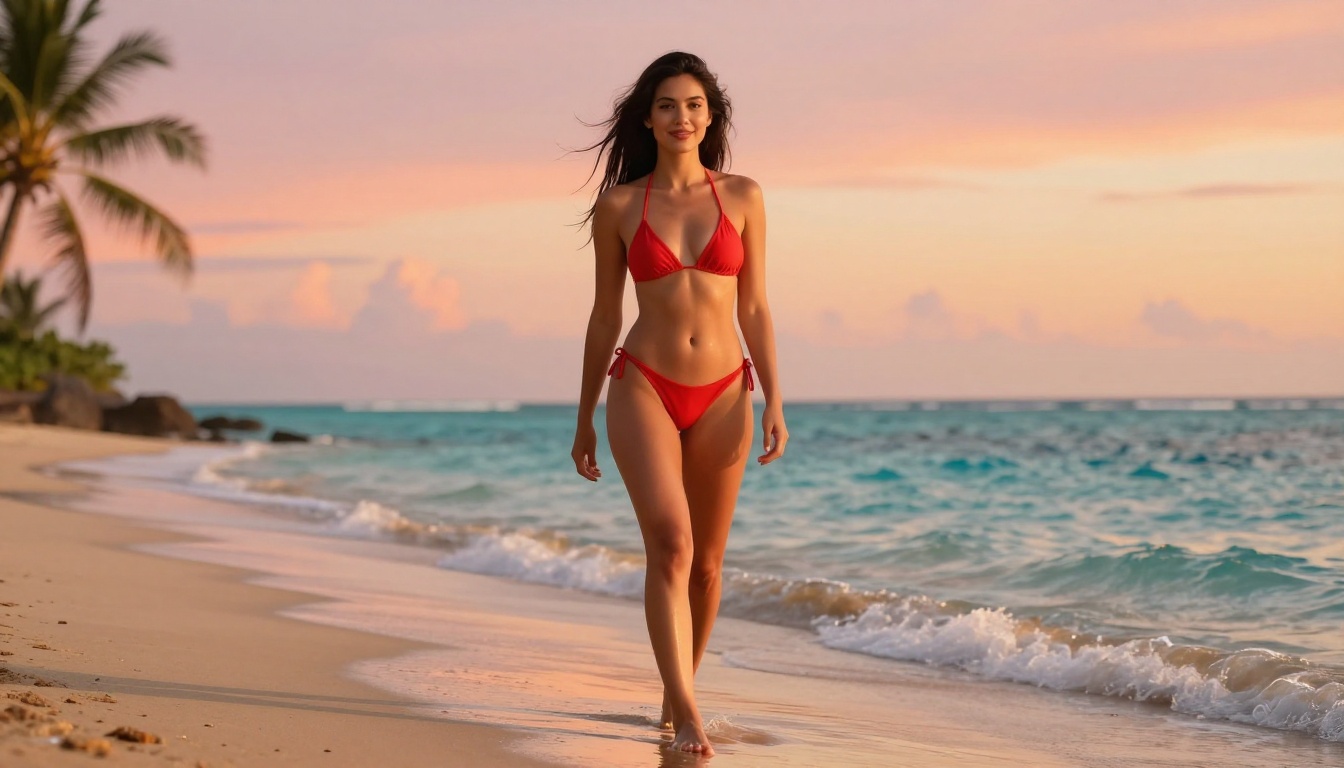
Fashion teams working on lookbooks, editorial spreads, or social campaigns can now generate high-fidelity model photography showing garments with accurate drape and texture, in diverse settings, without scheduling a shoot. The output does not replace the full creative vision of a shot production, but it gives creative directors a working visual brief that is far more precise than a mood board and far faster than a shoot day.
Key use cases where photorealistic AI image generation is now production-ready:
- Lookbook photography: Generate full-outfit images across multiple settings and lighting conditions
- Campaign mockups: Build out a visual campaign before committing to a shoot budget
- Diverse representation: Create imagery featuring varied ages, body types, and ethnicities without casting constraints
- Seasonal content: Produce summer beach imagery in January without travel costs
Beyond Generation — Edit, Upscale, Swap
Fix and Expand Images
Generating a strong base image is only the beginning. Professional workflows involve corrections: removing an object from the background, extending the canvas to fit a different crop ratio, replacing a distracting element with clean content. These editing steps are where dedicated platforms separate from ChatGPT completely.
ChatGPT has no editing capabilities. It generates. If the output is not right, you regenerate. The Qwen Image Edit Plus model on PicassoIA allows targeted edits with natural language instructions applied to a specific region of an existing image. This makes the correction loop dramatically faster and keeps the parts of the image you already liked intact.
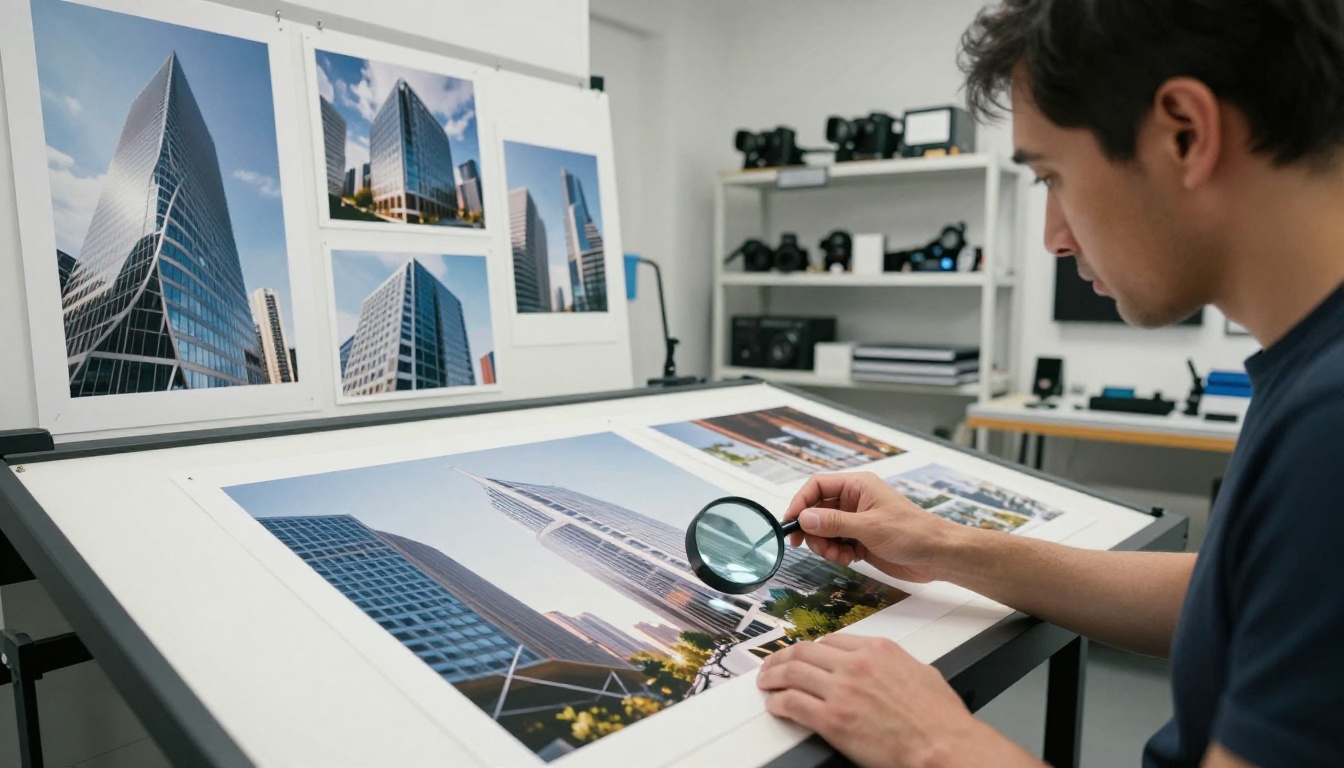
The outpainting and inpainting capabilities available through PicassoIA's model library also mean you can expand an image's canvas without starting over. If you generated a portrait and need more room on the left for text overlay in an ad, you extend the canvas rather than regenerating and hoping the composition lines up the same way again.
Super Resolution for Prints
Any image intended for print — whether a campaign billboard, magazine spread, or large-format product packaging — needs resolution that standard AI generation does not produce natively. PicassoIA's Super Resolution category handles this step within the same platform, upscaling AI-generated images 2x to 4x without the artifacts and blurring that plagued earlier upscaling tools.
The result is a full production workflow that stays inside one interface: generate the base image, edit it to spec, upscale for print, and export. No separate tools, no format conversions, no generation caps interrupting the middle of the process.
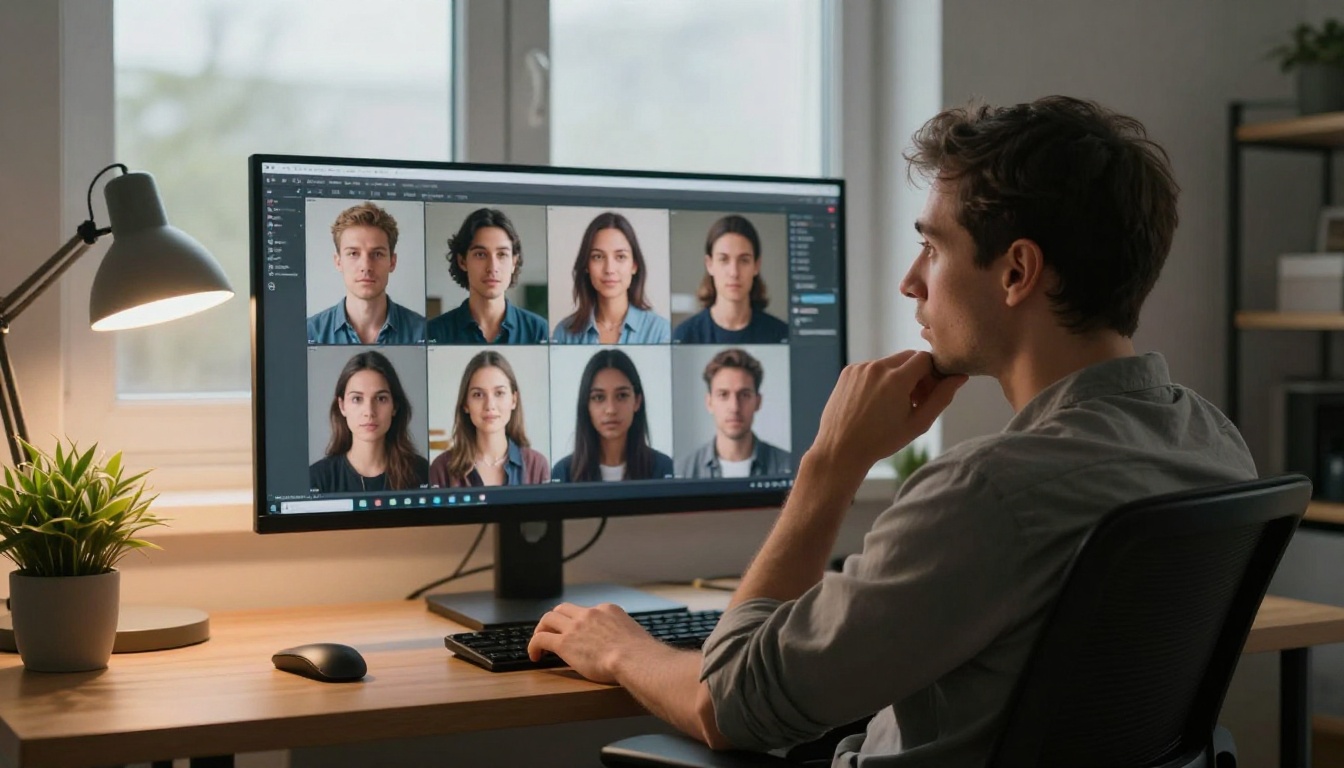
Full PicassoIA production workflow at a glance:
| Step | Tool | Time |
|---|
| Generate base image | Flux Redux Dev | 10-30 seconds |
| Edit specific regions | Qwen Image Edit Plus | 15-45 seconds |
| Upscale for print | Super Resolution | 30-60 seconds |
| Generate variations | GPT Image 2 | 10-30 seconds |
| Background removal | Background Remover | 5-15 seconds |
Every step in that table lives in the same platform. No switching tabs, no exporting and re-importing, no hitting a wall at step two because your daily limit ran out at step one.
Your Turn to Create
The image limit on ChatGPT is not a technical constraint. It's a business decision — a provider managing compute costs by rationing output to individual users. That decision works for casual users who need one or two images a week. It does not work for anyone running a real creative or commercial workflow.
Platforms built specifically for high-volume image generation operate with a different architecture and a different commitment to the user. PicassoIA gives you access to over 91 text-to-image models — including Flux Redux Dev, GPT Image 2, and Qwen Image Edit Plus — without a daily cap cutting your output mid-project.
If you have a project that ChatGPT's limit kept you from finishing, open PicassoIA and start generating. The prompt you've been holding onto will not disappear into a wait message. It will become an image in about 20 seconds. Then another one. And another one. As many as the project actually needs.


