Hair is the first thing people notice in any AI-generated portrait, and for good reason. It frames the face, sets the mood, and more than almost any other feature, determines whether a generated image looks truly photorealistic or just passable. If you've been wrestling with which style to pick for your AI girlfriend character, you're not alone. Curly hair and straight hair behave in fundamentally different ways inside AI image generators, they respond to light differently, they demand different prompting strategies, and some models handle one far better than the other.
This is the practical breakdown you've been looking for. We'll cover how each style performs across the best models on PicassoIA, what vocabulary to use in your prompts, and how to avoid the most common mistakes that leave hair looking plastic, matted, or weirdly uniform.
Why Hair Type Changes Everything
Hair isn't just a cosmetic choice in AI generation. It's a structural decision that affects how the whole image is composed, lit, and rendered.
How Hair Shapes the Portrait
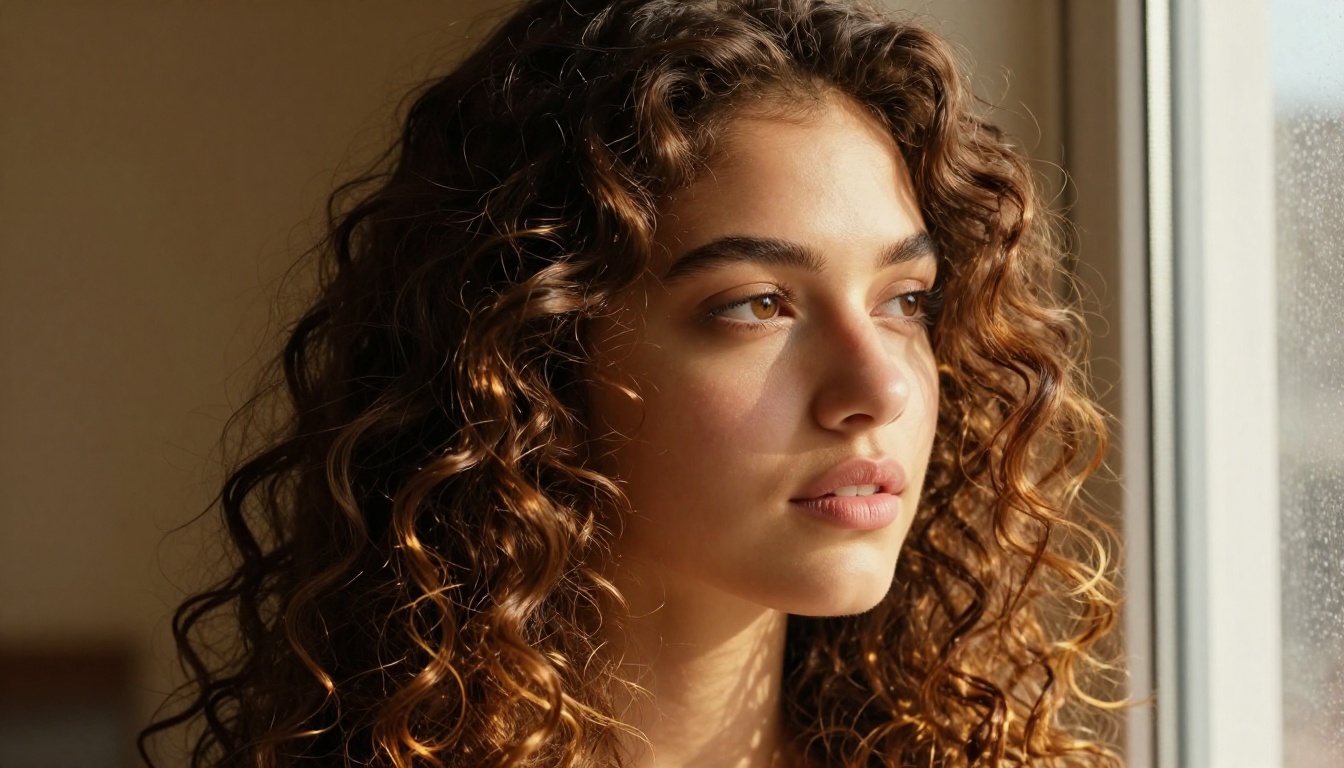
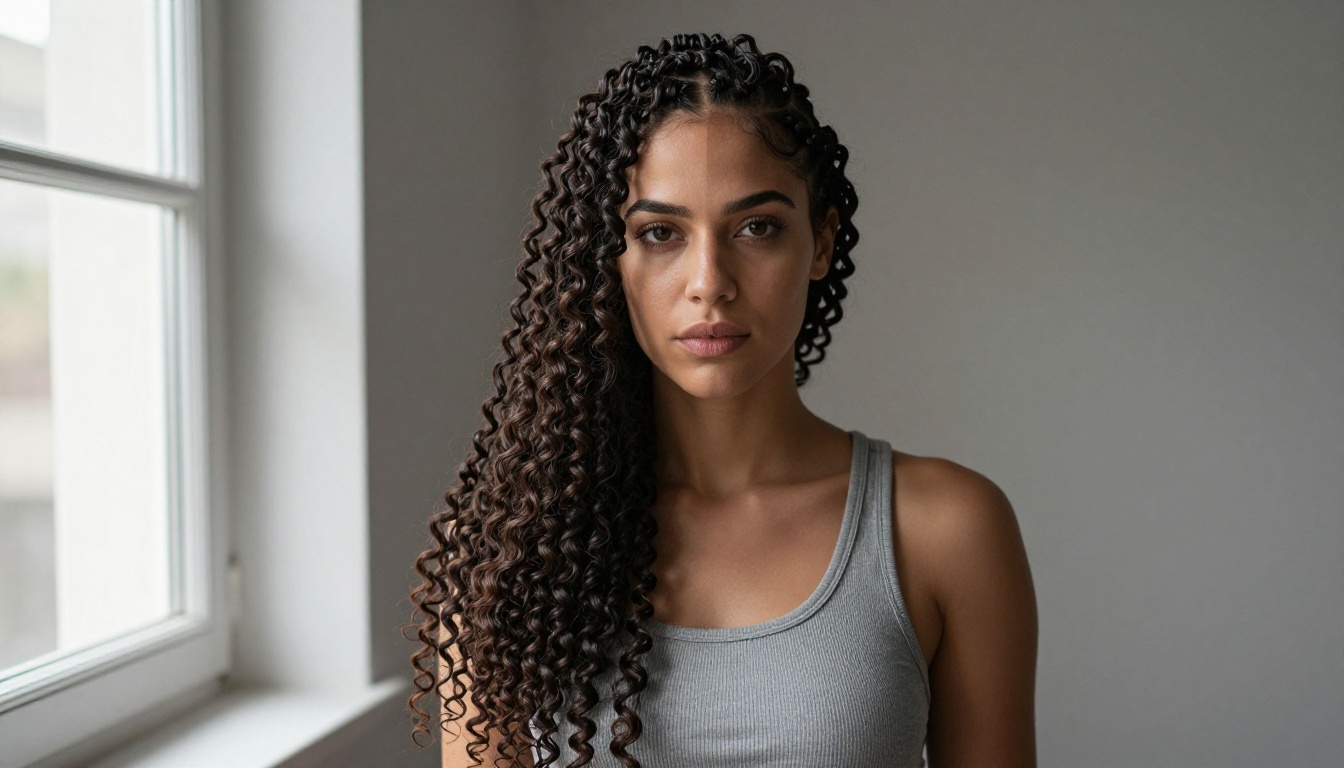
Curly hair adds volume and mass around the face. It fills the frame in a way that straight hair simply doesn't. When you generate an AI girlfriend with tight coils or loose waves, the hair becomes as much a subject as the face itself. Highlights scatter across hundreds of individual curves. Shadows pool in the spaces between strands. The result, when a good model handles it well, is an image with extraordinary visual depth.
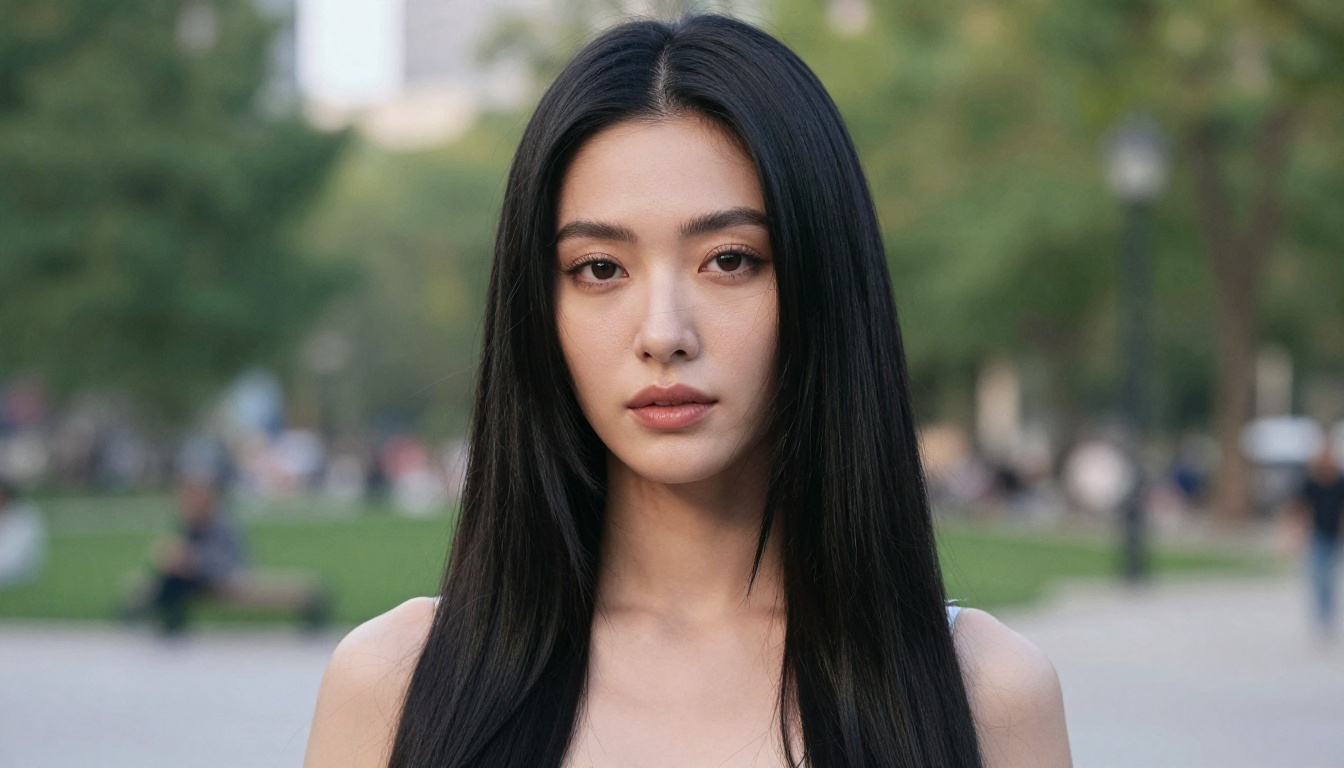
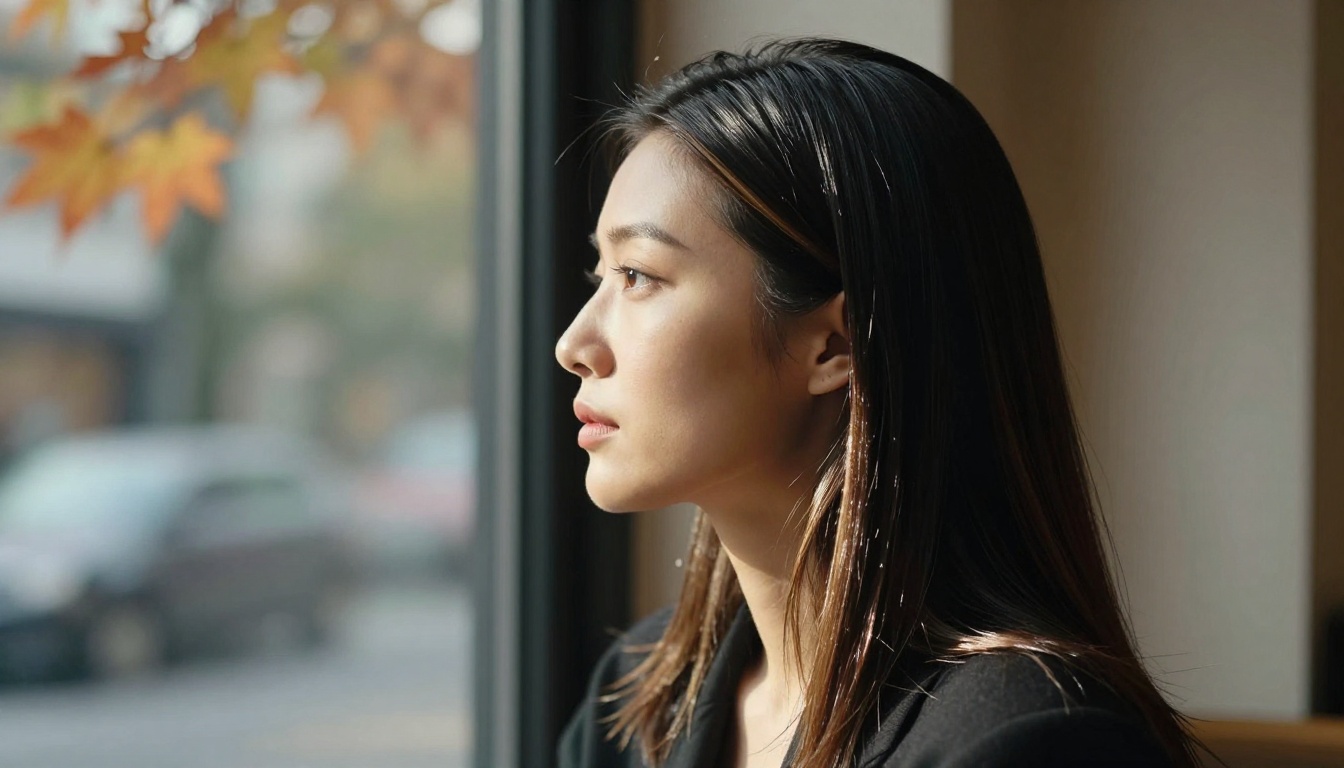
Straight hair works differently. It flows in a single plane, catching light in one long, continuous streak rather than fragmenting it into dozens of individual reflections. That means straight hair tends to look cleaner and more graphic. It's often easier to style in your prompts because the rendering has fewer variables. A single phrase like "silky straight hair with a center part" will reliably produce recognizable results across most models.
The tradeoff is texture. Straight hair in AI images can easily look flat or synthetic unless you add specific detail prompts about individual strand behavior.
What AI Models Actually Render
At the technical level, AI image generators are pattern-matching machines. They've been trained on millions of photographs, and their ability to render any hair type is directly tied to how well that hair type was represented in their training data.
Curly hair was historically underrepresented in AI training sets, which meant early models often produced distorted coils, clumping, or semi-wavy results when you asked for defined curls. The newer generation of models has improved substantially, but curly hair still requires more specific prompting than straight hair.
Straight hair has strong training representation across virtually every major model family. Most generators produce clean, realistic straight hair from fairly minimal prompts. The challenge with straight hair isn't generating it. It's generating it with realistic texture and movement rather than a painted, monolithic sheet.
The Best Models for Curly Hair on PicassoIA
Some models produce stunning curls straight out of the box. Others need coaxing. Here's what consistently delivers.
Seedream 4: The Curly Hair Champion
Seedream 4 from ByteDance is the single best model on PicassoIA for photorealistic curly hair generation, particularly for AI girlfriend portraits. It handles complex hair geometry with impressive accuracy, producing coils that have genuine three-dimensional structure rather than the flat, painted look you get from less capable models.
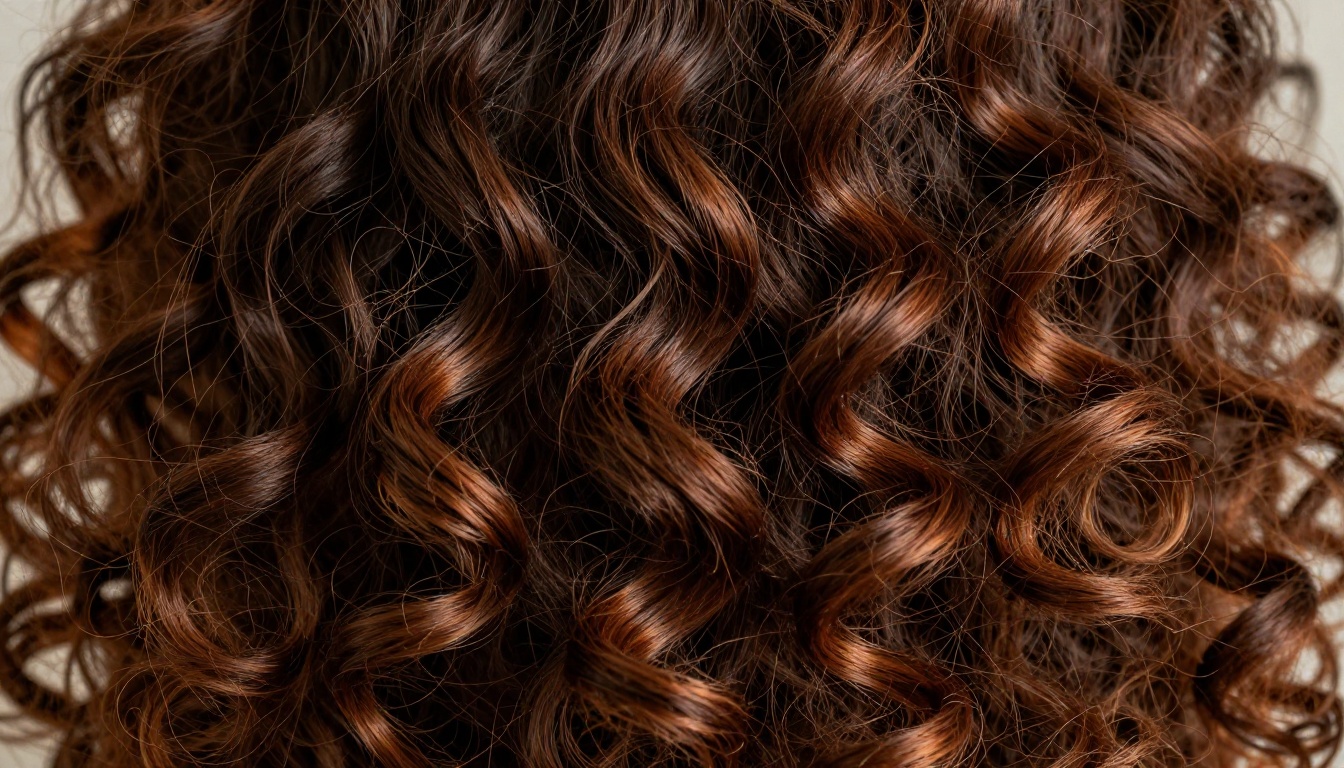
What sets Seedream 4 apart is its understanding of hair as texture, not just shape. Where some models will produce something that looks like curly lines drawn on a surface, Seedream 4 renders the actual volumetric behavior of naturally curly hair. Strands overlap. Light catches individual coils at different angles. There's a sense of real weight and spring.
💡 Tip: For best results with Seedream 4, use curl-type descriptors like "3C coils," "loose 2B waves," or "tight 4A pattern." Vague terms like "curly hair" produce inconsistent results. Specific curl-type language signals the model to use realistic hair texture data.
Seedream 4 is also the recommended choice when your AI girlfriend character sits in NSFW territory, since it's uncensored and produces high-quality suggestive portraits without the content filtering that blocks results in other models. For everything from glamour photography to more provocative poses, it delivers without walls.
Flux.1 Dev: Technical Precision for Complex Hair
Flux.1 Dev excels at generating hair with fine technical detail. It's a heavier model than some alternatives, but the payoff for curly hair is a level of strand-level precision that's hard to match. When you need ringlets that don't merge into a blob, or afro-textured coils with visible air and space between each section, Flux.1 Dev handles the complexity without collapsing into a muddy texture.
Its main advantage is prompt adherence. Tell it "4A coils with visible hairline definition and natural shrinkage" and it actually tries to deliver that. Other models may approximate the general shape. Flux.1 Dev goes after the specifics.
RealVisXL v3.0 Turbo: Fast Results, Real Texture
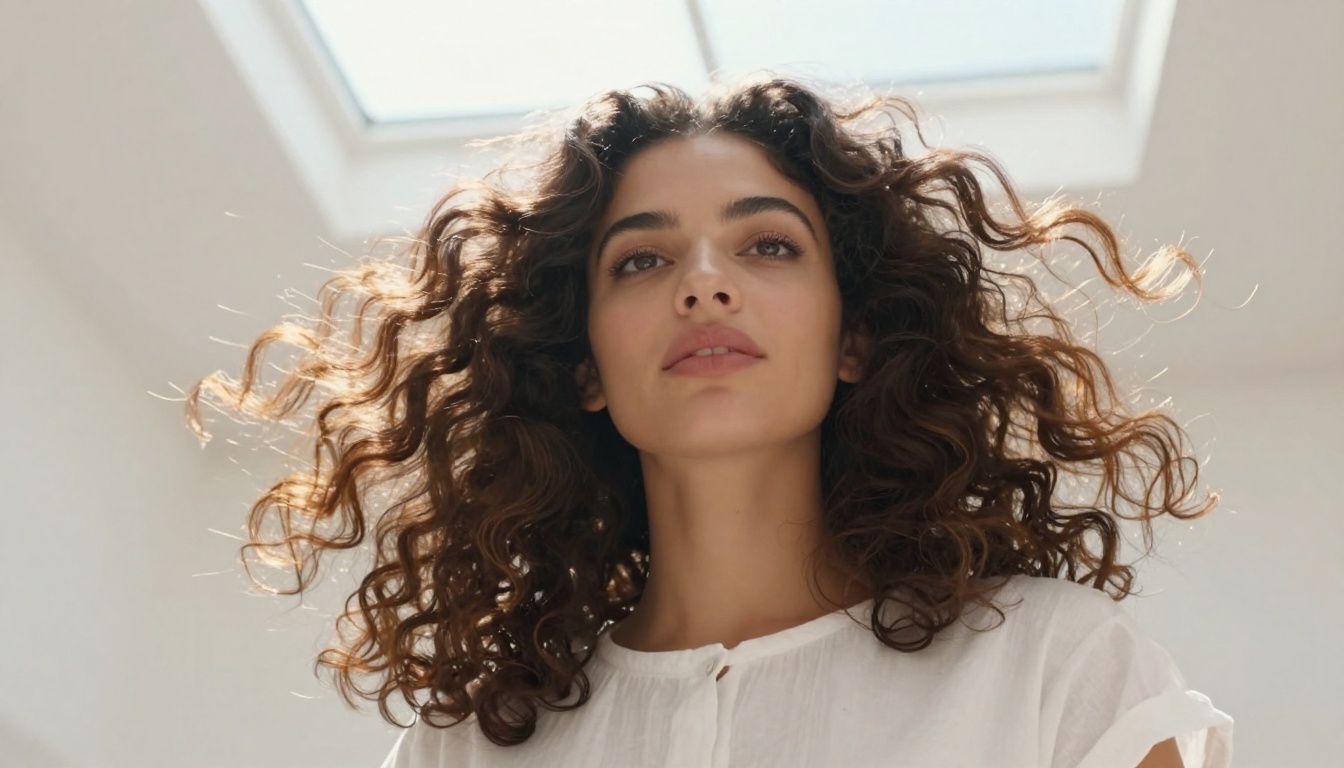
RealVisXL v3.0 Turbo is optimized for photorealistic portraits, and its training heavily features real human subjects with diverse hair types. Curly hair in RealVisXL tends to look naturally human rather than technically precise. The curls have the slight imperfection of real hair rather than the manicured look you sometimes get from over-processed generators.
For AI girlfriend portraits where you want the character to feel like a real person rather than a polished render, RealVisXL is a strong pick.
Straight Hair Done Right
Straight hair might seem simpler, but getting it to look genuinely photorealistic rather than CGI-smooth requires the same attention to detail.
Why Straight Hair Prompts Predictably
One real advantage of straight hair in AI generation is prompt reliability. When you ask any of PicassoIA's top models for "long straight black hair with natural highlights," you'll get something recognizable almost every time. The model doesn't have to reconstruct complex geometric patterns the way it does for curly hair. It's mapping a familiar, simple structure that most generators have seen many thousands of times.
This makes straight hair a strong choice if you're doing rapid generation, batch testing character concepts, or working with a model you're not yet familiar with. It gives you a clean baseline.
Flux Schnell: Speed Without Sacrificing Quality
Flux Schnell from Black Forest Labs is the fastest high-quality model on PicassoIA, and it handles straight hair with clean, realistic results at a fraction of the generation time of slower models. If you're iterating quickly, trying multiple poses or expressions of the same AI girlfriend character, Flux Schnell is the tool for that workflow.
The model produces a characteristic clean look that suits certain aesthetics particularly well: sleek magazine-style portraits, elegant formal character designs, and any setting where you want the hair to feel polished and intentional.
Dreamshaper XL Turbo: Soft, Romantic Results
Dreamshaper XL Turbo has a softer rendering aesthetic than Flux-family models. For straight hair specifically, it adds a subtle softness that feels genuinely photographic, similar to the quality you'd get with a fast portrait lens shot at a wide aperture. Edges blur slightly. Individual strands catch light at the tips. The result looks like someone's actual hair rather than a rendered asset.
This makes Dreamshaper XL Turbo particularly effective for intimate AI girlfriend portraits, bedroom settings, and soft romantic lighting scenarios where a slightly dreamy, warm quality works in your favor.
P Image: The Fastest Start
P Image by Prunaai generates in under a second and produces clean, attractive portraits. For straight hair generation, it's one of the most consistent models on the platform. You won't get the same depth of texture as Flux.1 Dev or Seedream 4, but you'll get reliably good-looking results at a speed that makes it ideal for rapid character exploration.
Curly vs Straight: Real Comparison
Here's how the two styles stack up across the most important dimensions for AI girlfriend portrait generation:
| Feature | Curly Hair | Straight Hair |
|---|
| Prompt complexity | High (needs curl-type specs) | Low (basic descriptions work) |
| Light behavior | Complex, scattered, multi-directional | Clean, single highlight stripe |
| Visual impact | High, dominates the frame | Moderate, cleaner composition |
| Model consistency | Varies widely by model | Consistent across most models |
| Best for | Glamour, personality, visual depth | Elegance, speed, editorial style |
| NSFW capability | Excellent with Seedream 4 | Excellent across most models |
Texture and Light Differences
The most visible difference between curly and straight AI girlfriend portraits is how light interacts with each style. Curly hair scatters light into dozens of micro-highlights, creating a halo effect in bright light and rich shadow depth in low light. This gives curly-haired portraits a natural vibrancy that can be harder to achieve with straight hair.
Straight hair, by contrast, creates a single continuous light channel. In side-lit studio portraits, this produces a beautiful, graphic quality. In backlit outdoor settings, it becomes almost luminous. But in flat frontal lighting, it can look lifeless without specific prompting to add texture and movement.
Which Looks More Natural?
The honest answer is that it depends entirely on the model and how specific your prompt is. With Seedream 4 and precise curl-type descriptors, natural curly hair can look astonishingly photorealistic, complete with the real-world behavior of hair that hasn't been heat-styled. With Flux 1.1 Pro Ultra and detailed strand prompts, straight hair can be completely convincing.
The models matter less than the prompts. Most failures in AI hair generation come from under-specified prompts, not model limitations.
Writing Hair Prompts That Actually Work
The gap between mediocre and excellent AI girlfriend hair comes down to vocabulary. Here's what works.
Curl Type Descriptions
Instead of just saying "curly hair," give the model the curl type:
- 2A/2B: Loose, beachy waves. Good for soft romantic looks.
- 2C: Defined wavy curls that start closer to the root.
- 3A: Large, loose ringlets. Classic visually curly look.
- 3B: Tighter ringlets with more defined coil shape.
- 3C: Very defined coils, springy and dense.
- 4A: Tightly coiled Z-pattern or S-pattern curls.
- 4B: Less defined coil pattern, more angular with significant shrinkage.
Pair your curl type with a texture descriptor: "natural 3B ringlets, individually defined, honey-highlighted, no heat damage"
Straight Hair Descriptors That Deliver
For straight hair, the focus is describing movement and texture rather than just the fact that it's straight:
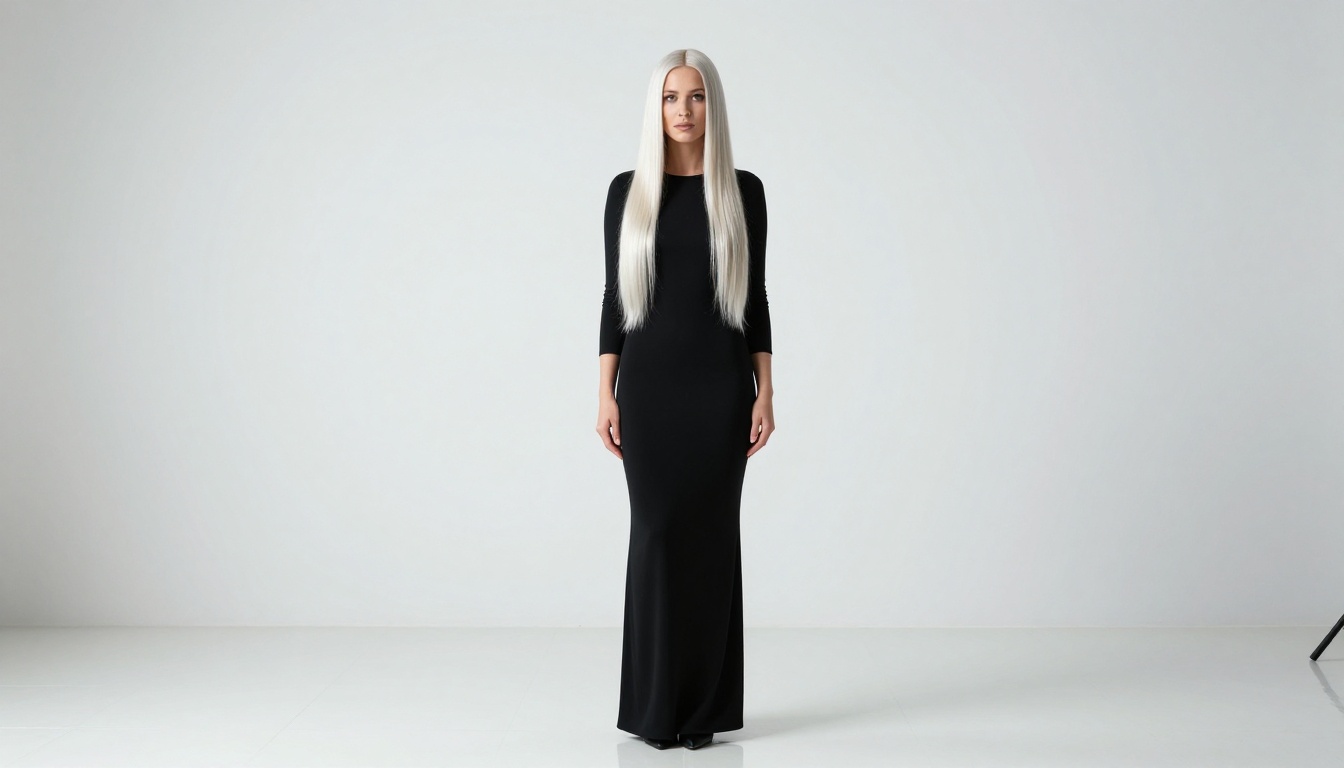
- "Pin-straight with a mirror-like sheen" for ultra-glossy results
- "Naturally straight with slight flyaways and movement" for realistic texture
- "Blunt cut, center-parted, glass-smooth" for editorial precision
- "Loose straight with a few face-framing strands" for softer, more relaxed looks
💡 Tip: Always add a lighting reference that matches hair behavior. "Straight black hair catching golden backlight" will push the model toward rim-lit glossy results. "Straight hair in soft overcast light" produces more muted, natural results. The lighting prompt reinforces the hair type.
Layering Your Prompt
The most effective hair prompts layer three elements:
- Hair type and curl pattern ("loose 2C waves" or "pin-straight with visible strand separation")
- Color with light interaction ("rich espresso brown with warm auburn in direct light")
- Movement or context ("windswept gently from the left," "falling across one bare shoulder," "parted to one side and tucked behind ear")
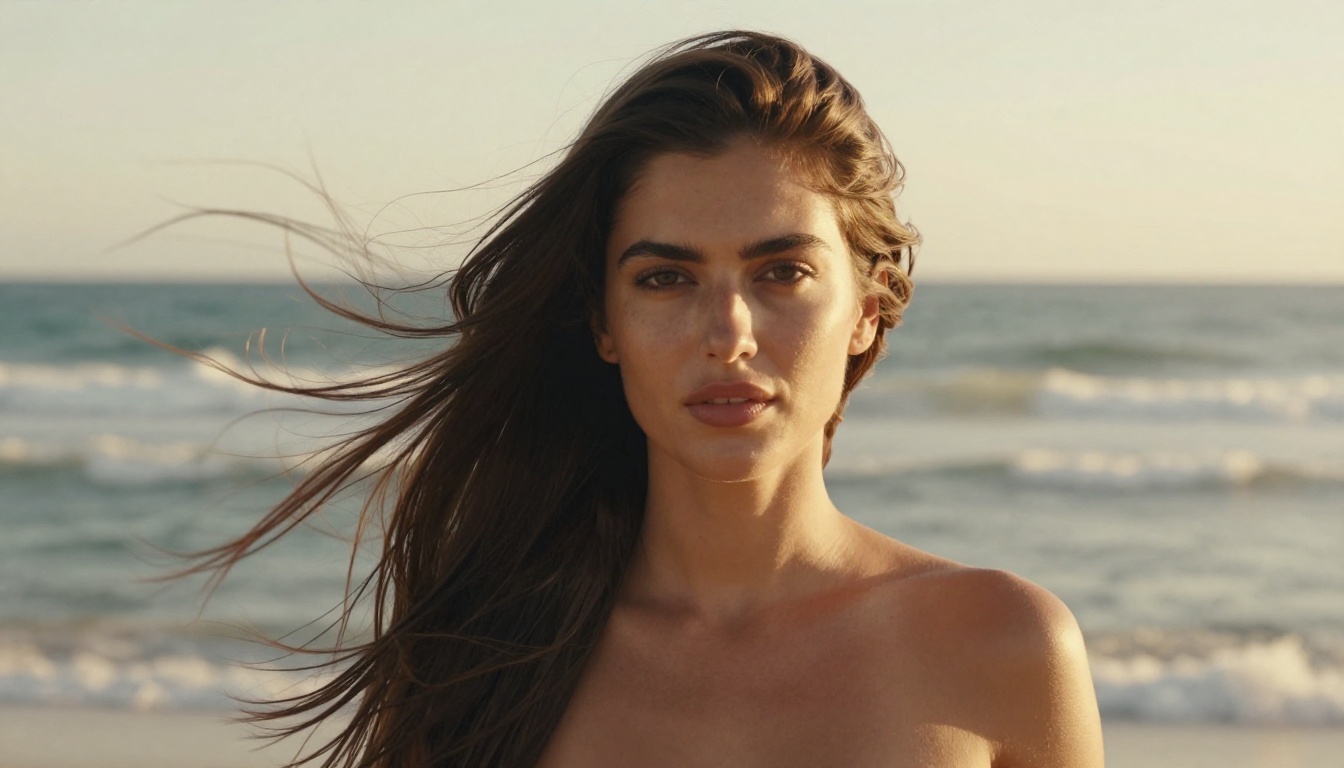
A fully-built prompt might look like: "close-up portrait of beautiful woman, loose 3A ringlets falling past shoulders, deep chestnut brown with honey highlights where light catches the coils, gentle studio rim light from the right, strand-level detail, photographed on 85mm f/1.4"
How to Style Your AI Girlfriend's Hair on PicassoIA
If you're ready to create your own portraits, here's how to set it up efficiently on PicassoIA.
Step-by-Step in the Generator
Step 1: Open either Seedream 4 for NSFW-capable portraits or Flux.1 Dev for maximum technical detail.
Step 2: Set your aspect ratio to 16:9 for widescreen portraits or 9:16 for vertical character shots.
Step 3: Build your prompt in layers: character description first, then hair type and color, then lighting, then camera and lens details. Keep the hair description toward the beginning of your prompt where models tend to weight it most heavily.
Step 4: Run 3-4 generations with the same prompt before adjusting. Variation between runs often produces the result you want without any prompt changes.
Step 5: If the hair still isn't landing correctly, use P Image Edit to refine specific areas without regenerating the whole image.
Refining With the Image Editor
P Image Edit on PicassoIA is powerful for hair refinements. If you generate a portrait with a great face but flat or incorrect hair, you can inpaint the hair region with a more specific hair prompt while preserving the face and body, outpaint to extend hair length beyond the original frame, or use ControlNet with a pose reference image to maintain a specific hair flow or direction.
This is particularly useful for curly hair, where getting the right curl pattern in the initial generation can take several iterations. Generate with the right curl structure, then refine through the image editor.
Matching Hair to the Whole Portrait
Hair doesn't exist in isolation. The choice between curly and straight affects how the rest of the image needs to be built.
Pairing Hair with Setting and Light
Certain hair and setting combinations create more visual harmony than others, and AI models respond to these combinations consistently:
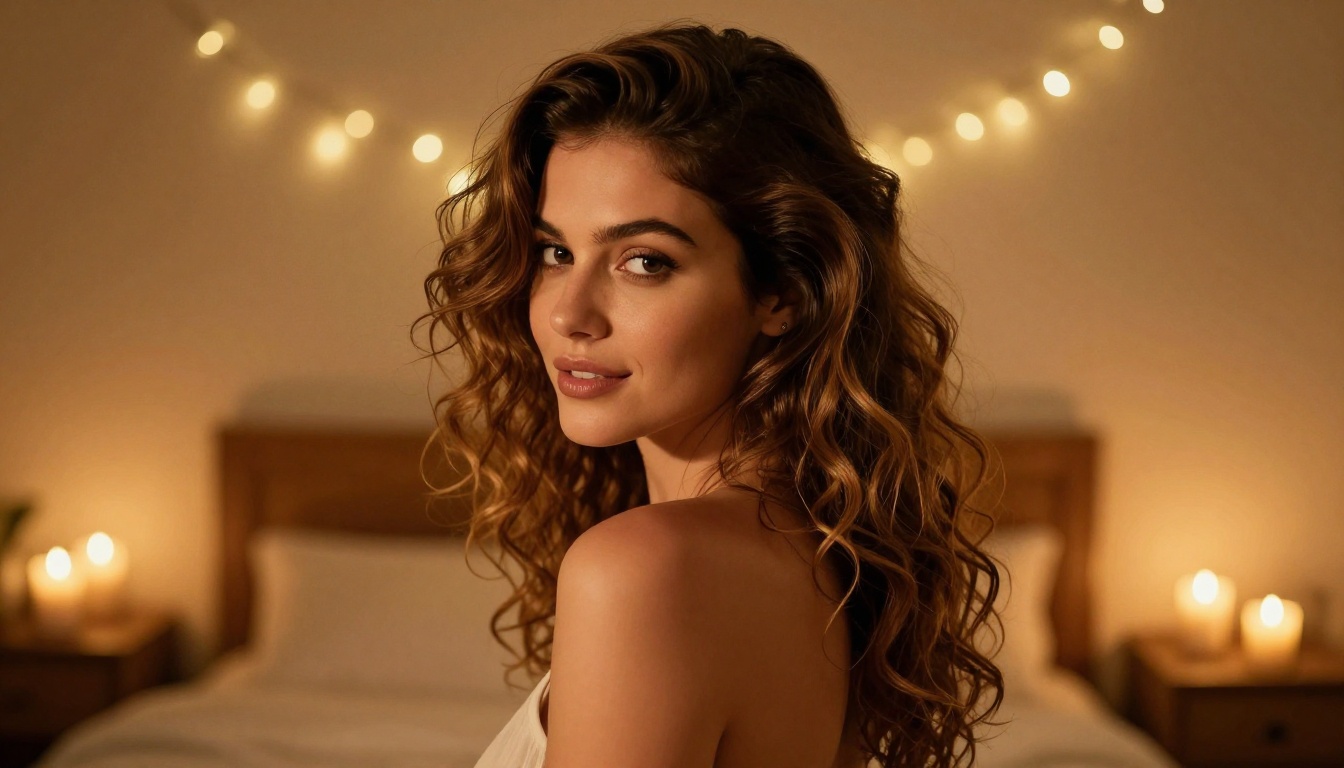
Curly hair pairs naturally with warm, high-contrast settings. Deep curls against golden-hour light, vibrant natural environments, or rich interior colors create portraits with real visual energy. The scattered light behavior of curly hair rewards warm, directional lighting.
Straight hair works beautifully with cooler, cleaner aesthetics. Minimalist studio backgrounds, urban settings, morning natural light, and high-fashion contexts all play to straight hair's graphic, polished quality.
Neither style is universally better. They serve different creative visions. The best approach is to decide what feeling you want the portrait to convey, then choose the hair type that physically reinforces that feeling in the image.
💡 Tip: If you want warmth, intimacy, and personality, curly hair is usually the stronger choice. If you want elegance, sophistication, and precision, straight hair tends to deliver. Think of it as casting: pick the hair type that plays the role your image needs.
Skin Tone and Color Interaction
Hair color and skin tone interaction is worth paying attention to in your prompts:
- Dark curly hair on warm medium-to-deep skin tones creates stunning natural contrast that AI models tend to render beautifully
- Blonde straight hair on fair skin requires specific lighting prompts to avoid a washed-out look
- Red or auburn hair, whether curly or straight, benefits enormously from specific light color temperature prompts since red tones shift dramatically between warm and cool light
Pair this with Flux 2 Pro or Imagen 4 when you need maximum fidelity in skin-to-hair color harmony. Both models have exceptional color accuracy that makes subtle tone relationships visible in the final output.
Create Your Own AI Girlfriend Portraits
Every image in this article was generated on PicassoIA, and the models are all available to use right now. Start with Seedream 4 for unrestricted portrait generation with no content walls, Flux Schnell for fast iteration across multiple looks, or Realistic Vision v5.1 if you want deep photorealism with a human-photography feel.
Pick a hair type, build your prompt with the vocabulary from this article, and run a few generations. The difference between generic AI portraits and genuinely stunning AI girlfriend images almost always comes down to the same thing: specificity in your hair prompts.
For curly portraits, lead with the curl type number, add a color and light interaction description, and specify whether you want volume or definition. For straight portraits, focus on movement descriptors, finish quality (glossy vs matte), and whether the hair is in motion or at rest.
If you want to browse the full model library and find something that matches your exact creative vision, the entire PicassoIA collection is at picassoia.com/en/all-models. With over 91 text-to-image models, dedicated editing tools like P Image Edit, and SDXL for broader creative control, there's a workflow for every hair type, every aesthetic, and every level of portrait detail you want to achieve.


