Choosing Skin Tone and Features for Your AI Girlfriend: The Real Visual Guide
A practical, no-fluff visual reference for building your ideal AI girlfriend from scratch. From skin tones and eye shapes to hair textures and body features, this shows exactly how to get photorealistic results using the best AI portrait models on PicassoIA today.
The difference between a generic AI portrait and one that feels genuinely alive comes down to specificity. Anyone can type "beautiful woman" into a prompt and get an image. What separates real visual quality from forgettable output is knowing exactly how to describe skin tone depth, facial geometry, eye shape, and the dozens of subtle physical details that make a person feel real. This article breaks down every major visual parameter you need to specify when building your AI girlfriend from scratch, with real photorealistic output examples at every step.
Why Skin Tone Is the First Decision
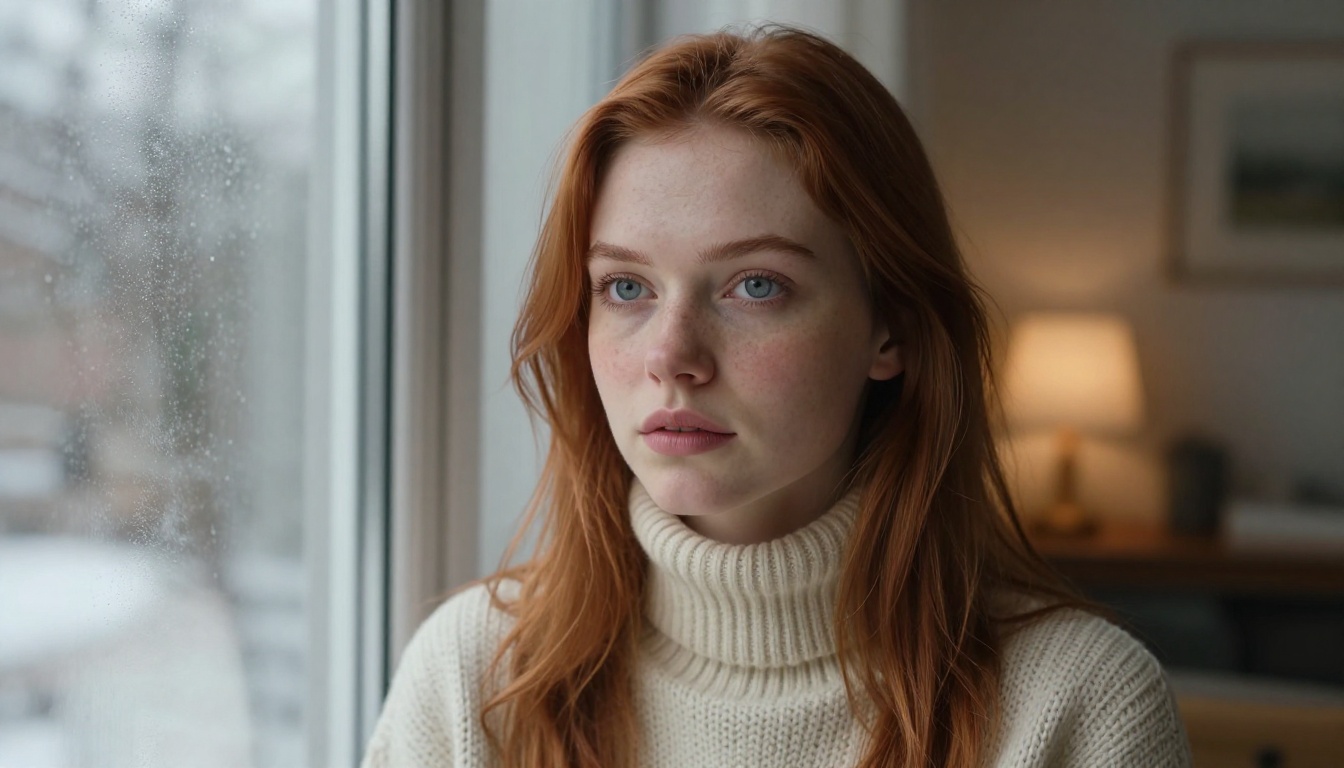
Most beginners start with face shape or hair. That's the wrong order. Skin tone is the single most important foundation variable because it determines how light interacts with every other feature you specify. A pair of green eyes reads completely differently against pale rose skin than it does against deep ebony. A wavy hairstyle behaves visually different in the context of warm caramel complexion versus cool beige. Every model, every lighting condition, every outfit color you choose will either harmonize or clash based on this single foundational choice.
The top photorealistic AI generation models like Seedream 4.5 and Flux 1.1 Pro Ultra are capable of rendering extraordinarily nuanced skin tones, but only when you give them specific language. Vague inputs like "tan" or "light skin" produce inconsistent results. The vocabulary below gives you precision.
The 6 Skin Tone Ranges That Actually Work
Working from lightest to deepest, here are the six primary tone ranges with the exact prompt language that produces consistent results across models:
Tone Range
Prompt Keywords
Undertone Modifiers
Porcelain
"very fair skin, porcelain complexion, pale rose"
cool pink, translucent
Light Beige
"light beige skin, ivory, soft warm undertone"
warm peach, neutral
Olive
"olive skin, Mediterranean complexion, warm golden undertone"
warm yellow-green
Caramel Tan
"warm caramel skin, sun-kissed tan, golden brown"
warm amber, honey
Deep Brown
"deep warm brown skin, rich chocolate undertone"
warm umber, mahogany
Ebony
"deep ebony skin, dark rich complexion, blue-black undertone"
cool blue-black, ash
💡 Always pair undertone language with your base skin tone. "Deep brown skin with warm amber undertones" gives dramatically more consistent results than just "dark skin."
The AI models process undertone language separately from base tone depth. Specifying both creates a more precise target for the model to hit. With Seedream 4.5, which leads in photorealistic human portraiture on PicassoIA, undertone specification has a direct visible effect on how the model renders subsurface light scattering in the skin.
Facial Features: Where Personality Lives
Once you have skin tone locked in, the next layer is facial structure. This is where your AI girlfriend starts developing a recognizable identity. The following features have the highest visual impact per word in your prompt.
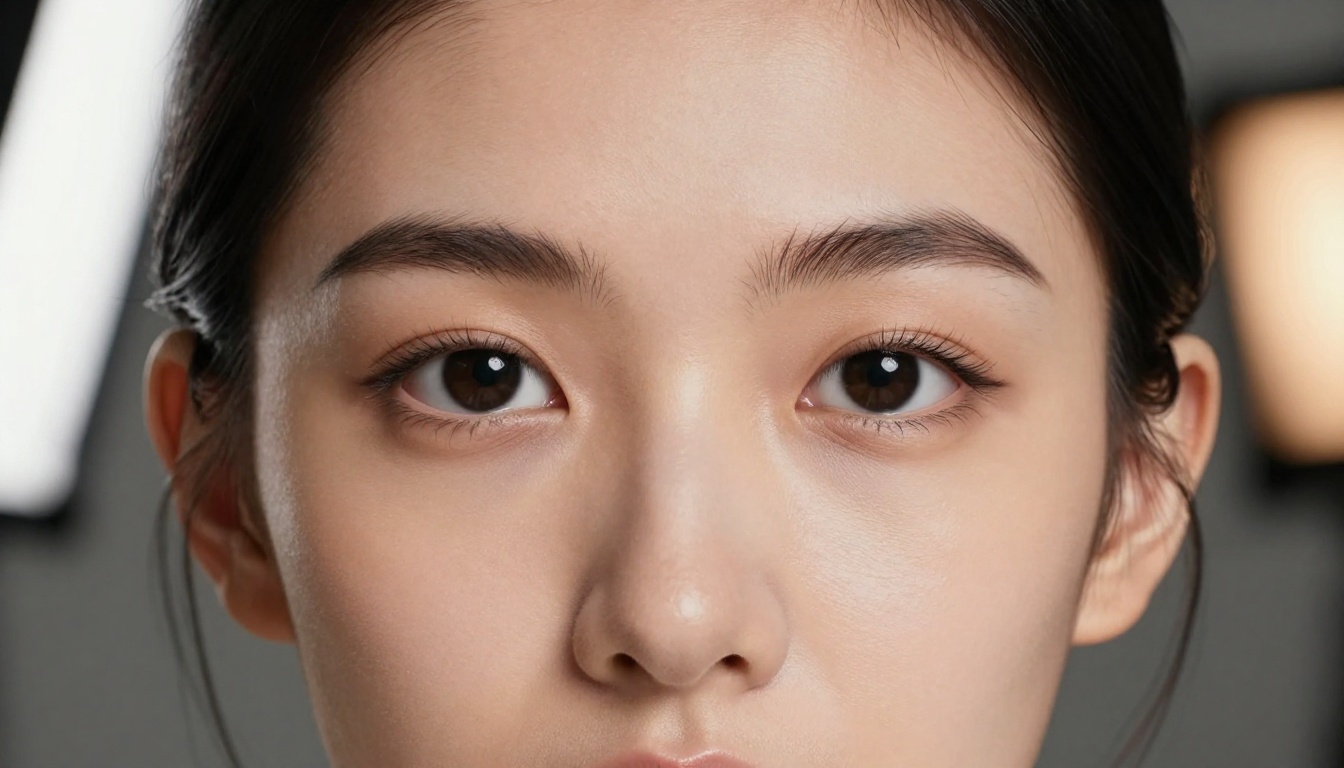
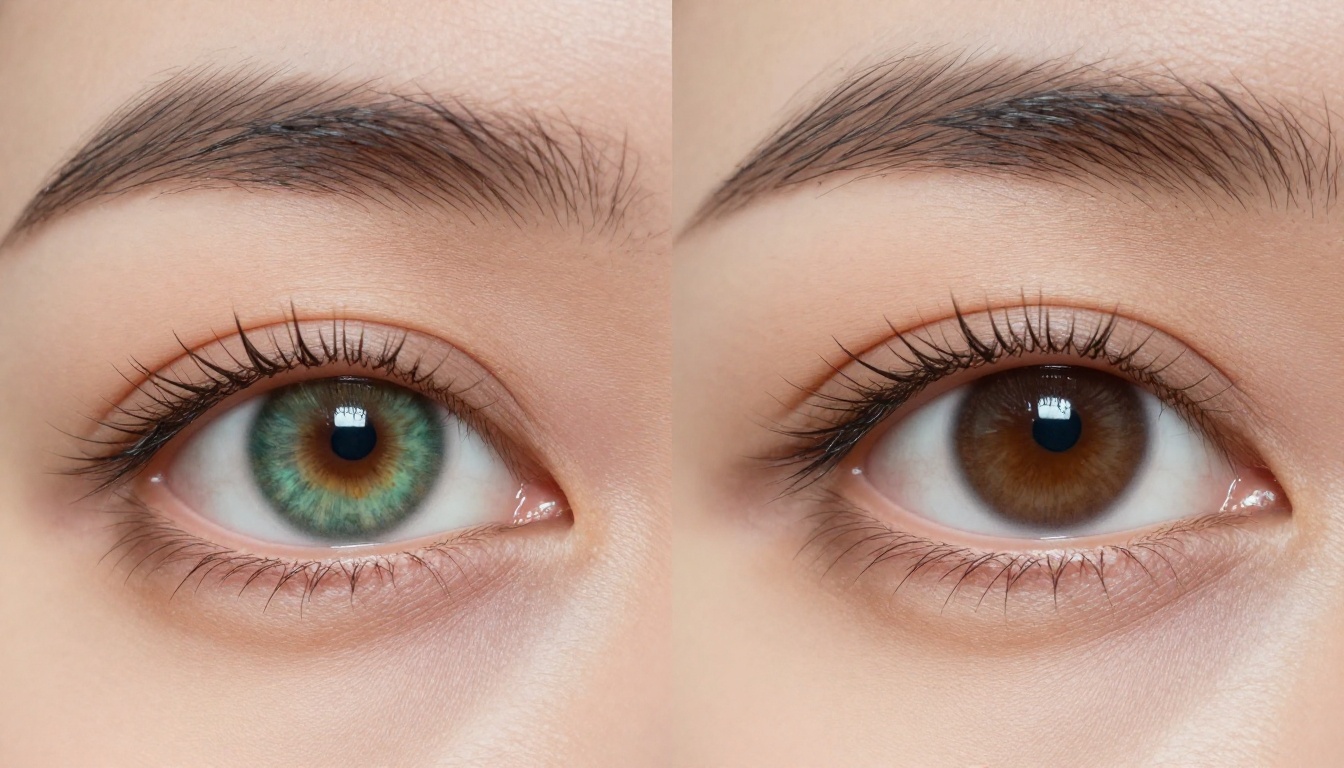
Eyes carry more visual emotional weight than any other facial feature. The shape, color, and lash description together create a complete picture. Specify all three.
Shape vocabulary:
Almond: elongated, tapered at both corners
Monolid: smooth upper lid, no visible crease
Double eyelid: visible crease above the upper lash line
Hooded: upper lid partially covered by a deeper brow ridge
Wide-set vs. close-set: controls perceived spacing
Color vocabulary for maximum realism: don't just say "blue eyes." Say "pale steel blue iris with a subtle dark limbal ring and faint brown central heterochromia."
Lips and Nose
Lip shape description needs to specify both the cupid's bow and the bottom lip ratio. Flat descriptions like "full lips" underspecify. Instead: "full lips with a defined bow-shaped upper lip, naturally defined philtrum, and slightly fuller lower lip."
For nose shape, the most consistent prompt structure is: [bridge width] + [tip shape] + [nostril width]. Example: "narrow bridge with a slightly rounded tip and naturally wide nostrils." This three-part structure gives the model enough geometric information to place the nose consistently relative to the other features.
💡 Realistic Vision v5.1 excels at fine facial detail rendering. If you're iterating specifically on facial geometry, this model produces some of the sharpest anatomical feature consistency.
Hair: Texture, Length, and Color Combinations
Hair is the single largest visual element after skin, and the combinations that produce the strongest results follow a specific structure. The four variables to specify are: texture, length, color, and movement.
"densely coiled kinky hair, afro texture, high shrinkage"
Color Combinations That Work Best
Monochromatic natural colors produce the most consistent photorealistic results. Multi-tone descriptions add realism: "dark brown hair with natural warm chestnut highlights catching sunlight."
High-impact combinations by skin tone:
Porcelain skin: copper-auburn, platinum blonde, deep raven black
Olive skin: dark chocolate brown with caramel highlights, jet black, warm espresso
Caramel/Tan: golden honey blonde, rich chestnut, dark auburn
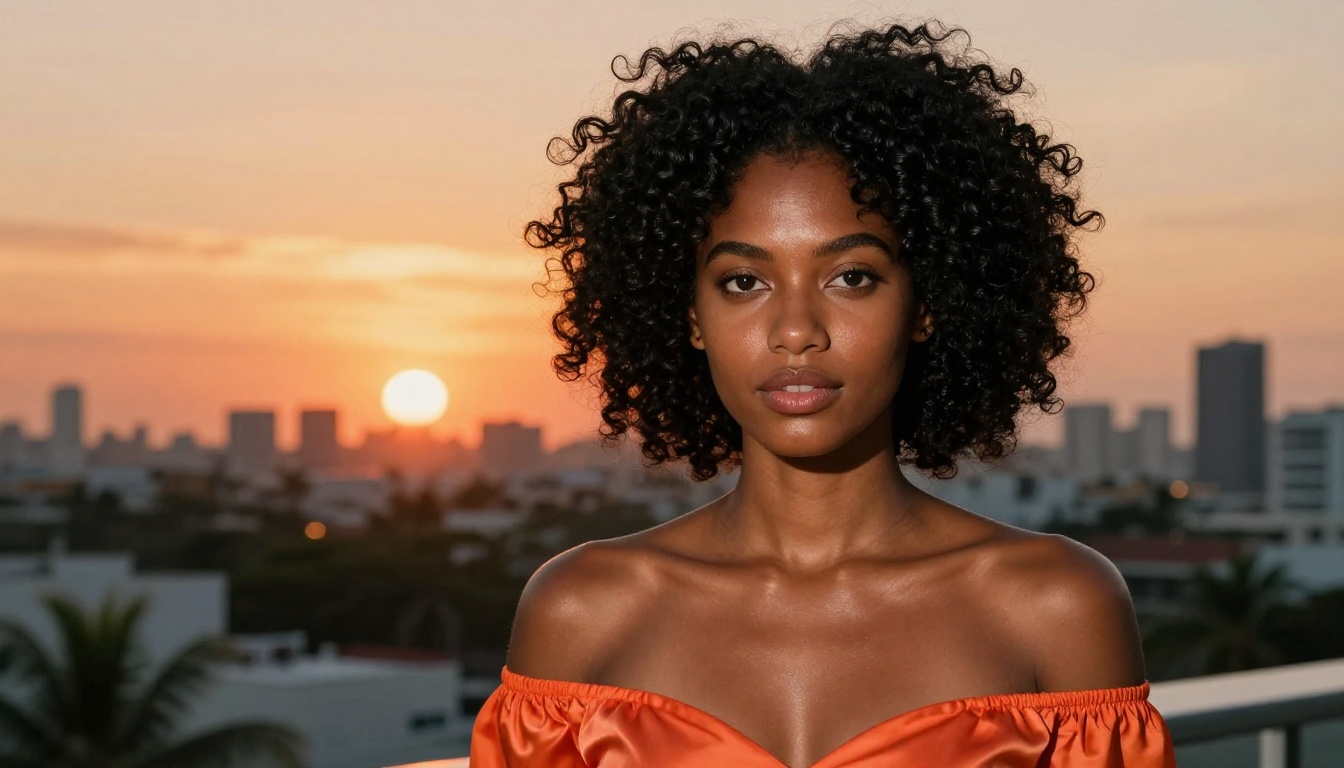
Deep brown/Ebony: jet black, dark burgundy, natural deep brown, silver-grey
Body Type and Style: What to Specify
Describing body type in prompts for photorealistic outputs requires restraint. Overly specific anatomical descriptions produce inconsistent results. The most reliable approach is to describe proportion and build using natural language, not measurements.
Effective body type descriptors:
"slender athletic build, long limbs, narrow shoulders"
"curvy and full-figured, generous proportions, soft features"
Pairing body description with clothing gives the model more anchoring context. "A slender athletic build wearing a fitted white linen dress" produces a more consistent result than the body description alone.
💡 RealVisXL v3.0 Turbo handles full-body proportions with exceptional consistency. It's a strong choice when you want to show your AI girlfriend in a full or three-quarter body composition.
Skin Diversity in One Frame: Comparison Results
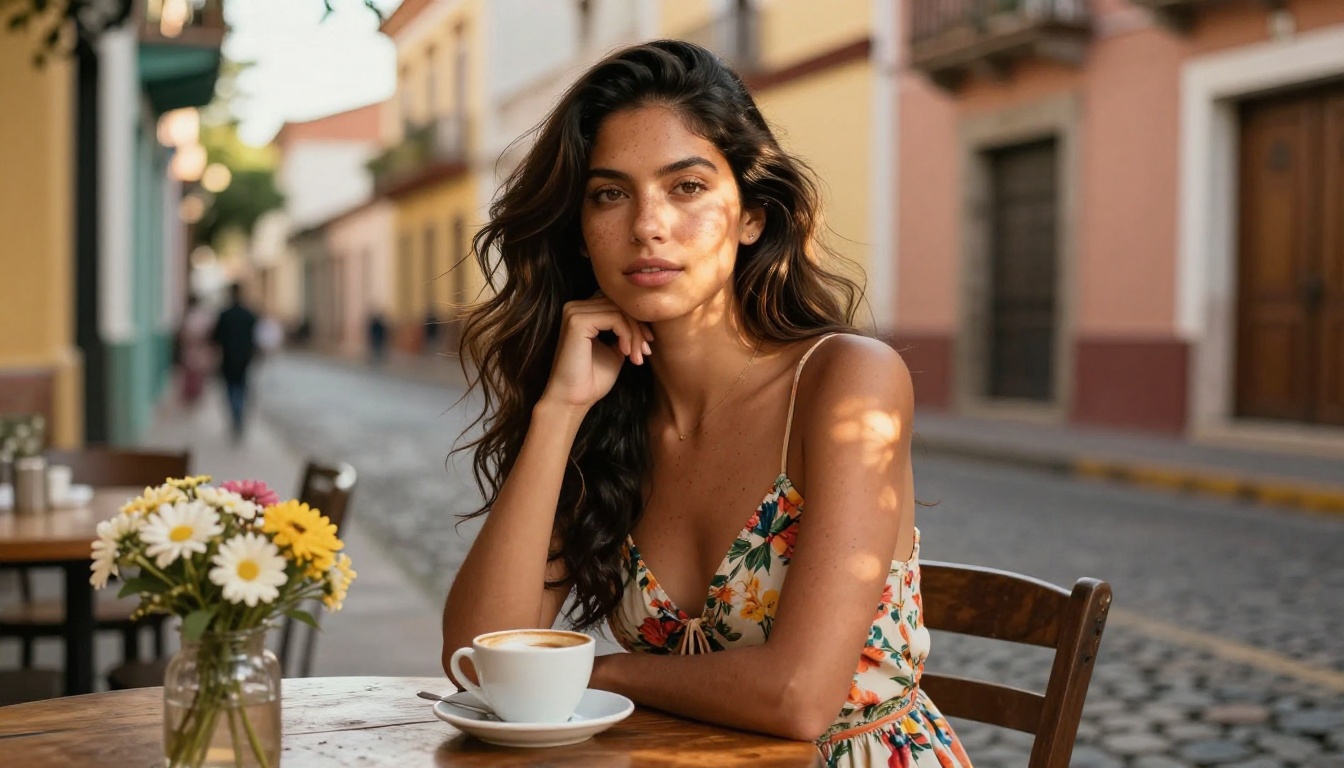
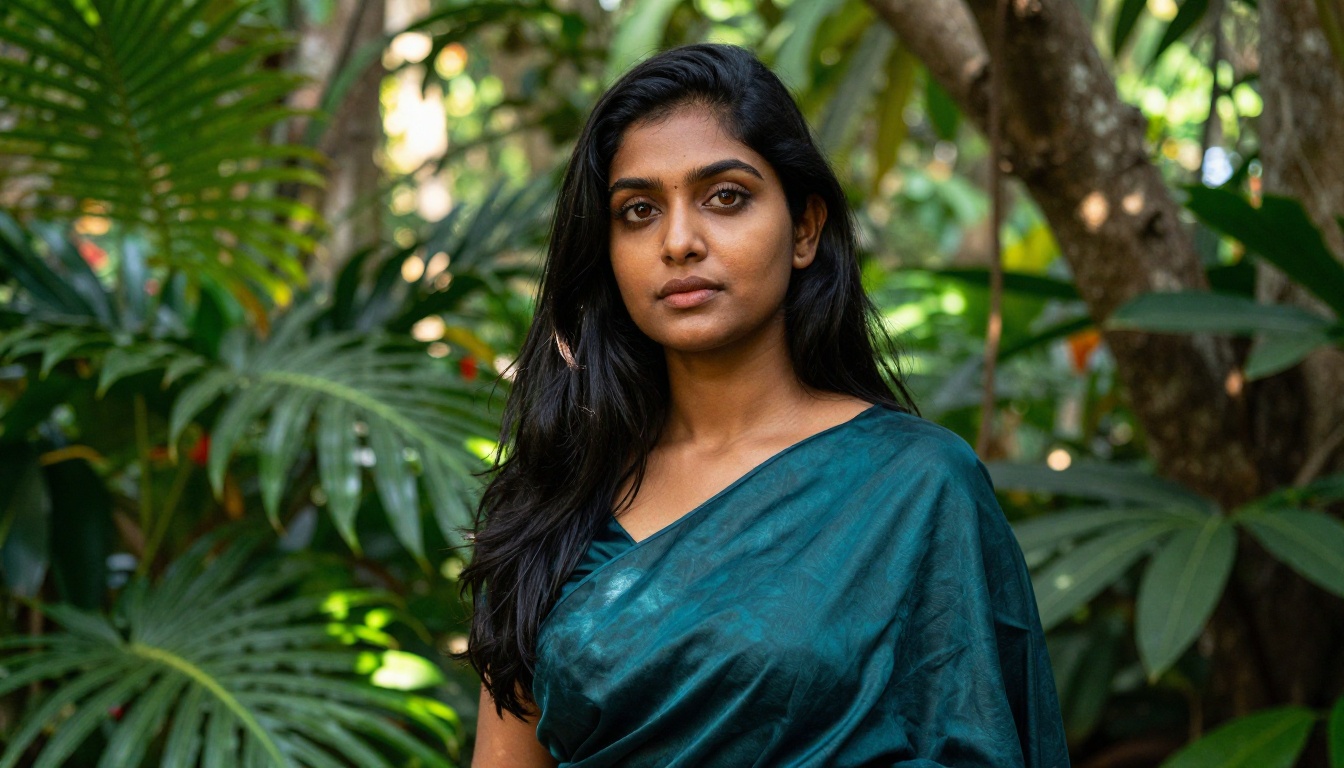
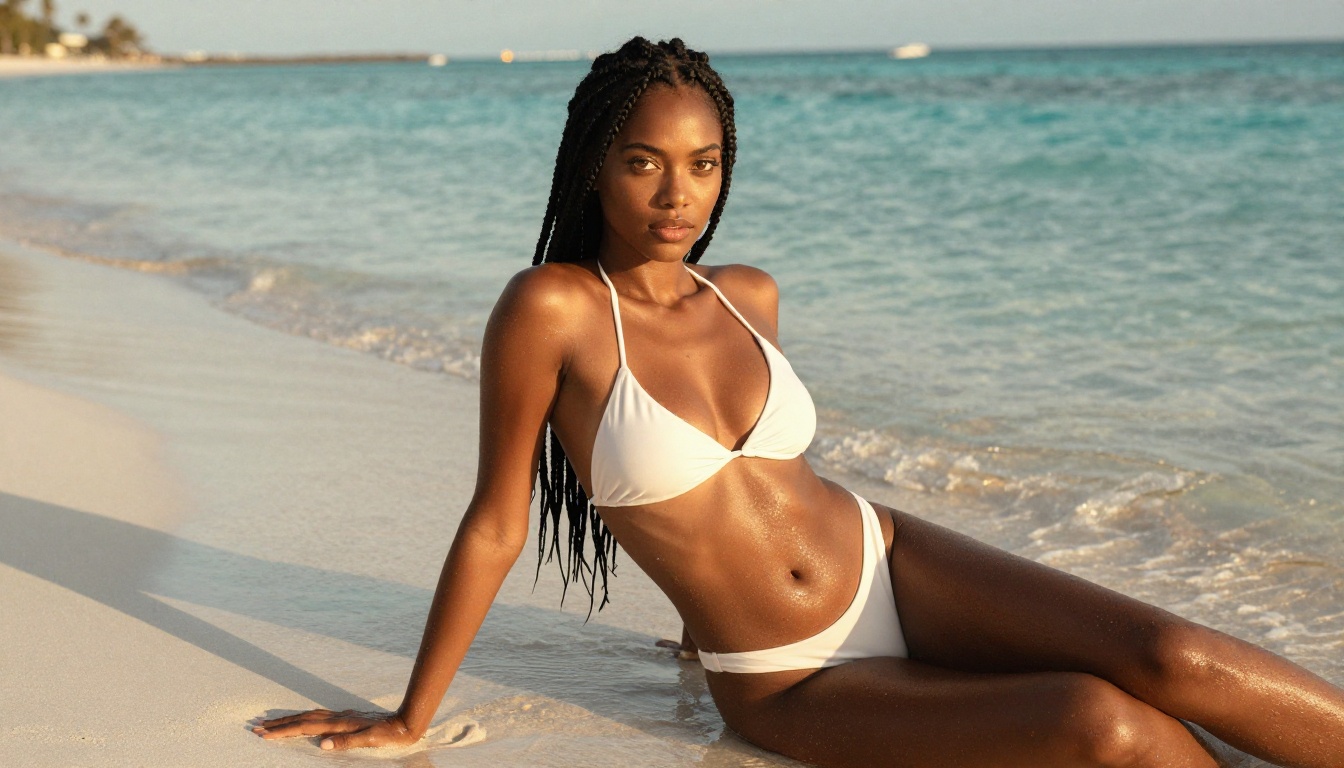
One of the most useful exercises when calibrating your prompt style is generating images with different skin tones using the same base structure. The comparison below was generated using Seedream 4.5 with only the skin tone and complementary hair color changed between runs. The structural prompt — lighting, camera, environment, composition — remained identical.
What this demonstrates is how dramatically the same lighting direction reads across different skin tone depths. Rim lighting from a warm sunset source creates a visible specular highlight on deep skin that virtually disappears on porcelain. This means your lighting description needs to account for the skin tone range you're targeting.
How to Use Seedream 4.5 on PicassoIA
Seedream 4.5 is the top-performing model on PicassoIA for photorealistic human portraiture, particularly for adult AI character creation. It delivers uncensored, high-resolution results with exceptional skin texture detail and is available for unlimited generations.
Here's the step-by-step process:
Step 1: Open Seedream 4.5
Navigate to Seedream 4.5 on PicassoIA. No setup required.
Step 2: Structure your prompt in four layers
Build your prompt in this sequence:
Skin tone + undertone
Facial features (face shape, eyes, lips, nose)
Hair (texture, length, color)
Environment + lighting + camera
Example: "Beautiful young woman with warm caramel skin, golden amber undertones, oval face with defined high cheekbones, large hazel almond eyes, full lips, long dark wavy hair with honey highlights, sitting on a sunlit terrace, warm afternoon light from the right, Canon 85mm f/1.4, shallow depth of field, Kodak Portra 400, photorealistic 8K, no digital art"
Step 3: Set aspect ratio
For portraits, use 3:4 (vertical) for head-and-shoulder focus or 16:9 for environmental compositions.
Step 4: Iterate on a single variable at a time
When you get a result close to your vision, change only one element per iteration. Changing multiple variables at once makes it impossible to know which change produced which effect.
Step 5: Refine with PicassoIA Image Editor Pro
Once you have a base image you like, use PicassoIA Image Editor Pro for unlimited inpainting to adjust specific facial features, correct skin tone inconsistencies between the face and neck, or modify any element without regenerating the entire image.
💡 For uncensored AI girlfriend results, Seedream 4.5 is the recommended starting point. It handles suggestive and bikini/lingerie prompts without aggressive filtering while maintaining photorealistic quality.
Which Model to Use When
Not every model performs equally across all skin tone ranges. Based on testing across PicassoIA's model catalog, here's the practical breakdown:
⚠️ Note on model selection for adult content: Seedream 5 Lite is not recommended for NSFW or suggestive prompts as it applies aggressive content filtering. Stick to Seedream 4.5 for this type of content.
The Prompt Template That Actually Works
Here is a complete, battle-tested prompt template for generating a photorealistic AI girlfriend portrait. Fill in the brackets with your chosen values from the sections above:
[Age range] with [skin tone + undertone],
[face shape] face, [eye shape] [eye color] eyes with [iris detail],
[lip description], [hair texture] [hair color] hair [length + style],
[body type if full-body], [outfit/clothing with fabric detail],
[environment description], [lighting direction and quality],
[camera and lens specs], film grain, [film stock],
photorealistic, 8K RAW photography, no digital art, no illustration
The structure forces you to specify every major visual variable without gaps. Models like Flux 2 Pro respond especially well to this ordered, complete-input structure.
Common Mistakes and How to Fix Them
Mistake 1: Using only one adjective for skin tone
"Dark skin" gives the model almost no useful information. Replace with a full description: "deep ebony skin with cool blue-black undertones, visible skin sheen in warm light."
Mistake 2: Not specifying light direction
Lighting direction is as important as skin tone when it comes to how features render. Always specify: "warm afternoon sun from the left, soft fill light from the right."
Mistake 3: Mixing style keywords
If you write "photorealistic 8K" in one part of the prompt and then add "cinematic concept art" later, you split the model's attention. Pick one style direction and maintain it throughout.
Mistake 4: Ignoring the background-skin tone relationship
A woman with very fair skin standing in front of a white wall will lose definition at the face edges. Pair pale skin with darker, richer backgrounds. Pair deep skin with lighter, high-contrast backgrounds for maximum separation.
Mistake 5: Overlooking the neck
Describing the face but not mentioning the neck-skin continuity leads to floating head artifacts or tone mismatches between face and neck. Add: "consistent skin tone from face to neck and shoulders" if this becomes an issue.
Start Generating Your AI Girlfriend Now
Every concept in this article is immediately actionable on PicassoIA. The full model catalog includes over 91 text-to-image models across every visual style, and the tools above are available without complex setup. Start with Seedream 4.5 for photorealistic results, experiment with the prompt template, and use PicassoIA Image Editor Pro to refine any specific feature that needs adjustment.
The quality ceiling on AI girlfriend generation is determined almost entirely by prompt specificity. The models are capable. The vocabulary in this article gives you the precision to use them at their full potential. Every skin tone, every eye shape, every hair texture combination you can describe clearly is a combination that can be rendered in photorealistic 8K. The only limit is the detail in your description.
Browse the complete model catalog at picassoia.com/en/all-models to find additional models suited to your specific visual vision.