The difference between a generic AI image and one that feels truly personalized comes down to one thing: body proportions. When you're building an AI girlfriend character, the body type you describe in your prompt determines everything about how she carries herself, how light falls across her figure, and how convincing the final result looks. Getting this wrong means flat, artificial results. Getting it right means images that stop people mid-scroll.
This article breaks down every major AI girlfriend body type, the best models on PicassoIA to generate each one, and the specific prompt structures that actually work in 2027.
Why Body Type Shapes Everything in AI Generation
Body type is not a cosmetic detail in AI prompting. It's structural information that influences how the model distributes weight across the image, how clothing interacts with the figure, and where shadows and highlights land on skin. Two identical face prompts with different body descriptors will produce wildly different images, not just different physiques.
The Psychology Behind What You Choose
Every person has a different visual preference shaped by personal taste, cultural influences, and what they find attractive. AI generation removes the limitation of what's "realistic" to produce and lets you create exactly what you want. Whether that's a willowy, ethereal figure or a full, curvy silhouette, the model only knows what your words tell it.
PicassoIA gives you access to uncensored, high-performance models that accept the full range of body type descriptors without content restrictions. This matters because many mainstream tools either soften results or refuse certain body descriptions altogether, leading to bland, sanitized output.
How AI Models Read Body Descriptions
Most AI image models process body type through a combination of training data patterns and descriptive keywords. The more specific and layered your description, the more accurate the result. Vague inputs like "beautiful woman" produce averaged results that belong to no particular build. Precise inputs like "slim petite frame, narrow shoulders, delicate collarbones, graceful posture" trigger specific anatomical patterns in the model's learned weights.
The core principle: layer your body type descriptors across multiple dimensions (frame size, proportional ratios, posture, skin texture, and how clothing interacts with the body).
The 4 Main Body Types You Can Generate
There are four distinct body type categories that AI models handle reliably. Each has its own prompt vocabulary, lighting preferences, and model strengths.
Slim and Petite Builds
The slim build is the most commonly generated body type because it matches the majority of training data from fashion photography, runway images, and lifestyle stock photos. This means slim characters tend to have the highest baseline quality across most models.
Prompt vocabulary for slim builds:
- "Slim petite frame, delicate bone structure"
- "Slender figure, narrow hips and shoulders"
- "Lightweight athletic build, graceful posture"
- "Fine features, collarbone definition visible"
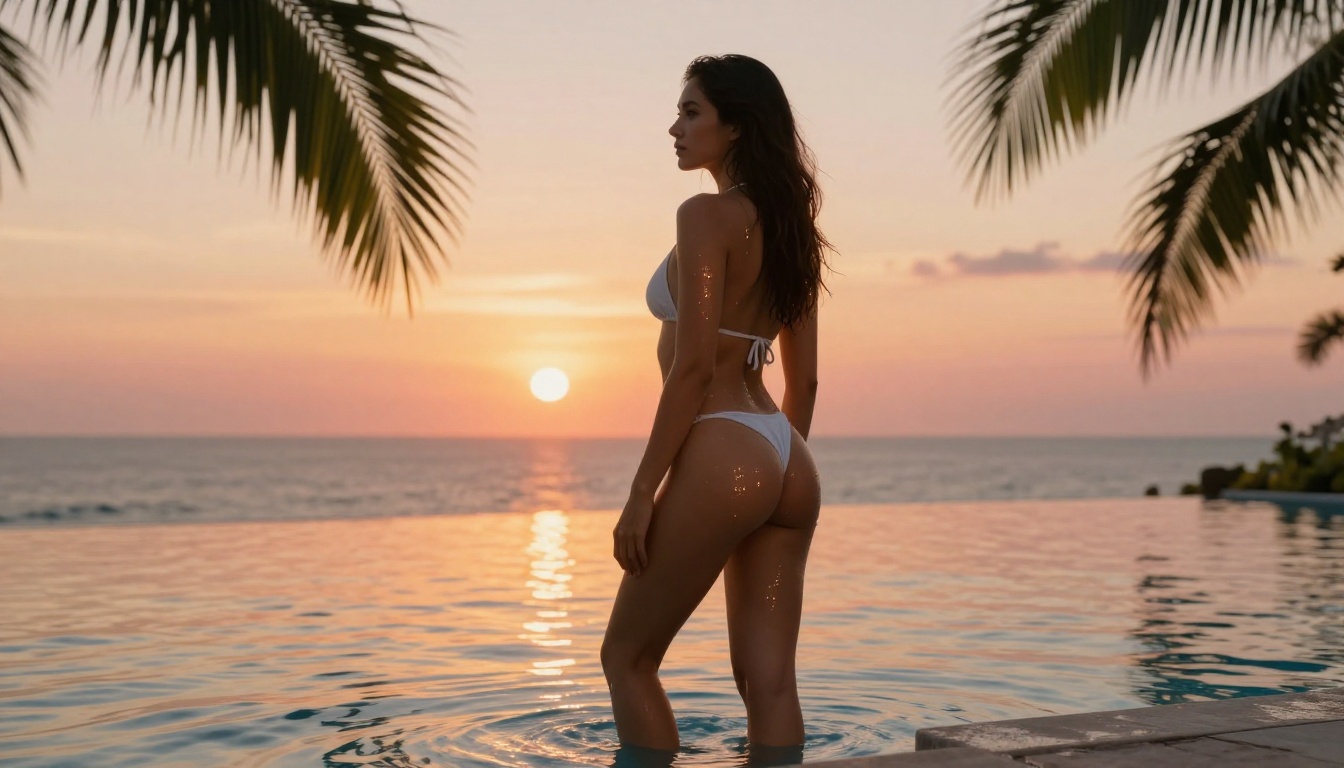
What makes slim builds look realistic: detail the proportional relationship between shoulder width and hip width. A believable slim build has narrow shoulders AND narrow hips with a relatively straight silhouette, not an hourglass. Light interacts with slim figures through longer shadow shapes and more visible angular bone structure.
Best lighting for slim builds: Overhead soft lighting, side-lit scenes, and natural window light all work well. Hard directional light creates beautiful shadow play across the fine structure.
Athletic and Toned Figures
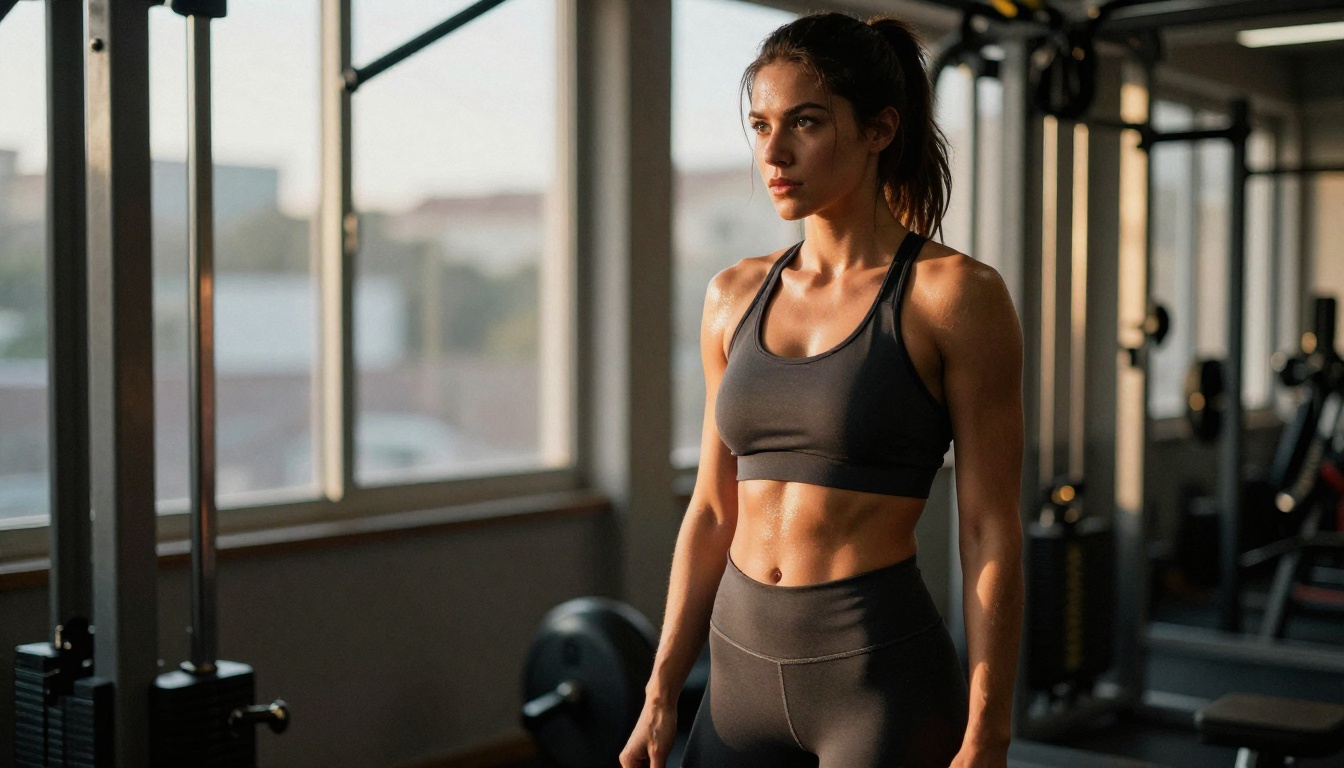
Athletic figures represent the second most common body type in professional photography, which means AI models trained on this data handle muscle definition relatively well. The challenge is avoiding the AI tendency toward over-definition that looks more like sculpted rubber than real muscle.
Prompt vocabulary for athletic builds:
- "Toned athletic figure, defined shoulders and arms"
- "Naturally muscular physique, fit but not bulky"
- "Lean muscle definition, fitness model proportions"
- "Strong core, defined abs visible under clothing"
The critical word is "naturally." Including it before muscle-related descriptors pulls the model away from exaggerated bodybuilder aesthetics and toward believable fitness photography.
Lighting tip for athletic builds: Hard directional light from a window or outdoor source creates dramatic definition across toned muscle. Soft diffused light reduces visual muscle definition, which is useful if you want a subtler athletic look.
Curvy and Hourglass Shapes
Curvy builds require the most precise prompting because the proportional ratios between bust, waist, and hips define whether the result looks natural or artificial. Getting this wrong produces distorted anatomy. Getting it right produces some of the most visually striking AI images possible.
Prompt vocabulary for curvy builds:
- "Hourglass figure, narrow waist with full hips and bust"
- "Natural feminine curves, proportioned silhouette"
- "Full hips and bust with defined waist, womanly figure"
- "Curvaceous build, soft curves with natural weight distribution"
The proportion principle: always describe the waist in relation to the hips. "Narrow waist" alone does nothing. "Narrow waist with full rounded hips" gives the model both anchors it needs to create a convincing hourglass.
Clothing interaction matters: For curvy builds, add how clothing interacts with the body: "dress hugging natural curves," "fabric draped over rounded hips," or "fitted clothing following the contour of her figure." This helps the model understand where weight distribution sits.
Plus-Size and Voluptuous Forms
Plus-size and voluptuous builds are where many AI platforms struggle because of biased or limited training data. The right model selection makes a significant difference here. Models with strong training on diverse photography handle natural weight distribution well, producing soft, believable skin texture and natural body proportions.
Prompt vocabulary for plus-size builds:
- "Plus-size figure, naturally full and beautiful"
- "Voluptuous body, soft curves, full hips and natural waist"
- "Curvy plus-size woman, confident posture"
- "Natural soft curves, full figure with graceful proportions"
Words to avoid: "Overweight," "fat," "obese" all pull the model toward unflattering, unnatural results. Focus on positive, descriptive framing that emphasizes natural beauty.
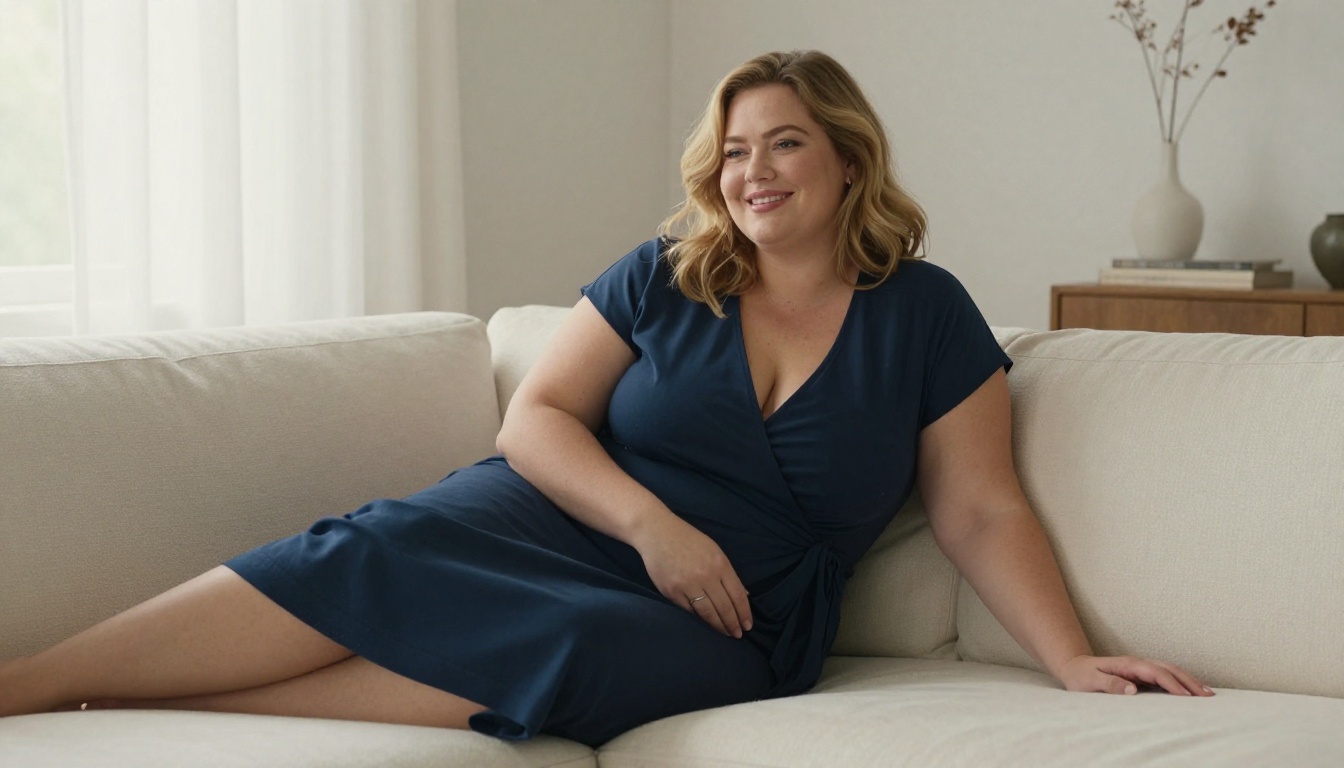
Best styling in prompts: Clothing that flows or wraps (wrap dresses, loose silk blouses, oversized knits) generates more naturally for plus-size builds than tight or fitted clothing, which tends to produce distorted fabric in AI outputs.
Which Models Handle Body Types Best on PicassoIA
Not all models are equal when it comes to body type generation. The model you choose has a massive impact on how accurately your body type description translates to the final image.
Best for Realistic Skin and Proportions
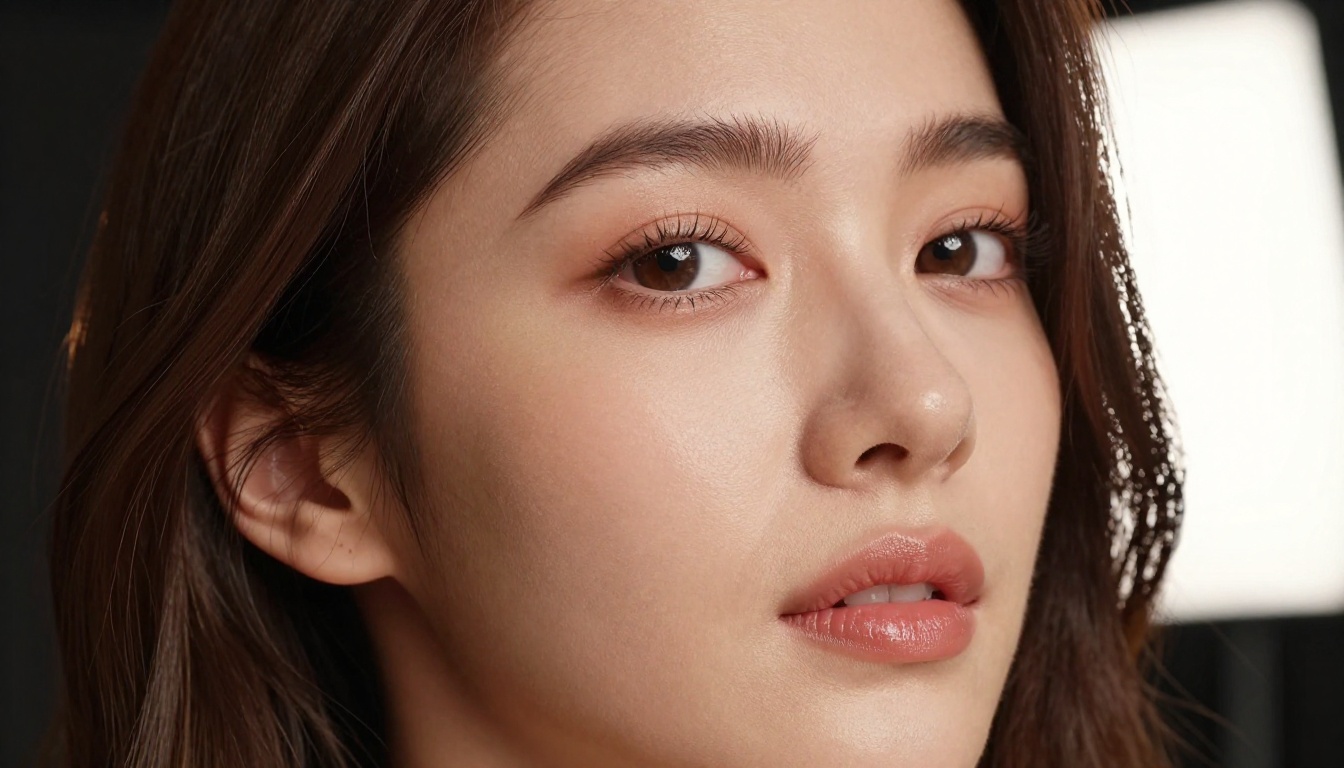
Seedream 4.5 is the top recommendation for all body types. It generates highly realistic content, accepts the full range of body type descriptions without restrictions, and delivers results in under 3 seconds. Its strength is in how it handles skin texture, natural lighting interaction, and believable proportions across every build type. (Note: the newer Seedream 5 Lite does not accept NSFW content, so stick with Seedream 4.5 for adult AI girlfriend generation.)
Qwen Image 2 is the open-source alternative with impressive realism for detailed body type prompts. It allows full creative freedom and handles subtle anatomical descriptors particularly well.
Recraft V4 produces very realistic text-to-image results and is a strong option for clean, precise body type generation from detailed prompts.
Best for Iterative Refinement
PicassoIA Image Editor Pro is the choice when you want to iterate. With unlimited generations included in Elite and Infinite plans, you can generate hundreds of variations of your AI girlfriend until the proportions are exactly right, at no extra cost. Compare this to models charged per generation: 1,000 images at $0.10 each adds up to $100. Here, that same volume costs nothing extra.
It delivers results in under 1 second and accepts NSFW content. A 3-generation free trial is available without requiring a credit card.
Grok Imagine Image excels at taking a reference image and reshaping it, making it ideal when you have a starting point but want to adjust the body type or styling.
Prompt Engineering for Each Body Type
The structure of your prompt matters as much as the words themselves. A well-built prompt follows a consistent hierarchy that AI models can parse accurately.
Prompt Structure That Works
Use this layered template:
[Subject + body type] + [facial features] + [clothing/styling] + [pose/posture] + [environment] + [lighting] + [camera/lens]
Example for a curvy build:
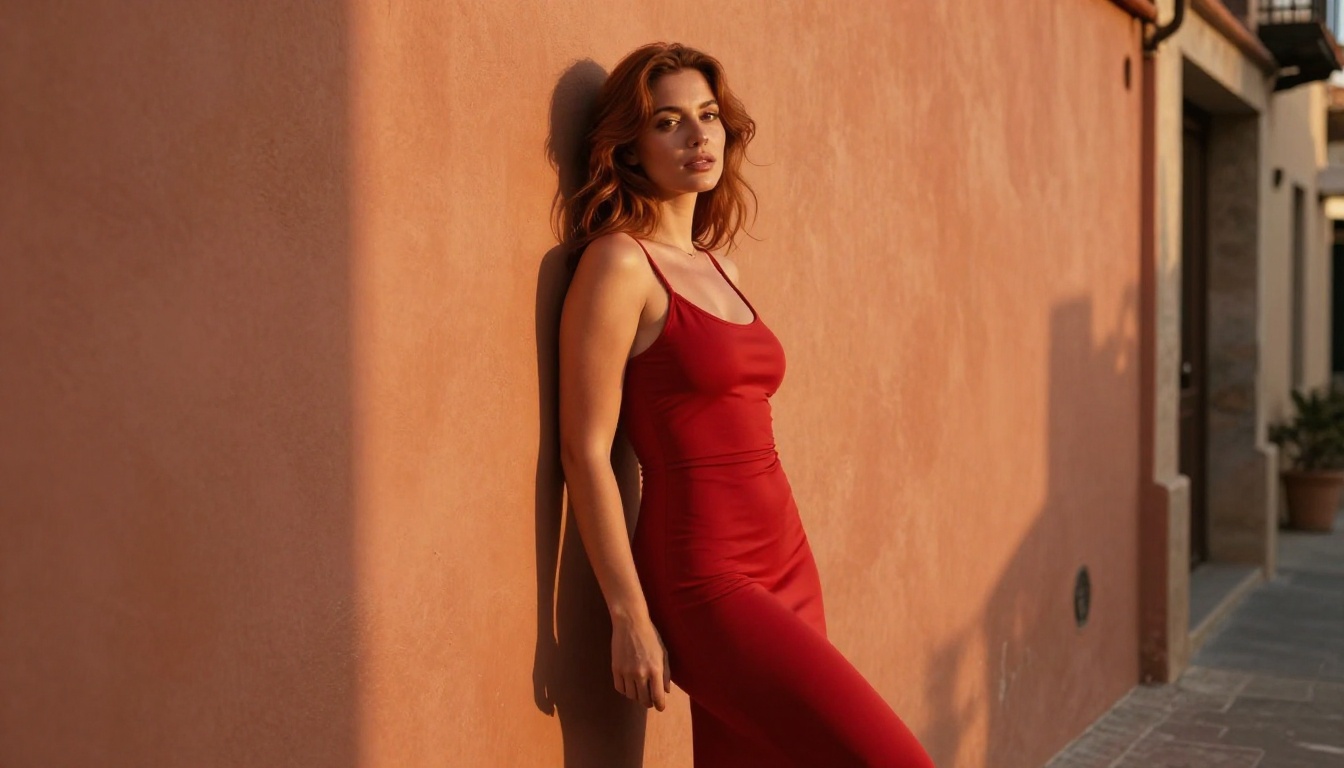
"Beautiful woman, hourglass figure with full hips and naturally narrow waist, dark wavy hair falling over her shoulders, wearing a fitted midi dress that follows her curves, standing with one hand on her hip in a relaxed confident pose, warm Mediterranean alley background, golden hour side light from the left, shot on Canon 5D 85mm f/1.4, Kodak Portra 400, photorealistic RAW 8K"
Example for a petite slim build:
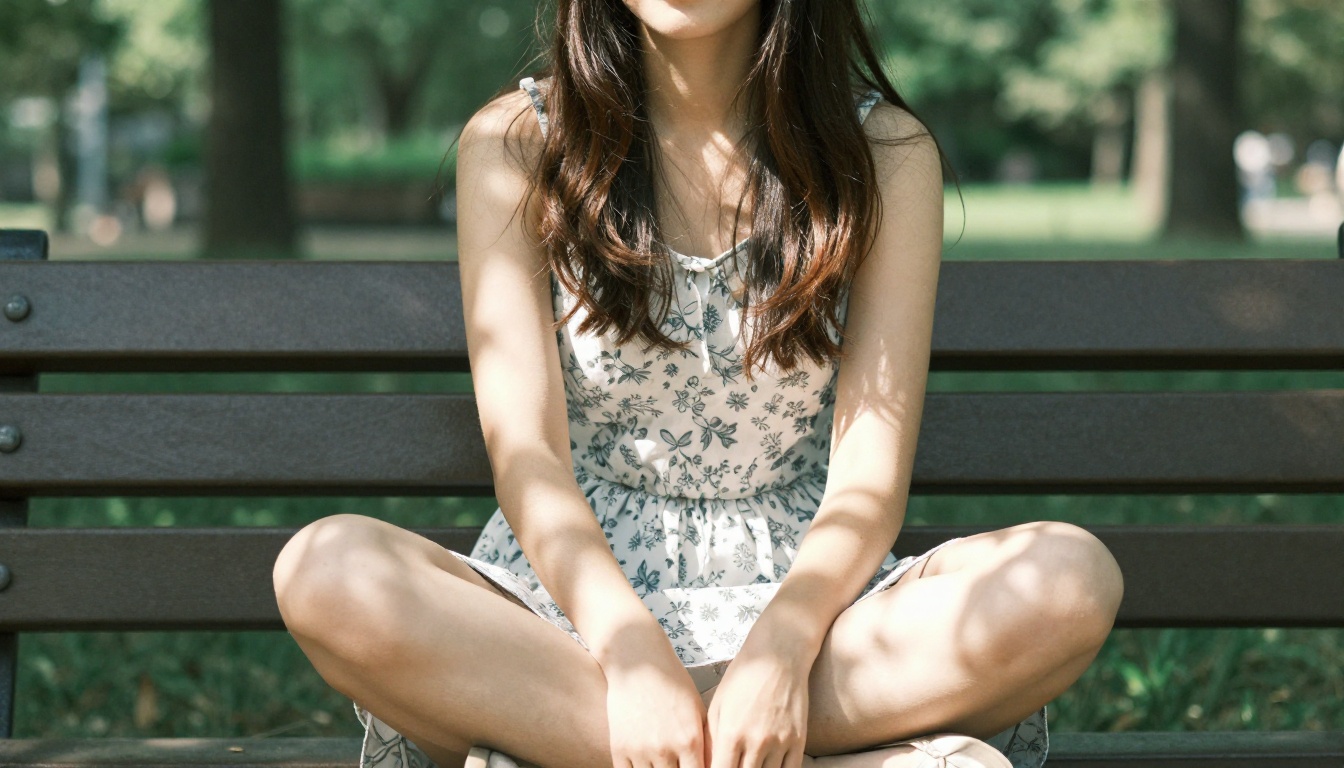
"Petite young woman, slim delicate frame, slender legs and graceful posture, long straight hair, wearing a light floral sundress, sitting cross-legged on a park bench, natural dappled morning light through tree canopy, Sony A7R IV 50mm f/1.8, Fujifilm 400H film simulation, photorealistic RAW 8K"
Words That Ruin Proportions
Some prompt words reliably cause distorted anatomy in AI image generators:
| Avoid | Use Instead |
|---|
| "Big" (alone) | "Full," "rounded," "naturally voluminous" |
| "Huge" | "Generous," "ample" |
| "Thin" | "Slim," "slender," "petite" |
| "Muscular" | "Toned," "naturally athletic," "fit" |
| "Thick" | "Curvy," "full-figured," "naturally curved" |
Words That Create Realism
These specific terms improve photorealism in body generation across all models:
- "Natural weight distribution"
- "Believable proportions"
- "Realistic skin texture with natural undertones"
- "Natural posture" or "relaxed natural stance"
- "Subsurface skin scattering visible"
- Film stock references: Kodak Portra 400, Fujifilm 400H, Kodak Ektar 100
- Specific lens and camera references: 85mm f/1.4, Canon EOS R5, Sony A7R IV
How to Use PicassoIA to Create Your AI Girlfriend
Here's the step-by-step workflow that produces consistent, high-quality results.
Step 1: Pick Your Base Model
Open PicassoIA and navigate to the text-to-image section. Start with Seedream 4.5 for your first generations. It's the fastest and most reliable for body type accuracy, generating results in under 3 seconds per image.
Step 2: Build Your Prompt Layer by Layer
Start with body type as your first descriptor, before anything else:
- Body type and proportions
- Face and hair
- Clothing and styling
- Pose and posture
- Environment and setting
- Lighting specifics
- Camera and lens details
- Film stock and technical quality terms
Do not dump everything into one sentence. Break it into clear logical phrases separated by commas. Models parse comma-separated descriptors better than long run-on descriptions.
Step 3: Refine with Image Editor Pro
Once you have a result that's 80% right, bring it into PicassoIA Image Editor Pro for refinement. With unlimited generations, you can adjust specific details without starting from scratch. Change the pose, adjust the lighting feel, refine clothing details, all without burning through individual generation credits.
The 1-second generation speed means you can test 30-40 variations in under a minute, finding the exact proportions and styling that match your vision.
Once you have the base body type working, these approaches take results to a higher level.
Lighting That Flatters Every Build
Different lighting setups interact differently with different body types:
| Body Type | Best Lighting | Why It Works |
|---|
| Slim/Petite | Soft diffused, overhead | Creates gentle shadow play along delicate contours |
| Athletic | Hard directional, side-lit | Reveals muscle definition without over-dramatizing |
| Curvy/Hourglass | Golden hour, rim light | Warm directional light traces the silhouette dramatically |
| Plus-Size | Soft window light, diffused fill | Eliminates harsh shadows, creates flattering luminosity |
Adding the specific light direction to your prompt ("volumetric morning light from the left," "hard directional afternoon sun from camera-right," "soft diffused window light from above-left") dramatically increases lighting realism.
Angles That Define Proportion
Camera angle in your prompt changes how the body type reads in the final image:
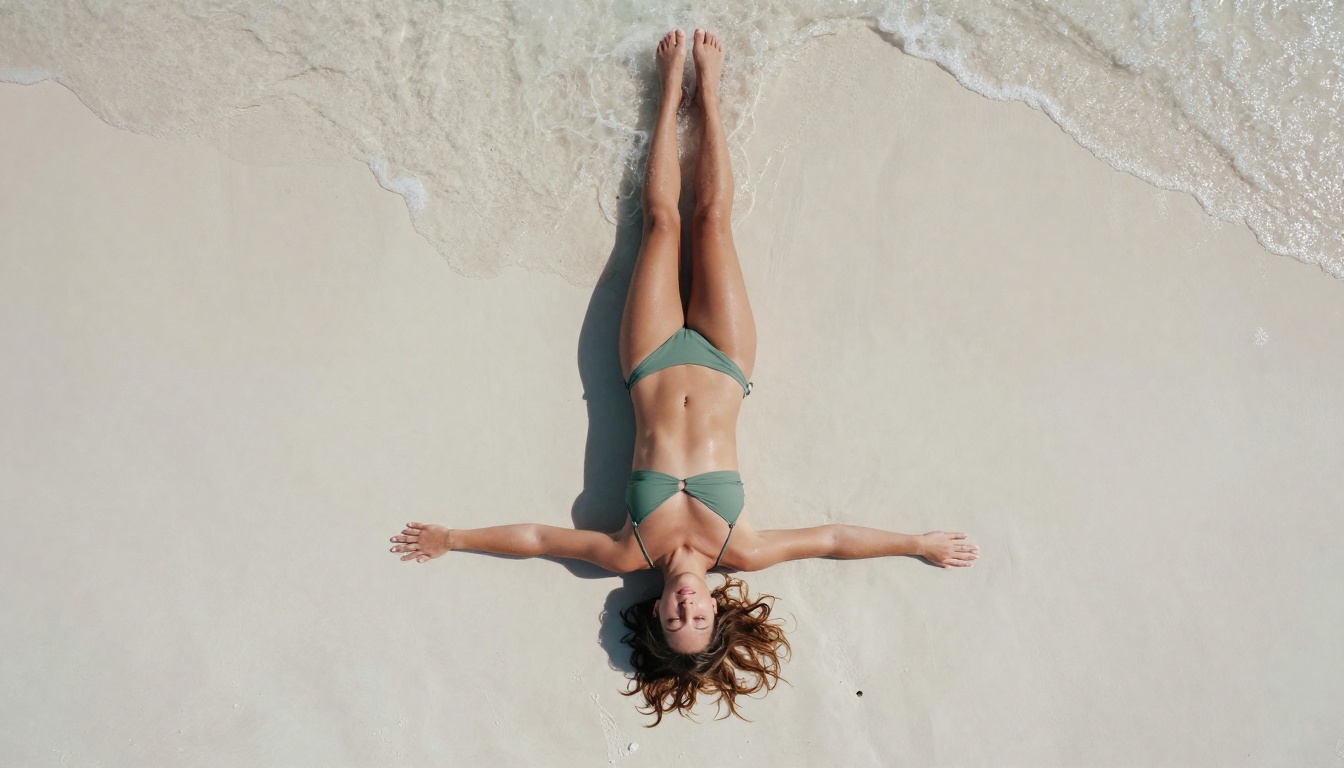
- Low angle (looking up): Makes any figure appear taller, legs look longer, creates power and confidence
- Eye level: The most neutral and natural-looking option
- High angle (looking down): Creates softness, works well for intimate portrait-style shots
- Three-quarter view: The most flattering angle for curvy and hourglass builds, shows both the waist and hips
Combine angle with lens choice: a 35mm lens at low angle exaggerates proportions dramatically. An 85mm at eye level renders proportions with near-zero distortion. A 135mm from slightly above creates the most flattering portrait compression for any body type.

💡 Pro tip: Combine body type descriptors with posture cues to reinforce the silhouette. "Confident upright posture" reads differently on a slim frame (elegant, ballet-like) versus a curvy frame (powerful, commanding). The posture cue adapts to the body type, amplifying the visual impact.
Using P-Image for Speed Iterations
When you need volume fast, P-Image generates results in under 1 second and fully supports NSFW body type prompts. It's ideal for rapid iteration sessions where you want to test dozens of body type variations quickly before committing to a final direction in Seedream 4.5 or Image Editor Pro.
What Changes When You Get the Body Type Right
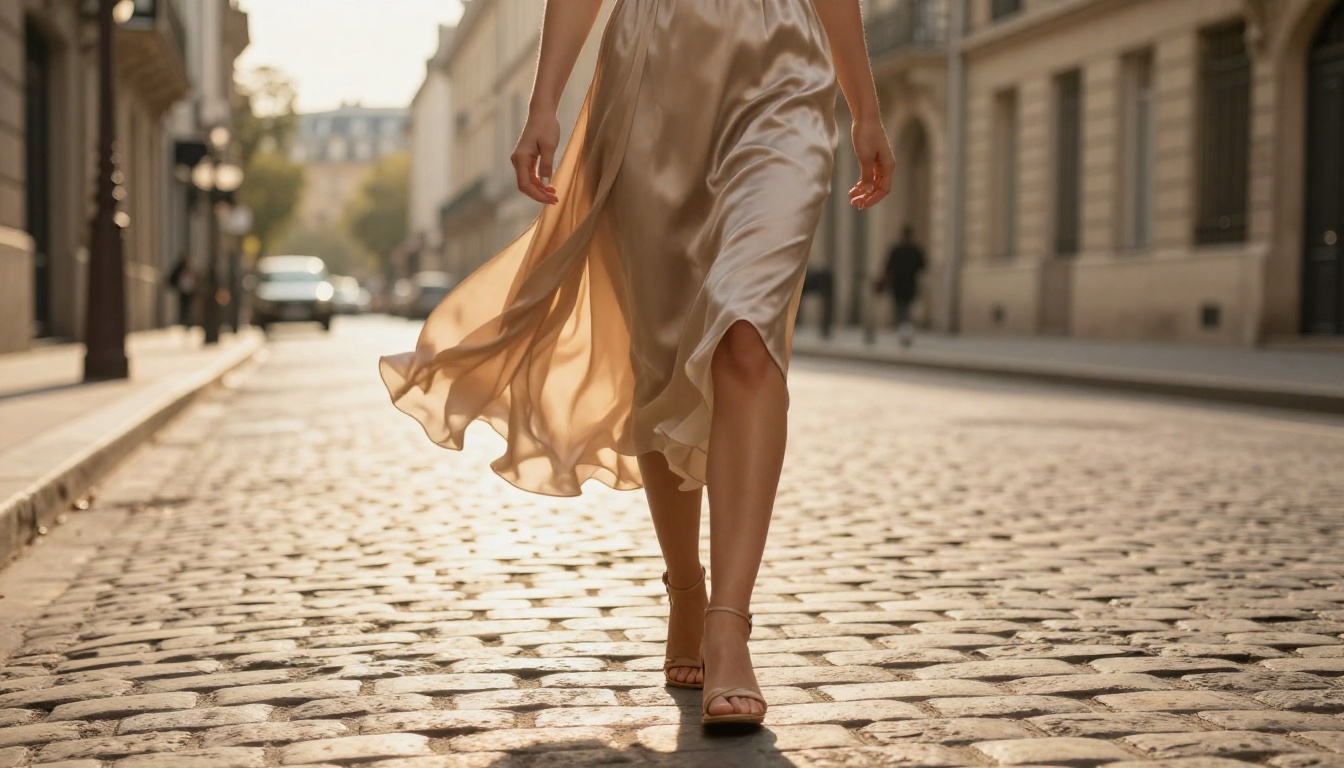
The difference between a mediocre AI girlfriend image and a striking one is almost always proportion and lighting, not face quality or background detail. When body type descriptors are vague, AI models default to averaged, middle-ground physiques that feel generic. When body type descriptors are specific and layered, the model produces an image that feels intentional, individual, and real.
The practical test: show your image to someone without telling them it's AI-generated. If they can tell within 2 seconds, the proportions are off. If they're not sure, you've nailed it.
Body type specificity also unlocks better styling results. When the model understands the body type clearly, clothing, lighting, and environmental elements all adapt to reinforce it. A curvy figure prompt produces images where the clothing naturally follows curves. A slim prompt produces images where fabric falls straight and delicate. These aren't manual adjustments. The model does it automatically once the body type foundation is clear.
The same principle applies to NSFW content. Models like Seedream 4.5 and Grok Imagine Image that accept adult content become significantly more accurate with precise body type prompts. A vague "attractive woman" in a suggestive scenario produces generic results. "Curvy woman, hourglass figure, narrow waist with full hips" in the same scenario produces a specific, believable character.
Create Your Perfect AI Girlfriend on PicassoIA
Every body type described in this article is available on PicassoIA, without the content restrictions that block results on mainstream platforms. Start with Seedream 4.5 for your first generation, use the prompt structure from this article, and bring the result into PicassoIA Image Editor Pro for unlimited refinement.
The full catalog of image, video, and editing models, including Qwen Image 2, Grok Imagine Image, and Recraft V4, is available at picassoia.com/en/all-models.
Pick your body type, write your prompt with the structure from this article, and generate your first photorealistic AI girlfriend image right now. The results will surprise you.


