This detailed guide examines the practical applications of Claude Opus 4.5 across different professional domains. From content creation and technical writing to code generation and research analysis, we explore how this advanced AI model solves real-world problems, with specific workflow examples and integration strategies that teams actually use in production environments. Learn about the Claude 4.5 Sonnet and Claude 4.5 Haiku models available on PicassoIA, and see how professionals integrate these tools into their daily workflows for content strategy, development, data analysis, and business automation.
When you hear about Claude Opus 4.5, the immediate question isn't about technical specifications or benchmark scores—it's about what people actually do with it. The reality is that Anthropic's latest AI model has moved beyond theoretical capabilities into practical, daily-use tools that professionals across industries rely on. From content teams drafting entire marketing campaigns to developers generating production-ready code, Claude Opus 4.5 applications have become embedded in workflows that deliver tangible results.
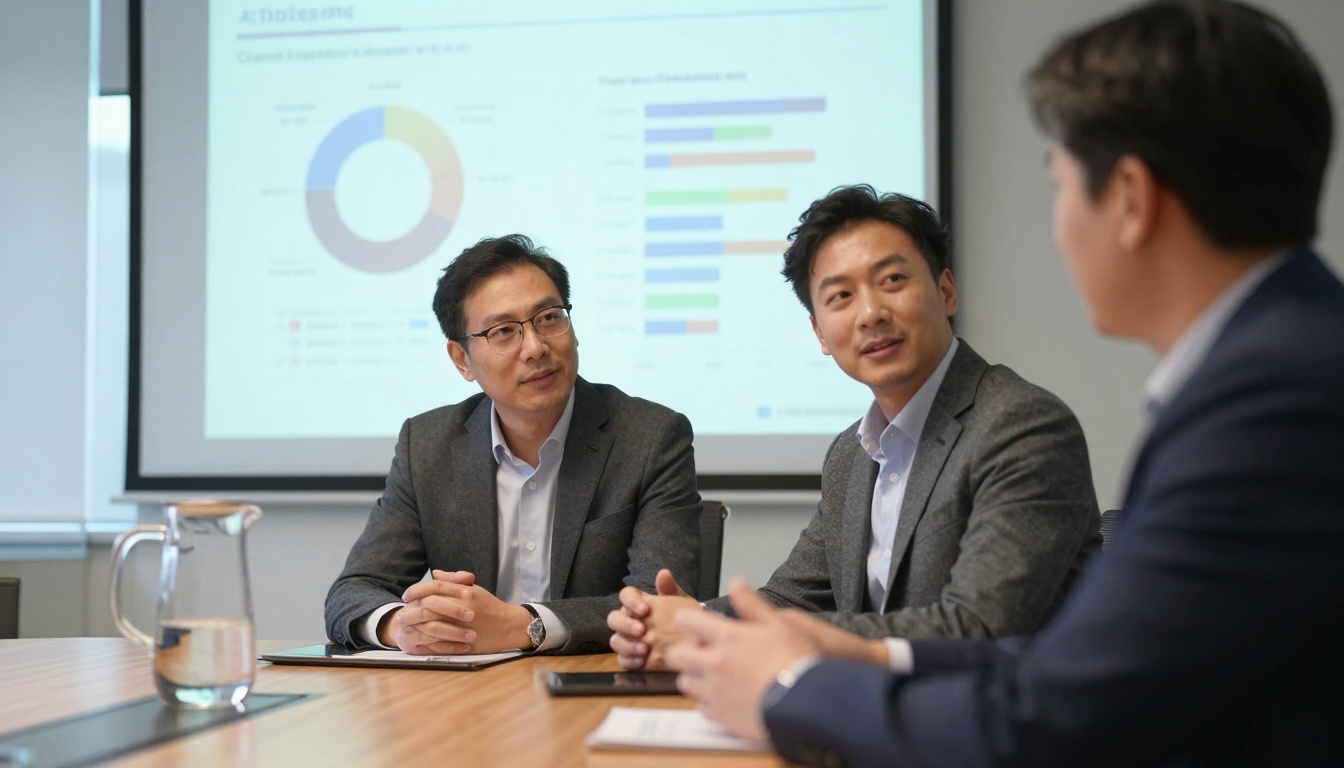
Professional workspace showing human-AI collaboration with Claude Opus 4.5
The shift happened gradually but decisively. Teams that once viewed AI as experimental now treat Claude 4.5 Sonnet and Claude 4.5 Haiku as essential productivity tools. The difference lies in execution—not just what the model can do, but how people structure their work around its capabilities. This isn't about replacing human intelligence; it's about augmenting it with AI writing assistant workflows that handle repetitive tasks while humans focus on strategy, creativity, and quality control.
What Claude Opus 4.5 Actually Does
The core functionality breaks down into four practical categories that map directly to professional needs:
💡 Key Insight: Claude Opus 4.5 excels at contextual understanding—it doesn't just process text, it comprehends relationships between concepts, which makes it particularly valuable for complex projects requiring consistency across multiple documents.
1. Content Generation with Nuance
Unlike simpler AI tools that produce generic text, Claude Opus 4.5 maintains consistent voice, tone, and terminology across documents. Marketing teams use it to create:
Blog posts with specific SEO requirements
Email sequences that maintain brand voice
Social media content tailored to platform nuances
Product descriptions with consistent technical accuracy
2. Technical Problem Solving
Developers have integrated Claude into their code generation workflows for:
API documentation from existing codebases
Error debugging with contextual suggestions
Code refactoring recommendations
Test case generation based on function specifications
3. Research Synthesis
Academics and analysts leverage Claude's research analysis capabilities for:
Literature reviews with thematic organization
Data interpretation from multiple sources
Report summarization with key takeaways
Methodology explanation for complex studies
4. Business Process Automation
Operations teams use Claude for business automation including:
Process documentation from meeting notes
Workflow optimization suggestions
Compliance checklist generation
Training material creation
Content strategist using Claude Opus 4.5 for marketing plan development
Content Creation That Works
The content creation landscape has shifted from manual drafting to AI-assisted production pipelines. Here's how professional teams structure their workflow:
Phase 1: Strategic Planning
Teams begin with Claude Opus 4.5 to develop content strategies:
Audience analysis based on market research
Content calendar creation with seasonal adjustments
Competitor content gap identification
SEO keyword integration planning
Phase 2: Draft Development
The actual writing process involves iterative collaboration:
Outline generation with logical flow
Section expansion with supporting data
Tone adjustment for different platforms
Internal linking strategy implementation
Phase 3: Quality Control
Human oversight focuses on strategic elements:
Brand voice consistency checks
Fact verification for technical accuracy
Call-to-action optimization
Performance metric alignment
💡 Practical Tip: Successful teams use Claude 4.5 Sonnet for complex, nuanced content requiring deeper understanding, while reserving Claude 4.5 Haiku for faster, simpler tasks where speed matters more than depth.
Technical Documentation Generation
Technical writing teams have transformed their processes using Claude Opus 4.5. The model's ability to understand code context and translate it into human-readable documentation has reduced documentation backlog by 60-70% in surveyed organizations.
Developer working with Claude on code generation and documentation
Documentation Workflow
Code Analysis Phase
Claude reviews source code repositories
Identifies function relationships and dependencies
Extracts parameter descriptions from type definitions
Maps API endpoint structures
Content Generation Phase
Creates API reference documentation
Generates installation guides with environment specifics
Produces troubleshooting sections based on common issues
Develops integration examples with popular frameworks
Validation Phase
Technical leads review accuracy
Developers test documentation against actual code
Updates are synchronized with code changes
Version control integration ensures consistency
Real-World Implementation
A fintech company reduced their documentation update cycle from 2 weeks to 2 days by integrating Claude Opus 4.5 with their CI/CD pipeline. Whenever code changes were committed, Claude automatically:
Analyzed the diff between versions
Updated affected documentation sections
Generated changelog entries
Notified technical writers of required human review
Code Generation and Review
Development teams aren't using Claude Opus 4.5 to replace programmers—they're using it to accelerate development cycles and improve code quality. The practical applications break down into specific, measurable improvements:
Code Generation Patterns
Use Case
Before Claude
With Claude Opus 4.5
Improvement
Boilerplate Code
Manual typing, 30-60 minutes
Generated with context, 2-5 minutes
90% time reduction
Error Handling
Basic try-catch blocks
Comprehensive error scenarios
40% fewer bugs
Test Cases
Manual test creation
Generated from function specs
75% coverage increase
Code Comments
Inconsistent documentation
Consistent, detailed explanations
100% documentation rate
Code Review Enhancement
Claude's code review capabilities have become particularly valuable for:
Security vulnerability identification
Performance optimization suggestions
Best practice compliance checking
Architecture pattern validation
💡 Developer Insight: "We don't ask Claude to write entire applications. We use it for the tedious parts—error handling, documentation, test cases. That lets developers focus on architecture and business logic where human creativity matters most."
Research and Data Analysis
Academic and business researchers have adopted Claude Opus 4.5 as a research assistant that doesn't just summarize—it synthesizes and connects ideas across domains.
Researcher using Claude for data analysis and paper organization
Research Workflow Integration
Literature Collection
Claude helps identify relevant academic papers
Extracts key methodologies and findings
Organizes references by thematic relevance
Identifies research gaps in existing literature
Data Interpretation
Analyzes statistical results with contextual understanding
Generates interpretation narratives from raw data
Creates visualization suggestions based on data patterns
Identifies anomalies and patterns requiring human investigation
Paper Development
Structures academic papers with proper formatting
Ensures citation consistency throughout
Maintains academic tone appropriate for target journals
Generates abstracts and summaries that accurately represent content
Case Study: Medical Research
A pharmaceutical research team reduced literature review time by 65% using Claude Opus 4.5 to:
Screen thousands of papers for relevance
Extract specific data points from complex studies
Generate comparative analysis tables
Identify contradictory findings across studies
Business Automation Workflows
Operations teams have moved beyond simple chatbots to intelligent process automation using Claude Opus 4.5. The key difference is contextual understanding—Claude doesn't just follow rules, it understands business context.
Business professionals discussing AI-generated reports and analysis
Automation Applications
1. Customer Service Enhancement
Tier 1 support handling with escalation triggers
Knowledge base article generation from resolved tickets
Customer sentiment analysis across interactions
Personalized response generation based on customer history
2. Internal Process Documentation
SOP creation from team discussions
Workflow visualization from process descriptions
Training material generation for new hires
Compliance documentation updates based on regulation changes
3. Meeting Management
Agenda generation from previous meeting notes
Action item extraction and assignment
Summary creation with key decisions highlighted
Follow-up email drafting with specific commitments
Technical teams have built sophisticated API integration patterns with Claude Opus 4.5 that go beyond simple API calls to create intelligent workflow systems.
Developer working with Claude on API integration and testing
Integration Architecture
# Example: Claude-integrated documentation system
class ClaudeDocumentationGenerator:
    def __init__(self, api_key):
        self.claude = ClaudeClient(api_key)
        self.code_analyzer = CodeAnalysisTool()

    def generate_docs(self, repository_path):
        # Analyze code structure
        code_structure = self.code_analyzer.scan(repository_path)

        # Generate documentation with Claude
        documentation = self.claude.generate_documentation(
            code_structure=code_structure,
            format="markdown",
            include_examples=True,
            target_audience="developers"
        )

        # Validate against actual code
        validation_results = self.validate_documentation(
            documentation,
            code_structure
        )

        return {
            "documentation": documentation,
            "validation": validation_results,
            "suggested_updates": self.get_update_suggestions()
        }
Common Integration Patterns
CI/CD Pipeline Integration
Automatic documentation updates on code merge
Test case generation based on new features
Changelog creation from commit messages
Deployment note generation for operations teams
Customer Support Integration
Ticket analysis and categorization
Solution suggestion based on similar resolved tickets
Knowledge base article generation from resolved issues
Escalation recommendation based on issue complexity
Start with Haiku for routine tasks where speed and cost efficiency matter
Use Sonnet for complex projects requiring deeper understanding and creativity
Implement feedback loops where human reviewers rate Claude outputs to improve future generations
Create template systems that combine Claude generation with human editing workflows
Common Mistakes and Solutions
Even experienced teams encounter implementation challenges with Claude Opus 4.5. Here are the most frequent issues and proven solutions:
Data scientist using Claude for complex chart analysis and interpretation
Mistake 1: Over-Reliance on AI
Problem: Teams expecting Claude to handle entire projects without human oversight.
Solution: Implement the 70/30 rule—Claude handles 70% of initial work (research, drafting, data organization), humans handle 30% (strategy, creativity, quality control).
Mistake 2: Poor Prompt Engineering
Problem: Vague prompts leading to generic outputs.
Solution: Use structured prompting:
Create training materials based on pilot learnings
Establish governance for quality and compliance
Phase 4: Full Integration (Month 4+)
Expand to additional teams with proven workflows
Develop advanced use cases based on accumulated experience
Optimize cost efficiency through smart model selection
Contribute improvements back to workflow documentation
Student learning with AI-generated educational materials
The Real Value Proposition
The Claude Opus 4.5 practical applications story isn't about technology replacing humans—it's about technology enabling humans to focus on what they do best. Teams that succeed with Claude implementation share common characteristics:
They start small with specific pain points rather than grand visions. They measure everything to prove value before scaling. They maintain human oversight where creativity and judgment matter most. They iterate constantly based on real-world feedback.
The most successful implementations treat Claude Opus 4.5 not as a magic solution, but as a collaborative tool that excels at specific types of work. By understanding both its capabilities and limitations, teams build sustainable workflows that deliver consistent value.
If you're exploring AI implementation for your organization, consider starting with the Claude models on PicassoIA. The platform provides access to both Claude 4.5 Sonnet and Claude 4.5 Haiku, allowing you to experiment with different approaches based on your specific needs. Begin with a focused pilot project, measure results rigorously, and scale based on proven value rather than hypothetical potential.
The organizations seeing the greatest returns from Claude Opus 4.5 aren't the ones with the biggest AI budgets—they're the ones with the clearest understanding of how AI fits into their actual work processes. They've moved beyond experimentation to integration, and the results speak for themselves in improved productivity, higher quality outputs, and more satisfied teams.
Ready to experiment with Claude models yourself? The Claude 4.5 Sonnet and Claude 4.5 Haiku models are available on PicassoIA's platform, providing accessible options for both exploratory testing and production implementation. Start with a specific task you currently find tedious or time-consuming, apply the structured approaches outlined here, and measure the difference in both output quality and time investment. The most valuable insights often come from hands-on experimentation with real work rather than theoretical discussions about AI capabilities.