The battle between Claude Opus 4.5 and GPT-5.2 represents a turning point in AI-assisted programming. Both models promise to make developers more productive, but they take different approaches to solving the same problem. Which one deserves a spot in your workflow?
This isn't about declaring a winner. It's about understanding what each model does best so you can make an informed choice based on your specific needs.

What Makes These Models Different
Claude Opus 4.5 and GPT-5.2 both excel at generating code, but they're built with different priorities. Claude focuses on safety, reasoning depth, and code quality, while GPT-5.2 emphasizes flexibility, speed, and customizable output verbosity.
The choice between them often comes down to what you value more: reliability or configurability.
Architecture and Token Limits
Both models support large context windows, but their approaches differ. Claude Opus 4.5 provides up to 8,192 output tokens and excels at maintaining context over long conversations. GPT-5.2 offers similar capabilities but adds adjustable reasoning effort settings that let you control how much computational power goes into solving complex problems.
When working with large codebases or multi-file refactoring tasks, context window size matters. Both models handle substantial inputs, but their performance varies based on the complexity of your requests.

Code Quality and Accuracy
Code quality isn't just about syntax. It's about writing maintainable, efficient, and bug-free code that follows best practices.
How Claude Opus 4.5 Approaches Code
Claude Opus 4.5 tends to produce well-structured, readable code with clear variable names and proper documentation. It often includes helpful comments explaining complex logic, making the generated code easier for teams to maintain.
The model shows strong performance with:
- Refactoring existing code
- Writing comprehensive unit tests
- Explaining complex algorithms
- Following established coding patterns
How GPT-5.2 Approaches Code
GPT-5.2 offers more control over output style through its verbosity parameter. Set it to "low" for concise code snippets, "medium" for balanced implementations, or "high" for detailed solutions with extensive explanations.
This flexibility shines when:
- You need quick prototypes
- Working with unfamiliar frameworks
- Generating boilerplate code
- Creating multiple implementation options

Reasoning and Problem-Solving
The ability to reason through complex problems separates good code generators from great ones.
Claude's Reasoning Strength
Claude Opus 4.5 demonstrates exceptional step-by-step reasoning. When you present it with a challenging algorithm or architectural decision, it breaks down the problem systematically before proposing solutions.
This makes Claude particularly valuable for:
- System design discussions
- Debugging complex issues
- Architectural decisions
- Code review and optimization
GPT-5.2's Reasoning Controls
GPT-5.2 introduces scalable reasoning effort with five levels: none, low, medium, high, and xhigh. Higher settings allocate more computational resources to solving difficult problems, though you'll need to increase max_completion_tokens accordingly.
This granular control helps when:
- Solving algorithmic challenges
- Working on time-critical projects
- Balancing speed versus accuracy
- Handling edge cases

Response time affects your workflow. Waiting for code generation can break your concentration and slow down development.
Speed Comparison
Both models deliver responses quickly, but with different characteristics:
- Claude Opus 4.5: Consistent response times with predictable performance
- GPT-5.2: Variable speeds depending on reasoning effort settings
For most coding tasks, the speed difference is negligible. However, when using GPT-5.2's xhigh reasoning setting, expect longer processing times in exchange for more thorough solutions.

Context Window and Memory
Large context windows let you work with entire codebases without losing track of what you've discussed.
Claude's Context Handling
Claude Opus 4.5 maintains strong coherence across long conversations. You can paste multiple files, discuss various approaches, and the model remembers earlier decisions when generating new code.
This contextual awareness proves valuable when:
- Working on multi-file features
- Refactoring related components
- Maintaining consistency across a codebase
- Iterating on previous solutions
GPT-5.2's Context Management
GPT-5.2 handles context effectively and offers the messages parameter for structured multi-turn conversations. This explicit conversation history management gives you fine control over what context the model receives.

Multimodal Capabilities
Both models process images alongside text, opening up new possibilities for coding assistance.
Image Processing for Development
You can upload:
- Screenshots of error messages
- UI mockups to generate frontend code
- Diagrams for system architecture
- Whiteboard photos from planning sessions
Claude Opus 4.5 offers adjustable image resolution (measured in megapixels) to balance cost and quality. GPT-5.2 accepts images through its image_input array parameter.
The ability to show rather than describe problems dramatically improves the quality of solutions you receive.

System Prompts and Customization
System prompts shape how models behave, letting you create specialized coding assistants.
Claude's System Prompt Approach
Claude Opus 4.5 uses a straightforward system_prompt parameter. You can set coding standards, specify documentation styles, or establish architectural patterns the model should follow.
Example applications:
- Enforcing company coding standards
- Following specific frameworks
- Adhering to security best practices
- Maintaining consistent style
GPT-5.2's Flexibility
GPT-5.2 provides both system_prompt and messages parameters, offering more flexibility in structuring conversations. The messages array lets you construct complex multi-turn interactions with explicit role assignments.
Real-World Use Cases
Different projects demand different strengths. Here's where each model excels.
When Claude Opus 4.5 Wins
Choose Claude for projects requiring:
- High-stakes code: Production systems where bugs are expensive
- Complex refactoring: Large-scale code reorganization
- Teaching and learning: Clear explanations of coding concepts
- Code reviews: Thoughtful analysis of existing implementations
- Documentation: Generating comprehensive code documentation
When GPT-5.2 Wins
Choose GPT-5.2 for projects needing:
- Rapid prototyping: Quick iteration on ideas
- Flexible output: Adjusting verbosity for different situations
- Algorithmic challenges: Using high reasoning effort for tough problems
- Customizable workflows: Structured conversation management
- Varied response styles: Different levels of detail on demand

Which Model Should You Choose?
There's no universal answer. Your choice depends on your priorities.
Choose Claude Opus 4.5 if you value:
- Consistent, reliable code quality
- Strong reasoning and explanation
- Safety and security considerations
- Clear, maintainable output
Choose GPT-5.2 if you need:
- Flexible verbosity controls
- Scalable reasoning effort
- Structured conversation management
- Rapid iteration capabilities
Many developers use both models for different tasks. Claude for critical production code and architectural decisions, GPT-5.2 for prototyping and exploring implementation options.
Using These Models on PicassoIA
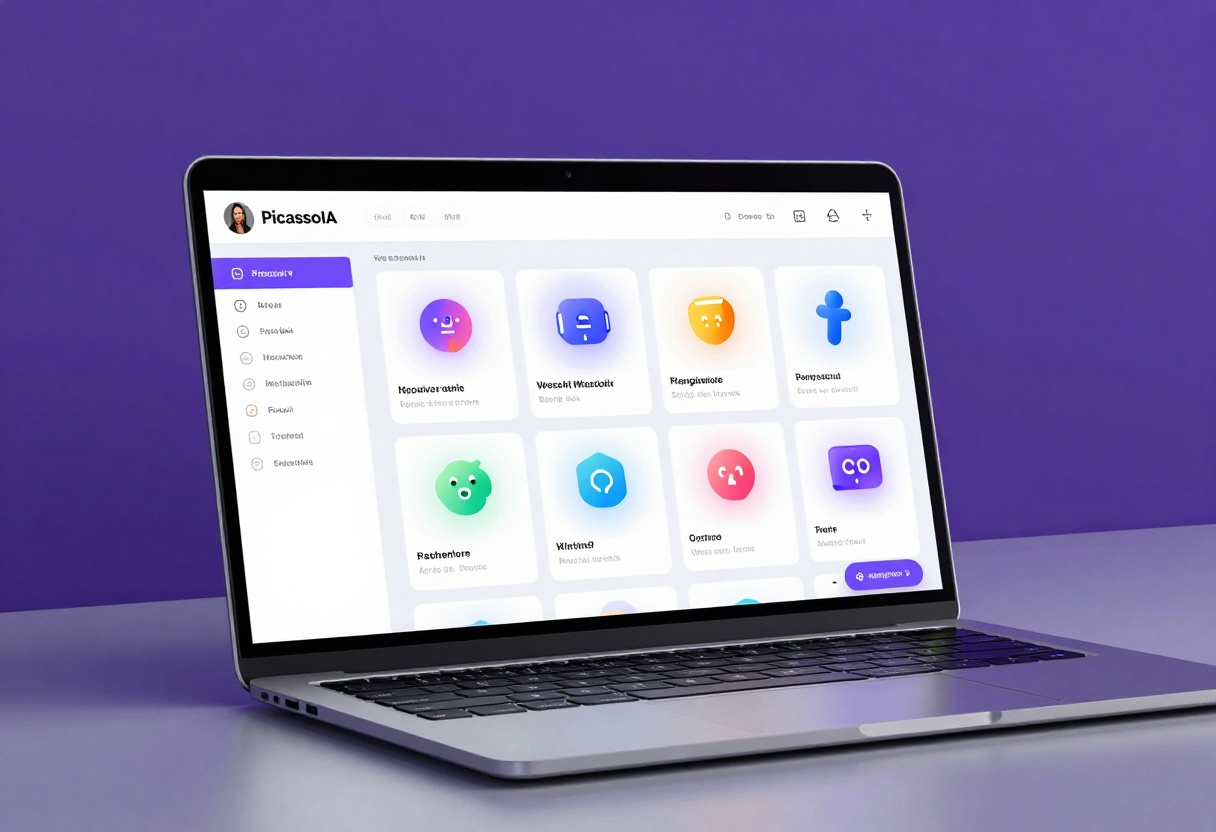
Both Claude Opus 4.5 and GPT-5.2 are available through PicassoIA's platform, giving you access to cutting-edge language models without managing complex infrastructure.
Getting Started with Claude Opus 4.5 on PicassoIA
Step 1: Navigate to the Claude 4.5 Sonnet model page
Step 2: Enter your coding prompt in the required prompt field. Be specific about what you need:
- The programming language
- Expected functionality
- Any constraints or requirements
- Code style preferences
Step 3: Configure optional parameters to fine-tune the output:
| Parameter | Purpose | Default | When to Adjust |
|---|
| max_tokens | Controls output length | 8192 | Reduce for short snippets, increase for complex implementations |
| system_prompt | Sets behavior and style | Empty | Define coding standards or specific frameworks |
| image | Upload screenshots or diagrams | None | Show error messages or UI mockups |
| max_image_resolution | Image quality vs cost | 0.5 MP | Increase for detailed diagrams |
Step 4: Click generate and wait for your code solution
Step 5: Review the generated code, test it in your environment, and iterate as needed
The model remembers conversation context, so you can refine solutions through follow-up prompts without starting over.
Getting Started with GPT-5.2 on PicassoIA
Step 1: Visit the GPT-5.2 model page
Step 2: Choose between prompt or messages input format:
- Use prompt for simple, single-turn requests
- Use messages for structured conversations with explicit history
Step 3: Adjust output characteristics with optional parameters:
| Parameter | Purpose | Options | When to Use |
|---|
| verbosity | Controls response length | low, medium, high | Low for snippets, high for explanations |
| reasoning_effort | Computational resources for problem-solving | none, low, medium, high, xhigh | Increase for complex algorithms |
| system_prompt | Defines assistant behavior | Custom text | Set coding standards and style |
| image_input | Array of images | URLs | Share multiple screenshots or diagrams |
| max_completion_tokens | Maximum output length | Custom number | Increase with higher reasoning effort |
Step 4: Generate your code and review the results
Step 5: Download or copy the generated code for use in your project
The reasoning_effort parameter is particularly powerful for algorithmic challenges. When set to xhigh, the model allocates significantly more resources to finding optimal solutions, though this increases processing time.
💡 Pro Tip: Start with medium reasoning effort for most tasks. Only increase to high or xhigh when working on genuinely difficult algorithmic problems where the extra computational investment is justified.
Final Thoughts
Claude Opus 4.5 and GPT-5.2 both represent major advances in AI-assisted coding. Claude excels at producing reliable, well-reasoned code with strong safety considerations. GPT-5.2 offers unprecedented flexibility through verbosity and reasoning controls.
The good news? You don't have to pick just one. Use Claude when code quality and safety are paramount. Switch to GPT-5.2 when you need rapid iteration or fine-grained control over output characteristics.
Both models are accessible through PicassoIA, making it easy to experiment with both approaches and find what works best for your development workflow.
The future of coding assistance isn't about choosing the "best" model. It's about knowing which tool to reach for in each situation.


