Starting your journey into AI image generation feels overwhelming with dozens of models available, each promising different results. In 2027, the landscape has evolved dramatically from the early days of single-model dominance to a rich ecosystem where specialized tools excel at specific tasks. Whether you're creating marketing visuals, personal art, or product prototypes, choosing the right model impacts everything from output quality to project costs.
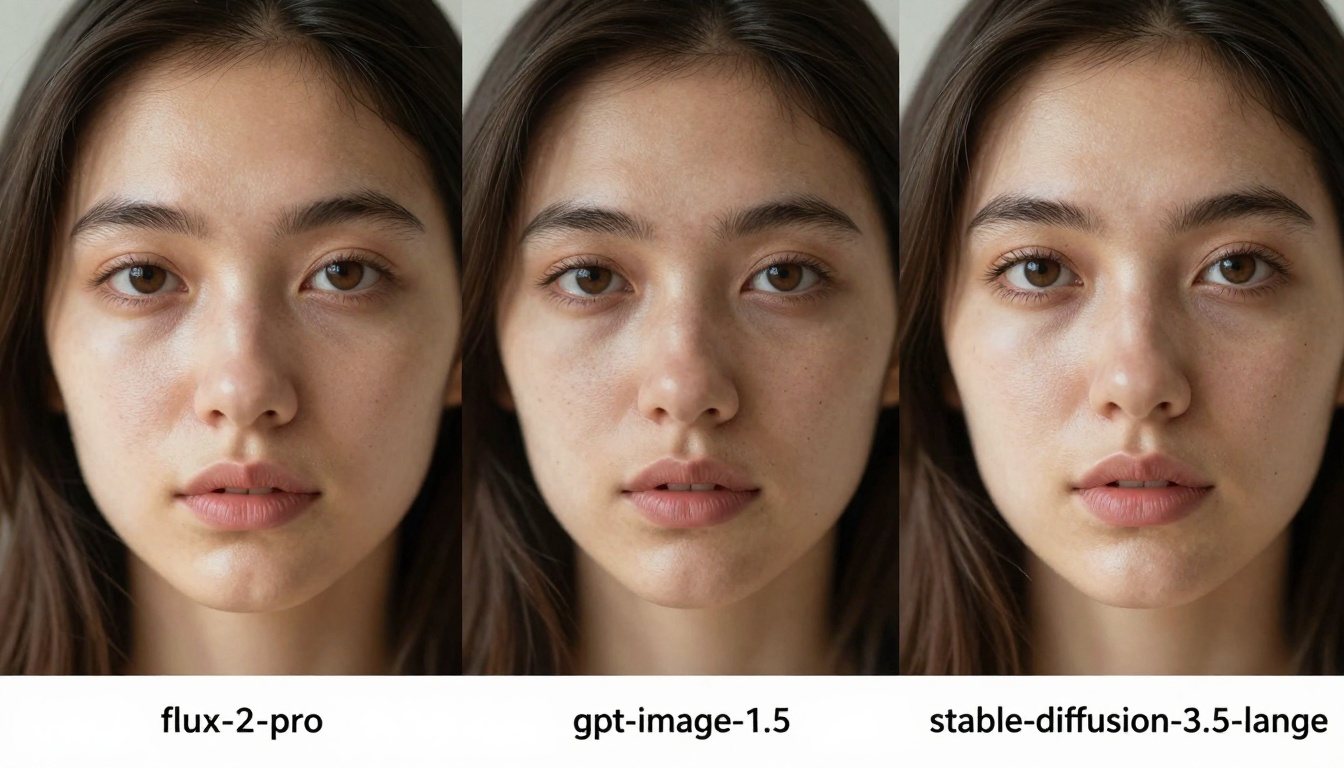
Visual comparison showing side-by-side outputs from different models
Why Model Choice Matters for Beginners
New users often default to the first model they encounter, missing opportunities for better results. Each AI model has distinct strengths: some excel at photorealism, others at artistic styles, while certain models offer blazing speed for rapid prototyping. Understanding these differences saves time, reduces frustration, and produces superior outcomes from your first prompt.
💡 Beginner Tip: Start with one model category, master its nuances, then expand. Jumping between too many tools initially creates confusion rather than competence.
The financial aspect matters too. Some models charge per generation while others offer subscription models. For beginners working with limited budgets, choosing cost-effective options without sacrificing quality becomes essential. PicassoIA's platform centralizes this comparison, showing real-time pricing across all available models.
Photorealism Champions: Which Models Deliver True-to-Life Results
For product photography, portraits, or architectural visualization, photorealistic models produce images indistinguishable from camera-captured photos. Several models dominate this category in 2027.
Flux Pro Series: flux-2-pro leads with exceptional lighting accuracy and material textures. Its ability to render complex light interactions—subsurface scattering on skin, refractive glass, metallic reflections—sets it apart. The flux-2-max variant offers even higher resolution for commercial work.
Google's Visual Experts: nano-banana-pro and imagen-4 excel at human subjects and natural environments. Their training on vast photographic datasets produces authentic color science and natural compositions. The imagen-4-ultra variant offers studio-quality output for professional applications.
Specialized Realism Models: realistic-vision-v5.1 focuses specifically on human photography with exceptional skin texture rendering. realvisxl-v3.0-turbo delivers commercial-grade product shots with accurate materials and lighting.

Hands comparing photorealistic versus artistic outputs
Performance Comparison Table
| Model | Strength | Best For | Speed | Cost/Image |
|---|
| flux-2-pro | Lighting accuracy | Commercial product shots | Medium | $0.012 |
| imagen-4 | Natural compositions | Portraits, environments | Fast | $0.008 |
| realistic-vision-v5.1 | Skin texture | Human photography | Slow | $0.015 |
| nano-banana-pro | Color science | Marketing visuals | Fast | $0.010 |
Beginner Recommendation: Start with imagen-4 for its balanced performance and natural output. Its predictable results help learn prompt engineering fundamentals without unexpected artifacts.
Artistic and Stylized Models: When Creativity Takes Priority
Not every project needs photorealism. For book illustrations, game assets, branding materials, or social media content, artistic models offer distinct visual styles that stand out.
Ideogram Family: ideogram-v3-quality delivers painterly aesthetics with exceptional composition. Its ideogram-v3-turbo variant offers faster generation for rapid iteration during creative exploration.
Leonardo's Artistic Vision: lucid-origin specializes in fantasy and conceptual art with dramatic lighting and imaginative compositions. It understands artistic terminology like "impressionist," "surreal," or "concept art" better than photorealistic models.
Playground Aesthetic: playground-v2.5-1024px-aesthetic offers consistent stylized output perfect for social media graphics, blog illustrations, and presentation visuals. Its predictable style makes it excellent for maintaining visual consistency across projects.
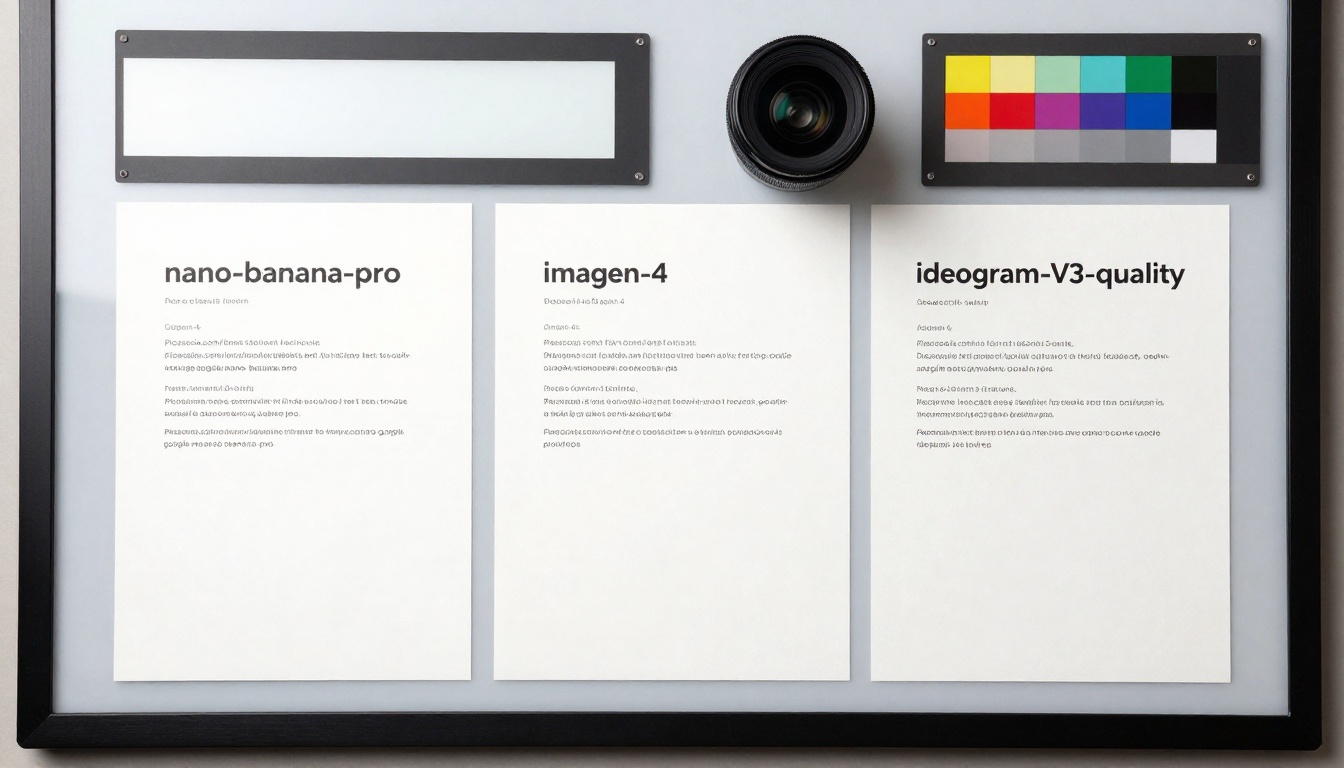
Overhead comparison showing color reproduction differences
Artistic Style Characteristics
💡 Creative Workflow: Use artistic models for initial concept exploration, then refine with photorealistic models for final deliverables. This hybrid approach maximizes creative potential while maintaining production quality.
Speed Demons: Models Built for Rapid Iteration
When prototyping, brainstorming, or generating multiple options, speed becomes the primary consideration. Several models sacrifice some quality for dramatically faster generation times.
PrunaAI's Performance Line: z-image-turbo lives up to its name with sub-2-second generation on average. p-image offers slightly better quality at 3-5 seconds, making it ideal for rapid concept validation.
Local Generation Options: flux-schnell enables local processing on capable hardware, eliminating cloud latency entirely. For teams with GPU workstations, this provides instant generation without internet dependency.
Balanced Speed Models: gpt-image-1.5 offers good quality at 4-7 seconds, positioning itself as the balanced choice for workflows needing both speed and decent output.
Holographic interface showing real-time speed comparisons
Speed Comparison Analysis
Practical Application: Use fast models during creative sessions where quantity matters. Generate 20-30 variations quickly, select favorites, then refine with higher-quality models. This workflow maximizes both exploration and final quality.
Cost-Effective Choices for Limited Budgets
Beginners often operate with tight budgets, making cost-per-image a critical factor. Several models offer excellent value without compromising significantly on quality.
Qwen Series: qwen-image-2512 delivers surprising quality at $0.006 per image. Its balanced approach makes it ideal for learning and experimentation where volume matters.
Open Source Variants: stable-diffusion-3.5-large and stable-diffusion-3.5-medium offer open-source reliability at competitive pricing. The community support and extensive documentation help beginners troubleshoot issues.
Subscription Models: Some platforms offer monthly subscriptions with unlimited generations. Calculate your expected monthly volume—if generating 500+ images monthly, subscriptions often beat per-image pricing.
Presentation room showing cost comparison charts
Budget Planning Guide
- Calculate Monthly Needs: Estimate how many images you'll generate weekly
- Compare Pricing Models: Per-image vs subscription vs credit packages
- Consider Quality Requirements: Lower-cost models may suffice for internal use
- Factor in Learning Curve: More expensive models often have better documentation
💡 Budget Tip: Start with qwen-image-2512 for learning. Its low cost allows extensive experimentation without financial pressure.
Specialized Models for Specific Tasks
Beyond general image generation, specialized models excel at particular applications. Recognizing when to use these tools separates beginners from proficient users.
Editing and Modification: p-image-edit transforms existing images based on text instructions. Need to change clothing, add elements, or adjust composition? This model understands contextual editing better than general generators.
Advanced Editing with Control: qwen-image-edit-plus-lora adds LoRA (Low-Rank Adaptation) support for precise style transfer and targeted modifications. For brand consistency or specific aesthetic requirements, this offers fine-grained control.
Vector and SVG Generation: recraft-v3-svg creates scalable vector graphics perfect for logos, icons, and print materials. Unlike raster images, SVG outputs remain crisp at any size.
ControlNet Integration: sdxl-controlnet-lora and sdxl-multi-controlnet-lora allow pose, composition, and style control through reference images. These advanced tools require learning but offer unparalleled precision.
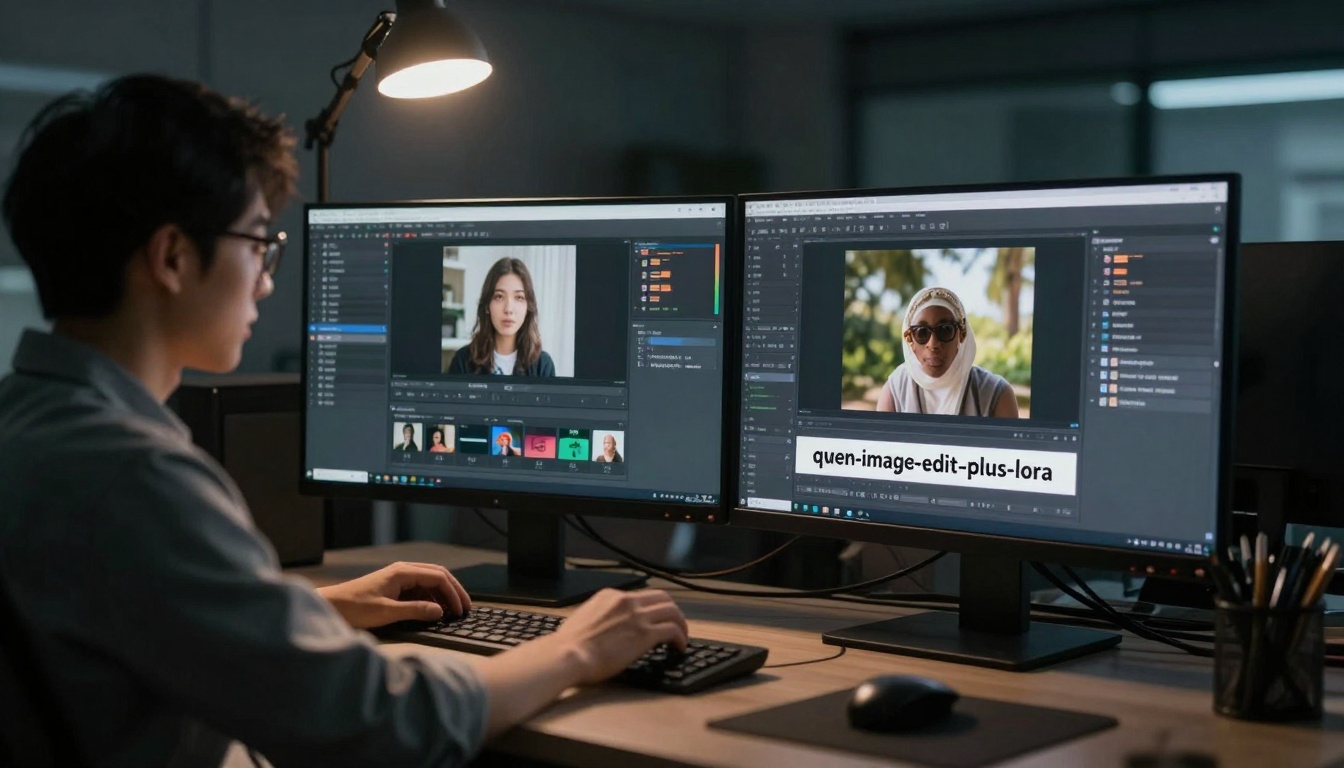
Dynamic action shot showing editing workflow efficiency
Specialization Decision Matrix
Starting with every available model creates confusion. Instead, build a curated toolkit that covers essential needs while remaining manageable.
Core Toolkit Recommendation:
- General Purpose: imagen-4 for balanced quality and speed
- Rapid Prototyping: z-image-turbo for brainstorming sessions
- Budget Option: qwen-image-2512 for high-volume learning
- Artistic Flair: ideogram-v3-balanced for creative projects
- Editing: p-image-edit for modifying outputs
Beautifully lit still life showing essential beginner tools
Learning Progression Path
Week 1-2: Master imagen-4. Learn prompt structure, basic parameters, and output interpretation.
Week 3-4: Add z-image-turbo for rapid iteration. Practice generating multiple variations quickly.
Week 5-6: Explore ideogram-v3-balanced for artistic projects. Understand style parameters and aesthetic control.
Week 7-8: Integrate p-image-edit into workflow. Learn to refine and modify generated images.
💡 Progression Strategy: Add one new model every two weeks. Master its nuances before introducing another. This paced learning prevents overwhelm while building comprehensive skills.
Common Beginner Mistakes and How to Avoid Them
New users consistently encounter similar pitfalls. Recognizing these patterns early accelerates learning.
Mistake 1: Using expensive models for simple tasks. Save flux-2-pro for final deliverables, not initial sketches.
Mistake 2: Ignoring model specialties. realistic-vision-v5.1 excels at portraits but struggles with abstract concepts.
Mistake 3: Not comparing outputs. Generate the same prompt across 2-3 models to understand their different interpretations.
Mistake 4: Overlooking cost accumulation. Those $0.008 charges add up quickly during experimentation phases.
Mistake 5: Sticking with one model exclusively. Different projects benefit from different tools—develop flexibility.

Documentary-style shot of an effective beginner workstation
Correction Strategies
- Cost Tracking: Use PicassoIA's usage dashboard to monitor spending
- Output Comparison: Create a reference folder with same-prompt outputs from different models
- Specialization Map: Document which models excel at which tasks for quick reference
- Workflow Documentation: Record successful prompt+model combinations for repeatable results
After mastering the basics, several advanced considerations emerge for serious practitioners.
Consistency Requirements: Projects needing visual consistency across multiple images benefit from models with strong style control like flux-dev-lora with LoRA training.
Commercial Licensing: Ensure selected models permit commercial use. PicassoIA clearly indicates licensing terms for each model.
Integration Needs: Some workflows benefit from API access for automation. Check which models offer robust API support versus web-only interfaces.
Community and Support: Models with active user communities (stable-diffusion-3.5-large, flux-2-pro) provide troubleshooting resources and shared knowledge.

Futuristic control room showing comprehensive performance metrics
Advanced Tool Selection Criteria
- Output Consistency: Can the model produce similar style across multiple generations?
- Parameter Granularity: How much control does the interface offer over fine details?
- Batch Processing: Does the model support generating multiple images simultaneously?
- Integration Options: API availability, webhook support, automation capabilities
- Update Frequency: How often does the model receive improvements and new features?
Practical Application: Building Your First Project
Theory matters, but application creates real skill. Here's a step-by-step approach for your first substantial project.
Project Example: Create a series of 5 social media graphics for a coffee shop launch.
Step 1 - Concept Exploration: Use z-image-turbo to generate 20-30 rough concepts quickly. Focus on quantity, not quality.
Step 2 - Style Development: Select 3-5 promising concepts. Use ideogram-v3-balanced to refine artistic style and composition.
Step 3 - Quality Refinement: Take the best 2-3 versions to imagen-4 for photorealistic rendering of coffee, textures, and lighting.
Step 4 - Final Editing: Use p-image-edit to add branding elements, adjust colors, and ensure consistency across the series.
Step 5 - Cost Analysis: Review PicassoIA's usage report. Learn which steps consumed most credits for future optimization.
Project Cost Breakdown Example
| Phase | Model | Images | Cost | Purpose |
|---|
| Exploration | z-image-turbo | 30 | $0.054 | Rapid concept generation |
| Style Development | ideogram-v3-balanced | 15 | $0.120 | Artistic refinement |
| Quality Pass | imagen-4 | 5 | $0.040 | Final render quality |
| Editing | p-image-edit | 5 | $0.035 | Brand integration |
| Total | | 55 | $0.249 | Complete project |
💡 Project Insight: The exploration phase (30 images) costs less than the refinement phase (15 images) despite generating twice as many images. This highlights how model choice impacts both workflow efficiency and budget allocation.
Next Steps: From Beginner to Proficient
Mastering model comparison represents the foundation. Building upon this foundation involves several strategic next steps.
Develop Personal Benchmarks: Create your own test prompts and compare outputs across models regularly. Update these benchmarks as models improve.
Stay Informed: AI model development accelerates constantly. Follow PicassoIA's update notifications and community discussions about new models and improvements.
Experiment Systematically: Dedicate time weekly to test one new model or feature. Document findings in a personal knowledge base.
Share Knowledge: Participate in community discussions. Teaching others reinforces your own understanding and exposes you to alternative approaches.
Specialize Gradually: As you identify preferred project types, deepen expertise in models specializing in those areas while maintaining general competence.
The AI image generation landscape will continue evolving throughout 2027 and beyond. What separates successful practitioners isn't memorizing every model detail, but developing the skill to evaluate new tools efficiently and integrate them into effective workflows.
Start with the curated toolkit, follow the progressive learning path, and remember that mastery comes from consistent application rather than exhaustive initial research. The models await your prompts—what will you create first?


