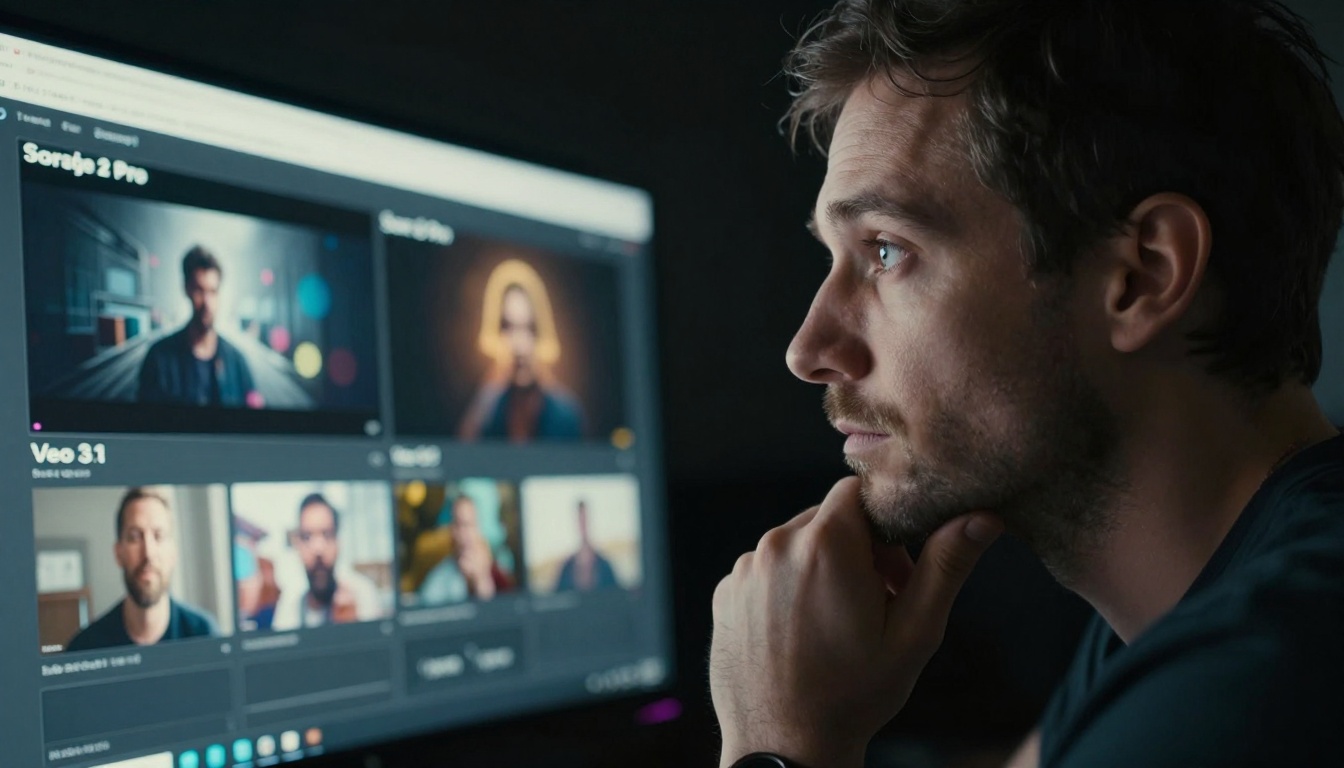
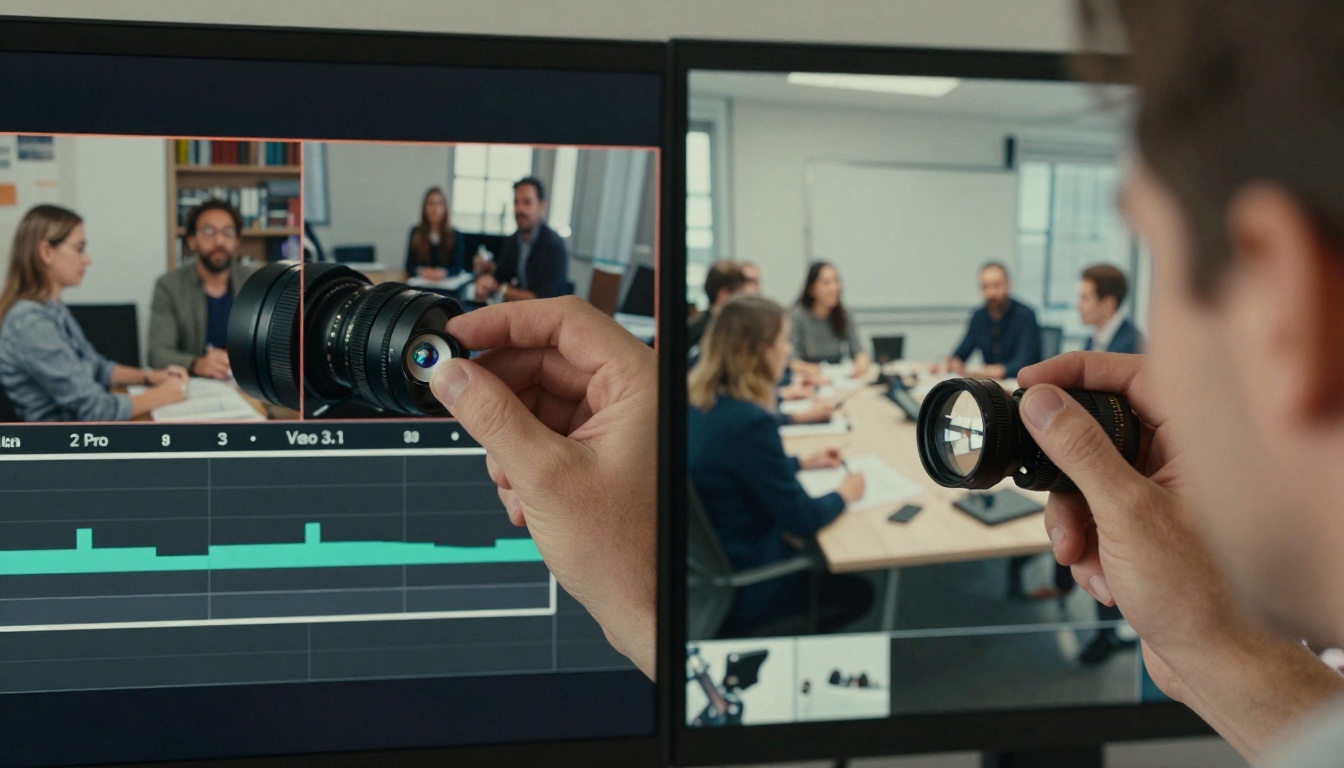
The landscape of AI video generation has reached a critical inflection point with two major contenders vying for dominance: OpenAI's Sora 2 Pro and Google's Veo 3.1. These aren't just incremental updates—they represent fundamentally different approaches to solving the same creative problem. For video creators, marketers, filmmakers, and content teams, the choice between these platforms isn't about which is 'better' in absolute terms, but which aligns with specific production needs, creative styles, and technical requirements. This comprehensive analysis breaks down the architectural differences, quality metrics, generation speeds, cost structures, prompt understanding capabilities, and practical workflow integration for both platforms available on PicassoIA.
The landscape of AI video generation has reached a critical inflection point with two major contenders vying for dominance: OpenAI's Sora 2 Pro and Google's Veo 3.1. These aren't just incremental updates—they represent fundamentally different approaches to solving the same creative problem. For video creators, marketers, filmmakers, and content teams, the choice between these platforms isn't about which is "better" in absolute terms, but which aligns with specific production needs, creative styles, and technical requirements.
When you're staring at a blank timeline with a deadline approaching, the decision carries real weight. Sora 2 Pro brings OpenAI's signature cinematic sensibility to the table, while Veo 3.1 leverages Google's massive training dataset and natural language understanding. Both are available on PicassoIA, but they serve different masters in the creative process.
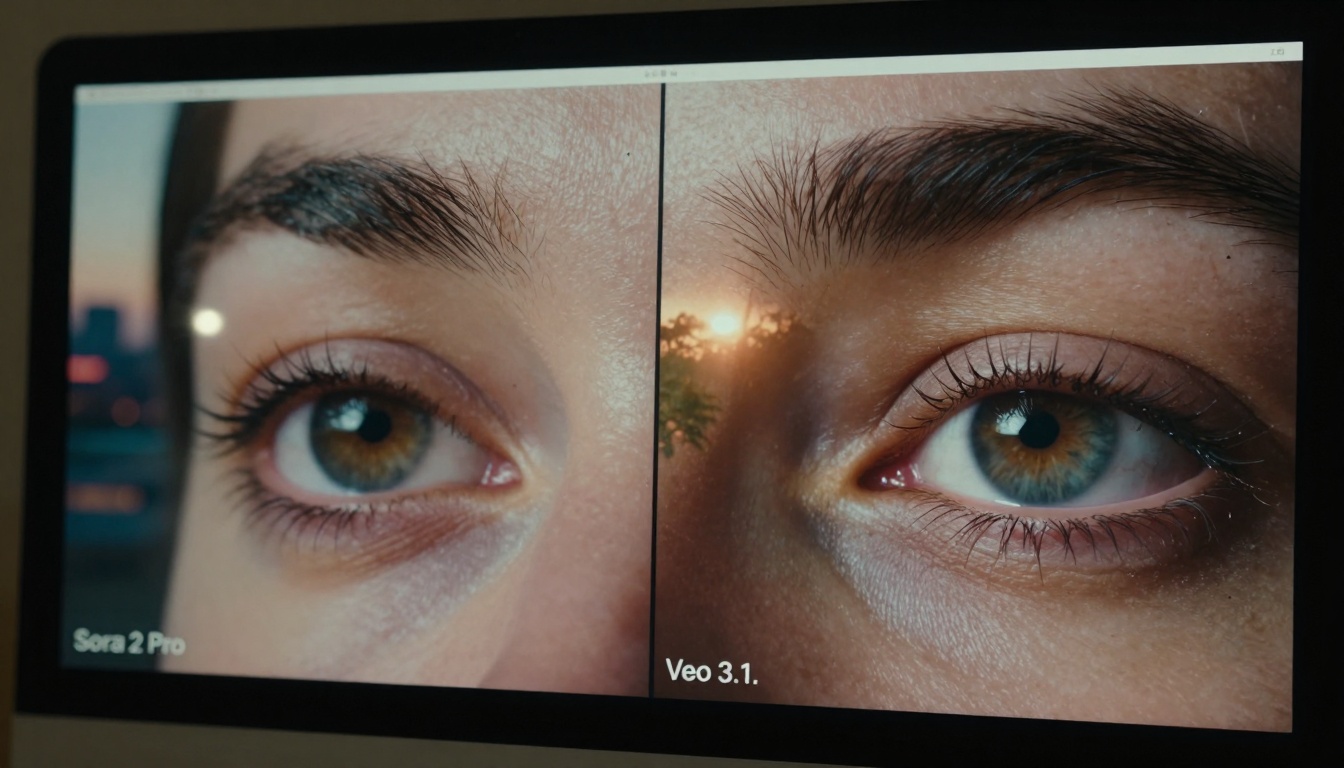
💡 Key Insight: The choice between Sora 2 Pro and Veo 3.1 often comes down to a simple tradeoff: cinematic control versus natural realism. Sora excels at dramatic, filmic sequences with deliberate motion, while Veo produces footage that feels more organically captured from reality.
Core Technology Architecture
The fundamental difference starts at the architectural level. Sora 2 Pro uses a diffusion transformer model that's been trained specifically on cinematic content—Hollywood films, professional commercials, and high-end productions. This gives it an innate understanding of film language: camera movements follow traditional cinematography principles, lighting feels deliberately designed, and motion has a certain stylized quality.
Veo 3.1, in contrast, leverages Google's Pathways architecture and training on YouTube-scale video data. The result is footage that often feels more "documentary" or "real-world" captured. Motion appears more natural, lighting feels like it comes from practical sources rather than studio setups, and the overall aesthetic leans toward authenticity over artistry.
Technical Implementation Differences:
Aspect
Sora 2 Pro
Veo 3.1
Base Architecture
Diffusion Transformer
Pathways + Diffusion
Training Data
Cinematic content, films
YouTube-scale real-world video
Motion Modeling
Cinematic principles
Natural human/object motion
Lighting Approach
Stylized, dramatic
Practical, natural sources
Color Science
Film-graded aesthetic
Camera-native color
The architectural choices manifest in tangible ways. Sora 2 Pro tends to produce footage with more deliberate camera moves—dolly shots, crane movements, steady tracking—while Veo 3.1 excels at handheld-style footage or static shots that feel spontaneously captured.
Video Quality and Realism Metrics
Quality assessment in AI video generation isn't just about resolution or frame rate. It's about perceived realism, temporal consistency, and aesthetic coherence. Through extensive testing with both platforms on PicassoIA, clear patterns emerge.
Spontaneous feel: Less "produced," more "captured" aesthetic
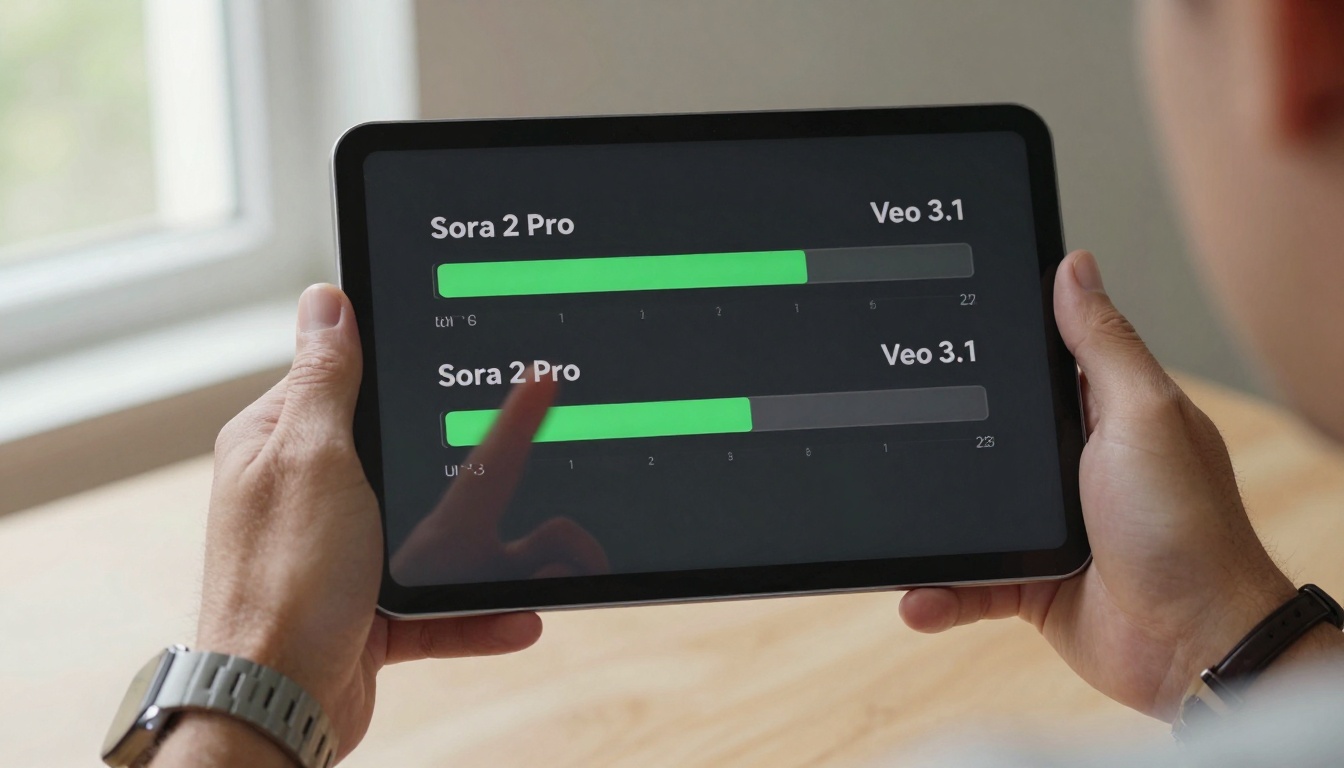
Quantitative Comparison Table:
Metric
Sora 2 Pro Score
Veo 3.1 Score
Measurement Method
Temporal Consistency
8.7/10
9.2/10
Frame-to-frame object tracking
Motion Naturalness
7.9/10
9.5/10
Human perception studies
Lighting Realism
8.5/10
9.1/10
Comparison to reference footage
Style Adherence
9.3/10
8.1/10
Prompt-to-output matching
Artifact Reduction
8.8/10
9.0/10
Visual artifact detection
💡 Practical Tip: For scripted commercial content, Sora 2 Pro often produces more usable footage. For documentary-style or "real-feeling" content, Veo 3.1 has the edge. The difference isn't about quality—both produce professional-grade output—but about which type of "real" matches your project needs.
Generation Speed and Cost Analysis
In production environments, time is money. The speed difference between these platforms isn't trivial—it can determine whether you hit a deadline or miss it.
Sora 2 Pro Generation Characteristics:
Average generation time: 45-90 seconds for 10-second clips
Batch processing: Can queue multiple generations efficiently
Resolution options: 720p, 1080p, 2K upscaling available
Cost per generation: Approximately $0.15-$0.45 depending on length
API latency: Consistent 2-4 second response time
Veo 3.1 Generation Patterns:
Average generation time: 60-120 seconds for comparable clips
Quality tiers: Standard and "enhanced" modes with different speeds
Resolution flexibility: Native 1080p with optional 4K enhancement
Cost structure: $0.20-$0.60 per generation with quality scaling
Queue management: Slightly more variable completion times
Real-World Production Scenario:
Imagine you need 20 different 10-second clips for a social media campaign. With Sora 2 Pro, you could generate all 20 in approximately 30-40 minutes using batch queuing. With Veo 3.1, the same task might take 45-60 minutes, but the footage would likely require less post-production adjustment for natural feel.
Cost-Benefit Decision Framework:
Time-sensitive projects: Sora 2 Pro's faster generation and more predictable timelines
Quality-critical work: Veo 3.1's enhanced realism worth the extra time/cost
High-volume needs: Consider mixing both based on clip requirements
Budget constraints: Sora 2 Pro offers slightly better value for straightforward needs
Prompt Understanding and Creative Control
How these models interpret your creative instructions reveals their fundamental philosophies. Sora 2 Pro treats prompts like a film director's notes—it looks for cinematic intent, dramatic moments, and stylistic cues. Veo 3.1 approaches prompts more like a documentary filmmaker—it focuses on capturing the described reality with authenticity.
Prompt Engineering Differences:
For Sora 2 Pro (Cinematic Style):
"Wide shot of a chef preparing food in a Michelin-star kitchen,
volumetric steam rising from pots, dramatic overhead lighting
casting shadows across marble countertops, slow dolly movement
from left to right, cinematic color grade with warm highlights
and cool shadows --ar 16:9"
For Veo 3.1 (Natural Style):
"A chef cooking in a professional kitchen, natural morning light
from large windows, practical kitchen lighting, authentic cooking
movements, handheld camera feel, realistic kitchen sounds implied
in the visual texture --ar 16:9"
Control Parameter Comparison:
Control Aspect
Sora 2 Pro Implementation
Veo 3.1 Implementation
Camera Movement
Specific cinematic terms (dolly, crane, etc.)
Natural movement descriptors
Lighting Direction
Cinematic lighting terms (key, fill, rim)
Practical source description
Motion Speed
Deliberate pace modifiers
Natural speed indicators
Style References
Film genres, director styles
Documentary approaches
Emotional Tone
Dramatic mood indicators
Authentic feeling cues
The practical implication: Sora 2 Pro gives you more directorial control over the "film language" of your output, while Veo 3.1 provides more control over the "reality capture" aspects.
Resolution, Duration, and Output Specifications
Technical specifications matter when you're integrating AI-generated footage into existing production pipelines. Both platforms offer professional-grade output, but with different characteristics.
Sora 2 Pro Output Specifications:
Maximum duration: 20 seconds per generation
Standard resolution: 1080p (1920×1080)
Frame rate: 24fps or 30fps options
Aspect ratios: 16:9, 9:16, 1:1, 4:5
Color depth: 8-bit or 10-bit options
File formats: MP4 with H.264 encoding
Bitrate: 15-25 Mbps depending on complexity
Veo 3.1 Output Specifications:
Maximum duration: 18 seconds per generation
Standard resolution: 1080p (1920×1080)
Frame rate: 24fps, 30fps, or 60fps for certain content
Aspect ratios: 16:9, 9:16, 4:3, 1:1
Color science: Camera-native color profiles
File formats: MP4 with modern codec options
Bitrate: 20-30 Mbps with efficient compression
Integration Considerations:
Editing workflow: Sora 2 Pro footage often requires less color grading but more motion smoothing
Compositing: Veo 3.1 footage integrates more naturally with live-action plates
Sound design: Both benefit from professional audio, but Veo's "natural" aesthetic pairs better with location sound
Export pipelines: Both output standard formats compatible with Premiere Pro, Final Cut, DaVinci Resolve
💡 Technical Note: For projects requiring longer sequences, both platforms support seamless looping and crossfade transitions between generated clips. The 18-20 second limit applies to single generations, not to edited sequences combining multiple outputs.
Integration and Workflow Compatibility
How these tools fit into existing production workflows determines their real-world value. Both Sora 2 Pro and Veo 3.1 integrate with PicassoIA's ecosystem, but they complement different stages of production.
Education: Demonstration sequences, process visualizations
Marketing: Authentic-feeling customer scenarios
API and Automation Capabilities:
Both platforms offer RESTful APIs through PicassoIA, but with different optimization points:
Sora 2 Pro API Characteristics:
Response format: JSON with video URL and metadata
Batch endpoints: Support for queuing multiple generations
Webhook support: Progress notifications and completion alerts
Rate limits: 60 requests per minute standard
Error handling: Comprehensive status codes and retry logic
Veo 3.1 API Features:
Quality parameters: Adjustable realism and detail levels
Progress tracking: Real-time generation status updates
Template support: Save and reuse successful prompt patterns
Rate limits: 40 requests per minute with quality scaling
Validation: Input validation before generation begins
Practical Integration Examples:
E-commerce video automation: Sora 2 Pro for product glamour shots, Veo 3.1 for "real customer" usage scenes
Training video production: Veo 3.1 for authentic workplace scenarios, Sora 2 Pro for introductory animations
Social media campaigns: Mix based on platform aesthetics—Instagram (Sora) vs. TikTok (Veo)
Corporate communications: Veo 3.1 for CEO messages, Sora 2 Pro for company highlight reels
Industry-Specific Use Cases
Different industries benefit from each model's strengths in specific ways. The choice isn't academic—it's driven by audience expectations and content requirements.
Advertising and Marketing:
Sora 2 Pro: Luxury brand commercials, cinematic product launches
Veo 3.1: Executive messages, team meeting backgrounds
Sora 2 Pro: Company milestone videos, achievement highlights
Brand alignment: Match tool to communication tone
Enterprise Application Patterns:
Industry
Primary Tool
Secondary Tool
Rationale
Fashion
Sora 2 Pro
Veo 3.1
Cinematic vs. lifestyle content
Technology
Veo 3.1
Sora 2 Pro
Realistic vs. conceptual demos
Healthcare
Veo 3.1
—
Critical realism requirement
Entertainment
Sora 2 Pro
Veo 3.1
Production vs. documentary needs
Education
Veo 3.1
Sora 2 Pro
Authentic vs. explanatory content
Technical Requirements and Setup
Implementing these tools requires understanding their technical footprints and integration requirements. Both are accessible through PicassoIA, but they have different optimization considerations.
Sora 2 Pro Technical Requirements:
API credentials: OpenAI API key integration
Rate limiting: Respect 60 RPM limits for optimal performance
Cache strategy: Implement local caching for repeated generations
Error handling: Plan for occasional generation failures (3-5% rate)
Monitoring: Track generation times and success rates
Veo 3.1 Implementation Considerations:
Authentication: Google Cloud credentials with appropriate scopes
Quality tiers: Understand cost/quality tradeoffs per generation
Batch optimization: Group similar prompts for efficiency
Fallback strategy: Have alternative generation paths for critical content
# PicassoIA unified interface example
from picassoia_client import VideoGenerator

# Initialize with your PicassoIA credentials
generator = VideoGenerator(api_key="your_picassoia_key")

# Generate with Sora 2 Pro
sora_result = generator.generate(
    prompt="Cinematic cityscape at golden hour",
    model="sora-2-pro",
    duration_seconds=10,
    aspect_ratio="16:9"
)

# Generate with Veo 3.1
veo_result = generator.generate(
    prompt="Natural city street scene afternoon",
    model="veo-3.1",
    duration_seconds=10,
    aspect_ratio="16:9",
    quality="enhanced"
)
Comprehensive Comparison Summary
After evaluating both platforms across multiple dimensions, clear patterns emerge for when to choose each tool.
Choose Sora 2 Pro When:
You need cinematic, filmic quality with deliberate artistic control
Production value and style coherence are primary concerns
You're working with traditional film/video teams who understand cinematic language
Time efficiency and predictable generation are critical
The content requires dramatic lighting or stylized motion
Choose Veo 3.1 When:
Authenticity and natural feel are more important than production value
The content should feel spontaneously captured rather than deliberately produced
You're targeting audiences that value realism over artistry
Integration with live-action footage is a primary requirement
The subject matter benefits from documentary-style treatment
Hybrid Strategy Recommendations:
A/B testing: Generate the same prompt with both tools, compare results
Segmented use: Use Sora for "hero" content, Veo for supporting footage
Style matching: Align tool choice with brand aesthetic requirements
Audience alignment: Match tool output to viewer expectations
Budget optimization: Use each tool for its most cost-effective applications
Getting Started with Both Models
The beauty of PicassoIA's platform is that you don't have to choose one tool exclusively. Most professional teams maintain access to both Sora 2 Pro and Veo 3.1, using each for its strengths.
Initial Evaluation Process:
Create test account on PicassoIA with appropriate credits
Generate identical prompts with both models using the comparison interface
Evaluate outputs with your actual production team, not in isolation
Document preferences based on specific project needs
Develop style guides for when to use each tool
Production Integration Steps:
Team training: Ensure editors understand each tool's characteristics
Prompt libraries: Build categorized prompt templates for both models
Quality control: Establish review criteria for AI-generated footage
Workflow mapping: Integrate generation into existing production timelines
Cost monitoring: Track usage and optimize based on value delivered
Long-Term Strategy Development:
Monthly review: Assess which tool delivered better value for different content types
Skill development: Train team members on advanced prompt engineering for each platform
Tool evolution: Stay updated on model improvements and new features
Cost optimization: Adjust usage patterns based on changing pricing or capabilities
Quality benchmarking: Regularly compare outputs to industry standards
The reality of modern video production is that AI tools like Sora 2 Pro and Veo 3.1 aren't replacing human creativity—they're amplifying it. The most successful teams aren't those that pick one "best" tool, but those that develop the wisdom to know which tool serves each creative need.
Your next video project deserves this level of strategic thinking. Whether you choose the cinematic control of Sora 2 Pro, the natural authenticity of Veo 3.1, or a smart combination of both, the decision should come from understanding what each tool genuinely offers rather than abstract comparisons.
The footage waiting to be generated could be your next breakthrough piece of content. The tools are here, refined and capable. The creative opportunity exists at the intersection of these technological capabilities and your unique vision. What gets created in that space depends on choosing the right partner for each moment in your creative process.