Still photos hold a moment frozen in time. Seedance 2.0 from ByteDance gives that moment back its motion. Whether it is a portrait you shot on a mirrorless camera, a landscape from your last hiking trip, or an action shot frozen mid-movement, Seedance 2.0 takes your static image and generates a realistic, cinematic video clip with synchronized audio output. No video editing knowledge required. No post-production pipeline. Just an image, a motion prompt, and a few seconds of generation time.
This article breaks down what Seedance 2.0 does when it processes an image, why certain photos animate more convincingly than others, how to use the model on PicassoIA from first upload to final video, and how it compares against other image-to-video options available today.

What Seedance 2.0 Actually Does
Seedance 2.0 is a video generation model built by ByteDance with one specific strength: continuity. When you provide a source image, the model uses it as a hard visual reference. The first frame of the output video matches your photo almost exactly. What the model then generates is motion: how subjects move, how the environment behaves, and how the camera might shift through the scene.
From Pixel to Motion
The model reads the content of your image semantically. A coastal photograph communicates to the model that water is present and should have wave motion, that clouds are weather elements that drift, that light bouncing off wet surfaces should respond to movement. A portrait communicates that hair responds to air currents, that the chest rises with breathing, that subtle micro-expressions can carry across a clip.
This semantic reading of physical behavior is what separates Seedance 2.0 from simpler image animation tools. Older approaches applied generic zoom-and-pan effects to photos. Seedance 2.0 generates plausible physics for whatever is in the frame. Rocks stay still. Water flows. People breathe. Leaves tremble. The output feels earned by the source material rather than imposed on top of it.
Built-In Audio
The defining feature of Seedance 2.0 compared to many competing models is native audio generation. Sound is not added as a separate processing step. The model generates audio alongside the visual frames, tuned to what is happening on screen. A forest scene gets ambient birdsong and rustling. An ocean scene gets wave sound. An urban shot gets the low hum of city life.
This means the output is a finished video file, not a silent clip that needs separate audio work. For creators publishing directly to social platforms or using video in presentations, the saved post-production time is significant.
The Seedance 2.0 Mini variant retains this audio feature while reducing compute requirements, making it a practical option when speed or cost matters more than maximum resolution.

Why Image-to-Video Beats Text-to-Video
Text-to-video is powerful, but it starts from nothing. You write a prompt and the model constructs every visual decision from scratch: the subject, the lighting, the environment, the composition, the color grade. Getting the output to match a specific creative vision requires iteration, and sometimes a significant amount of it.
Image-to-video changes the creative equation entirely.
Control You Can See
When you provide a source image, the visual variables are already solved. The subject is there. The lighting is there. The composition, color temperature, depth of field, and environment are defined before the model processes a single element. What the model is responsible for is only the motion, a much narrower creative gap to close.
This matters for several real-world workflows:
- Product photography: Photograph a product with professional lighting. Animate it with subtle motion or a reveal. The visual quality of the source carries directly into the video.
- Real estate and architecture: A well-composed exterior photograph becomes a slow cinematic walk-around without a drone or gimbal setup.
- Social content from stills: Portfolio photos, travel shots, or candid moments become shareable video posts with minimal additional effort.
- Concept visualization: A rendered still or AI-generated image can be animated to show how the concept moves in practice.
The Role of Reference Frames
Some models treat a provided image as a soft guide, taking stylistic inspiration from it but drifting visually in the output. Seedance 2.0 applies the image as a hard reference. The subject identity, environment characteristics, and visual properties of the source are maintained throughout the clip. The subject does not morph into something different. The background does not change style mid-generation.
💡 Tip: The stronger and more intentional your source image, the less prompt engineering you need. A well-composed, well-lit photograph does most of the creative direction for you before the model starts generating.
Photos That Animate Best
Seedance 2.0 works with almost any image format and resolution, but certain characteristics consistently produce smoother and more realistic results.

Portraits with Depth
Portrait photos with a clear subject in sharp focus against a naturally blurred background give the model strong subject-environment separation. The model can animate the person (breath, micro-expressions, hair movement, slight head tilt) while treating the bokeh background as an ambient motion layer. Shots taken at 85mm or longer with apertures between f/1.4 and f/2.8 consistently perform well.
What helps in a portrait:
- Natural window or outdoor lighting rather than harsh direct flash
- Visible depth separation between subject and background
- Slight implied motion in the original (wind-caught hair, a candid moment mid-gesture, an expression mid-shift)
- Clean facial detail with no heavy filters or visible compression artifacts
Landscapes and Wide Shots
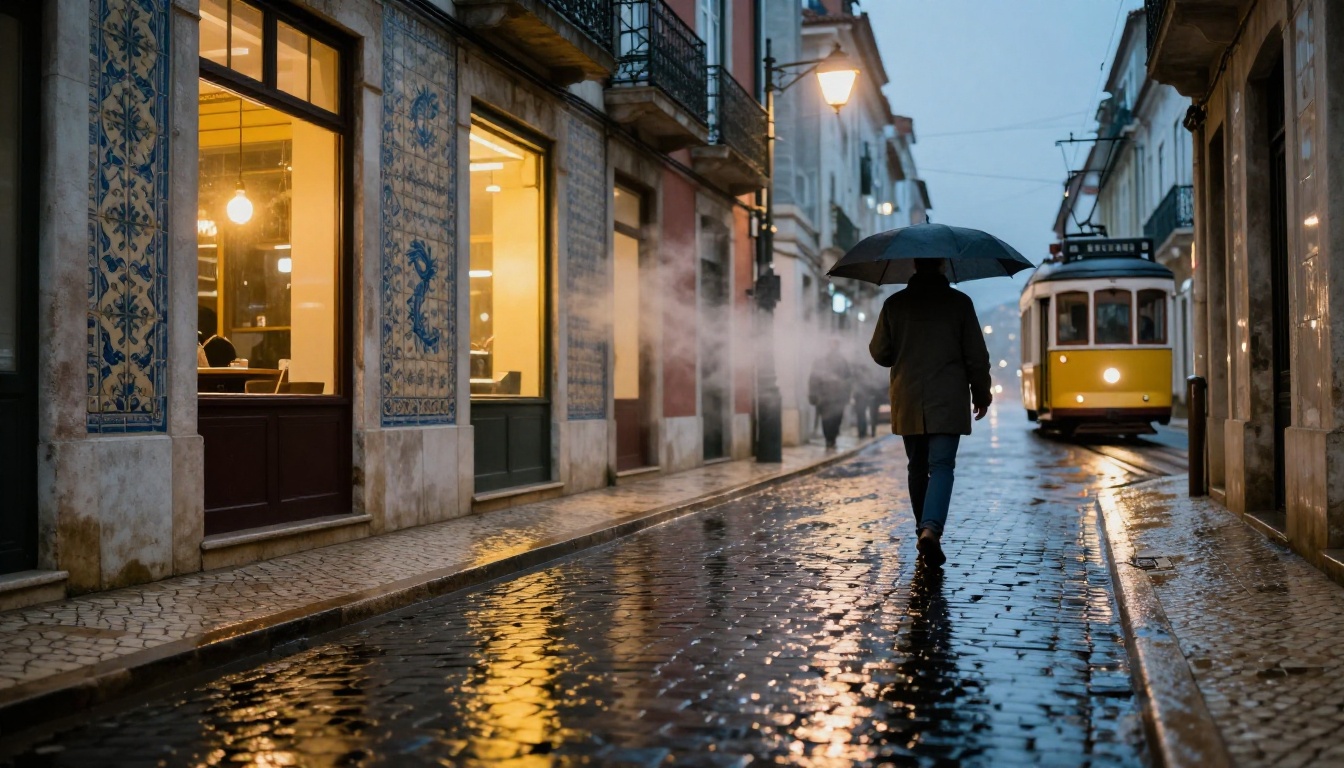
Environmental wide shots may be the strongest category for Seedance 2.0. When the scene contains natural motion elements such as water, clouds, fog, or vegetation, the model fills those in convincingly. A still photograph of a mountain valley at sunrise becomes a clip with rolling mist and shifting early light. A calm lake photo breathes with gentle ripples and movement in the tree line at the edges.

Action-Ready Stills
Action photographs carry implied kinetic energy. A surfer at the peak of a wave, a sprinter mid-stride, a dancer frozen at the apex of a jump. These images contain directional physics that Seedance 2.0 reads as motion vectors. The output continues the action from the exact moment the photo captured, often with believable physics follow-through that makes the clip feel authentic.

What to Avoid
| Image Type | Problem |
|---|
| Heavy JPEG compression or low resolution | Motion artifacts appear at pixel level |
| Flat lighting with no visible shadows | Model lacks depth cues to generate realistic motion |
| Extreme macro close-ups of texture only | No clear motion subject to animate |
| Graphic overlays or text elements | Text distorts badly during animation frames |
| Large crowds with many faces | Individual face fidelity breaks down at scale |
| Heavily filtered or stylized images | Model may override stylistic elements with its own rendering |
How to Use Seedance 2.0 on PicassoIA
Seedance 2.0 is available directly on PicassoIA without any setup, account linking, or API configuration required. The workflow from photo to finished video takes under five minutes for most users.
Step 1: Pick Your Source Image
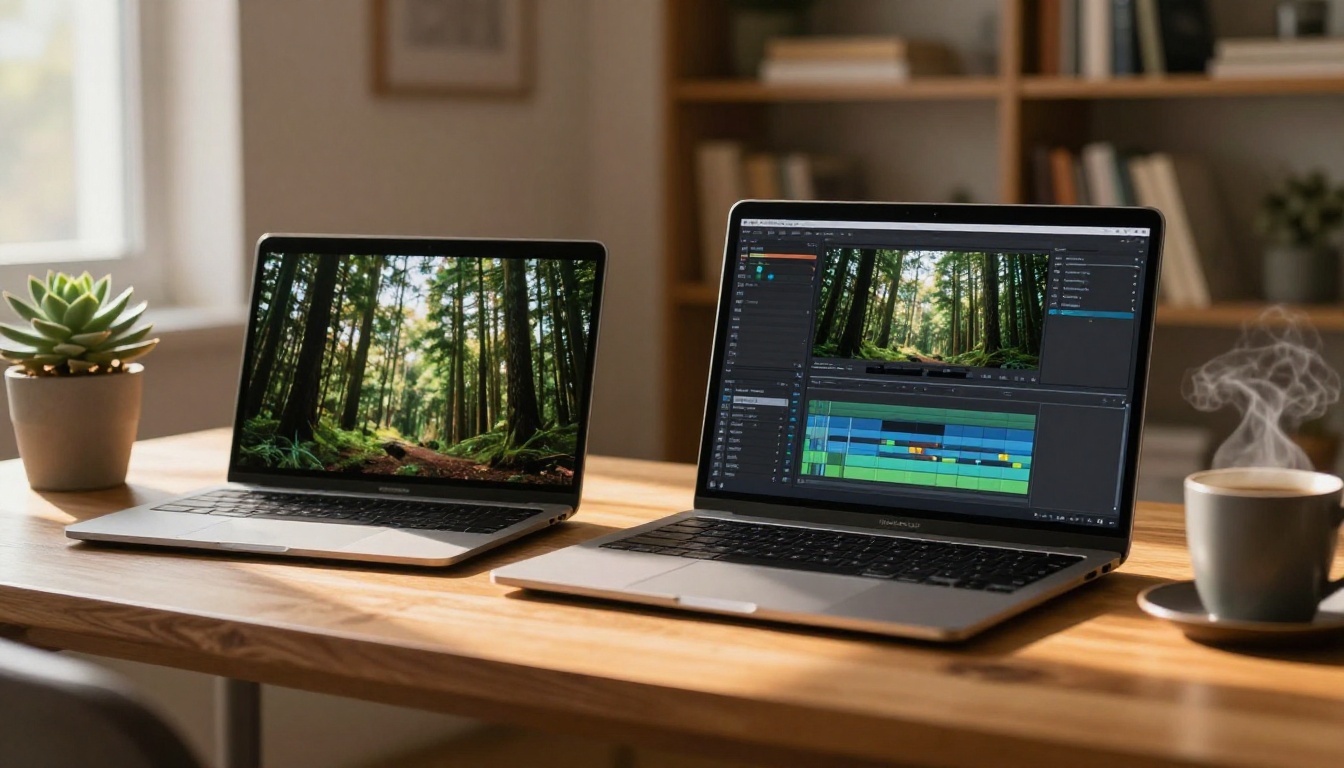
Start with the strongest photo you have for the subject matter. Higher resolution produces better output. If the source image has visible compression artifacts or low sharpness, consider running a super-resolution pass first. PicassoIA includes upscaling models in its collection that can restore detail before sending the image into the video generator.
Minimum recommended resolution: 1280x720. For 1080p video output, 1920x1080 or higher source images give the model more detail to process and preserve.
Step 2: Write Your Motion Prompt
The image defines the subject and environment. The prompt defines how everything moves. Write motion descriptions chronologically: what happens at the start of the clip and what develops over the five seconds of output.
Prompt examples that work:
- "Ocean waves roll gently onto wet sand, foam spreads and retreats, a pelican glides past in the distance"
- "Woman's dark hair lifts softly in a warm coastal breeze, she turns her head slightly to the right, bokeh lights shift in the background"
- "Morning mist thickens in the mountain valley, pine trees sway in slow rhythm, golden light shifts as a cloud passes overhead"
- "Surfer completes the barrel ride, water arcs and explodes around them, spray catches the amber backlight"
Keep prompts between 20 and 60 words. Specific physical motion descriptions ("foam spreads", hair "lifts") consistently outperform vague mood language ("make it feel alive" or "atmospheric"). The model responds to physics, not emotion.
Step 3: Configure Your Settings
Seedance 2.0 on PicassoIA offers the following output options:
- Resolution: 720p for drafts and testing, 1080p for final-quality output
- Duration: 5-second clips with synchronized native audio
- Aspect ratio: Defaults to match input image, which is the recommended setting in most cases
The Seedance 2.0 Fast variant generates at a comparable quality level with faster processing. Use Fast for prompt iteration and testing. Use the standard model for your final deliverable output.
Tips for Better Results
Include in your prompt:
- Specific motion verbs: "waves crash", "mist thickens", clouds "part", leaves "tremble"
- Explicit camera movement when you want it: "slow dolly forward", "gentle pan left across the frame"
- Secondary motion elements that add depth: "steam rises from the surface", "distant birds drift across the sky"
Avoid in your prompt:
- Color correction requests such as "make the light warmer," because Seedance 2.0 animates rather than recolors
- Too many simultaneous motion events for a 5-second clip
- Abstract emotional descriptors without corresponding physical motion specifics
Seedance 2.0 vs the Competition
PicassoIA hosts over 80 video generation models. These are the closest alternatives to Seedance 2.0 for image-to-video work and how they compare:
| Model | Strength | Best Use Case | Max Resolution |
|---|
| Seedance 2.0 | Native audio, high image fidelity | General photo animation | 1080p |
| Seedance 2.0 Fast | Speed | Prompt iteration and prototyping | 720p |
| Seedance 2.5 | Extended duration, sharper motion | High-quality final delivery | 1080p |
| Wan 2.7 I2V | Natural environment realism | Landscapes and outdoor scenes | 1080p |
| Kling v3 Video | Cinematic camera control | High-end creative production | 1080p |
| Grok Imagine Video 1.5 | Audio-visual synchronization | Audio-forward content | 1080p |
| P Video Animate | Simplicity and accessibility | Fast photo animation | 720p |
The practical takeaway: Seedance 2.0 is the most balanced option for most users because it handles audio automatically and maintains strong fidelity to the source image. Models like Wan 2.7 I2V and Kling v3 Video offer higher ceilings for specific scenarios but require more careful prompting to consistently reach that ceiling.
Other Models Worth Knowing
For Speed
Seedance 2.0 Fast is the first stop when you are testing multiple prompt variations against the same image. Same core model architecture, faster processing. Use it for iteration, then switch to standard Seedance 2.0 for the final render when quality matters.
P Video Animate and P Video from PrunaAI are built for lightweight, fast animation tasks where low latency matters more than pushing the maximum output quality.
For Higher Quality Ceiling
Wan 2.7 I2V handles complex motion in natural environments with a level of environmental detail that holds up on large screens. For high-resolution landscape photography where rich, layered environmental motion is the priority, Wan 2.7 I2V often outperforms Seedance 2.0 in sheer motion complexity.
Kling v3 Video sits at the top of the cinematic quality bracket. Its motion physics and camera movement vocabulary are more expressive, which is relevant for content that needs to read like professional film production. Kling v2.6 offers a strong middle-ground option in the same family if you want cinematic output without the full compute cost of v3.
For Portrait-First Content
When the source photo is a real person and face fidelity is non-negotiable throughout the animation, Grok Imagine Video 1.5 and Ovi I2V both prioritize maintaining facial structure, expression, and identity across all generated frames. This matters for headshots, creator content, and any video where a specific real person needs to remain recognizable from frame one to the end.
Happyhorse 1.1 from Alibaba handles both text and image inputs with consistently sharp 1080p output and good face preservation across the animation.
The Seedance family in full:
- Seedance 1 Pro: the generation before 2.0, still solid for straightforward animation tasks
- Seedance 2.0 Mini: lighter version of 2.0 with native audio at lower compute cost
- Seedance 2.0: the full model with audio and 1080p output, the practical daily driver
- Seedance 2.5: the latest iteration pushing resolution, motion coherence, and clip duration further
For most image-to-video work today, Seedance 2.0 hits the quality and speed balance that makes it the rational default. Seedance 2.5 steps up when the content demands more, though at a higher generation cost per clip.
When Results Fall Short
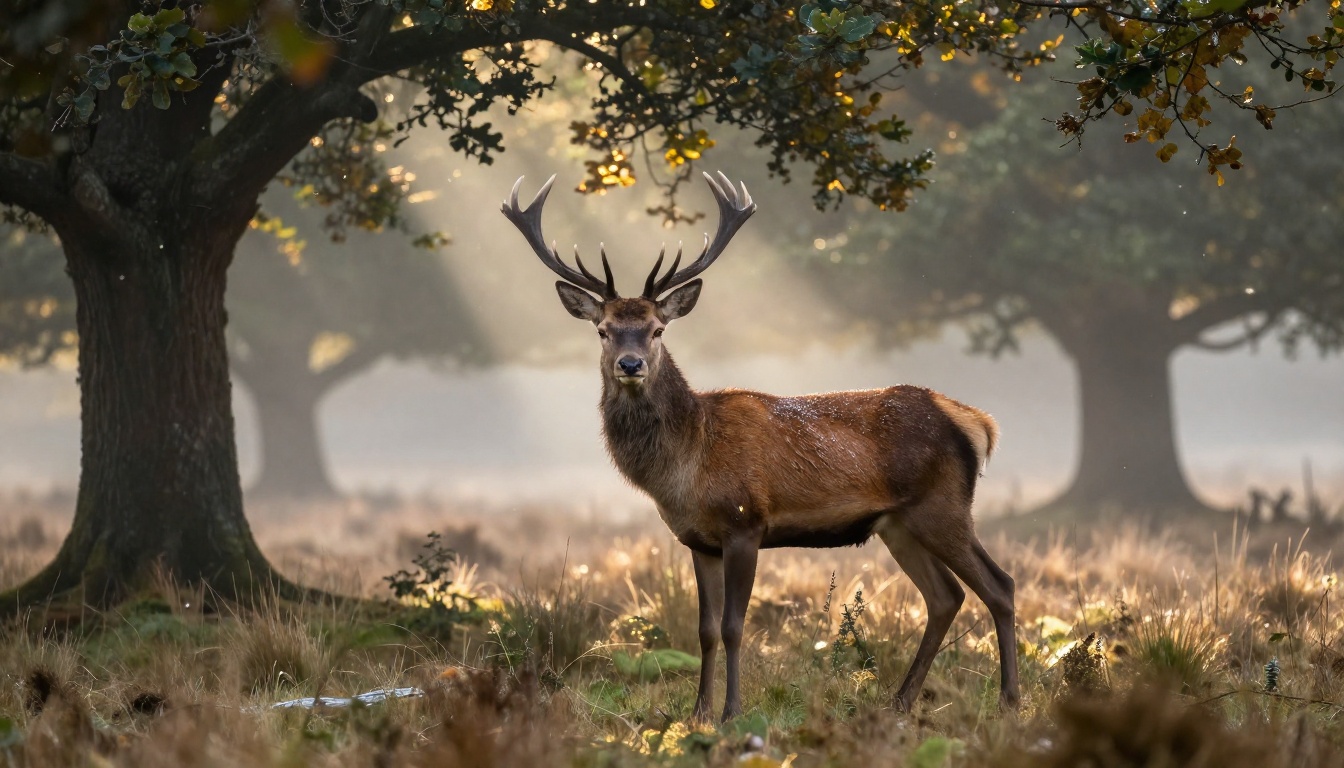
It will miss sometimes. Even a strong source image with a well-written prompt can produce motion that feels physically wrong: water flowing in an unnatural direction, a face that warps slightly mid-clip, an action shot where the physics collapse partway through the five seconds.
Three things to try before abandoning the attempt:
- Simplify the prompt. Cut it to 15-20 words. One clear motion instruction. The model often struggles when given too many parallel events to generate simultaneously in a single short clip.
- Replace the source image. If the same prompt fails repeatedly across multiple generation attempts on the same photo, the image itself may have characteristics that confuse the model: ambiguous depth, an unusual perspective angle, or visible compression artifacts in areas that should carry clear detail.
- Try a different model. Wan 2.7 I2V or Kling v3 Video may interpret the same source image with a motion approach that fits the content better.
💡 Running the same source image through two or three models and comparing the outputs side by side is a completely valid workflow. Generation costs are low enough that comparison testing makes sense, especially for content that will appear publicly or in client-facing work.
Your Images, Now in Motion
Still photography is one of the most practiced creative disciplines in the world. Billions of photographs exist across professional archives, camera rolls, and social media feeds, most of them never seen in motion. Seedance 2.0 changes what those photos can become.
The gap between a great photograph and a shareable, cinematic video clip is now a single upload and a short prompt.
PicassoIA gives you access to Seedance 2.0, Seedance 2.5, Wan 2.7 I2V, Kling v3 Video, Happyhorse 1.1, and over 80 additional video models in one platform. You can test your source image against multiple models, compare the outputs, and pick the result that matches your vision without switching between different tools or subscriptions.
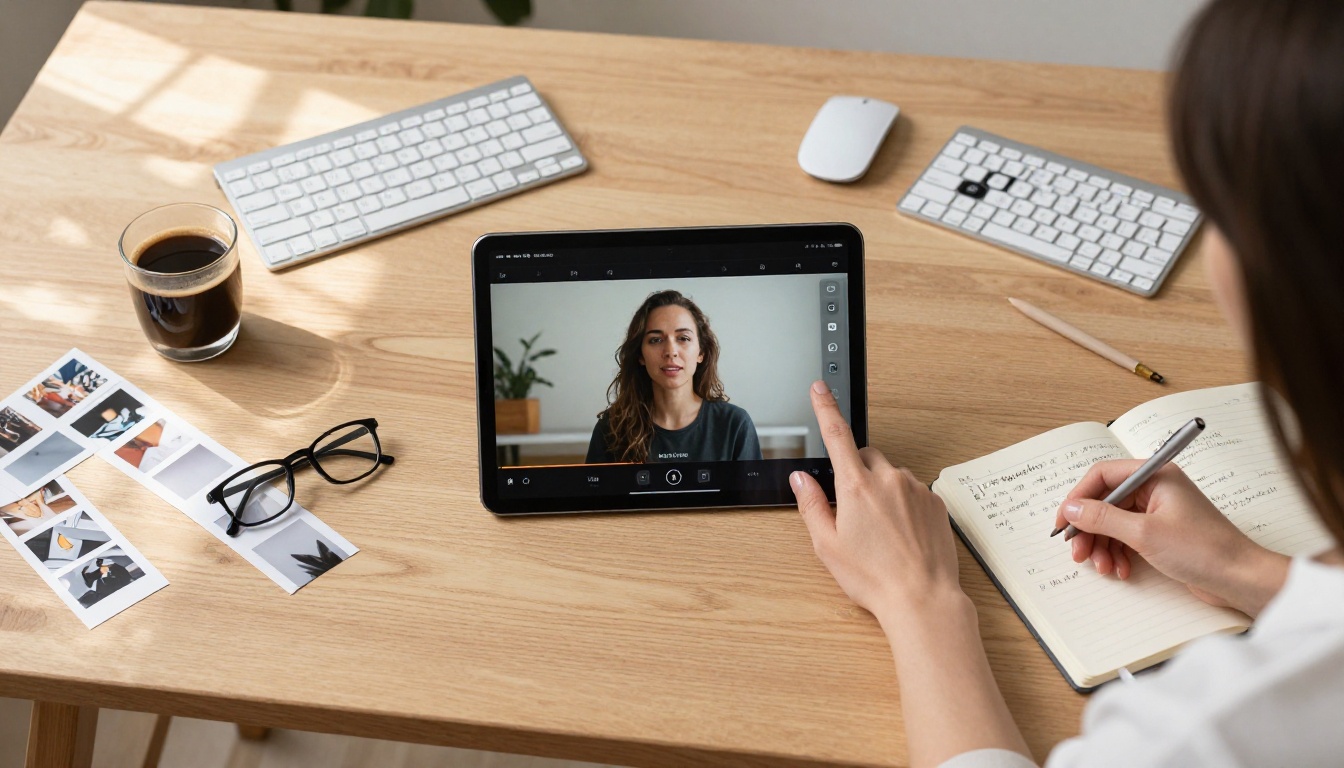
Pick a photo from your camera roll. Open Seedance 2.0 on PicassoIA. Write a motion prompt. See what happens when that frozen moment gets its movement back. Your camera roll has more video content in it than you realize.


