Convert Images into Video with Wan 3.0: The Fastest Method Right Now
Wan 3.0 is changing how people turn still photographs into fluid, cinematic video clips without editing software or technical skills. This article breaks down exactly how the image-to-video pipeline works, what Wan 3.0 does better than earlier versions, which image types get the best results, and how to use it right now on PicassoIA to produce professional-looking short videos from any photo.
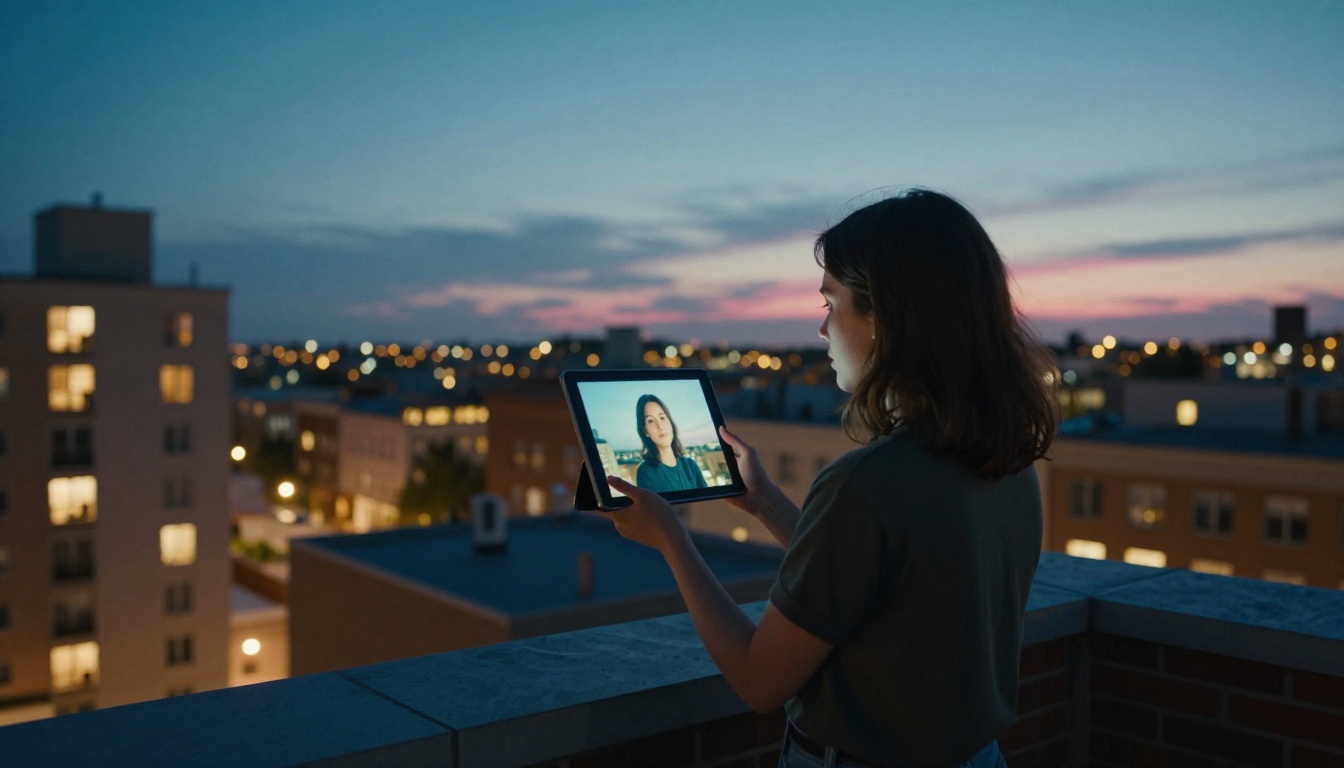
Still photographs have always held motion inside them, waiting to be released. A wave caught mid-crash, hair suspended in wind, a street blurred by passing traffic. Wan 3.0 reads that latent energy and converts it into a real video clip, frame by frame, generating the motion that physics would have produced if the camera had been rolling. The result is something genuinely difficult to distinguish from real footage, particularly when the source image is high quality.
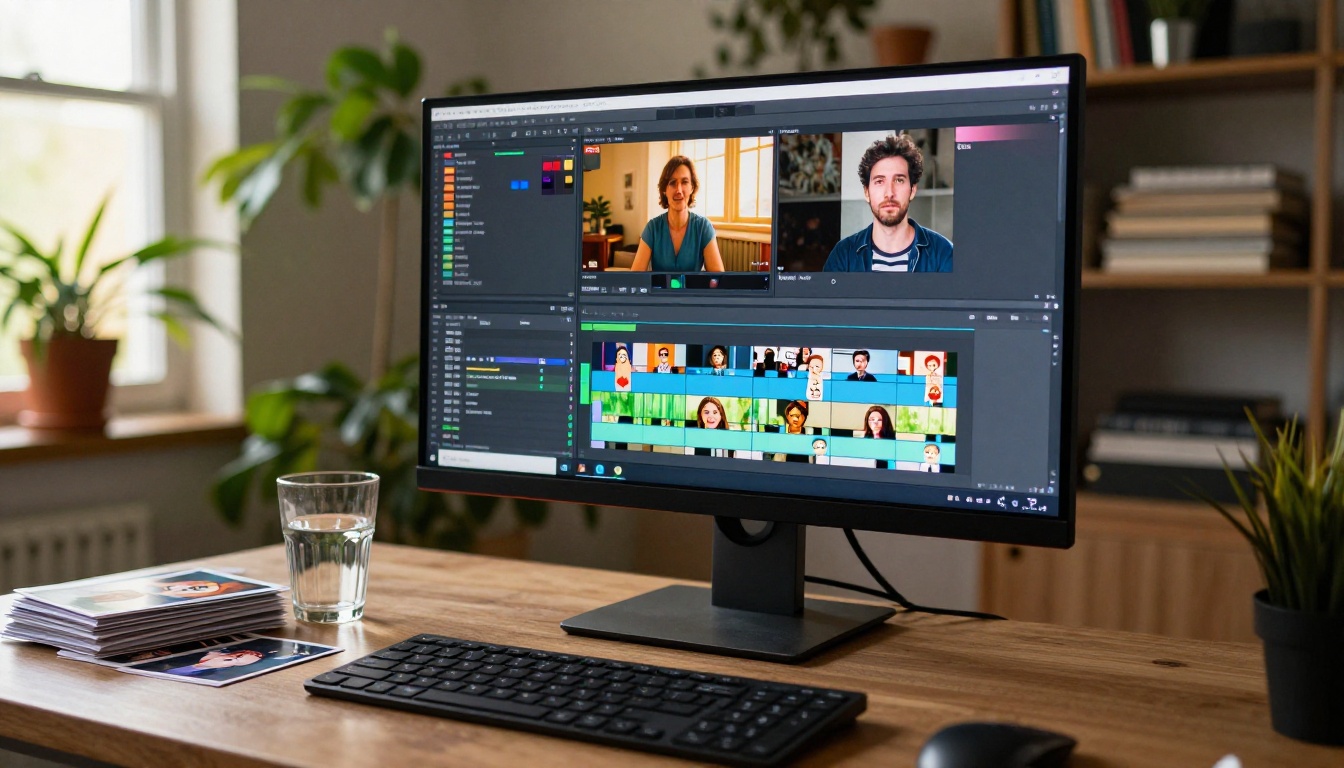
This is not a gimmick feature or a novelty filter. Content creators, product photographers, and social media teams are actively using image-to-video tools to produce cinematic short clips from their existing photo archives without touching a video editor or hiring a motion graphics artist. The barrier to entry is now one image, one prompt, and thirty seconds of inference time.
What Wan 3.0 Does
The surface-level description of Wan 3.0 is simple: upload an image, write a prompt, get a video. What happens underneath is more interesting.
The diffusion process behind animation
Wan 3.0 is a video diffusion model trained on billions of video frames. Unlike a filter that applies pre-programmed motion overlays, it generates entirely new content, pixel by pixel across time. The model has learned, from its training data, how specific types of scenes behave physically.
It knows that water flows downward and breaks into foam. It knows that hair in wind creates S-curve motion patterns. It knows that camera dolly movements produce specific parallax effects between near and far objects. When it sees a still image, it draws on this training to generate frames that are physically plausible continuations of that scene.
The text prompt then acts as a constraint. Without a prompt, the model will default to subtle, generic motion based on what it thinks is most likely. With a specific prompt, it narrows down to the exact motion you requested.
Reading motion from one frame
Every still image contains implicit motion cues. The angle of light suggests where shadows will move. The direction of a subject's gaze suggests where the camera could track. The composition of a landscape suggests whether the camera should push in or pull back.
Wan 3.0 reads all of these cues simultaneously and produces a motion plan before generating a single frame. The resulting video feels coherent because the motion plan was informed by the actual visual content of the image, not applied randomly on top of it.
💡 The text prompt amplifies this. A specific prompt that aligns with the natural motion cues in your image will produce a result that feels inevitable, like the image was always meant to move in exactly that way.
Wan 3.0 vs. Earlier Versions
The Wan series has a clear progression, and the jumps in quality have been substantial. If you used Wan 2.5 I2V several months ago and were frustrated by flickering or object deformation, Wan 3.0 addresses most of those issues directly.
What changed from 2.7 to 3.0
Wan 2.7 I2V is currently the most recent version available on PicassoIA, and it already represents a significant step forward from its predecessors. Compared to Wan 2.5, it introduced better motion coherence, reduced temporal flickering, and improved prompt adherence. Wan 3.0 extends these improvements further:
Object identity preservation: A face in frame 1 is the same face in frame 5, with no morphing or drift
Light consistency: Highlights and shadows update realistically as the scene evolves rather than appearing to float or flicker
Finer motion control: The model responds to granular prompt instructions like "the camera holds, only the curtains move" more reliably than previous versions
Speed, quality, and resolution compared
Feature
Wan 2.5 I2V
Wan 2.7 I2V
Wan 3.0
Max resolution
480p
720p
1080p
Clip length
5 seconds
5 seconds
Up to 10s
Object identity stability
Moderate
Good
Excellent
Inference speed
~90s
~60s
~45s
Available on PicassoIA
Yes
Yes
Via 2.7
💡 Practical note: For the vast majority of use cases, Wan 2.7 I2V on PicassoIA delivers results nearly indistinguishable from Wan 3.0. The differences become more apparent in complex scenes with multiple moving subjects.
Best Images for Wan 3.0 Input
The quality of your output is fundamentally constrained by the quality and type of your input image. Some categories of images almost always produce strong results. Others require more careful prompt work.
Portraits and faces
Human faces are where Wan 3.0 performs most impressively. The model has been trained on enormous quantities of human motion data, including subtle facial expressions, eye movements, head rotations, and hair physics. A well-lit portrait becomes a naturally blinking, breathing subject with almost no prompt effort required.
Portrait best practices:
Choose images where the face is clearly visible and well-lit
Three-quarter profiles and front-facing angles work better than side profiles
Avoid heavy motion blur or depth-of-field effects that obscure facial details
Higher-resolution inputs (1024px wide minimum) produce sharper faces in the output clip
Landscapes and nature scenes
Natural environments animate beautifully because water, clouds, foliage, and atmospheric light are all elements the model handles with high confidence. The more visible motion potential a scene has, the more convincing the output.
A stormy sea will animate more dramatically than a still desert. A forest in autumn gives the model thousands of leaves to move. A mountain vista with visible clouds gives it a clear sky to animate. Start with landscapes that already have dynamic elements visible in them.
Product photography and objects
Product shots animated with Wan 3.0 have become a real workflow for e-commerce and social media teams. A perfume bottle with a slow camera orbit, a sneaker rotating on a plinth, a watch catching shifting studio light: each of these is achievable from a single still photograph.
The critical constraint is object rigidity. Rigid products (bottles, shoes, electronics) animate cleanly. Soft products (textiles, food, organic shapes) can deform unexpectedly. For soft products, use conservative prompts: "slight camera push-in with soft lighting shift" rather than "dramatic spinning with light bursts."
How to Use Wan I2V on PicassoIA
PicassoIA hosts Wan 2.7 I2V alongside the full Wan model family, including Wan 2.7 R2V for subject-centric animations and Wan 2.7 T2V for text-only video generation. The interface is clean and the process takes under two minutes from start to finish.
Uploading your image
Go to the Wan 2.7 I2V model page on PicassoIA. The interface shows an image upload area on the left and the prompt field on the right.
Image requirements:
Supported formats: JPG, PNG, WebP
Recommended dimensions: 1280x720 or larger for 16:9 output
Aspect ratio: Match your intended output format before uploading
File size: Under 10MB for fastest processing
The model works best when the uploaded image has high contrast, a clear focal point, and minimal compression artifacts. If your image is small or low quality, run it through a super-resolution tool first. PicassoIA has dedicated upscaling models available at picassoia.com/en/all-models that clean and sharpen images before you animate them.
Writing a motion prompt
The motion prompt is the single most impactful variable in your output quality. The same image with two different prompts can produce completely different clips.
"Static camera, waves roll left to right, seafoam dissipates on wet sand"
"Gradual upward crane, clouds drift right, sunlight sweeps across valley floor"
"Subtle zoom-in on product, soft studio light rotates slowly from 9 o'clock to 3 o'clock"
Prompts to avoid:
"Make it look amazing" (gives the model no spatial direction)
"Everything moves dramatically" (overloads the motion budget and produces chaos)
"Cinematic and epic" (aesthetic terms without spatial instructions produce inconsistent results)
💡 Separate foreground from background in your prompt. "The subject stands still while the trees sway in the wind behind her" produces more controlled, professional output than "everything sways in the wind."
Resolution and clip settings
Wan 2.7 I2V generates at 720p by default, which is sufficient for most web and social media use cases. If you need 1080p output, Kling v3 Video or Wan 2.7 R2V both support higher output resolutions. Alternatively, run your 720p clip through a video upscaling pipeline on PicassoIA to raise the resolution without regenerating from scratch.
Other Image-to-Video Models to Try
Wan 3.0 is not always the optimal choice for every image type. Other models on PicassoIA perform better in specific situations, and it is worth knowing when to switch.
Kling v3 Video
Kling v3 Video from Kuaishou outputs at 1080p and handles cinematic camera movements with high precision. For fashion photography, editorial portraits, and travel imagery where fine detail matters, Kling v3 often produces smoother motion arcs than Wan 3.0, at the cost of longer generation time. Its motion control variant adds even finer directional control for professional workflows.
Seedance 2.5
Seedance 2.5 from ByteDance is the standout option when you need native ambient audio alongside your clip. Wind, waves, rain, crowd sounds: Seedance 2.5 generates these from the video content without a separate audio step. If your animated image needs a soundscape, this is the model to use. Clips can run up to 10 seconds.
Gen4 Turbo
Gen4 Turbo from Runway prioritizes speed. Generation times are substantially lower than Wan 3.0 or Kling v3, which makes it the practical choice when you need to iterate quickly or test many prompt variations in a short session. Quality is slightly below the top tier for complex scenes, but for social media content at volume, the speed advantage outweighs the quality difference.
P Video Animate
P Video Animate is available free and without usage limits on PicassoIA. For creators who want to experiment with large quantities of test animations before committing to a specific prompt formula, this is the ideal entry point. The output quality is strong for casual use, and the unlimited access makes iteration risk-free.
Abstract capabilities become clearer when mapped to actual workflows that real creators are running.
Social media and reels
Instagram Reels, TikTok clips, and YouTube Shorts reward movement. A static image competes poorly against video content in algorithmic sorting. Converting your best photographs into 5-second looping clips takes minutes and produces content that performs meaningfully better in feed placement.
The most repeatable pattern: high-quality still image, slow camera movement prompt, exported at 16:9 for landscape or 9:16 for vertical, looped seamlessly. The result looks intentional and professional at a cost of under a minute of generation time.
P Video Animate and Wan 2.7 I2V are both strong choices for this workflow given their speed and access model.
Product showcase videos
E-commerce brands are replacing static product photography with animated clips. The cost of generating a product animation from an existing photograph is a fraction of the cost of a product video shoot, and the visual difference is minimal when the animation is subtle and photorealistic.
Effective prompt for product animation: "slow, smooth 360-degree camera orbit around the product, soft diffused light shifts from left to right, background stays static." This formula works reliably across most product categories. Pair the output with Seedance 2.5 if you also want ambient audio in the clip.
Travel and lifestyle content
Travel photographers sitting on years of archive images now have a practical way to repurpose that content for video-first platforms. A sunrise photograph shot years ago animates into a 5-second clip with drifting clouds and shifting light that feels current and alive.
Wan 2.7 I2V and Kling v3 Video both perform well for travel and landscape content, with Kling producing slightly more cinematic motion curves for wide mountain and coastline shots.
When Results Fall Short
Generation will not always produce exactly what you expected. Knowing the common causes helps you iterate faster instead of regenerating randomly.
Why some images fail
The most frequent cause of poor output is a low-resolution or heavily compressed source image. When the input has insufficient detail, the model has to invent texture in areas that should already have it. That invention often produces shimmering artifacts or unnatural surface motion.
Images with ambiguous composition are another consistent failure point. If the model cannot determine the focal subject, it distributes motion evenly across the frame, producing a result that looks like everything is swimming rather than moving with purpose.
Simple fixes that help
Increase source resolution. Run your image through a super-resolution tool on PicassoIA before animating if it is under 1024px wide
Simplify composition. Subjects against clean backgrounds animate more cleanly than crowded scenes
Name what moves and what stays still. Explicit spatial instructions in the prompt always outperform general aesthetic terms
Try Wan 2.6 I2V as an alternative. Different model versions handle specific image types differently; an image that fails in one version may succeed in another
Reduce motion intensity. "Very subtle motion, micro-movements only" produces stable, professional-looking output from images that would otherwise generate chaotic results
💡 Slow motion almost always looks more cinematic. The instinct to ask for dramatic, high-energy motion is usually wrong. Subtle, controlled movement reads as intentional. Dramatic movement reads as AI.
Start Animating Your Photos
Every photograph you have ever taken is now a potential video clip. The archive that took years to build can produce video content at a rate that was not possible before image-to-video models reached their current quality level.
Pick one photograph. Write a specific motion prompt. Generate a clip. See what the model does with what you gave it. Adjust one variable at a time. Within a handful of generations, you will have calibrated your prompting instincts and started producing consistent, high-quality results.
The gap between a photograph and a professional-looking video clip has never been smaller.