Still photos hold a moment perfectly. They don't, however, hold the energy of it. That gap, the one between a frozen frame and the living scene it came from, is exactly what Seedance 2.0 Mini was designed to bridge.
Built by ByteDance and available on PicassoIA, Seedance 2.0 Mini takes any static image and produces a short, natural-motion video with synchronized audio. No timeline editing, no production crew, no specialized software. You upload a photo, describe the motion you want, and the model handles the rest. The output is a fluid 5-second clip that moves the way the original scene should have moved.
This article breaks down how the model actually works, which image types animate best, how to write prompts that produce strong results, and where Seedance 2.0 Mini fits in the broader landscape of image-to-video tools available today.

What Seedance 2.0 Mini Actually Does
At its core, the model takes two inputs and produces one output. The workflow is more direct than most image-to-video tools, and that directness is deliberate.
From One Image to Five Seconds of Video
The model accepts a single image and an optional text prompt. From those two inputs, it generates a 5-second video clip at 24 frames per second. The motion it creates is physically grounded. Fabric responds to implied wind. Water surfaces ripple according to environmental logic. Hair moves with weight and direction. Subjects in portraits breathe.
Without a text prompt, the model reads visual cues in the image to determine what kind of motion makes sense. With a prompt, you steer it. You direct whether the camera moves, whether the subject moves, how much motion occurs, and in what direction everything flows.
The 5-second constraint sounds limiting. In practice, it isn't. For social media content, product showcases, and atmospheric clips, 5 seconds is exactly the right length. Long enough to feel like video, short enough to hold attention fully.

Native Audio Without Extra Steps
The audio generation in Seedance 2.0 Mini sets it apart from most competing tools. Rather than returning a silent clip you then score separately, the model generates synchronized ambient audio that matches the visual content of the scene. A beach photo comes with the sound of waves. An urban scene carries a low ambient hum of street noise. A windy outdoor portrait has subtle wind audio.
This isn't perfect every time, and for branded content you may still want to replace the audio with licensed music or voiceover. But for quick social content, the built-in audio frequently hits the right tone without any additional work.
💡 Tip: If your image depicts a specific acoustic environment, mention it in your motion prompt. "Coastal beach scene, waves audible" signals to the model that natural ocean audio should accompany the clip.
Why This Model Is Different
The image-to-video landscape has grown considerably in recent months. Models like Wan 2.7 I2V, Kling v2.1, and Gen4 Turbo all bring distinct strengths to image animation. What Seedance 2.0 Mini contributes specifically is the combination of generation speed and natural, ambient-quality motion.
Built for Speed Without Sacrificing Realism
Generation time matters in an iterative workflow. When each attempt costs 10 minutes, you experiment less. When each attempt returns in seconds, you try more things, find what works, and ship faster.
Seedance 2.0 Mini is designed for the fast end of the speed-quality spectrum. This positions it well for creators who want to test multiple motion prompts against the same image before landing on a final version, or who need to animate a batch of images in one session.

The model isn't designed to be the absolute ceiling of quality. For maximum visual fidelity on a single hero clip, other models in the PicassoIA catalog produce more detail. Seedance 2.0 Mini occupies the practical middle: fast enough to iterate, good enough to post.
Physically Grounded Motion Synthesis
The visual difference between an amateur image-to-video model and a professional one comes down to physics. Bad models produce motion that smears, flickers, or makes subjects look like they're melting into the frame. Good models know that objects have weight, that lighting moves with the environment, and that camera motion follows real optics.
Seedance 2.0 Mini shows strong physics awareness in its outputs. Portraits animate with subtle micro-motion that reads as genuine breathing. Landscapes move with environmental coherence: clouds track across the sky at a believable rate, grass bends uniformly in implied wind direction, and water moves according to its own weight.
This physical realism is what separates a clip that looks like an AI effect from one that looks like actual footage.
How to Use Seedance 2.0 Mini on PicassoIA
The model is available directly on the PicassoIA platform. Here is the step-by-step flow for getting a strong first result.
Step 1: Choose and Prepare Your Source Image
Open Seedance 2.0 Mini on PicassoIA. You will find the image upload input at the top of the generation interface. Accept JPEG, PNG, or WebP.
Image quality directly determines animation quality. The model can only work with the visual information it receives. Low-resolution or heavily compressed source images produce muddier output.
Images that animate well:
- Portraits: Natural lighting, clear subject, shallow depth of field
- Landscapes: Wide scenes with sky, water, or wind-susceptible elements
- Lifestyle shots: People in natural environments with ambient motion potential
- Architecture: Buildings with sky in frame respond well to cloud and light animation
- Product photography: Clean backgrounds let the product and camera motion stand out

Before uploading, check that your image is sharp at full resolution. If you are working with an older or lower-resolution photograph, PicassoIA's super-resolution tools can upscale it before you animate.
Step 2: Write a Motion Prompt That Actually Works
This is where most people underperform. The default instinct is to describe what is in the image. The model already sees what is in the image. What it needs from you is a description of what moves and how.
Weak prompt: "a woman in a field of flowers"
Strong prompt: "the woman slowly turns her head toward camera, the wildflowers in the background swaying gently in a left-to-right breeze, soft dolly-in camera movement over 5 seconds"
The strong prompt tells the model three separate things: what the subject does, what the background does, and what the camera does. Each of those instructions shapes a different layer of the output.
Motion prompt vocabulary that reliably works:
| Instruction Type | Example | Effect |
|---|
| Subject motion | "turns slowly to face camera" | Moves the main subject |
| Background motion | "leaves rustling, clouds drifting right" | Adds depth and ambiance |
| Camera motion | "gentle dolly-in" | Simulates a professional camera move |
| Atmospheric detail | "morning mist rolling across the scene" | Adds environmental texture |
| Lighting shift | "light gradually warms as sun rises" | Subtle but effective mood change |
Step 3: Generate, Evaluate, Iterate
Once you submit, the model returns a clip. Watch it twice: once for overall impression and once critically to note specifically what you want different.
Adjust one element of your motion prompt at a time. Changing everything at once makes it hard to isolate what affected the output. Change the camera direction, generate again. If that is better, keep it and adjust subject motion next.
Most people find a strong output within two or three iterations once they see how the model responds to directional language.

💡 Tip: For portraits, the phrase "subtle breathing motion, slight head movement" almost always improves the naturalness of the animation without over-dramatizing the subject's action.
After working with the model across different image types, certain prompt structures produce reliably strong results.
Lead With the Main Action
Start your prompt with the most important thing that should happen. The model weights the beginning of the prompt more heavily, so if the camera move matters most, lead with it. If the subject's action is the priority, lead with that.
"Slow aerial pull-back revealing the full mountain range, clouds drifting right, morning light warming the valley below" is stronger than "morning light, clouds, mountains, aerial camera pulls back slowly."
Same information, different emphasis, meaningfully different results.
Avoid Conflicting Instructions
If you ask for both a dolly-in and a pull-back in the same prompt, the model resolves the conflict by doing something vague in between. Pick one camera move. If you need multiple moves in sequence, that is a constraint of the 5-second format. Save complex choreography for longer-form models like Seedance 2.0 or Seedance 2.5, which offer extended clip lengths.
Use Specific Timescales
Phrases like "gradually over 5 seconds" or "motion accelerates in the final 2 seconds" give the model temporal structure for the animation. Without those cues, it may front-load all motion in the first second and produce a flat ending.
Action Verbs That Signal Natural Motion
The strongest prompts use present-tense verbs that imply direction and weight. These reliably produce clean output:
- flows (hair, water, fabric)
- sways (trees, grass, standing subjects)
- drifts (clouds, smoke, petals)
- rises (sun, steam, mist)
- turns (head, body, object rotation)
- expands (sky scenes, wide landscape reveals)
Seedance 2.0 Mini vs. Other Image-to-Video Models
Every model in this category has a specific strength zone. Choosing well means knowing where those zones are.
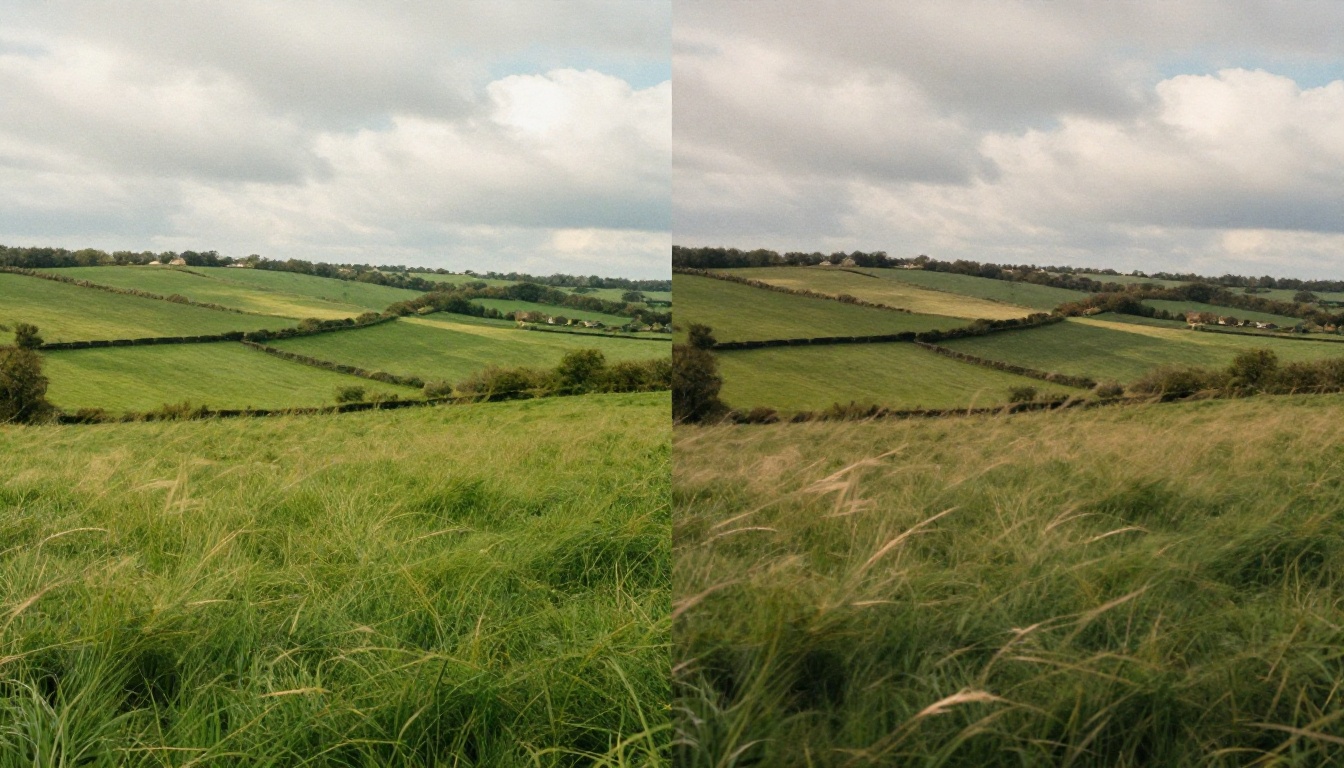
How It Compares to Wan 2.7 I2V
Wan 2.7 I2V produces highly detailed animation with excellent subject consistency across complex scenes. When you have an image with multiple people, intricate backgrounds, or fine detail that must remain accurate throughout the animation, Wan 2.7 I2V handles it with more reliability.
Seedance 2.0 Mini wins on speed and on subtle ambient motion. For a portrait or a simple landscape where you want a quick, clean result, Seedance returns a polished clip faster than Wan 2.7 I2V can finish generating.
How It Compares to Kling v2.1
Kling v2.1 handles dramatic subject motion better than most, particularly for images where you want significant physical action: a person jumping, a car in motion, a dancer mid-spin. Its motion prediction for high-intensity subject movement is one of its defining strengths.
Seedance 2.0 Mini is the better tool for subtle, naturalistic motion. The small movements that make a portrait feel alive, or the gentle ambient motion that makes a landscape feel real, those are Seedance's domain.
Full Model Comparison
| Model | Speed | Subtle Motion | Dramatic Motion | Native Audio | Best Use |
|---|
| Seedance 2.0 Mini | Fast | Excellent | Good | Yes | Portraits, landscapes, quick iteration |
| Wan 2.7 I2V | Moderate | Excellent | Excellent | No | Complex scenes, high detail |
| Kling v2.1 | Moderate | Good | Excellent | No | Action, dramatic movement |
| Gen4 Turbo | Fast | Good | Good | No | General-purpose, fast turnaround |
| Pixverse v5 | Moderate | Good | Good | Yes | Stylized creative output |
3 Use Cases for Real Workflows
These aren't hypothetical. They are the scenarios where image-to-video consistently earns its place in a professional content workflow.
1. Social Media Content at Scale
Still photos underperform on video-first platforms. A Reel or TikTok that opens with a static image loses attention faster than one that opens with movement, even subtle movement.
Animating your strongest photos into 5-second clips with Seedance 2.0 Mini gives you a format that fits the platform without requiring a camera crew or post-production budget. Batch animate five or ten images in a single session. You will have a week of video content from assets you already own.
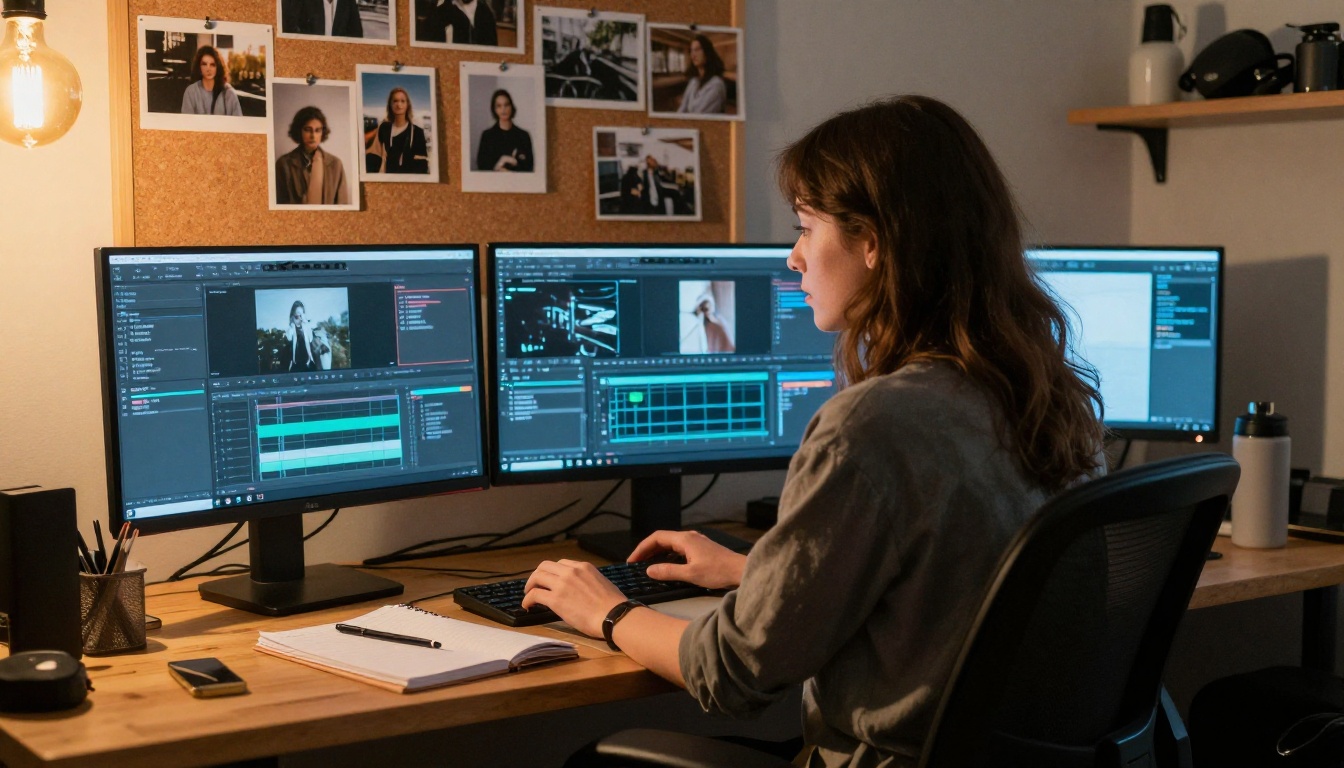
2. Product and E-Commerce Animation
Product pages that include video see higher click-through rates and conversion than those that show only static images. The challenge for small brands is producing video without a production budget.
Seedance 2.0 Mini makes this practical. Take an existing product photo, prompt for a gentle camera orbit or subtle environmental motion, and download a short video clip ready for your website header or paid social ad. The model's native audio can be replaced with branded music for commercial use.
For more controlled product movement, pairing Seedance 2.0 Mini with Kling v2.6 gives you options at both the subtle and dramatic ends of product animation.
3. Photo Archives and Memory Projects
A photo collection tells a story. An animated photo collection delivers it.
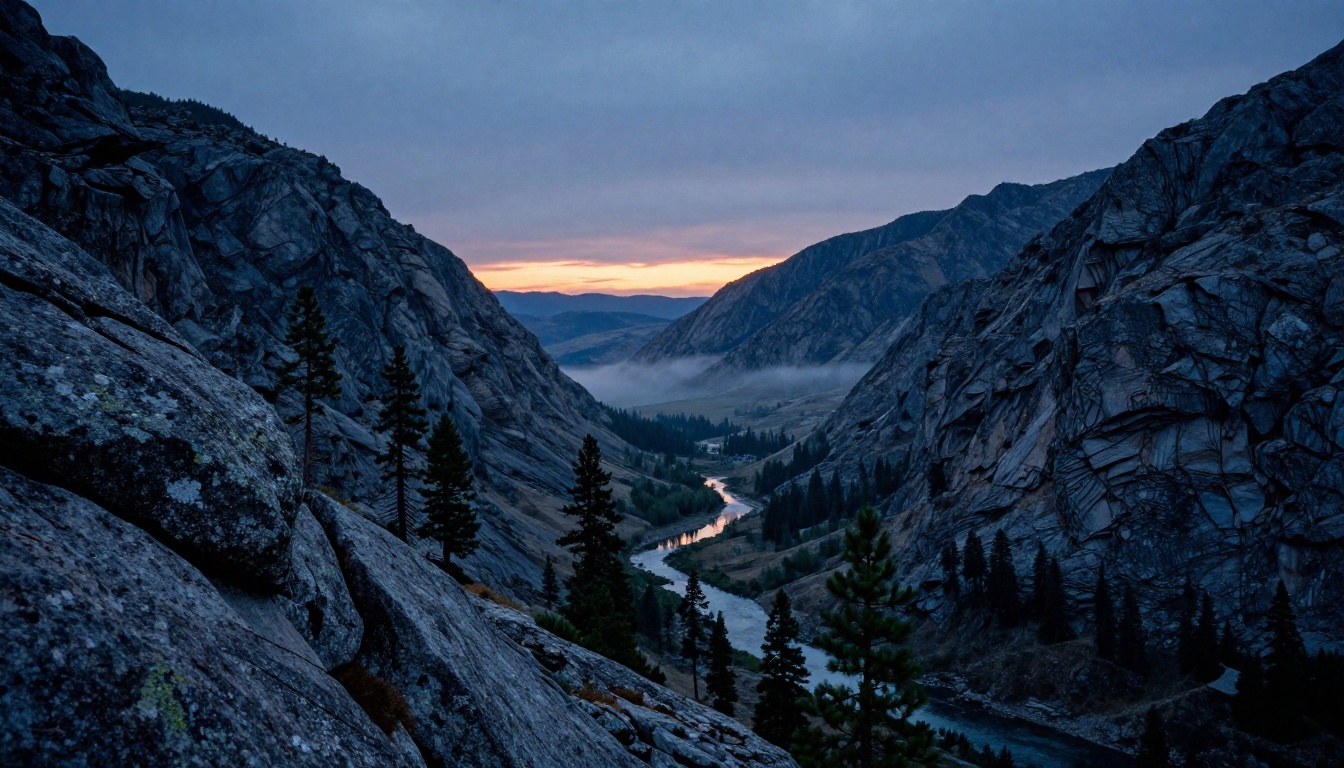
Converting family photos, travel photography, or documentary images into short animated clips creates a narrative weight that a slideshow cannot match. The ambient audio that Seedance generates, footsteps on gravel, wind in a mountain valley, crowd noise from a street market, gives each image its own acoustic memory.
What Else PicassoIA Offers Around Image-to-Video
Seedance 2.0 Mini is one model in a much larger toolkit. For creators who want to build a full AI video workflow without leaving the platform, PicassoIA covers every stage of the process.
Before animation:
- Use text-to-image models to create a source image from scratch before animating it with Seedance 2.0 Mini.
- Super-resolution tools upscale older or lower-resolution photos to animation-ready quality.
Longer video needs:
- Seedance 2.0 and Seedance 2.5 offer longer clip durations and text-to-video capability for when 5 seconds isn't enough.
- Happyhorse 1.1 handles both text and image inputs and supports up to 10 seconds of footage per generation.
- LTX 2.3 Fast produces 4K video from text prompts for when resolution is the priority.
Audio and voice:
- Text-to-speech tools on PicassoIA let you add narration or voiceover to animated clips, replacing or layering over the native Seedance audio.
- AI music generation produces background tracks optimized for the mood and length of your clip.
After generation:
- AI video quality tools stabilize and restore video output for higher-quality delivery.
- P Video provides additional AI video creation options from both text and image inputs.
- Ray 3.2 offers cinematic HDR video with detailed camera control for production-grade outputs.
The full model catalog is at picassoia.com/en/all-models, organized by category so you can navigate directly to the capability you need.
Animate Your First Photo Now
You likely have a folder somewhere with hundreds of photos that have never been shared, printed, or done anything. A well-composed portrait that never made it to social. A travel shot that captures a place but not the feeling of being there.
Seedance 2.0 Mini is the fastest path from that photo to something that moves. Open the model page on PicassoIA, upload one image, write two sentences about how you want it to animate, and generate. The first result gives you a baseline. The second gives you a direction. By the third attempt, you will know exactly what the model can do with your specific images.
The gap between a still photo and a living memory is now a single prompt. Start with one photo and see where it goes. The rest of your archive will be waiting.


